Inspiration
We were inspired by Gemini's multimodal Live API and the smart voice assistants of sci-fi movies. We also drew from the experience of pair programming with senior developers, who watch your screen in real time, catch mistakes as they happen, and offer guidance exactly when you need it. We wanted to bring that always-available, context-aware assistant experience to everyone.
What it does
Vantage is a voice-first AI assistant that sees your screen. Hold a key, ask a question about anything on your display, and get an instant spoken response. Ask "what's this error mean?" while debugging, "summarize this article" while reading, or "compare these products" while shopping. It also supports real-time web search for up-to-date information and a voice-activated privacy mode to pause screen sharing when needed.
How we built it
- Backend: Django with Channels and Daphne for WebSocket support
- AI: Google Gemini multimodal Live API for real-time audio and vision understanding
- Client: Python application capturing screen (mss/Pillow) and microphone (sounddevice), with push-to-talk via pynput
- Tools: Custom function calling for privacy mode, built-in Google Search for live information
- Auth: Auth0 integration for user authentication
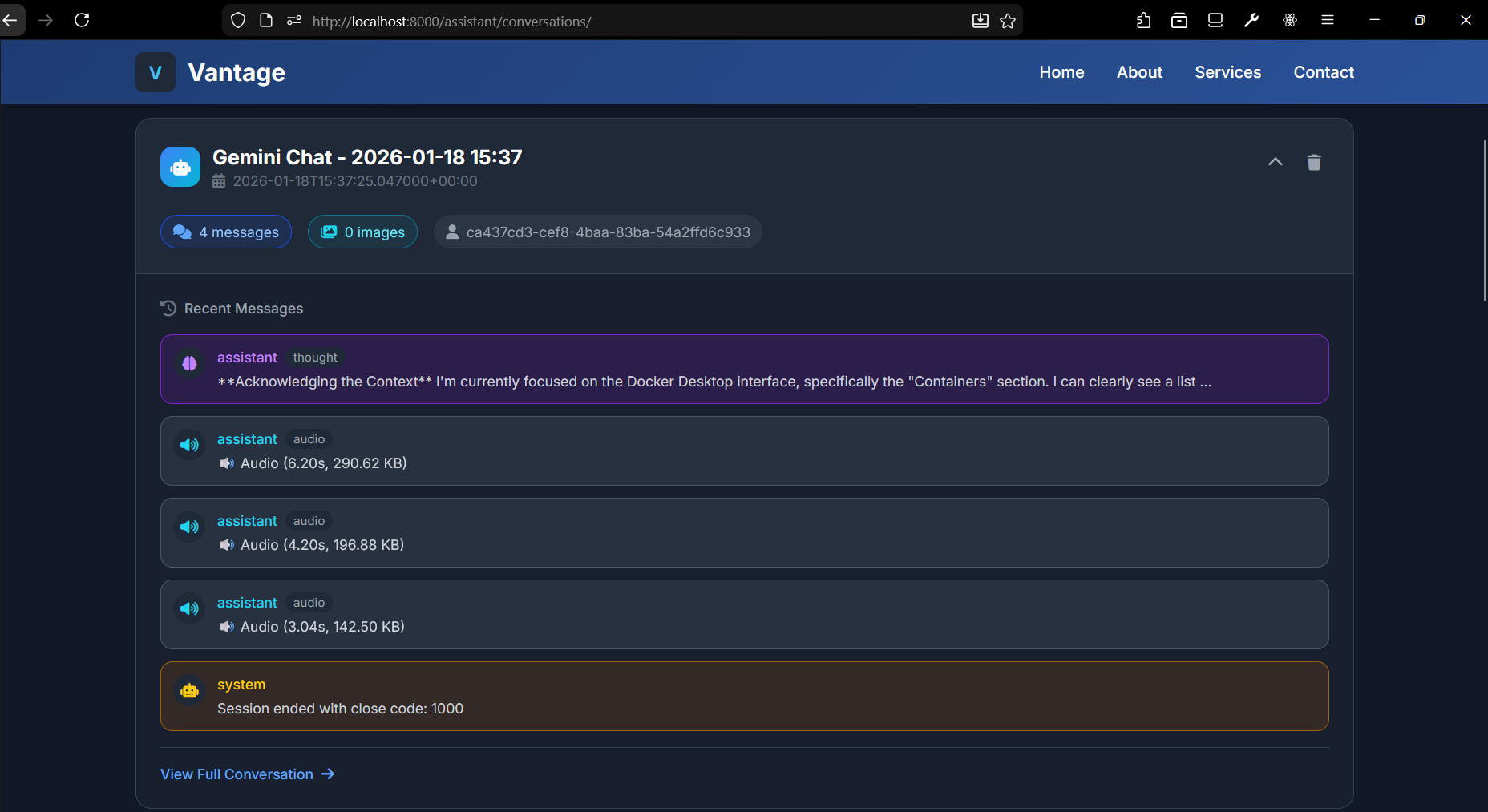
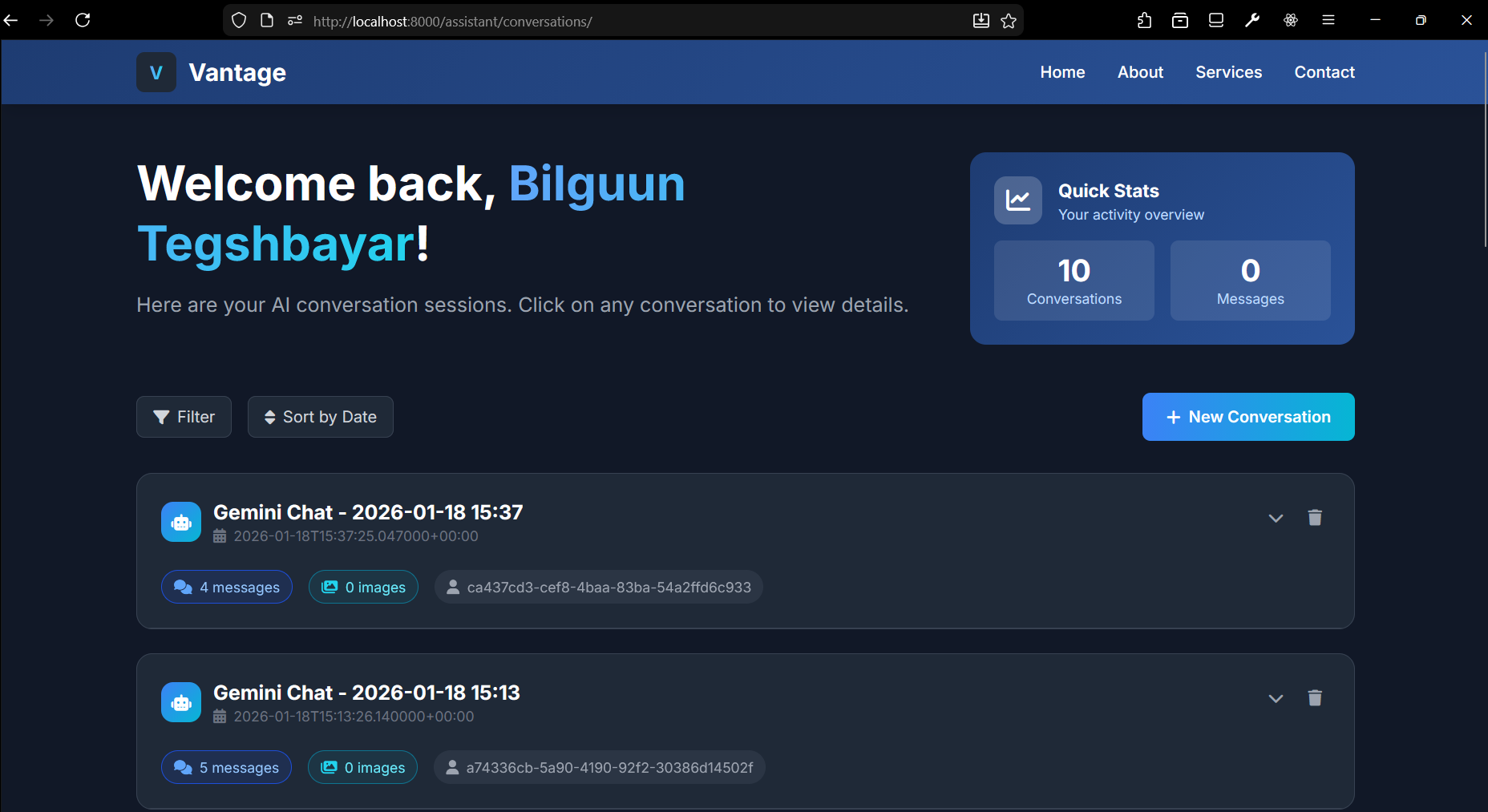
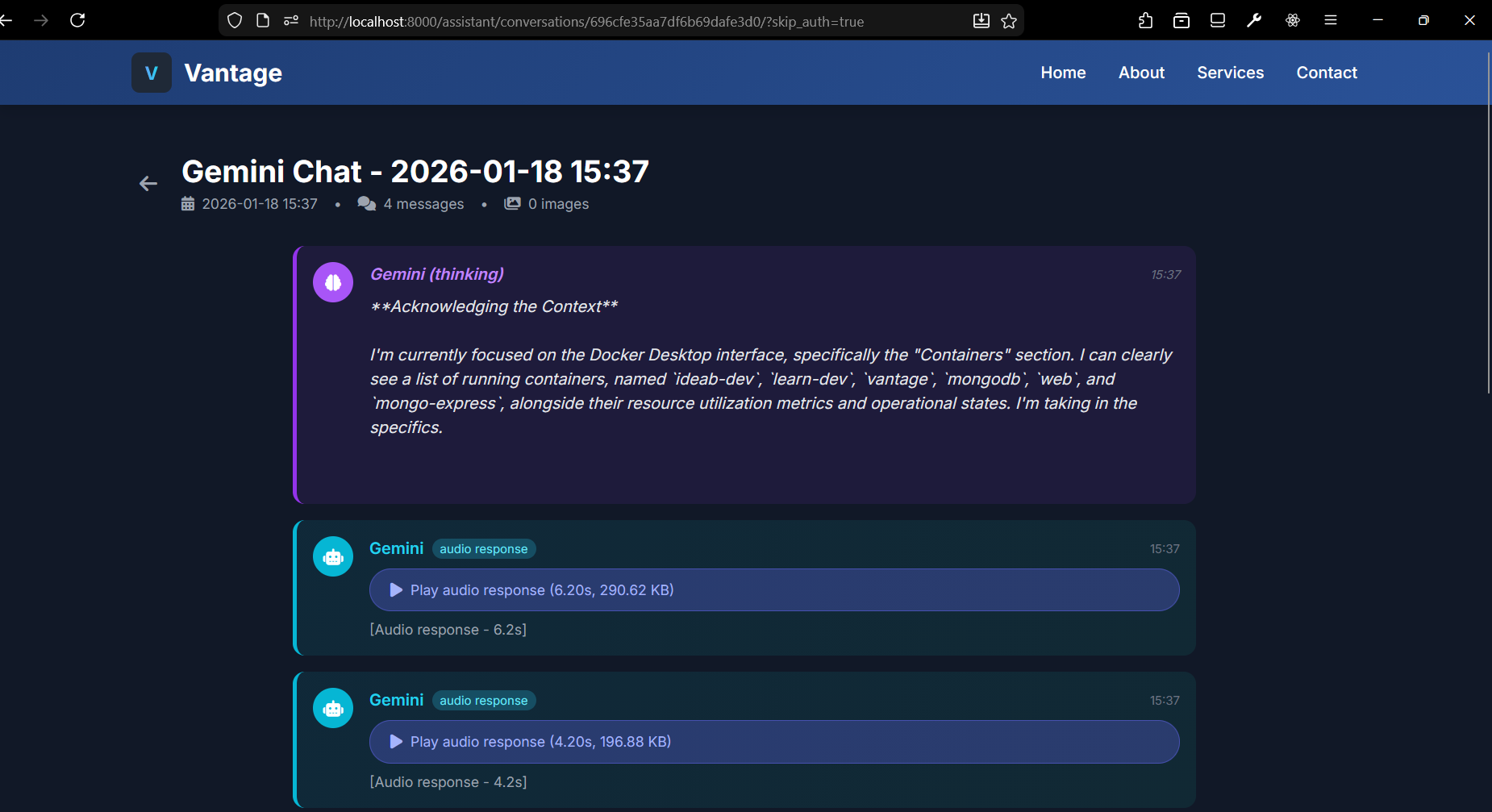
- Database: Store conversations using MongoDB
Challenges we ran into
Screen hallucinations: The model would describe imaginary screen content instead of the actual capture. We solved this by carefully timing when we inject screenshots alongside audio in the realtime stream.
Audio feedback loops: The model heard its own voice responses and got stuck in loops. We pivoted from voice activity detection to push-to-talk for explicit user control.
Multimodal coordination: Getting audio and images to arrive together so Gemini correlates them correctly required understanding the nuances between send_realtime_input and send_client_content APIs.
Accomplishments that we're proud of
- Real-time bidirectional voice and vision streaming that actually works
- Voice-controlled privacy mode using custom AI tool calling
- Reliable push-to-talk with proper audio buffering and screen context injection
- A functional prototype that feels like talking to a co-pilot who can see your screen
What we learned
- How AI tool calling works and how to define custom functions the model can invoke
- Authentication patterns using Auth0
- Formatting multimodal transmissions over WebSockets using Daphne
- The Gemini Live API's distinction between realtime streaming and discrete content
- The importance of timing and sequencing when sending multimodal data
What's next for Vantage
- Native desktop app with system-wide hotkey support
- Window-specific capture for better privacy (only share one app)
- Conversation memory to remember context across sessions
- Custom personas (coding tutor, accessibility helper, research assistant)
- Browser extension for seamless web integration
- Mobile companion for on-the-go voice queries with camera input


Log in or sign up for Devpost to join the conversation.