-
-
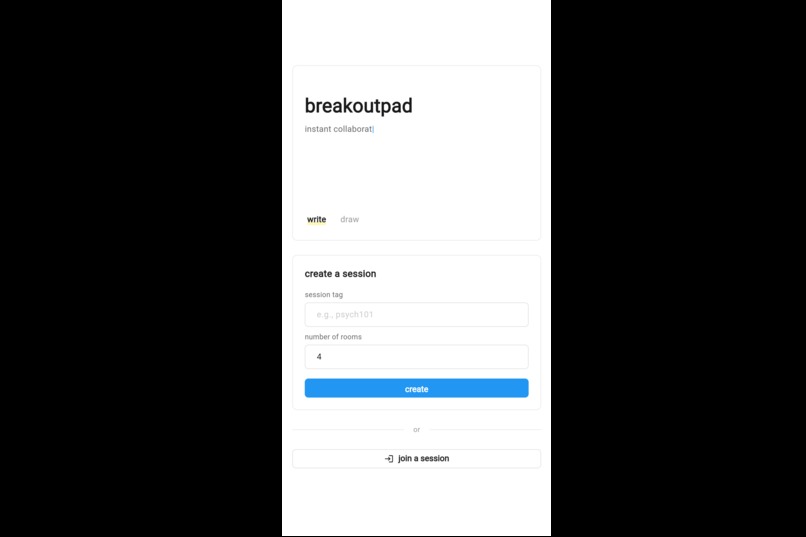
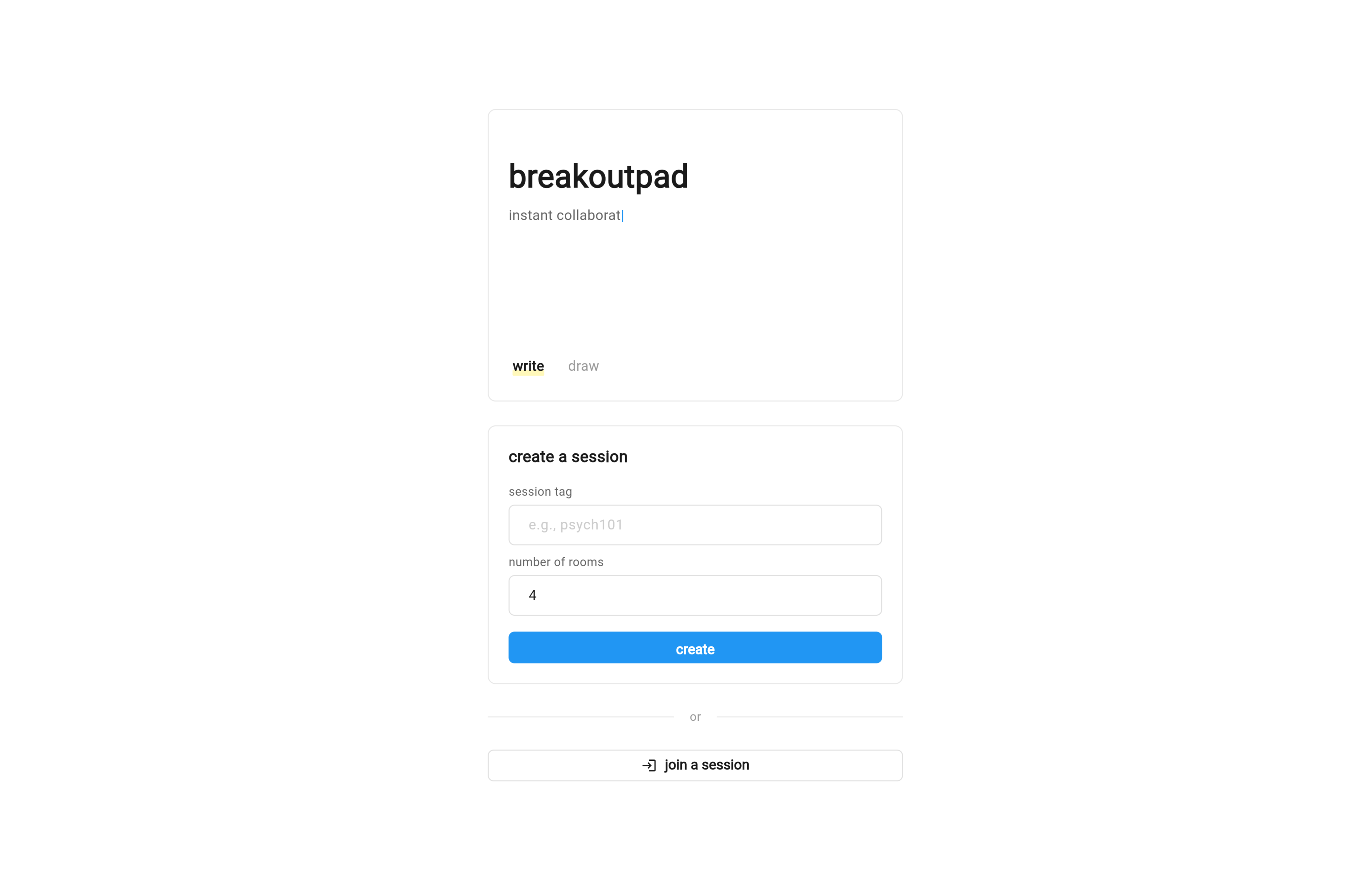
mobile view of landing
-
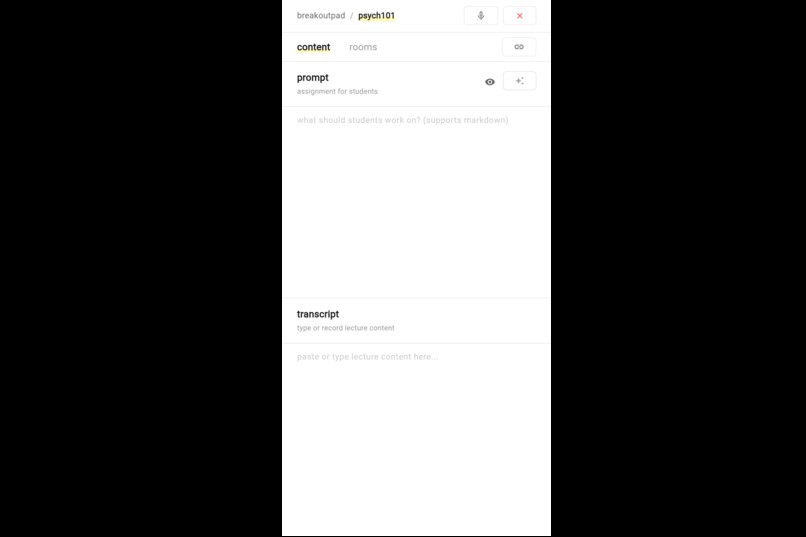
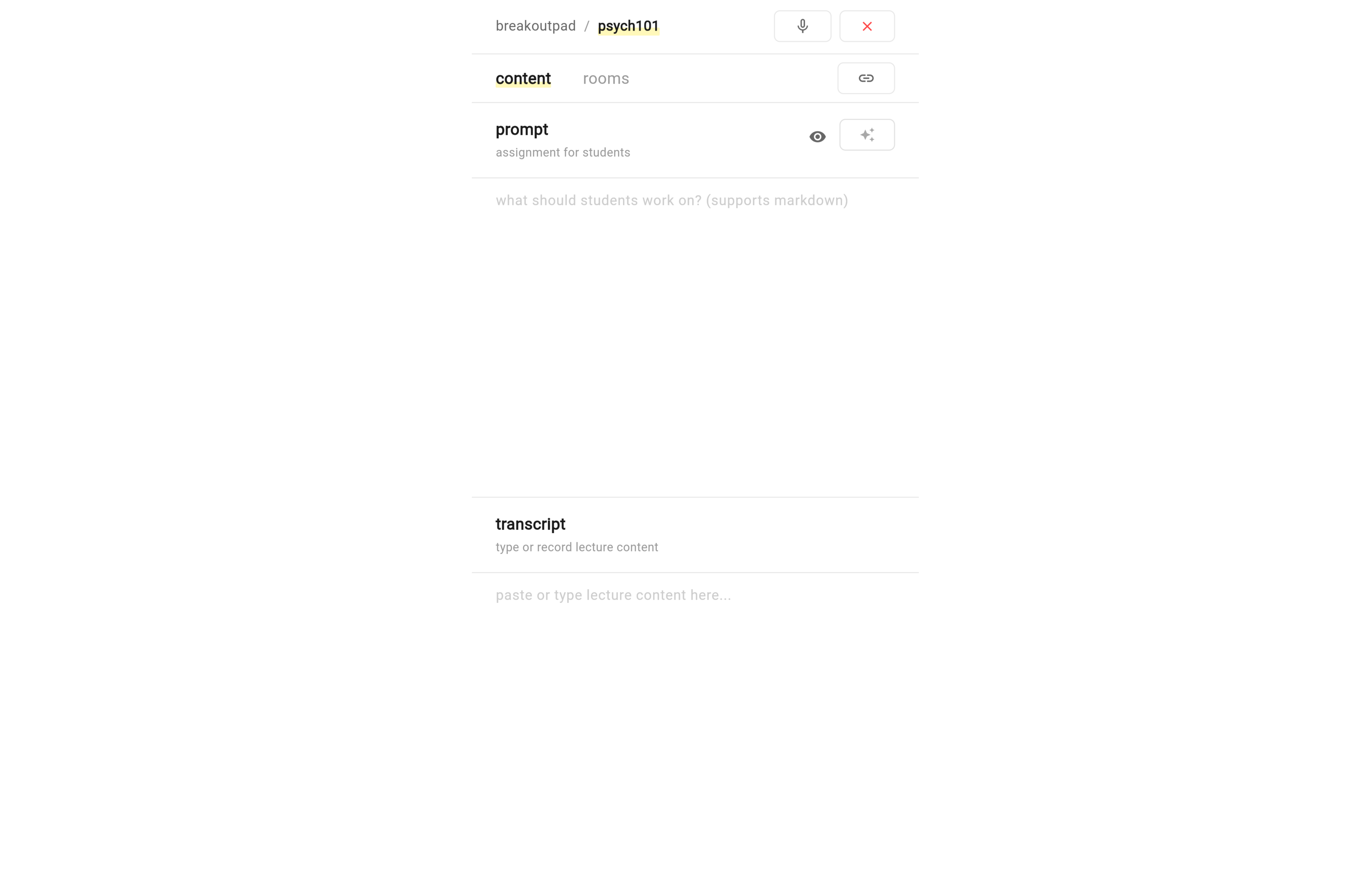
mobile view of content tab on dashboard
-
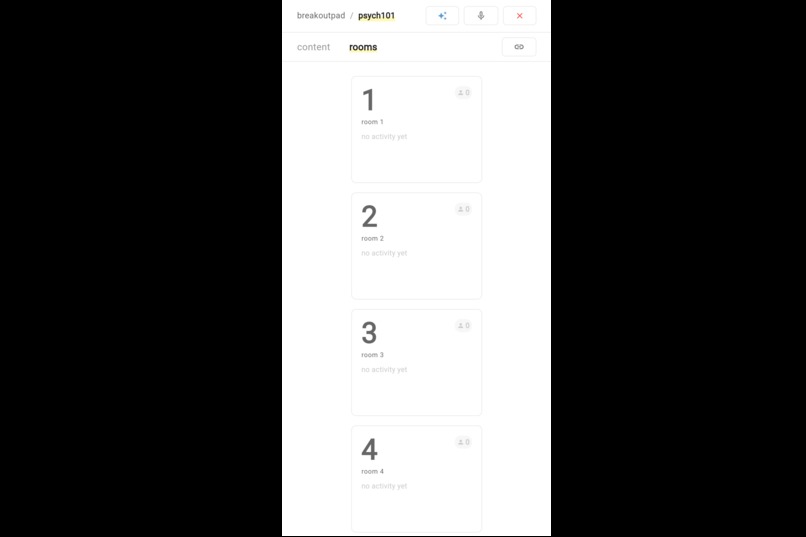
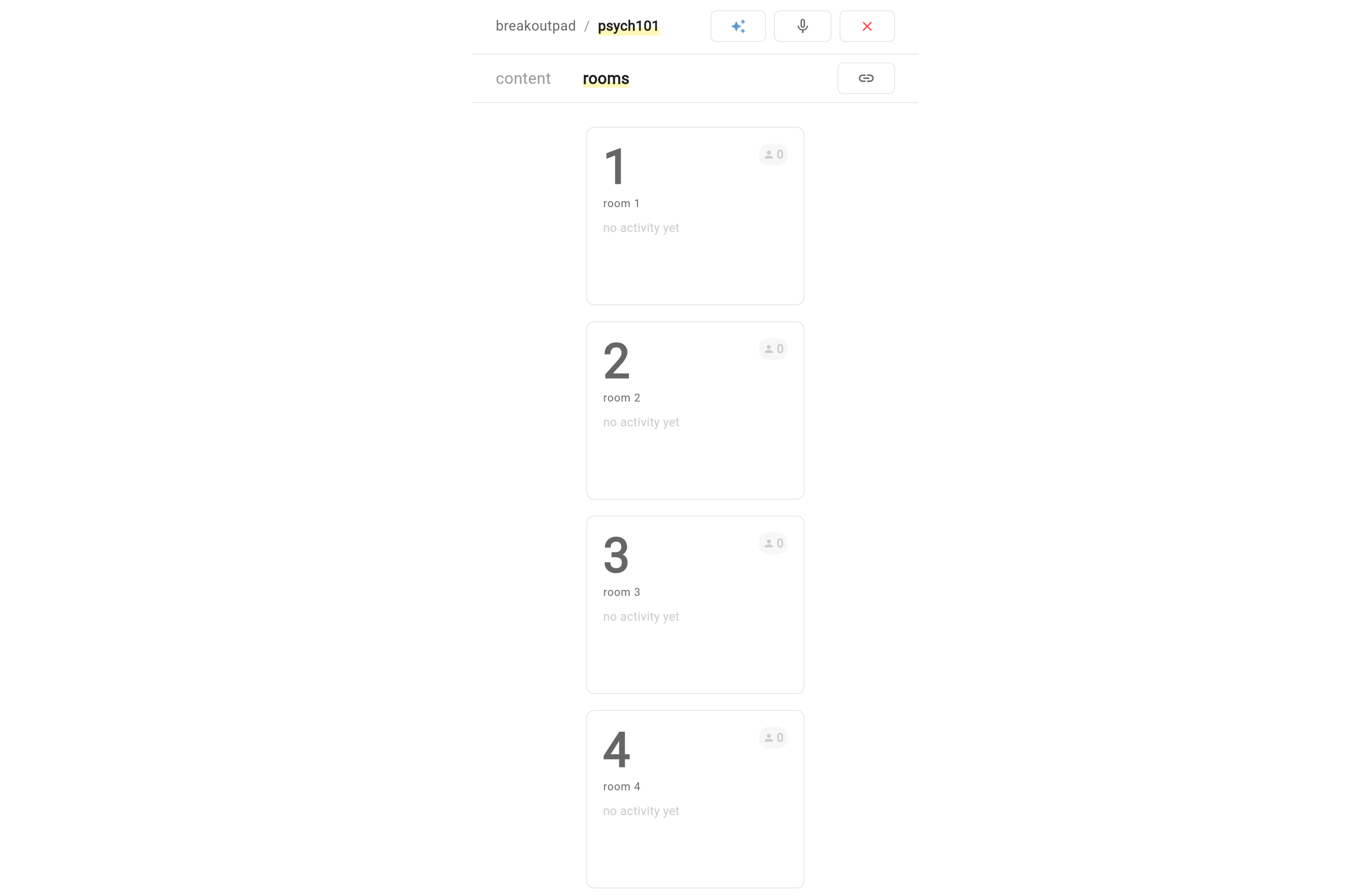
mobile view of room tab on dashboard
-
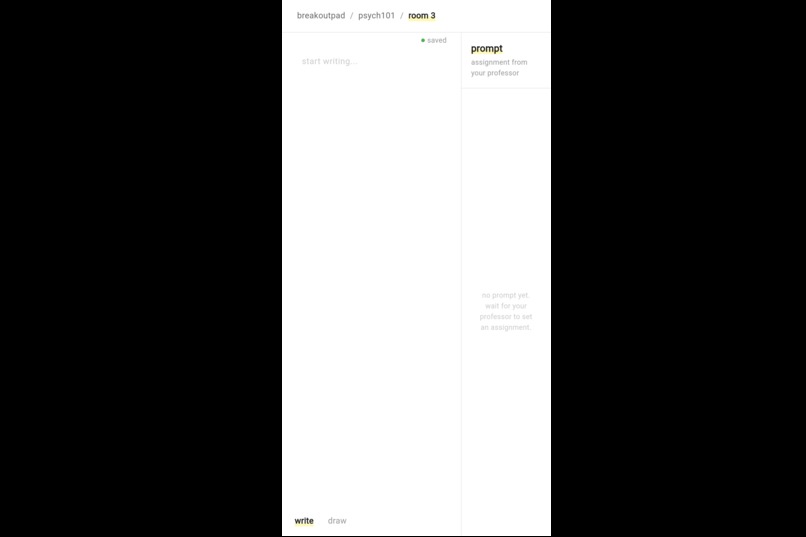
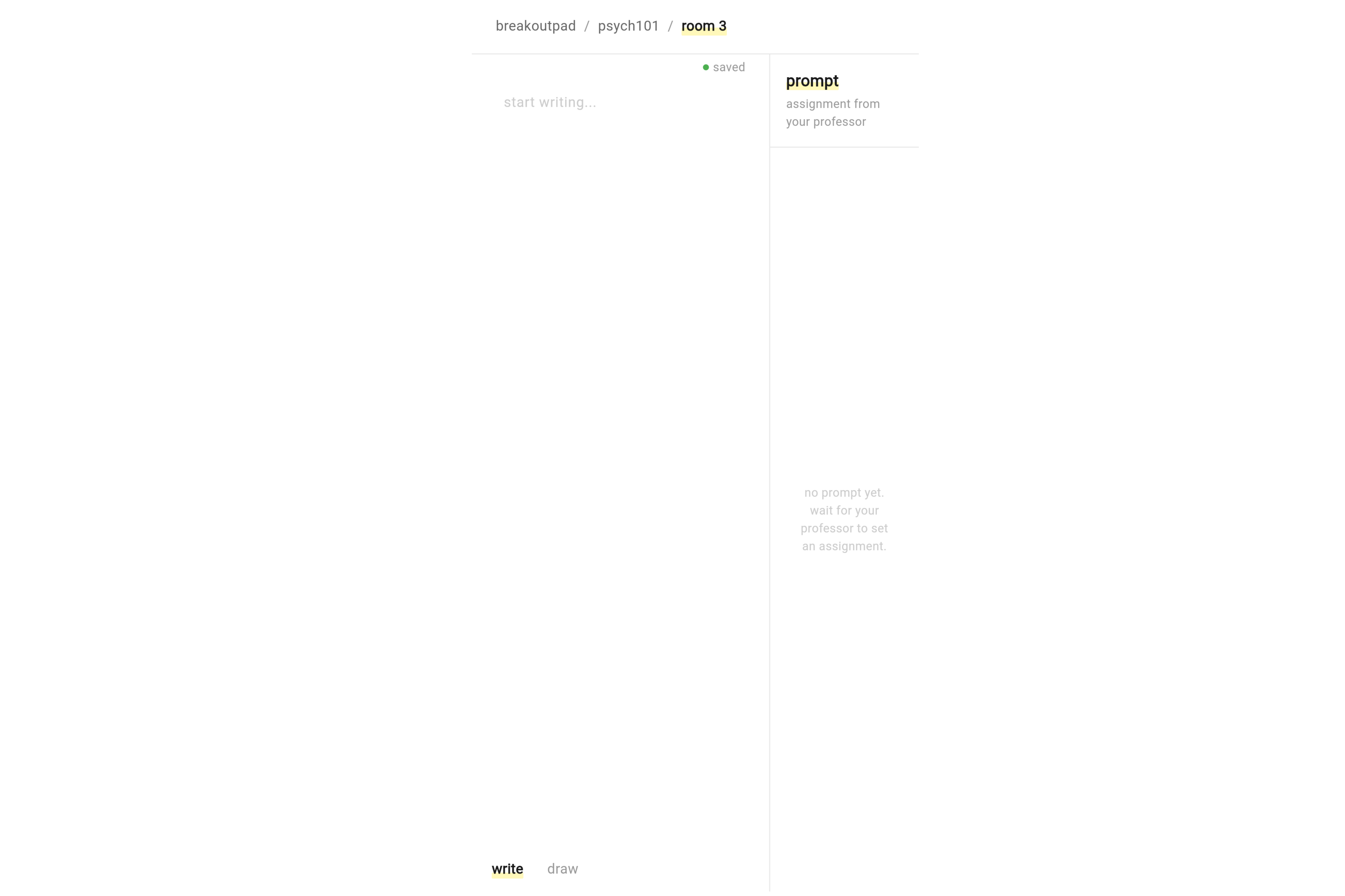
mobile view of a room
Inspiration
I was inspired by a problem I saw my real estate professor go through every time she ran her class. We would get sent to our breakout rooms after lecture, and the first thing someone would say was "what were we supposed to do again?", with no way to know except leaving the breakout room and asking the professor.
This inspired me to build breakoutpad to give my professor, and others like her, both a platform to facilitate the activities and discussions she wants to run and also observe progress and participation seamlessly.
What it does
Breakout Butler is a Zoom companion web app that creates collaborative workspaces for breakout room sessions. It solves a universal classroom problem: when students enter Zoom breakout rooms, they immediately forget what they're supposed to do, can't hear ongoing instructions, and professors have no visibility into what groups are discussing.
For Professors:
- Live lecture transcription
- AI-powered assignment extraction, click "pull from transcript" to auto-generate the prompt from what you said
- Real-time dashboard showing all breakout rooms at once with content previews and occupant counts
- Cross-room synthesis, AI identifies common themes, contradictions, and unique insights across all groups
For Students:
- Collaborative workspace with real-time text editing and freehand drawing canvas
- Toggle between write and draw modes for different types of collaboration
- Always-visible professor instructions (no more "what are we supposed to do?")
Zero friction: No accounts, no downloads. Students join with just a URL and room number.
How I built it
Backend: Serverpod 3 (Dart)
- Streaming endpoints — WebSocket-based real-time updates for room content and transcript
- Redis pub/sub — Cross-client broadcasting via
session.messagesfor instant sync across all connected users - ORM with relations — Session → Rooms hierarchy with typed queries and auto-generated migrations
- Protocol classes — Shared models (RoomUpdate, ButlerResponse, TranscriptUpdate) between server and client
- Code generation — Type-safe Flutter client generated automatically from server endpoints
- Built-in web server — Serves the Flutter web build from a single deployment artifact
Frontend: Flutter Web
- Riverpod — State management with providers for real-time data streams
- go_router — Declarative routing with URL-based session/room access
- perfect_freehand — Pressure-sensitive drawing strokes for the canvas feature
- flutter_markdown — Markdown rendering for formatted prompts
- Responsive design — Adaptive layouts for mobile, tablet, and desktop
AI: Google Gemini 3 Flash Preview
- Assignment extraction from lecture content
- Room content summarization
- Cross-room synthesis and insight generation
Deployment: Railway
- Single Dockerfile serving both Serverpod backend and Flutter web frontend (why not)
- PostgreSQL and Redis managed services
- Pre-built Flutter web output committed to git for fast deploys
Challenges I ran into
Deployment was a journey. Railway's default builder (Railpack) doesn't support Dart or Flutter, so I had to write a custom multi-stage Dockerfile. Then I discovered Dart's AOT-compiled binaries are glibc-linked, they segfault silently on Alpine Linux. Switching to Debian fixed it.
Single-port constraint. Railway only exposes one port per service, but Serverpod runs API on 8080 and web on 8082. I solved this with Caddy as a reverse proxy, routing POST/WebSocket requests to the API and everything else to the web server.
Flutter web quirks. Icon tree-shaking on web has bugs that caused some icons to not render, had to disable it with --no-tree-shake-icons. Also, flutter_markdown is incompatible with WASM compilation, so I had to skip the --wasm flag.
Git and Docker don't always agree. My .gitignore had **/generated/ which blocked Serverpod's generated code from being included in Docker builds. Had to restructure the ignore patterns to track server-side generated code while still ignoring client-side.
Serverpod passwords are tricky. Serverpod has two password systems; direct env var overrides AND a passwords.yaml mapping. Both need to be set for production deployment, which took some debugging to figure out.
Accomplishments that I'm proud of
I'm most proud of the real-time drawing and writing canvas. Students can collaborate not just with text but with freehand sketches, perfect for brainstorming, diagrams, or explaining visual concepts.
The system works through Serverpod's streaming endpoints and Redis pub/sub. When a student draws a stroke, it gets serialized to JSON, sent to the server, and broadcast to all connected clients in that room via Redis messaging. The server persists the drawing data to PostgreSQL so it survives page refreshes. On the Flutter side, I used the perfect_freehand library to render pressure-sensitive strokes that feel natural and smooth.
What makes this special is how Serverpod made it possible. The streaming abstraction handles all WebSocket lifecycle management, reconnection, multiplexing, message routing, automatically. I didn't write a single line of WebSocket code. Just yield statements on the server and StreamBuilder widgets on the client. Serverpod's session.messages API for Redis pub/sub made cross-client broadcasting trivially simple.
What I learned
I learned a ton about Redis pub/sub, how it enables horizontal scaling by letting multiple server instances broadcast to each other's clients, and why it's essential for real-time collaboration features like my canvas.
I gained a deep appreciation for code generators and when to choose them over traditional JS frameworks. Serverpod's approach, generating a type-safe Flutter client from server endpoint definitions, eliminates a lot of possibilities for bugs.
Serverpod's streaming endpoints changed how I think about real-time features. Returning a Stream<T> from an endpoint and having it automatically become a WebSocket connection that handles reconnection and multiplexing, that's powerful abstraction.
What's next for Breakout Butler
- Multi-user cursor presence — See where other students are typing/drawing in real-time
- Student identity — Optional names for attribution in collaborative work
Quick Stats
- Built with: Flutter, Serverpod 3, Dart, Google Gemini 3 Flash
- Platforms: Web (mobile-responsive)
- Team size: Solo
- Development time: Started 2 weeks ago, pivoted to final concept this past weekend
Built With
- flutter
- postgresql
- railway
- redis
- riverpod
- serverpod

Log in or sign up for Devpost to join the conversation.