-
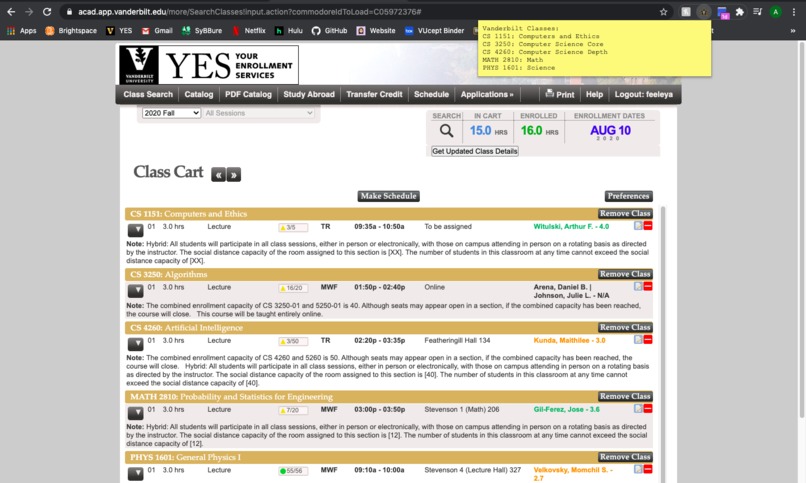
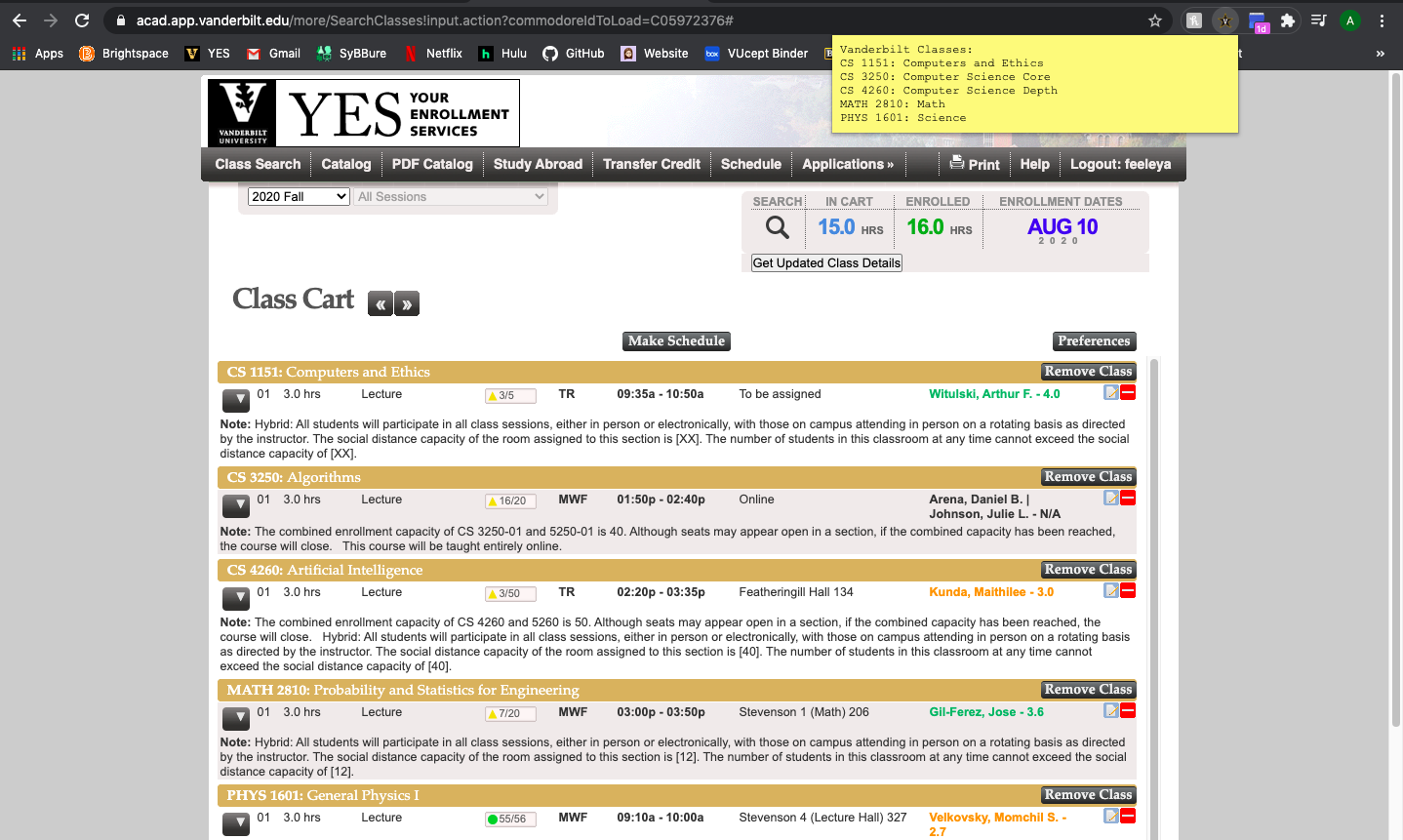
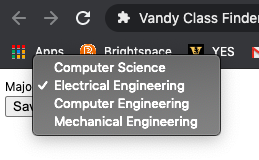
Popup window shows class names and what requirements they fulfill
-
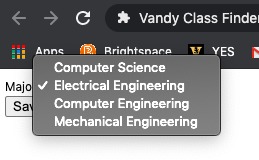
Select major for extension to use
-
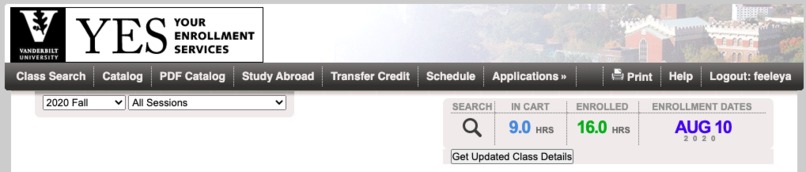
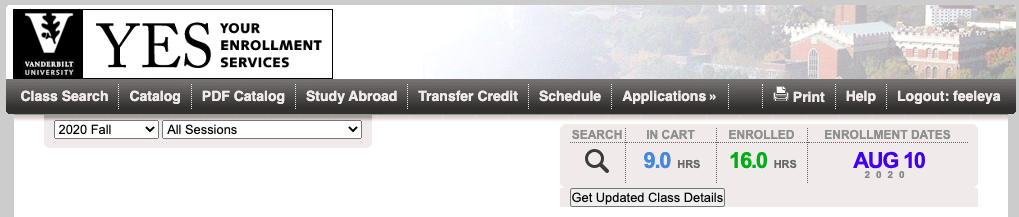
Future button to use instead of extension icon
Vandy-ClassFinder
Chrome extension that tells students what part of their major is being fulfilled by each class shown on YES. This project was created during VandyHacks Summer edition by Alex, Claire, and Hadley.
To install the Chrome extension:
- Clone the repository onto your local machine into a known directory
- Open a new Google Chrome browser, and navigate to the extension management page
- In the upper right corner, toggle Developer Mode
- Click on the Load unpacked button in the upper left corner, and select the extension's directory
To pin the Chrome extension to the taskbar:
- Click the Puzzle piece in the taskbar
- Pin the Vandy Class Finder extension
To re-load the Chrome extension after making a change:
- Reload the extension management page, and Chrome will reload the extension
To see the action of the Chrome extension:
- Click on the Vanderbilt icon in the pinned tab bar
Challenges Faced:
- None of the team had ever made a Chrome extension before, and have limited experience in Javascript
- This project was a great learning experience as it drew on all of our abilities to work together remotely
To be continued:
- Connect major set in options to selectedMajor in sourcePage.js
- Replace switch statement with variable that returns value from parsing through Excel function
- Add majors outside of engineering
- Connect updated class details button to popup

Log in or sign up for Devpost to join the conversation.