-
-
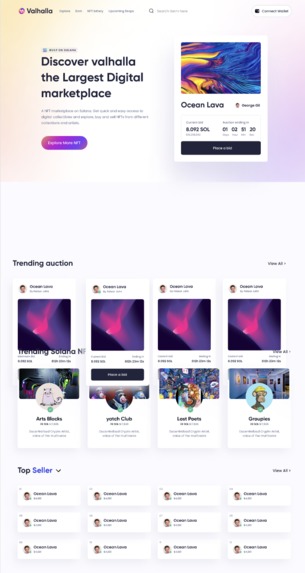
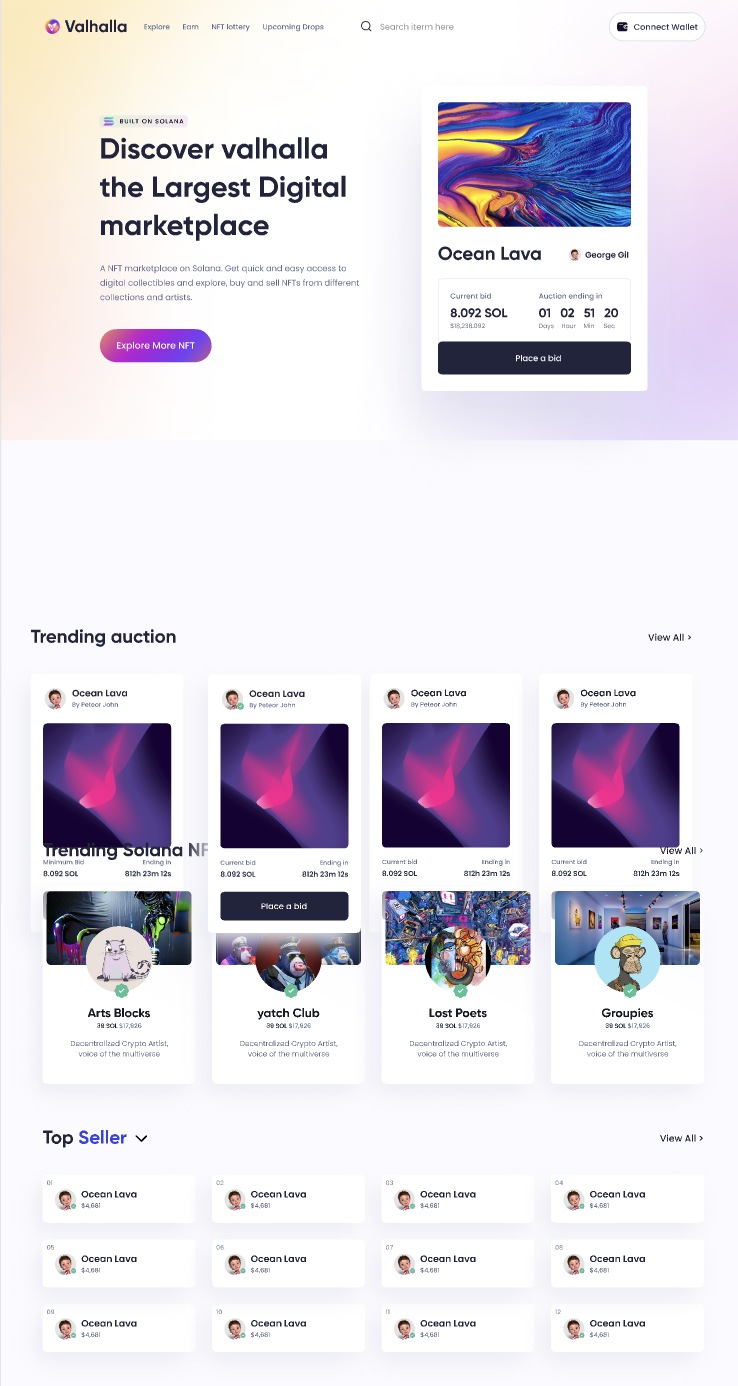
Homepage UI
-
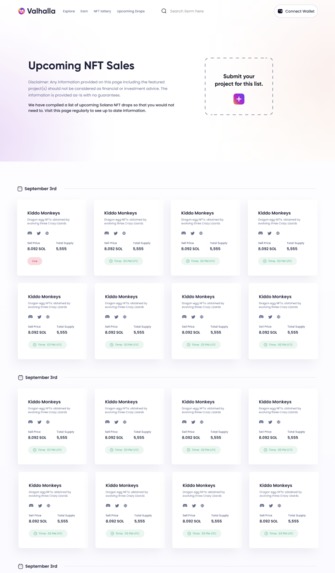
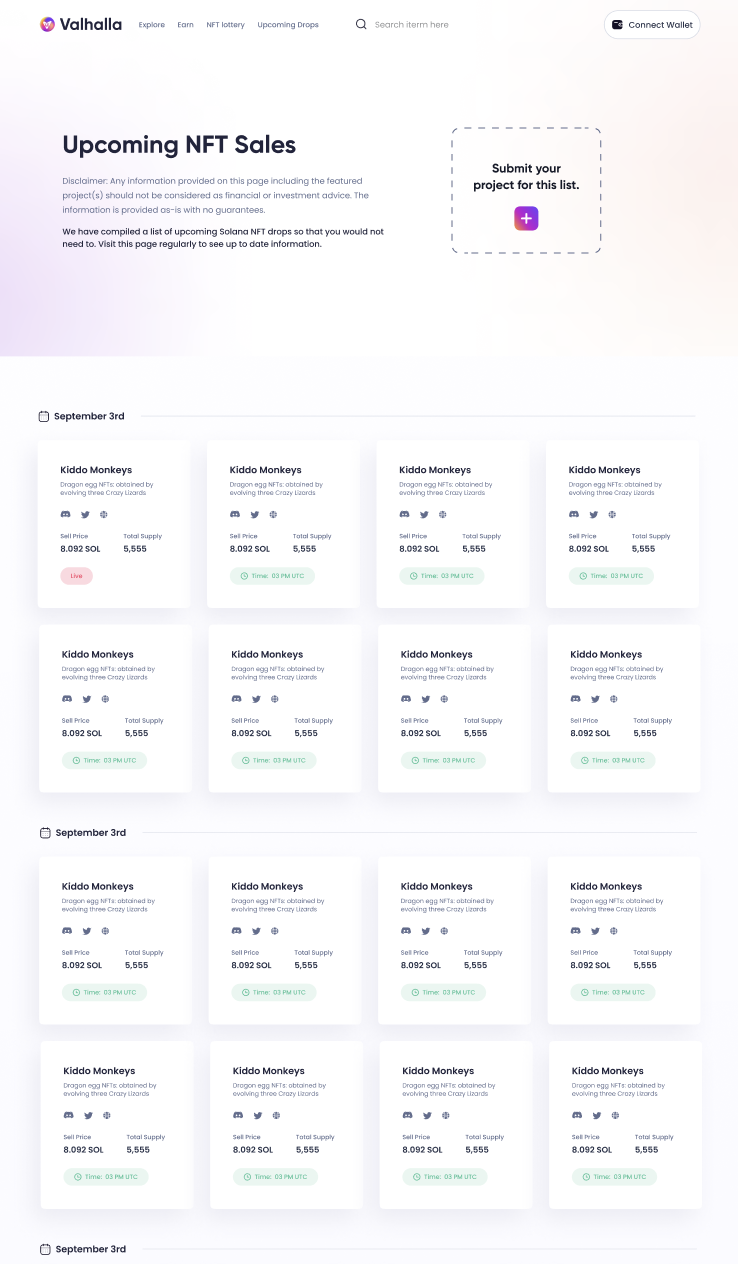
Upcoming drops calendar
-
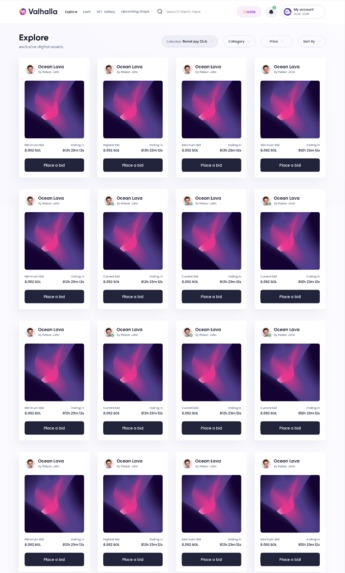
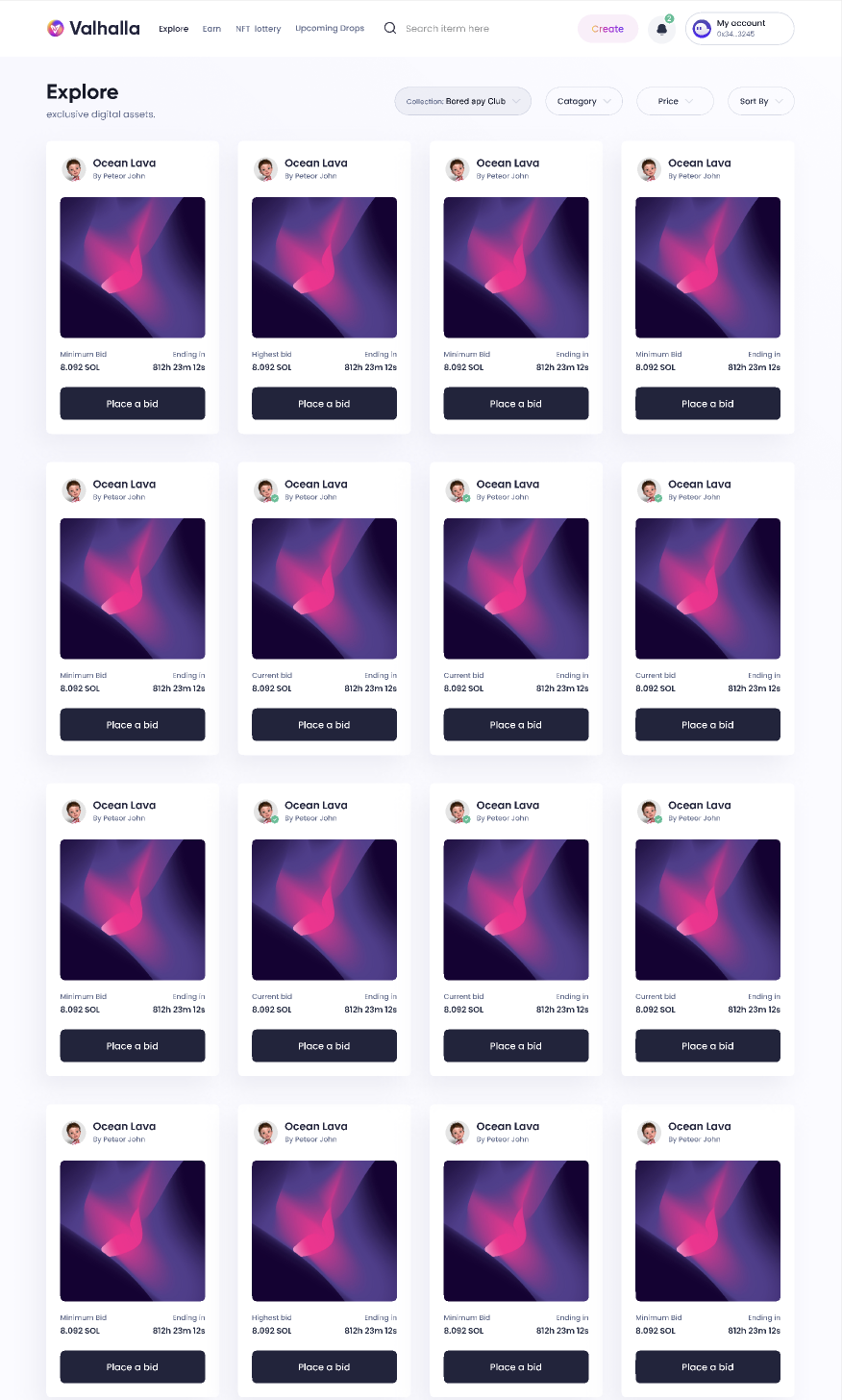
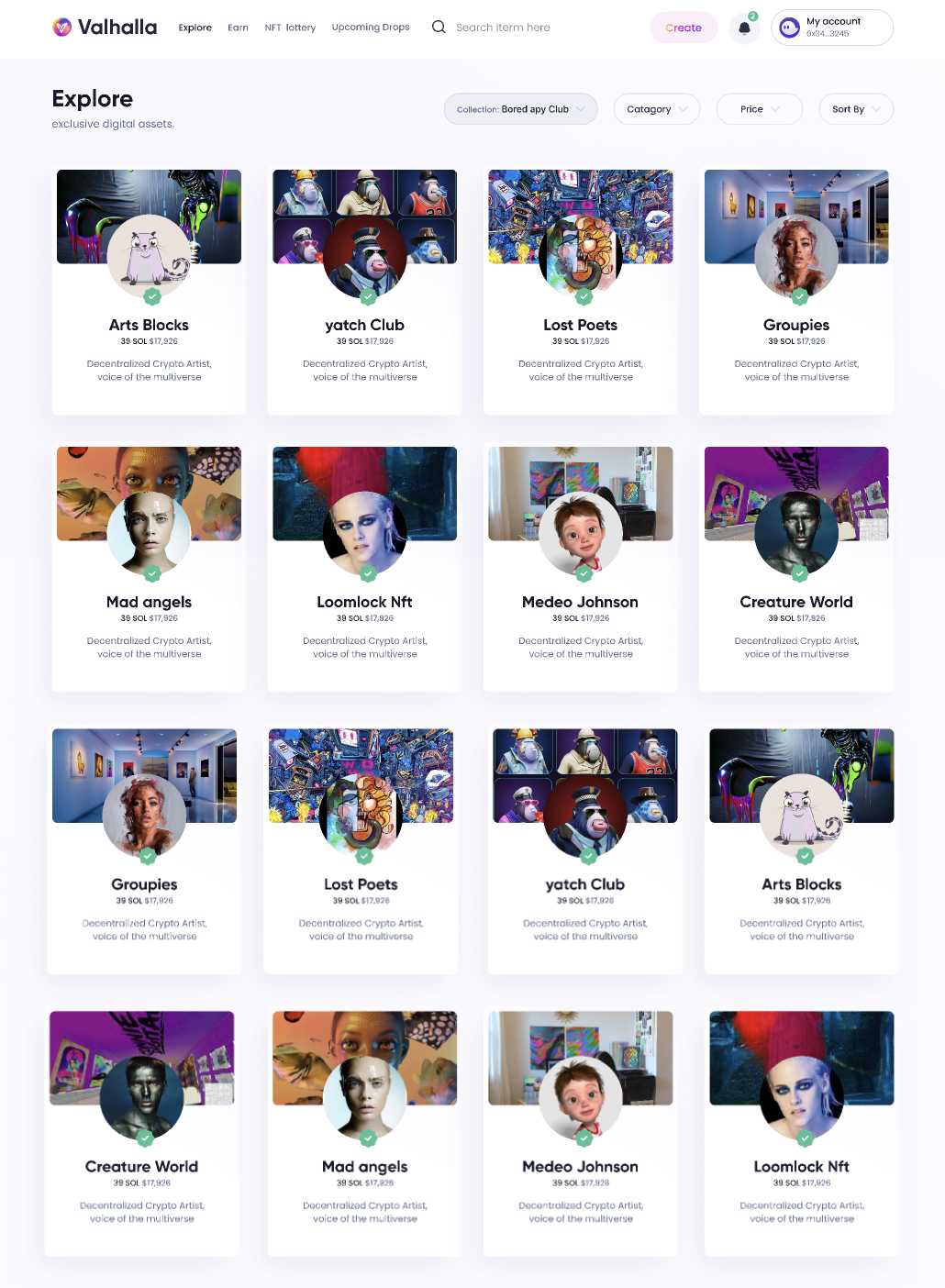
Explore collections
-
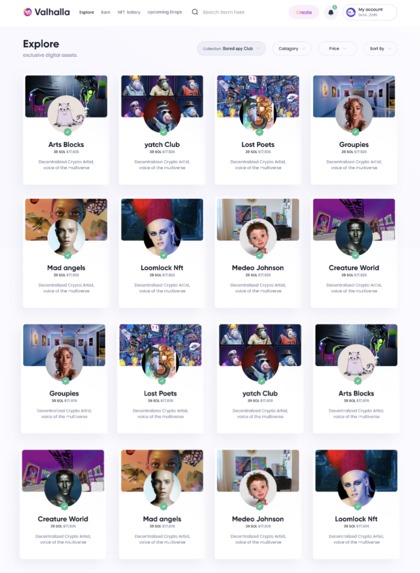
Trending collections
-
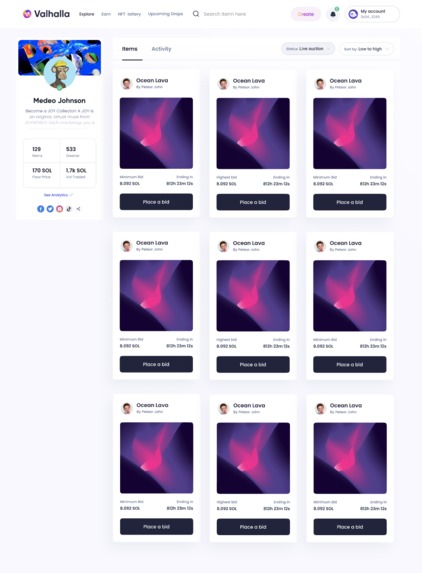
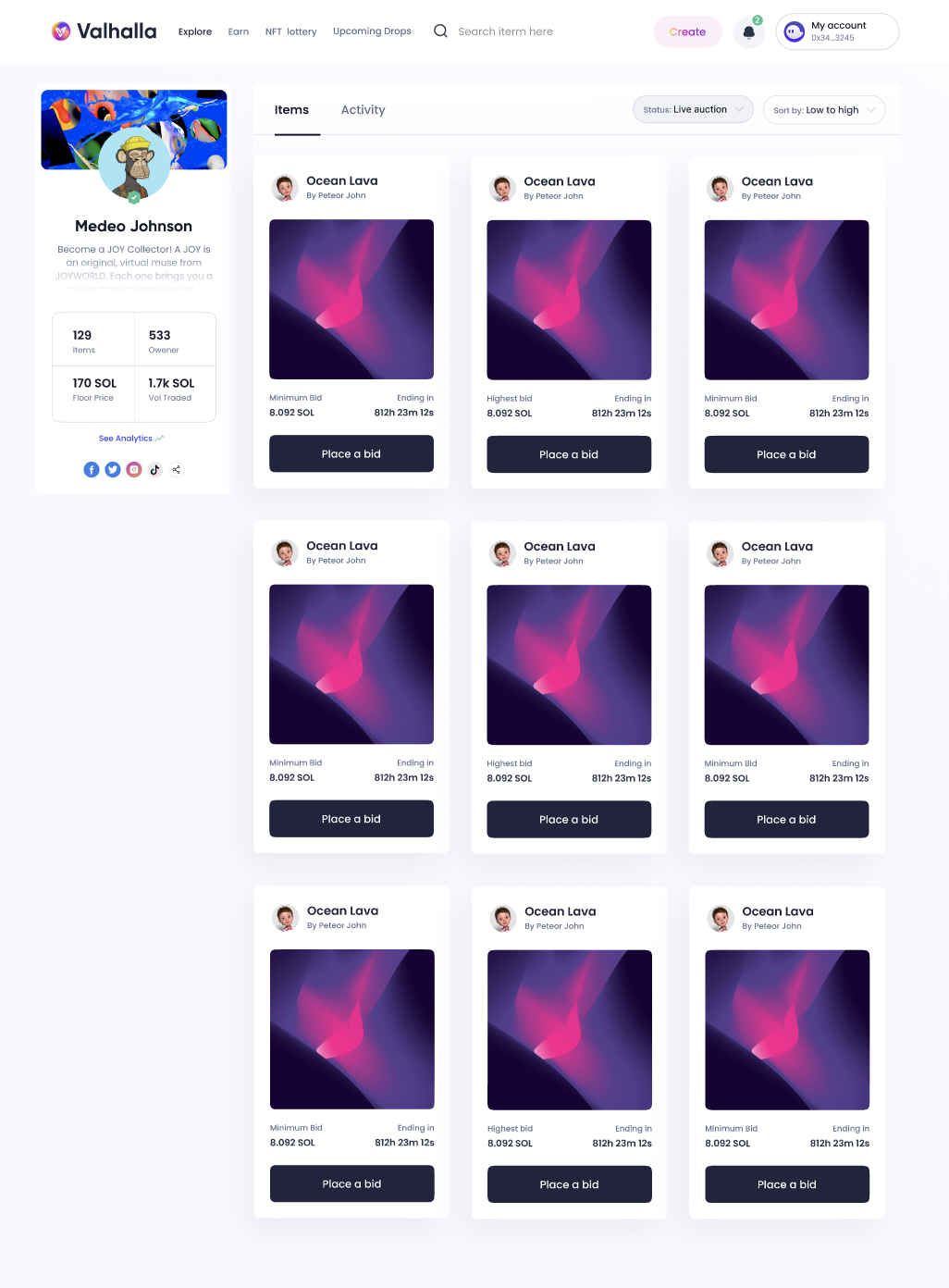
View collection page
-
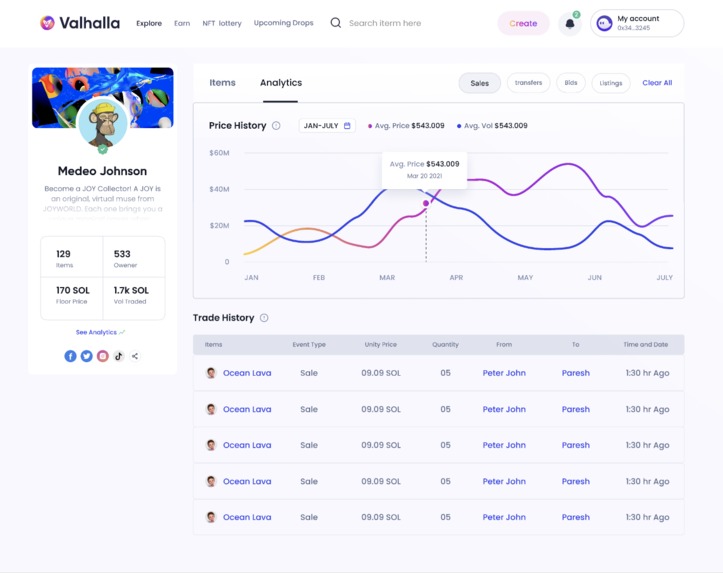
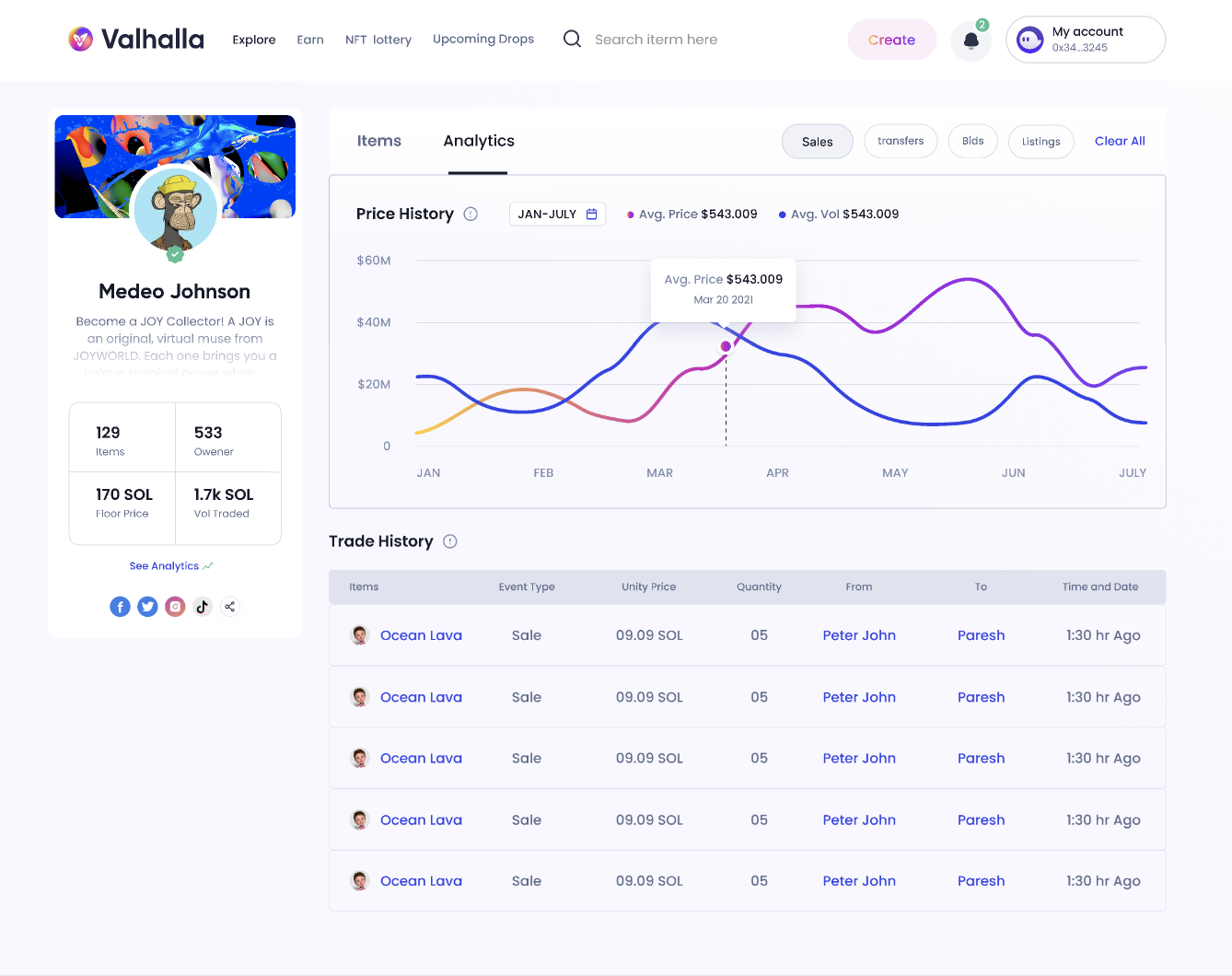
View analytics page
-
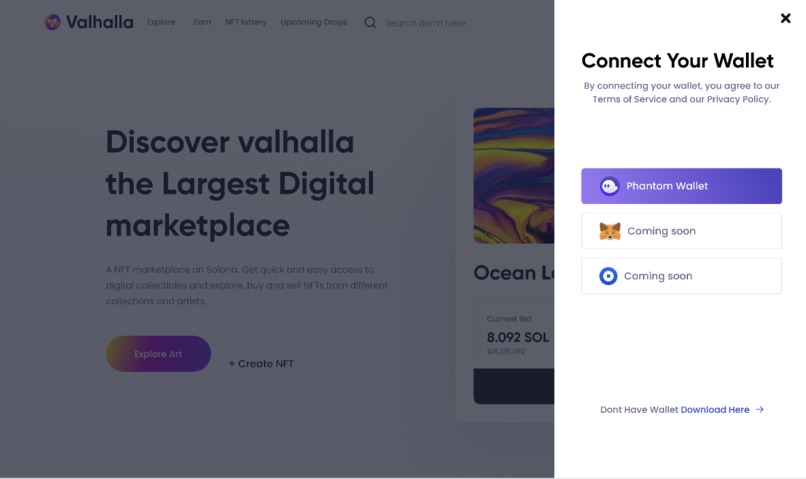
Desktop app
-
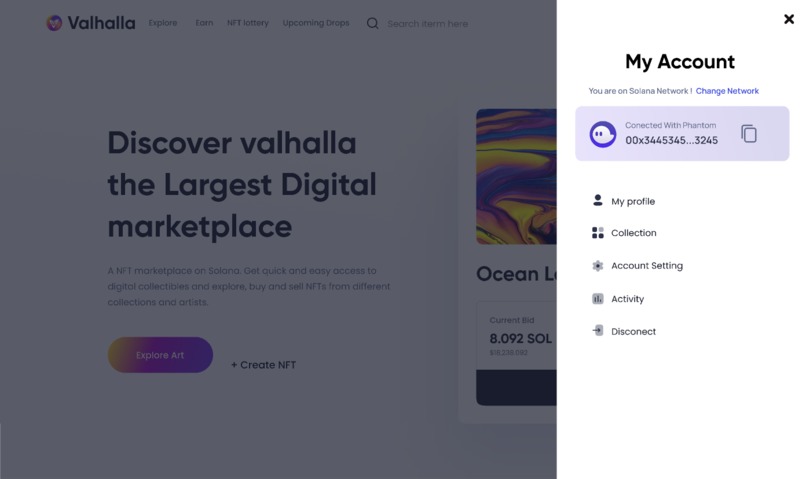
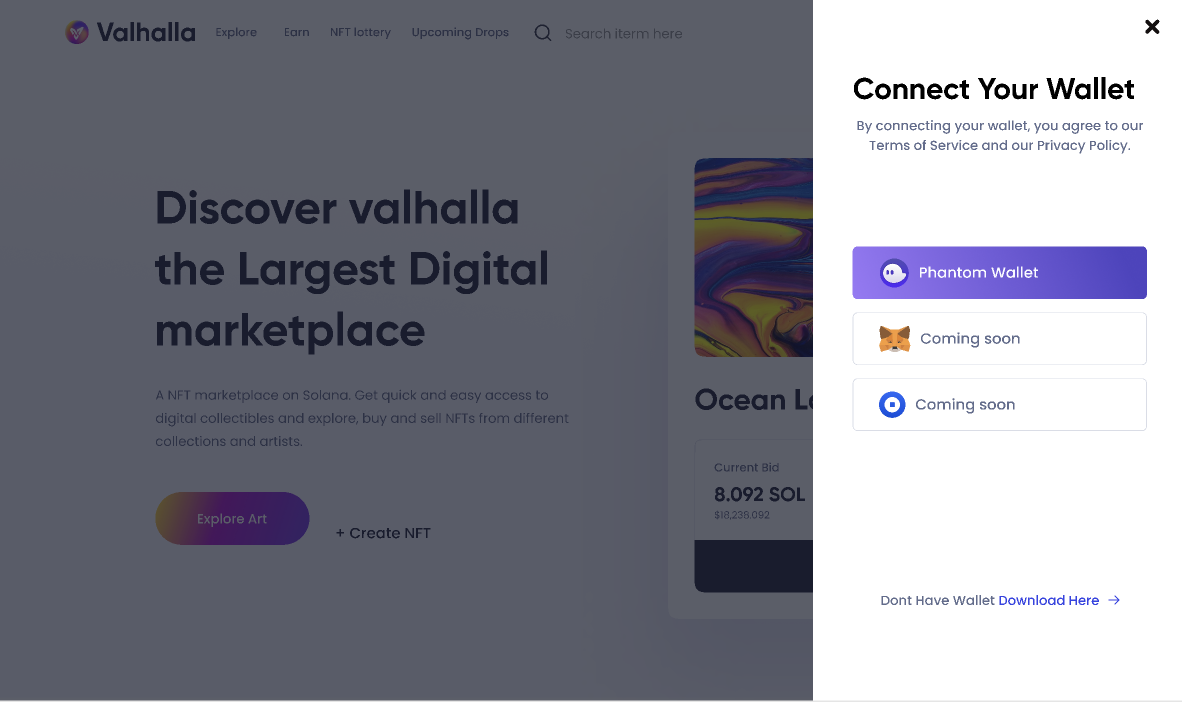
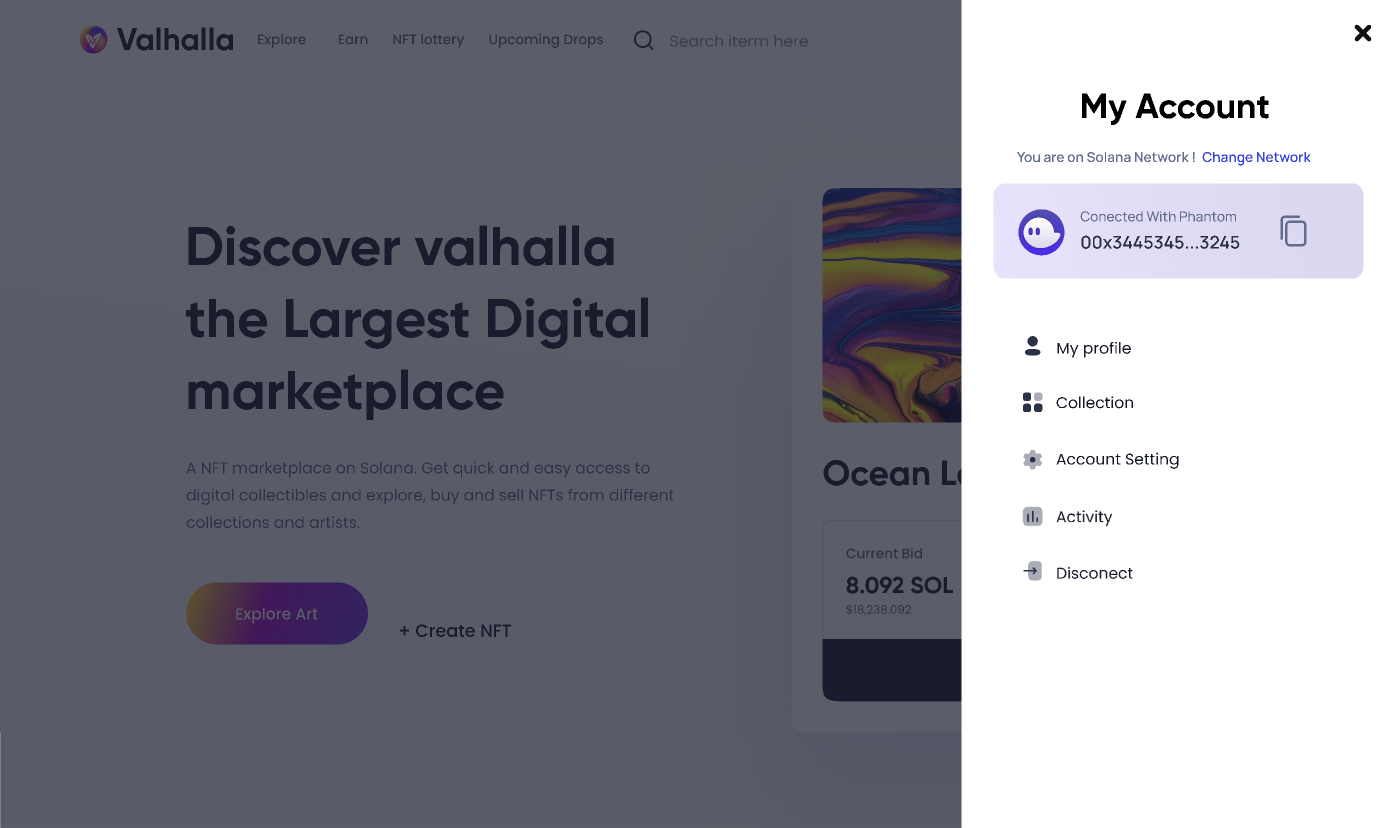
Phantom wallet connect
-
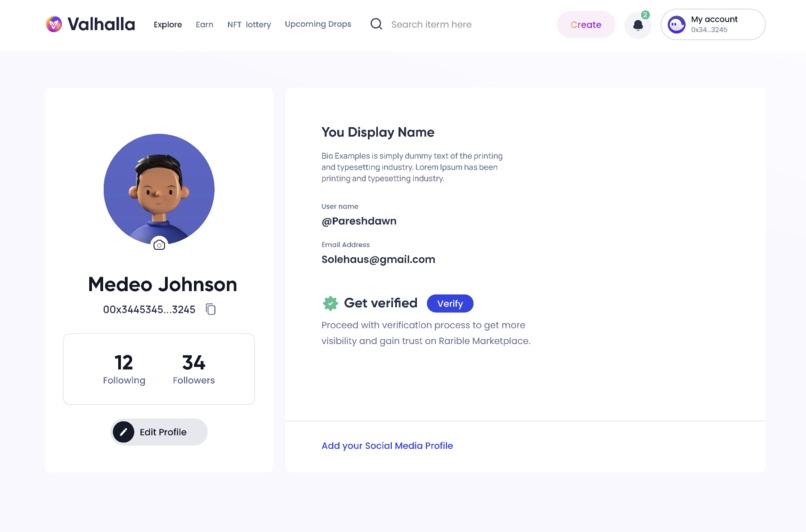
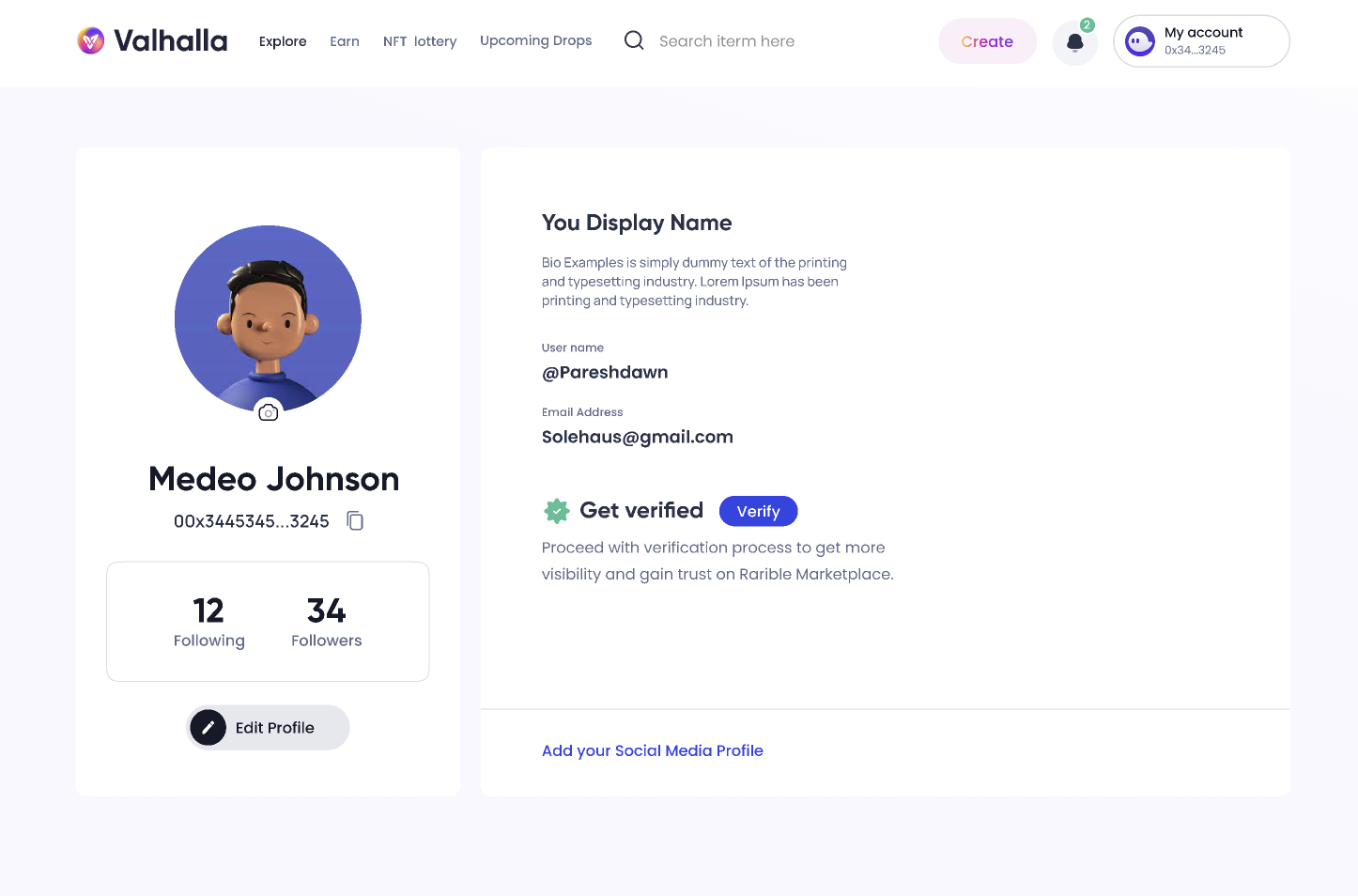
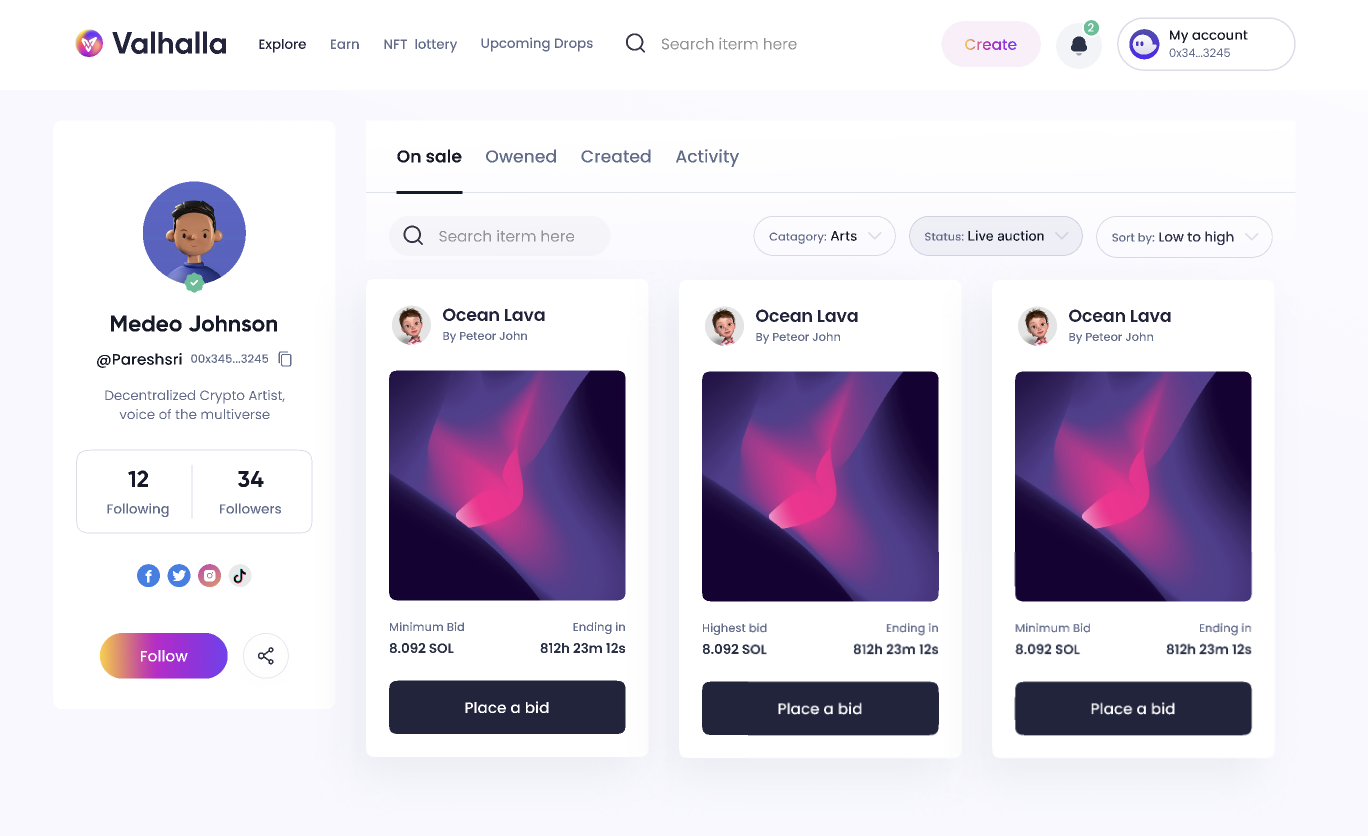
My profile
-
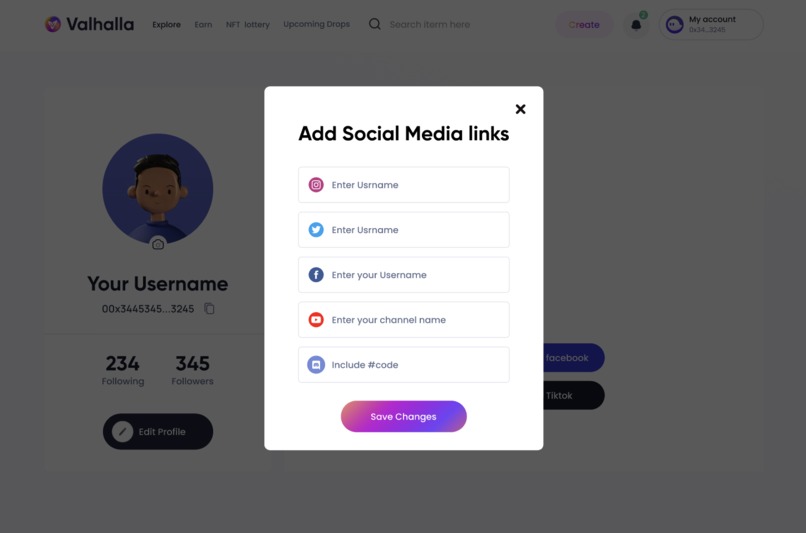
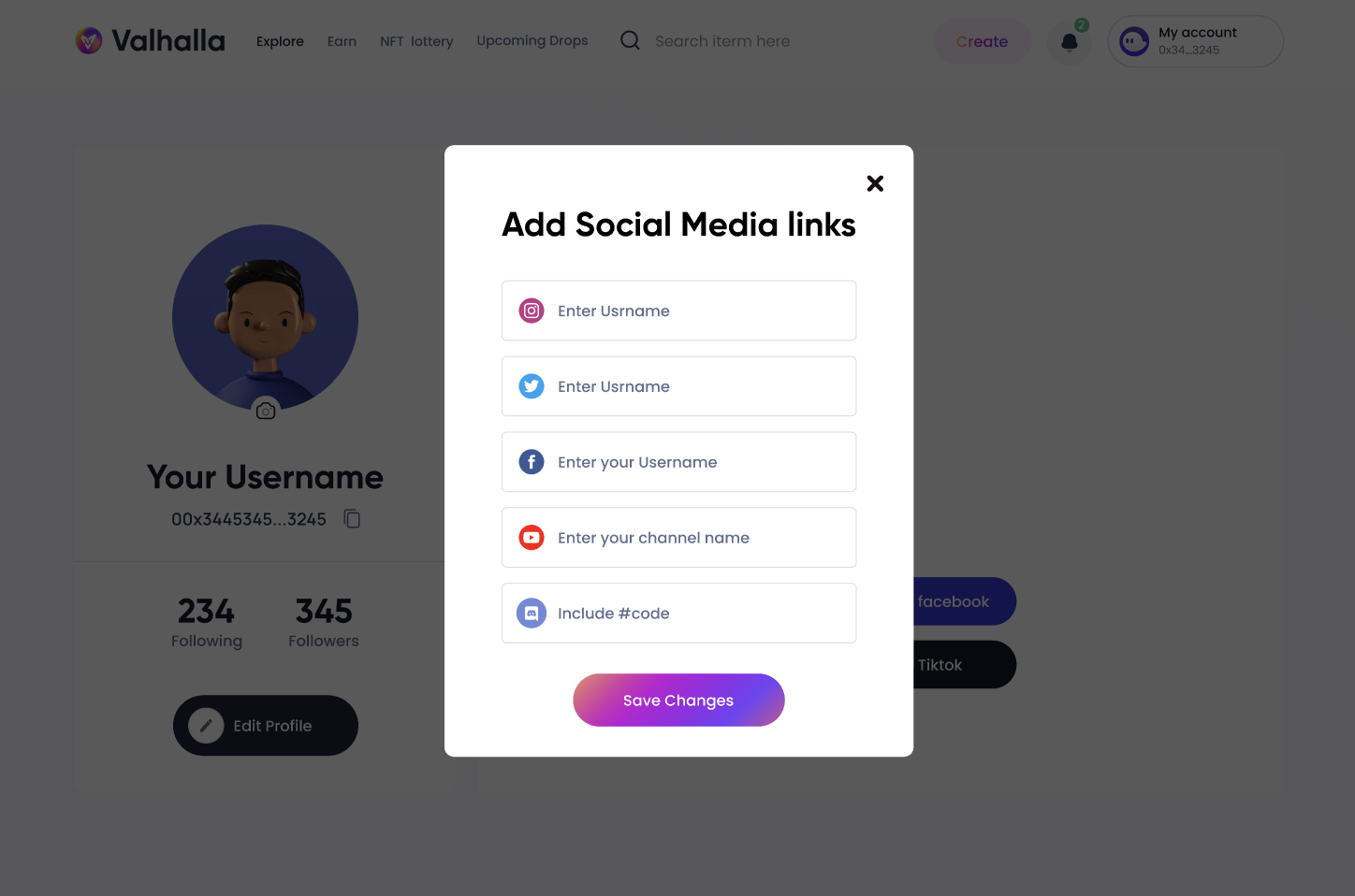
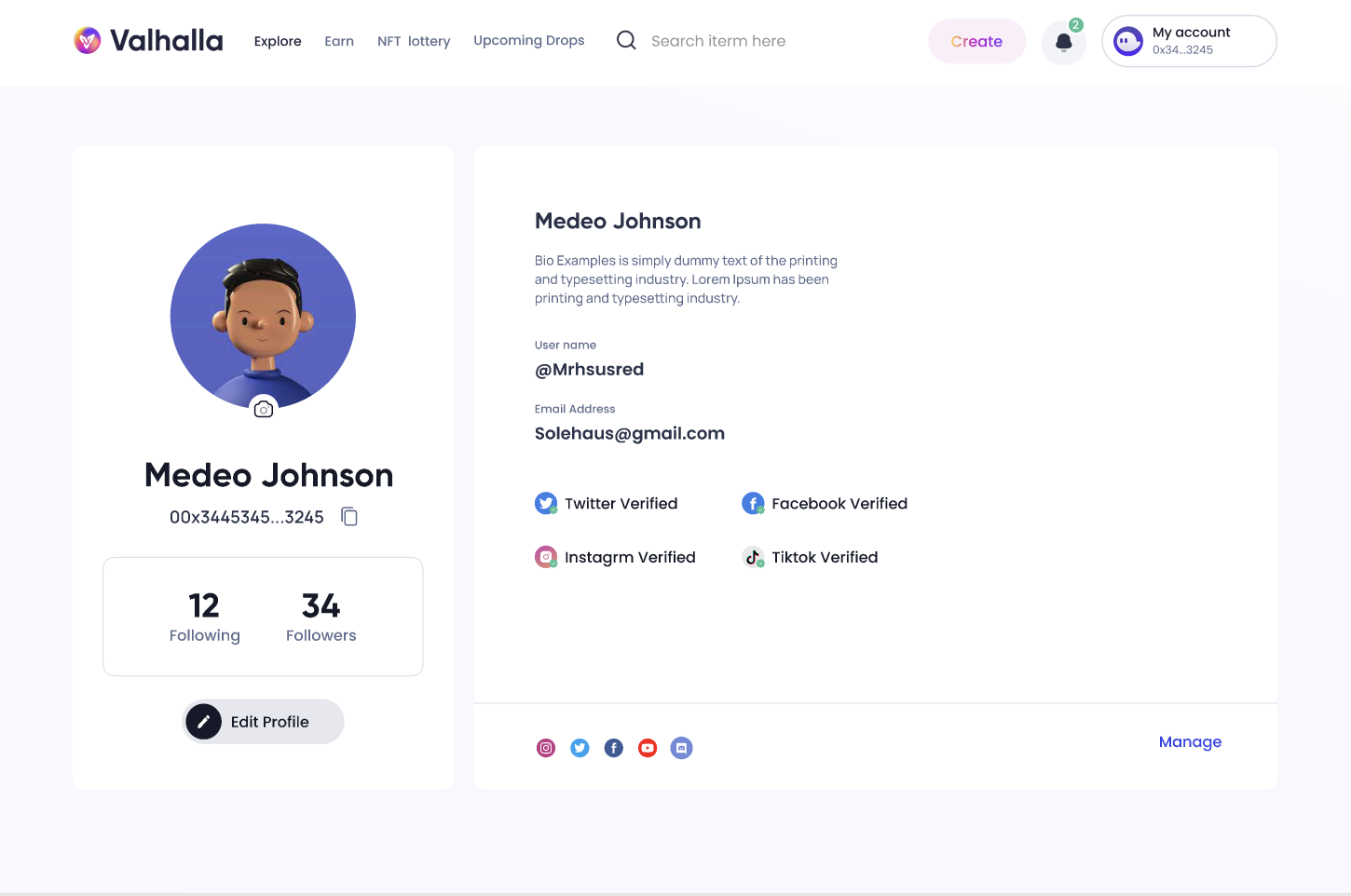
Social media - user can add social media handles
-
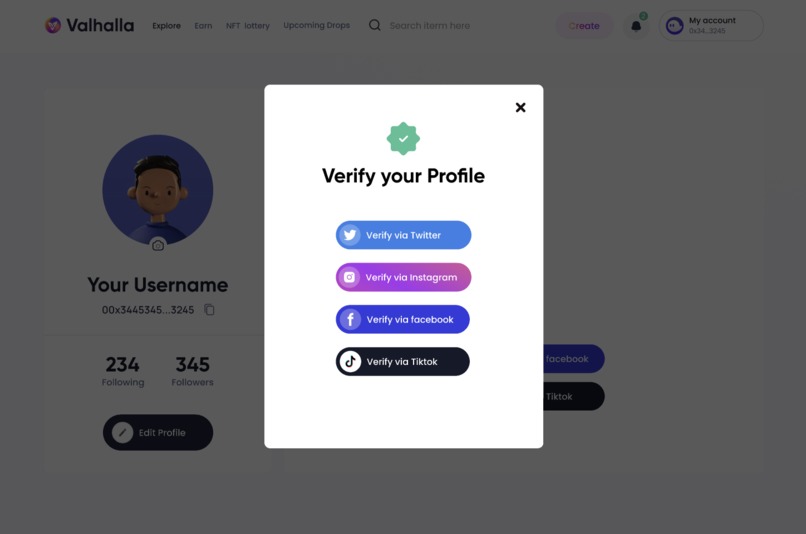
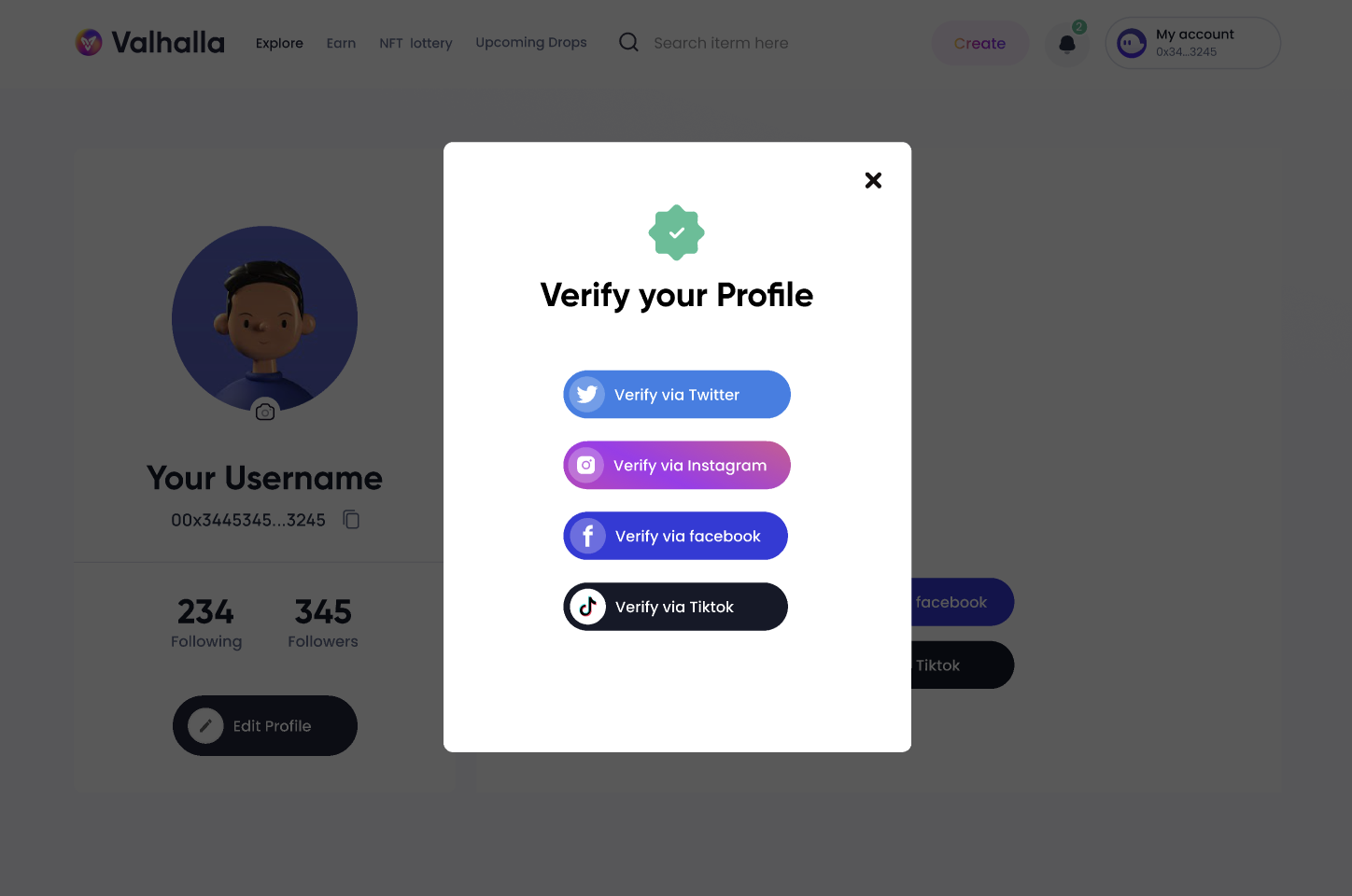
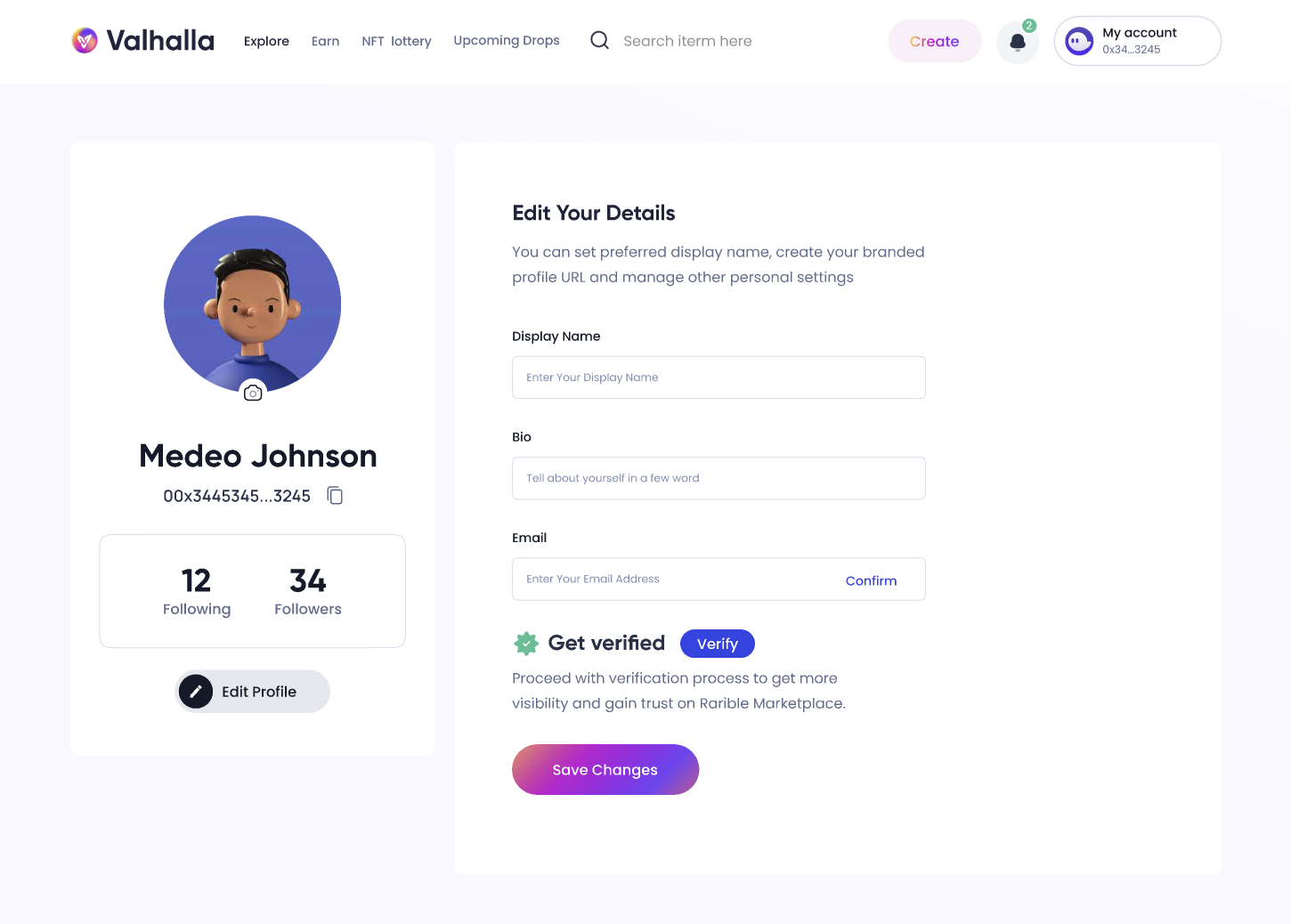
Verify Option - users can have the option of verifying their profile
-
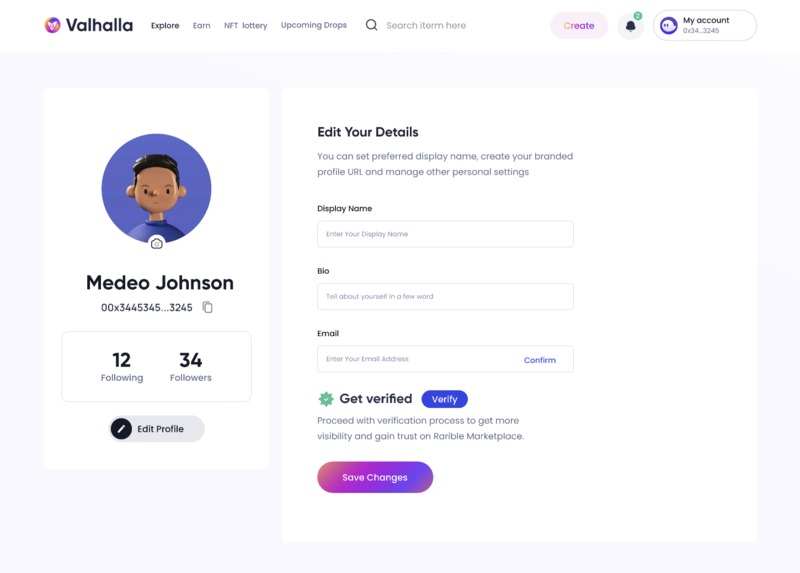
Edit Profile - where user can edit their username, name and bio
-
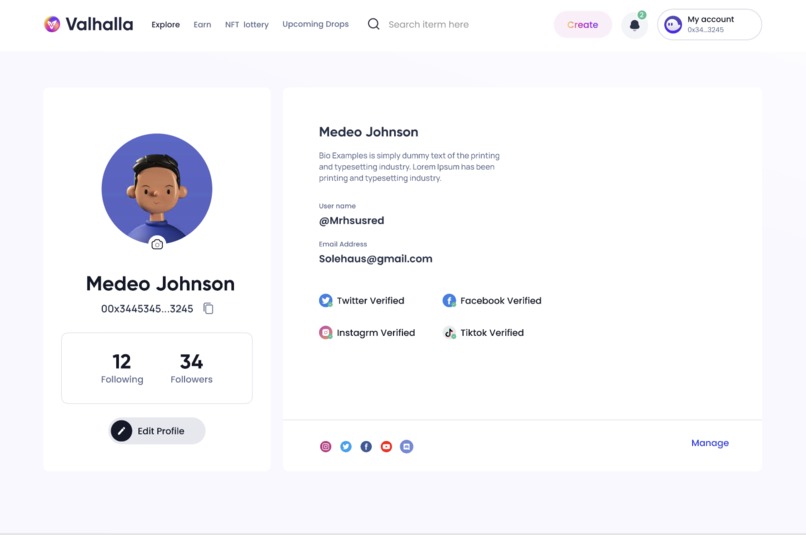
Verified Profile - user can verify through social media
-
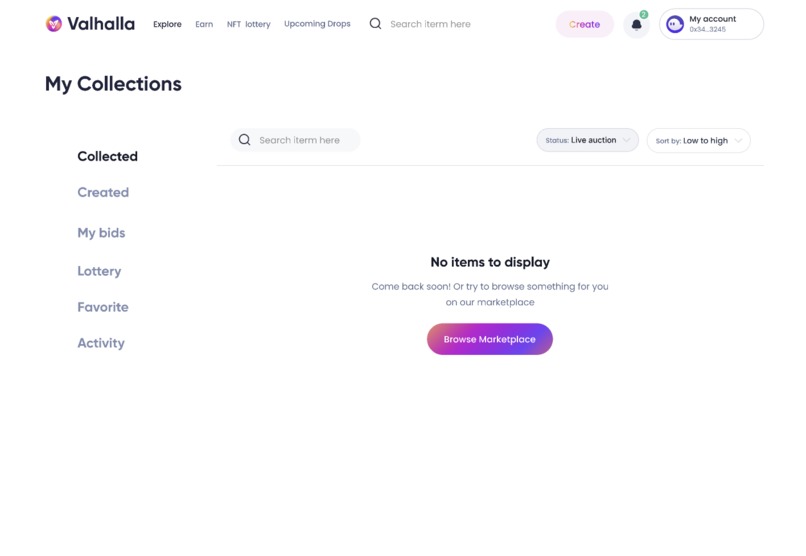
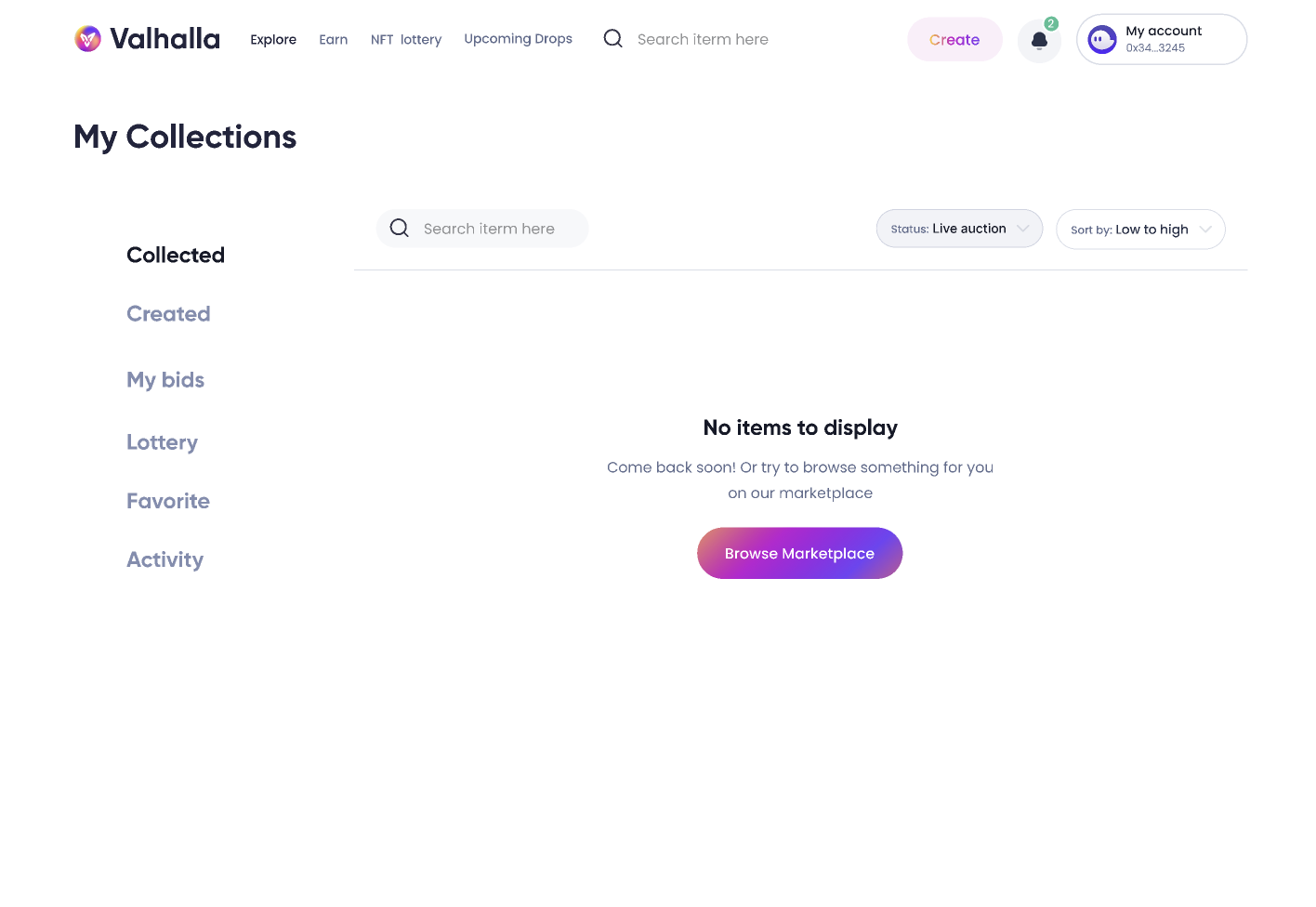
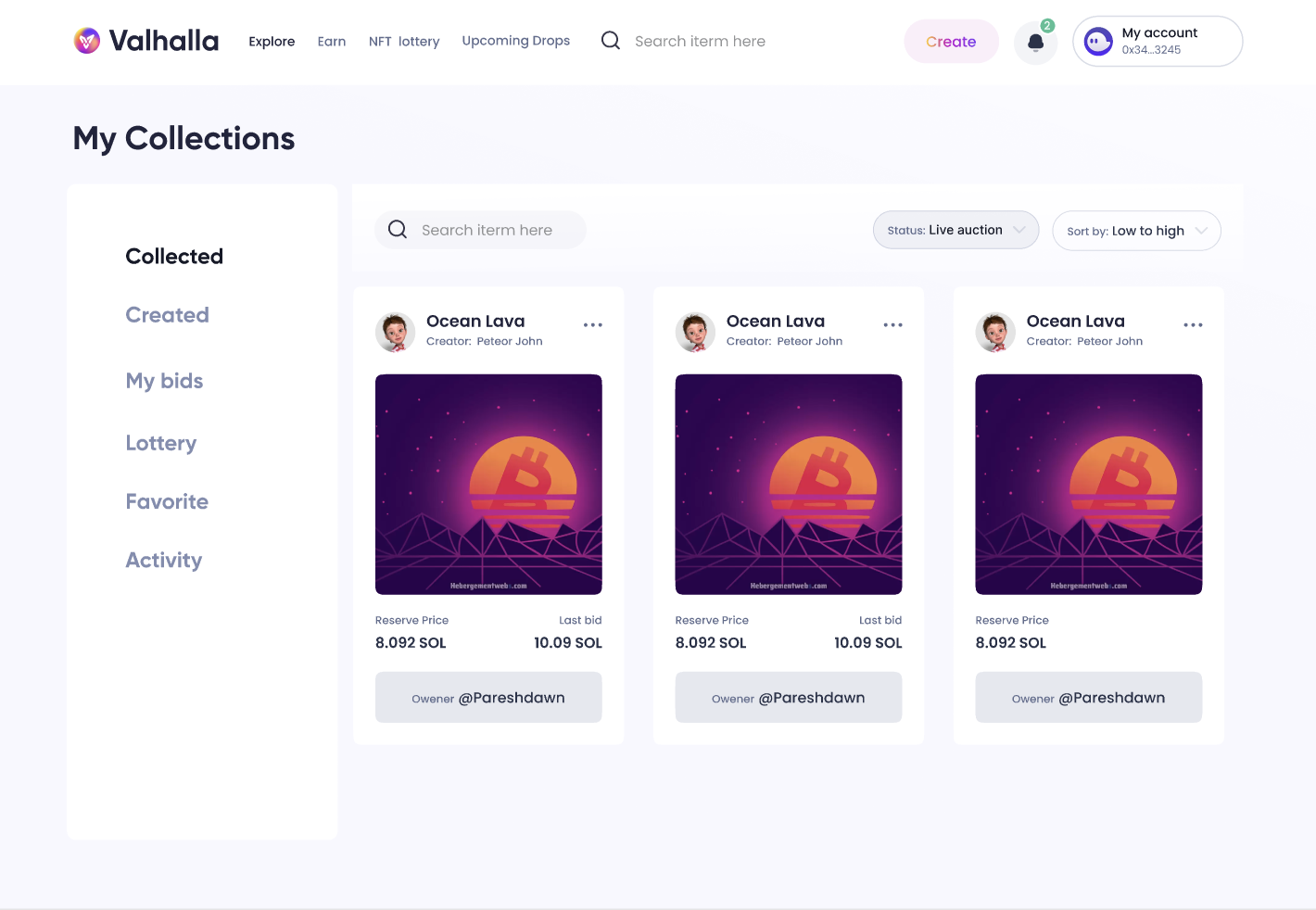
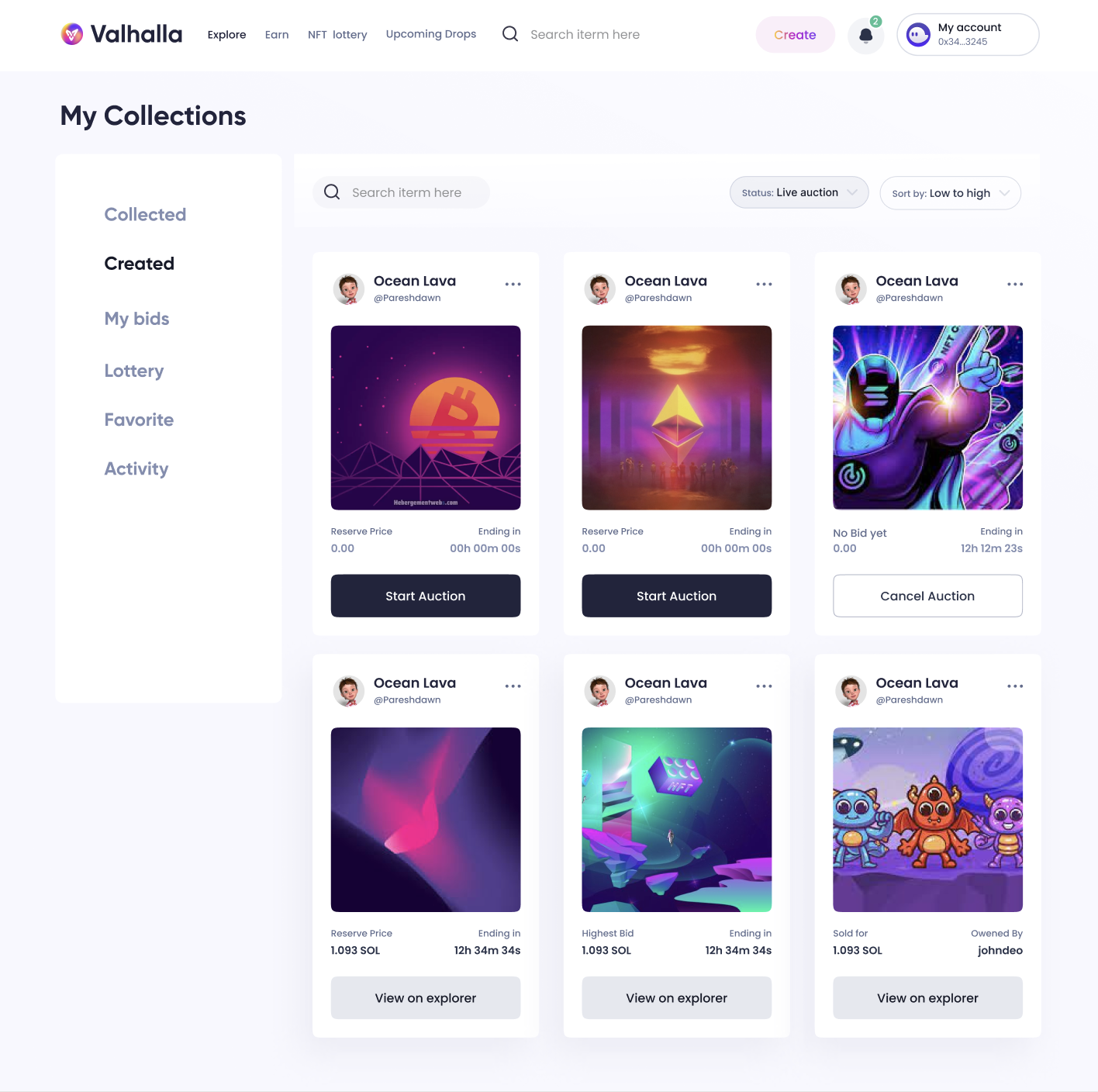
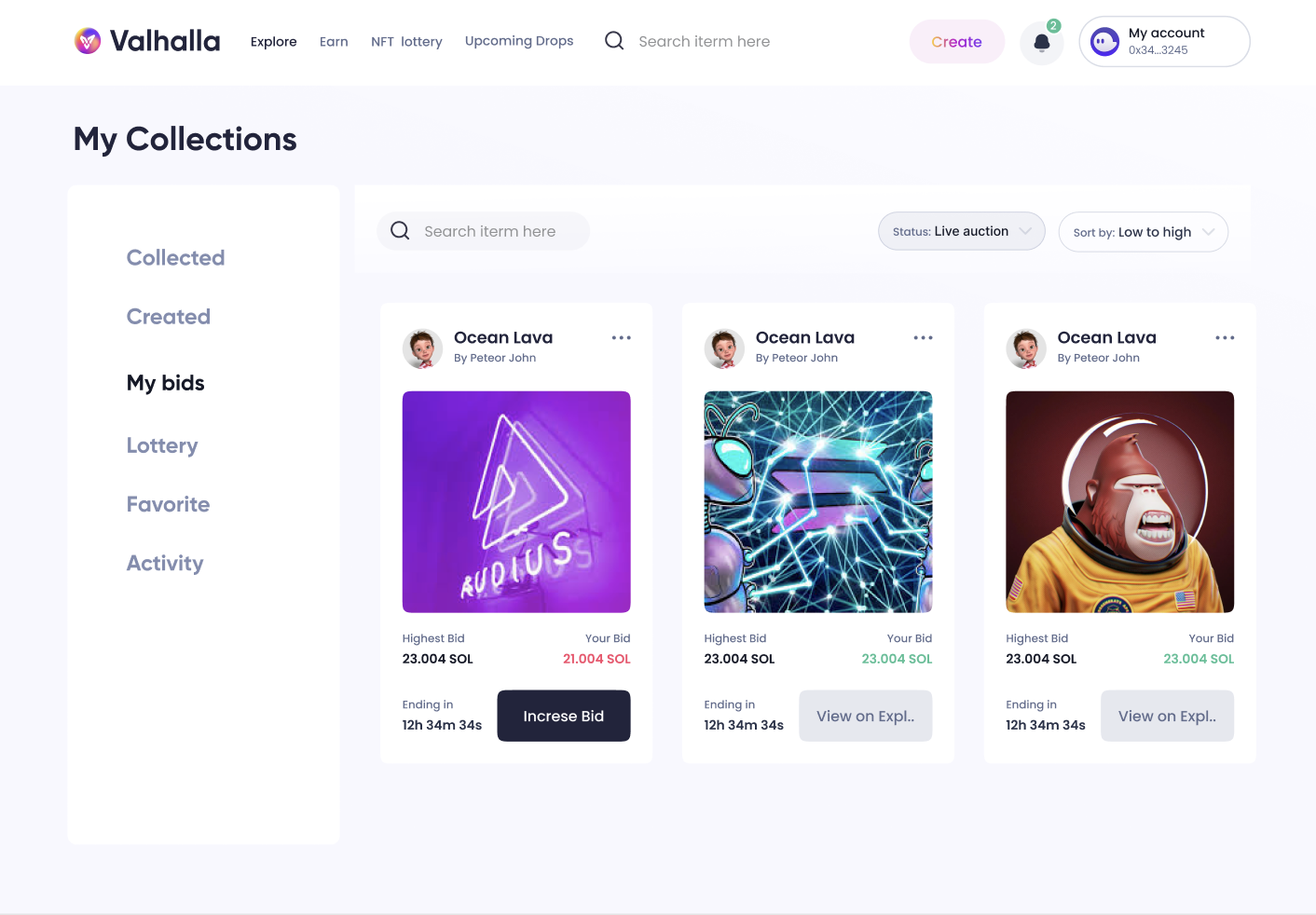
My collections - where users can see their collections of NFTs
-
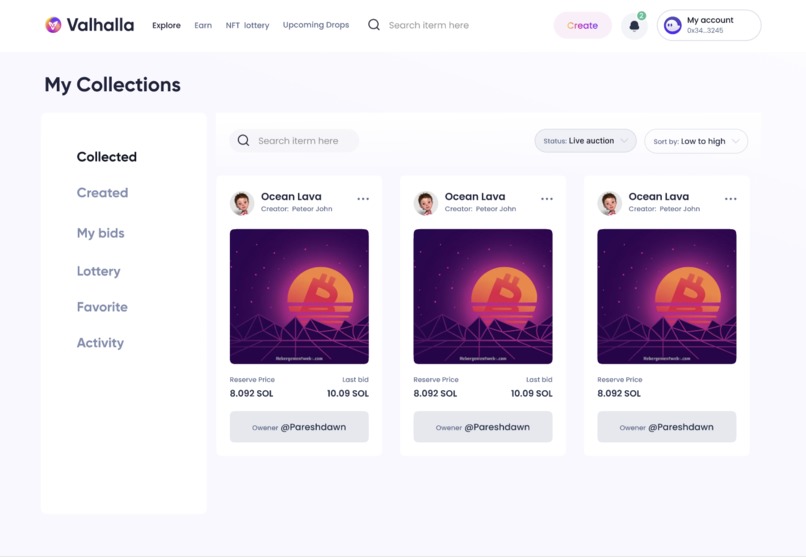
Collected NFTs - where users can see the NFTs they have acquired
-
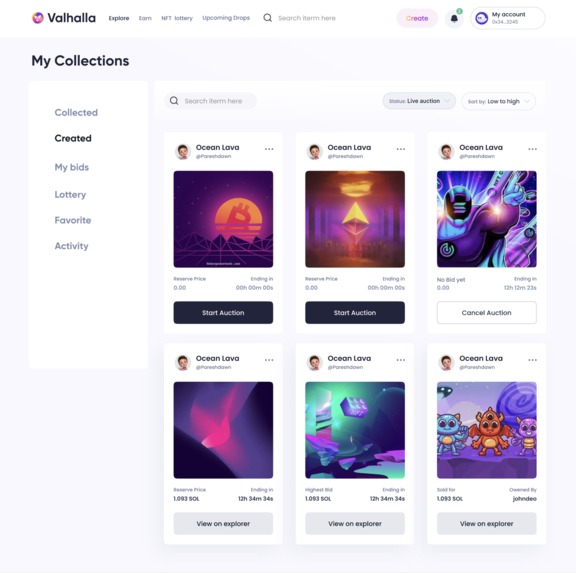
Created NFTs page where users can see the NFTs they have created through the minting tool
-
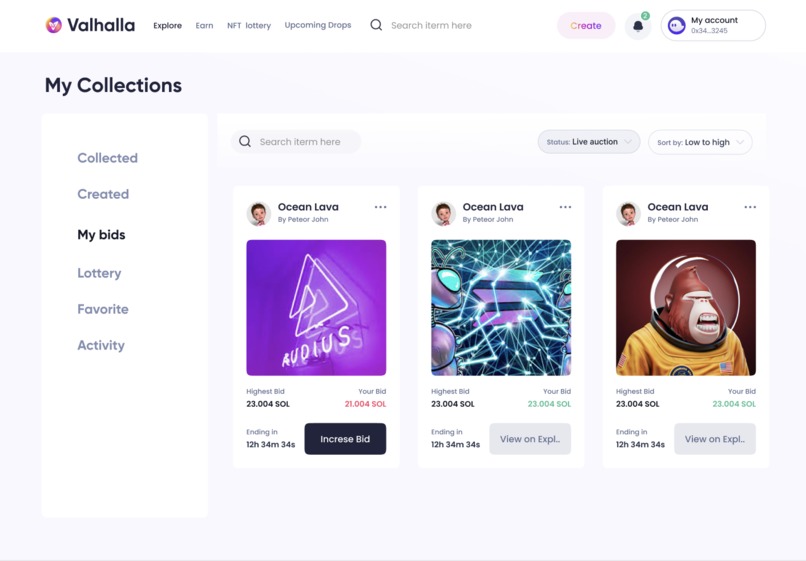
My bids page where users can see the NFTs that they are actively bidding on
-
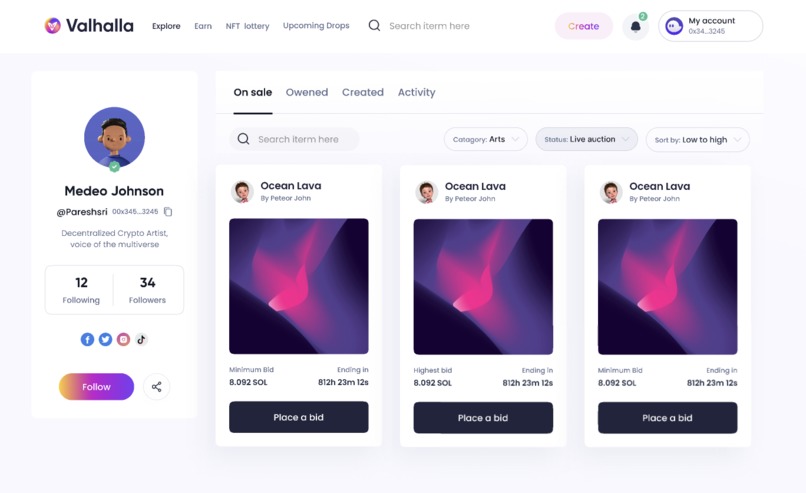
Collection page - consumer facing side
-
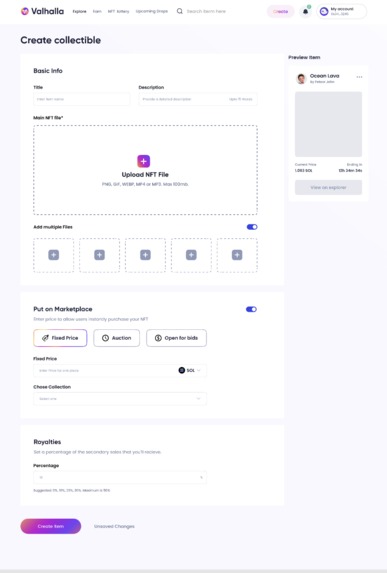
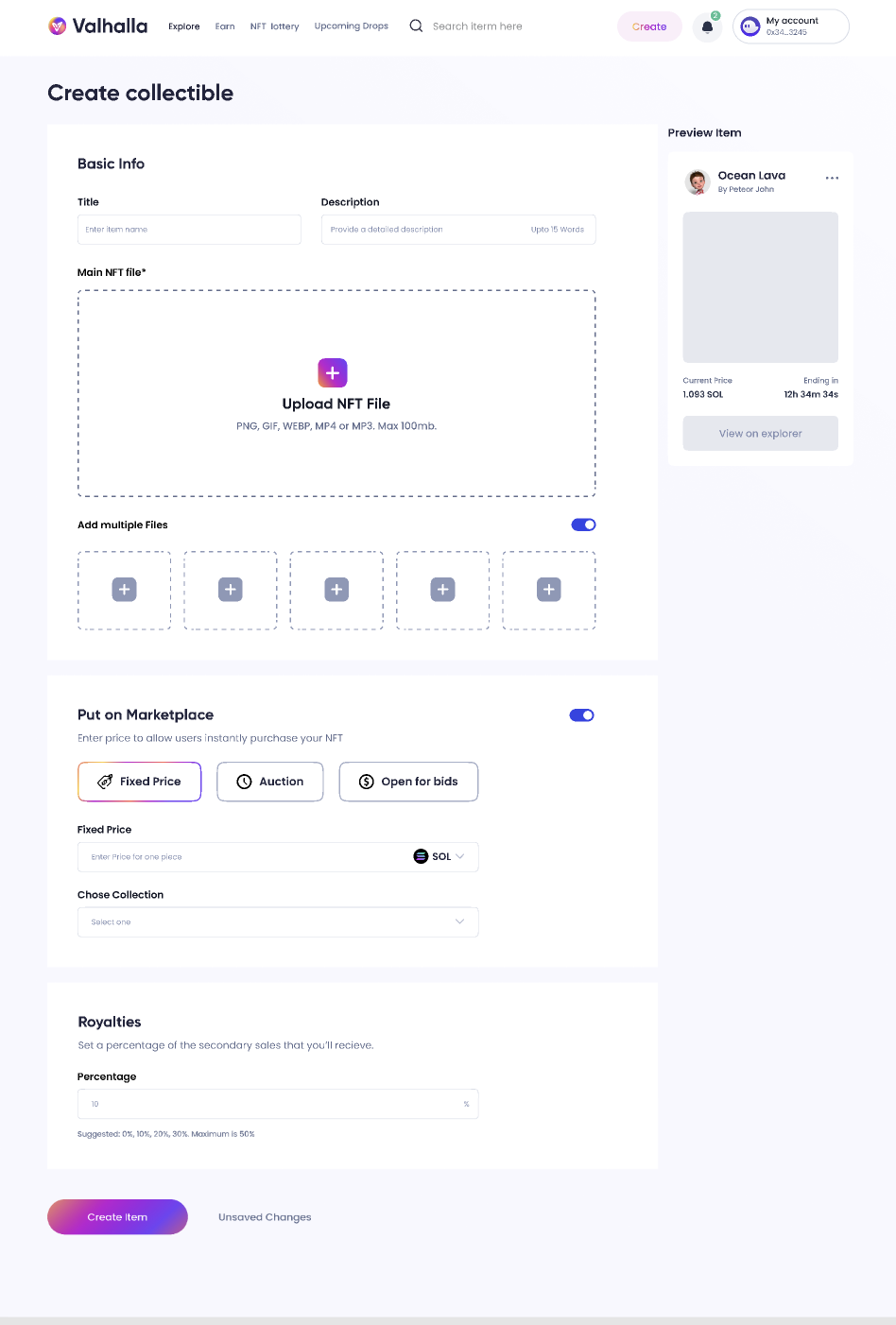
Minting page - through Metaplex smart contracts
-
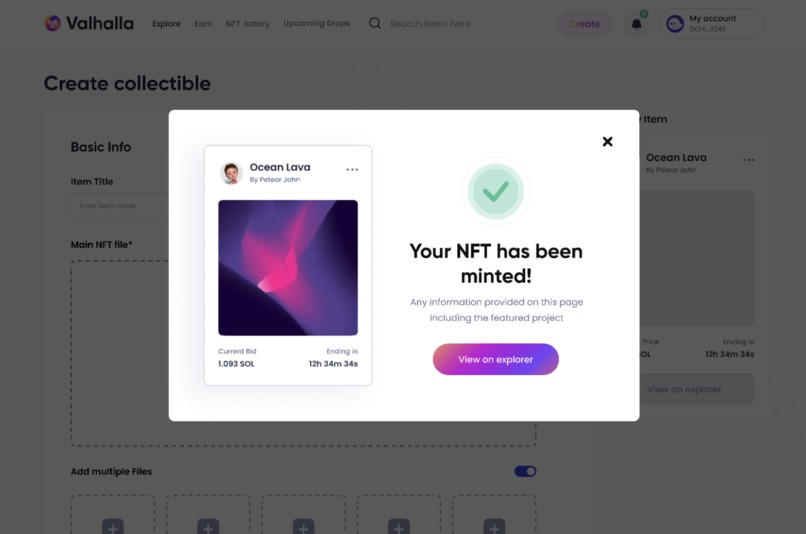
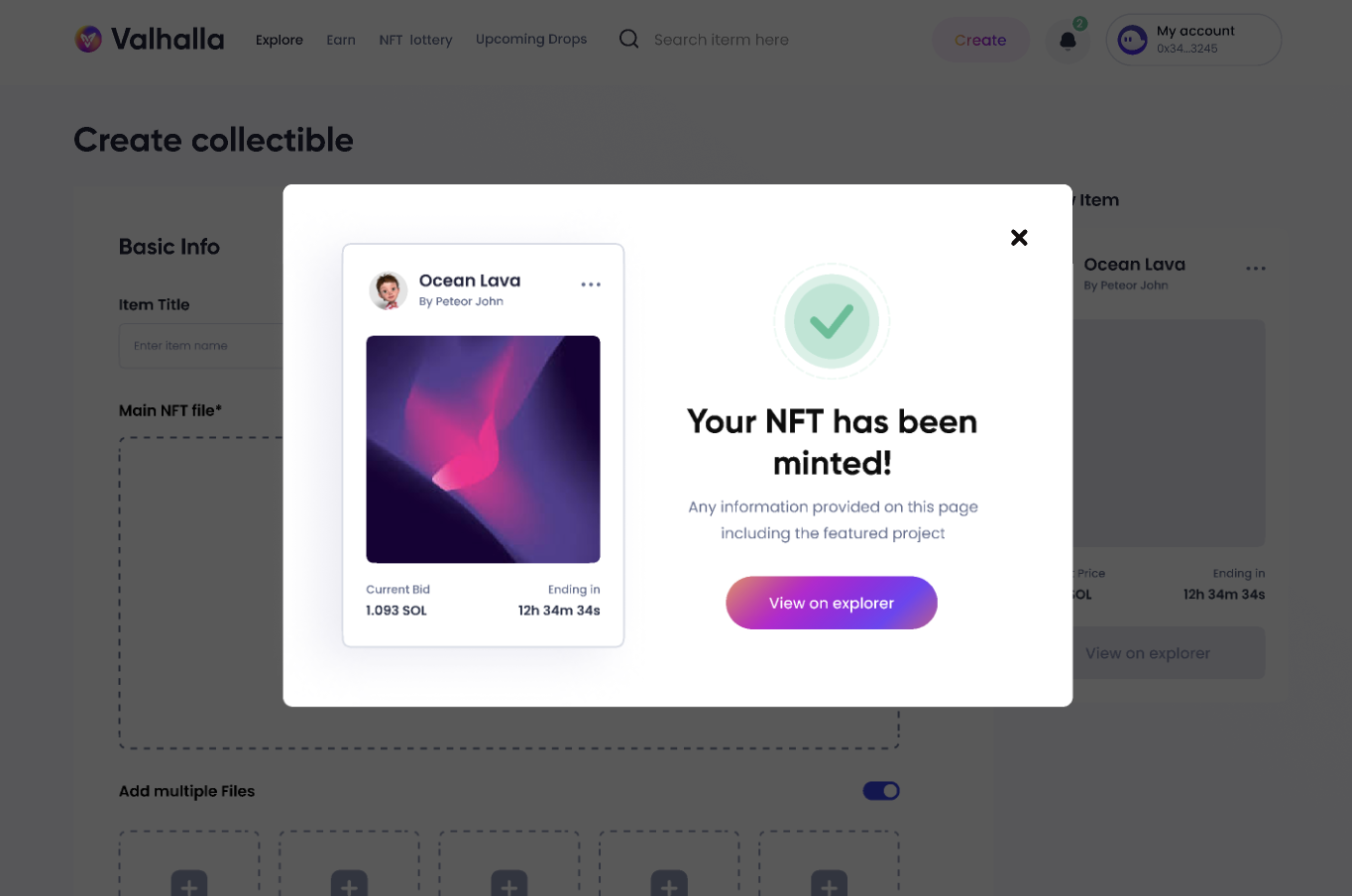
Minting success
-
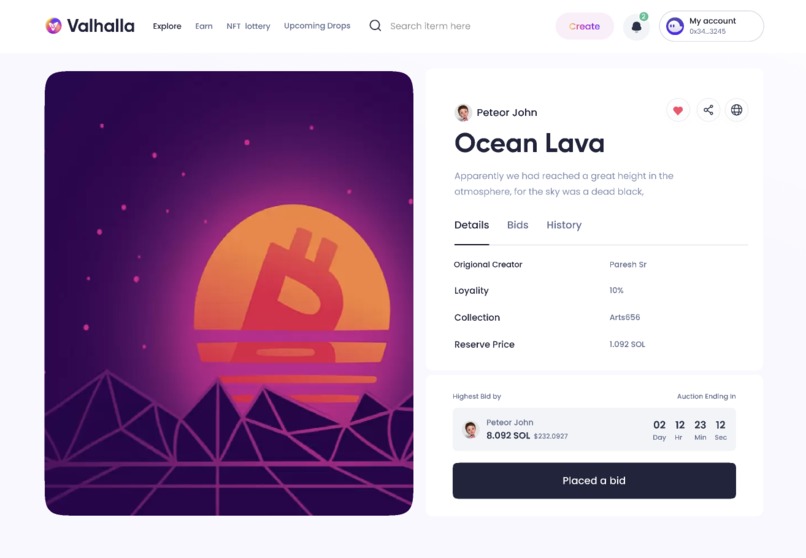
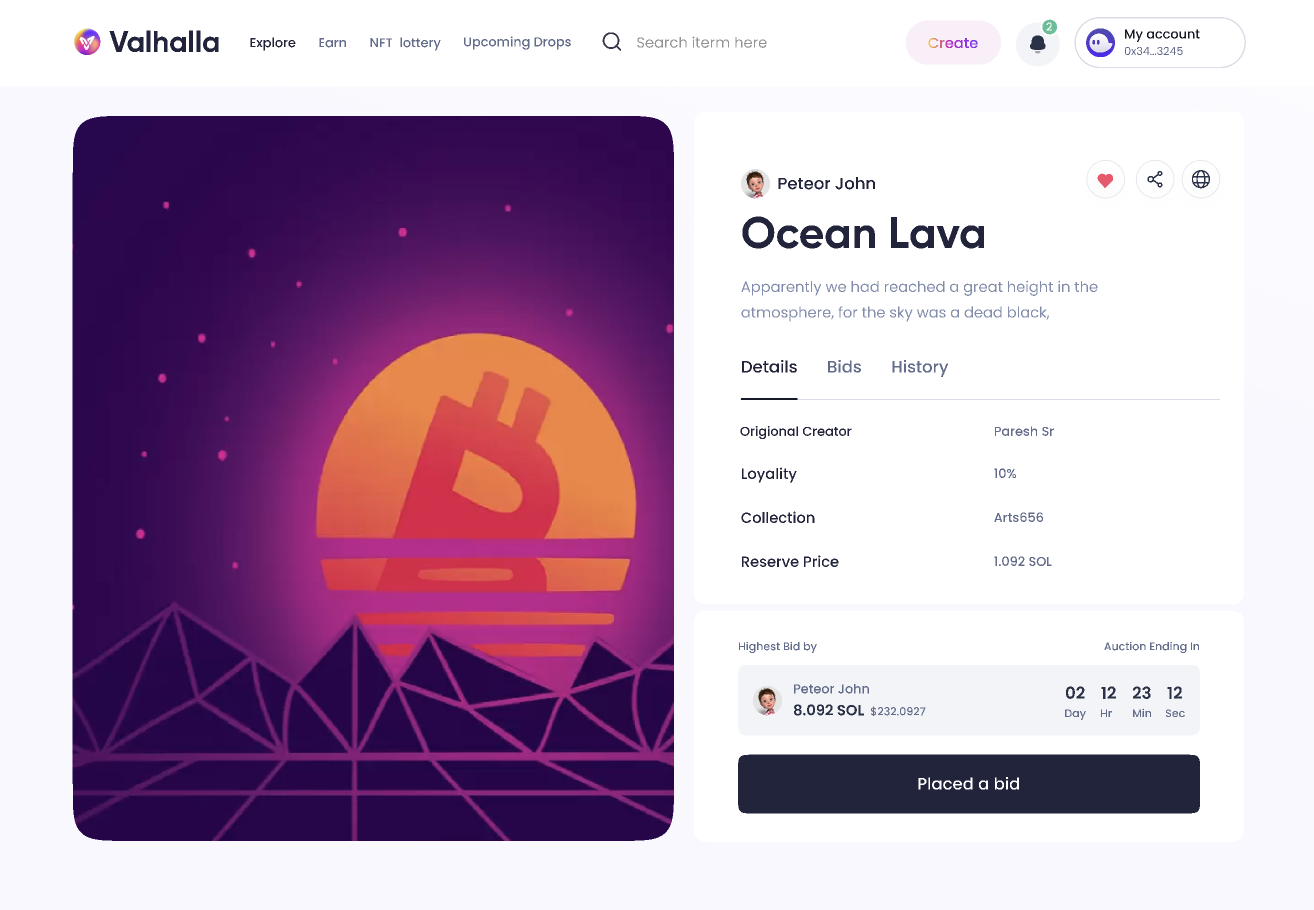
NFT page - consumer side
Inspiration
Valhalla was inspired by the need for an open ecosystem that allows the average non-technical creator to connect with their audience through NFT technology on Solana.
Existing NFT platforms are either stand-alone solutions (i.e. consumer-facing store fonts) or closed ecosystems (i.e. private launchpads), which result in genuine artists not getting the exposure they deserve in the Solana ecosystem.
With the current NFT infrastructure on Solana, there is little incentive to move from competing blockchains like Ethereum where these open marketplaces exist with plenty of liquidity.
What is Valhalla?
Valhalla is an open and fully decentralized NFT marketplace on Solana. Anyone can use Valhalla's minting tools to create their own collections, auctions, and listings.
Users can create a profile by connecting their Phantom wallet, edit their profile username, display name, bio, and profile photo, see their minted NFTs, existing NFTs held in their wallet, mint NFTs, and much more...
Valhalla Features:
NFT Minting Functionality
‘Minting an NFT’ is the act of publishing a unique instance of your ERC-721 token on the blockchain. The user can mint the NFT by clicking on the Create button. To create an NFT the user will need to enter the Metadata which includes Title, Supply Number, and NFT description. Once the Metadata is entered the user will now need to Upload the Image. There is also a royalties option that will allow the user to take a cut from the future sales of the NFT. The cut can go from min 0% to max 50%. Once all the fields are filled the NFT can be minted and will be stored on Arweave.
- Set Up the Wallet
Set up a wallet and buy some SOL to mint the NFT or to put NFT on sale.
- Start with the creation of Asset
The process to create an NFT always begins with the creation of the asset, So give it your best shot to create an innovative and appealing artwork.
- Create the NFT
The final step to mint NFT is very convenient and the steps are given
below:
- Access the Valhalla website and click on the “Create” button. If you are not already signed in, Phantom wallet will prompt you to connect
- Once you are on the Create NFT page, you can fill in the metadata of your NFT i.e ‘NFT Title’, ‘Number of NFT Supply’ and also ‘Description of your NFT’
- The Token Metadata contract can be used for storing this generic metadata about any given mint.
- Now, upload your artwork in the form of an image
- Users will need to add the Royalties for the NFT which will let the user take a cut from the future sale of the user’s NFT
- Once all the details are filled in, click on ‘Create Item’ to start Minting
- This will call three different smart contracts: Metaplex Contract, Token Vault Contract, and SPL token Contract
- Metaplex Contract (Granddaddy contract) is used to call the various other smart contracts
- Token Vault contract acts as a safe escrow for arbitrary token allotments
- SPL Token Contract is used to create an associated token Account
- Approve the prompted Transaction to mint the NFT
- NFT Minted Successfully prompt will be displayed
Workflow Screenshot: link
NFT Auction Functionality
Once the NFTs are minted, the User can put that NFTs on auction for better offers. This will allow the user to get a fair price for their creations.
The auction workflow is as follows:
- Mint the NFT as mentioned in the minting process.
- Select the NFT for which you are creating the auction.
- Now, set the floor price of your NFT and also the tick size.
- Then, set the Auction start time as well as Auction End Time.
- Once all the required fields have been filled the system will call the Metaplex smart contract, Token Vault contract, and Auction smart contract to create the auction.
- Token vault contract will create a vault for the auction and mint will be initialized
- Now that we have an auction and a vault, we can go and call the init_auction_manager endpoint on the Metaplex contract
- Now, the set_authority function will be called on both vault and auction to change its authority to the auction manager, so that it can have control over both
- SPL Token program will create an Associated account to hold the bids for the Auction
- Once the account is initialized it will hold all the bids in wrapped SOL
- Once the auction time is over, the winner needs to visit the /billing and hit the settle button, it will call claim_bid function on Metaplex contract, which proxy-calls a claim_bid on the auction contract, telling it to dump the winner’s payment into an escrow account, which will then transfer the fund to the user.
- And the one who didn’t win will have to cancel their bid in order to get their bid amount back
- Auction Over
Workflow Screenshot: link
NFT Card Game
Abstract: Valhalla NFT Card Game is basically just like a real-world, Character-based playing card game, in which players have to present 2 or 3 of their cards on the table, the card has some traits like its type, health, strength, etc. According to these parameters the score of both the player's cards will be calculated, the one who has the highest score wins and gets something in reward.
In this NFT Card Game one has to first generate a card for himself using random numbers. A player can get super lucky and could draw a legendary card or epic card, or could draw a common card.
Card Game Workflow:
Card Generation
Let's say we have a user named A, and he currently has no cards in his collection. (Unless a user has 3 cards in his collection, he/she cannot participate in the battle).
From the Navbar the user will click on Card Game, after clicking on the button he will be directed to the Card Game page, before starting the game user has to initialize the game and the user will pay 0.1 SOL, part of which will be used to provide the fees for NFT transfer and the rest is stored as a stake and will be transferred to the winner of the game
Now user A has to generate a card, for that he/she will have to first generate a random number, a request will be made from the front-end to the on-chain RNG Program. (For the generation of a random number, the user has to provide a user seed, and it will take a small transaction fee for generating the random number)
Suppose user A has generated a random number and it comes to be 42, this number will be then passed on to the backend
Now the backend will fetch the data of the card having id 42 from the database, then this card will be passed on to the frontend
The NFT corresponding to the card will be transferred to the player from the Game Account using the Solana Token Program
Like the above steps, a user has to generate and keep at least 3 cards in his/her collection which can be used to play the game
Game Card
A card will contain certain traits about the character, a list of traits a card might contain:
- HP: Health of the character, this will be in a range of 1 - 100
- Rarity: Rarity of the character, e.g Common, Rare, Epic, Legendary
- Speed: The speed of the character, will be in a range of 1 - 100
- Strength: The strength of the character, will be in a range of 1 - 100
Workflow for Game Card Generation
Workflow Screenshot: link
Card Battle
Suppose there are 4 users say A, B, C, and D out of them let's say user A has more than 3 Cards and wants to participate in the battle then he has to pay some minimal fee to enter the Battle
Now A has participated in the battle, so if there is no one else who has participated in the battle then A will be on waiting, as soon as someone from B, C, and D participates in the battle then A will get matchmaking with one of them
Suppose A has participated in the battle, and there are other users (B, C and D) who have already participated in the battle, then the matchmaking will be done on the basis of a generated random number. (Same process of generating random numbers as depicted in Card Generation workflow, step: 2)
After the battle has been started, let's say between A and B, then A’s cards will battle with B’s Cards
Suppose we have a score for A like - Card1 - Health: 34, Power: 56 Speed: 64 Card2 - Health: 57 , Power: 67 Speed: 54 Card3 - Health: 76 , Power: 25 Speed: 46 Overall – Health:167, Power:148, Speed:164
Suppose we have score for B like - Card1 - Health: 34 , Power: 56 Speed: 64 Card2 - Health: 57 , Power: 67 Speed: 54 Card3 - Health: 76 , Power: 25 Speed: 48 Overall – Health:167, Power:148, Speed:166
Then comparing A’s and B’s scores, B’s card has more speed than A’s card, in this case, B is the winner.
The winner will get some SOL tokens as a reward from the stake that both the users have transferred while initializing the game
Workflow for Game Card Battle
Workflow Screenshot: link
Challenges we ran into
Interacting with the Metaplex standard has been a bit challenging and we are still trying to work through it to create more documentation.
Accomplishments that we're proud of
We are very proud of our developers for diving head-first into the Solana ecosystem and creating a working marketplace, with NFT minting, auction, and gamification functionality built in just two weeks' time.
What we learned
We learned the importance of having a narrow focus in order to execute on a few core tasks at a very high level as opposed to diluting our focus on trying to do many things in a short period of time.
What's next for Valhalla
Over the next few months, Valhalla will be focusing on the following:
- Closing out the seed & private funding round
- Launching the closed beta for testing to discord members
- Launching the live product in Lisbon
- Public sale & token launch
- Launch the DAO
- Continue building


Log in or sign up for Devpost to join the conversation.