-
-
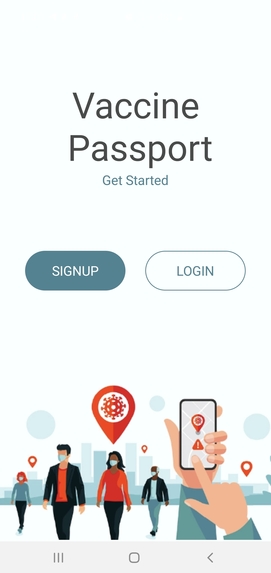
Application Screen
-
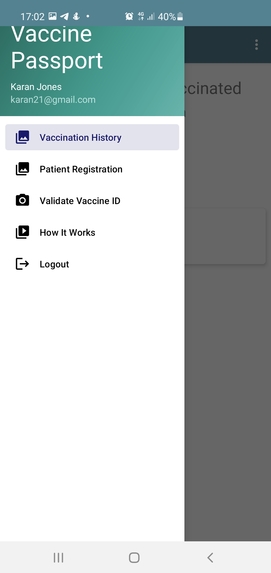
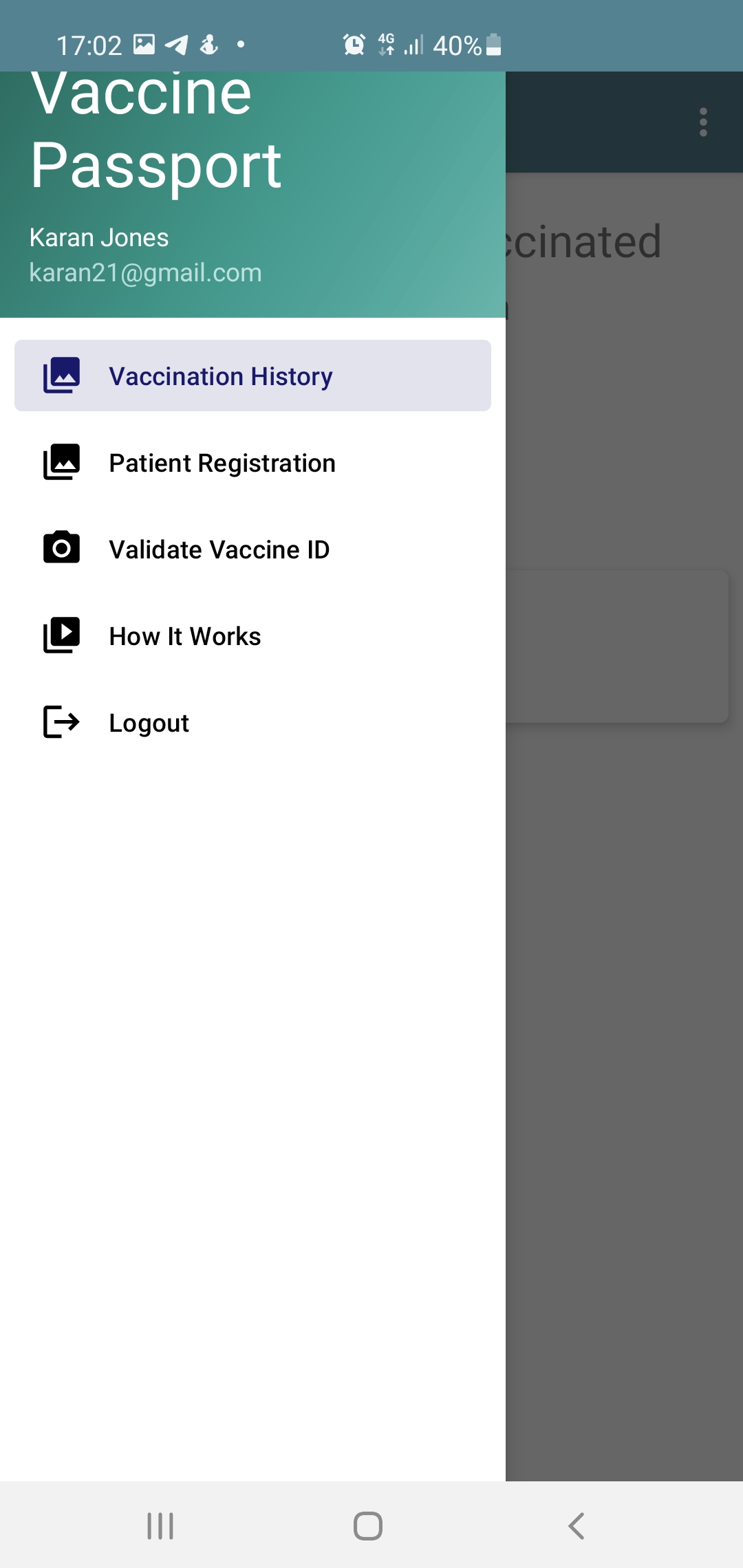
Application Menu
-
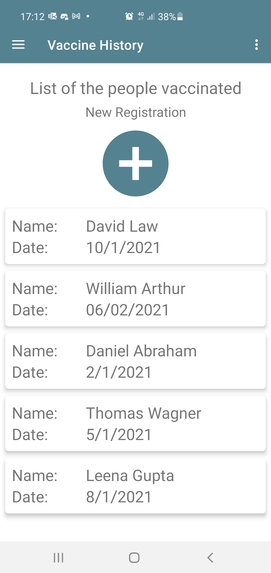
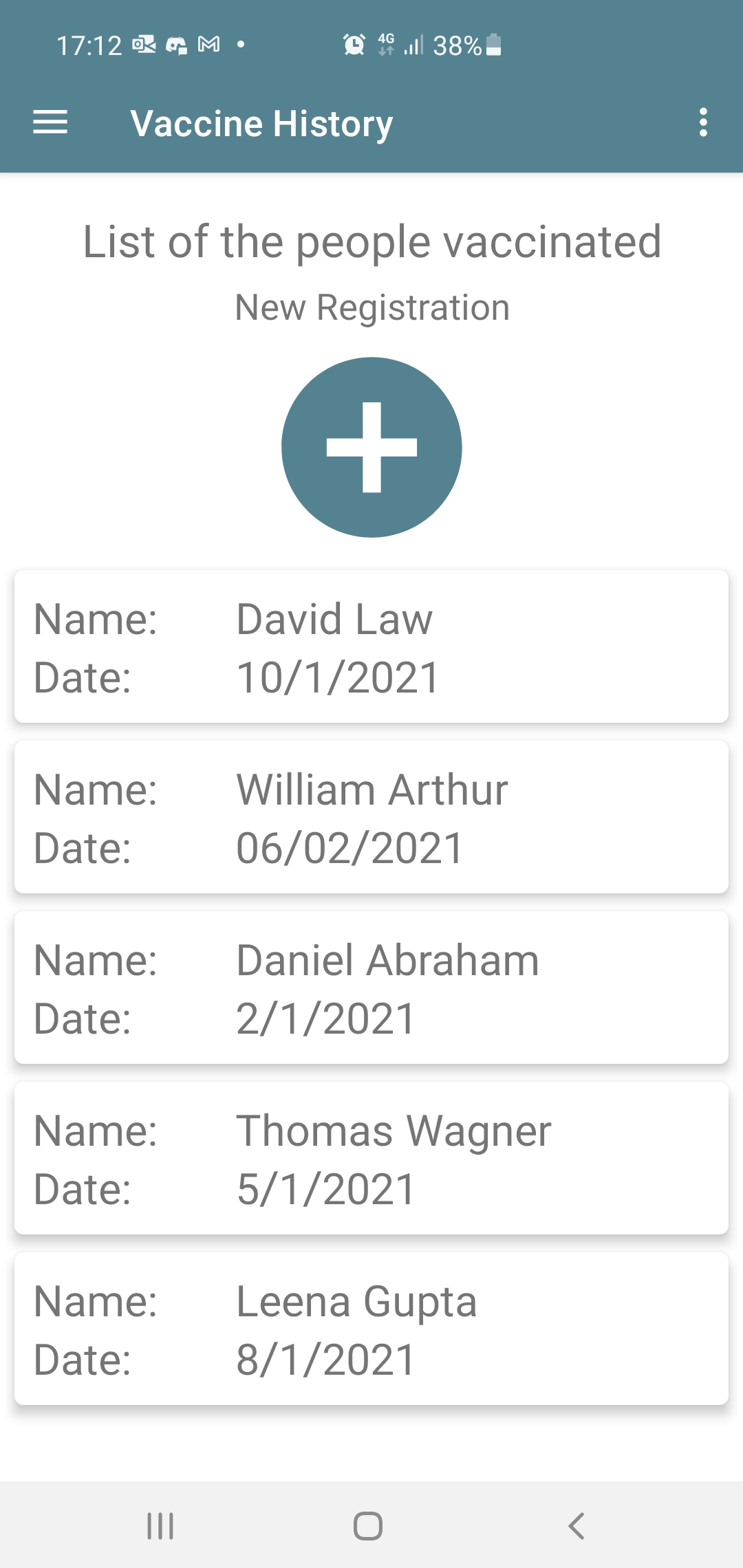
Home Screen-List of people vacinated
-
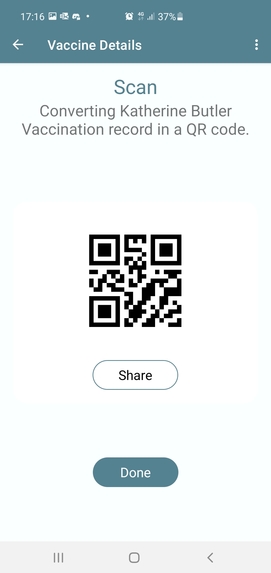
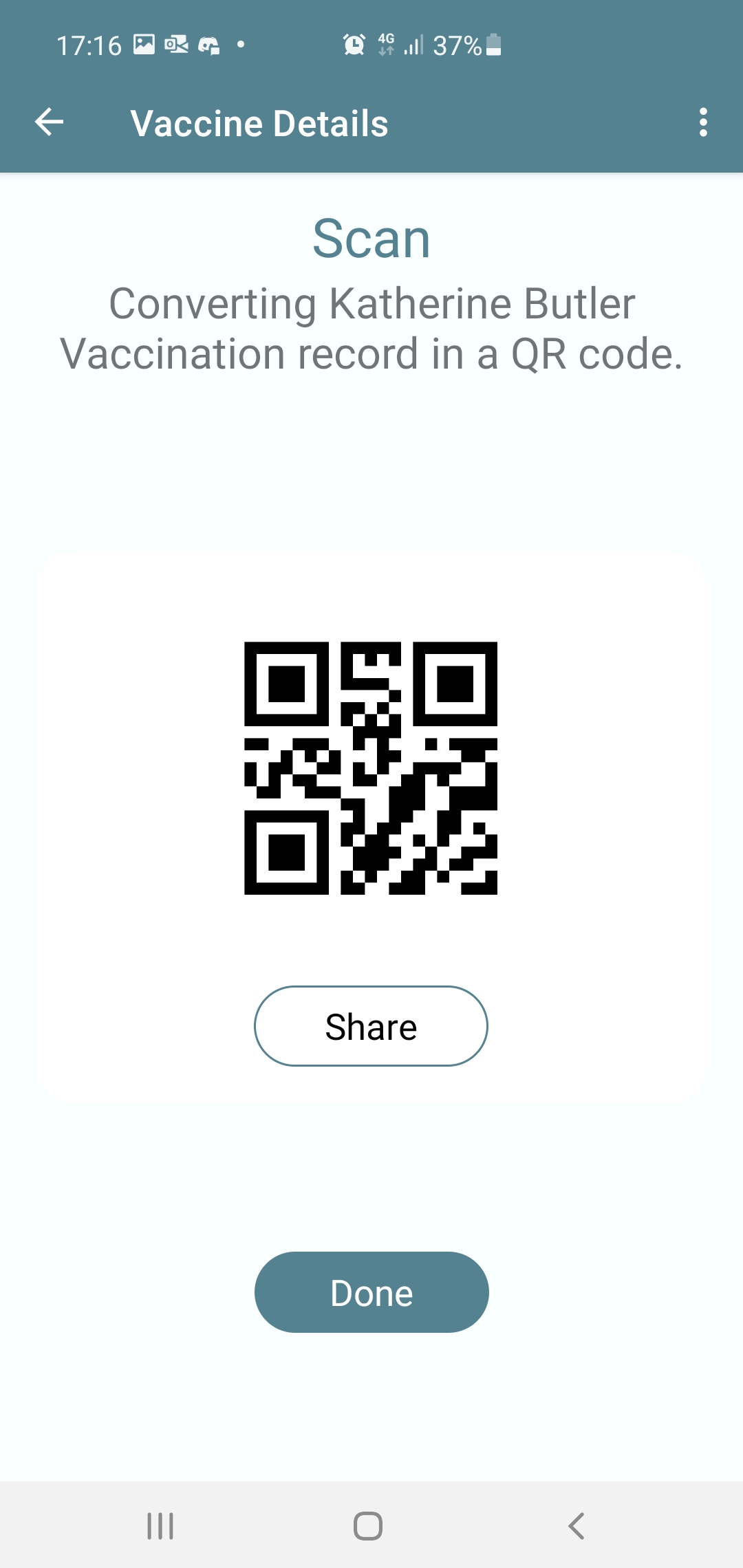
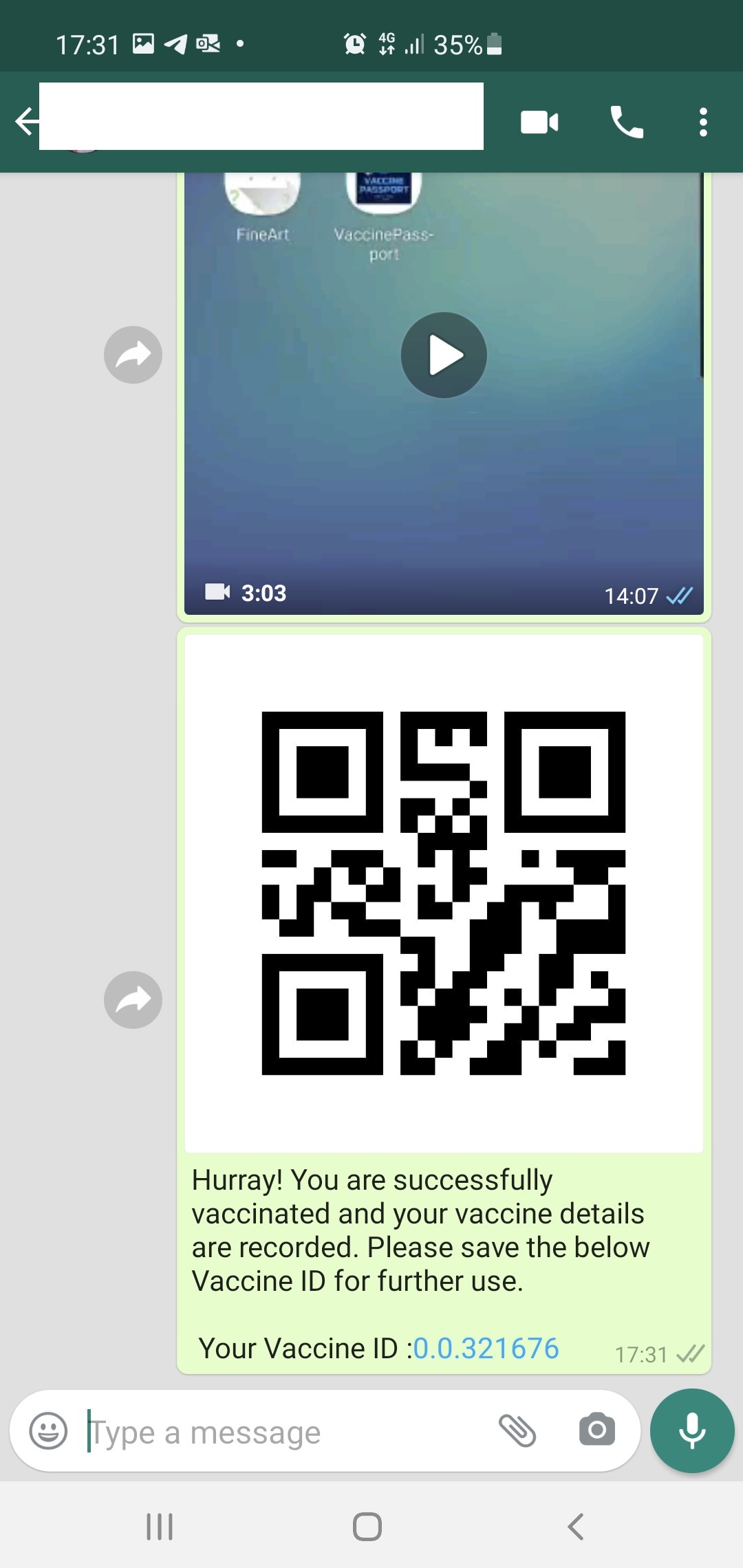
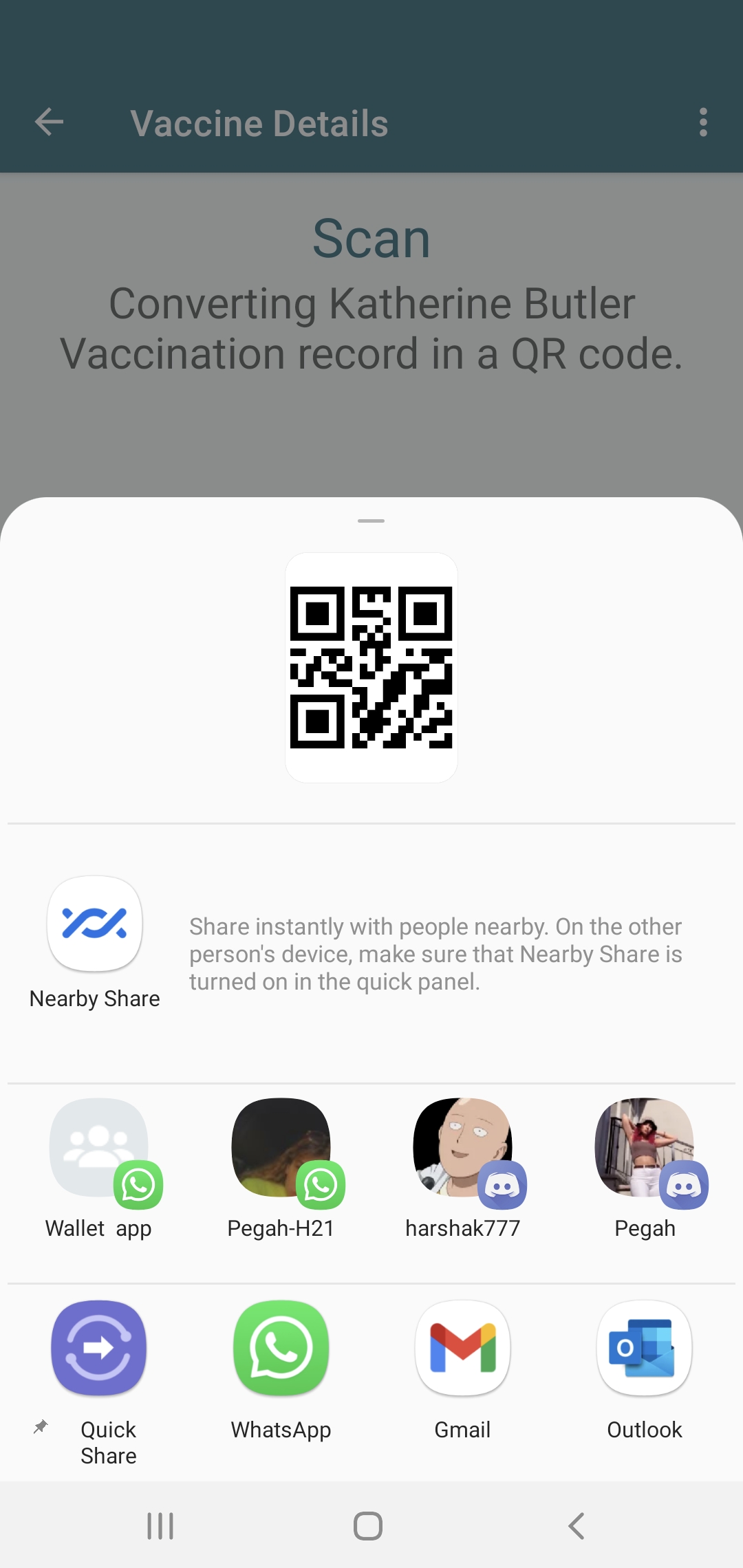
HTS token creation with record in QR code format
-
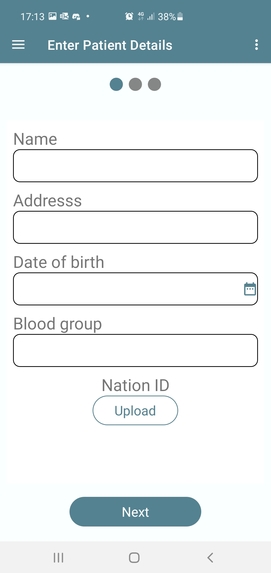
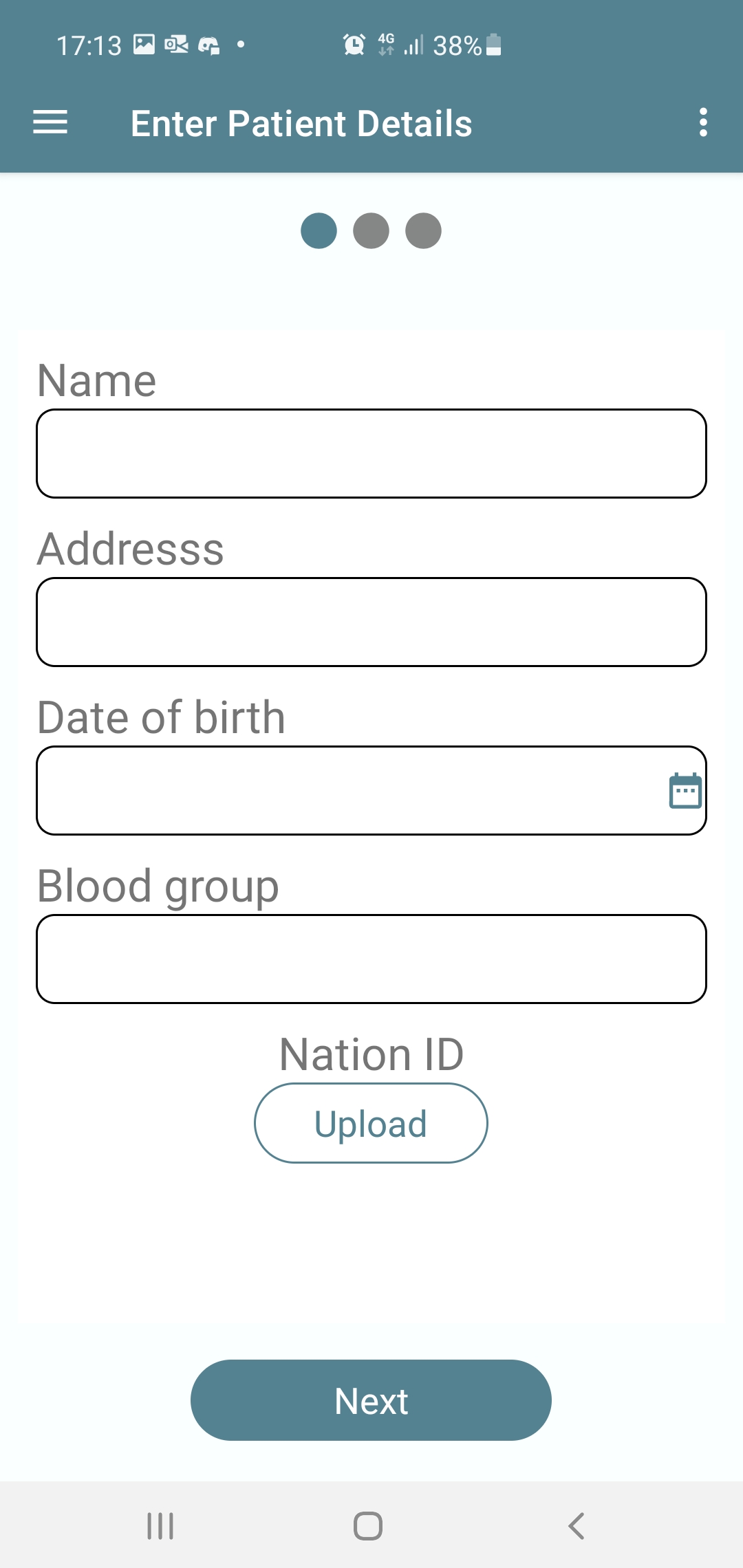
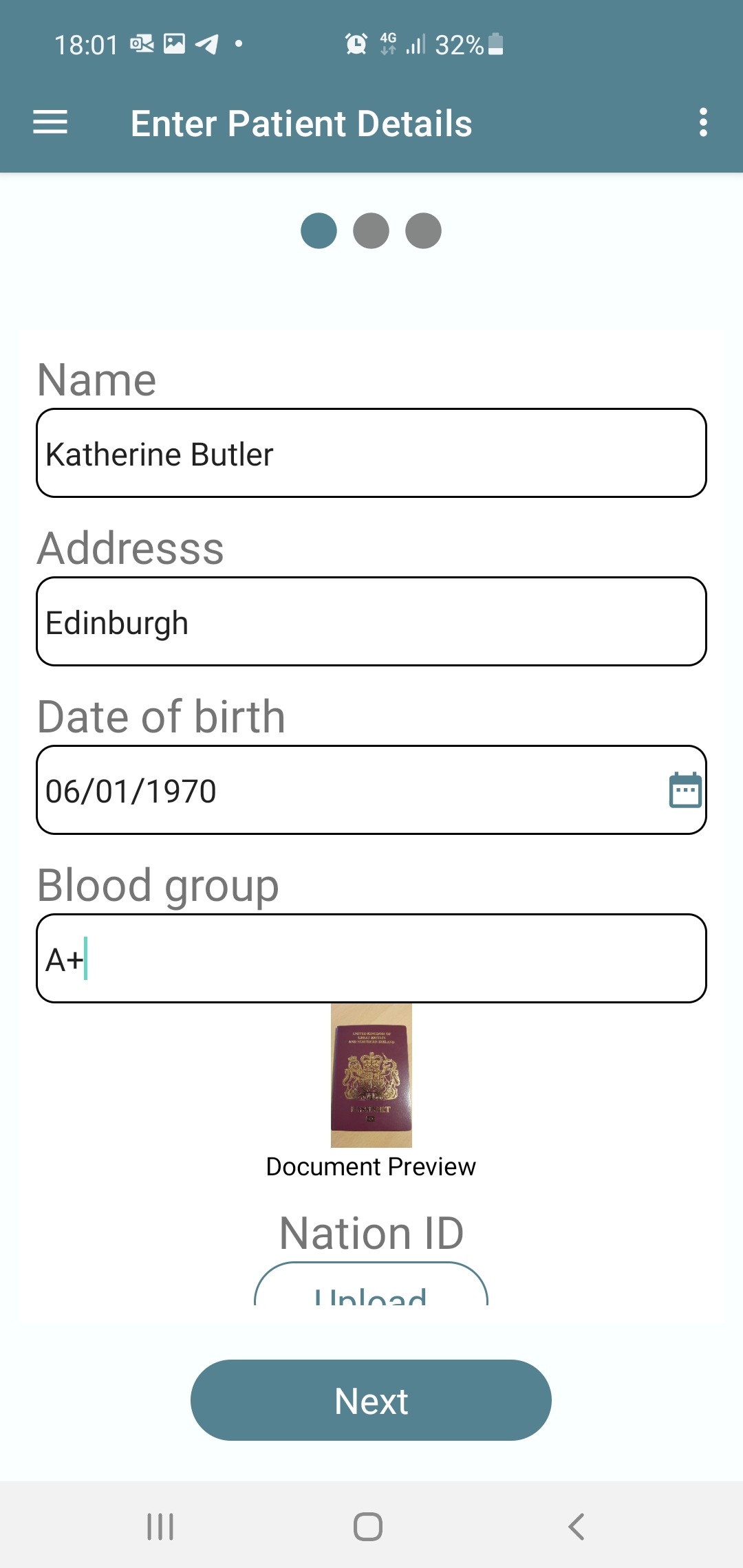
Registration for vaccination
-
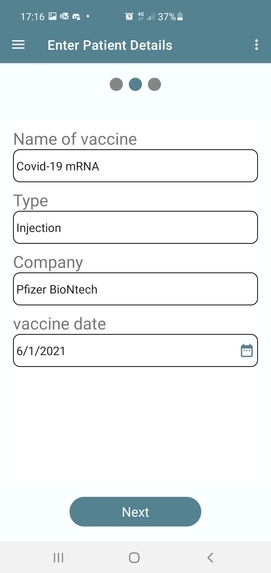
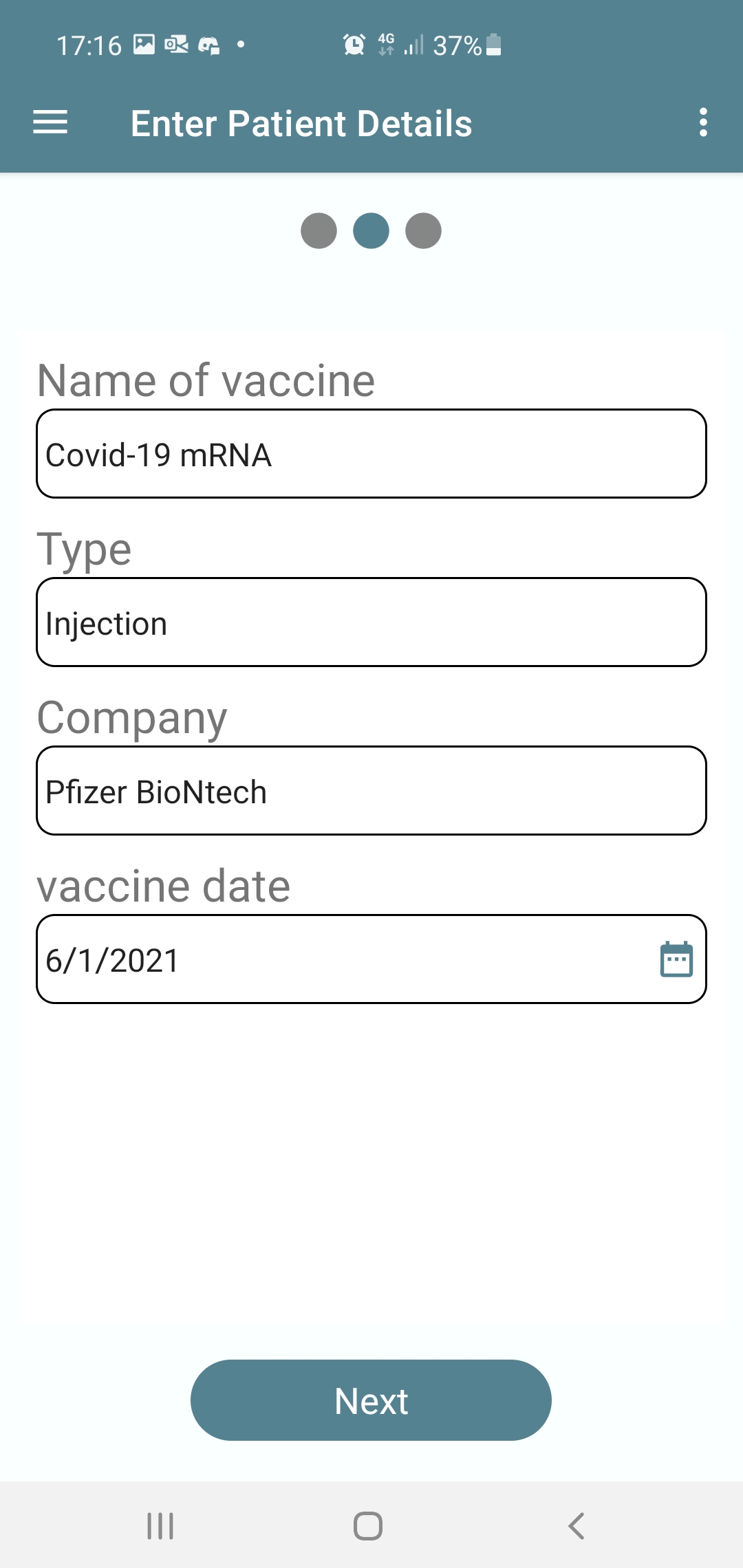
Vaccine details
-
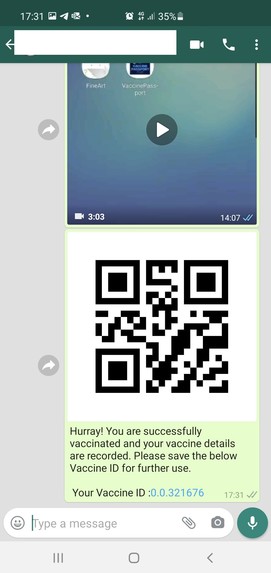
Shared record message format
-
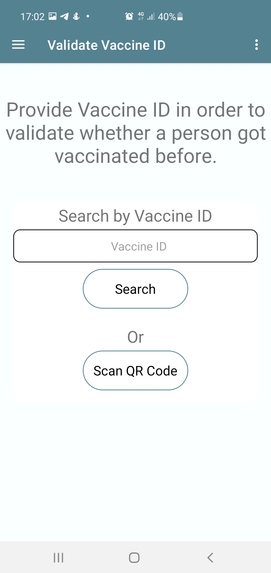
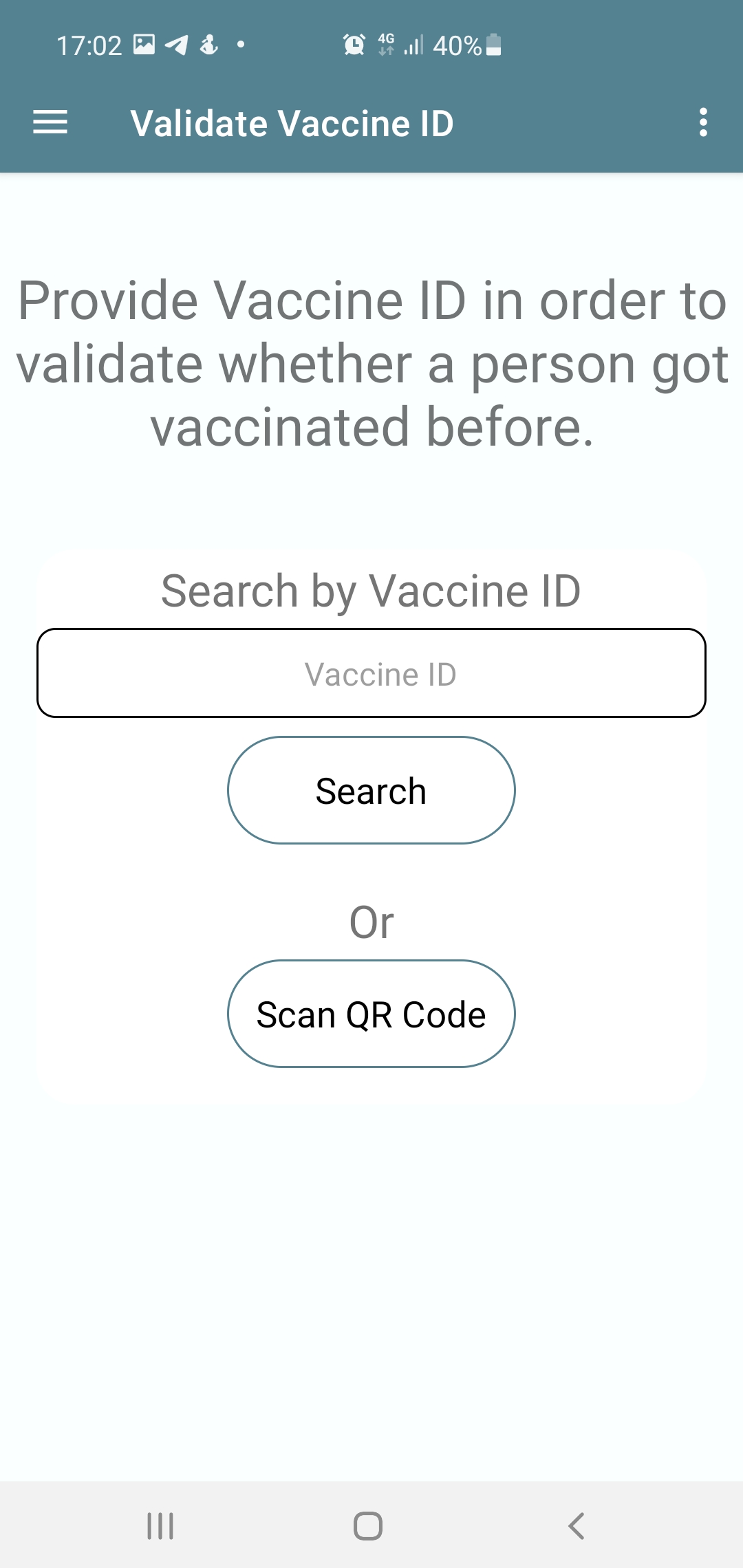
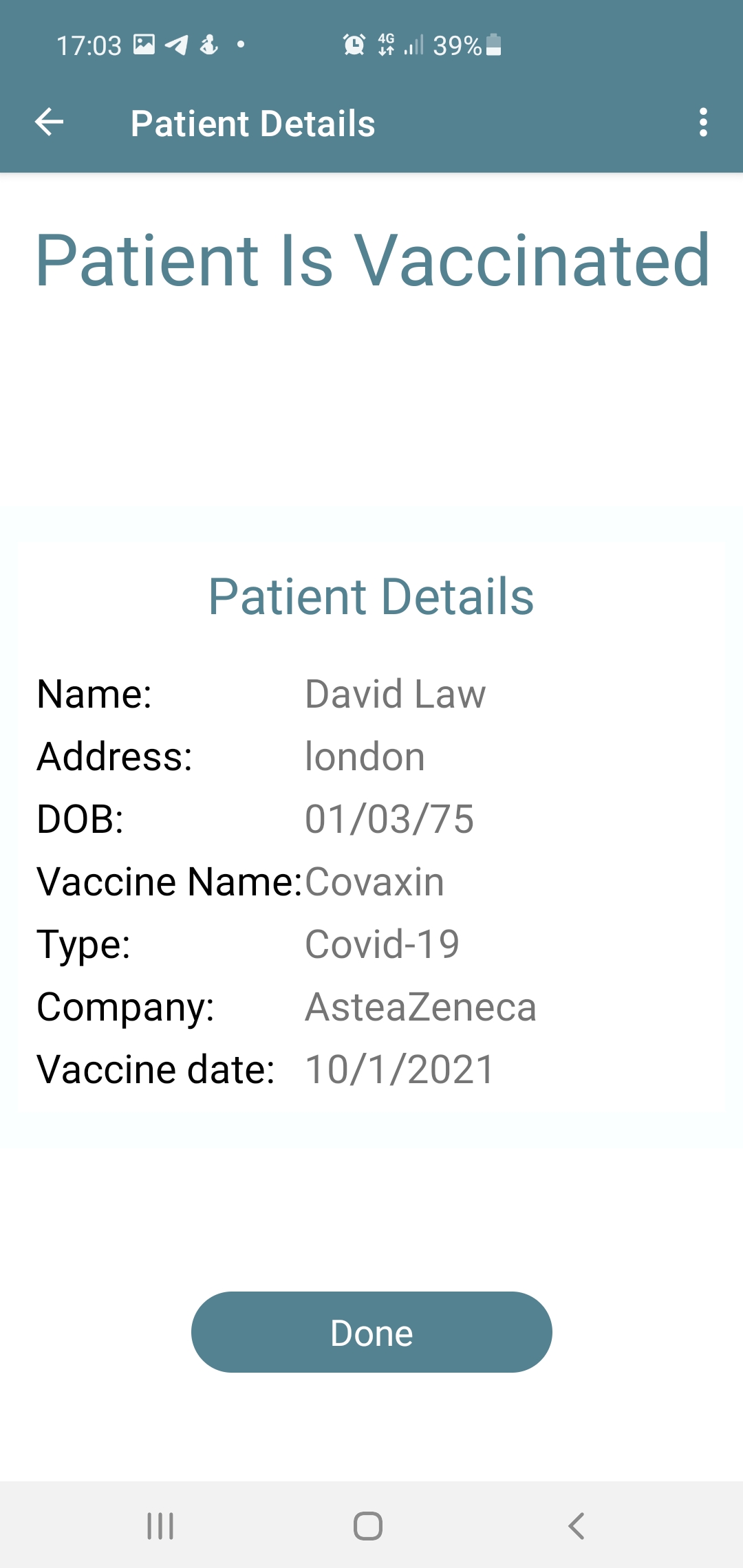
Validate person's vaccination status
-
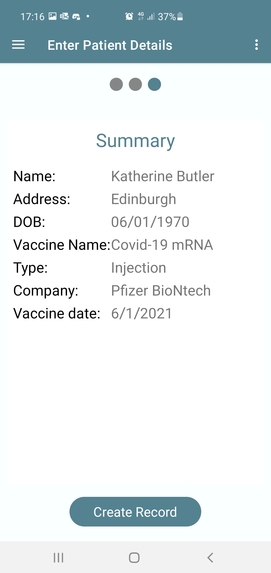
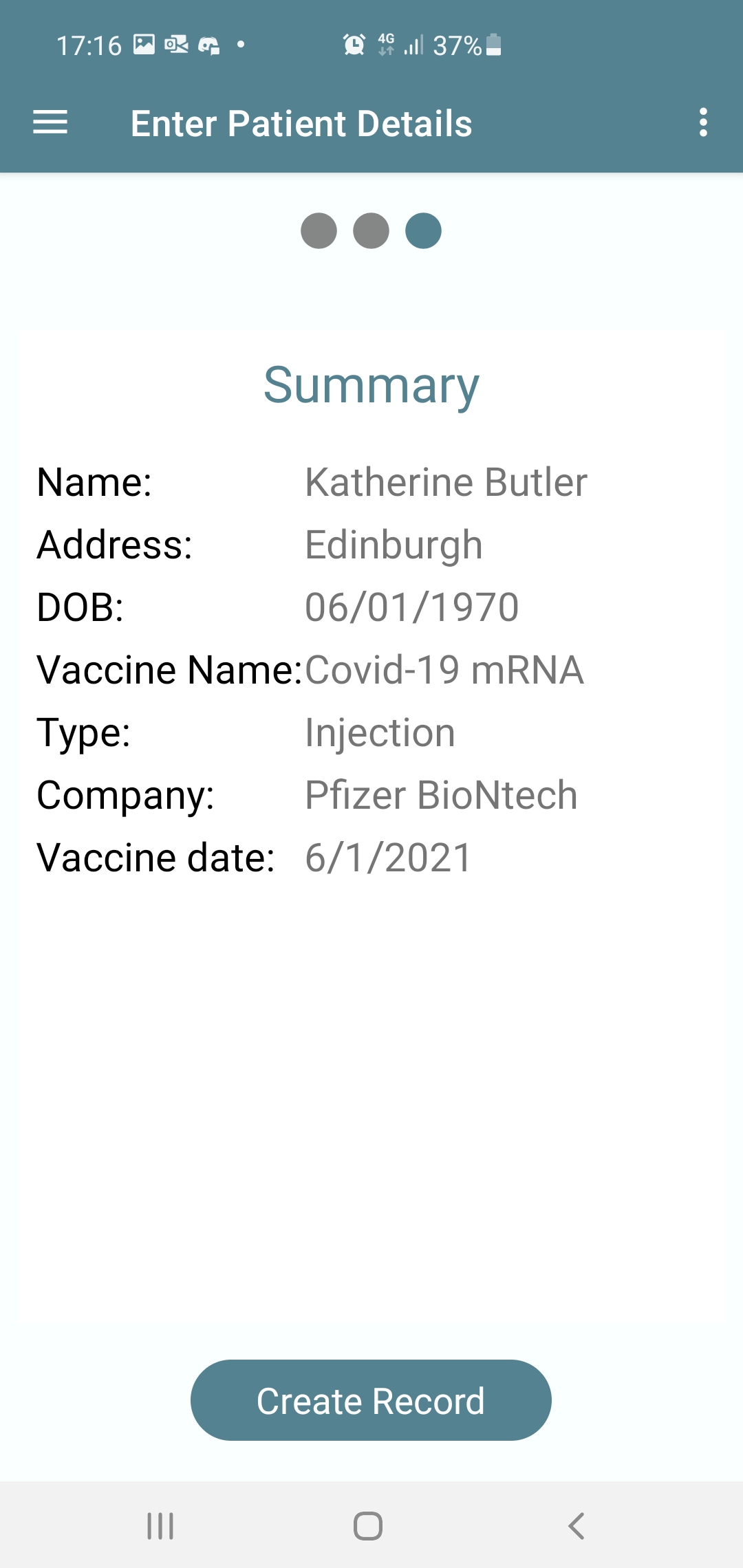
Summary of record entered
-
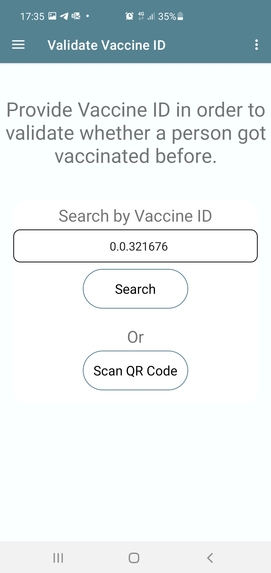
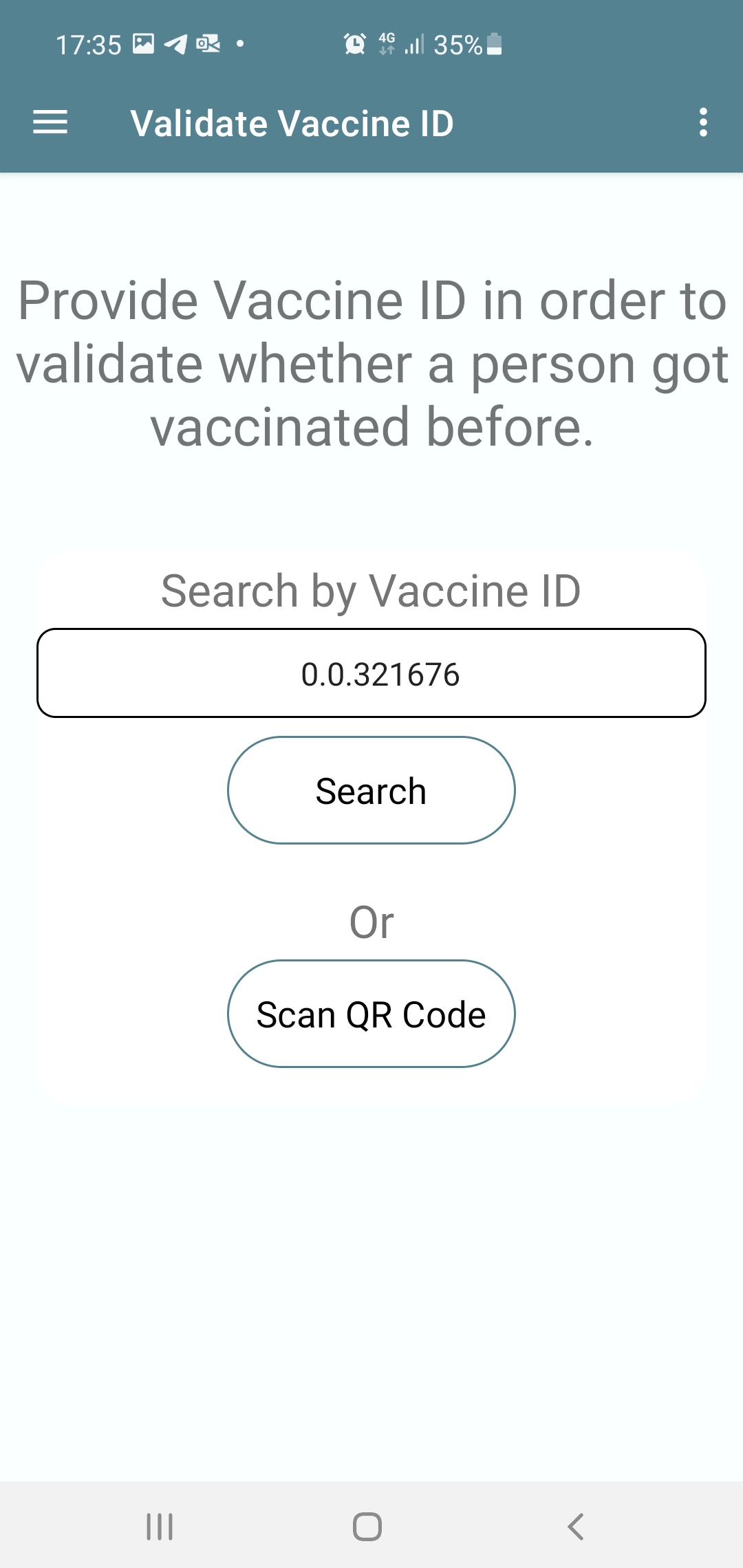
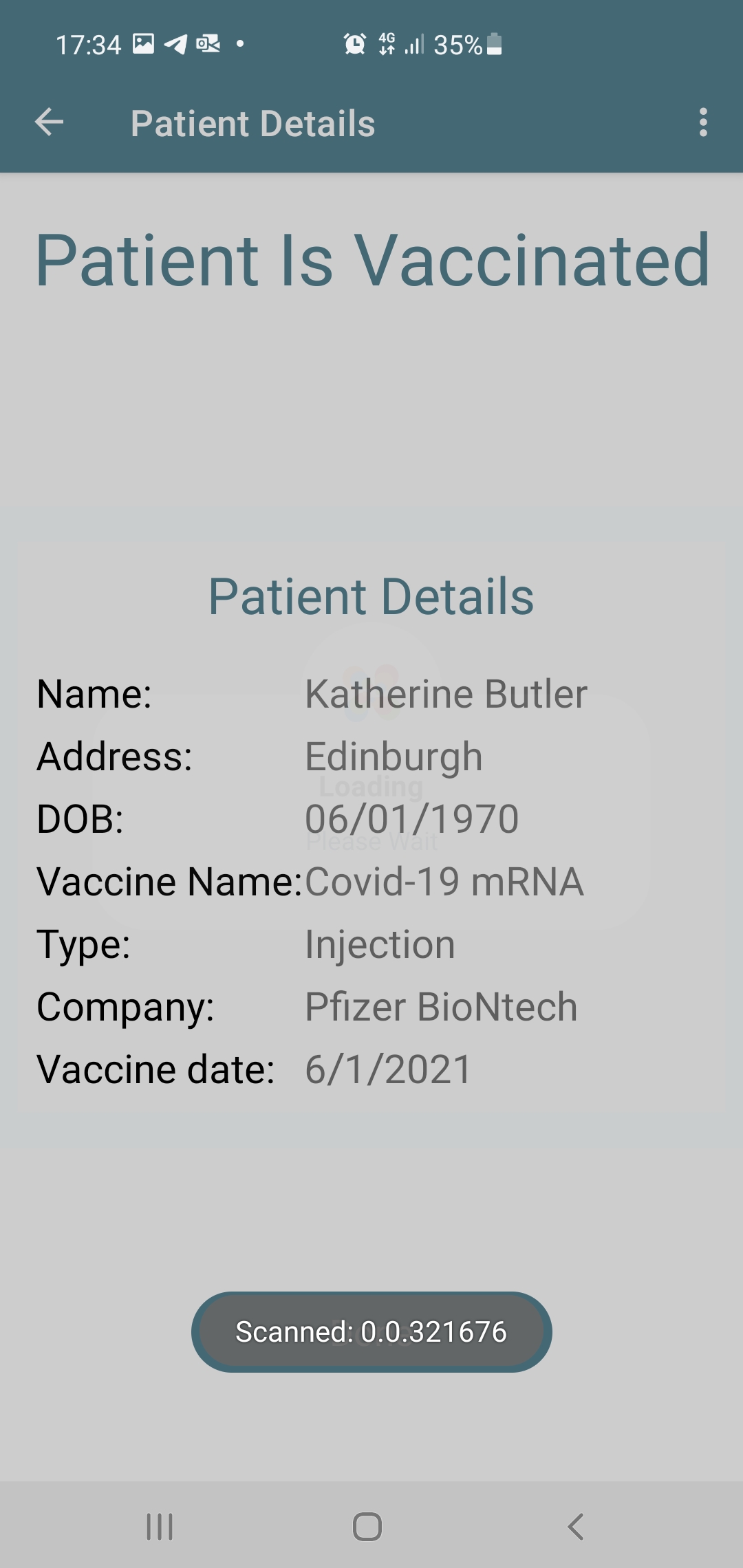
Check using Vaccine ID which is HTS token ID
-
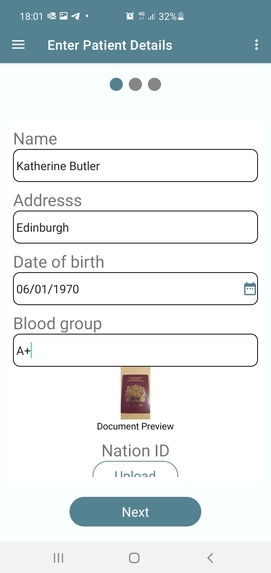
KYC document uploaded , shown in preview
-
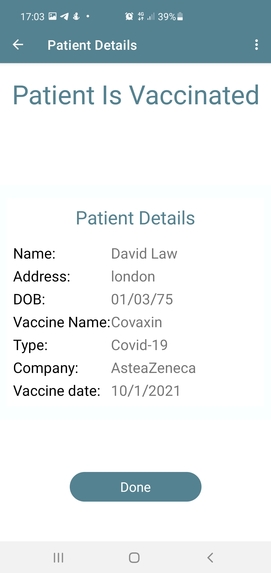
Result of vaccination check
-
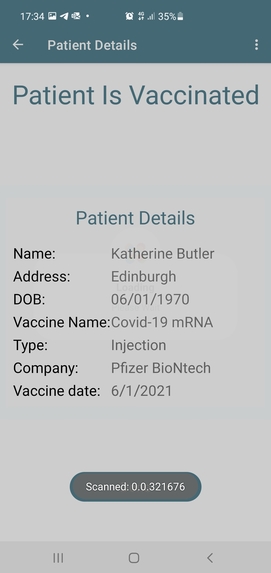
QR code scanned, person vaccination checked and result displayed
-
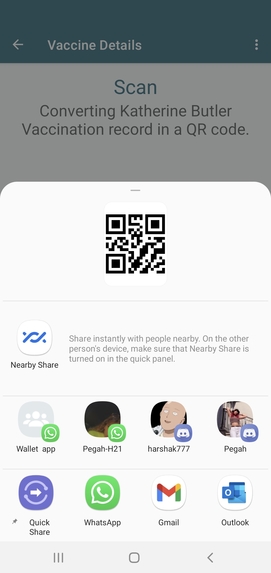
Record can be shared
Inspiration
The global economy has been severely disrupted by Covid-19, with the virus wreaking particular devastation on the travel industry, work, schools, shops and restaurants. Combining health data introducing digital immunity records is necessary as a potential lifeline to jumpstart the economy, industry, schools and shops. UK and many EU countries are looking at the technology to create presentable proof of immunity and we developed it in Vaccine Passport application using Hedera HTS technology.
What it does
Below steps 1-3 are for organisation KYC and management which we could not implement due to time constraint.
- Surgery, Hospital download the app and fill in the information and send for authorization
- KYC and all authorization done by Application management and access granted, Admin credentials created
- Admin will create credentials for vaccination nurses/case workers.
Submitted developed application work in below steps- Instead of organisation admin nurses case workers will create account providing their KYC.
- Vaccination nurses/case workers will login Vaccine Passport application for the creation of Vaccine Passport for the people/patients.
- From mobile application case worker/employee enters the patients details and vaccine details
- HTS Token is created with all the information, details are stored in Hedera file Service.
- Patient record is created as token with following parameters; name of the token: patient name, token symbol: patient file id and other parameters respectively.
- Once the token is created, it is listed in the list of people vaccinated. This token can be shared by social media, email to the patient.
- Nurses/Case worker can see the patient details any time using validate vaccine ID menu
- Reader will need Vaccine Passport account to read
- Reader access token MEMO field and get the link for data in file service
- Reader gives out result PASS/FAIL or Vaccinated/ Expired
Challenges addressed
Social Good Challenge - Sponsored by The Chopra Foundation Vaccine Passport application helps governments, organisation and individuals to cross check vaccination proof, immunity and health status in no time in secure and transparent way and will be very useful to combat current pandemic situation.
Enhancing Tokenization Functionality Challenge - Sponsored by DLA Piper and BCW Group Vaccine Passport application shows how token functionality can be enhanced and utilised cross border to validate certain set requirements.
How we built it
- Vaccine passport is an android application which uses active Hedera Token Service. Full UI mock-up was created in Invision tool and then Android studio using Kotelin language application was developed.
- The main use case of this application is to create a vaccine passport identity for the patients/users who vaccinates.
- The major resources used from Hedera are Hedera account creation, Hedera Token Service and Hedera File Services.
Challenges we ran into
- Initially it took time to understand the Hedera Token Services.
- Hedera documentation was great but implementing from scratch was biggest task.
- HTS demo application helped us but gave lot of bugs and problems moving forward to next steps.
- There was many issues with SDK version. For every new upgrade we used to face many problems.
- Signing with multiple signatures was confusing.
- How to update information stored in the token by linking file service Ids
- Bug-Queries for account info occasionally throw an error due to insufficient fee. This is due to a bug in the SDK which incorrectly compares the query cost (actual cost) with the maximum set for the client or query.
- Bug-Token create transaction and setting memo with .setTransactionMemo.
Accomplishments that we're proud of
- Yahoo! finally we could solve all the problems and build our working application for the Hackathon.
- We could apply most of the HTS features in our application.
- Created REST API's for all the methods used for patient token creations. This will be useful for future development.
What we learned
- HTS features
- How to store information and link with tokens
- How to store and retrieve back information from tokens
- How to create REST APIs
- How token functionality can be enhanced and utilised for carrying value useful to all others
- How enhanced token functionality can be used cross border using DLT technology
What's next for Vaccine Passport
Complete MVP development on Android and iOS- Next 2 months -Develop onboarding corporate entities module (Steps 1-3 mentioned above)
- Surgery, Hospital download the app and fill in the information and send for authorization
- KYC and all authorization done by Application management and access granted, Admin credentials created
- Admin will create credentials for vaccination nurses/case workers.
- Integrate KYC provider NETKI for individuals and corporate entities, clinics and social NGOs
- Make Vaccine Passport application live on the main net
- Achieve compliance and audit
- Integration with existing healthcare systems and patient database (as required)
Field testing and trials with MVP by 1st May 2021
-Make this available to NGOs through The Chopra foundation
- Explore local communities and social organisations to try this application
- Present this MVP to local councils, NHS clinics and Covid testing/ vaccination companies centres
Built With
- amazon-rds-relational-database-service
- amazon-web-services
- android-studio
- api
- fileservice
- hts
- kotelin
- mysql
- rest
- vscode


Log in or sign up for Devpost to join the conversation.