-
-
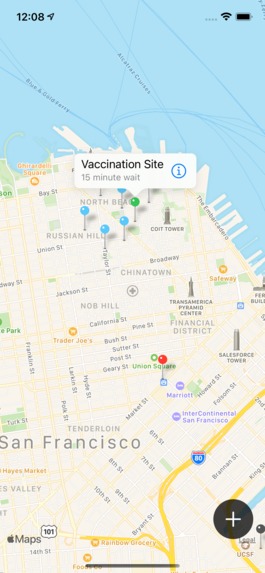
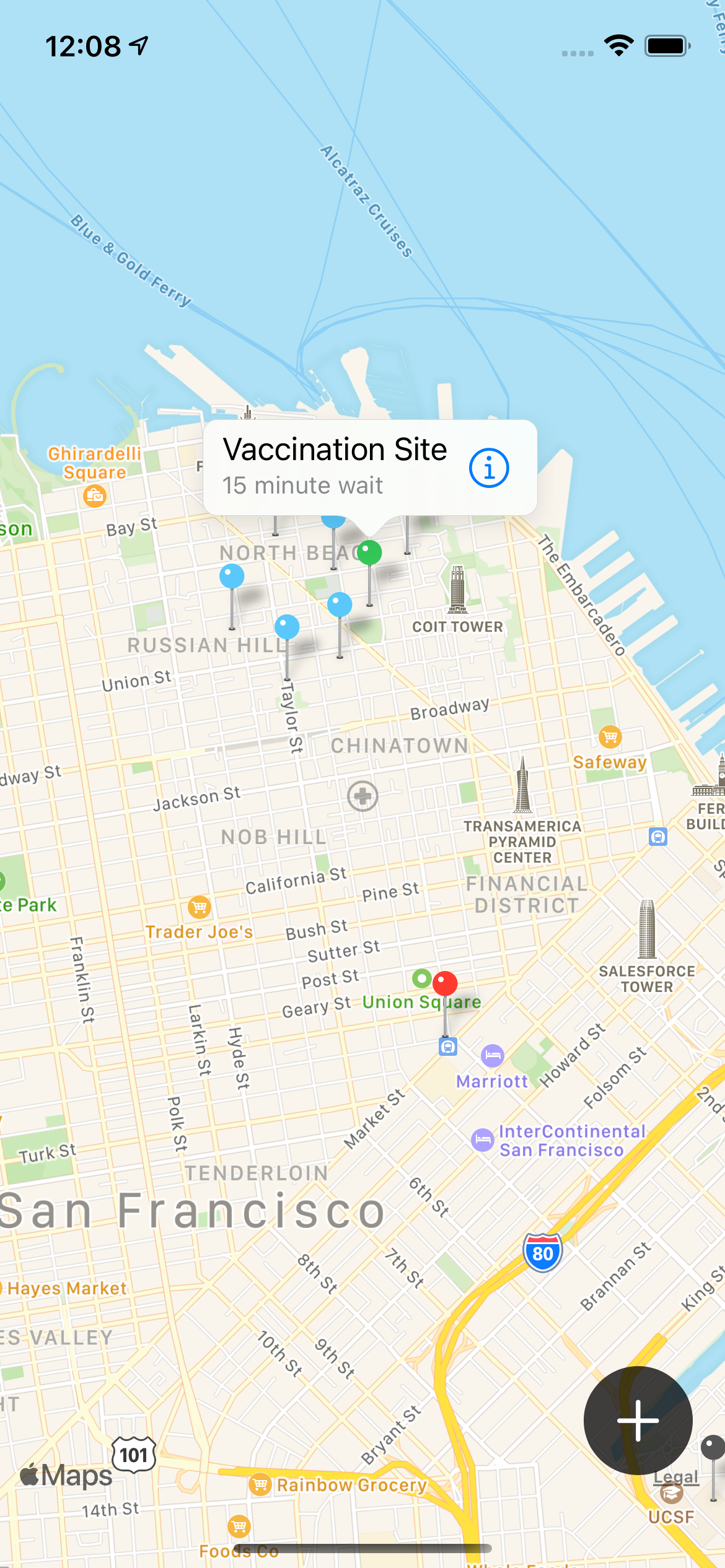
Users will see a map with colored pins corresponding to COVID testing and vaccination sites in their area, updated in real time.
-
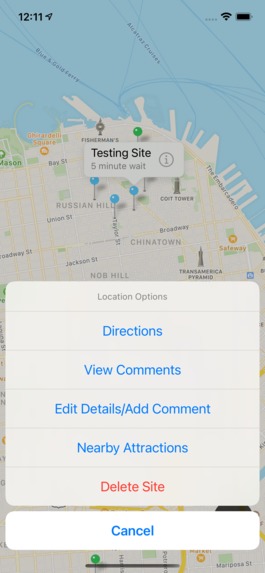
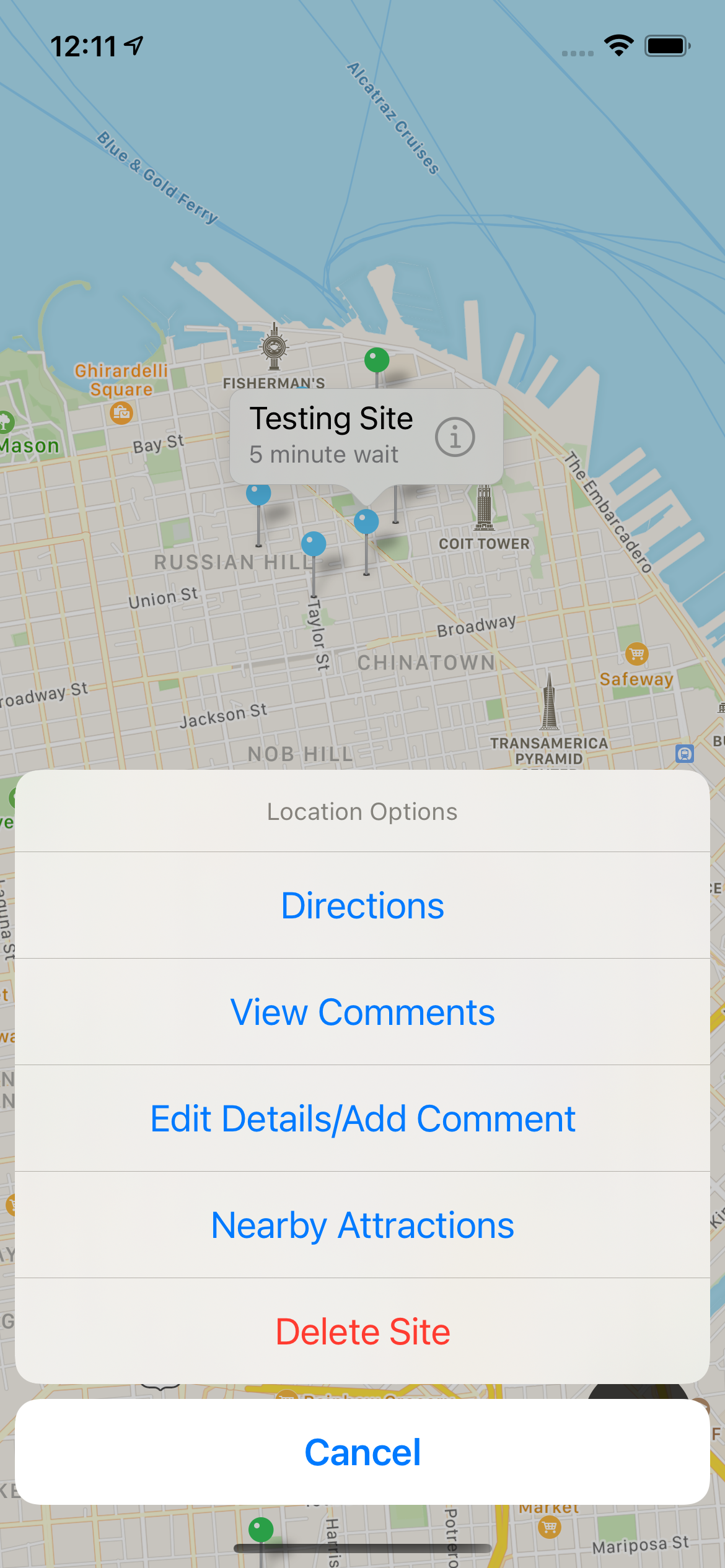
After tapping on a testing or vaccination site, users have several options, such as getting directions to the site or viewing comments.
-
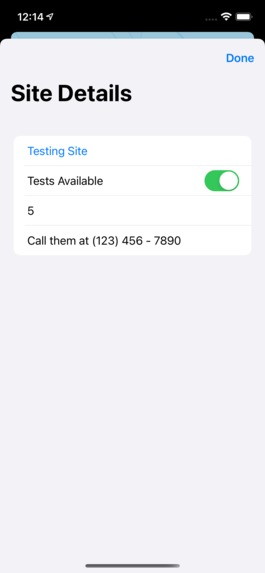
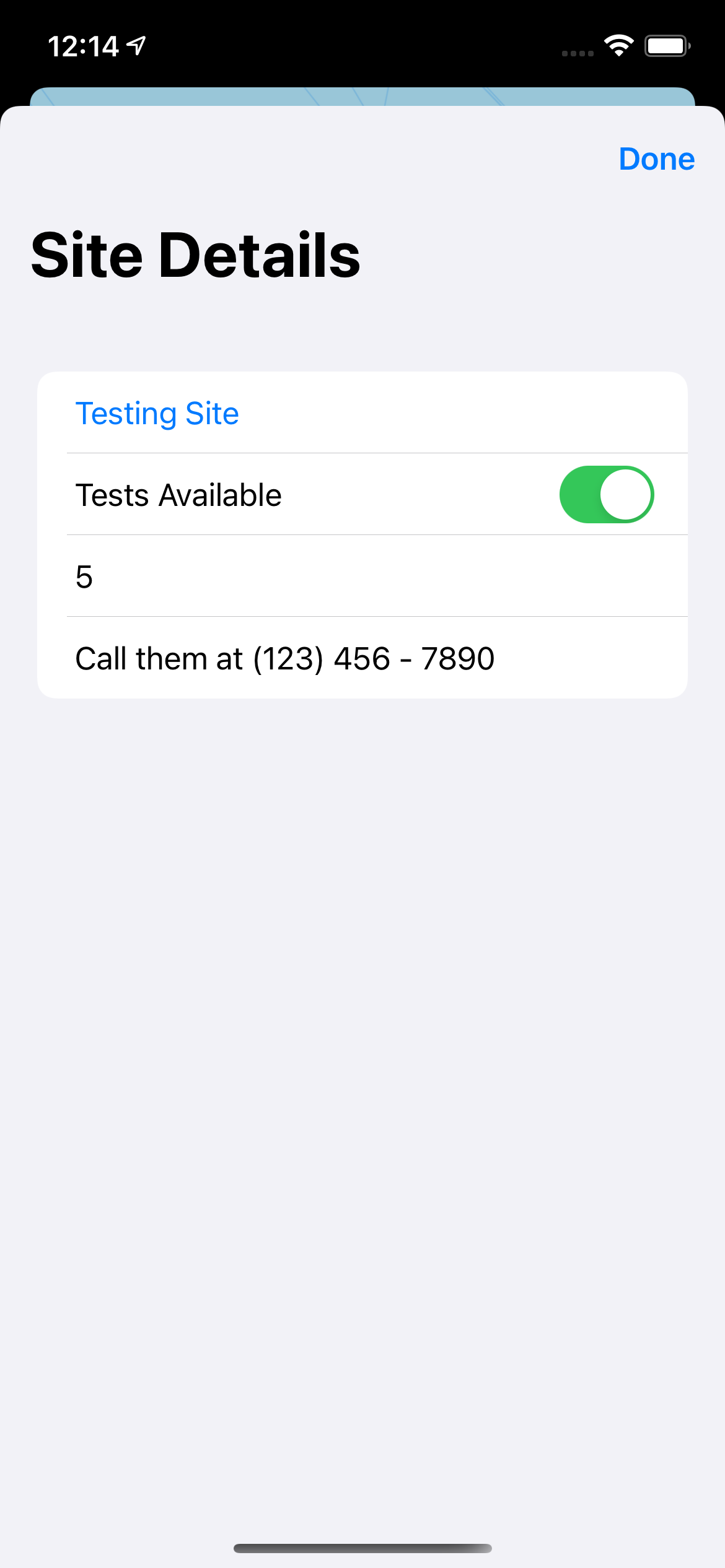
Users can edit data for the location and leave anonymous comments.
-

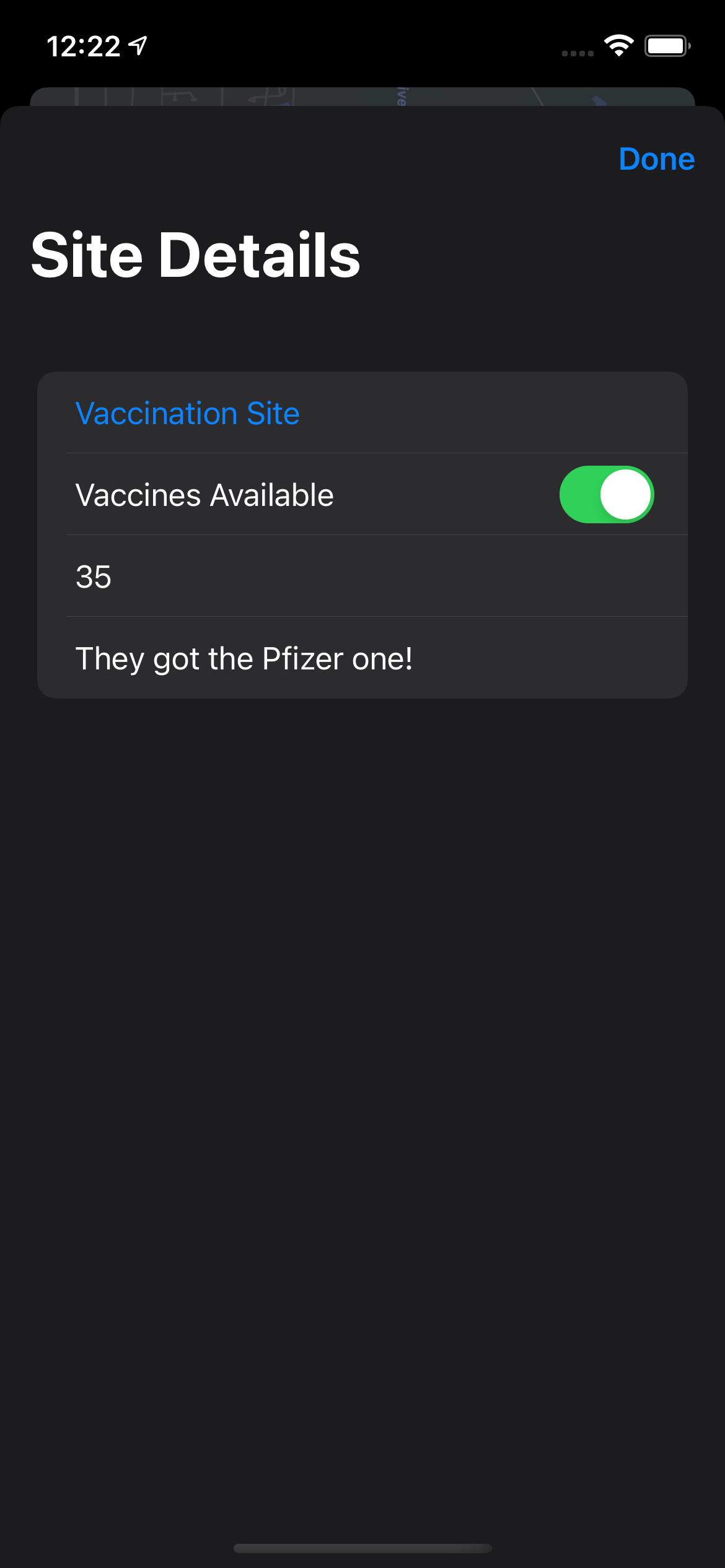
Dark Mode is fully supported, too.
-

Users can view other people's comments.
-
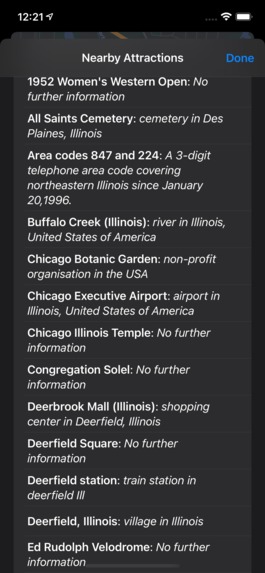
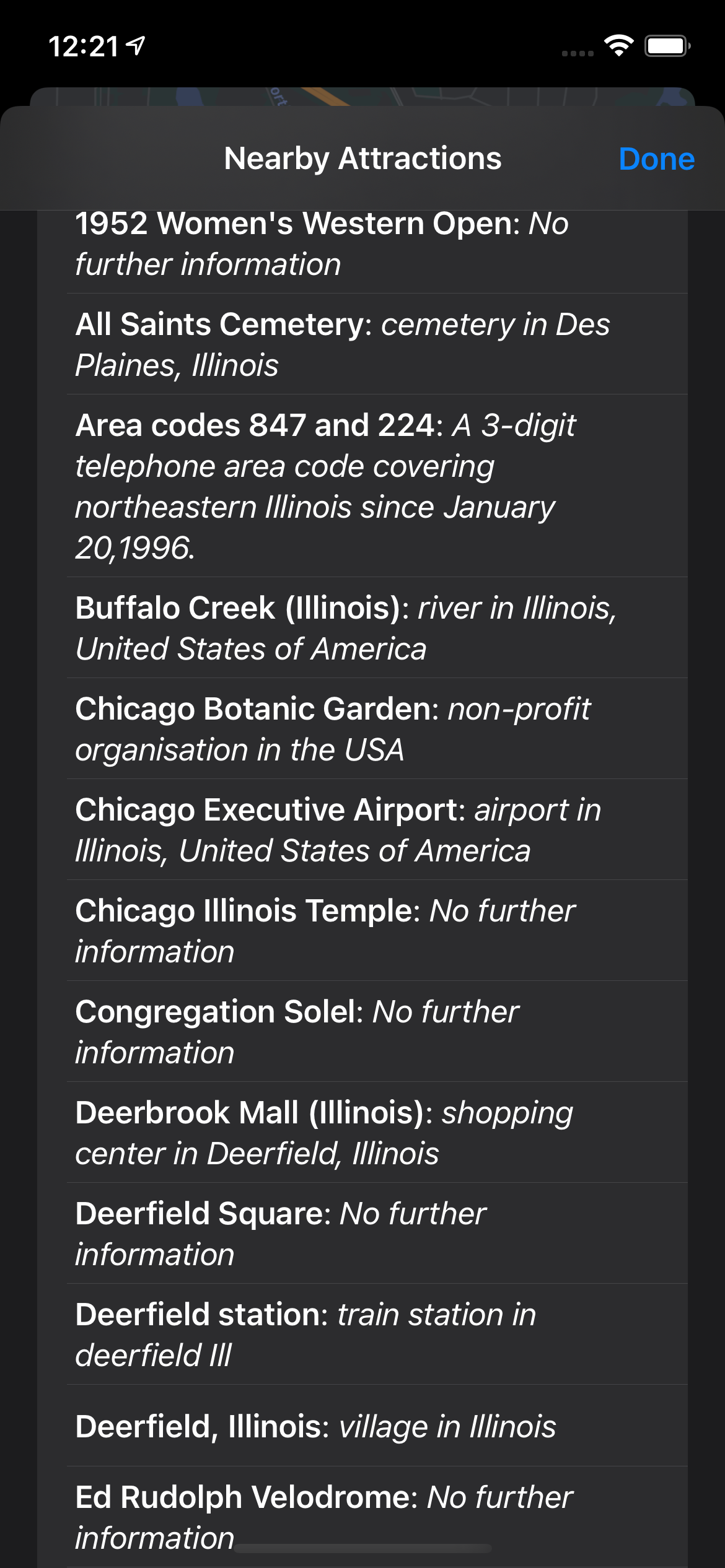
Users can also view a list of nearby attractions, so they can plan something fun to celebrate getting their vaccine!

Inspiration
Take a moment and ask yourself: what is the biggest problem in the world right now? It's not a trick question; the answer is obvious: COVID-19. Thankfully, this year is different, because we now have vaccines. The problem is that, for a variety of reasons, our country's response to the pandemic has left states struggling to administer doses in an organized manner, leaving many seniors waiting in long lines at mass vaccination sites only be to turned away. What if there was a way for people to find out in real time whether a vaccination or testing site has availability?
What it does
VacciMap syncs crowdsourced data on vaccination and testing wait times and availability. Users can simply drop a pin on the map, label it as a testing or vaccination site, and enter their best guess of the wait time, as well as additional comments. Pins are color-coded to allow users to quickly discern whether a location offers testing or vaccines, and whether there is availability. Blue pins are for testing sites, green pins are for vaccination sites, and sites that are reported to have no availability get gray pins.
Users can read others' anonymous comments regarding a site, and can even see which tourist attractions are nearby, which VacciMap automatically pulls from the web. Data is synced in real time, meaning that when someone adds, changes, or removes a vaccination or testing site, the map updates for all users without requiring a refresh. Lastly, VacciMap integrates directly with Apple Maps, allowing users to get directions to a site with just a couple taps.
How we built it
VacciMap uses Apple's MapKit and Google's Firebase Realtime Database to display a detailed map and sync crowdsourced data. VacciMap is written in Swift using the new SwiftUI lifecycle to make use of the latest Apple technology.
When a user adds, changes, or removes a testing site from the map, an entry is created, changed, or removed from the Firebase Realtime Database, so changes can be observed live by all users. Locations are given unique identifiers based on their coordinates so that data, comments, and directions can be tied to the proper source.
In order to color-code the pins, a singleton instance of a class containing a dictionary object is used to store the color data, based on the location type. This data is observed by the content view, which makes use of Apple's Combine framework to update what's displayed every time source data changes.
Challenges we ran into
I never used MapKit or Core Location before this hackathon, so I had to learn almost everything from scratch. Fortunately, there was good documentation online as well as a few tutorials, so I was able to learn from those before rewriting much of the project to fit my needs. Additionally, SwiftUI doesn't support MapKit directly yet, so I had to write wrappers to make the UIKit-based package work with the new SwiftUI framework.
Of course, there was quite a bit of debugging I had to do in order to fix issues such as data not syncing live, incorrect color coding, location not updating, and duplicate markers being added. Since testing was limited given the time constraint, it's unclear how many of these have been fully fixed, though the most obvious bugs have hopefully been eliminated.
Accomplishments that we're proud of
Figuring out how to color-code sites based on type and availability was a challenge. Another challenge was coming up with an effective way to cram several types of data into a built-in MapKit Annotation subclass that can only accept strings. Lastly, although it turned out to be easier than I thought, I'm proud that I was able to integrate Apple Maps to allow users to get directions to a testing site.
What we learned
I learned how to use Apple's MapKit and Core Location to display and update location markers on a map based on data from a database.
What's next for VacciMap
Hmm, I don't know yet. We'll see!


Log in or sign up for Devpost to join the conversation.