
Inspiration
When I heard the theme, my mind immediately went to Fallout New Vegas. I've always loved the cyberpunk retro feel of the game and I knew I had to do something with this. I also live inside of the terminal and knew that a TUI application that gives off the feel of a pip-boy would be a fun and creative app for the hackathon as well as be something I can use practically in various settings.
As someone who has been in the cybersecurity world for a few years, having participated in DEF CON, CTFs, and attended other events, I knew that this would be a cool project that could also be practical in some ways for people like myself. The real push came from thinking about DEF CON and other situations where you want a compact, self-contained machine and you'd rather not pull out a full laptop. I pictured a Raspberry Pi with a touchscreen strapped to my arm like an actual Pip-Boy, running network recon tools, encrypted team chat, AI assistance, and system monitoring all from one screen. The Pip-Boy from Fallout literally does this
STATS, ITEMS, DATA, MAP, RADIO
I just swapped the fictional functions for real ones.
What it does
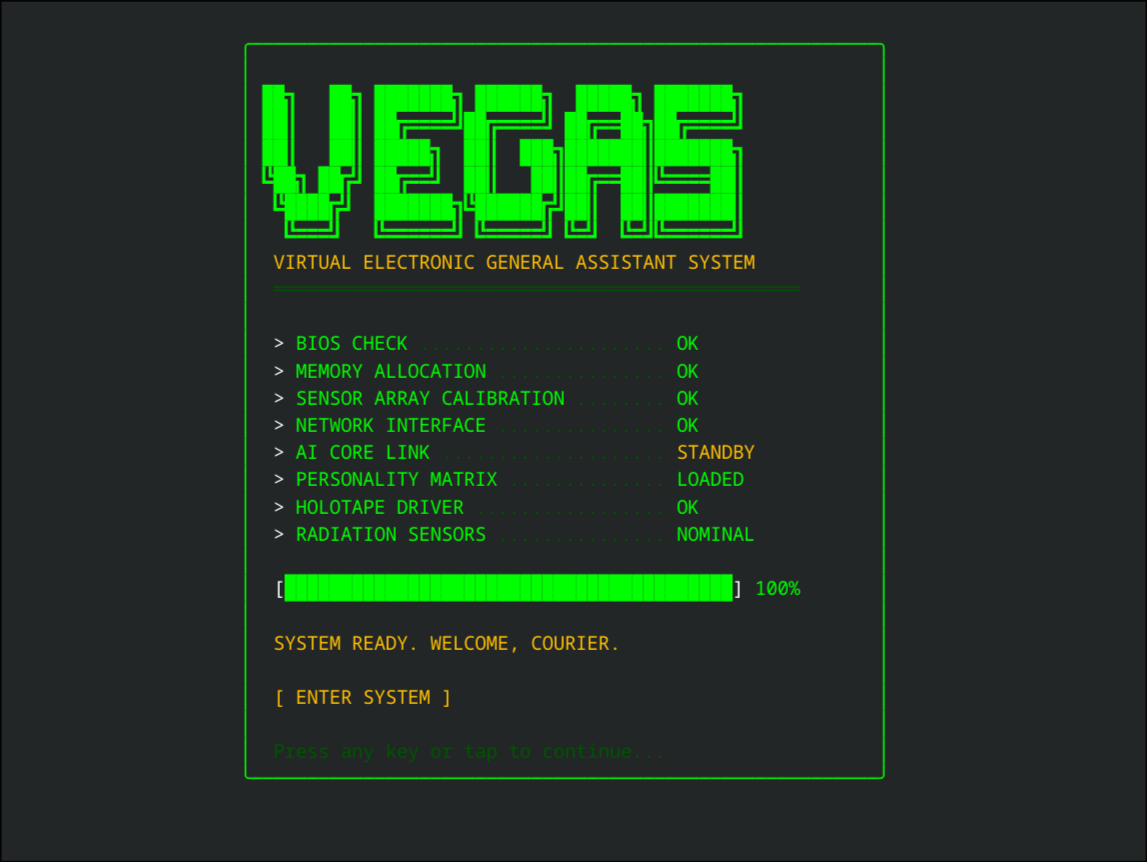
V.E.G.A.S. Protocol is a distributed terminal app. I built it to run on a Raspberry Pi 5 with a touchscreen but you can use it on pretty much any system via the terminal. Think of it as a real life Pip-Boy for hackers and sysadmins.
It has 10 tabs that cover a lot of ground:
- STATS shows real time CPU, RAM, temperature, and disk usage with cool gauges
- ITEMS is actually a cybersecurity toolkit. I took 8 real tools like dig, curl, and nmap and gave them Fallout codenames like Signal Tracker
- DATA is an AI chat terminal running on a local Ollama model. It can even generate project plans for you
- QUESTS handles project management with tasks set up like RPG quests
- PROJ is a file browser that lets you handle git operations like push and pull right from the screen
- RADIO controls your Spotify playback and has a little animated equalizer (not accurate, just fun visuals)
- MAP displays a scrollable ASCII map of the Mojave Wasteland
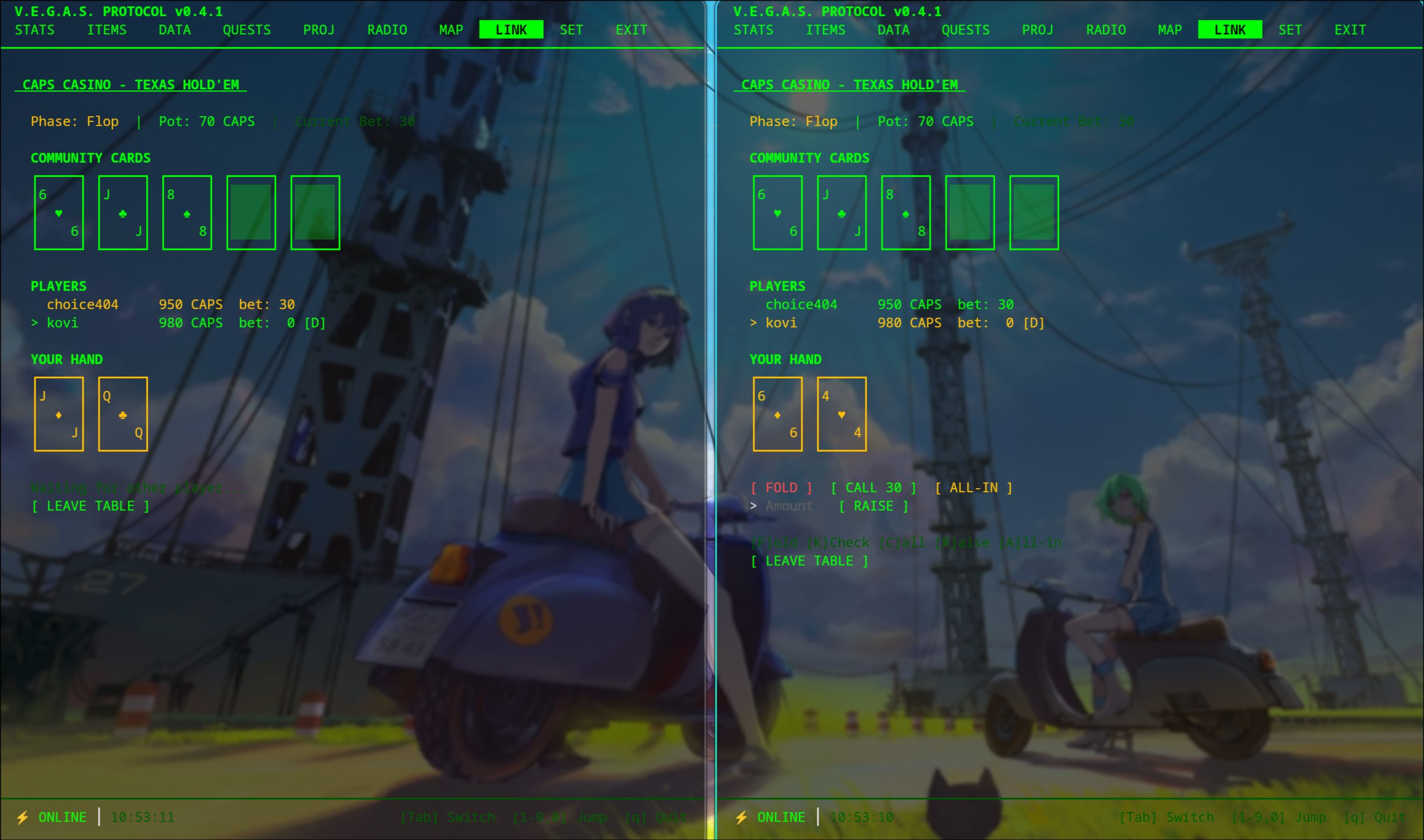
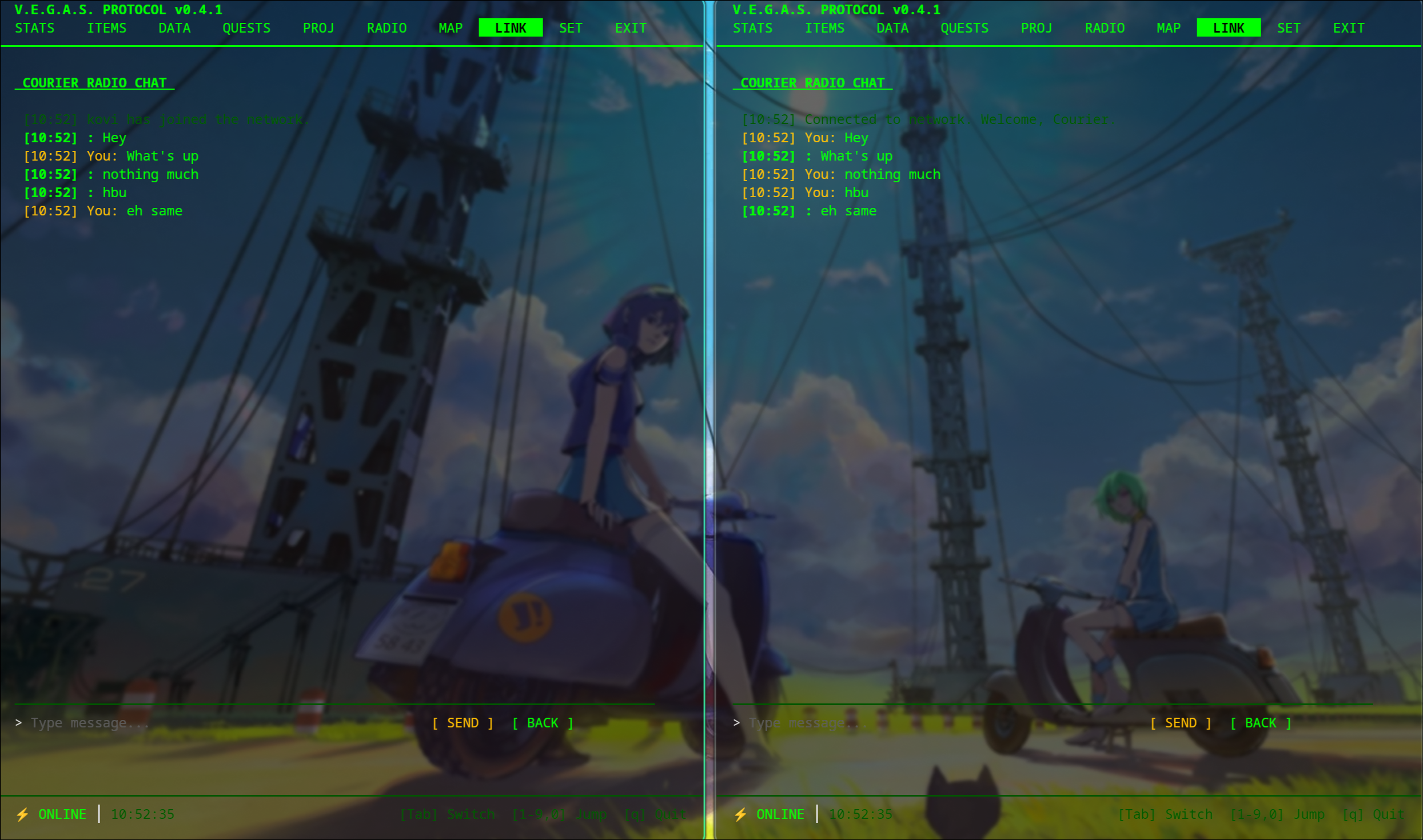
- LINK handles encrypted peer to peer networking. It has chat and a multiplayer Texas Hold'em game
- SET lets you change your settings
- EXIT just quits the app
You can navigate the whole thing using a keyboard, a mouse, or the touchscreen. It all compiles down to a single file.
How I built it
I wrote the whole project in Go. For the terminal interface I used the Charmbracelet stack. This includes Bubble Tea for the main event loop and Lip Gloss for the styling.
I split the architecture into a client which is the app on the Pi and a server that handles the AI chat requests. Most of the features work fine on their own without the server though.
For the networking and the poker game I stuck to the standard Go library. I used the crypto libraries to handle encryption and making sure the connections are secure. The poker game was interesting because I had to write logic to check every possible 5 card combination from the 7 available cards to figure out who won. I used standard crypto random functions to shuffle the deck so it stays fair.
The security tools run in the background with a timeout so they don't freeze the app. I set it up so it is really easy to add new tools later by just defining what arguments they need.
Since I wanted to use a touchscreen on the Pi I wrote a listener that reads raw input data directly from the device. This lets us decode where you are touching and turn that into mouse events that the terminal app understands. This made every button tap-friendly without us having to rewrite the UI code.
Challenges I ran into
Touchscreen on bare TTY. The screen I had wasn't working with the standard mouse tools. The events just weren't getting to the app. I ended up bypassing the standard drivers entirely and reading the raw input directly from the device file.
Viewport content vanishing. The library I used for the viewports would lose content when the window was resized. If the size hit zero it would just clear everything. I had to write a fix to store the output separately and put it back in after a resize.
P2P auth ordering. Getting the security handshake to happen in the right order was tough. I had to make sure the connection was encrypted before I started verifying identities.
Supabase IPv6 issues. I had some trouble connecting to the database because of how it handles IPv6 addresses.
Making 10 tabs feel like one app. This was the hardest design challenge. It is hard to make a system monitor, a poker game, and a music player look like they belong in the same app. The Fallout theme really helped tie it all together.
Accomplishments that I'm proud of
- The security toolkit is actually useful and lets you run scans and queries right from your wrist
- I built a working multiplayer poker game from scratch without any external networking libraries
- The touchscreen support makes it feel like you are actually using a Pip-Boy
- I managed to integrate AI to help with task management
- The whole thing compiles into one binary that runs great on a Pi
What I learned
- I learned a lot about how Linux handles input events at a low level and how to decode them
- The architecture pattern used scales really well even for complex apps with lots of tabs
- You can do secure peer to peer networking without needing central servers if you use the right crypto patterns
- Teaching a computer to rank poker hands is actually a pretty hard math problem and ended up being more code than the networking part
- Designing for a touchscreen is very different than a mouse. You have to think about things like what happens when you lift your finger and how to avoid accidental taps
What's next for V.E.G.A.S Protocol
- I want to add more tools like netcat, tcpdump, tshark, etc.
- Ability to add tools dynamically with fields for flags and arguments
- A custom shell for running bash commands
- Streaming the output of commands so you see results in real time instead of waiting for the command to finish
- A media tab to launch a video player (I want to specifically use it with ani-cli to watch anime)
- Custom color themes so you can swap from green to amber or blue
- Adding file transfer support to the network layer
Go, Bubble Tea, Lip Gloss, bubbles, bubblezone, Chi, gopsutil, pgx, PostgreSQL, Supabase, Ollama, Spotify Web API, OAuth2, JWT, godotenv, Raspberry Pi, Linux
Built With
- bubbles
- bubbletea
- bubblezone
- charmbracelet
- chi
- go
- godotenv
- lipgloss
- llama3.1(8b)
- ollama
- postgresql
- raspberrypi
- spotify
- supabase

Log in or sign up for Devpost to join the conversation.