-
-
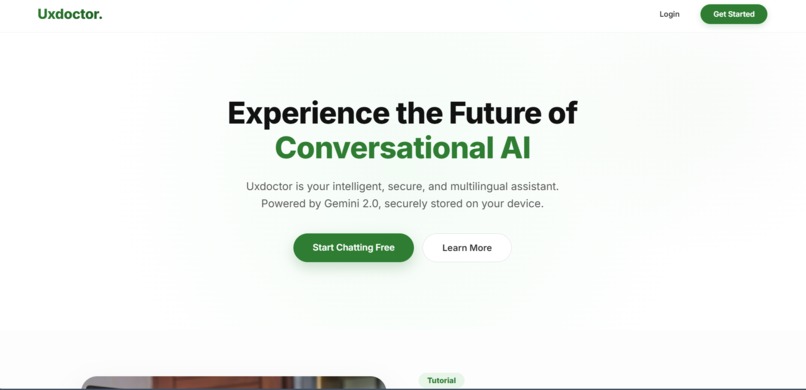
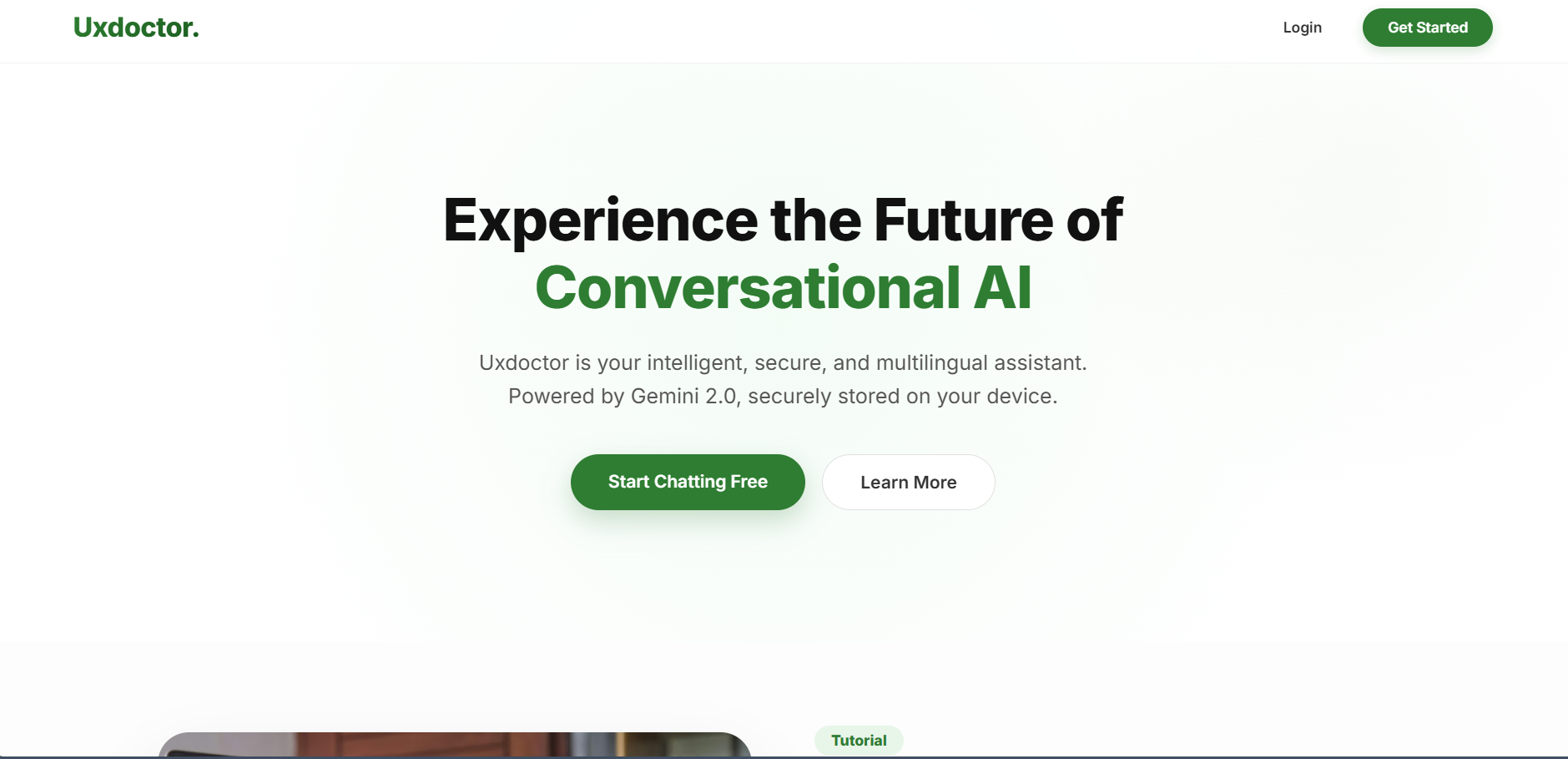
Home page
-
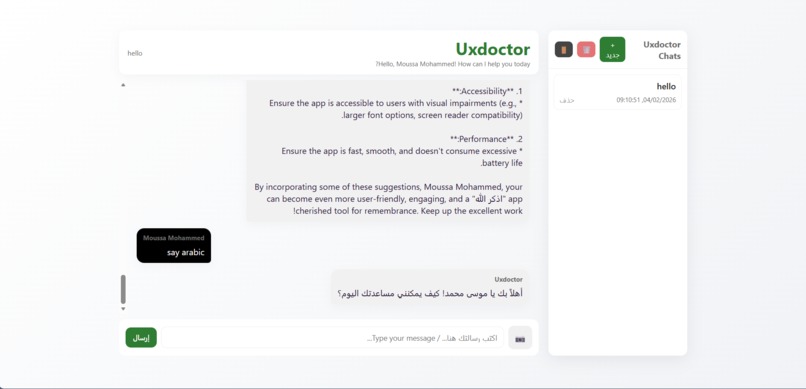
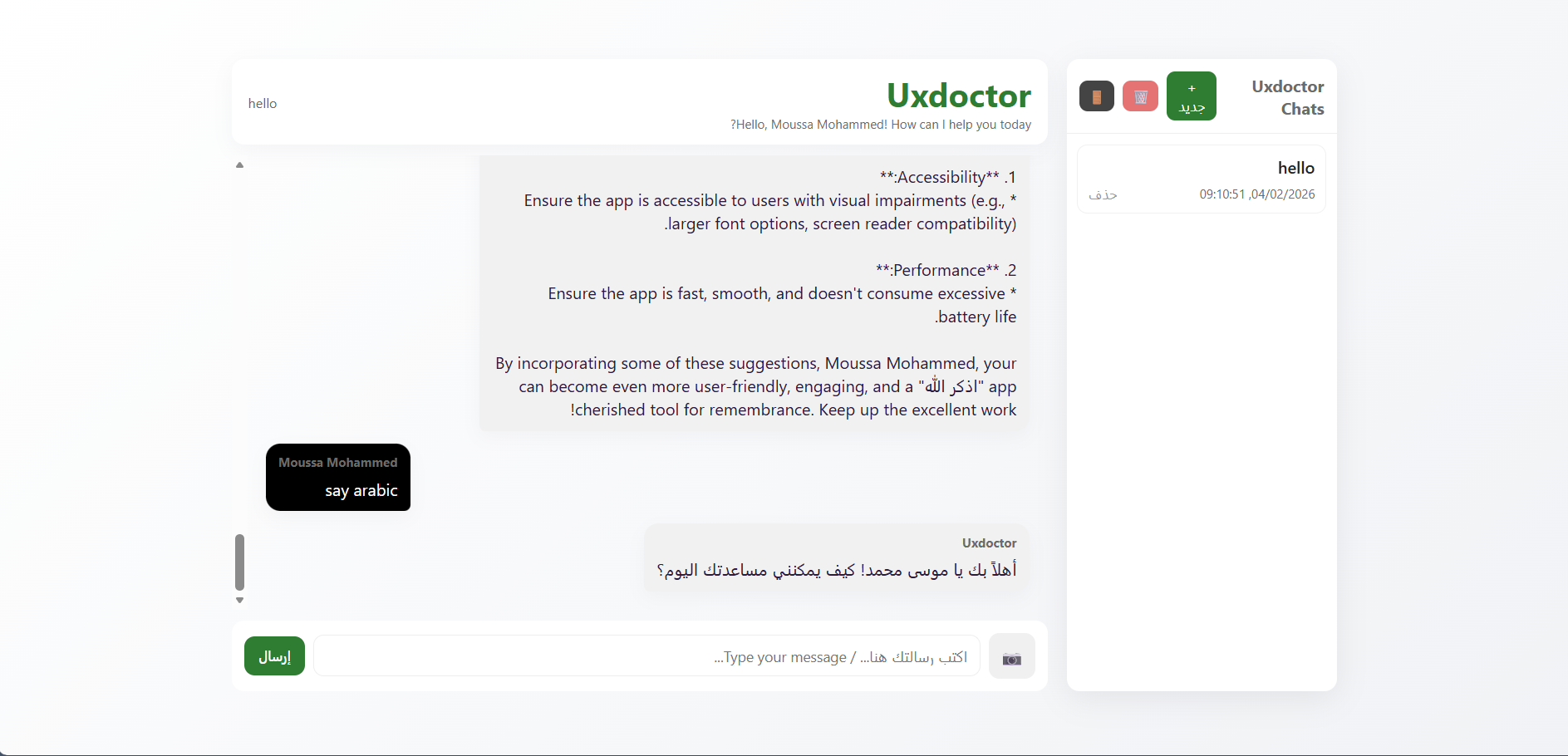
Uxdoctor chat
-
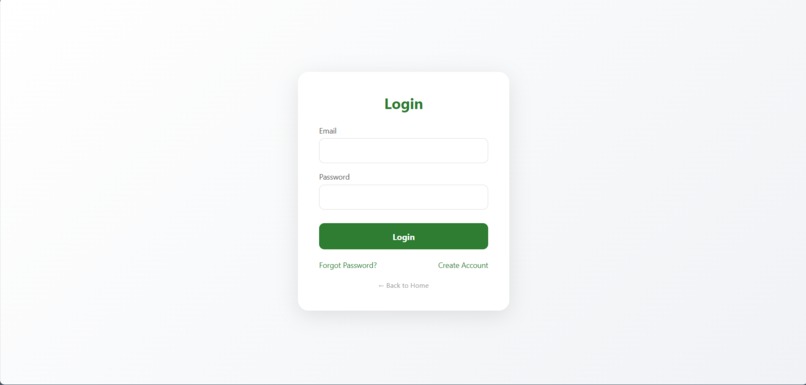
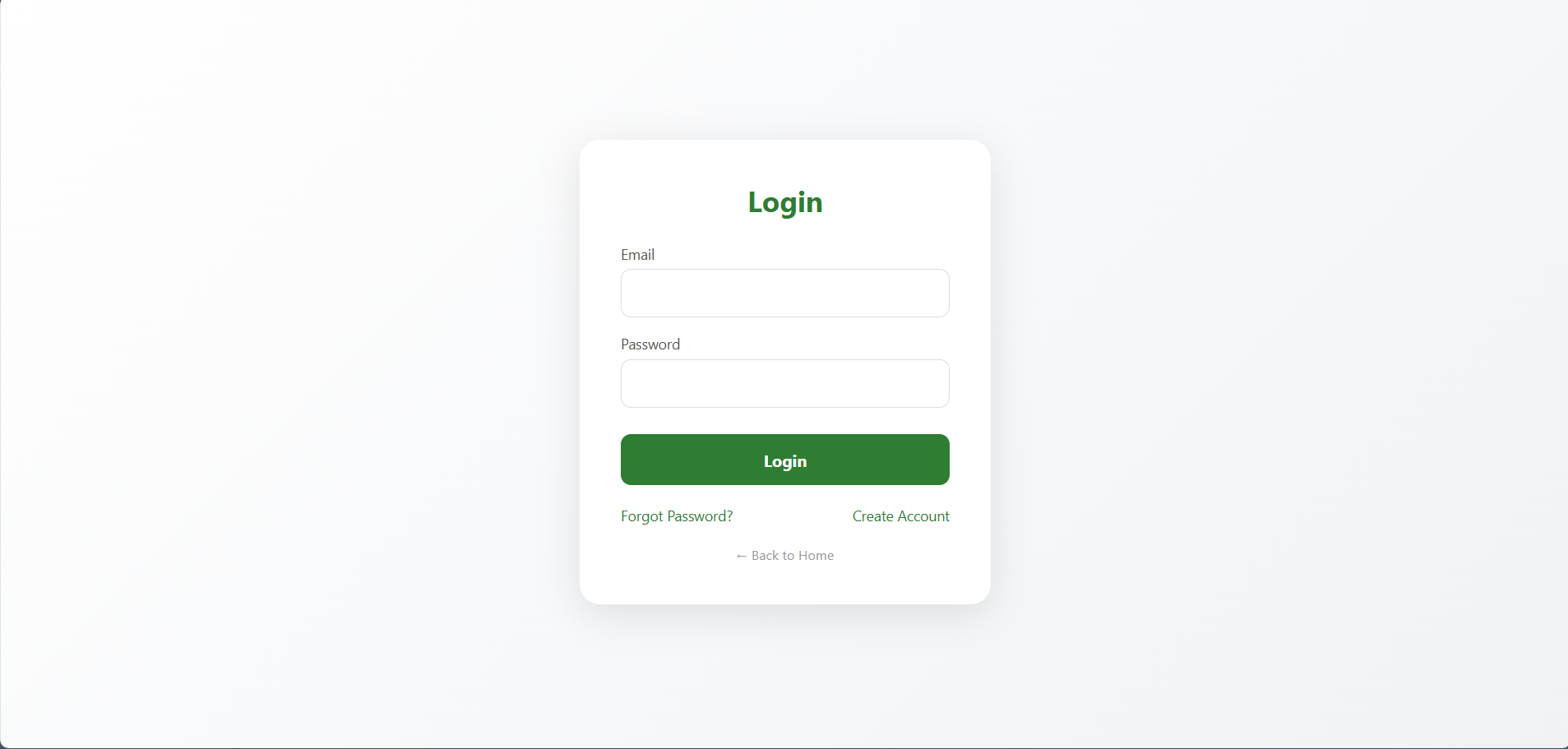
login
-
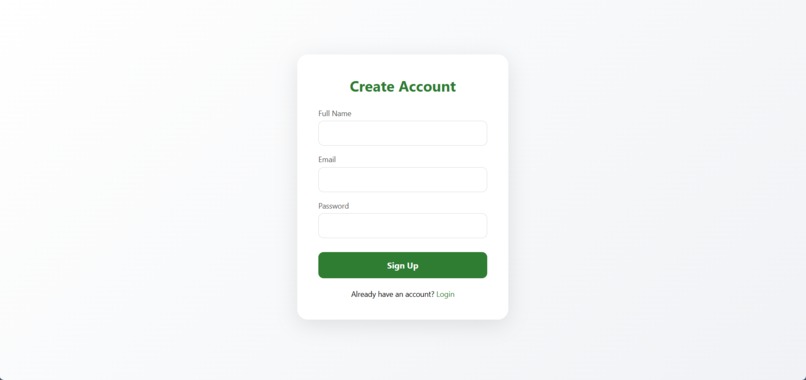
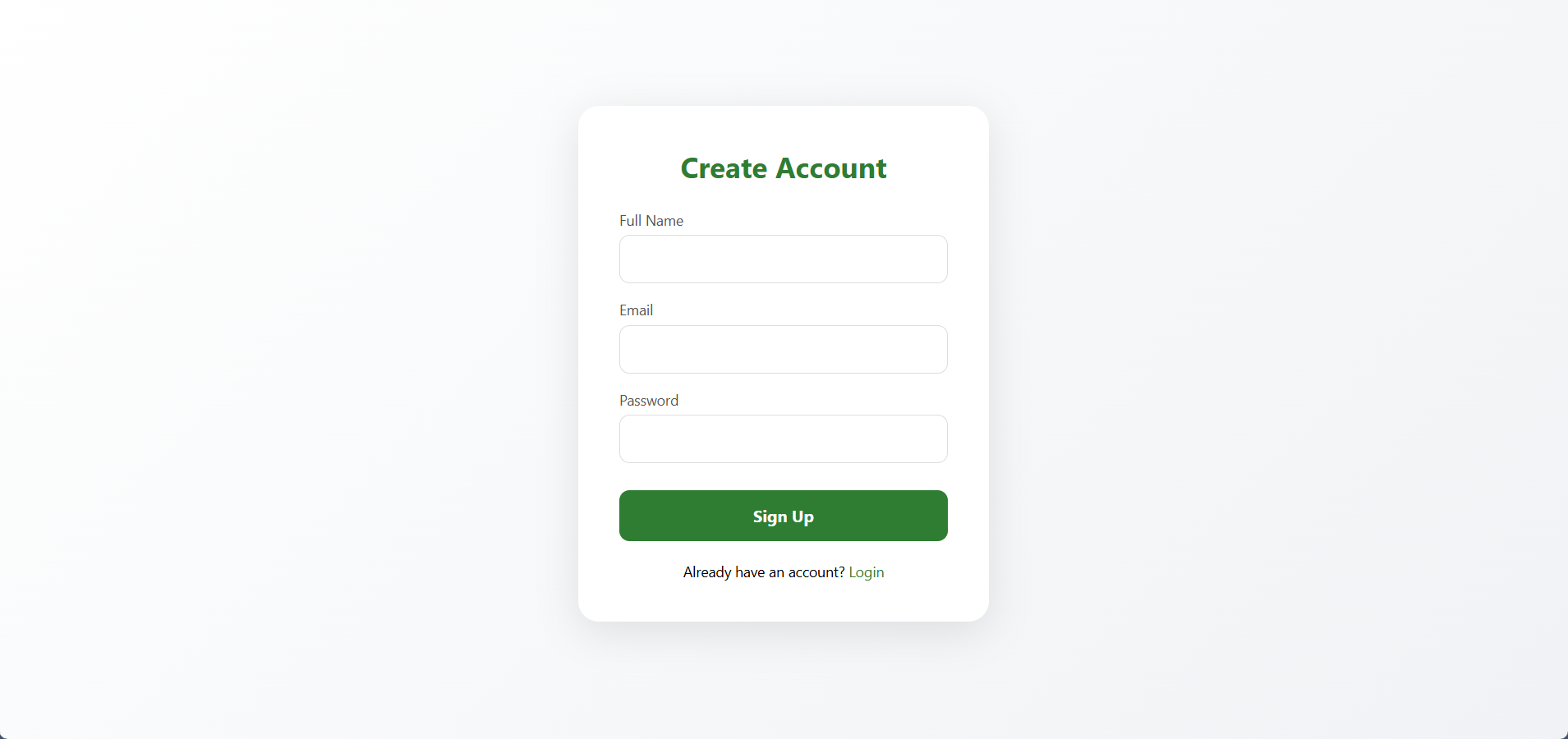
create account
Inspiration
We noticed designers often struggle to identify UX issues quickly. Feedback is slow, generic, or requires a UX expert. We wanted a fast, AI-powered tool to instantly analyze interfaces and suggest #improvements.
What it does
UXDoctor lets users upload screenshots or describe UX problems. Using Gemini 3, it analyzes layouts, colors, buttons, and accessibility, then provides actionable recommendations to improve usability.
How we built it
We integrated Gemini 3 for multimodal understanding, combining text and image analysis. The app evaluates interface designs, identifies issues, and generates context-aware suggestions.
Challenges we ran into
Parsing complex UI screenshots and translating visual analysis into clear recommendations was tricky. Balancing accuracy with fast response time was also a challenge.
Accomplishments that we're proud of
UXDoctor can provide instant, intelligent, and actionable UX feedback from any interface image. It turns guesswork into practical AI-powered diagnostics.
What we learned
We gained experience in AI-powered UX analysis, multimodal data handling, and designing an intuitive user workflow for actionable insights.
What's next for UXDoctor
We plan to expand support for interactive prototypes, improve image recognition accuracy, and add personalized UX recommendations for different user types


Log in or sign up for Devpost to join the conversation.