-
-
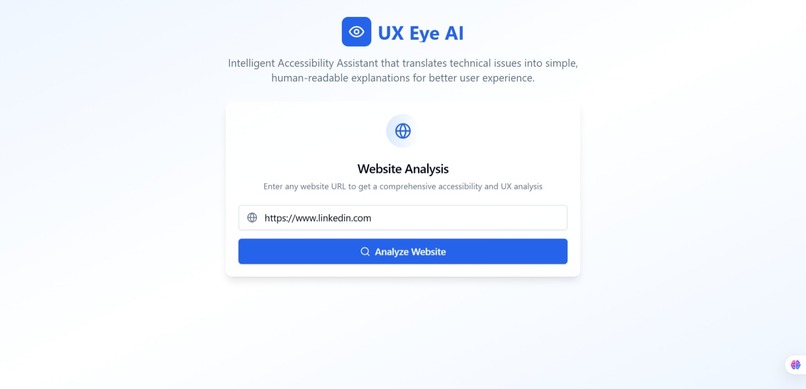
LandingPage
-
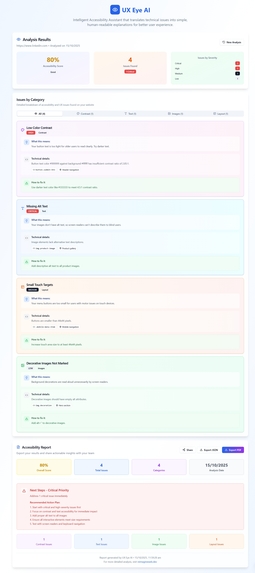
AnalysisPage
Inspiration
The inspiration behind UX Eye AI came from a simple observation while tools exist to analyze websites for accessibility and SEO, most of them speak in technical jargon that many designers and beginners struggle to understand. I wanted to build something that translates those complex designs into human-friendly explanations, like a digital “UX mentor” that helps anyone improve their website usability and accessibility without needing deep technical knowledge.
What it does
UX Eye AI is an intelligent AI-powered accessibility and UX feedback assistant that helps designers and developers instantly understand how user-friendly their websites are.
It works in three simple steps:
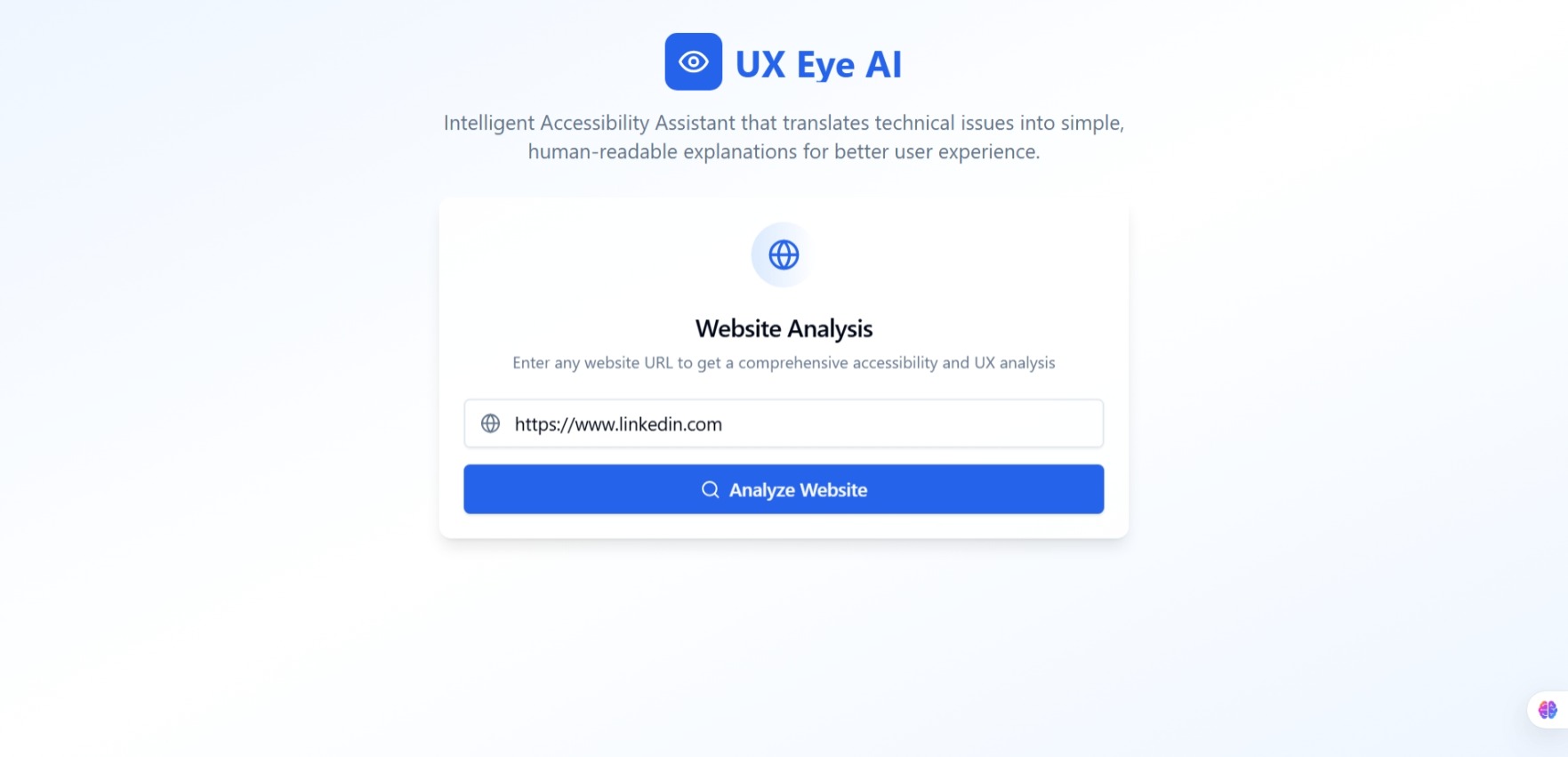
Analyze Any Website: The user enters a website URL, and UX Eye AI connects with the reimagineweb.dev API to analyze the site’s accessibility, SEO, and visual design.
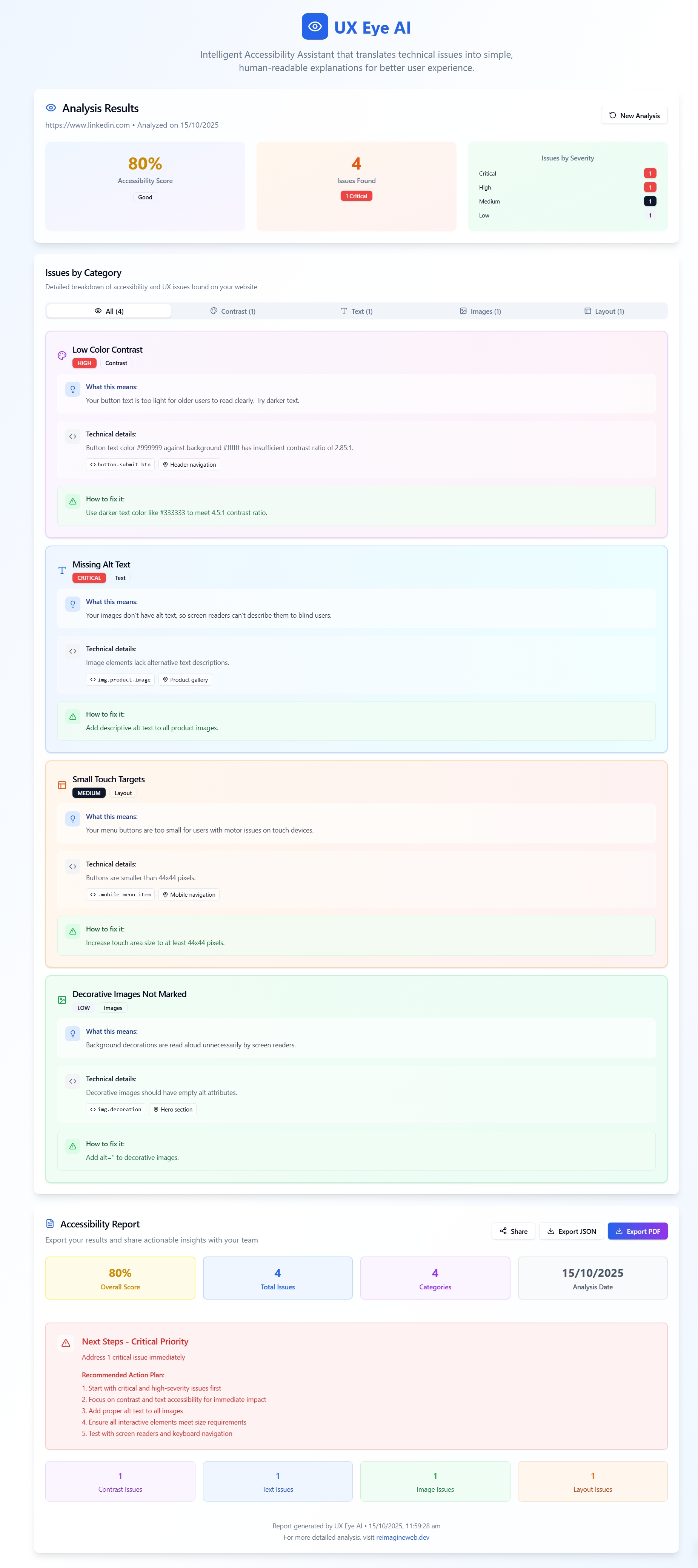
Simplify Technical Feedback: The tool converts complex technical results into plain-English explanations, like:
“Your header text is too light for older users.” “Buttons are too close together for touch screens.”
Organize and Visualize Issues: It categorizes feedback into Contrast, Text, Images, and Layout, showing clear recommendations and actionable tips.
Users can quickly identify design problems, understand them without jargon, and even export a report for future improvement all through a simple, user-friendly interface.
How we built it
Frontend: Built with React.js and custom CSS, focusing on a minimal, modern, and clean user interface.
AI Explanation Engine: Parsed the API response and generated natural-language insights (e.g., “Your header text is too light for older users”).
Report Panel: Categorized issues into Contrast, Text, Images, and Layout, along with AI-driven recommendations for improvement.
Mock Data Mode: Added mock JSON data for testing without needing live API keys, ensuring smooth local development.
Challenges we ran into
Designing a balance between technical accuracy and human readability in explanations.
Ensuring the UI remained lightweight while handling multiple categories of feedback.
Working within time constraints to turn an idea into a fully functional MVP during the hackathon
What we learned
The importance of UX writing and human-centered design even the best analytics tools fail if users can’t understand them.
How to structure React components for reusability and scalability.
The impact of small copy changes (like “Analyze My Website”) on user engagement and conversion.
Built With
- git
- github
- json
- react.js
- typescript

Log in or sign up for Devpost to join the conversation.