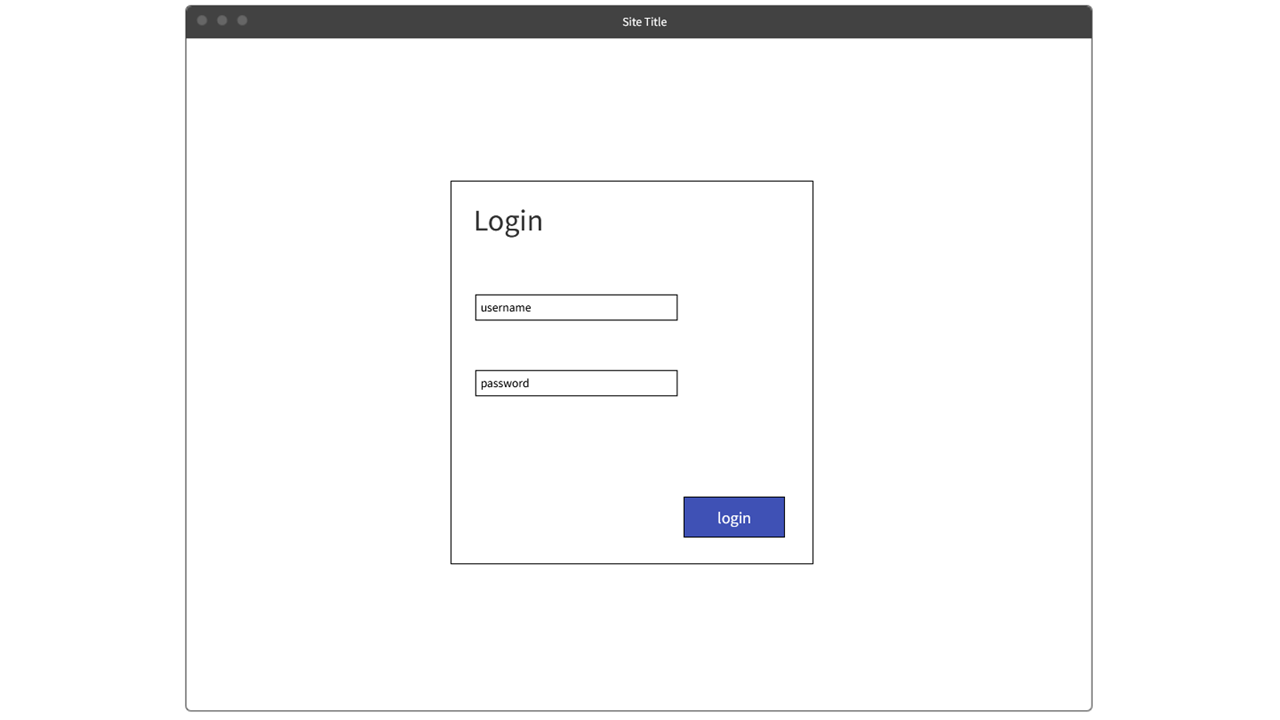
Once you’ve downloaded the app, signed up and created your own profile, you will be presented with two options: create a team or join one recommended to you.
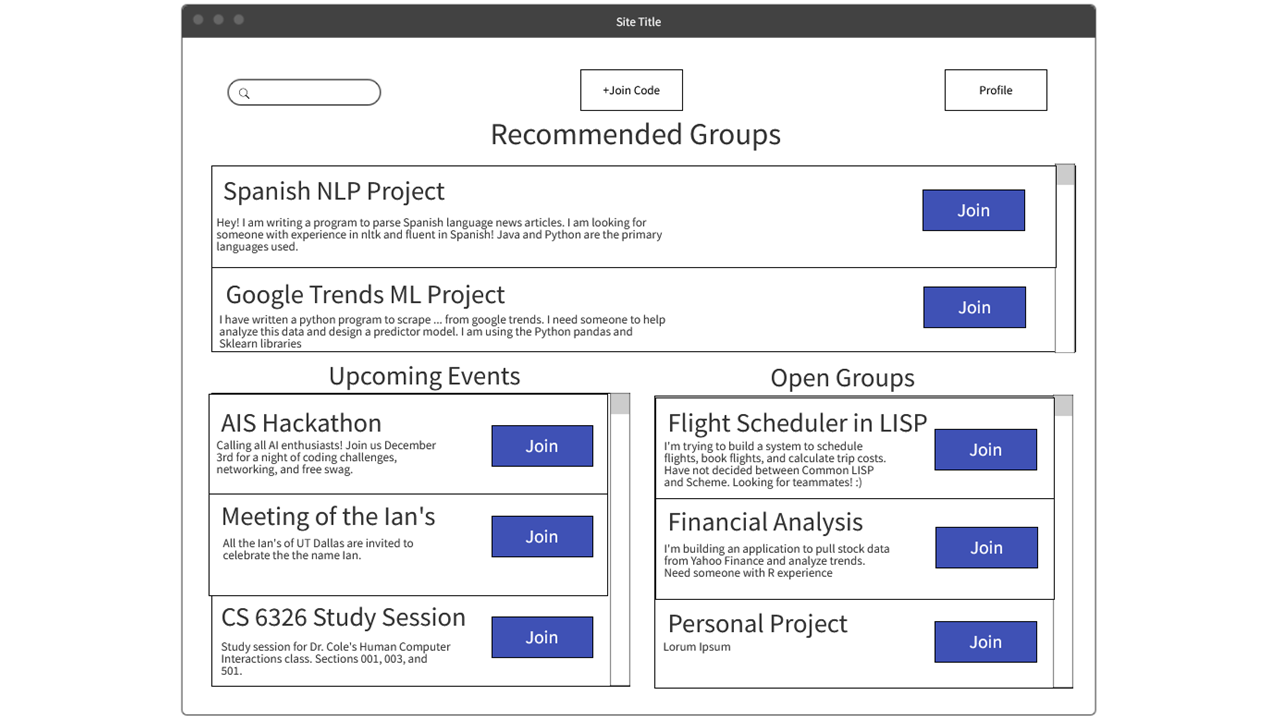
In the home page, you will be presented with three separate options: a list of recommended events to join, a list of events, and a list of projects you can join.
At the profile page, you can write a description of yourself, your major, your skills, and anything else you’d like to write! Profiles help collect tags about you that will help you find team members with similar skills as you. A machine learning algorithm is carefully implemented in the backend that will set recommended projects and teams for you.
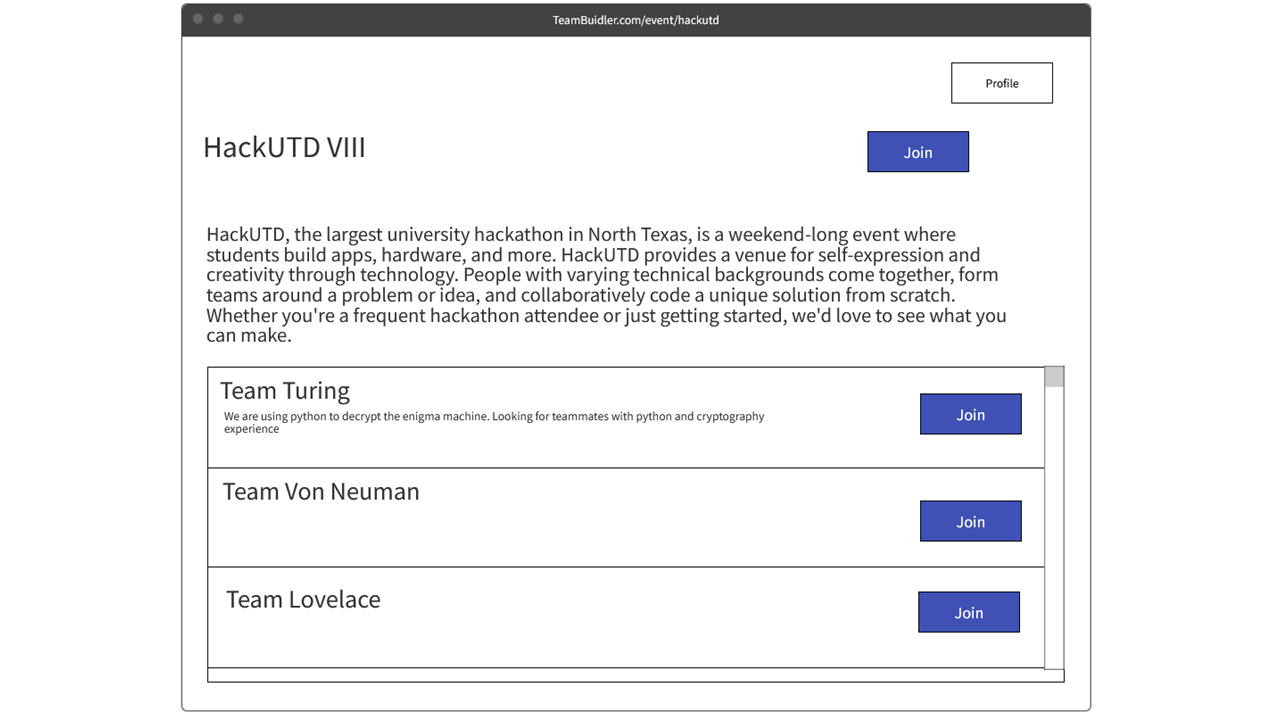
In the events page, you can find a list of events specifically categorized. For each event, you can see the number of teams available for that category and have the option to either join a team or create one yourself. Categories can range from events like Hackathons or group projects designed by specific professors.
People who create an event can specify restrictions like the number of maximum members in a team. Once you join a team, that team should be set in stone.
The goal of the app is to ease the process of finding teammates for projects and events, from anything ranging from club meetings to group projects for a classroom!
We are still planning to add groups! We also need to add a Firebase authentication system for those logging in to the profile using google.
Built With
- express.js
- faker
- javascript
- mockflow
- svelte

Log in or sign up for Devpost to join the conversation.