-
-

Background for App
-

Visual Element
-

Button Icon
-

HTML Interactive Page
-
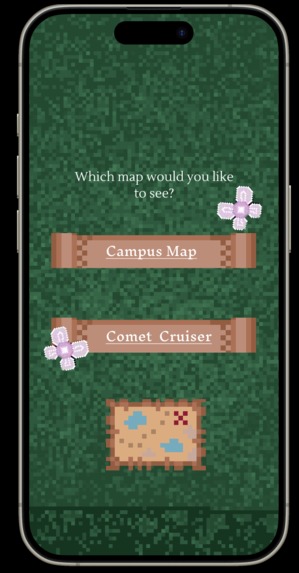
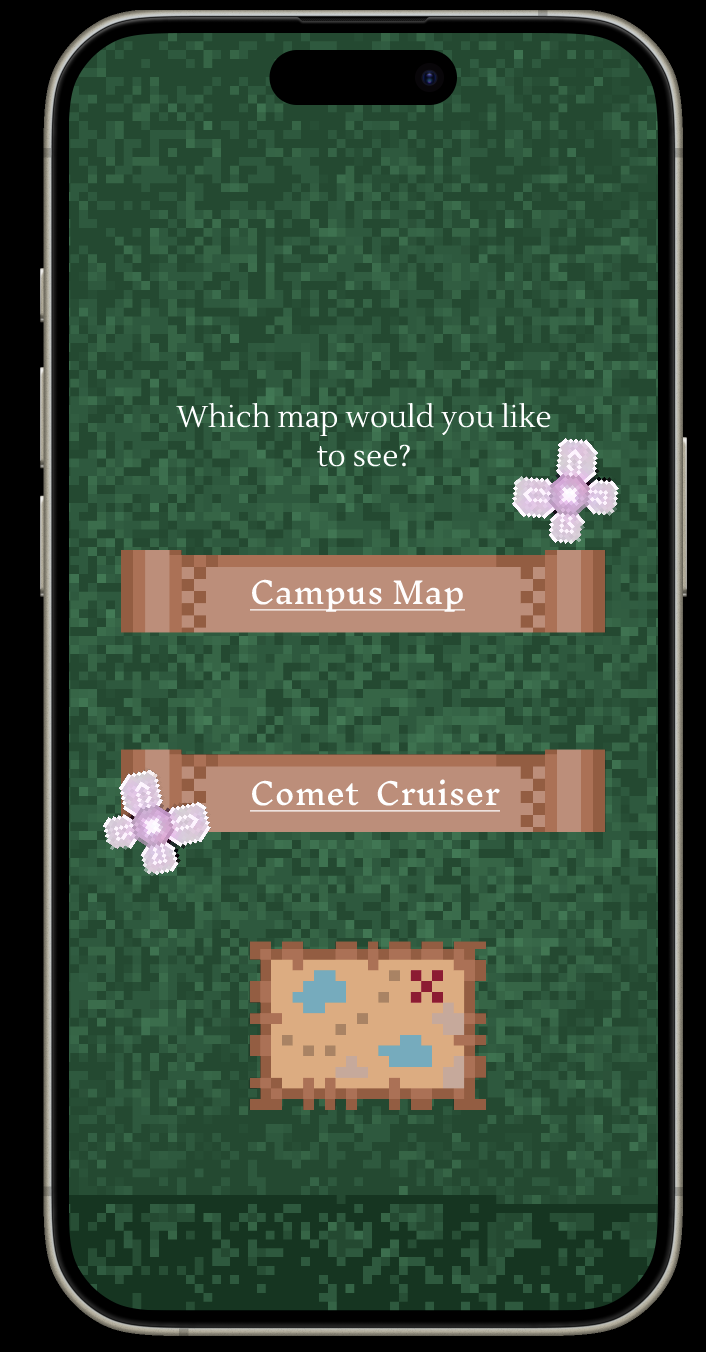
UI Map Interface
-
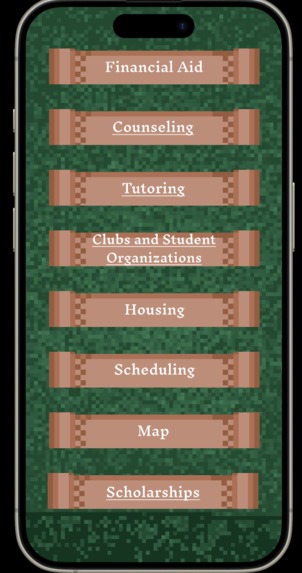
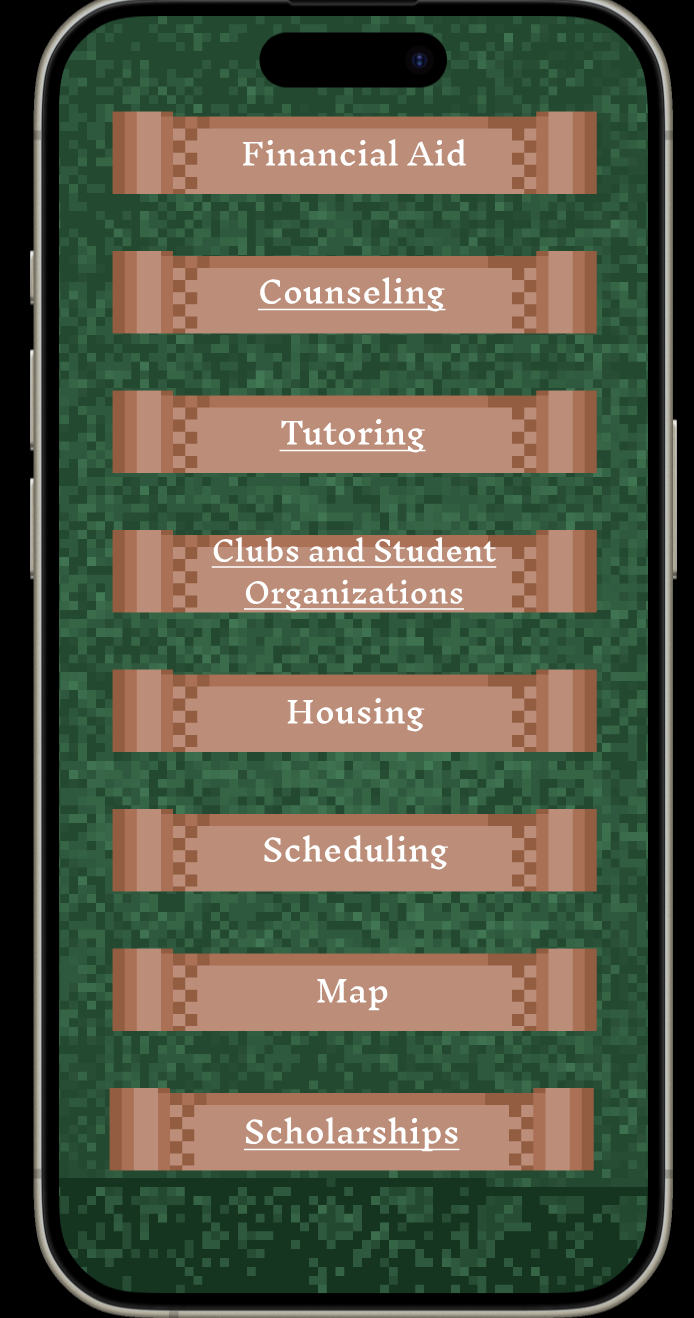
UI Options Select Interface
-
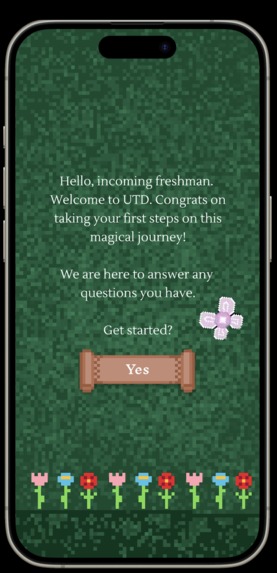
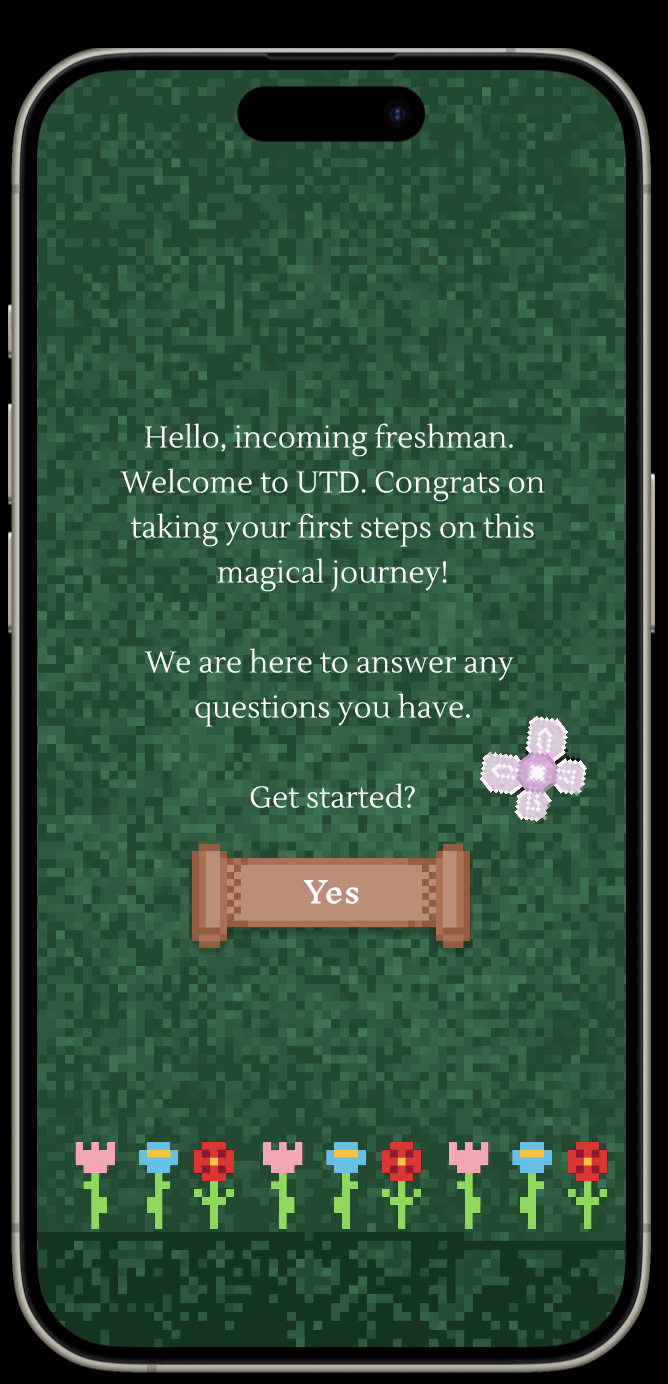
UI Home Screen Interface
-
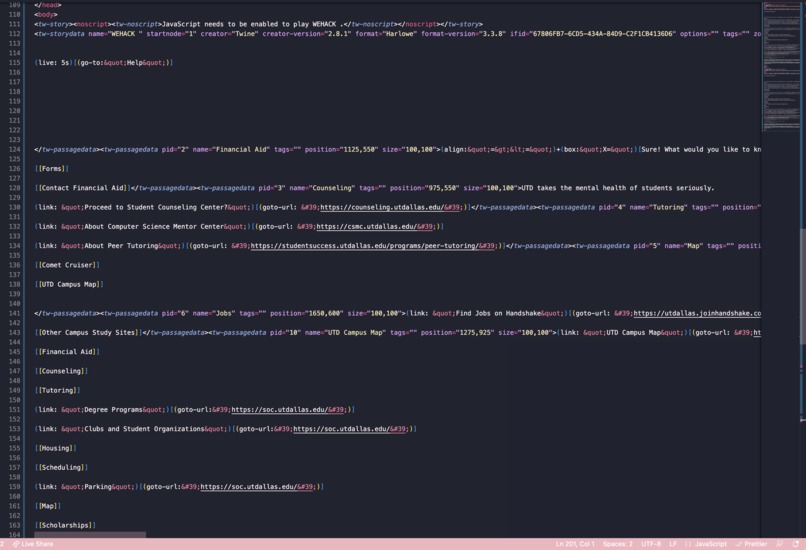
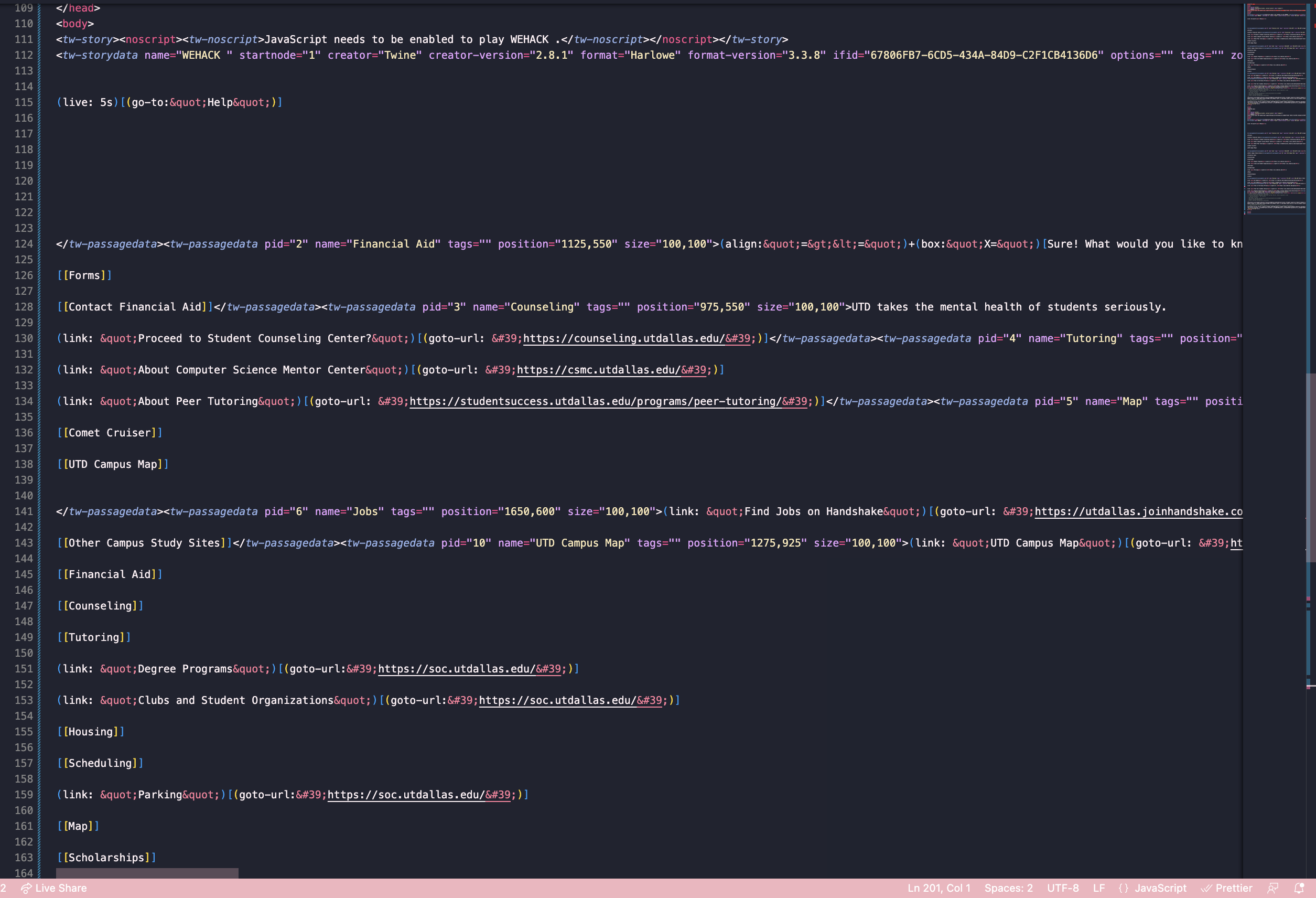
HTML Code




Inspiration
With the theme in mind, we realized that the most magical parts of our daily lives were the systems that existed to make our lives easier – from food delivery, to chat GPT, to ridesharing apps, these systems streamline a usually more difficult process with multiple avenues into one platform for convenience. We decided to implement this same sort of magic to streamline the seemingly daunting freshman experience, so that the transition for freshman students from high school to this new chapter of their lives will be a seamless and approachable change.
What it does
For this app, we decided to focus specifically on the engineering student freshman experience, because there are a lot of different paths that one can take and many strenuous first-year classes that can be hard to manage. By putting all the various resources available to students in one place with an adorable 8-bit mystical forest theme, the process of getting help becomes easier and user-friendly.
How we built it
We used Figma to create a demo of the way we want our app to run, and used twine to create an HTML sample implication of the app potentially expanding into a desktop format. We made the graphics ourselves using an online pixel art painting tool to fit the mystical forest theme, since we wanted the user to feel like they're playing more of a game than just reaching out for help, which is how the task of reaching out becomes less daunting. We played around with Microsoft Azure's AI search service along with MongoDB to explore the idea of a customized smart search option that could potentially recognize what the user is searching for from a few primary keywords and then recommend the associated resource from a database. We also spent time exploring different open source AIs that we could integrate with our platform, so that we can add a chatbot feature that allows the user to get personalized direction and recommendations based on their input, and then suggest recommend 3 potential parallel "next steps" list items that the user can then choose to proceed with.
Challenges we ran into
Our team began building our project with little to no experience with generative AI and web development, so we struggled to grasp how we could implement our idea using LLMs. Unfortunately, many AI models required approval for usage or fees that made them inaccessible to us in the present, so we switched gears from a generative AI to a AI assisted smart search using Microsoft Azure. Though we were able to set this up, we ran into a time constraint while implementing a simple python code to load our MongoDB database and then connect this to the Azure platform. Still wanting to challenge ourselves and go above and beyond hard coding a project in a language we were comfortable in, we decided to switch gears towards UI/UX design, which was a first for all of us, and use Figma in order to showcase our app and further evaluate how AI could be implemented into our design.
Accomplishments that we're proud of
Throughout the course of the last day, our team explored and learned about multiple frameworks and technologies that were completely new to us, such as Figma. Some of us also experienced graphic design elements that we have never tried before, such as using online painting tools to create personalized graphics for our app. Additionally, we experienced something past the regular sort of coding-to-create-a-website projects we usually do, trying software such as Twine to create a unique user experience instead. Additionally, some of us picked up languages we had never used before, such as Javascript, HTML, and Python, while playing around with different methods and AI integration possibilities. Most of all, our eyes were opened to the rapidly expanding world of generative AI and learned so much about modifying and fine-tuning it to our needs, which we look forward to being able to implement in future projects as we grow our skill set and increase our repertoire of tools. We were able to then use these technologies in order to come up with a solution to a problem within our community here at UTD.
What we learned
We learned a lot about AI, as it was our first time attempting to work directly with it and modify it to fit our needs. Similarly, we learned a lot about using a virtual database and the steps required to feed input into it and connect it to something like our AI or our AI search assistant. We also were able to each go out of our comfort zones and learn some aspects of a new language, such as Javascript associated with MongoDB, Python for the AI platforms, or HMTL for our website prototype. Most of all, we took our first steps into UI and UX design by learning how to use Figma for the first time, which is ultimately how we created our final product.
What's next for UTD Freshman Virtual Assistant
Our next steps would definitely be to expand our service into a web platform, expanding on the basis we have created using Twine and HTML. Looking more into the future, the integration of an AI search service and ultimately an AI chatbot would most definitely elevate this idea and set it apart from most other informational repositories available online. By applying an AI chatbot to this project, students would be able to not only gain direction in the navigation of their service, but also be able to get recommended things they may have not otherwise thought of, whether it be reminding them to get parking passes when moving into their dorm, or reminding them to register for classes before a certain date. Moreover, this would personalize the user experience towards every student who uses the app, making it that much more comfortable and personal to use. We believe that these modifications could eventually be scaled to accommodate not only freshman engineering students at UTD, but eventually all students at any institution by allowing them to select their institution upon first entering the app and then creating individual logins for each user.

Log in or sign up for Devpost to join the conversation.