-
-
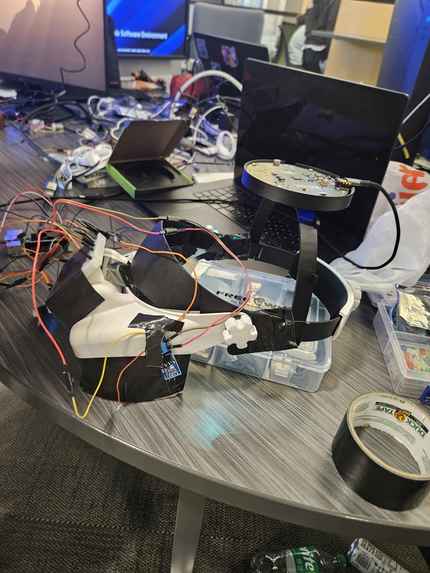
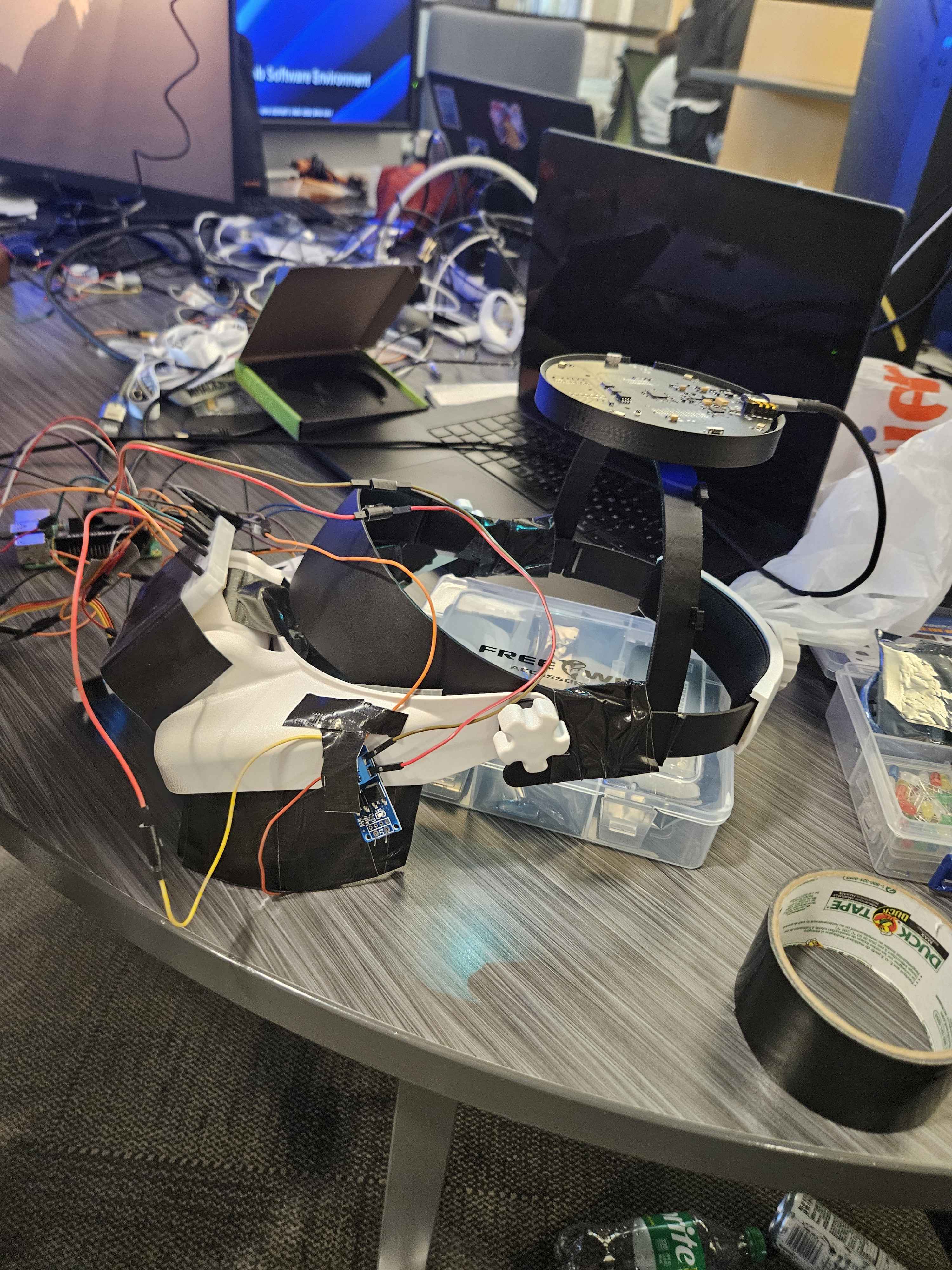
Finalized headset!
-
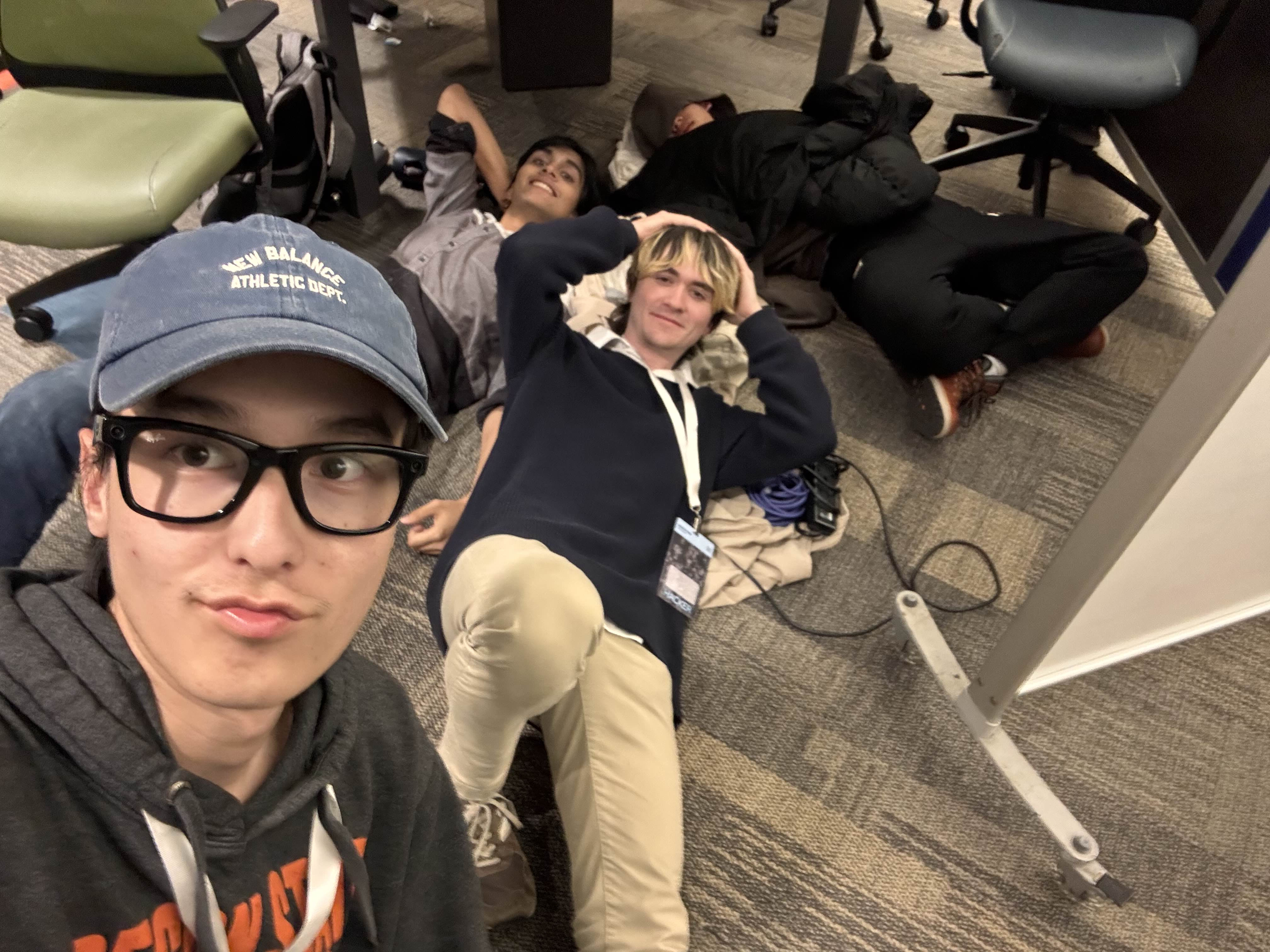
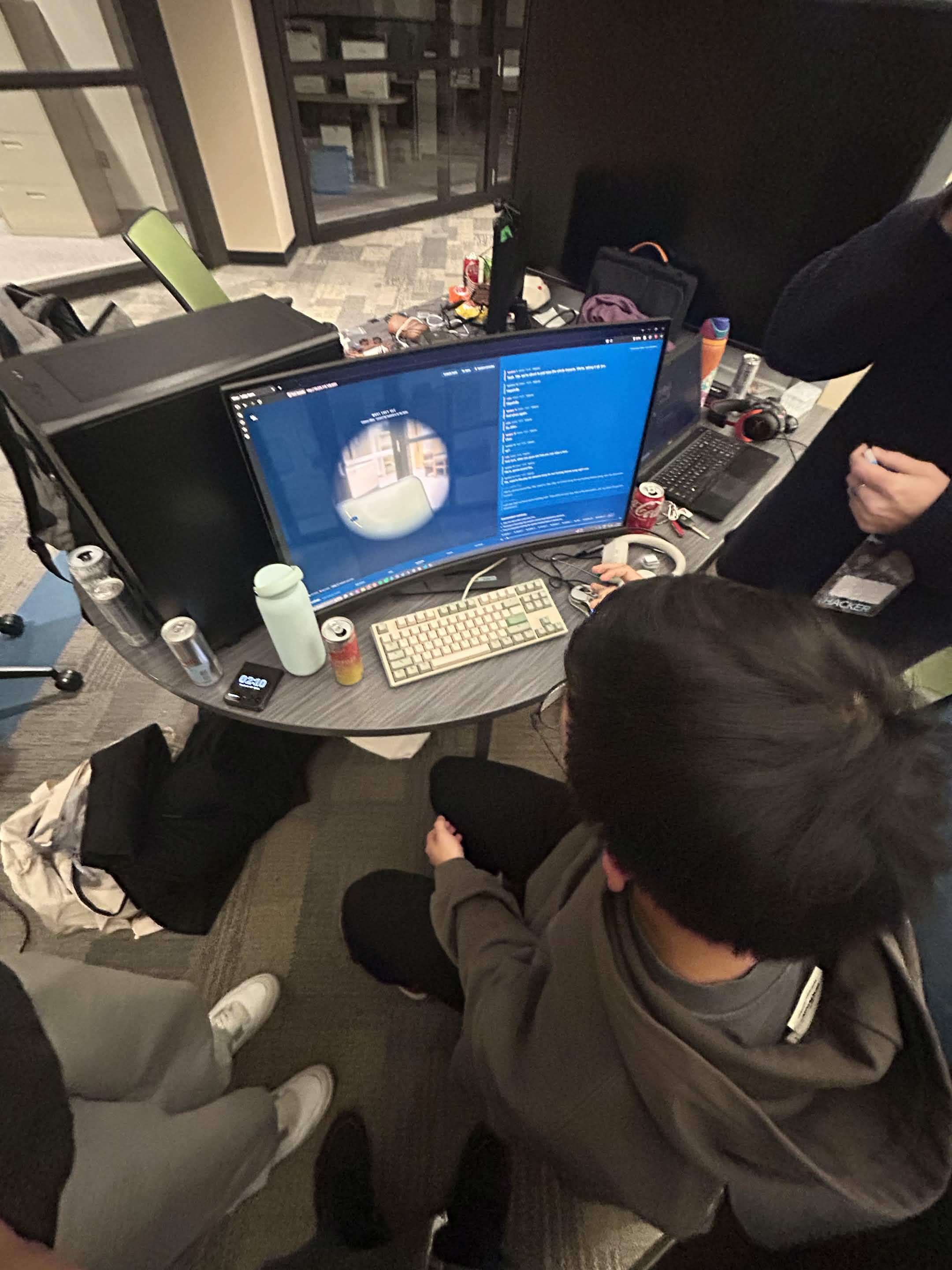
Picture of our team hacking!
-
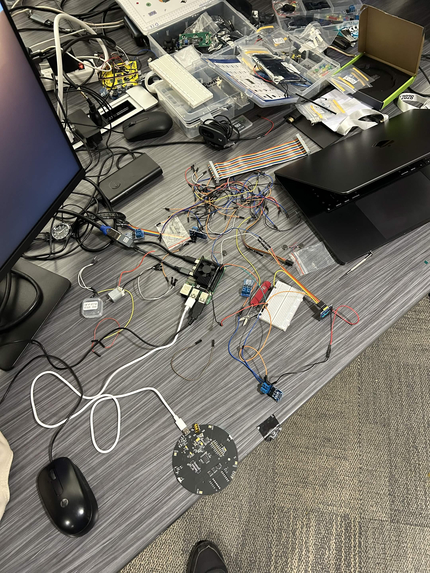
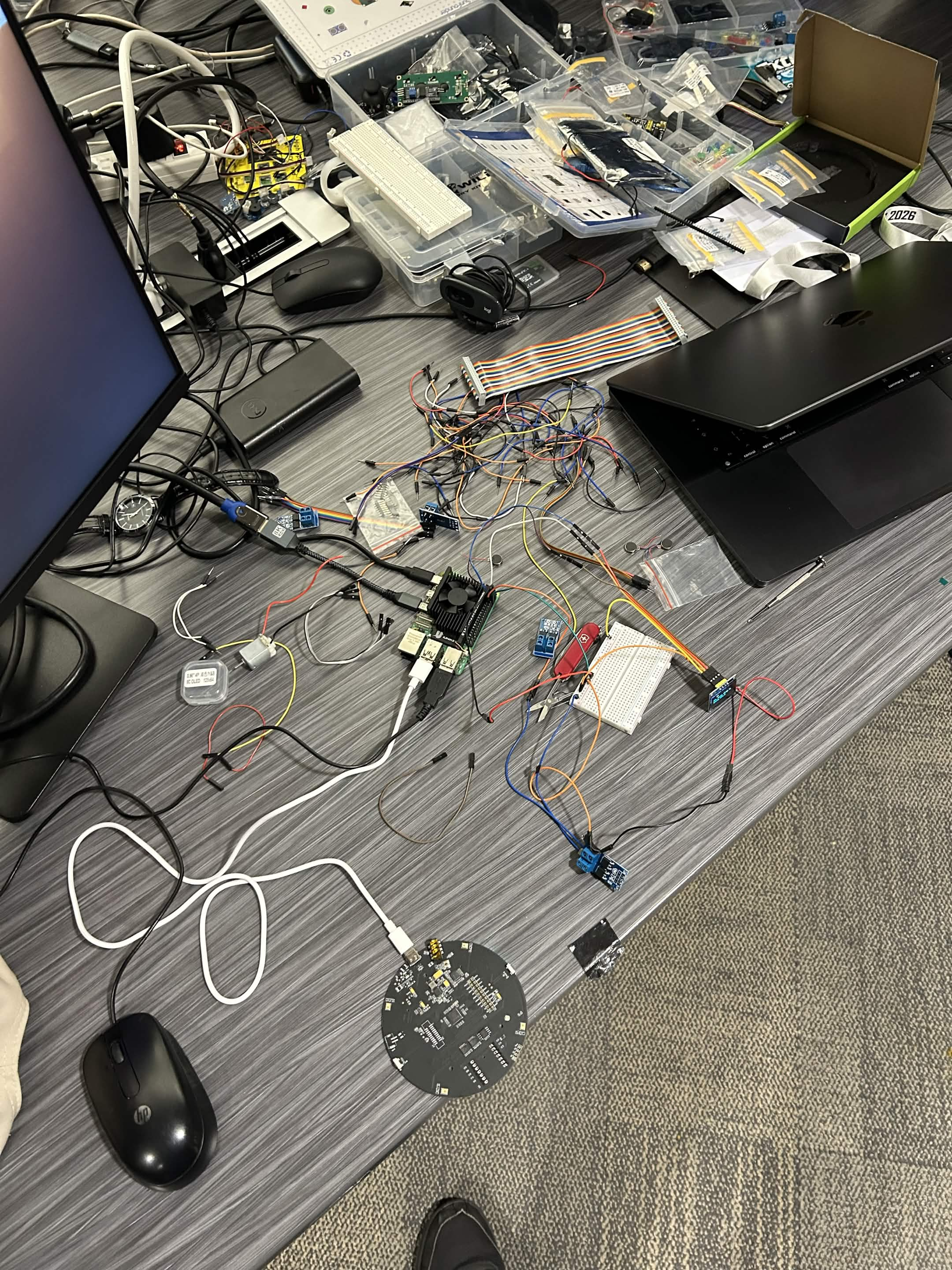
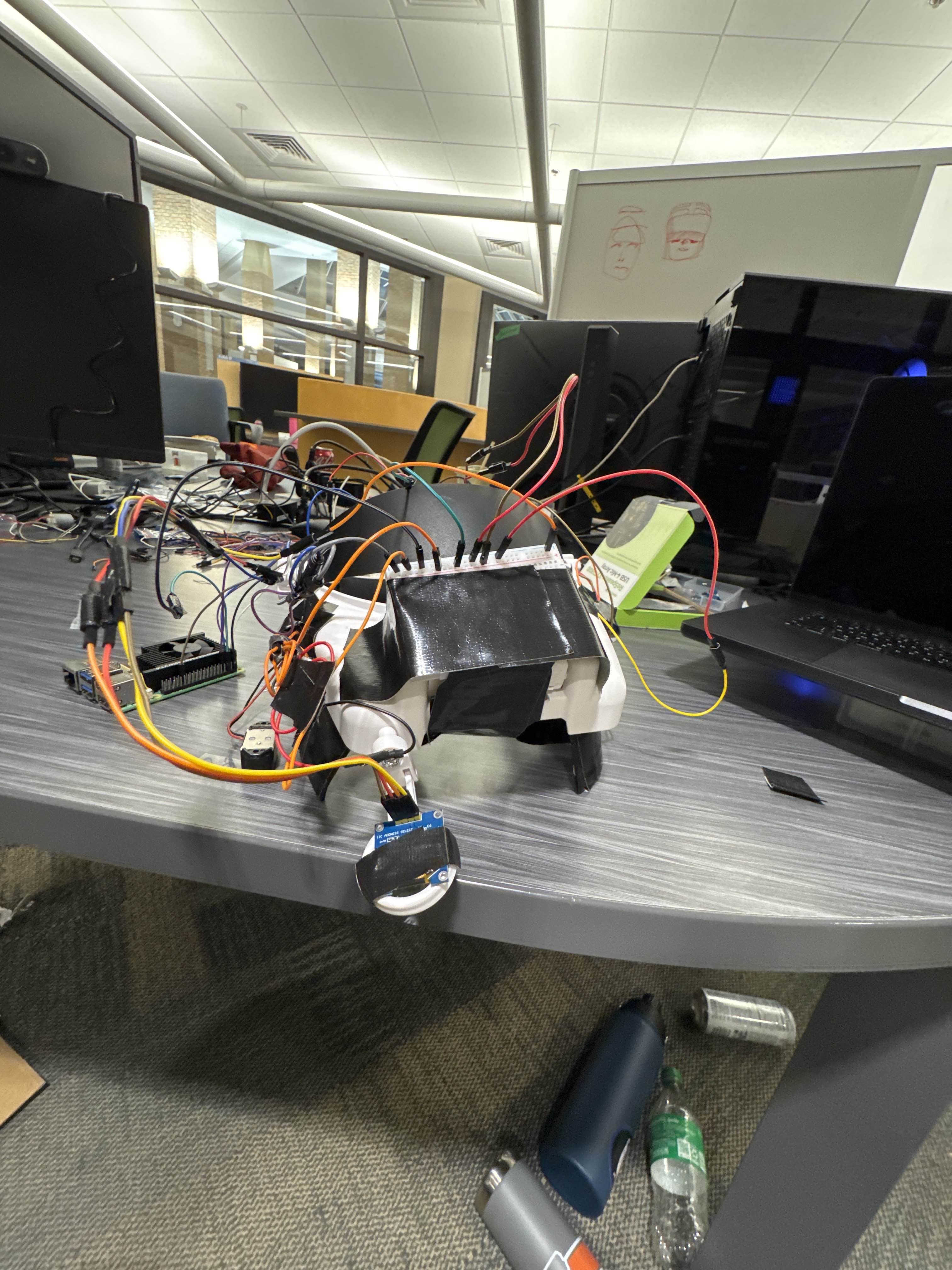
Hardware setup: Raspberry pi, Speaker, OLED display and haptics.
-
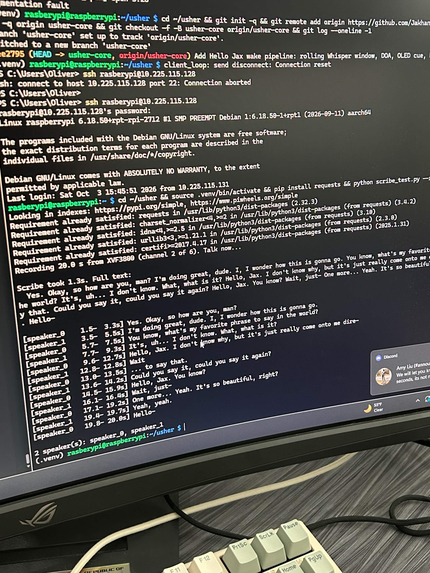
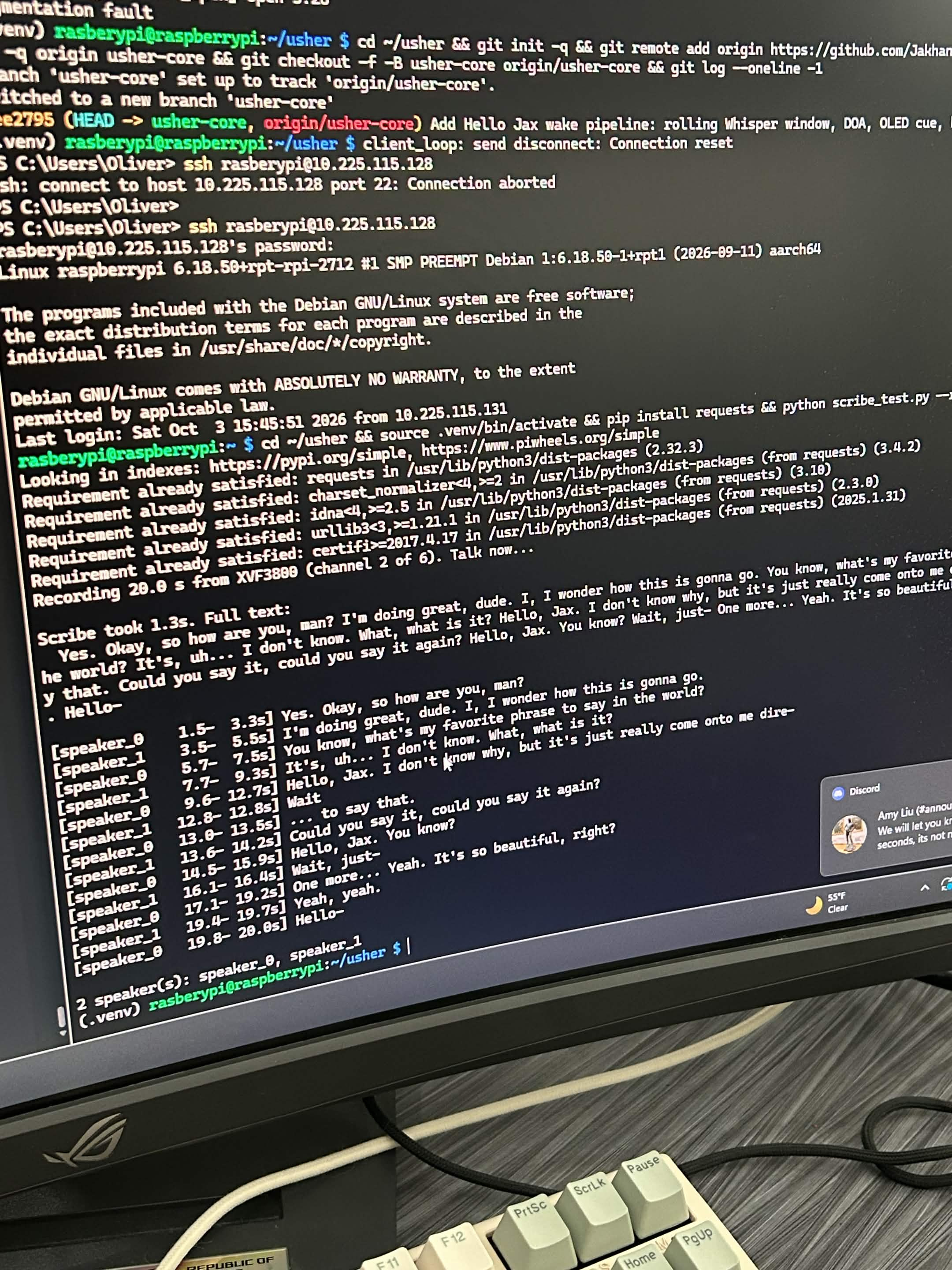
Console display of elevenlabs transcription.
-
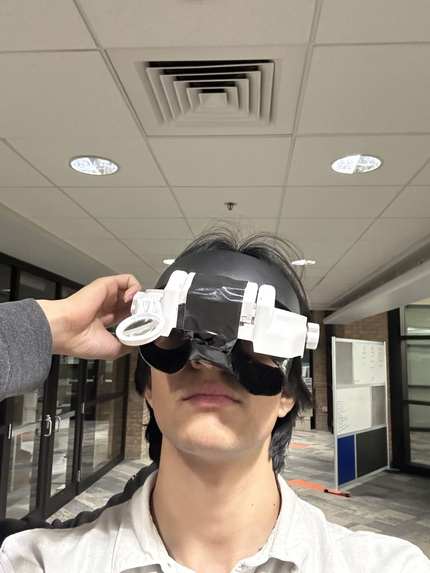
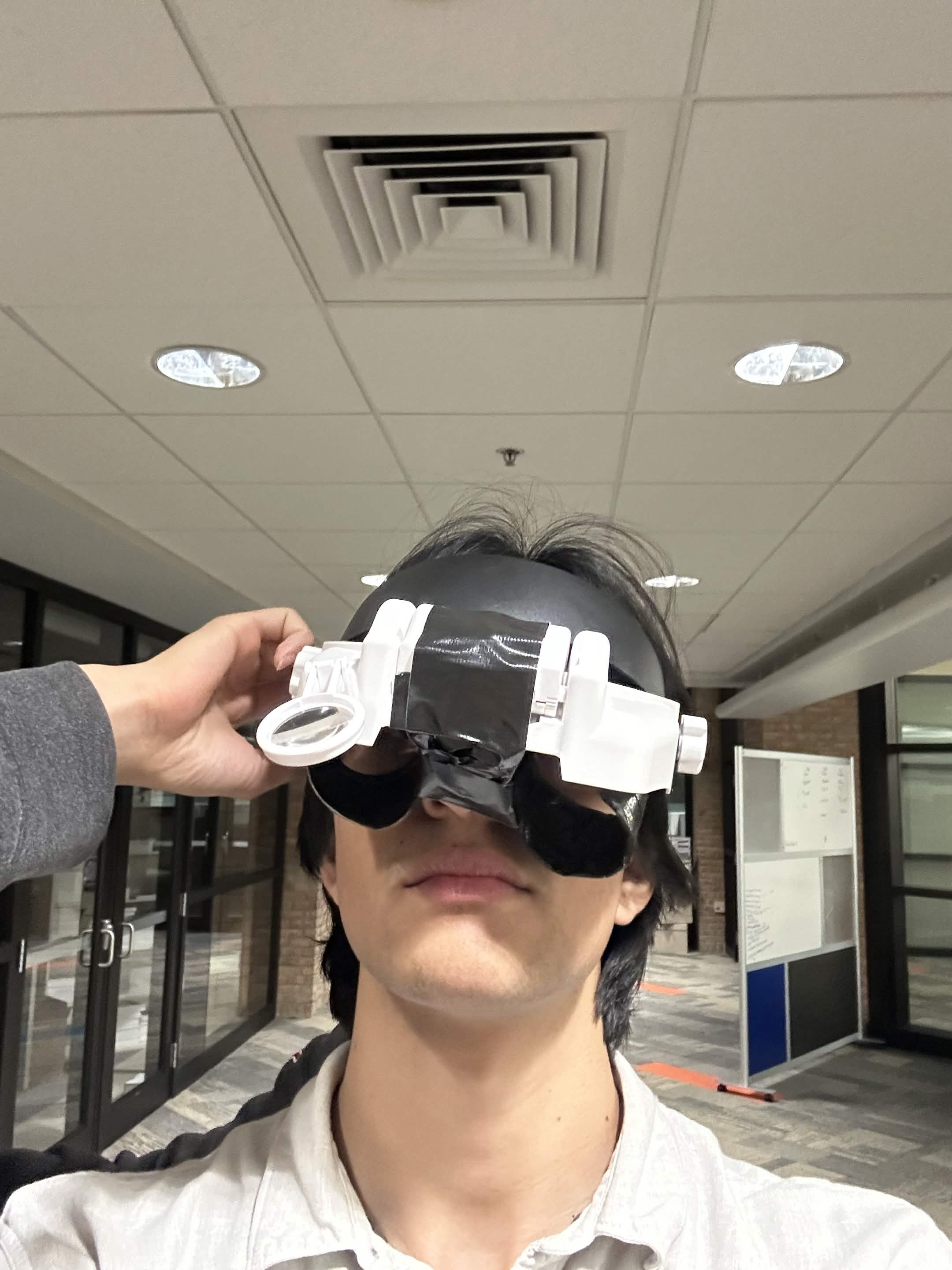
Early testing prototype, simulating tunnel vision.
-
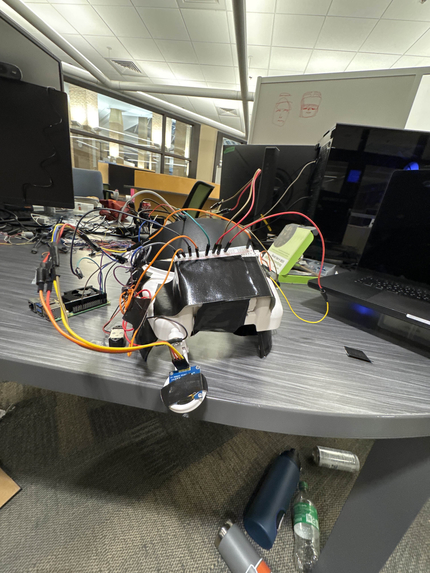
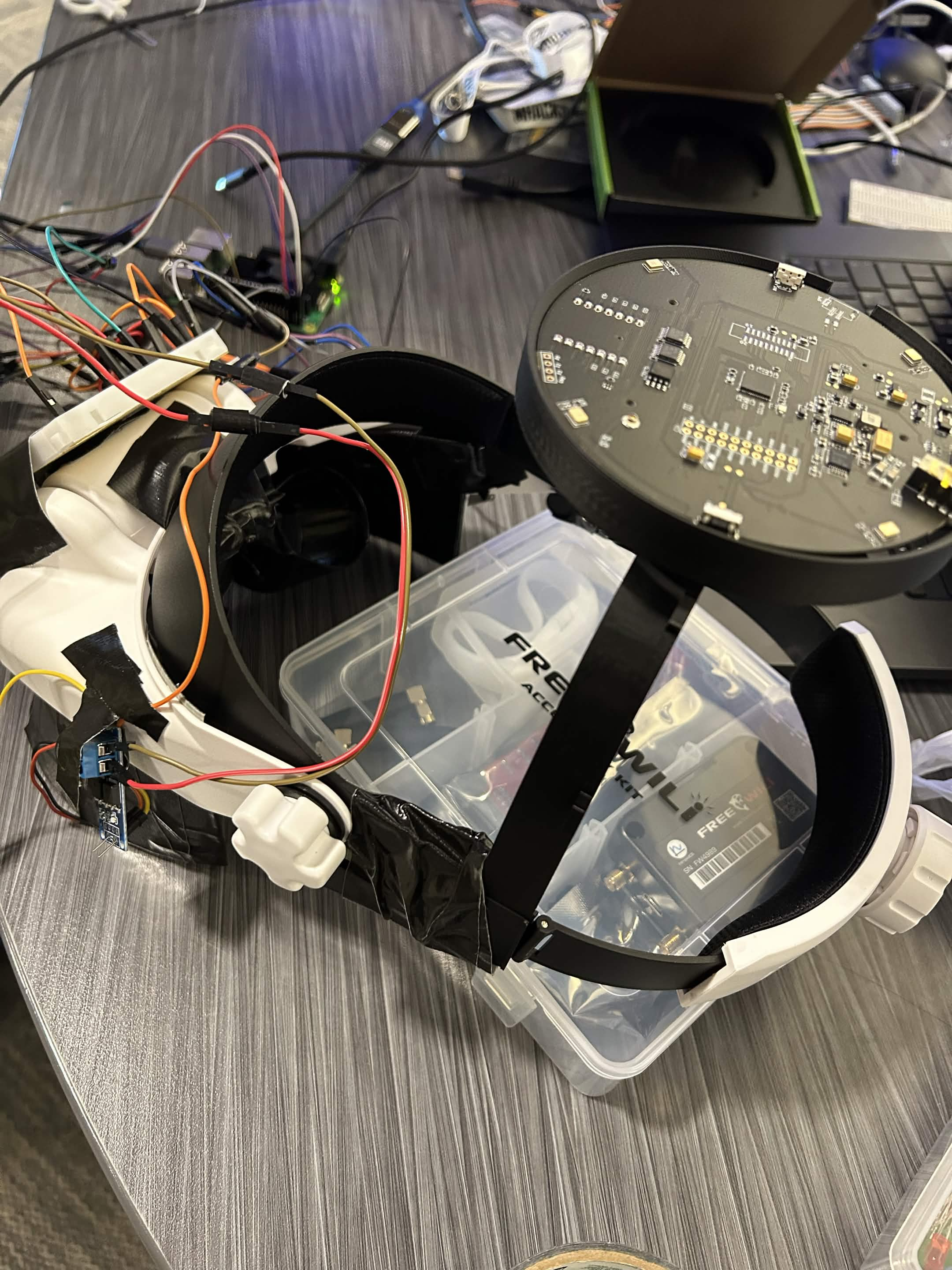
Angle of the headset without the speaker attached yet.
-
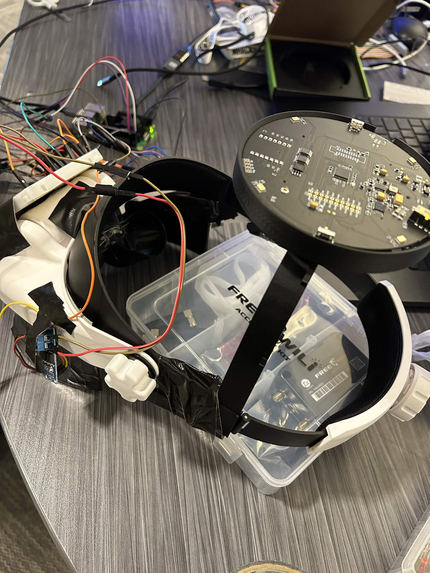
Headset put together.
-
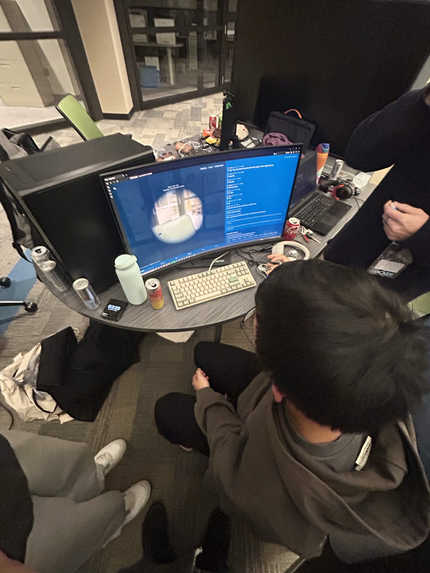
Oliver showing us his progress on the frontend display.
-
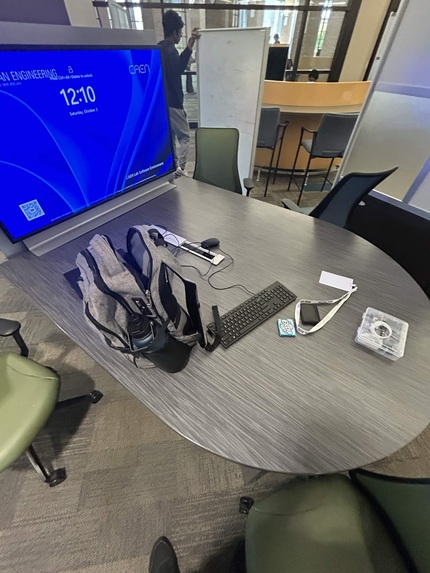
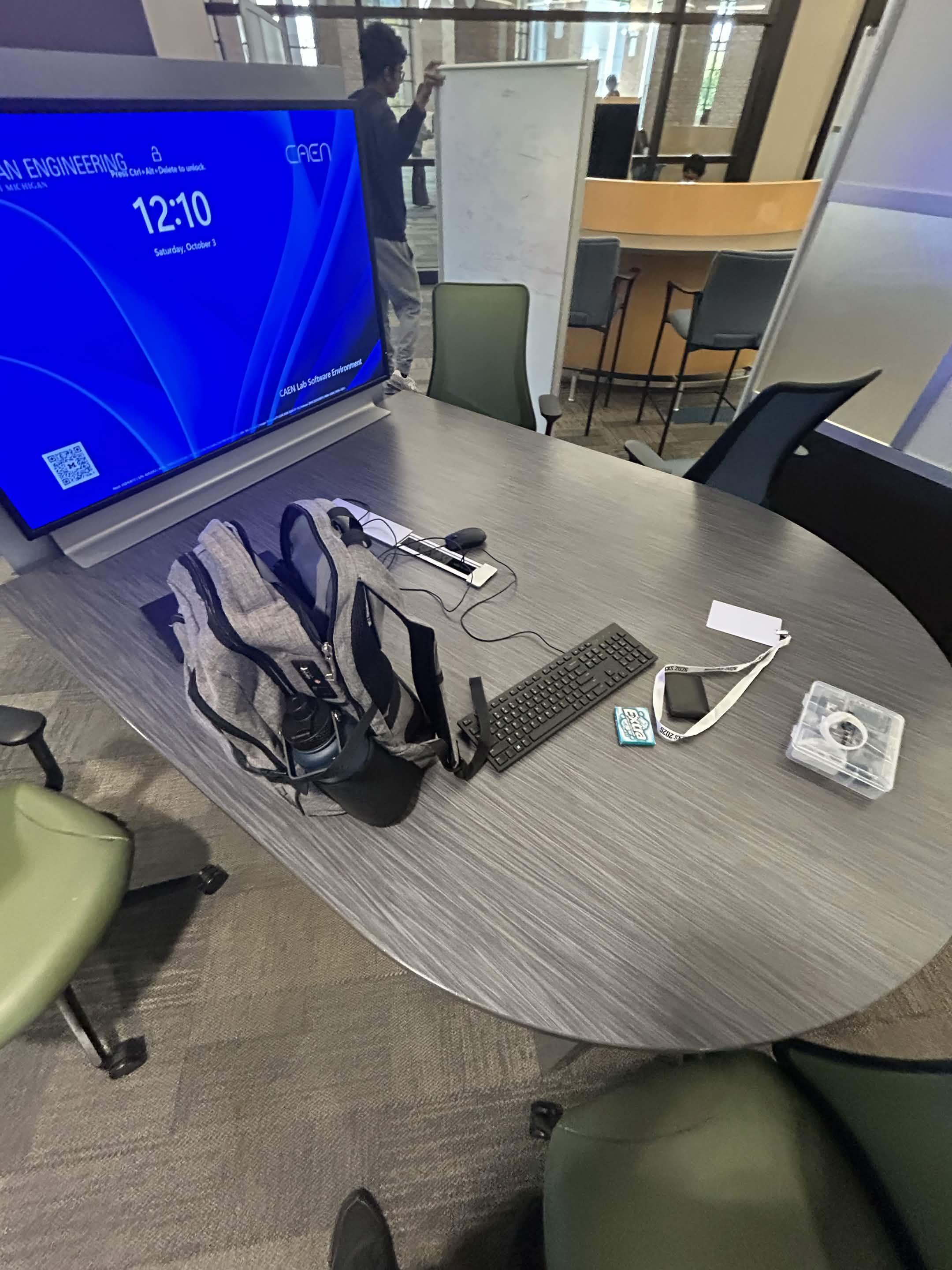
Setup table before hacking!
Inspiration
Say someone calls your name from across the room. Before you can enter a conversation with them, you have to know where they are.
For someone with combined hearing loss and a restricted field of vision, that simple interaction can be difficult. We built "Usher", with people with Usher syndrome in mind: hearing loss can make a voice difficult to locate, while progressive vision loss can make searching for the speaker harder. By the time you turn toward them, you may have missed what they said. About a million people suffer from Usher syndrome, over a hundred million people suffer from some combination of deaf-blindness.
We wanted to help with both parts of that moment: finding the person calling you and understanding the conversation.
What it does
Usher is a wearable prototype that combines directional audio, gentle vibrations, and captions to help its wearer follow conversations.
You wear a headset with a visible OLED and sight of view. When someone says a greeting followed by the wearer’s name, “Hello Jax” in our demo (named after our friend), the microphone array estimates where the voice came from. A vibration at the left or right temple guides the wearer toward the speaker, while an arrow on a small display confirms the direction.
Live captions on the OLED display provide ongoing conversation text, with an indicator showing the current speaker’s direction. A “catch me up” feature on the proper then displays the peoples labeled conversation, using a rolling audio buffer covering approximately 30 seconds.
Wake detection, directional guidance, and the display arrow work offline. Captions and conversation summaries use cloud services.
We also built a web demonstration that places a camera feed with a simulated restricted field of view beside captions and an AI-generated conversation summary. It helps explain the problem and show the information Usher provides, it is an illustration, rather than a reproduction of any individual’s experience.
How we built it
We built the headset around a Raspberry Pi 5, a reSpeaker XVF3800 four-microphone array, two small vibration motors, and a 128×64 OLED display. We adapted a magnifier headset with custom-designed, 3D-printed mounting components. We fully designed the 3d components and project blueprint on our own, custom for the project.
Our Python application combines several systems:
- Sound direction: We read the microphone array’s direction estimates and speech-activity flag over USB approximately 20 times per second. We calibrate these readings to the wearer’s orientation and average angles recorded during speech.
- Captions and catch-up: ElevenLabs Scribe Realtime provides live transcription, while batch Scribe supplies speaker-separated text and word timestamps for recent conversation audio.
- Local wake detection: We run faster-whisper’s
tiny.enmodel on overlapping audio windows. A greeting followed by the wearer’s name triggers the response; sound-alike matching handles transcriptions such as “Jax” becoming “jacks.” It's also there as a fallback local model in case of no network connection. - Haptic guidance: GPIO-controlled motor drivers create a gentle directional vibration that guides as the wearer to face the speaker.
- Conversation context: Google Gemini extracts names from introductions and produces short conversation summaries.
- Web demonstration: HTML, CSS, and JavaScript connect to the Pi through WebSockets, with Flask and OpenCV serving the camera feed.
Requests run in the background so they do not block the local attention cue. We also built an experimental method that includes reference voice clips in successive transcription requests to help keep speaker labels consistent.
Challenges we ran into
Hardware accessibility. We had to drove almost two hours to a microcenter to get the hardware like speaker, and haptics, and 3d printer PLA we needed for the project. We went through multiple iterations of 3d printing to make sure it properly fit a persons head and fit with our hardware dimensions.
Connecting words to the right person. Transcription, speaker identity, and physical direction are separate problems. Direction-based labels can change when the wearer turns their head, while batch transcription assigns fresh speaker numbers on each request. We synchronized audio and direction readings, and developed the reference-clip approach to get closer to more consistent speaker labels.
Recognizing a short phrase reliably. Early recordings cut off the end of “Hello Jax,” and some speech-processing configurations stalled the Pi. Overlapping audio windows, tighter decoding settings, and sound-alike matching made the wake phrase more reliable.
Working in a noisy room. Direction estimates jumped when nobody was speaking, and background conversations entered the captions. We filtered direction readings using the microphone’s speech flag, tested different audio channels, and added loudness thresholds. Overlapping speakers remain a challenge.
Making the hardware comfortable and coordinated. Our initial vibration pulses felt too strong at the temples, so we switched to a softer continuous buzz. The arrow and captions also competed for the same tiny screen, which required explicit display priorities. Along the way, we debugged reversed direction calibration, USB interruptions, and the practical difficulties of assembling a wearable.
Accomplishments that we're proud of
We brought microphones, local speech recognition, physical feedback, and cloud transcription together into a working wearable interaction: a greeting becomes a direction cue, followed by conversational context.
In our calibration tests, we measured direction errors of approximately 3–11 degrees. Local wake detection produced a response in roughly 1–2 seconds in our tests, and the core directional cue remained available without internet access.
We’re also proud of the design decisions that came from trying the hardware ourselves. A softer buzz was easier to follow than a sequence of pulses. Giving the vibration one consistent meaning made the interaction simpler. Keeping cloud features separate from local guidance made the system more resilient.
What we learned
We learned that building an assistive device means thinking carefully about what each interaction asks of its wearer. A caption requires reading; an arrow requires looking; a vibration requires interpretation. Choosing where information belongs matters as much as generating it.
We also learned how much work happens between individual components. Speech recognition can produce accurate words while assigning them to the wrong person. A microphone can report an angle that needs calibration before it becomes a useful cue. Reliable behavior depends on timing, coordination, and testing the whole system.
Most importantly, our own testing can tell us whether the prototype functions, but it cannot establish whether it meets the needs of people with Usher syndrome. That requires building and testing with them.
What's next for Usher
Improving wearability, reducing size and increasing comfort. We were also limited by our hardware in the project, but AR glass overlays with a transcript is a thing that we could upgrade our project into. With proper funding and time it would be a much more comfortable product.
Another priority would be to co-design with people with Usher syndrome and other DeafBlind users. We have not yet tested the prototype with this community, and their feedback should shape its haptics, display, comfort, and everyday usefulness.
Other improvements we considered include:
- Adding an IMU for head tracking, allowing guidance to remain accurate after a speaker stops talking.
- Validating and improve consistent speaker identification during movement and group conversations.
- Move more speech processing onto the device to reduce latency and dependence on cloud services.
- Explore a near-eye display with adjustable text, along with braille output for users who cannot use visual captions.
- Obviously mproving the enclosure, battery integration, and wearability.
- Adding clear consent controls for cloud transcription and test in everyday environments such as classrooms and cafés.
Our goal is to make it easier to notice someone reaching out, turn toward them, and enter the conversation with context.
Built With
- css
- elevenlabs
- gemeni
- html
- hugging-face
- oled
- opencv
- python
- raspberry-pi

Log in or sign up for Devpost to join the conversation.