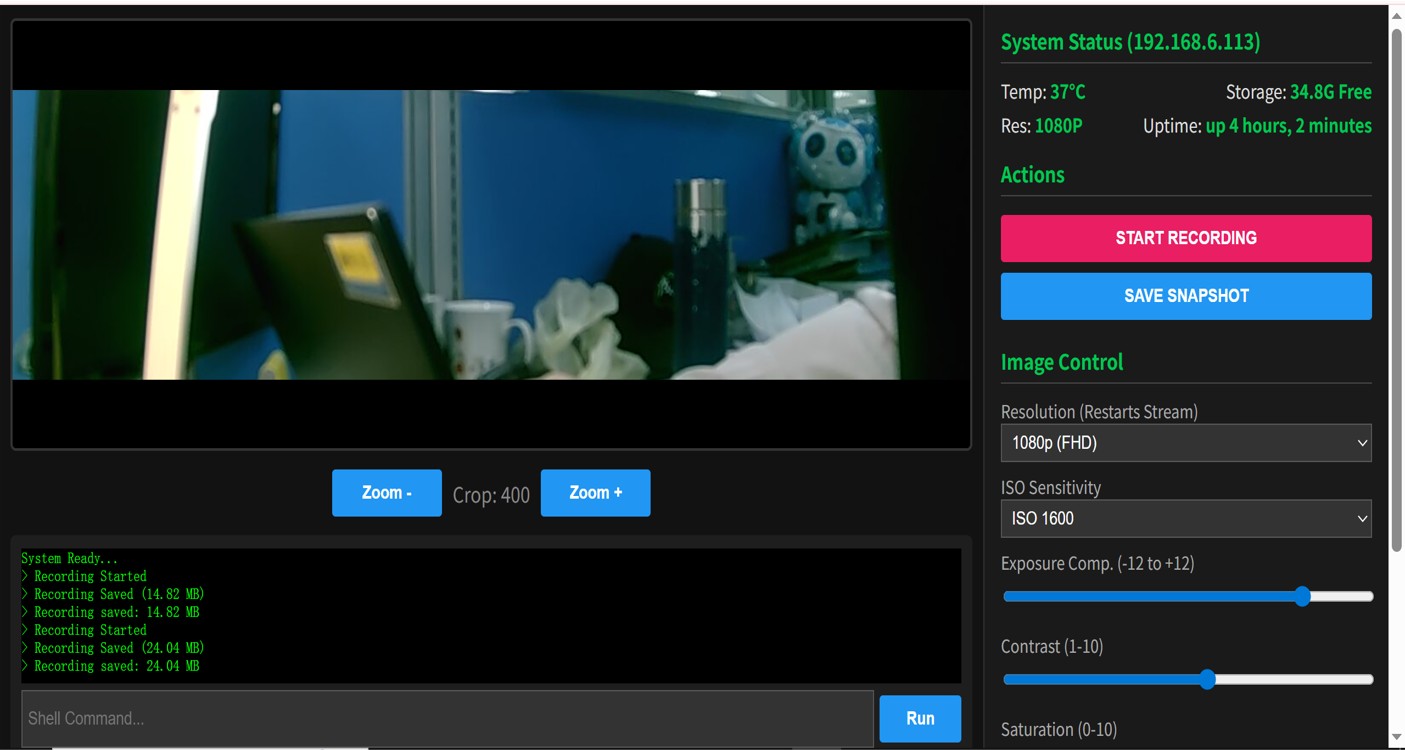
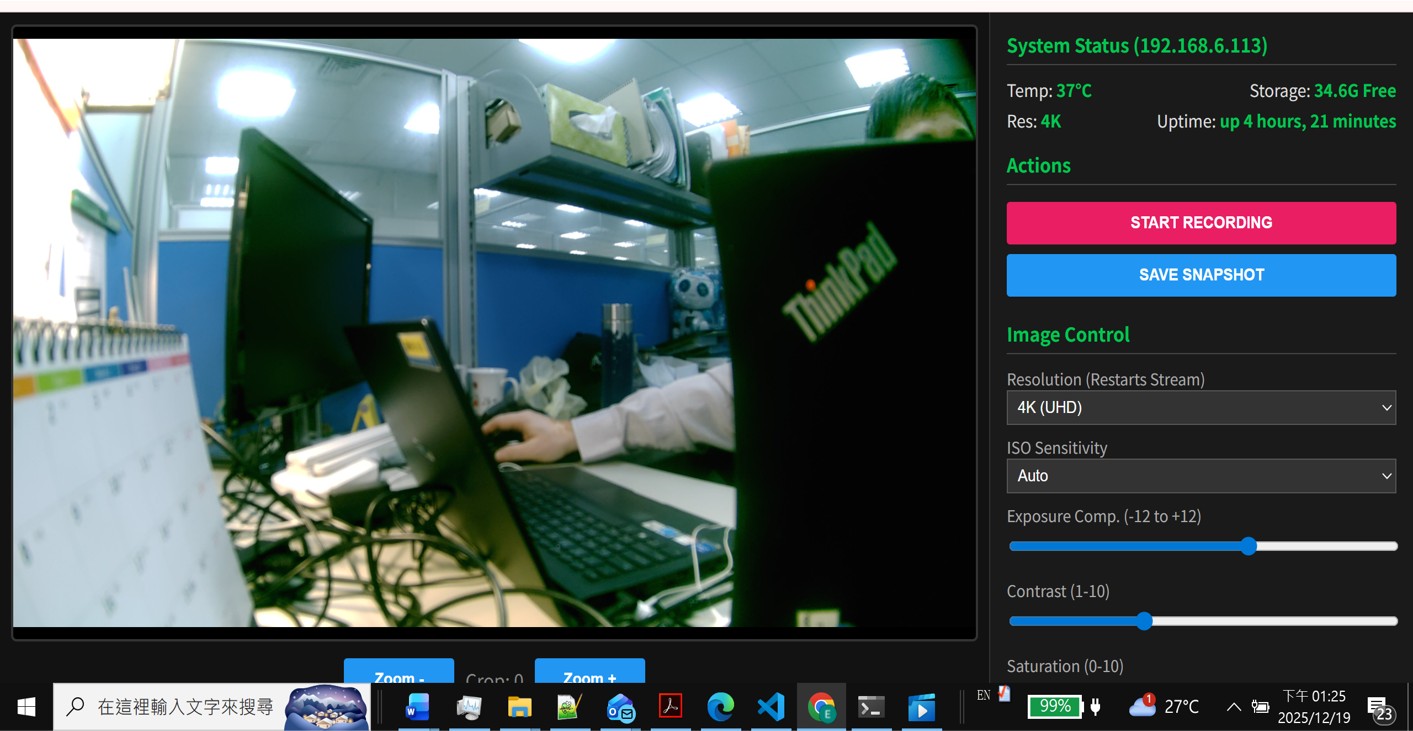
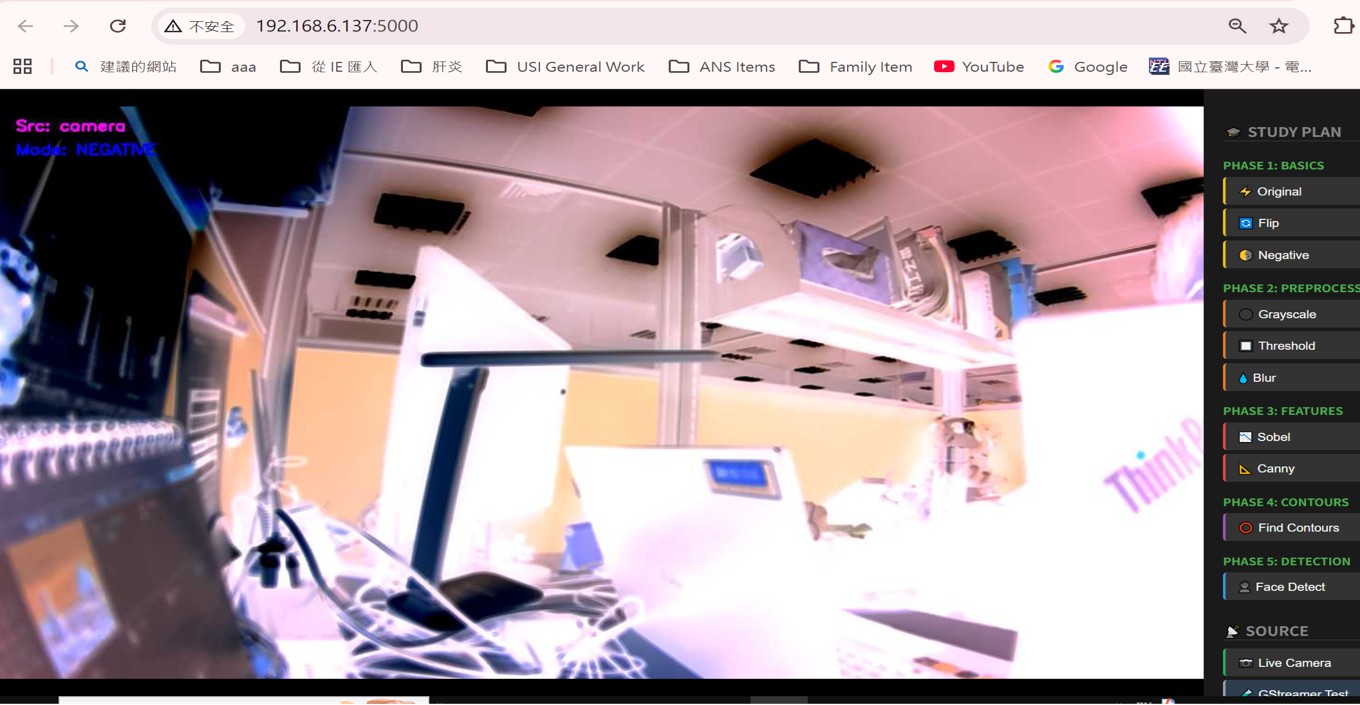
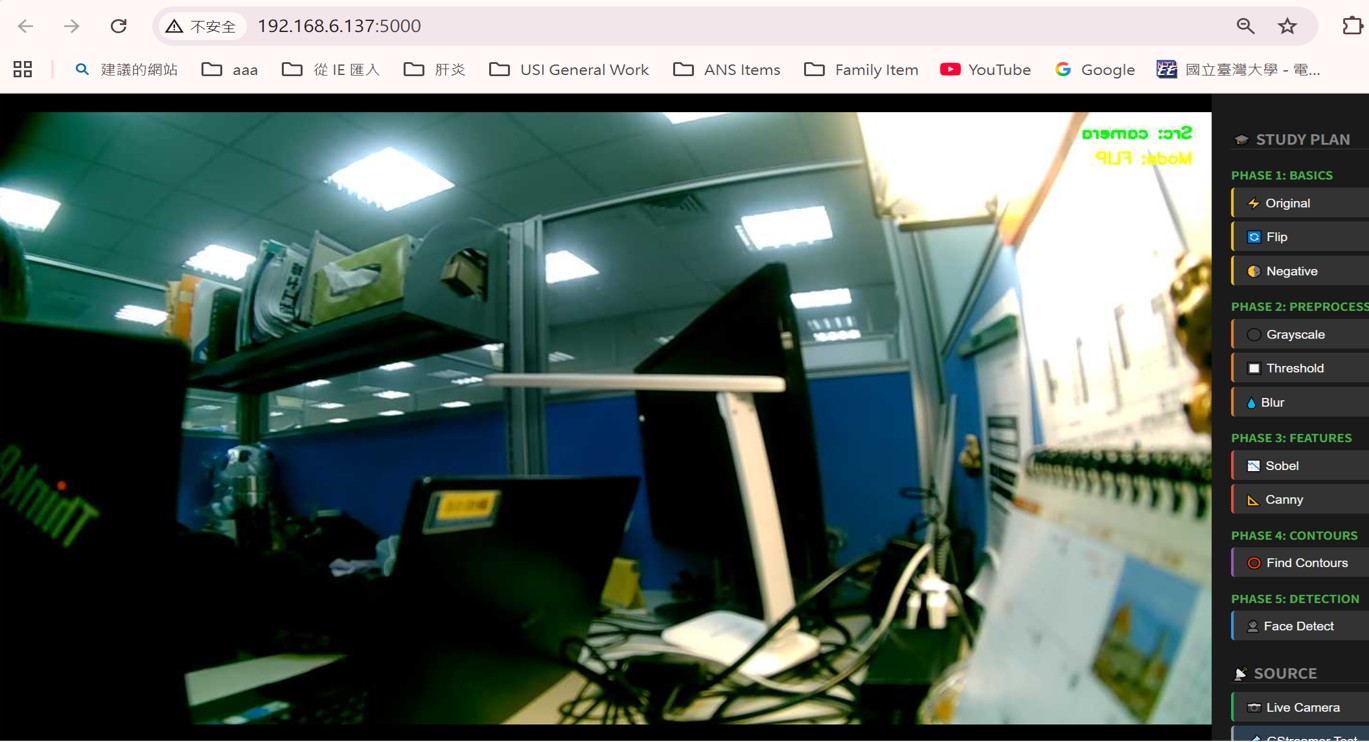
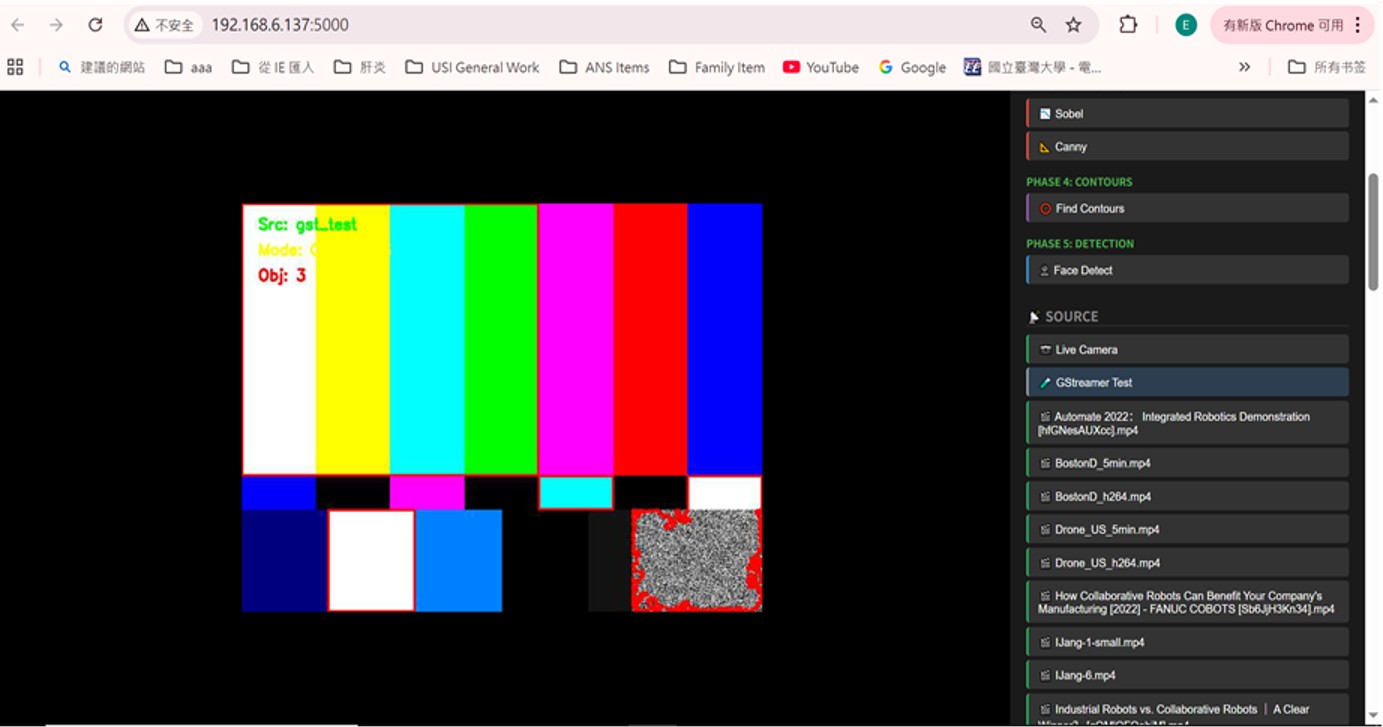
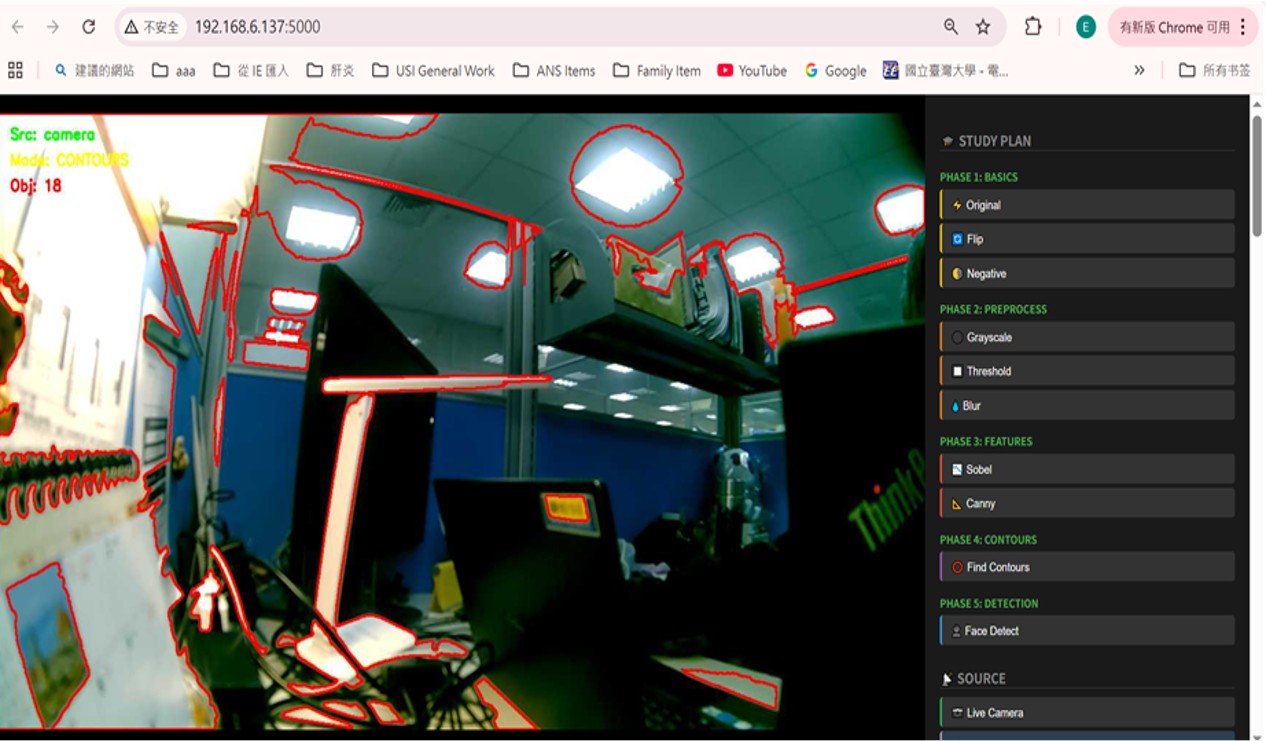
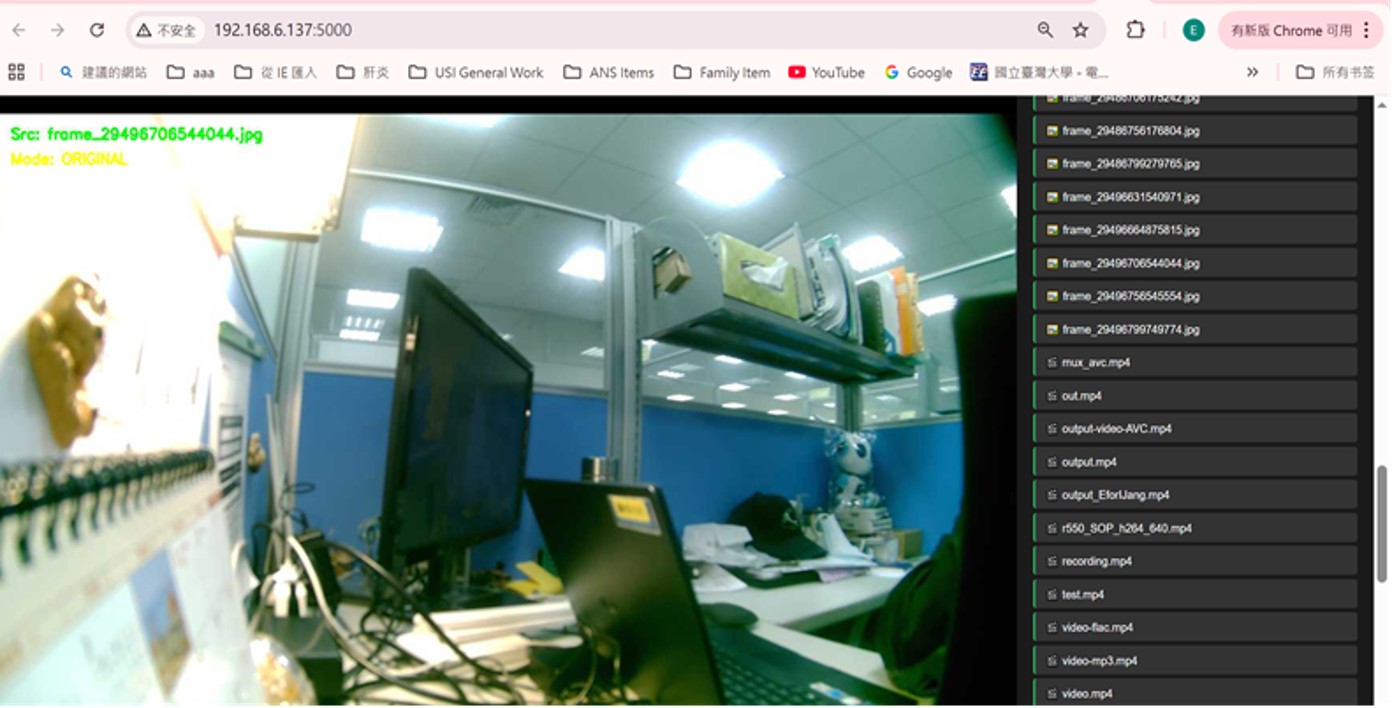
Here is the project story for the QCS5430 AI Web GUI Development. It captures the journey from a simple camera controller to a robust, hardware-accelerated AI demonstration platform.
Project Story: Unleashing Edge AI on the QCS5430
About the Project
Project Name: 5430SMC AI Web GUI Target Hardware: Qualcomm QCS5430 (RB3 Gen2) Core Stack: Python, GStreamer, TFLite (DSP), Wayland
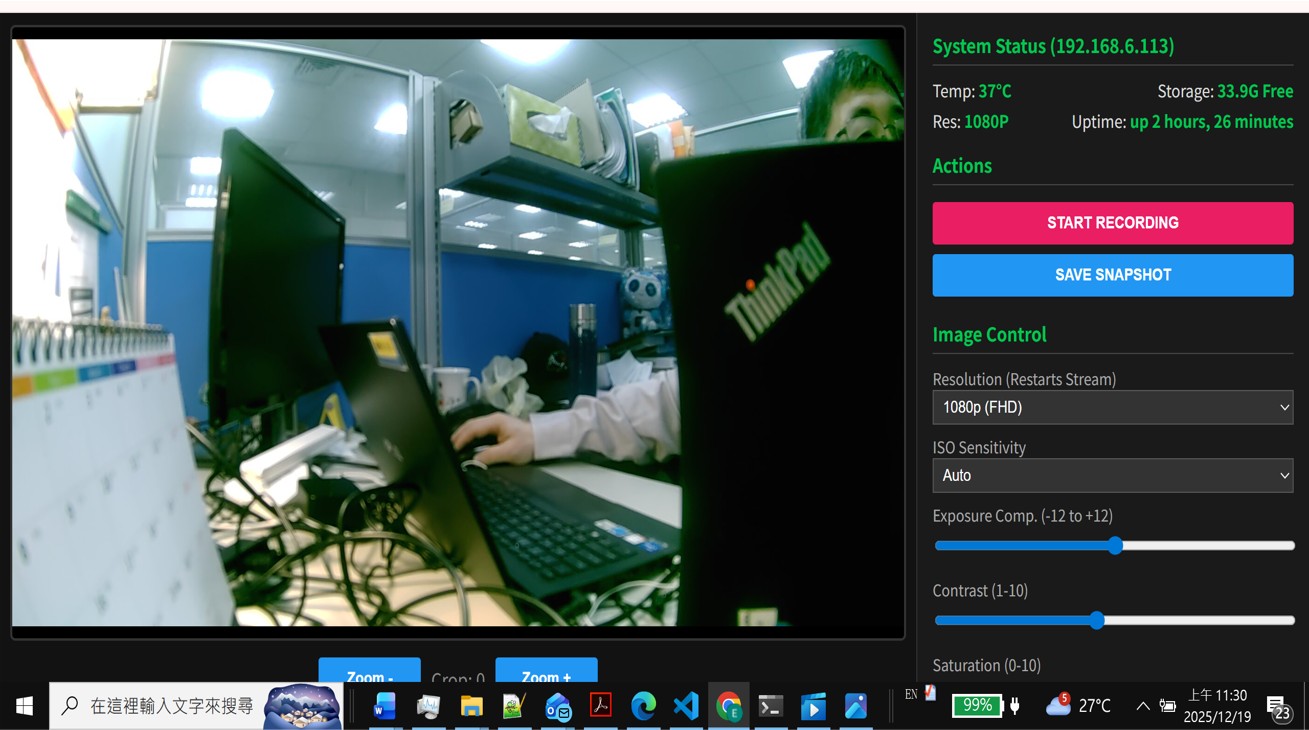
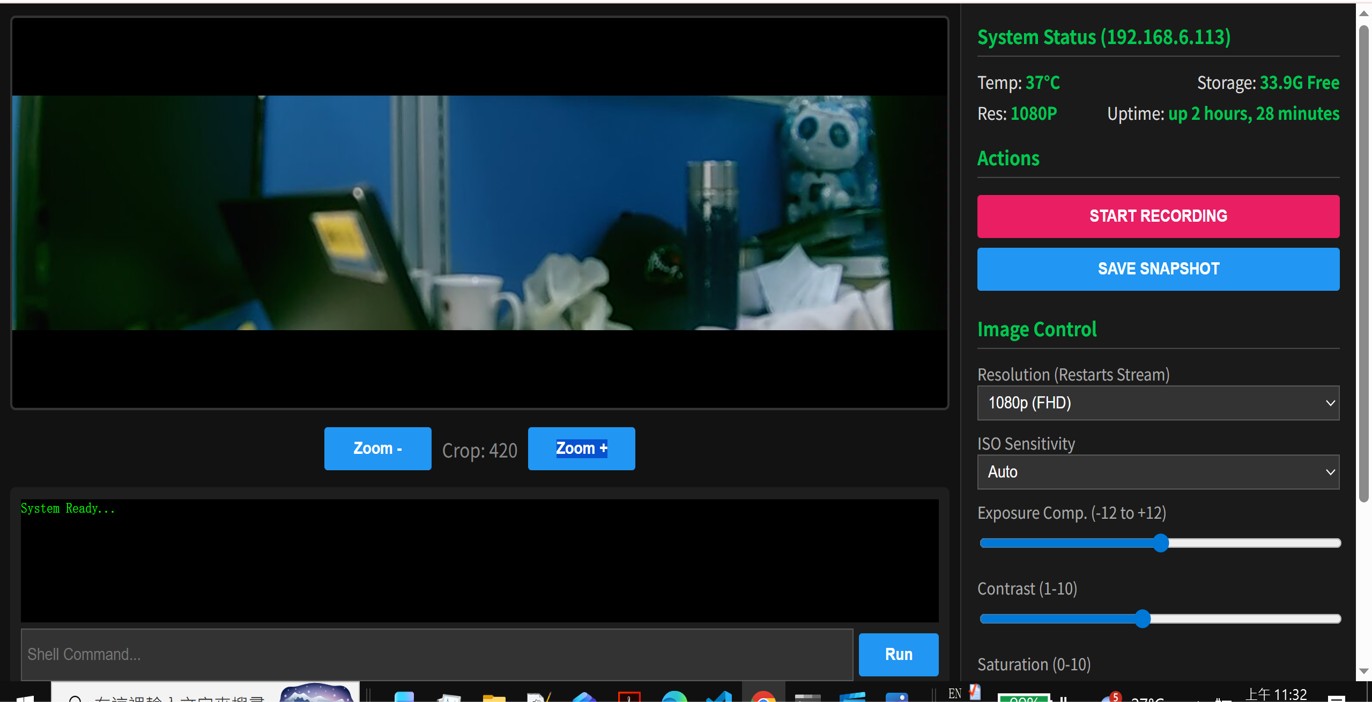
This project aimed to transform a standard embedded camera controller into a sophisticated AI Dashboard. The goal was to build a standalone application capable of capturing 1080p video, performing real-time object detection using the device's Neural Processing Unit (NPU/DSP), and displaying the results simultaneously on a local HDMI monitor and a remote web browser.
1. Inspiration: From "Seeing" to "Understanding"
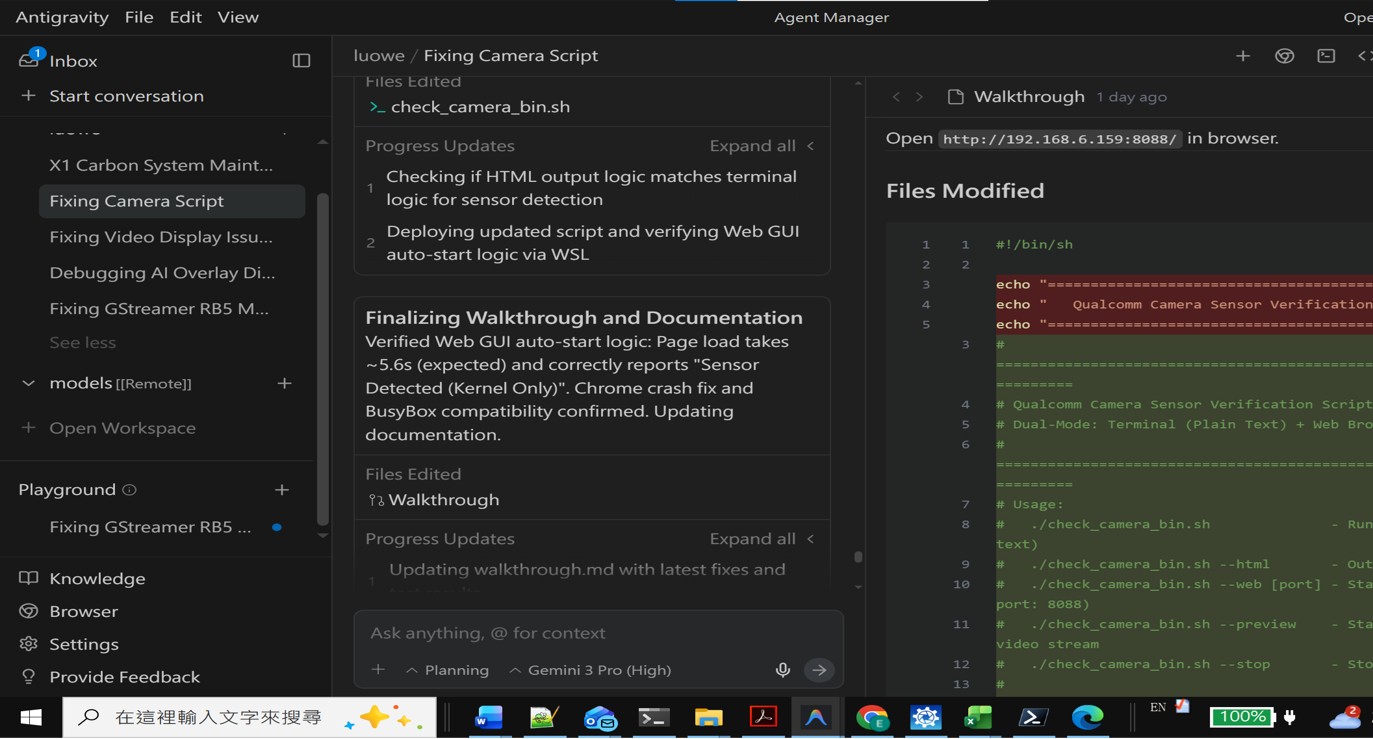
The journey began with a stable, functional camera script (web_cam_v8_14.py). While it could stream video, it was "blind" to the content it was capturing.
We were inspired by the raw potential of the QCS5430 chipset. We knew this device wasn't just a camera; it was an Edge AI powerhouse. The vision was to create a "Commander" interface—a single pane of glass where a user could see the device "thinking" in real-time. We didn't just want a command-line output; we wanted a visual experience that proved the capabilities of the hardware.
2. How We Built It: The Architecture of Resilience
We chose a "Zero-Dependency" approach to ensure the application was lightweight and fast. Instead of heavy web frameworks like Django or Flask, we built a custom multi-threaded architecture using Python's standard libraries.
The Pipeline Logic
The heart of the application is a complex GStreamer pipeline that acts as a river splitting into three streams. Mathematically, the data flow can be described as:
We utilized the Hardware Mixer (qtivcomposer) to blend the AI results directly onto the HDMI signal with zero latency, while simultaneously tapping into the metadata stream to send JSON coordinates to the web browser via Server-Sent Events (SSE).
3. The Challenges We Overcame
The road to the "Golden Master" (v1.25) was paved with complex integration hurdles.
The "Missing Module" Mystery
Early on, we attempted to use MobileNet, but discovered the standard model files were missing on the specific hardware unit. We pivoted to YOLOX, but faced a critical "Caps Mismatch":
- Model Output: Tensor shape
- Module Expectation: Standard Grid Shape
This mismatch caused the pipeline to crash instantly. We overcame this by discovering that the official "Daisychain" example worked, and we reverse-engineered its configuration.
The "Secret" Constants
The most significant breakthrough came when we realized the AI engine needed specific quantization parameters to interpret the TFLite model correctly. By extracting the configuration from the binary system files, we found the "magic string":
Yolox,q-offsets=<38.0, 0.0, 0.0>,q-scales=<3.612482...>;
Injecting this into our Python script was the turning point that brought the AI to life.
The HDMI Driver Crash
We faced a persistent issue where enabling HDMI would crash the entire application with an assertion failure: gst_wl_window_ensure_fullscreen: assertion 'self' failed.
Through rigorous isolation testing (v1.1 to v1.4), we discovered that the Wayland driver on this firmware version was incompatible with the fullscreen=true property and the valve element. We engineered an Auto-Failover System in v1.20 that detects if the HDMI socket exists and dynamically rewires the pipeline to a "Software Mode" if the monitor is disconnected, preventing crashes.
4. What We Learned
- Hardware Abstraction is Leaky: On embedded systems, you cannot simply "run" a model. You must strictly manage memory alignment, tensor formats (NV12 vs BGRA), and hardware delegates (DSP vs CPU).
- The Power of Isolation: We succeeded because we broke the system down. We built a "Video Only" version (v0.9), a "Web + HDMI" version (v1.11), and finally merged them. Trying to debug everything at once was impossible.
- Reverse Engineering is a Skill: Sometimes documentation is missing. Reading system logs, checking file paths, and analyzing existing binary behaviors provided the answers that the manual could not.
Conclusion
The result, AI-WEB-GUI-V1.25, is not just a script; it is a robust demonstration platform. It features dynamic hardware detection, fault tolerance, and a clean, responsive web interface. It stands as a testament to the power of iterative debugging and the collaboration between human insight and AI assistance.## Inspiration
Built With
- building-a-lightweight-architecture-using-standard-python-libraries-(`http.server`
- embedded
- gstreamer
- python
- threading`
- utilizing-**mjpeg**-for-video-and-**server-sent-events-(sse)**-for-real-time-data.-targeting-the-**qualcomm-qcs5430**
- we-leveraged-the-**qualcomm-im-sdk**-to-run-quantized-**tensorflow-lite-(yolox)**-models-on-the-**hexagon-dsp**.-hardware-accelerated-hdmi-output-was-managed-via-the-**wayland/weston**-protocol.-we-avoided-heavy-frameworks


Log in or sign up for Devpost to join the conversation.