-
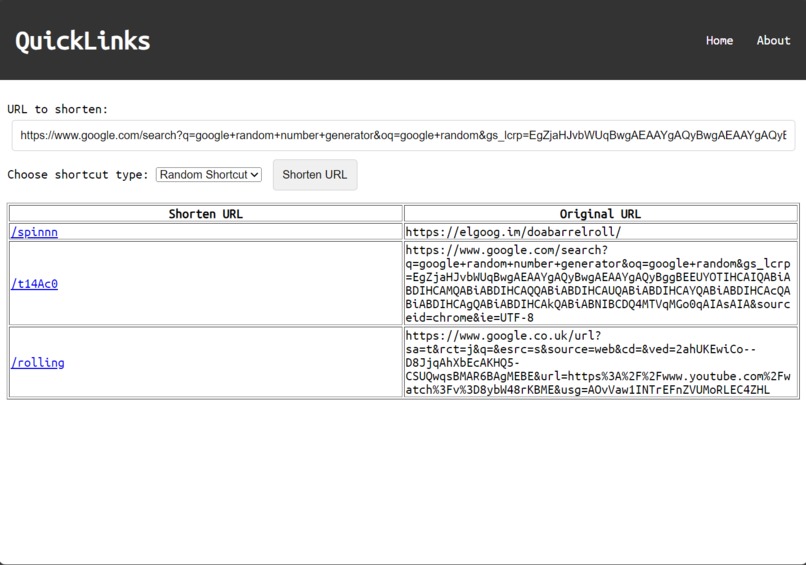
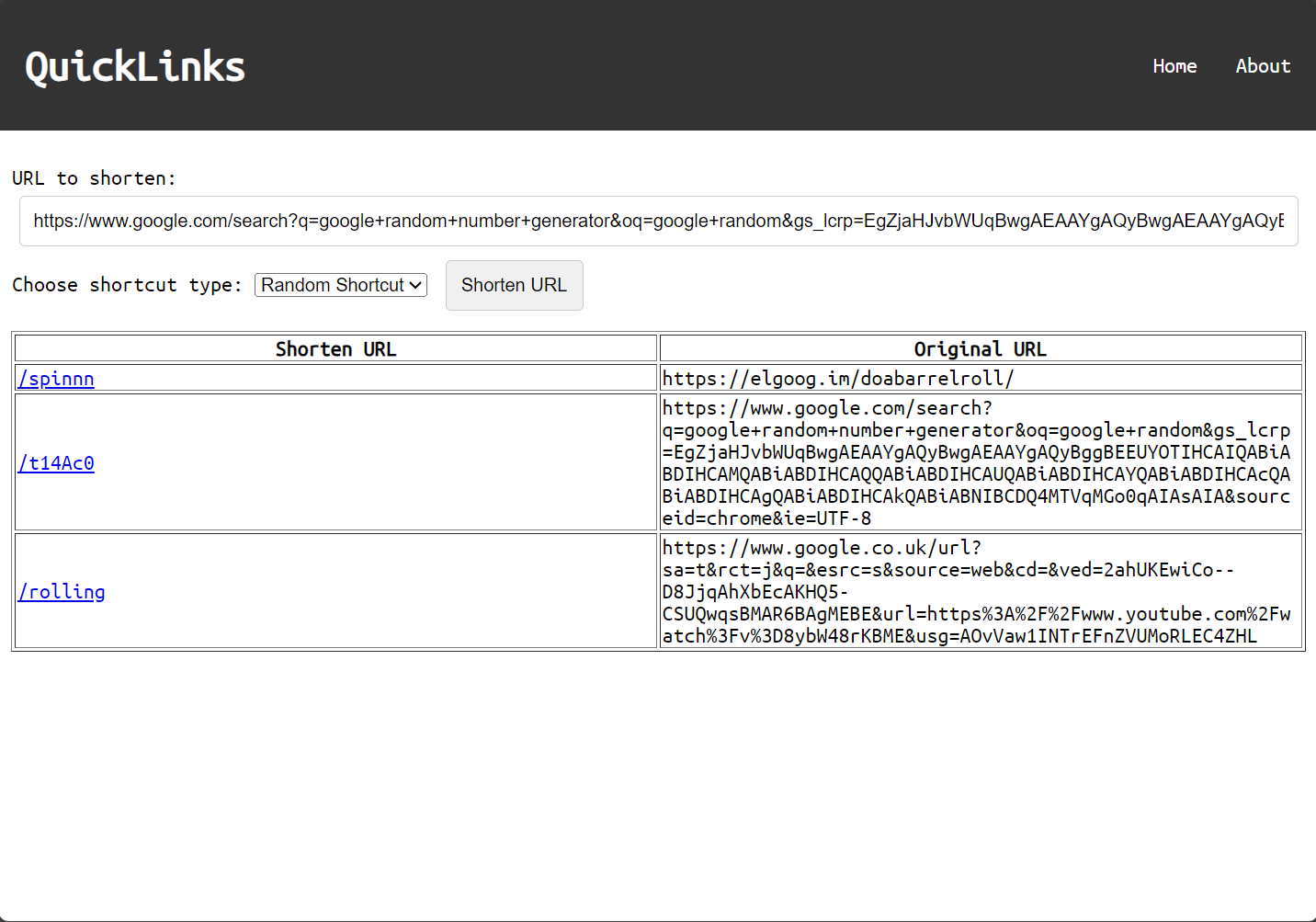
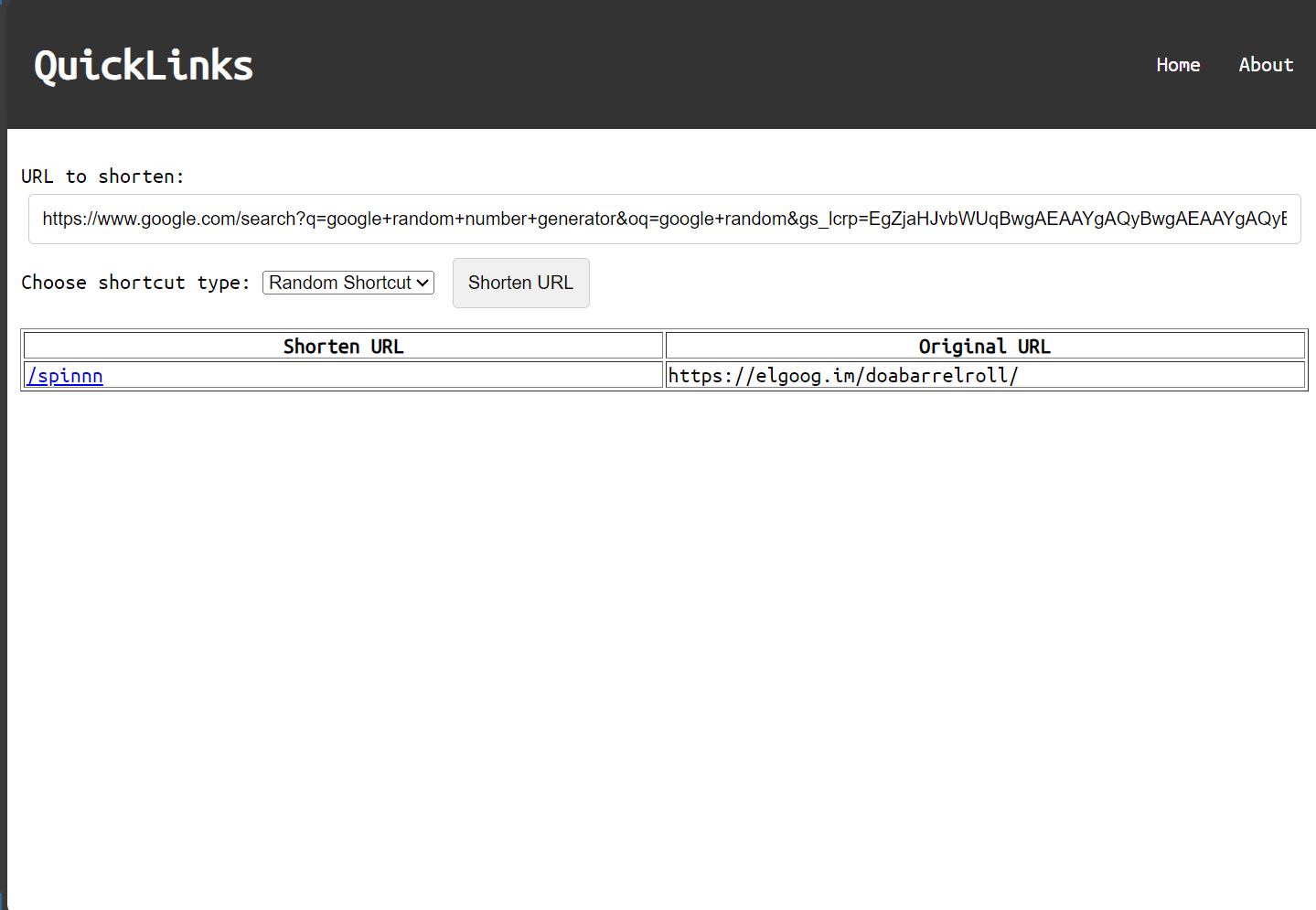
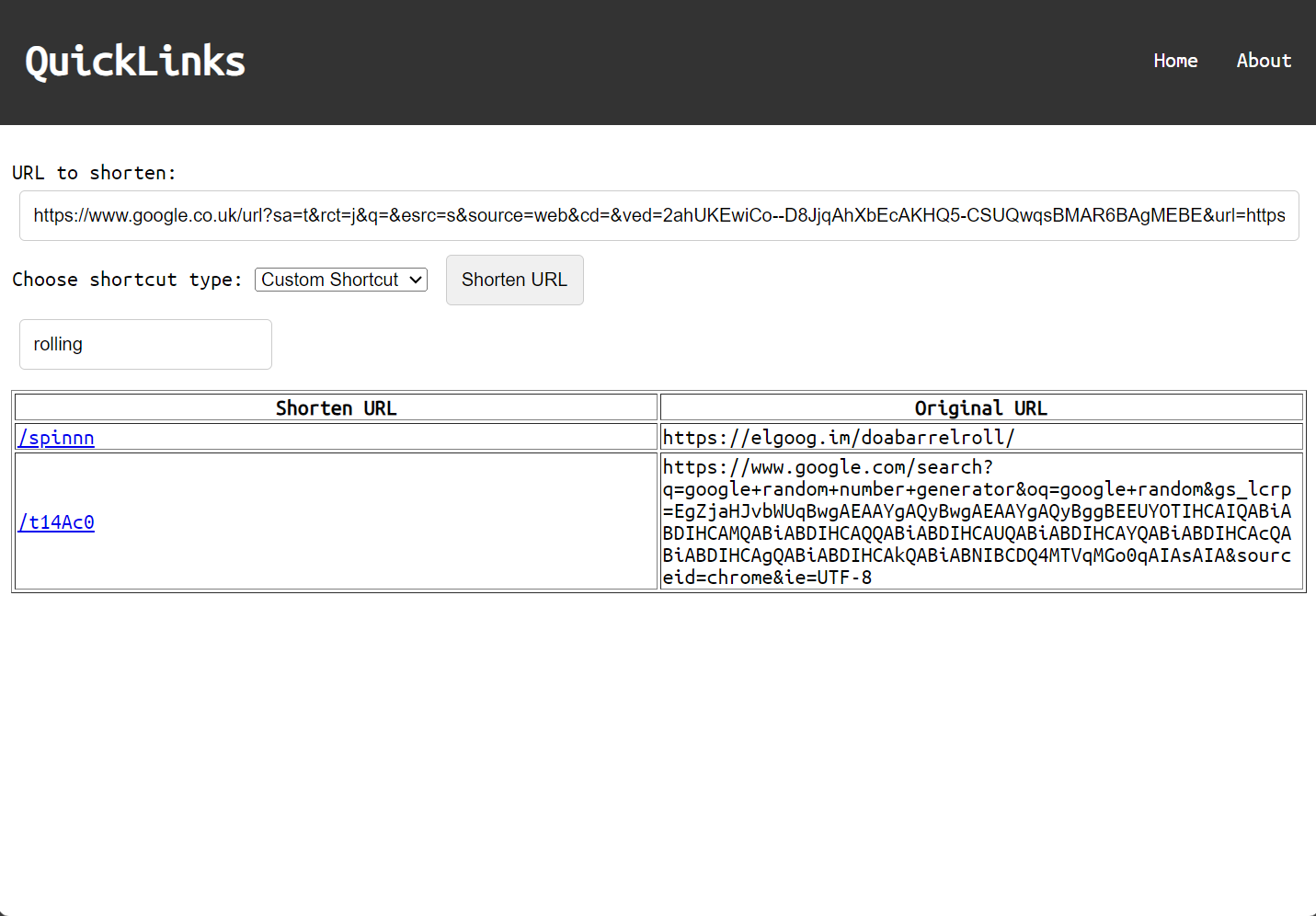
Start here! This is your starting point to all QuickLink demos and hosts the URL shortener.
-
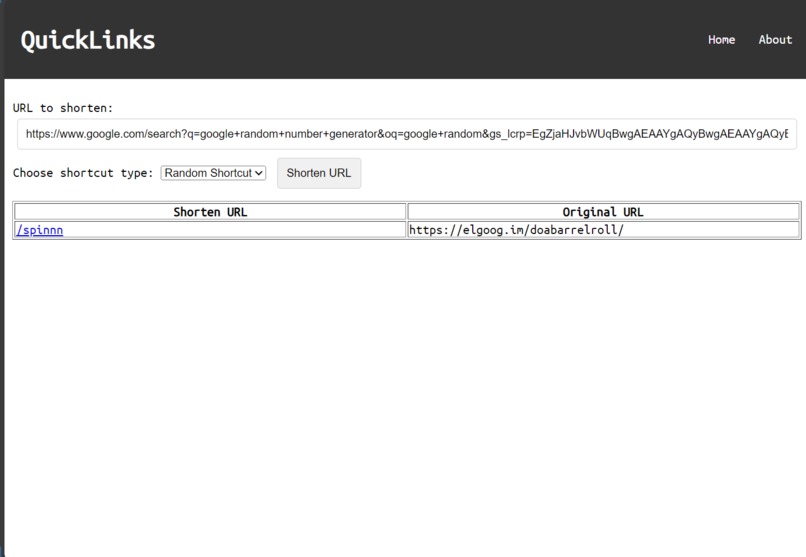
Adding an URL with a random shortcut name works smoothly.
-
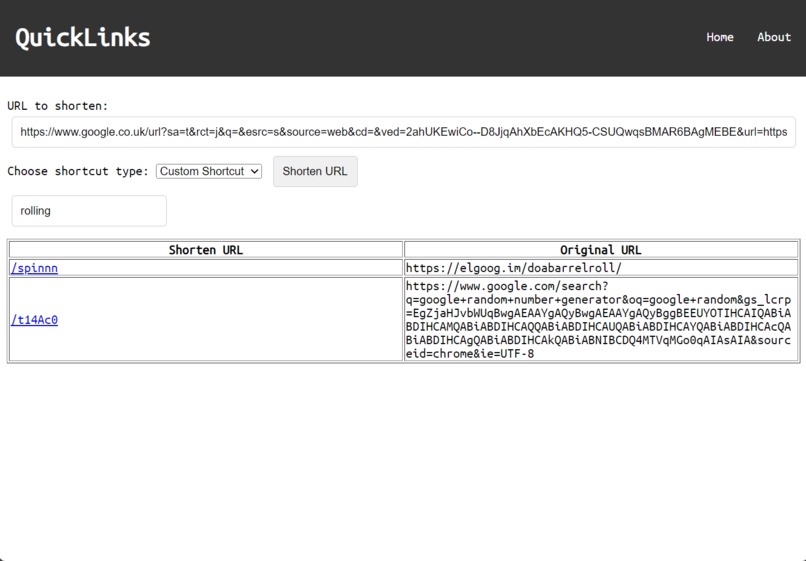
Adding an URL with a completely random name in action.
-
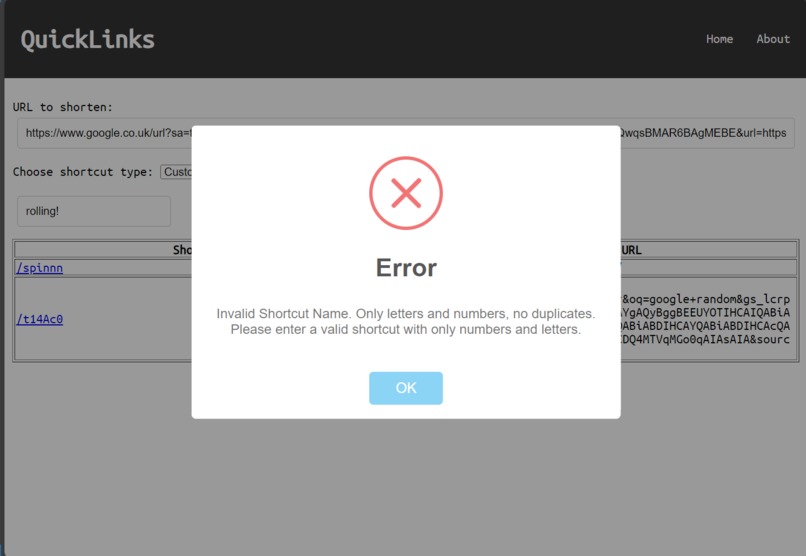
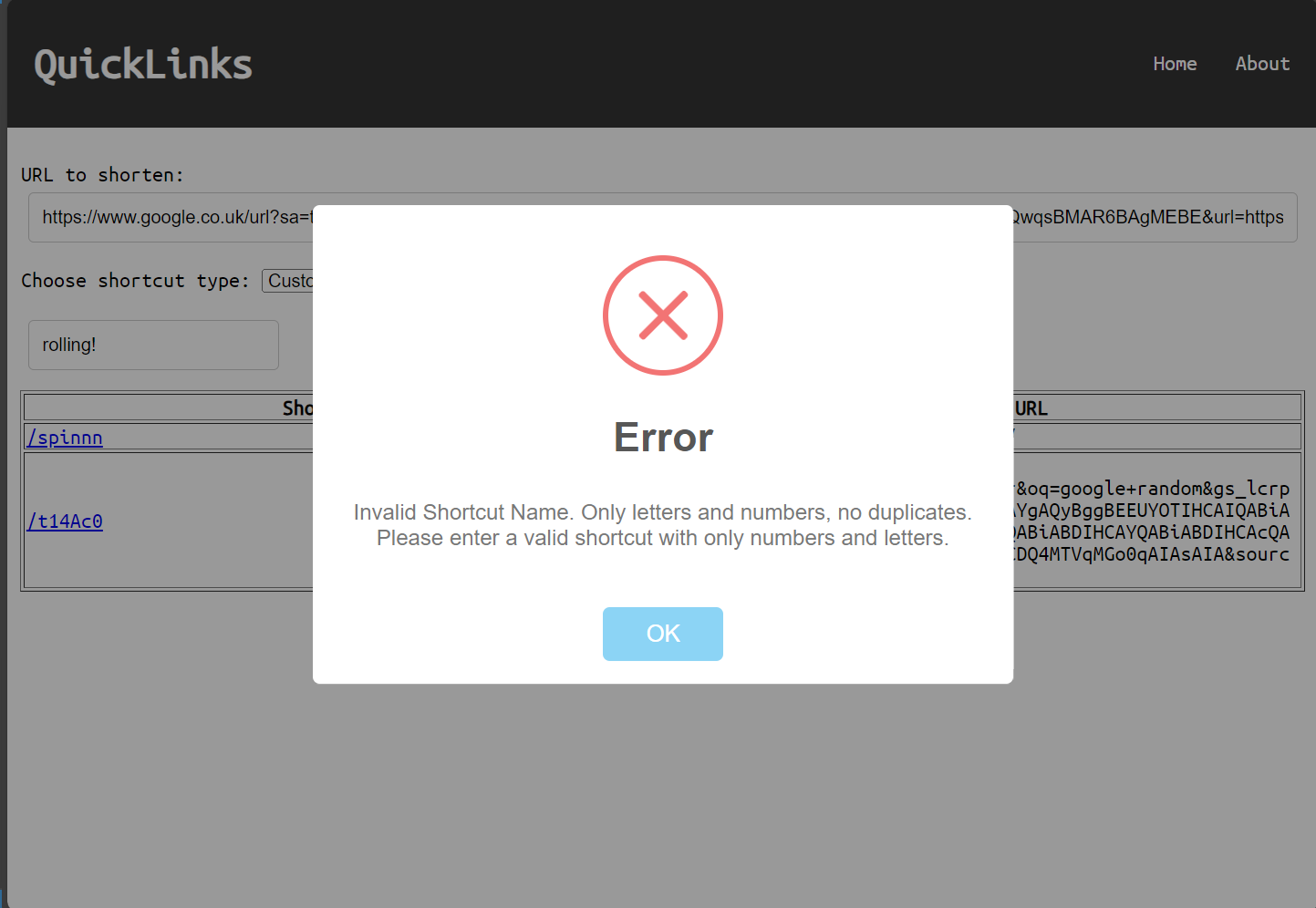
Error message when adding an improperly formatted URL. Remember, duplicates are technically allowed and overwrite existing shortcuts.
-
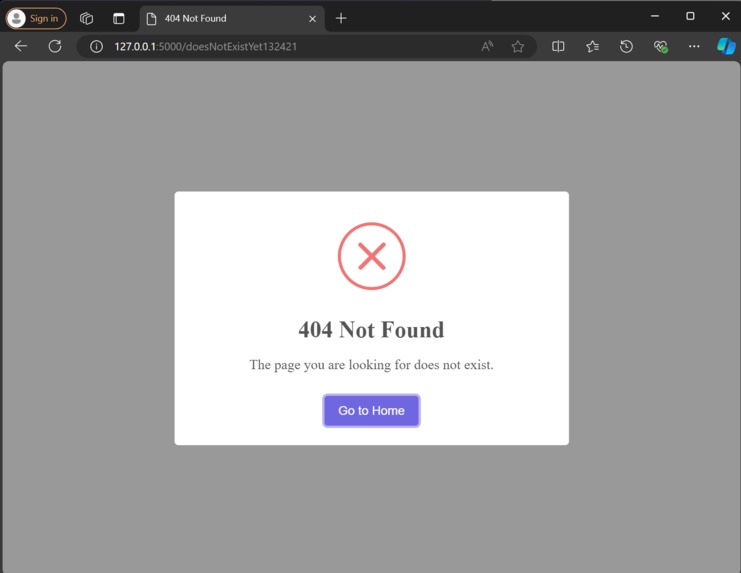
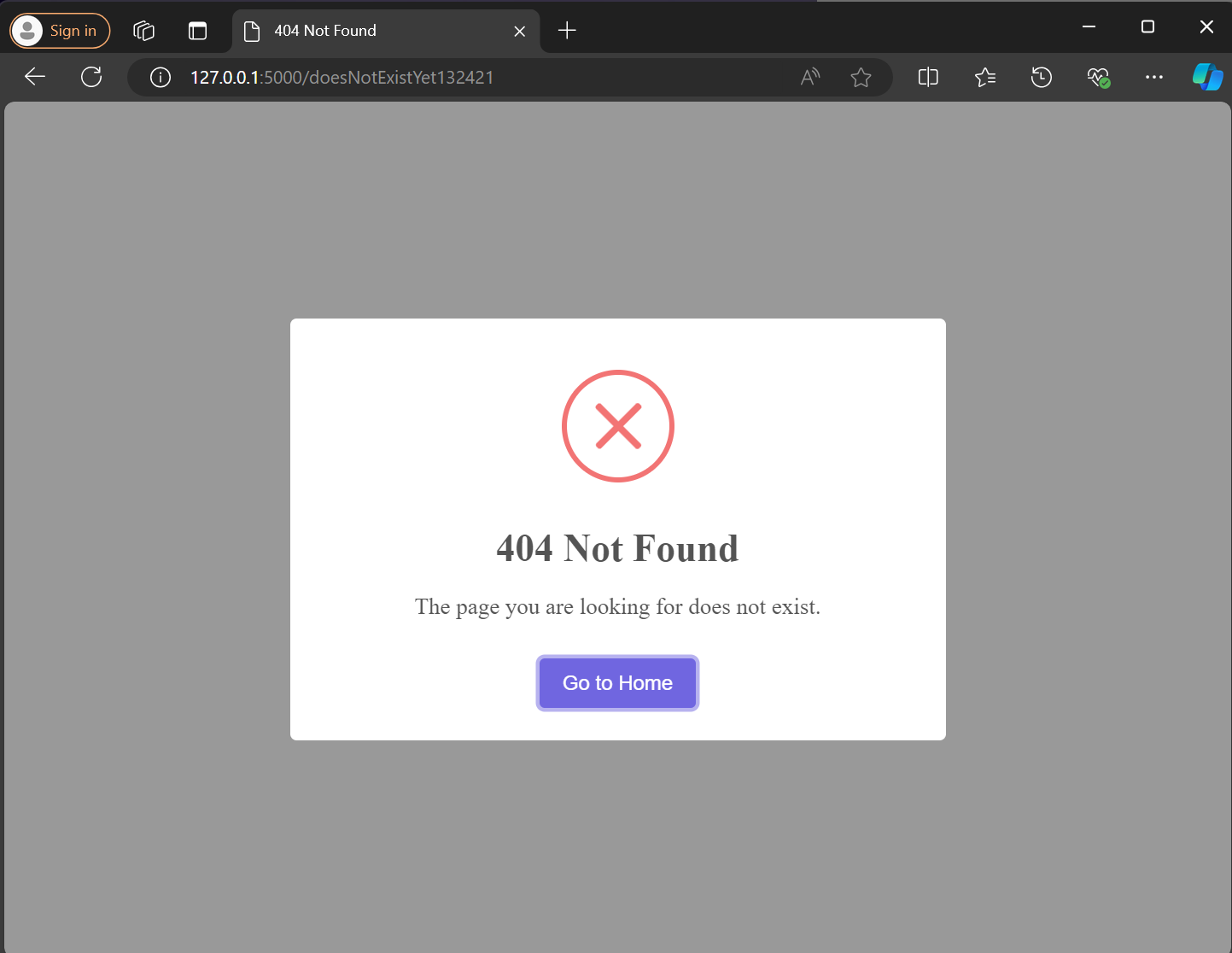
Error message for nonexistent shortcut attempt.
-
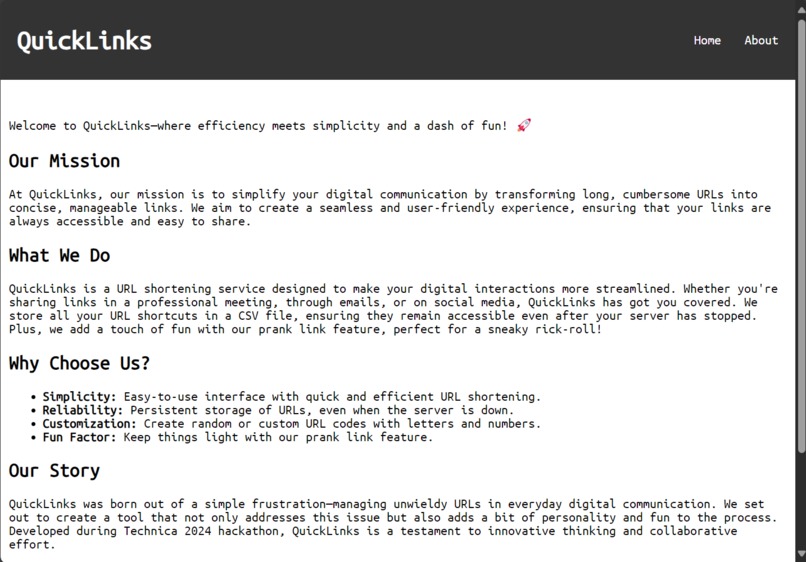
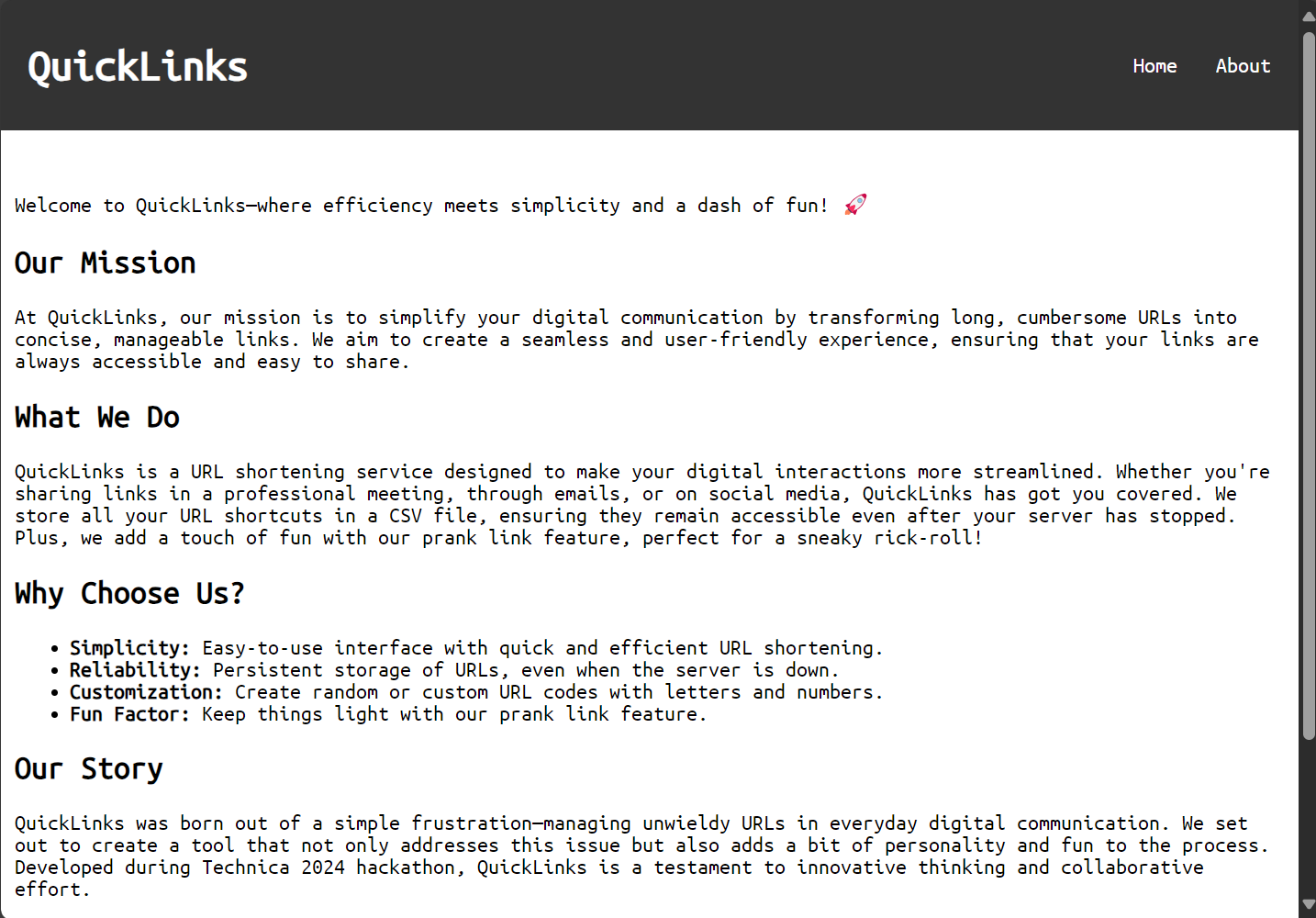
Learn more about this tool and its functionalities on the About page.
Inspiration💡
The idea for QuickLinks came from the daily frustration of managing unwieldy URLs in professional and personal settings. Whether in meetings, or presentations, long URLs often disrupt the flow of communication. We wanted a solution that not only shortened URLs but stored them reliably, adding a touch of fun with prank capabilities.
What it does🔗
QuickLinks demo version lets you add new links with either random or custom URL codes, consisting of letters and numbers. You can also overwrite shortcuts with new URLs (if they are valid). The system checks the validity of the URL and the shortcut, and if both are good, it automatically refreshes the interface for seamless usage. It stores these shortened URLs in a CSV file, ensuring they are accessible even after the local server is stopped. It's perfect for meetings, sharing resources, and adding a bit of humor by allowing users to create prank links, like rick-rolling unsuspecting friends or colleagues.
How we built it🛠️
Using Python and Flask, we set up a backend that processes and stores URL data. The URLs and their corresponding shortcuts are saved in a CSV file, ensuring persistent storage. Special thanks to Anaconda Assistant for providing guidance and support throughout the project.
Challenges we ran into🧩
Getting everyone connected on GitHub from VS Code was a real task. Creating a dropdown that allowed for a new form to pop up (the custom shortcut form) and loading tables within the screen size were tricky. Ensuring URLs and shortcuts were valid and handling automatic refreshing was also quite challenging.
Accomplishments that we're proud of🎉
Successfully implementing a reliable and persistent data storage system that refreshes automatically upon validation of the URL and shortcut name. Finishing the website on the first day (within 8 hours of starting the project) was also quite the feat.
What we learned📚
We gained insights into data persistence and user interface design, as well as the importance of a smooth user experience. The most important lesson was how to use GitHub and make a website with Flask. These skills are invaluable for the future, not just for this project but for many others down the road.
What's next for QuickLinks🚀
Our next steps are to add user login and simplify the process of editing shortcuts and URLs. We're also planning a feature to remove unwanted shortened URLs. CSV files aren't quite cutting it for us anymore, so we're exploring more scalable storage options. Ultimately, we aim to launch QuickLinks with its domain name and get it up and running on the web if it goes well.


Log in or sign up for Devpost to join the conversation.