-
-
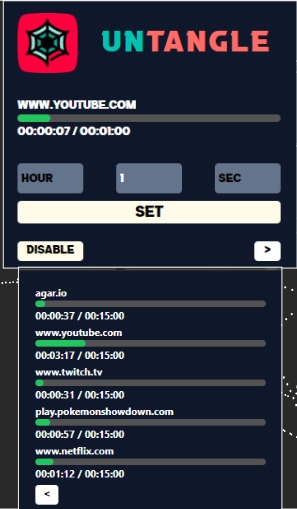
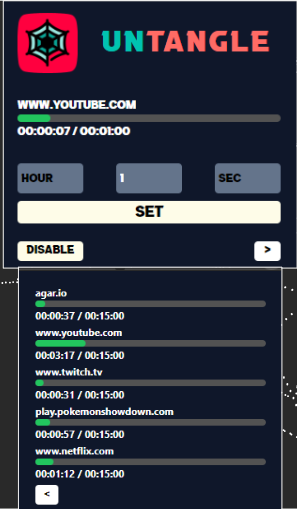
Popup UI
-

UNTANGLE Logo
-
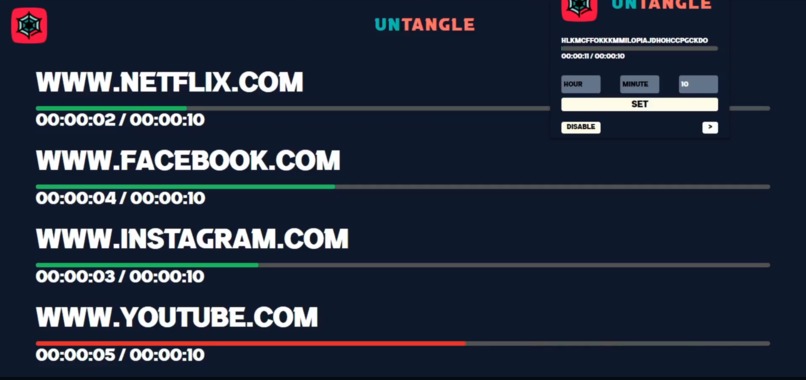
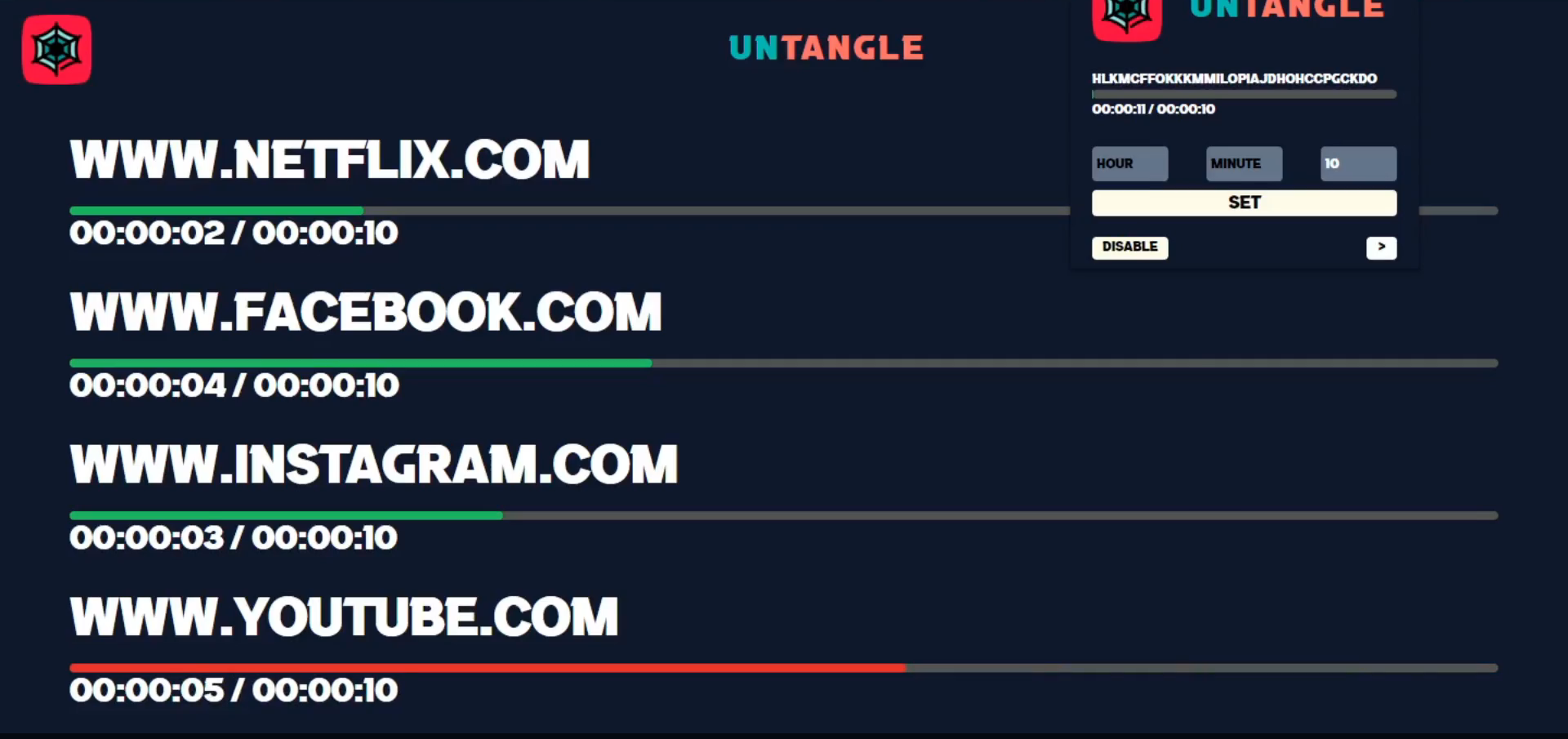
Blocked pages will redirect to a list of timers/cooldowns

Inspiration
When we first began this hackathon, we went straight away into brainstorming various challenges that we faced in our education. However, we found ourselves constantly getting sidetracked by distracting websites like YouTube and TikTok. We would not even know when our sidetracking started and how long we spent off-task. We realized how this problem also occurs in our studying and that it actively stunts our ability to learn. It's a little ironic how we ourselves would easily get side-tracked while conceptualizing an idea for this hackathon, and so we decided to do something about it.
What it does
UNTANGLE can set timers for different websites to limit your usage of those sites. After using up your provided time, UNTANGLE will block access to the website, gently nudging the student back on track, and ensuring that their time working is well-spent
How we built it
We built UNTANGLE using Manifest v3, the latest version of the Chrome extension platform along with Google Chrome's developer tools. Manifest v3 includes a feature known as "service workers" which allows us to run Javascript modules in the background of our Chrome process. These service workers allow us to calculate the time spent on different Chrome tabs and then store them in Chrome's local storage. The popup UI was created using ReactJS and Tailwindcss. ReactJS is written in JSX which is then converted into Javascript using a node module known as Babel.
Challenges we ran into
There were a couple of challenges we ran into this year. Firstly, finding a resource to teach us how to integrate React into a Chrome extension was difficult and we had to figure it out ourselves with little prior experience in how to build a Chrome extension. Secondly, since Chrome extensions now use Manifest v3, many tutorials and public forums were outdated because they were catered towards Manifest v2. Finally, there were numerous instances where we were side-tracked in real life due to the internet wiring our brains that way. Maybe our next step is to allow UNTANGLE to go beyond the virtual world and into the real world.
Accomplishments that we're proud of
We are proud that we were finally able to get off YouTube and start working. But jokes aside, we are truly impressed at how useful something like UNTANGLE actually was. In the later stages of production, we used UNTANGLE to set a time limit for YouTube when we watched tutorials so that we didn't get distracted. It not only stopped us from continuing but also made it really annoying for us to go back to YouTube, which just proves how effective it is. Even though there are levels of polish and technicality in UNTANGLE, the actual effectiveness is what we are really proud of in this hackathon.
What we learned
During Hack the Classroom this year, we learned a lot. We learned about ourselves and fixed our bad habits. We learned about the strengths and limitations of each other. For example, Bryan was more familiar with the backend while Dawson was more in touch with the design. Most importantly, however, this was the first time we've seriously tried to build a Chrome extension, and we learned a lot about the techniques for building an interactive and aesthetically pleasing Chrome extension.
What's next for UNTANGLED
We believe there is an exciting new future for untangle, and of course, a lot to improve:
- A parental control and permissions system for parents with phone-addicted kids
- Support for other browsers such as Microsoft Edge, and Firefox for the 10% of people who don't use Chrome
- Enhanced user interface for a smoother user experience


Log in or sign up for Devpost to join the conversation.