-
-
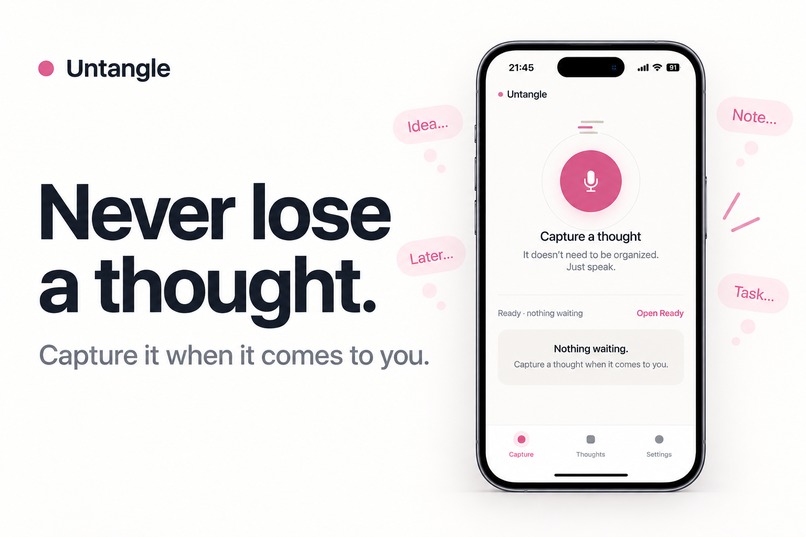
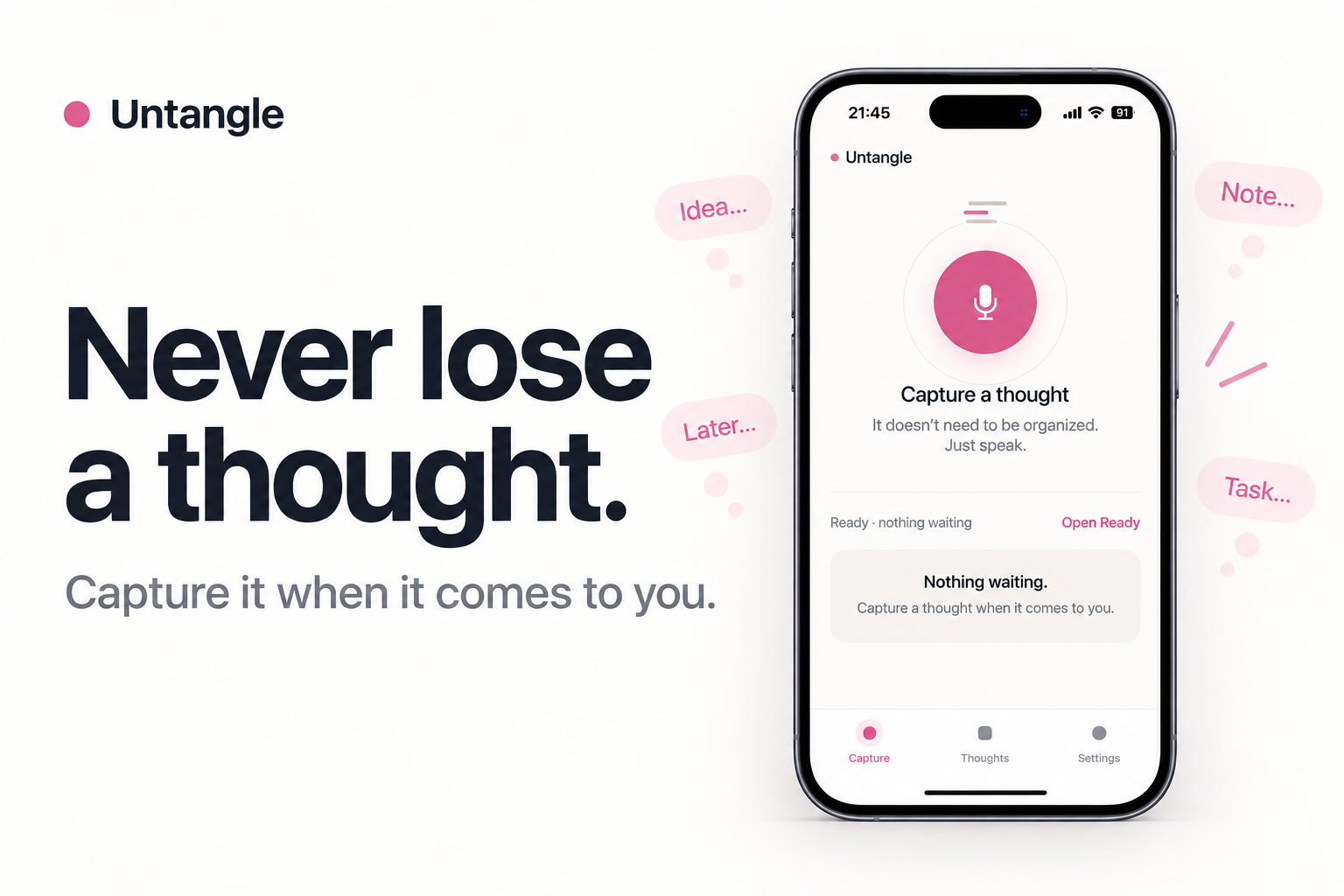
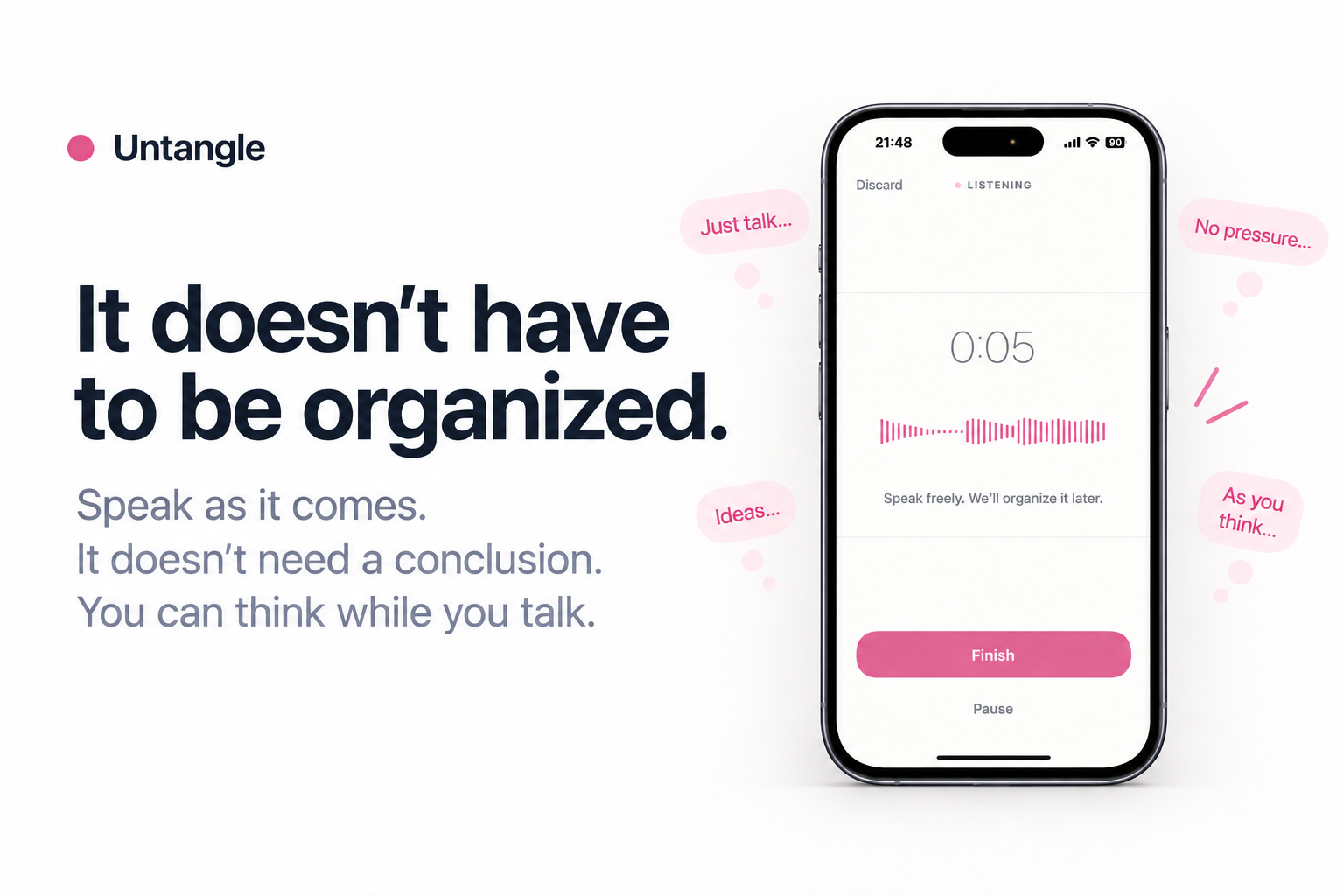
Capture ideas the moment they come to you.
-
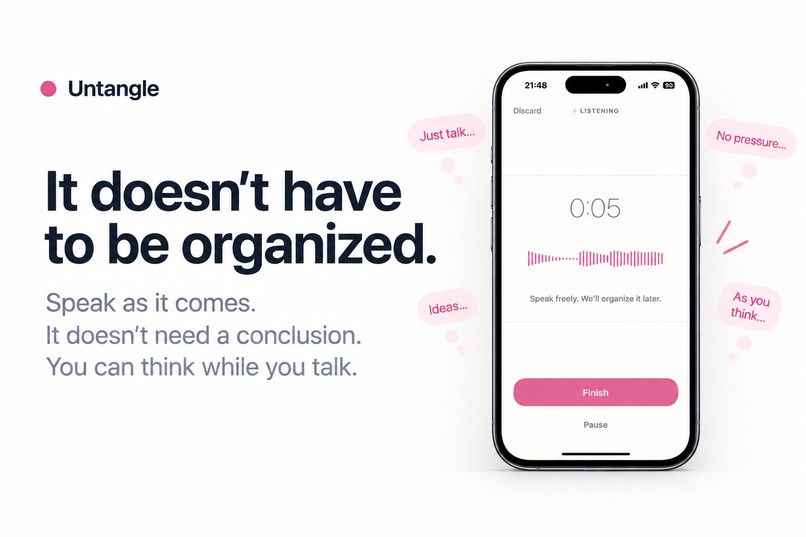
Speak freely. Untangle turns messy voice notes into something clearer.
-
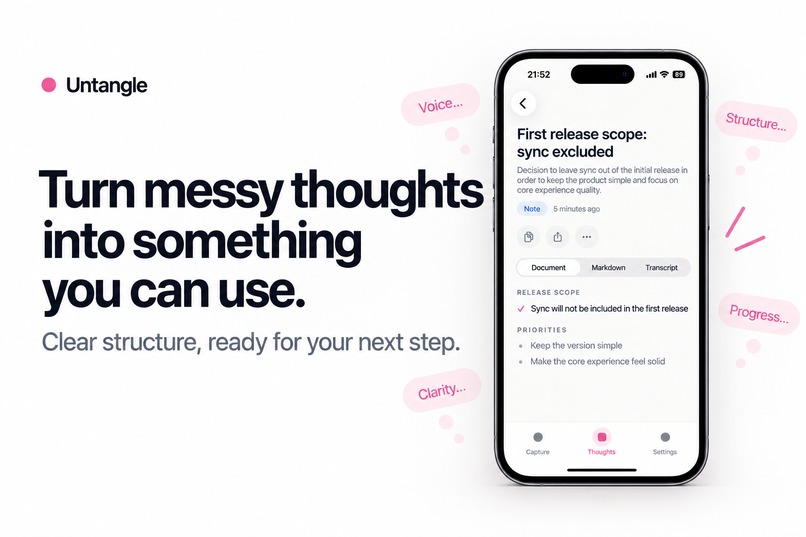
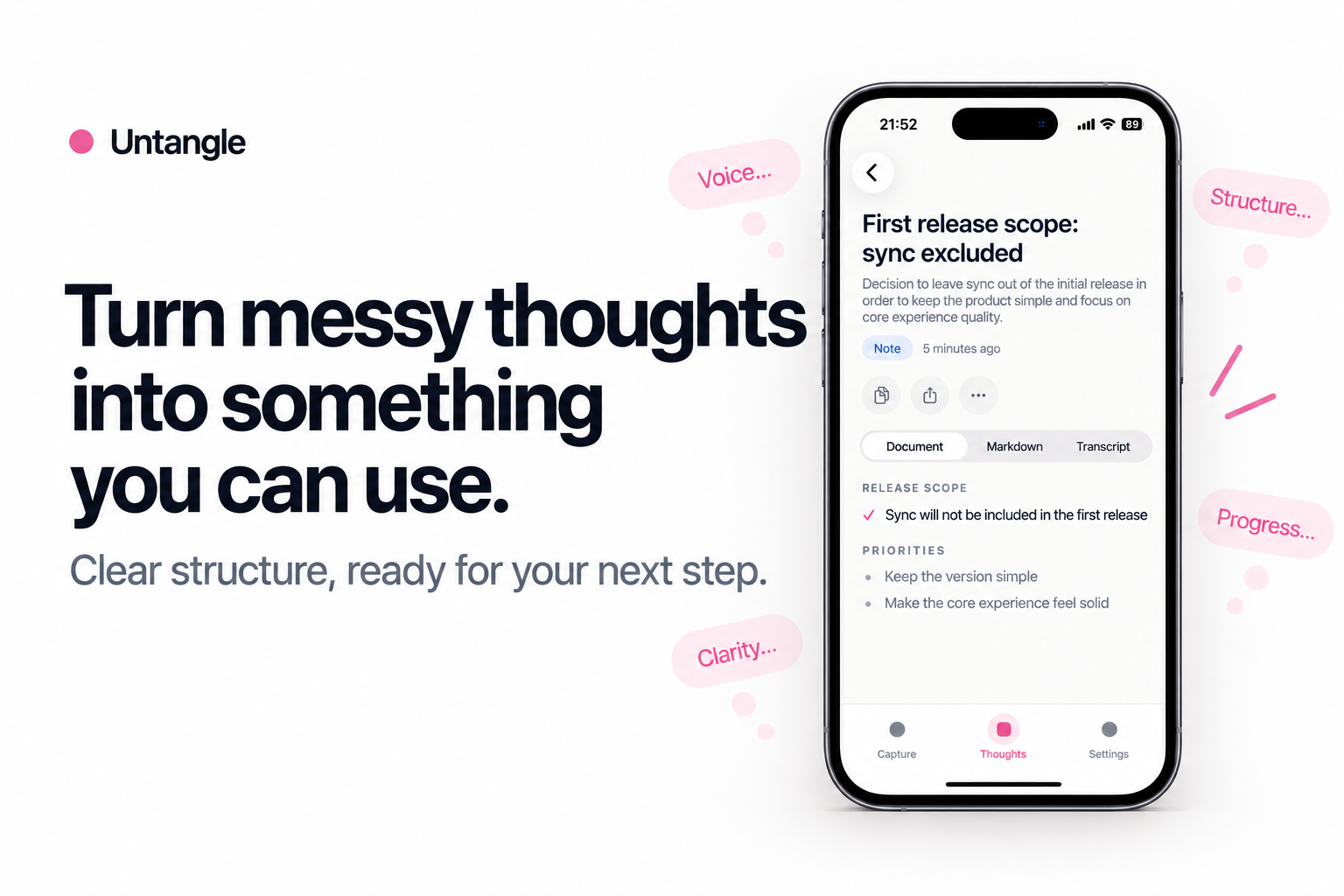
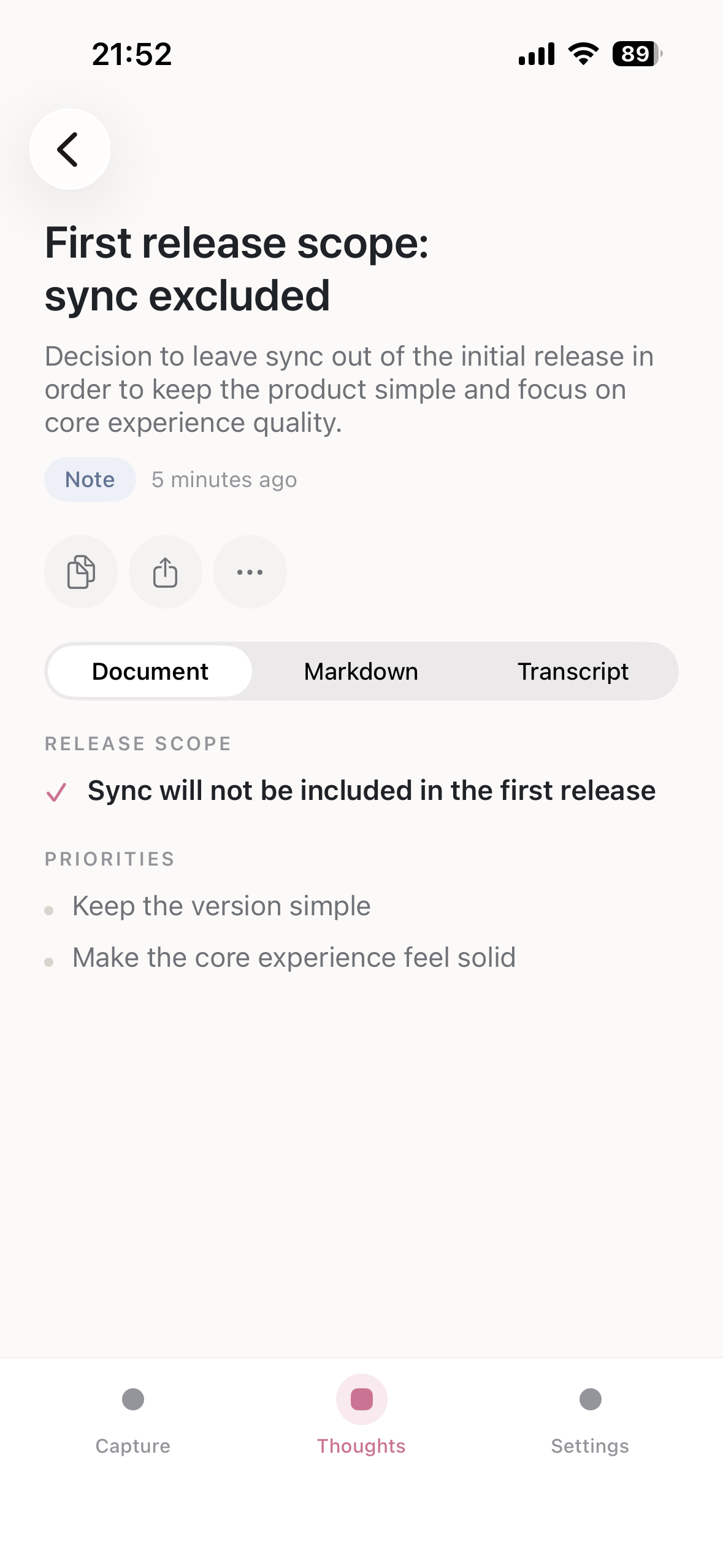
AI organizes your transcript into a structured, useful note.
-
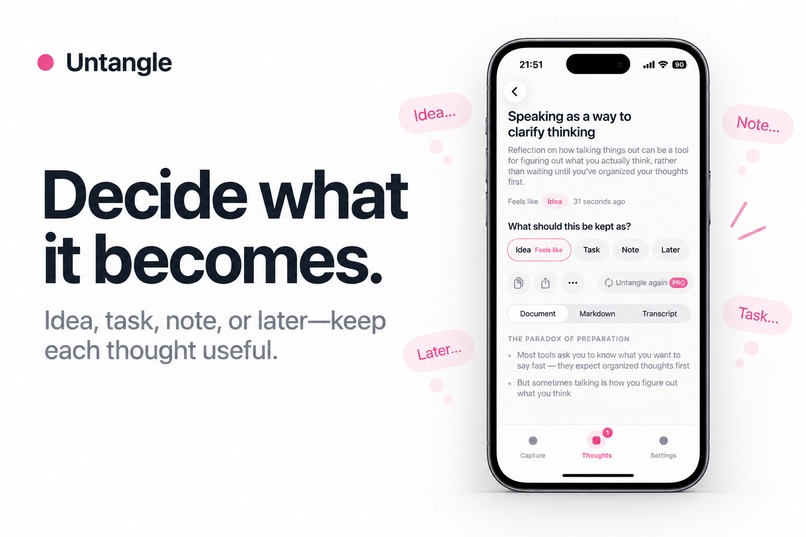
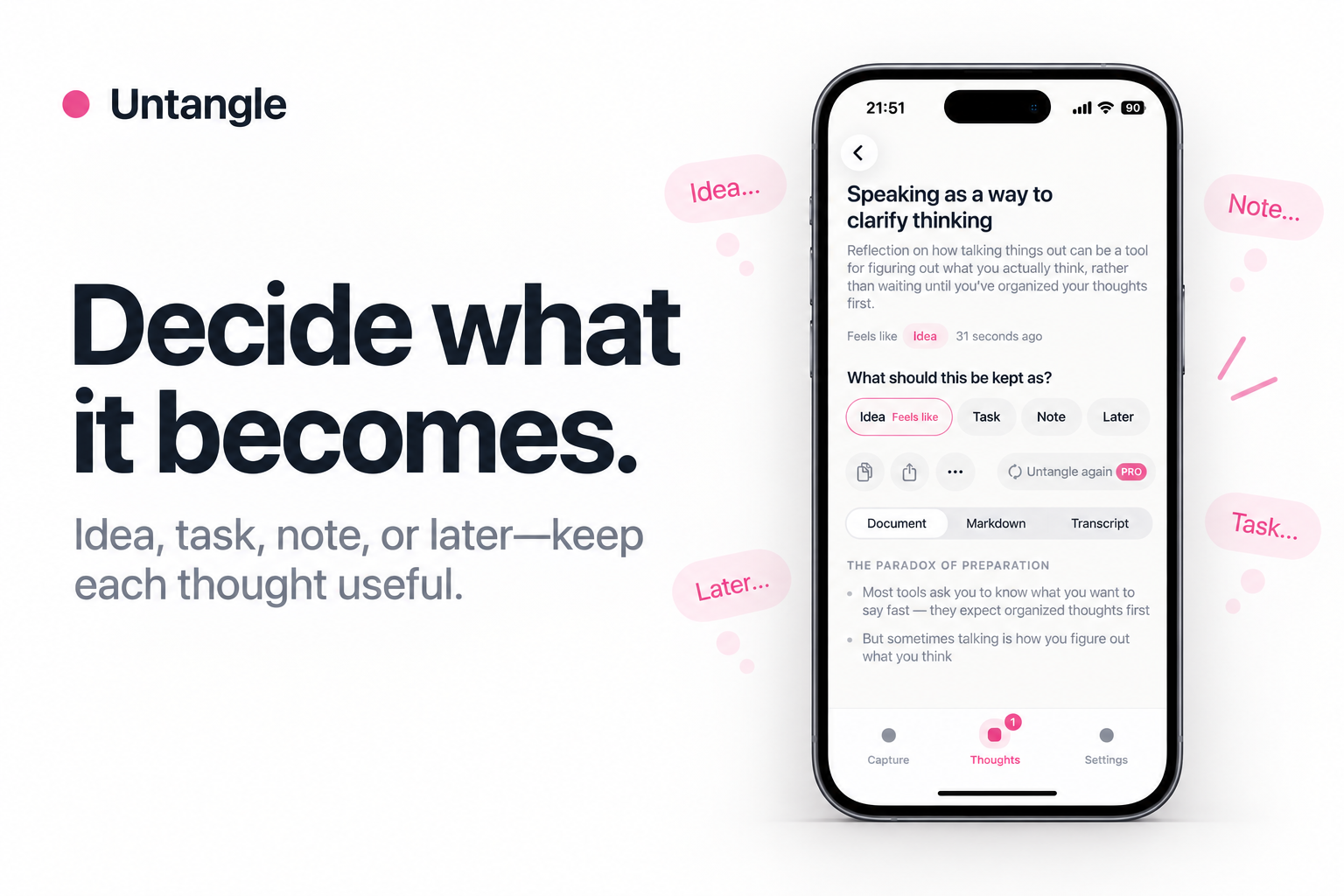
Keep each thought as an idea, task, note, or something for later.
-
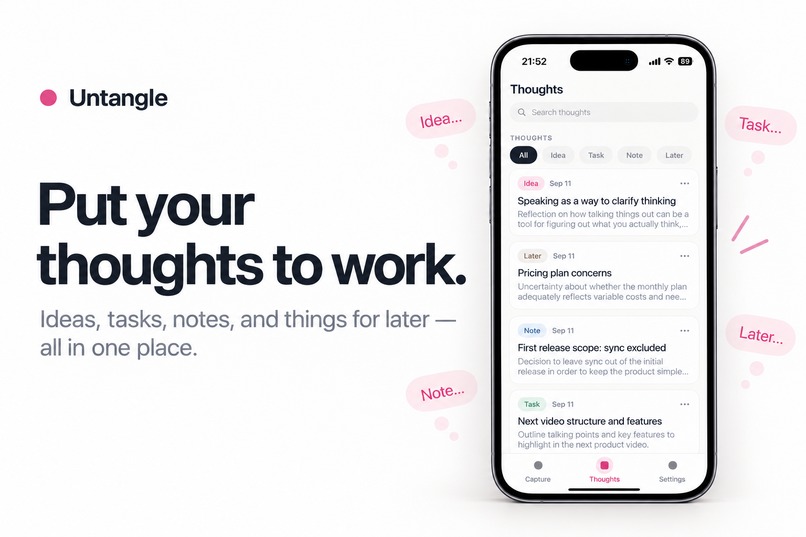
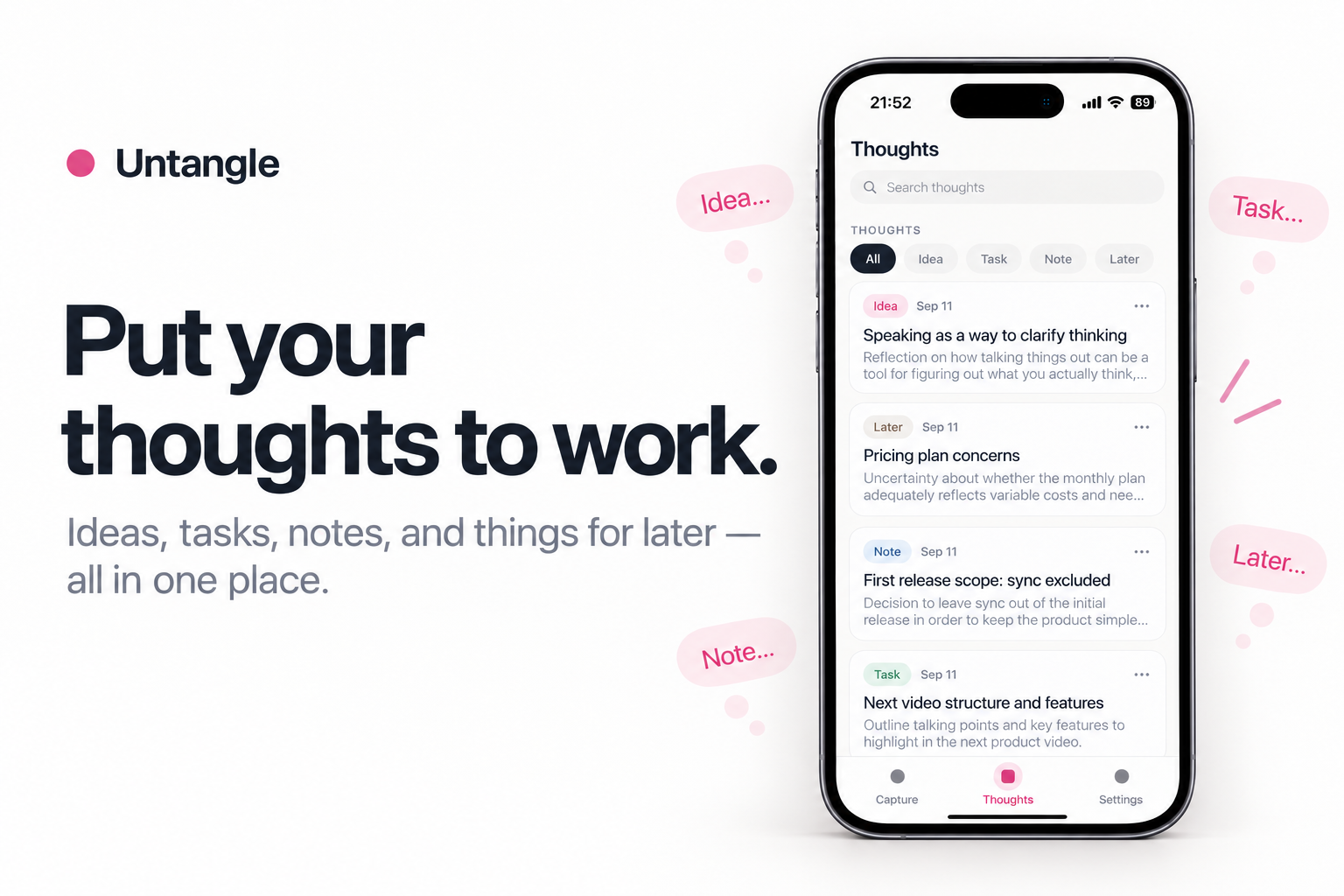
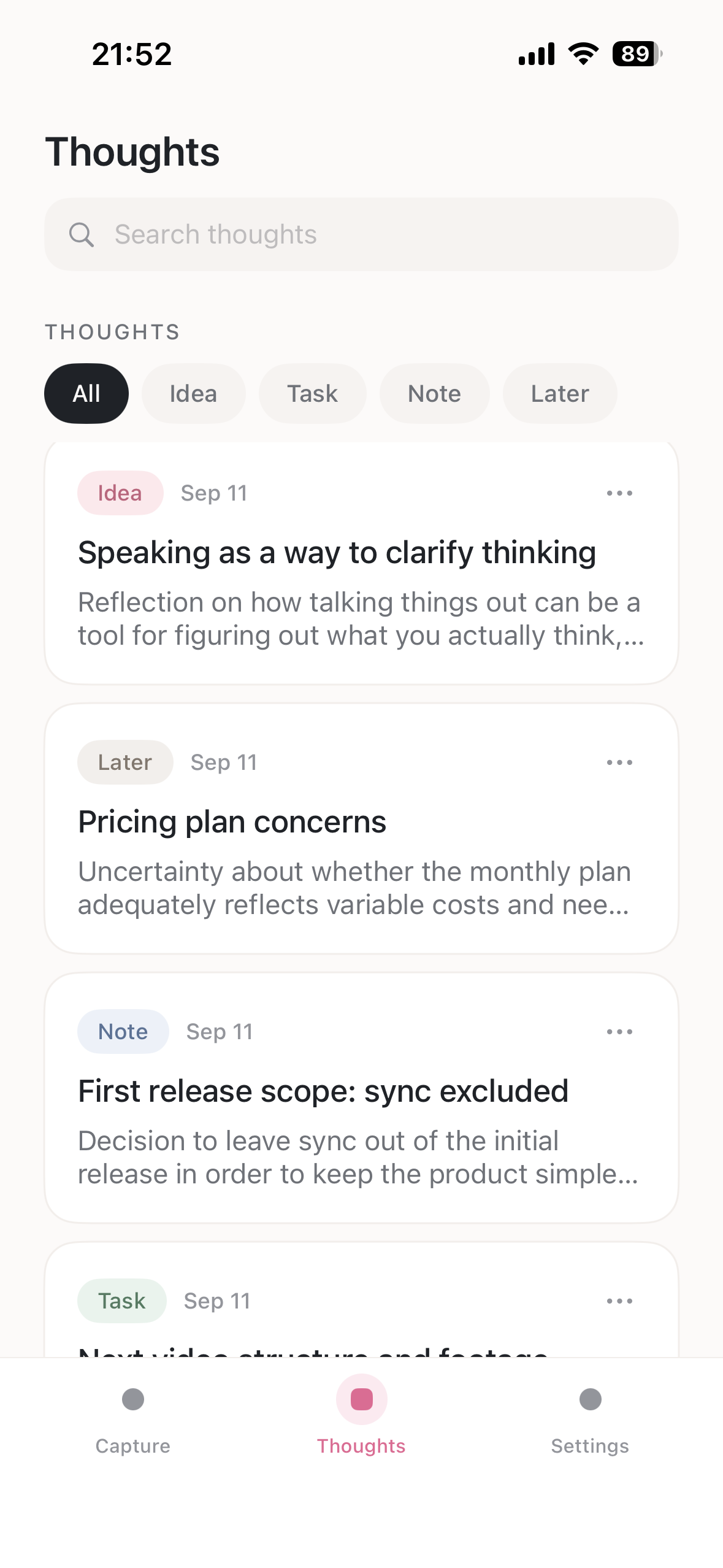
Search, review, and reuse your captured thoughts in one place.
-
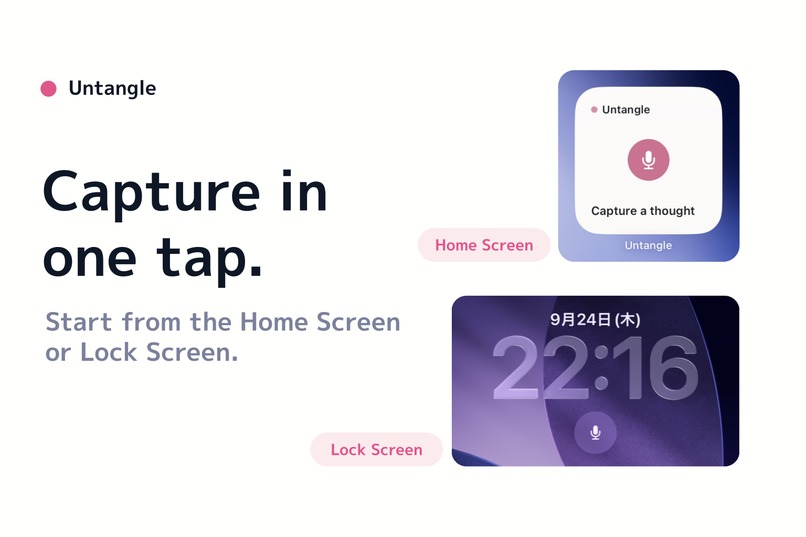
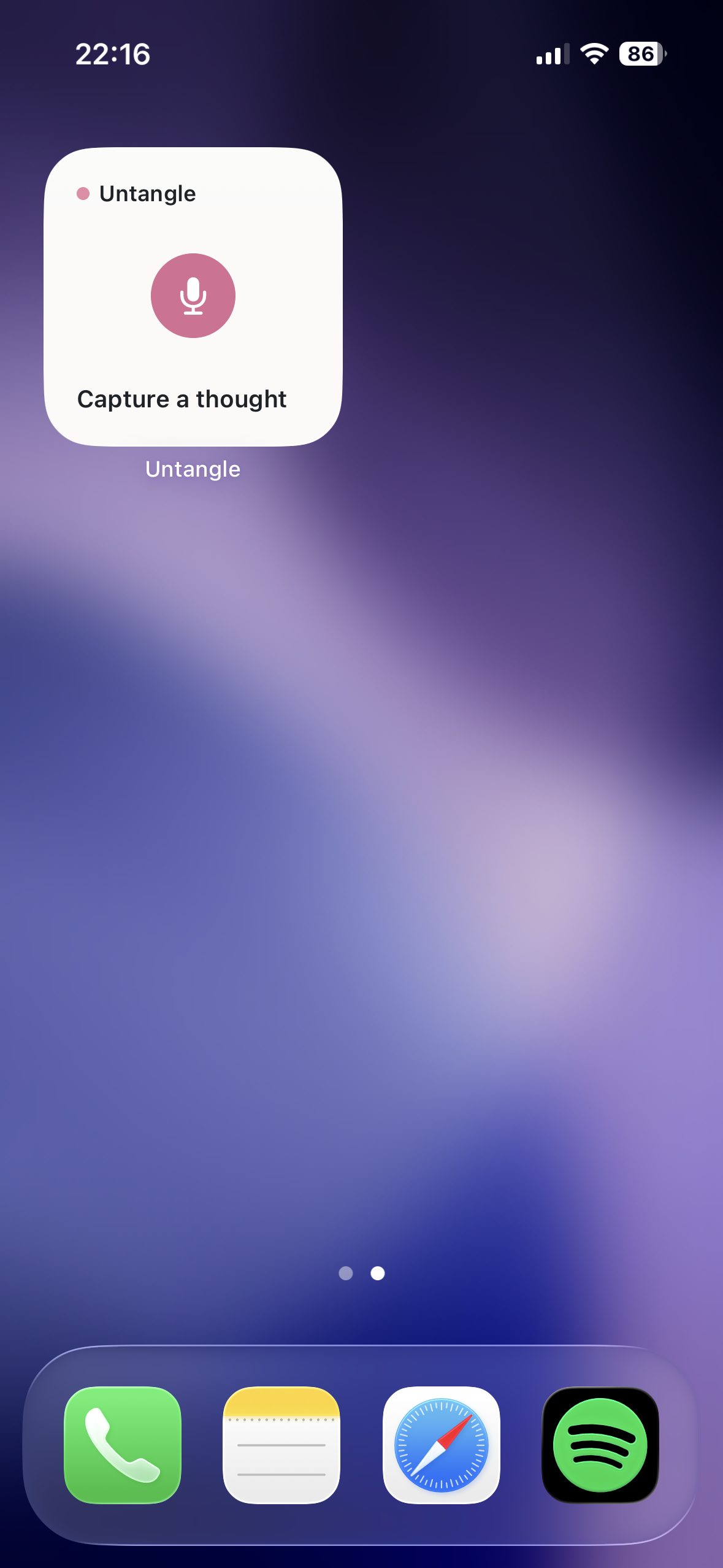
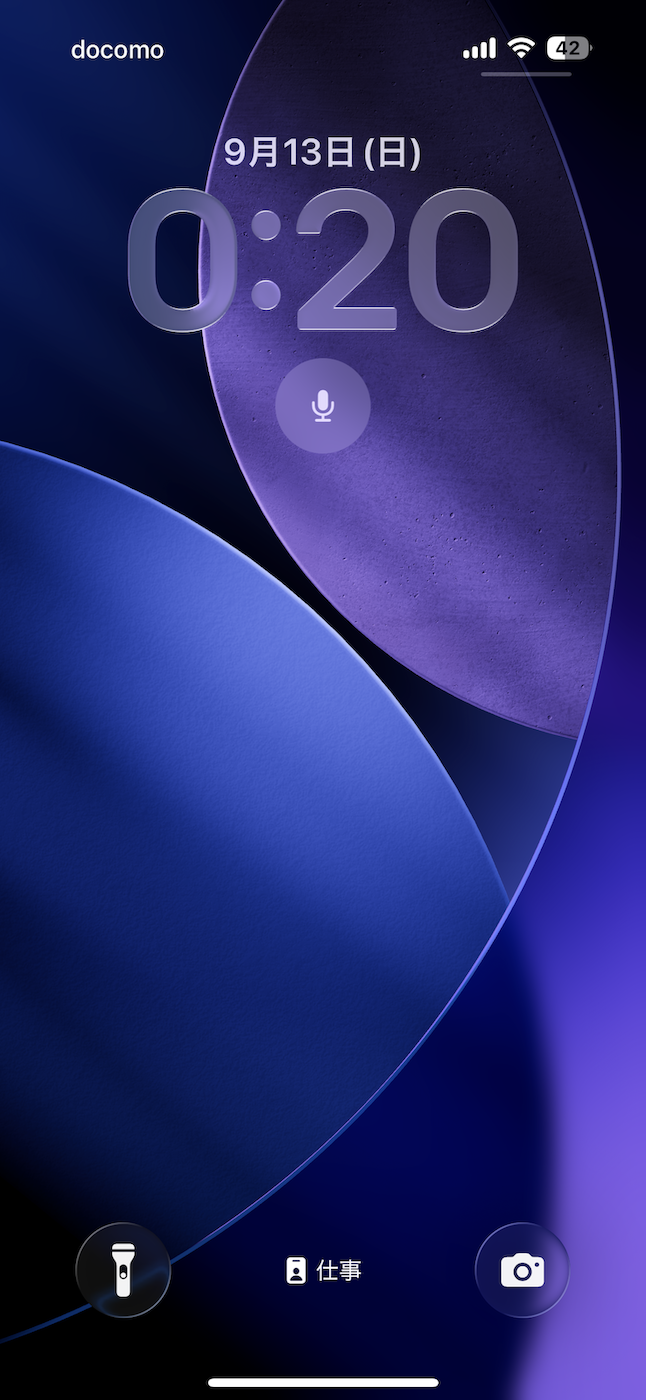
Start from Home Screen, Lock Screen, Siri, Shortcuts, or the Action Button.
-

Untangle app icon.
-
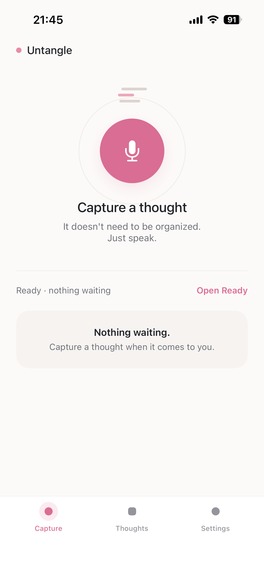
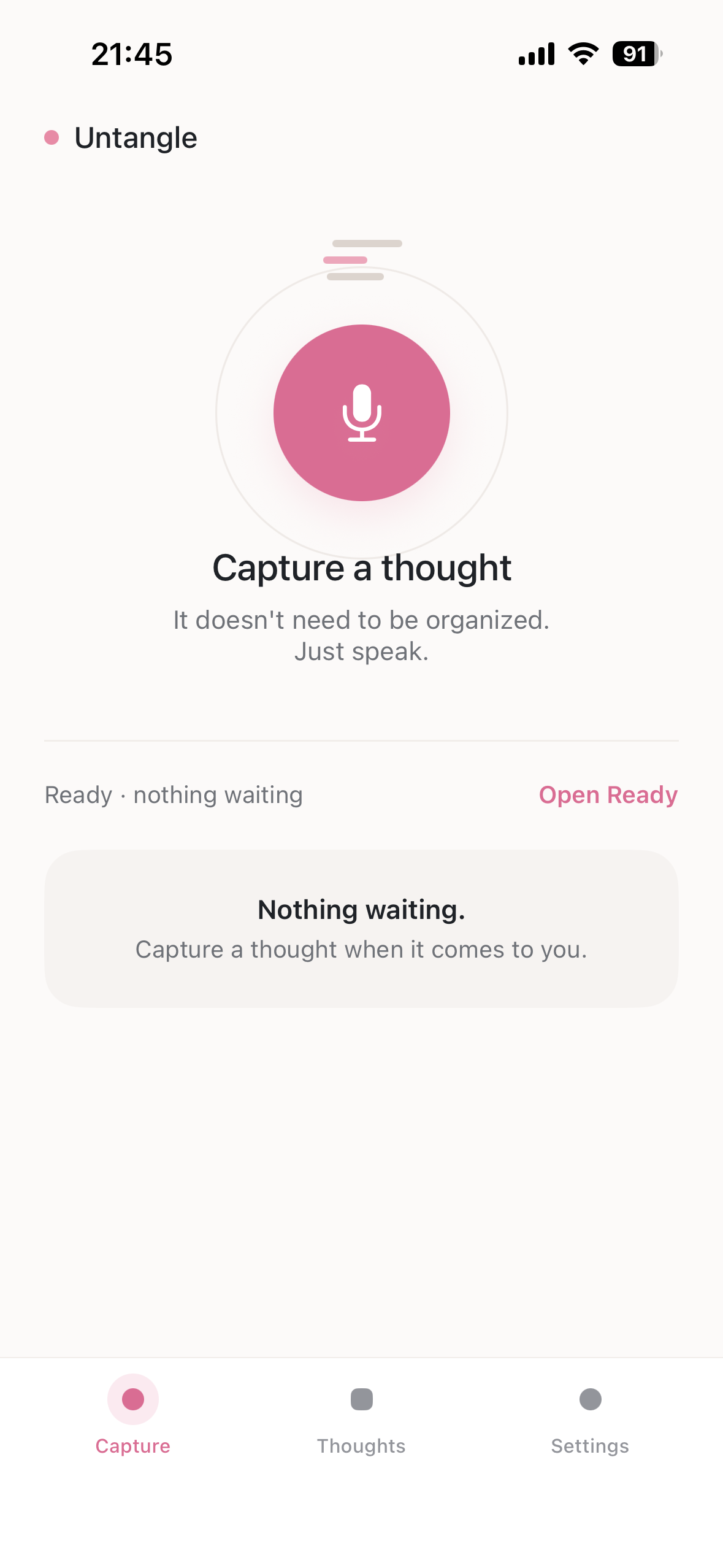
Capture a thought by voice in one tap.
-
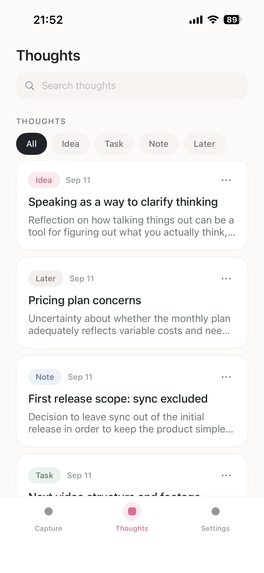
Browse, search, and filter your captured thoughts in one place.
-
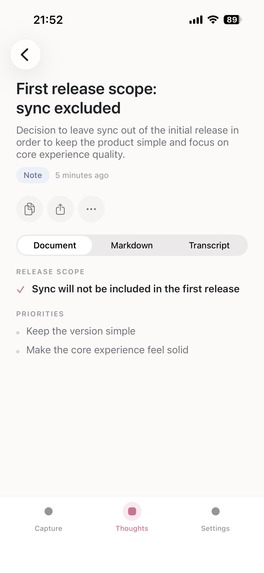
Review the AI-organized result and decide what the thought becomes.
-
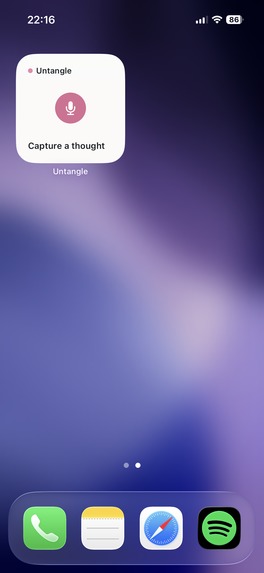
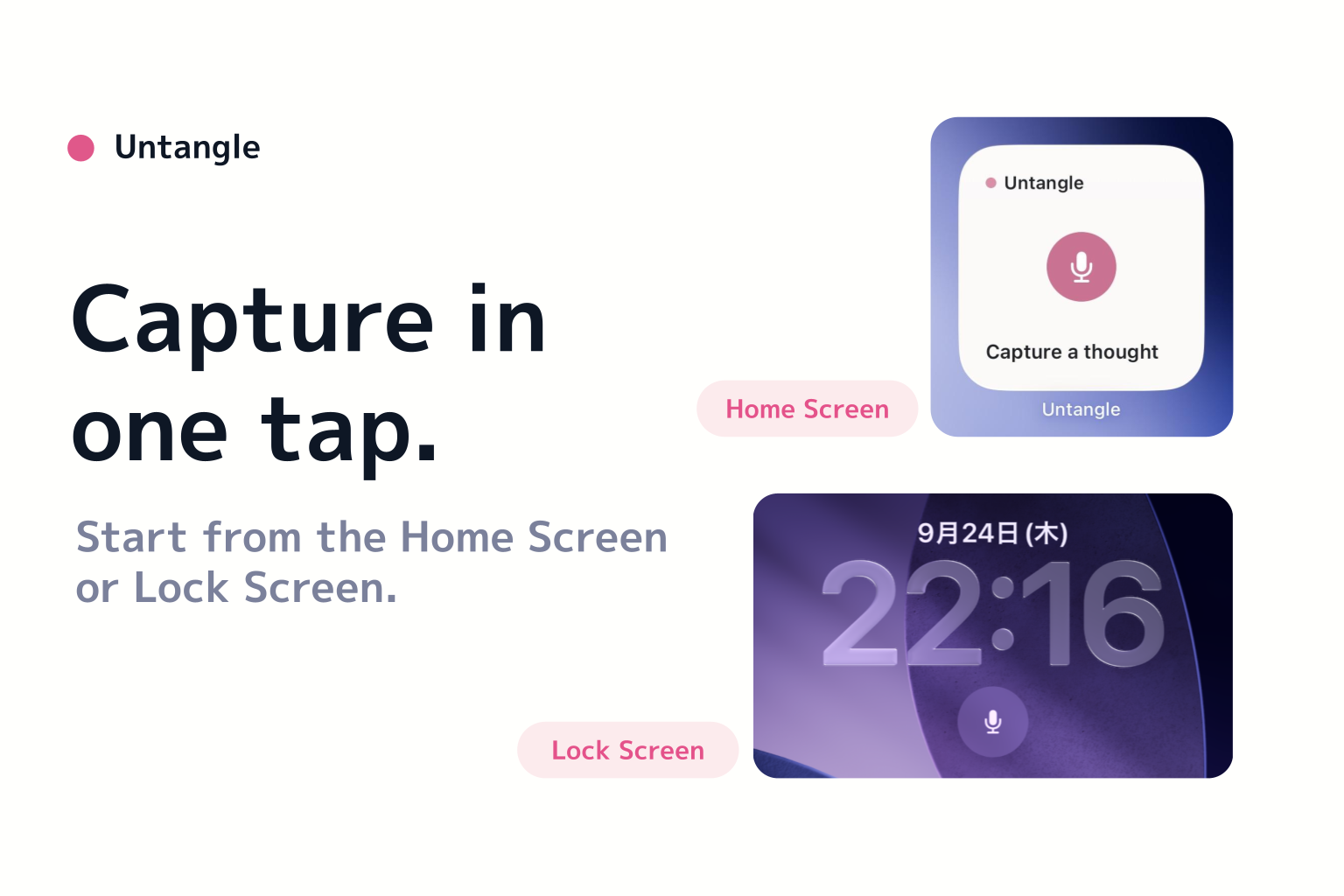
Start recording from the Home Screen with a single tap.
-
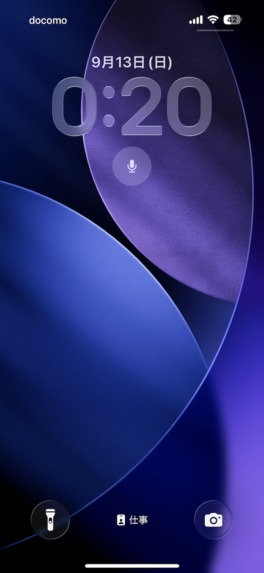
Capture a thought from the Lock Screen without hunting for the app.

Inspiration
Good ideas rarely arrive when you're ready to write them down.
They come while walking, before falling asleep, or in the middle of something else. I often had thoughts I wanted to keep, but opening a notes app, typing them out, and organizing them was enough friction for the idea to disappear.
I built Untangle to make that moment easier.
The goal is simple: capture a messy thought by voice, let AI organize it, and then decide what it means and what to do with it.
What it does
Untangle is a voice-first thought capture app for iPhone.
You speak naturally without worrying about structure. Untangle is configured to use on-device speech recognition, then uses AI to turn the transcript into a clearer, structured note.
The flow is:
Capture → Untangle → Use
After a thought is organized, you decide what it becomes: an idea, a task, a note, or something to revisit later.
The AI helps organize the words, but it does not decide their meaning for you.
Untangle is designed to reduce the distance between having a thought and actually keeping it.
You can start capturing from:
- the Home Screen widget
- the Lock Screen widget
- Shortcuts
- Siri
- a Shortcut that can be assigned to the Action Button on supported iPhones
Tapping either microphone widget opens Untangle and starts recording immediately. Shortcut- and Siri-based entry points open Capture and wait for you to start recording.
How we built it
Untangle is a native iOS app built with Swift and SwiftUI.
Speech transcription is configured to use Apple's on-device speech recognition. After transcription, text is sent to Anthropic's API for AI-assisted organization.
The app uses a state-driven capture pipeline:
captured → transcribing → transcribed → untangling → ready
Failures are persisted so a thought is not lost if the network disappears or the app is closed. Failed AI processing can be retried manually without capturing the thought again.
For system-level access, I added:
- WidgetKit Home Screen and Lock Screen widgets
- App Intents and App Shortcuts
- Siri integration
- Shortcut support for the Action Button
Subscriptions are handled with RevenueCat.
Challenges we ran into
One of the hardest parts was making voice capture reliable.
Pausing or interrupting a recording originally produced invalid audio files in some cases. I changed the recording architecture to use segmented recording: each pause or interruption safely closes the current segment, and the segments are merged when the recording finishes.
Another challenge was making system entry points feel fast without creating unsafe microphone behavior.
A visible microphone widget is an explicit action, so tapping it can safely lead to recording once the app is in the foreground. Siri and generic Shortcuts are different: they may be triggered by voice, automation, or a hardware button, so those entry points open Capture without automatically starting the microphone.
I also learned that a successful build is not the same as successful UI validation. Several widget and Settings UI issues only became obvious when I tested the real flows manually, especially in Japanese and on physical hardware.
Accomplishments that we're proud of
I am especially proud that Untangle now feels fast at the moment that matters most: when a thought appears.
On real hardware, the Home Screen widget reaches listening in about 1.3 seconds from a cold launch and about 0.7 seconds from a warm launch.
I am also proud of the reliability work behind that speed. Offline failures preserve the captured thought, retries are explicit, and the app avoids silently repeating AI requests or losing user input.
Finally, I am proud that the system entry points have clear, intentional behavior:
- Home Screen and Lock Screen microphone widgets start recording
- Siri, Shortcuts, and the Action Button open Capture and wait
That distinction keeps capture fast without making microphone behavior surprising.
What we learned
Building Untangle taught me to treat product behavior, reliability, and privacy as one problem rather than separate ones.
Small interaction details — one extra tap, what happens after losing a network connection, whether a microphone starts automatically — can completely change how trustworthy and useful a capture tool feels.
I also learned the value of testing the actual product path instead of relying only on automated tests and simulator builds.
What's next for Untangle
The current version focuses on one core promise: capture a thought quickly and turn it into something usable.
Next, I want to learn from real users before expanding the product. Future possibilities include richer organization, more export destinations, and additional ways to reuse structured thoughts without adding friction to the capture experience.

Log in or sign up for Devpost to join the conversation.