Inspiration
Taking things apart is one of the most satisfying small jobs there is. You feel the screw bite, you hear it tick, and then it lets go. Phone screw puzzles are huge, but on a flat screen you just tap. I wanted the real version: your own fingers on the screw head, your own wrist doing the turning, with no controller in the way.
Hand tracking is the one input that makes this possible. So I set three rules for Unscrew: everything is done with your hands, you can play it in an airplane seat, and you get a complete moment in a few minutes.
What it does
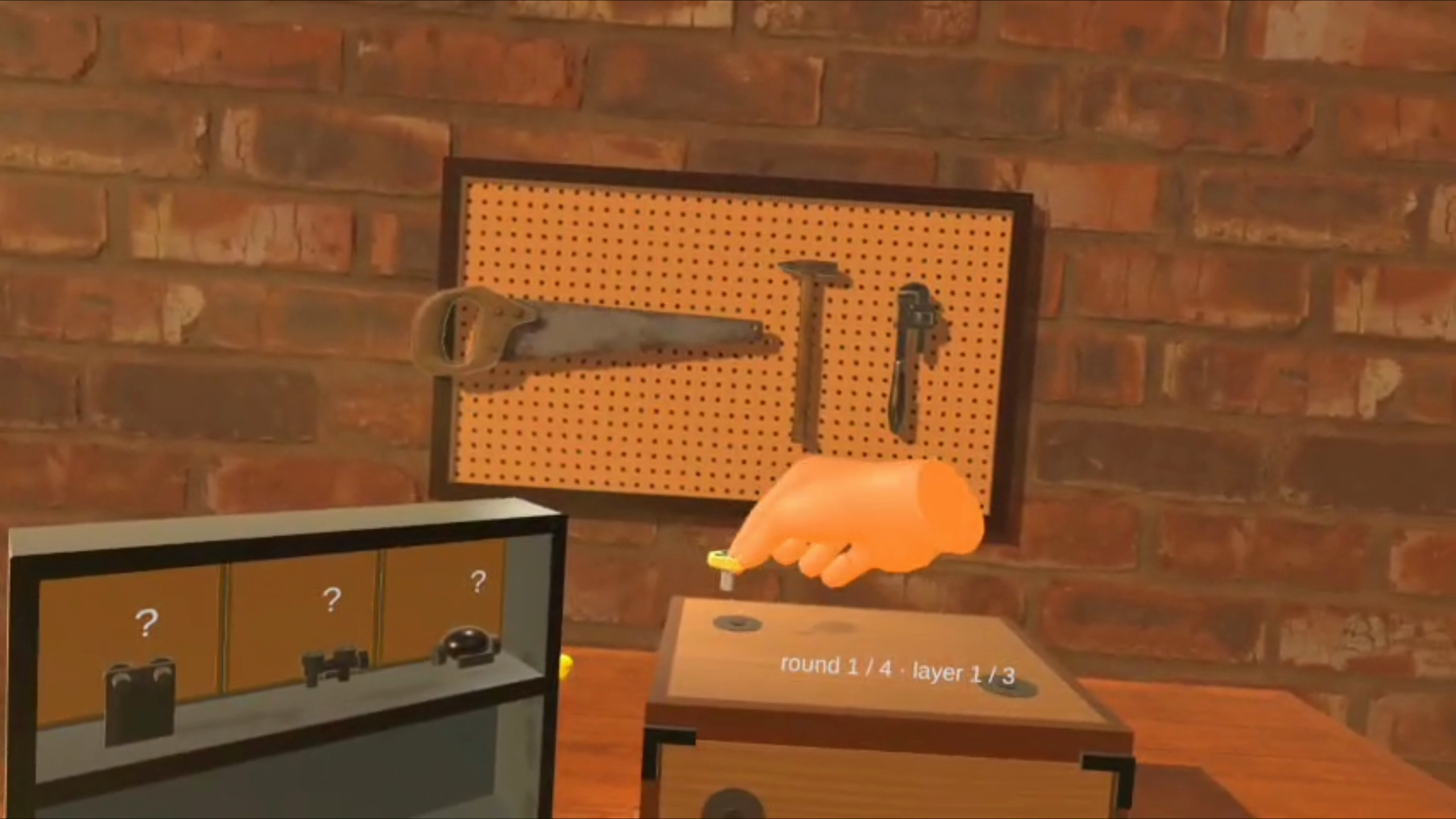
You sit at a workbench in a warm, golden-hour workshop. Something is ticking inside a crate.
- Twist screws out. Pinch a screw head between thumb and index finger and roll your wrist. The screw ratchets out click by click, with rising ticks, and pops free.
- Sort them. Drop each screw into the tray of its colour.
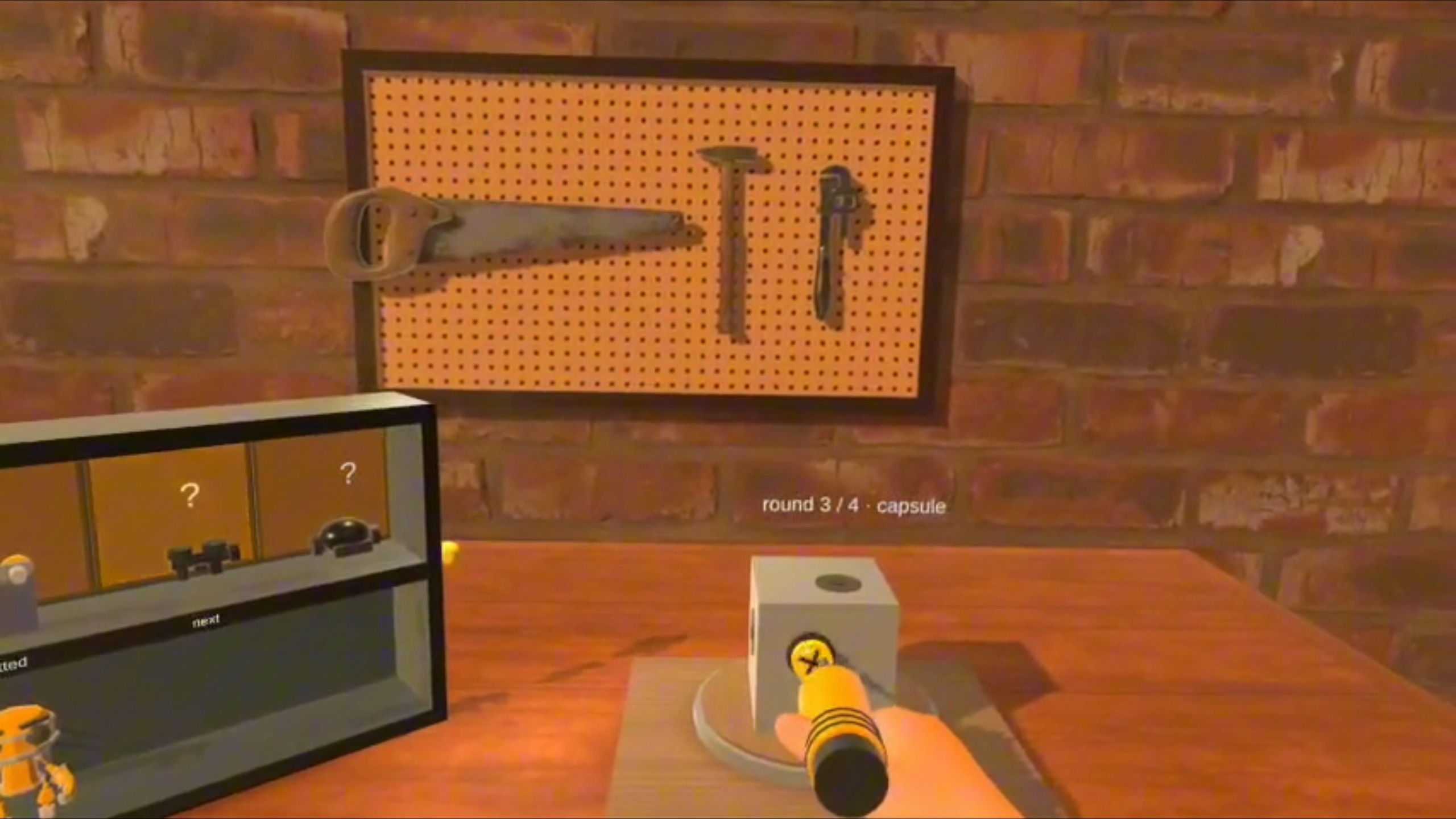
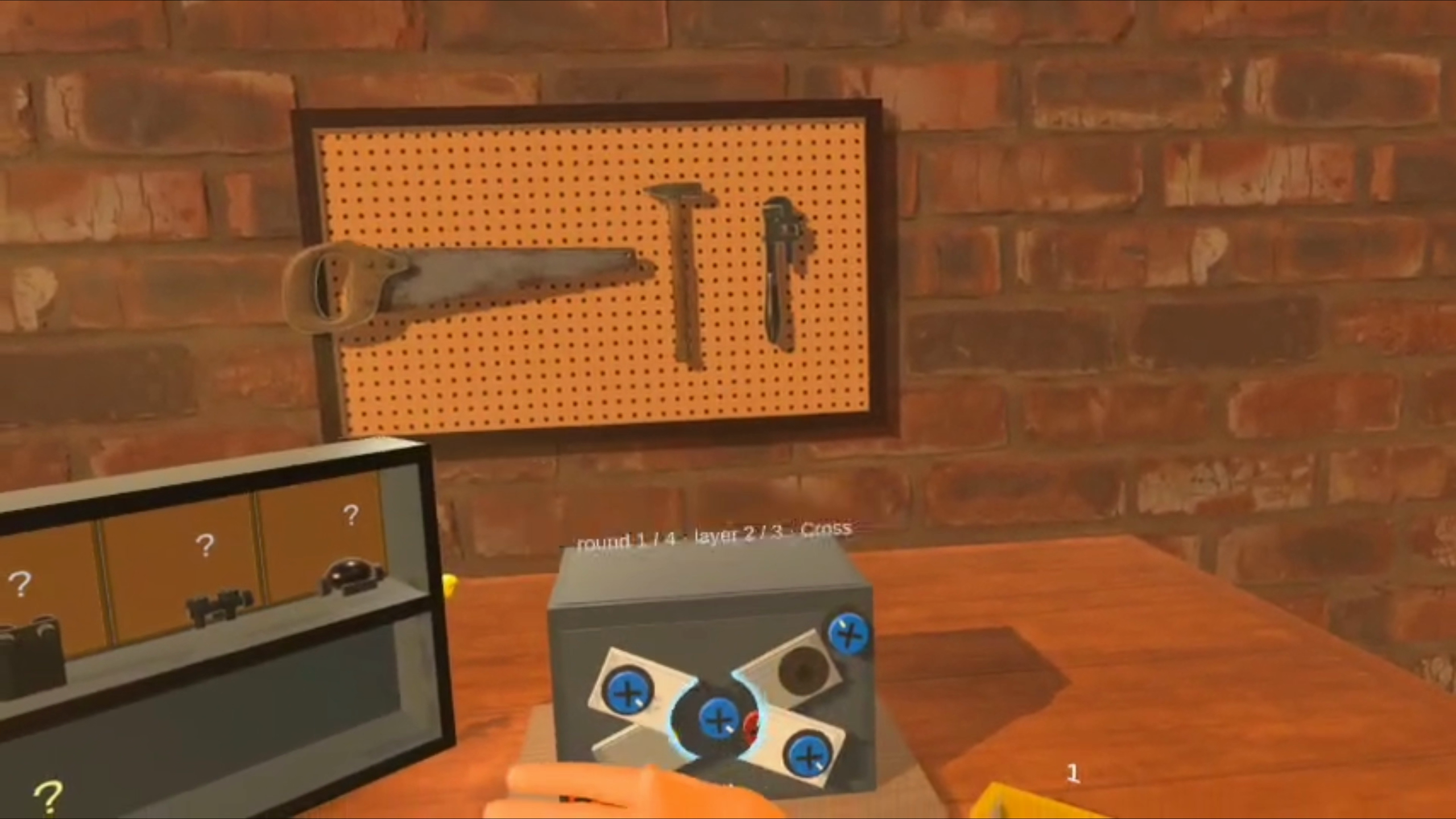
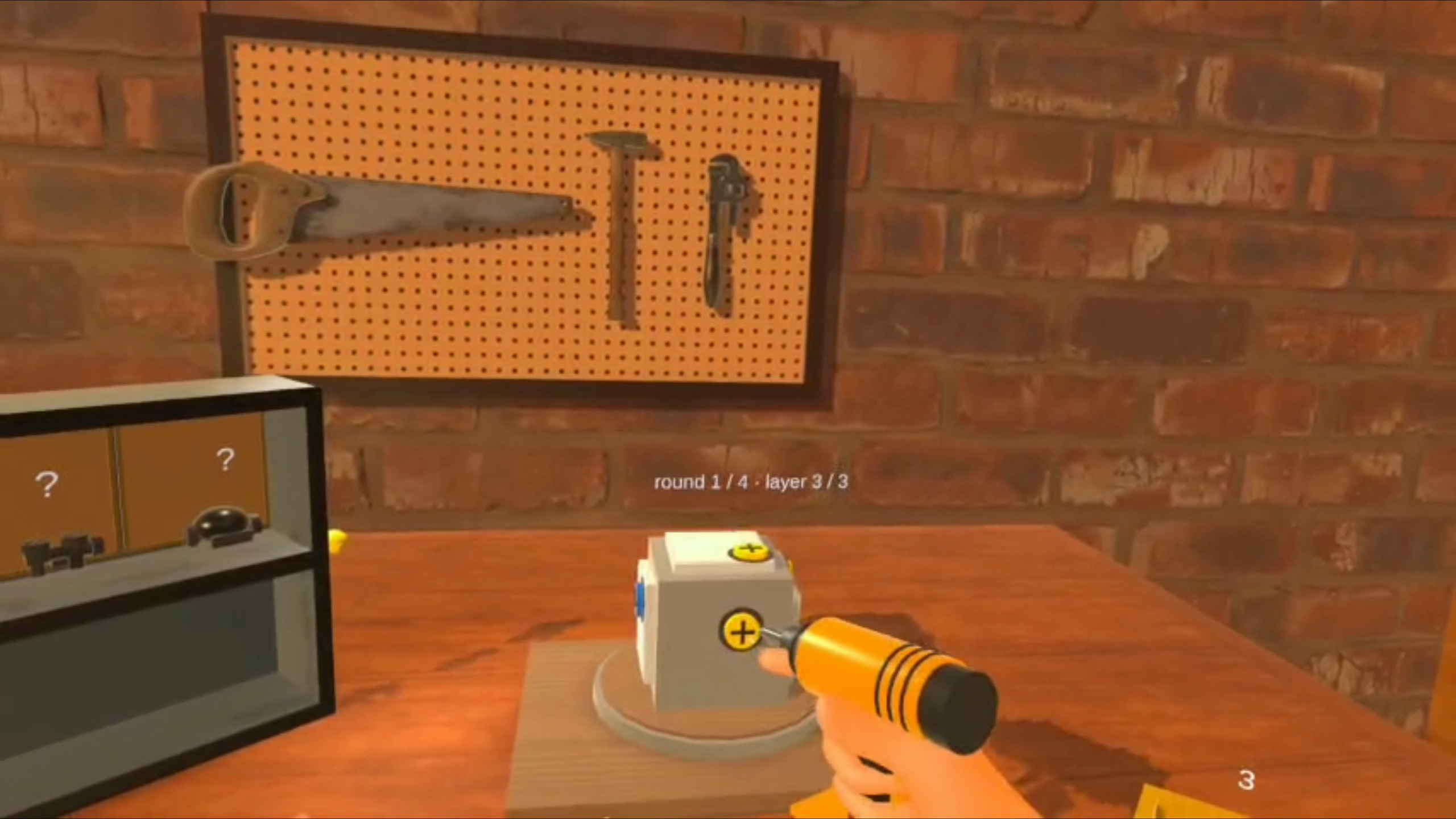
- Work in layers. The wooden crate, then a steel case with today's plate puzzle, then a sealed capsule on a turntable. Open your palm to x-ray through a plate and see the screws hidden behind it. Spin the turntable to reach the far side.
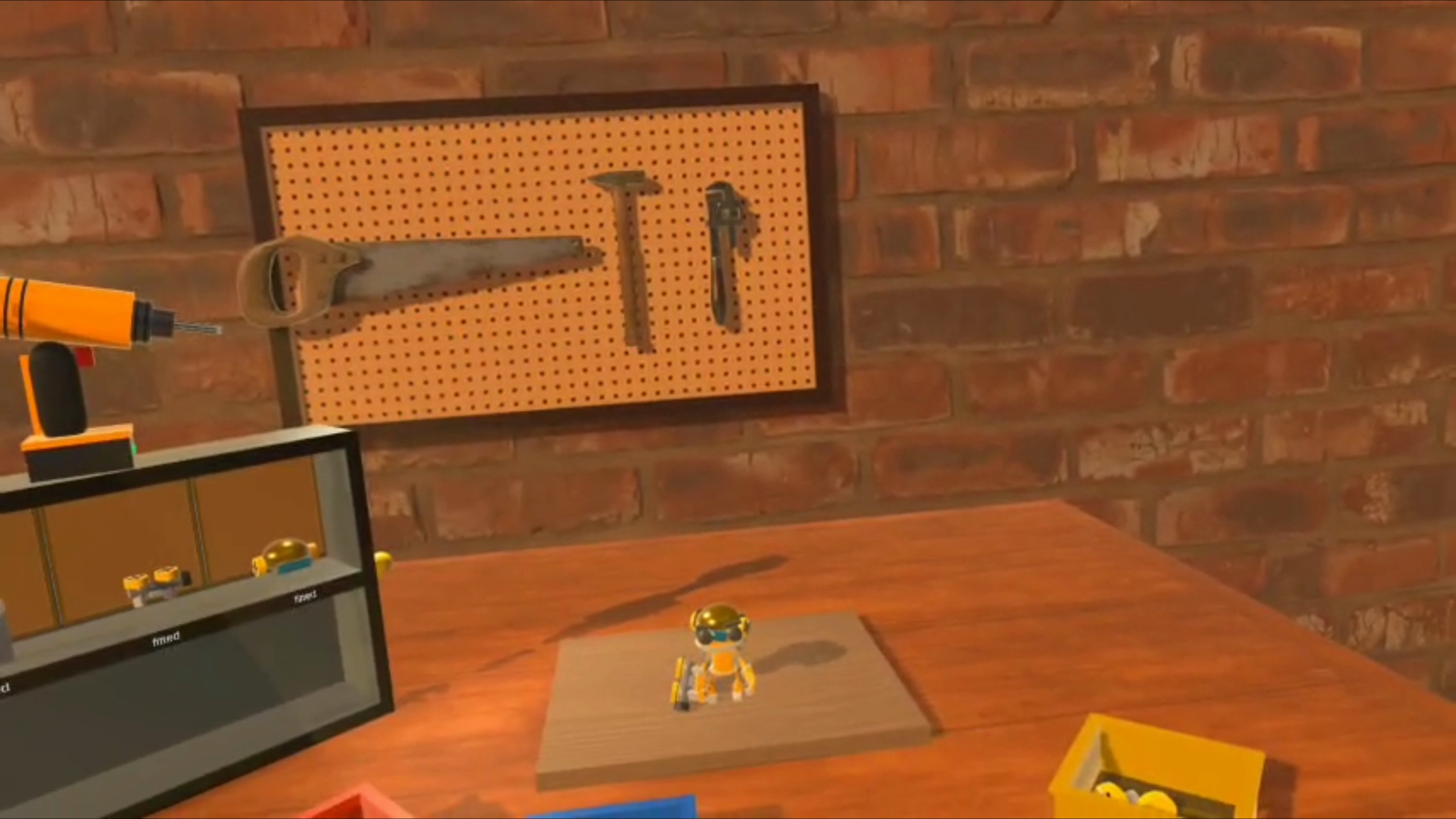
- Free the robot. The capsule bursts open and a little robot wakes up. Poke it, wave at it, give it a thumbs-up or pick it up.
- Build it up. Each round earns a part (jetpack, flamethrower, helmet). This time you screw it on, turning the other way. In round 3 you get a power drill: curl your finger to pull the trigger. Once the helmet is on, the robot flies.
- Come back tomorrow. The plate puzzle changes shape every day, and your best time for the day is saved.
A first-run guide teaches each gesture one at a time, with a short card and a gold ring at the exact spot. There's no wall of text. A gold "?" knob replays any lesson. A full run takes about five minutes.
How I built it
- Unity 6 + URP + OpenXR, Meta XR SDK 207. I tested on a Quest 2 the whole way through and sideloaded builds every day.
- Custom grip and twist from raw hand joints. I read
OVRHand/OVRSkeletondirectly instead of using a stock grab so I could tune the feel. A grab is a thumb–index pinch near a screw head. The twist is the roll of the hand around the screw's axis, filtered to reject tracking glitches. A ratchet only counts turns in the right direction, and short tracking dropouts mid-twist don't drop the screw. - Layered puzzle logic. A screw can only be grabbed when no plate above it covers it. A plate drops away once all its screws are out. The daily shape is chosen from the date.
- Sound designed around materials. Steel screws, tin trays, wood bench. Sounds are CC0 recordings plus synthesised effects, played through pooled 3D voices. Trays ring differently depending on how hard a screw lands. The drill motor spins up and bogs down under load.
- One stylised shader for the whole room: warm half-Lambert light, tinted shadows and a rim, so the CC0 props and the cartoon robot (Quaternius, CC0) look like they belong together.
- Fully offline. No accounts, ads, analytics or in-app purchases.
Challenges I ran into
- Making the twist feel right. A screw that feels real is the whole game. Getting there took many on-device iterations: grip thresholds, release delays, glitch filtering, and tick pitch rising as the screw loosens.
- Mixed reality vs. reliability. Unscrew started as mixed reality, with the puzzle on your real desk. Table detection was slow and unreliable at every launch, and every judge's room would be different. So halfway through I moved it into a fully virtual workshop that works the same anywhere. Your real desk still sets the bench height.
- Two hands over one object confused tracking. I added a turntable so you spin the capsule instead of holding it.
Accomplishments I'm proud of
- You can finish the whole thing without ever picking up a controller.
- The first five minutes teach every gesture without text walls, and end with the robot coming to life.
- Sound, light and materials all point at one cosy workshop feeling.
What I learned
Hand tracking rewards small, physical, forgiving interactions. Tune for how hands really behave, including tracking blips, resting fingers and two hands overlapping, not for the ideal.
What's next
- More robot parts, and more daily puzzle shapes beyond the current four
- A collection shelf so every robot you've built stays in your workshop
- Leaderboards for daily best times
- Quest 3 tuning (wider FoV, colour passthrough as an optional mode)
- Target launch: Q1 2027 on the Meta Horizon Store. The store page is already built (art, trailer, rating, privacy policy) and ready for review.
