-
-
Unplug Me
-
Magnet phone
-
Break pull
-
How it works
-
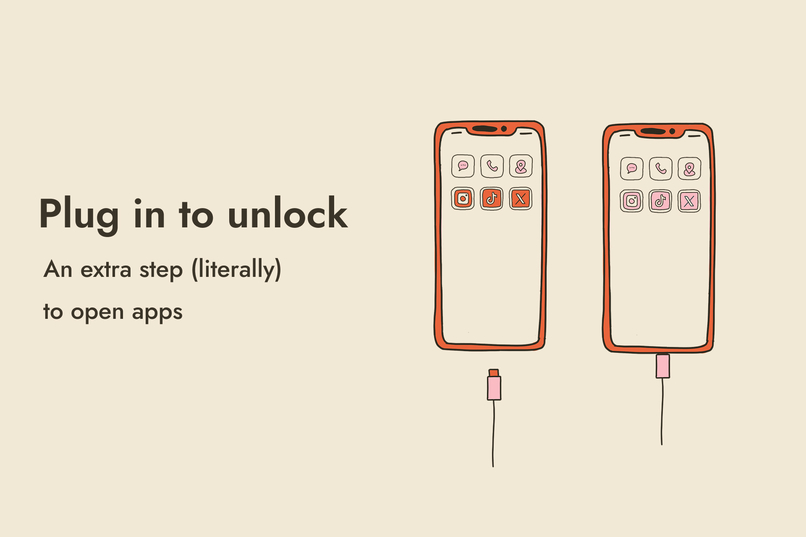
Plug in to unlock
-
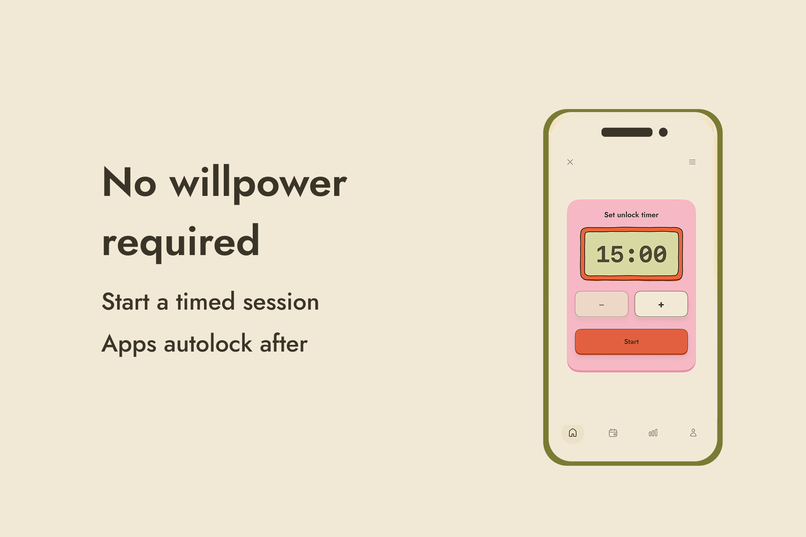
No willpower required
-
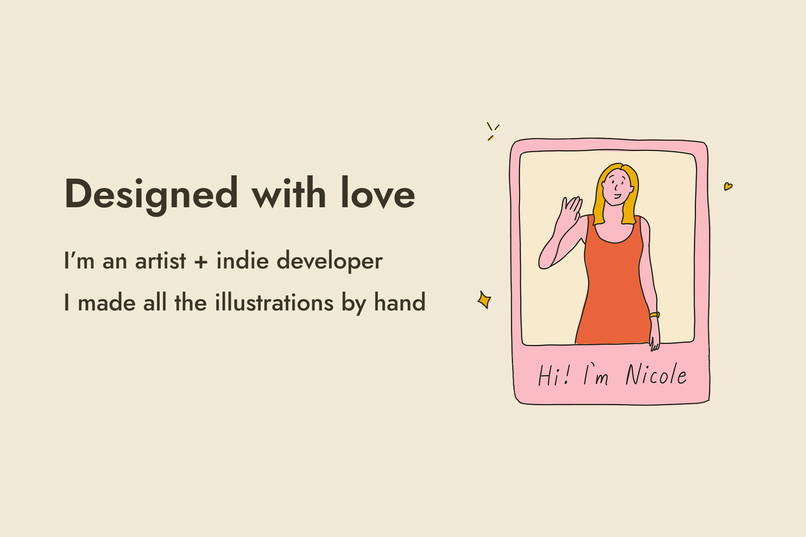
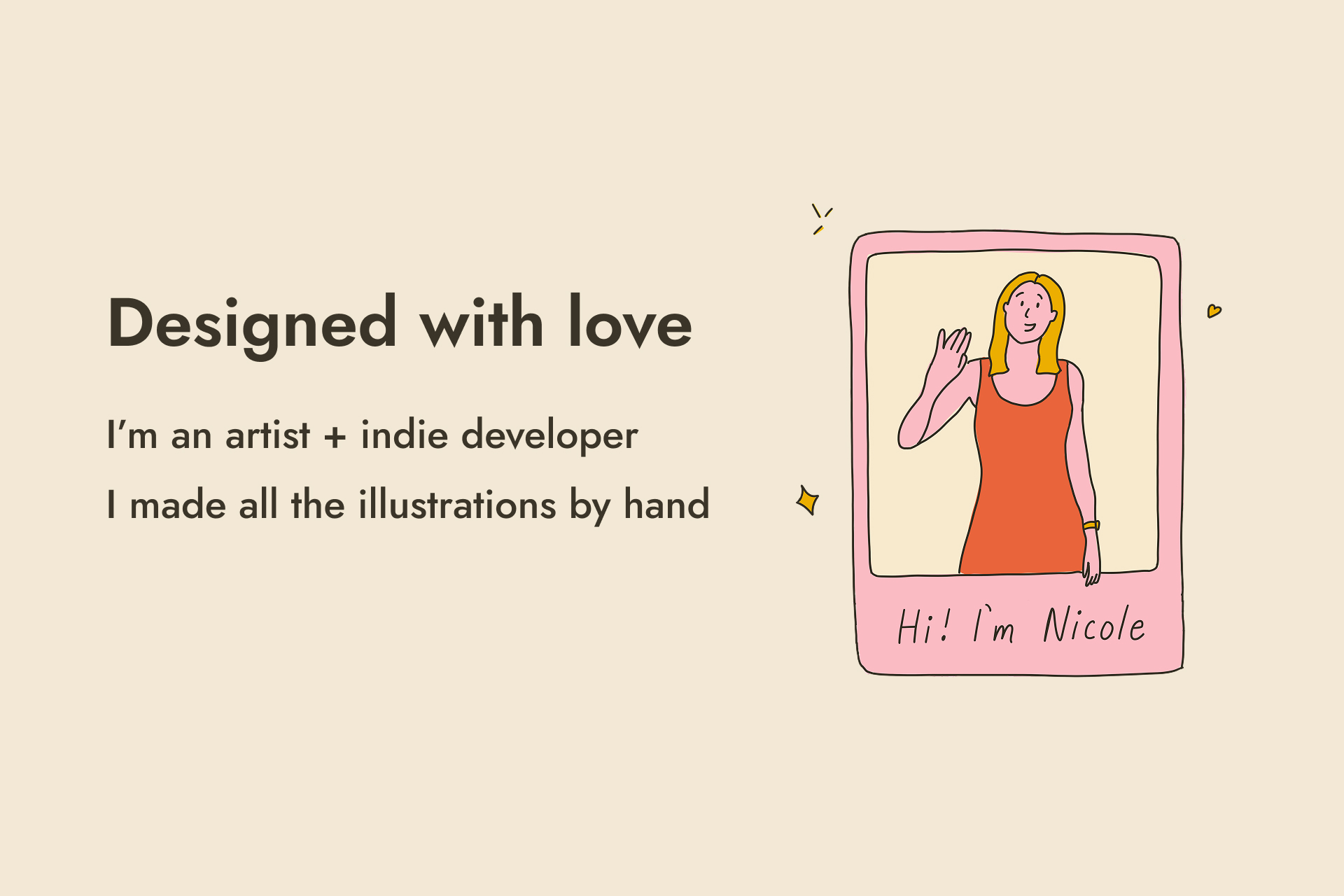
Designed with love
-
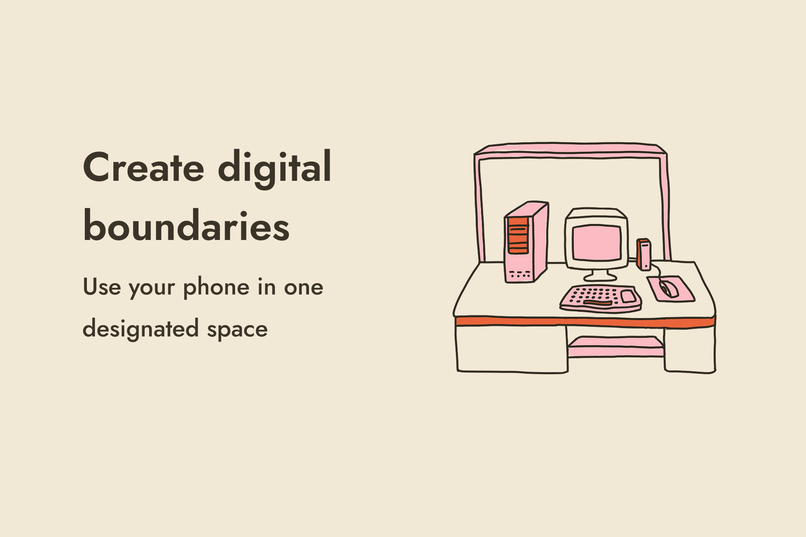
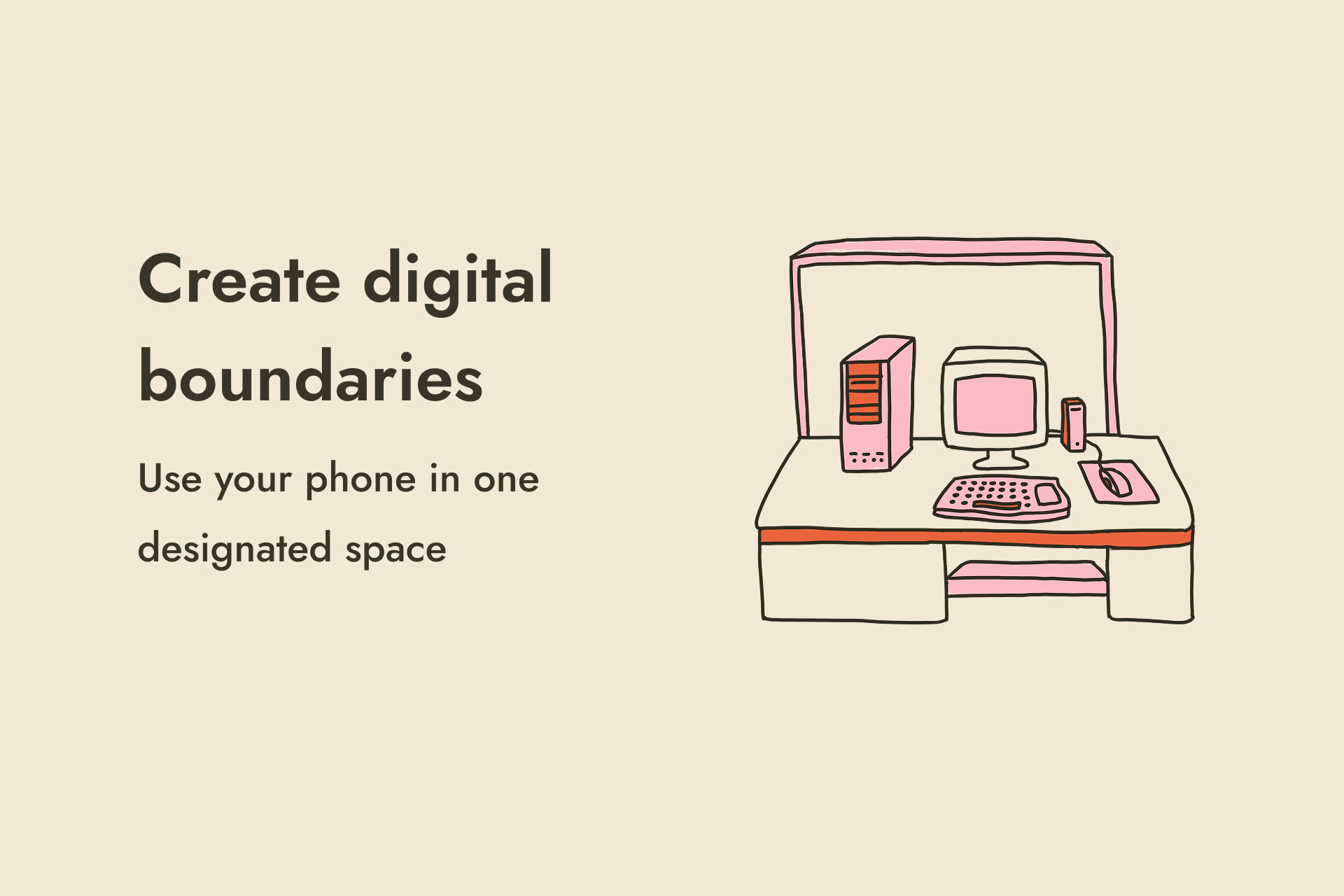
Digital boundaries
-
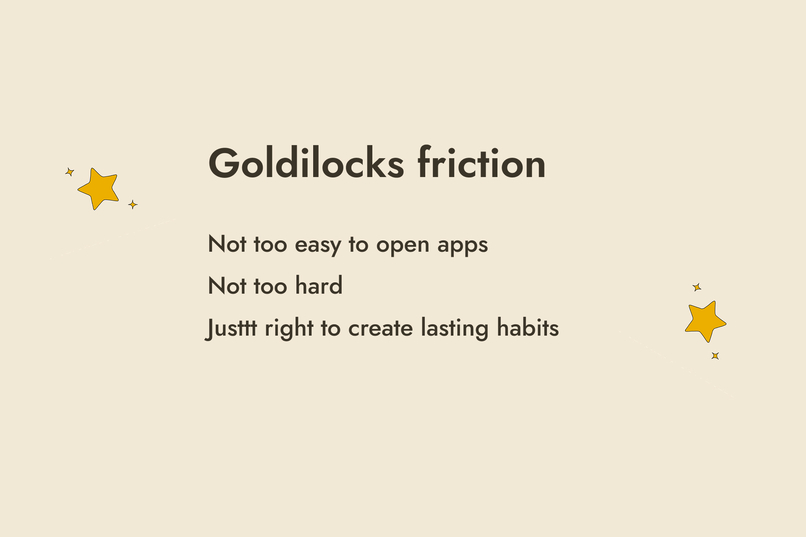
Goldilocks friction
-
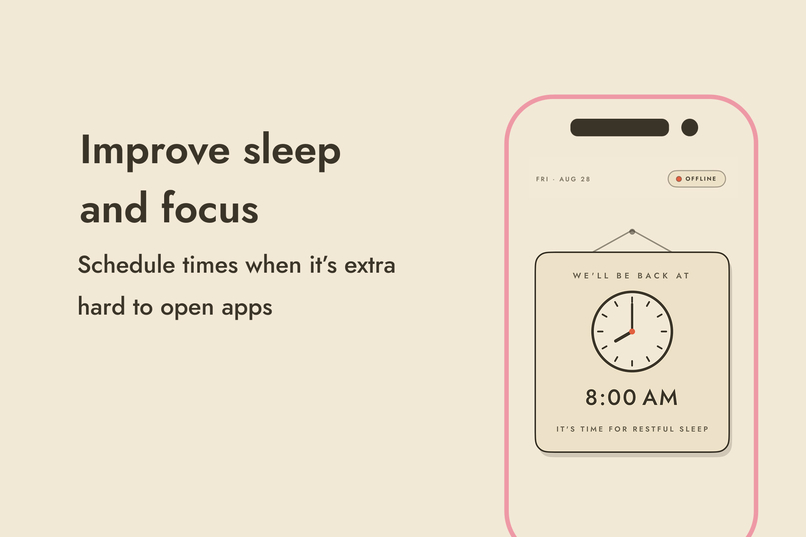
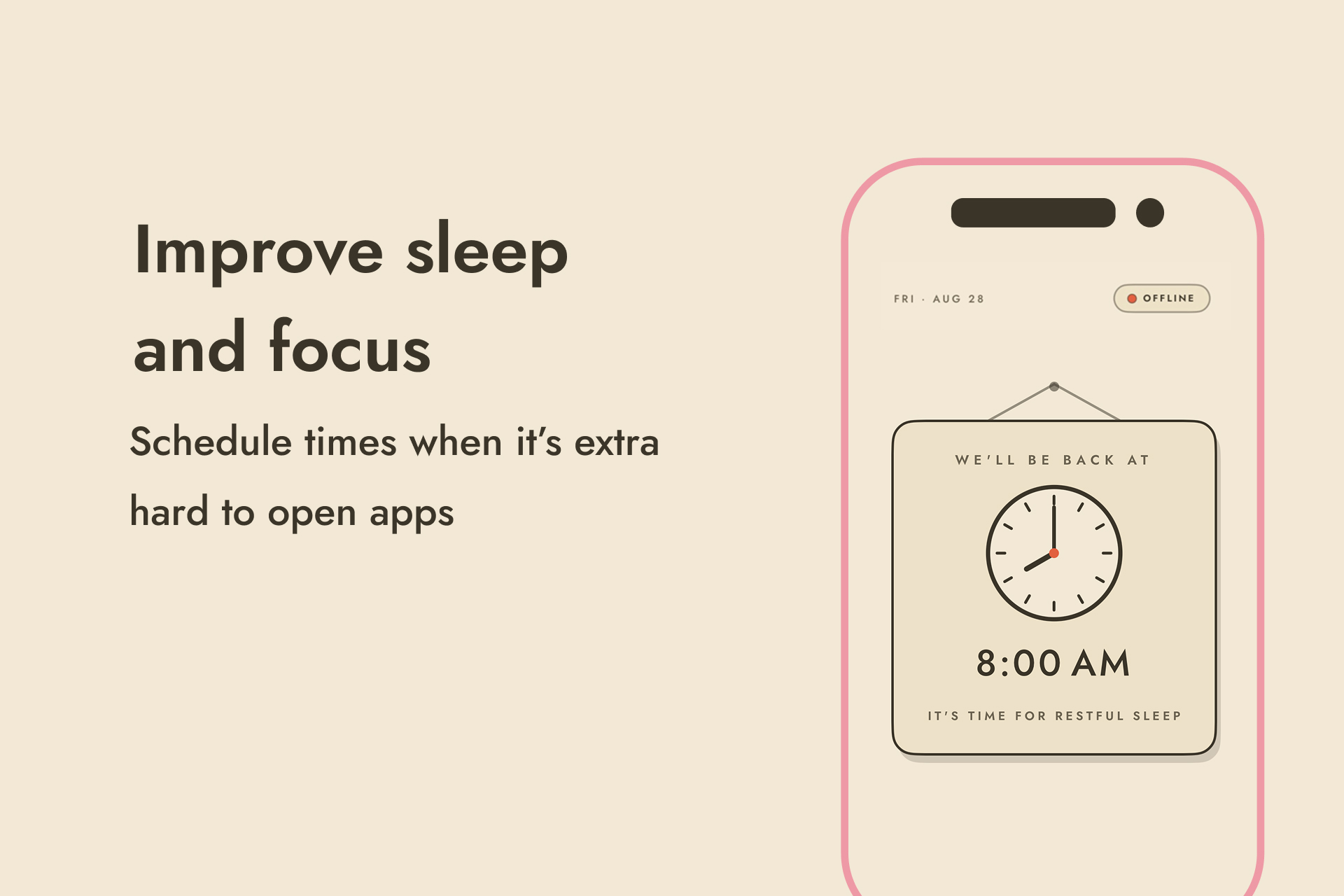
Sleep and focus
-
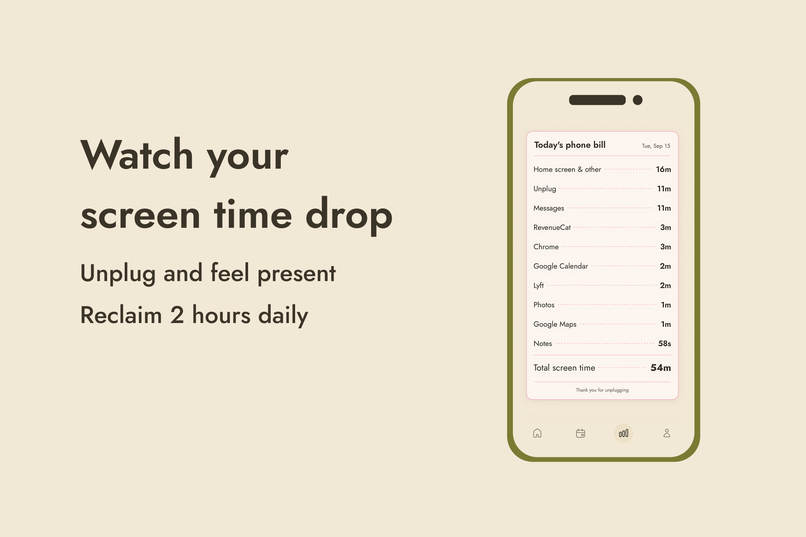
Screen time drop
-
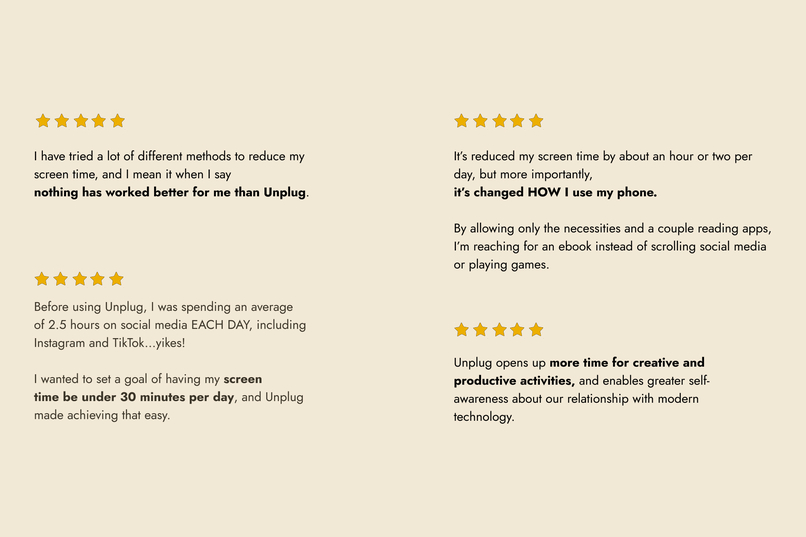
Reviews
-
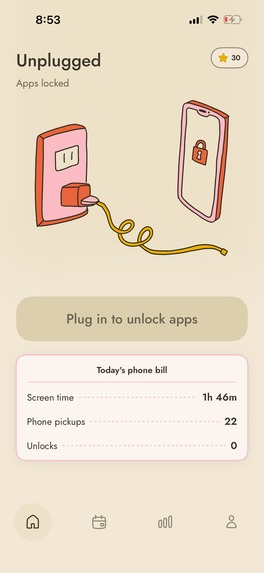
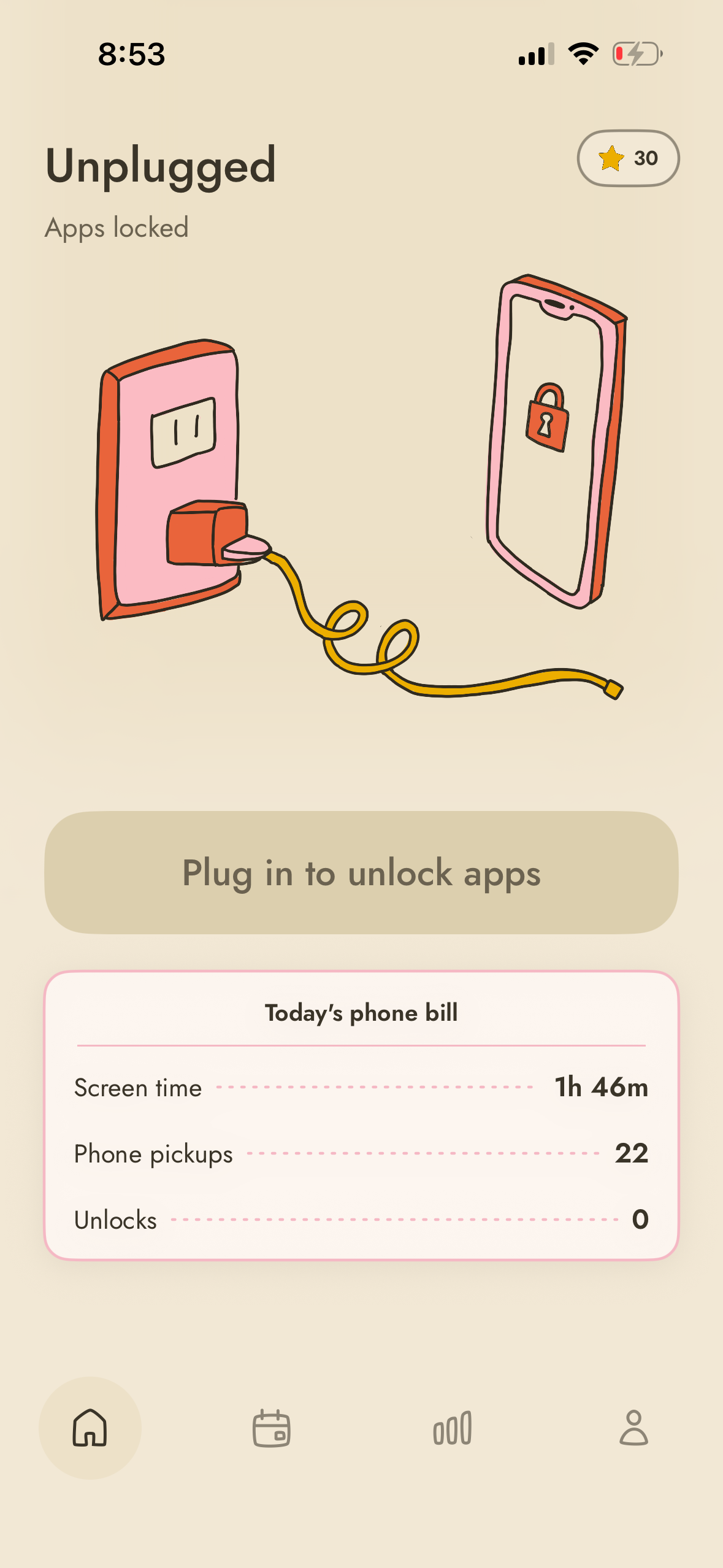
Screenshot of home screen unplugged
-
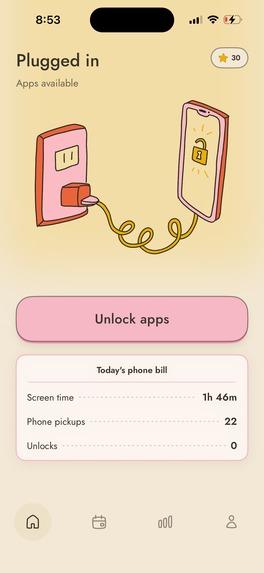
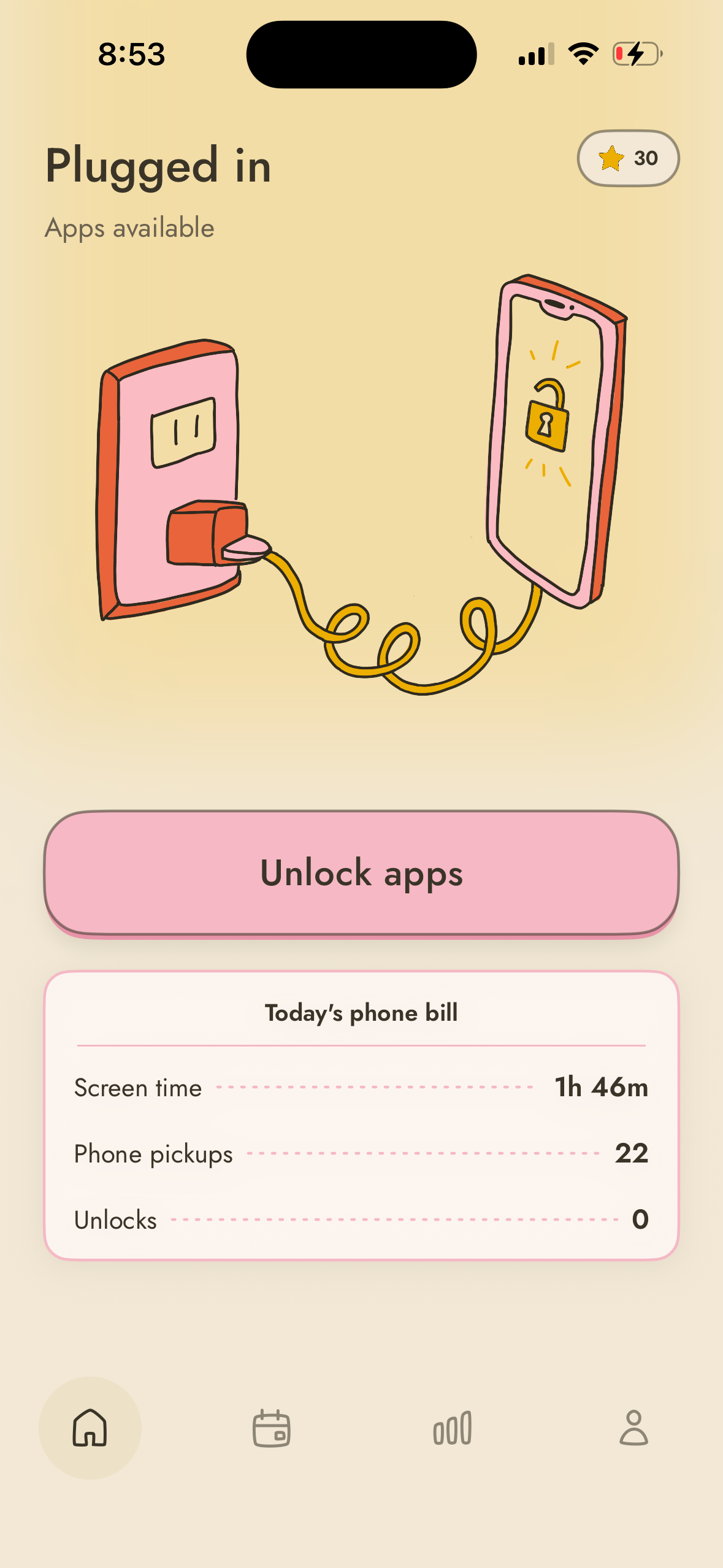
Screenshot of home screen plugged in
-

logo

Inspiration
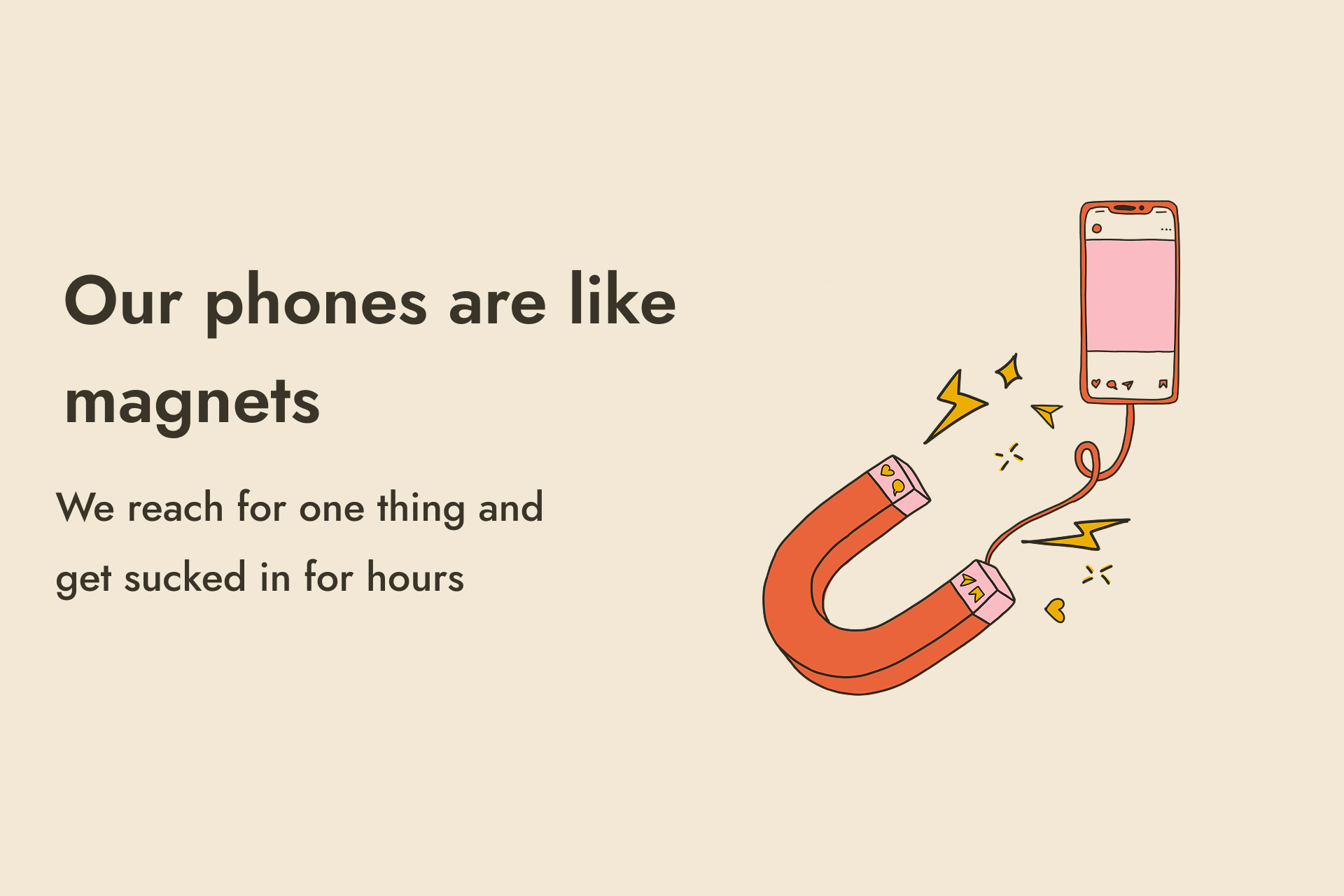
As an artist, I use social media to share my work. But I was spending too much time doomscrolling and started to feel the negative impact on my mental health. I felt like I was consuming more than I was creating. I spent about 4 hours a day on my phone and wanted to make a dramatic change.
Last year I built Free Time, an app that adds a mindful pause before opening apps like Instagram. It cut my screen time in half, from four hours a day to two.
This summer I challenged myself to get my screen time to one hour a day. I wanted to build a sister app to Free Time that was much more restrictive. This was something I heard some of my past users wanting, and it’s what I wanted for myself.
I thought about getting a dumb phone, but I needed my iPhone for a few specific apps I actually found useful. I put out a poll asking whether people had ever considered getting a dumb phone, and 80% across my platforms had.
I wanted to build an app for people like me who wish they could switch to a flip phone or dumb phone, but still love their iPhone for a few apps. I wanted my phone to be a dumb phone 95% of the day, and to be a smartphone 5% of the day, just when I need it. I wanted to simplify my smartphone.
I was inspired by screen time blockers that require physical friction to unlock apps, like tapping an NFC chip. But those devices require a new piece of plastic or metal to be manufactured and shipped, and you need to wait a week before you can start. I work in climate and personally like to minimize the number of new products I buy or have shipped to me, and I know others in my industry feel the same.
I also wanted the app to work the moment you download it, and I wanted a freemium model so anyone could get value without paying for anything. My biggest goal is to help as many people as possible improve their mental health and reclaim their time and attention.
So I wondered what piece of hardware everyone already owns that could function as the toggle to lock and unlock apps.
I realized I could use my phone charger! iOS can detect when an iPhone is charging, so I could use that as my core mechanism to toggle the lock and unlock state.
What it does
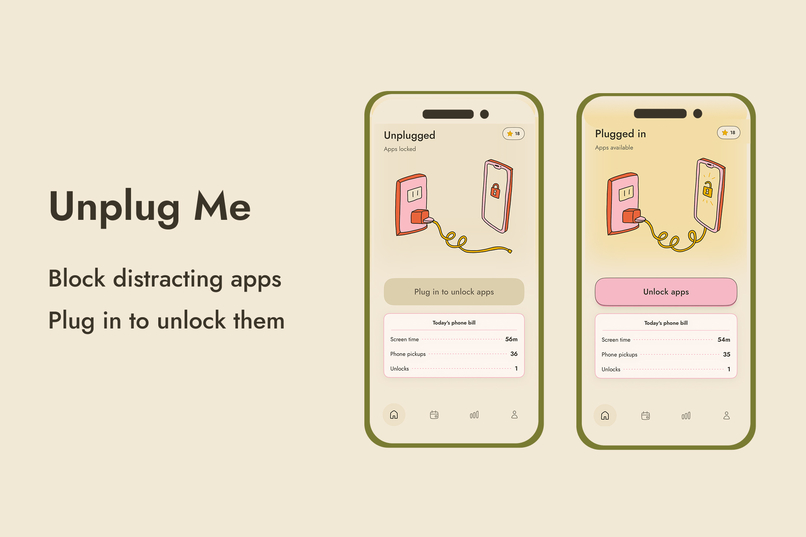
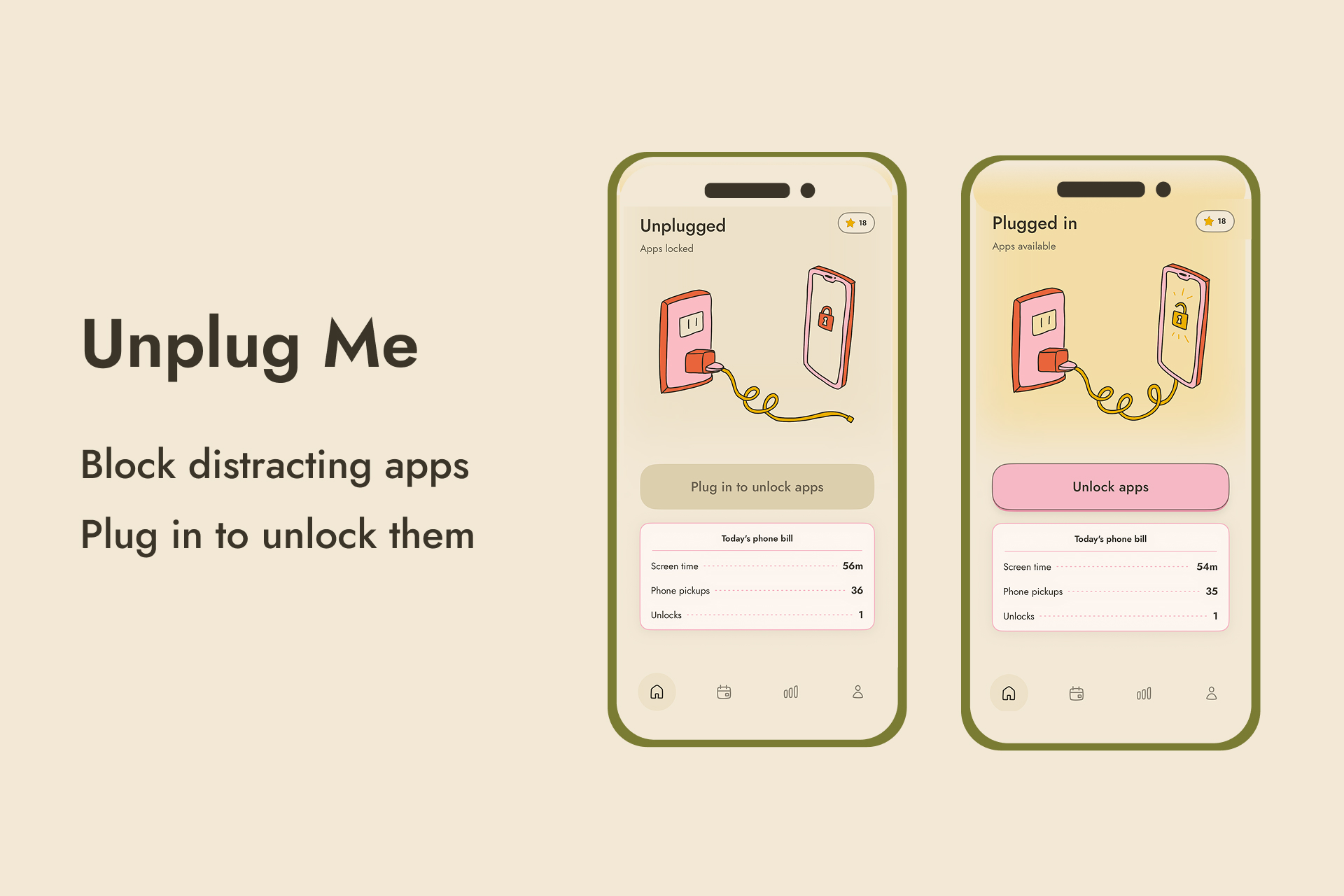
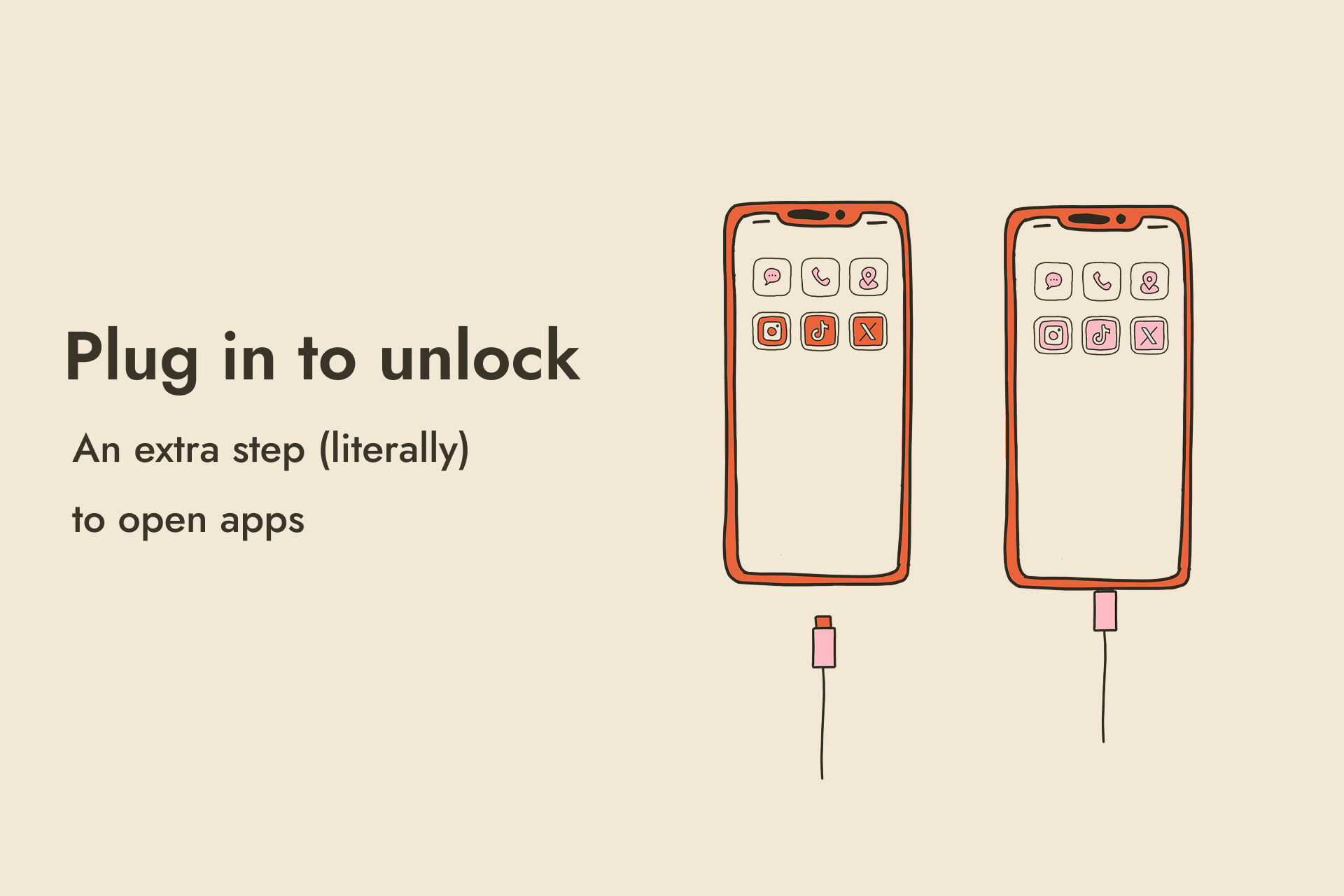
Unplug Me blocks your apps, and you need to plug in your phone to unlock them. It turns your phone into a dumb phone until you plug it in to make it smart again.
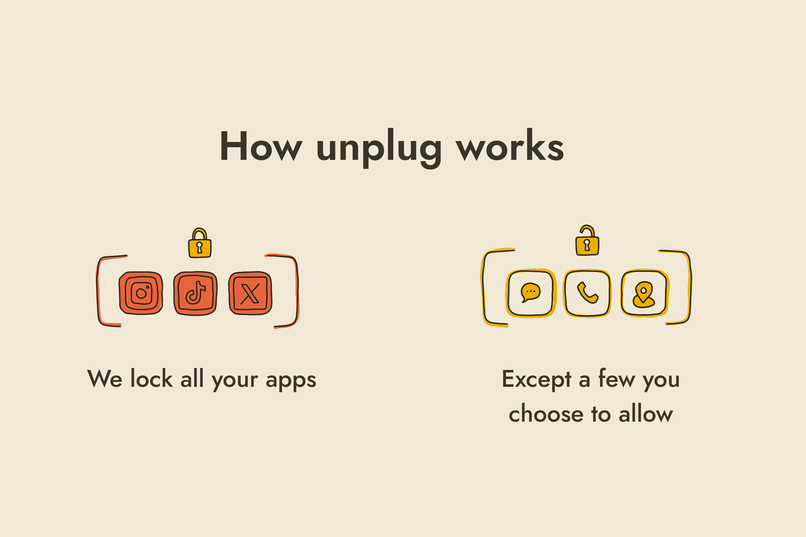
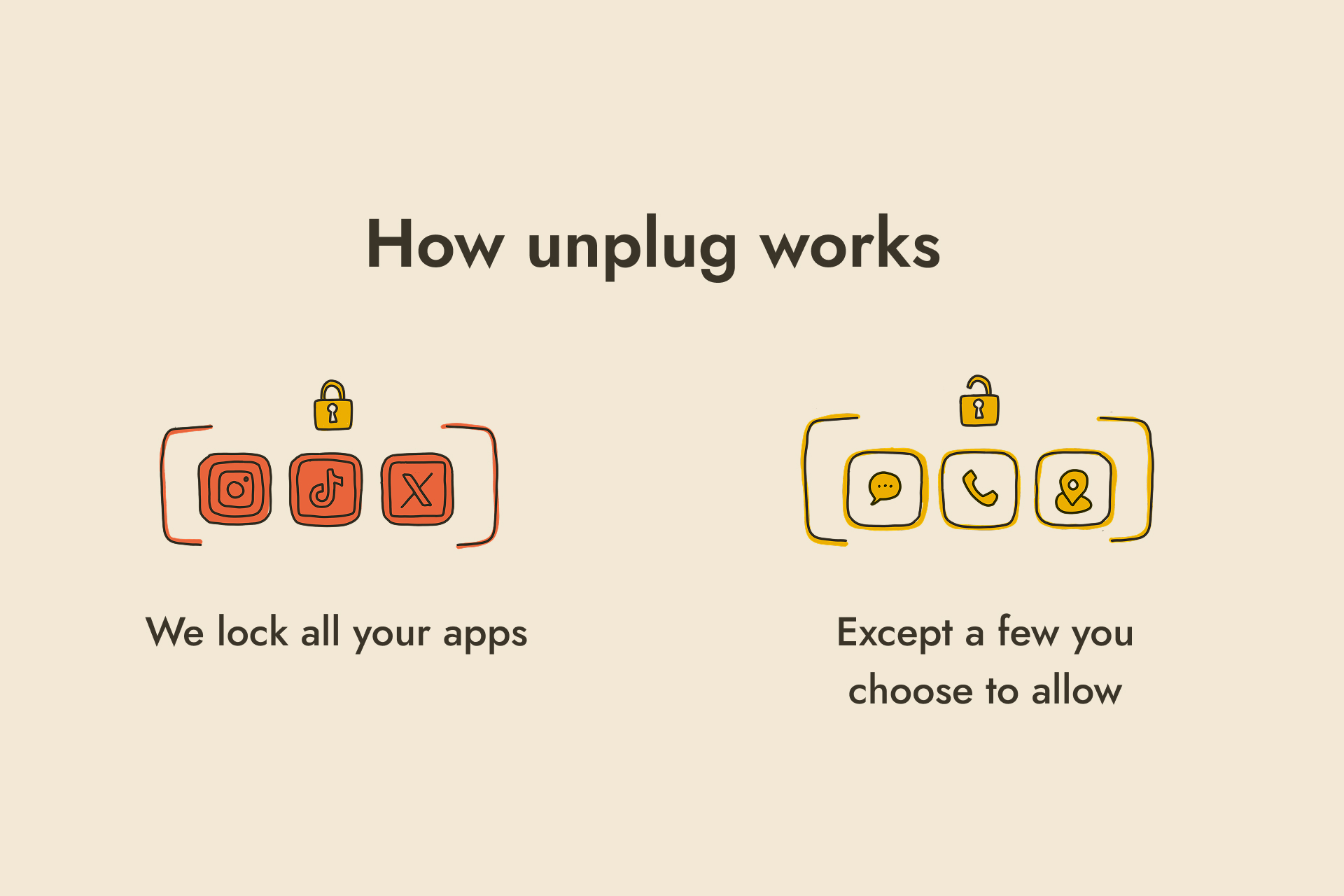
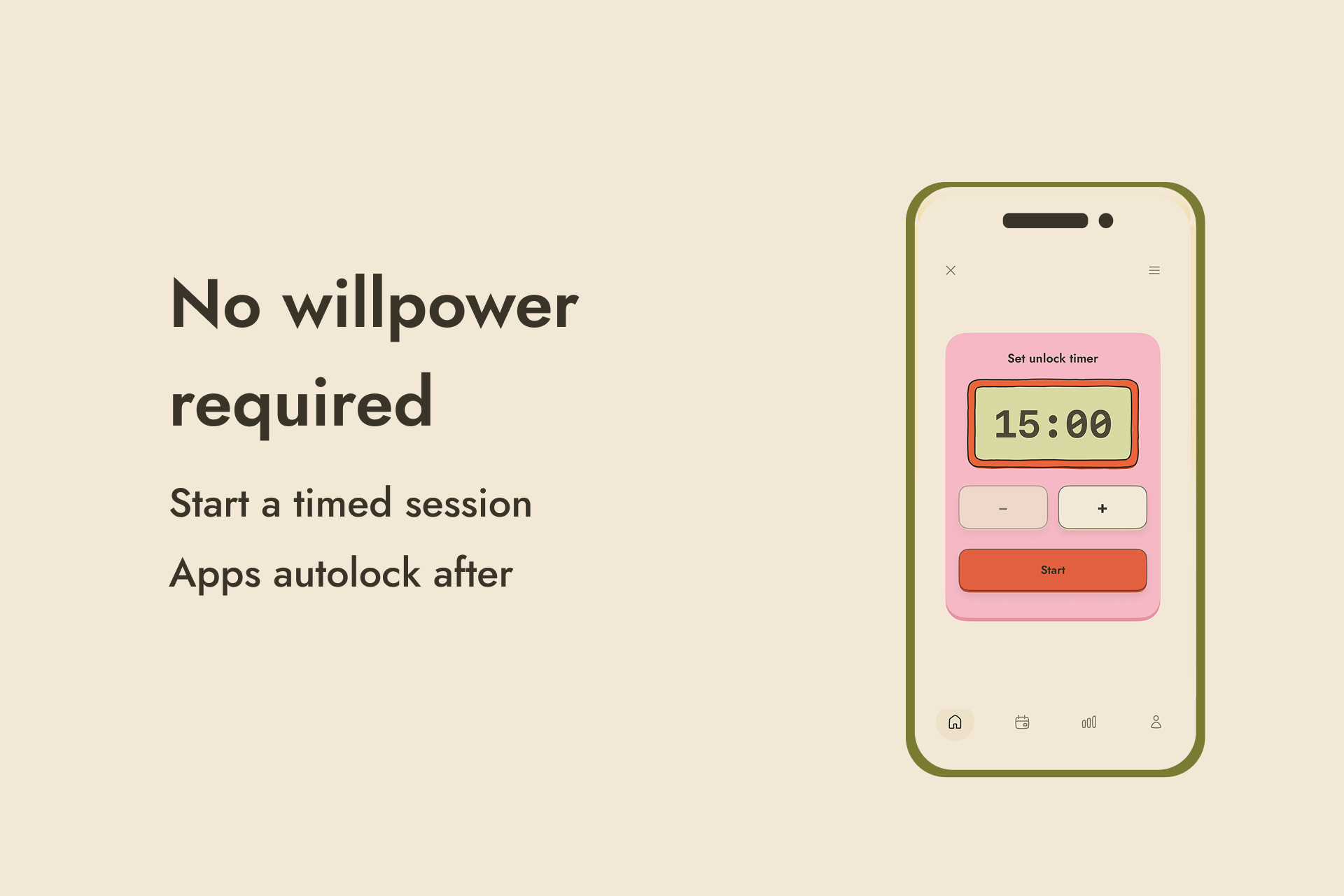
Every app is blocked by default except a few tools you choose, like maps, texts, and music. When you're unplugged, there's nothing there to scroll. To unlock everything else, you physically go to wherever your charger is and plug in. You set a timer for a short session with apps unlocked, and when the timer ends, everything blocks again automatically. So no willpower is required.
Because your charger lives in one place, it adds enough extra friction to make it annoying to unlock apps but not impossible. That extra friction is what creates the mental and physical boundary. Mine is at my desk, so my desk is the only place I can open Instagram. It feels like bringing back the computer room. And when I'm out, I feel unplugged, because my phone is just a tool instead of a distraction.
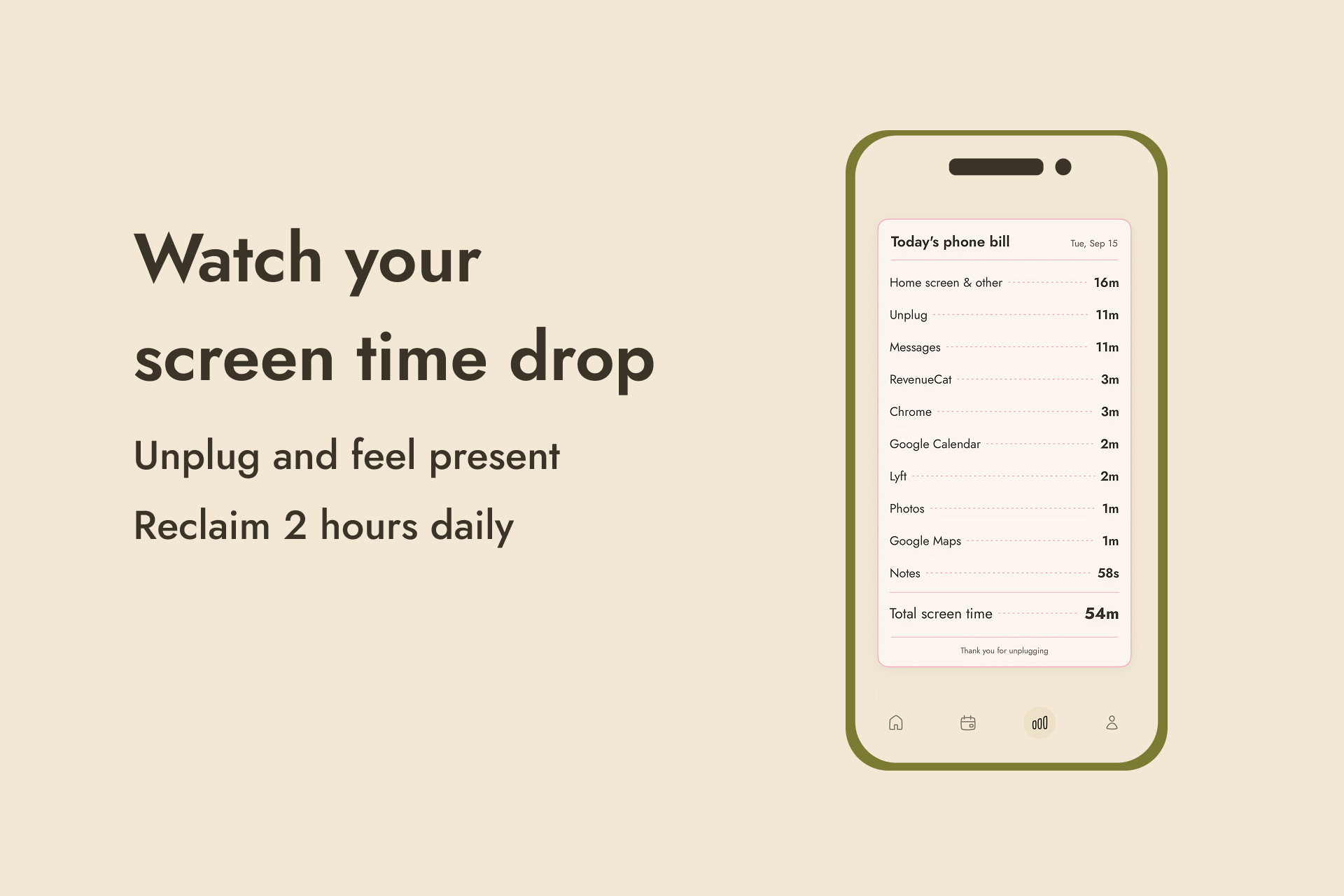
- Every day, you get a phone bill each day to see your progress. It shows your screen time, pickups, and unlocks, itemized like a phone statement.
- You can set a daily unlock limit, and each day you stay under it, you earn a gold star on your sticker sheet. These are different from streaks, because you're rewarded for using your phone less and you never have to open the app to keep them.
- On premium, you can also schedule offline hours, times when unlocking is extra difficult even when you're plugged in.
- If you need to unlock apps while you're not plugged in, you get 4 instant emergency unlocks per week. If you use those up, you have to wait 1 minute. You see a sand timer illustration that shows the seconds passing.
This level of physical and mental friction helps you think about whether you actually need your phone right now or whether it's a subconscious impulse. It lets you redesign your relationship with your technology and use it with intention.
Behavioral design
The user interface was not the only way I thought about design for this app. I thought about how to create lasting change through behavioral design. With Unplug Me, my goal is to help people reclaim their time and attention by using their phone with intention. I want to make it fun and easy to dramatically reduce your screen time.
A 2025 meta-analysis of 10 randomized controlled trials concluded that limiting social media use is an effective way to reduce symptoms of depression.
So I wanted to create an app that fundamentally shifted how people interact with their phones. Most people have about 80 apps on their phone but actually use about 10 apps per day. My design question was: Is it possible to have people rethink which apps they truly find valuable? And could they lock the rest?
With Unplug Me, users block all the apps on their phone and choose which apps they want to allow. This inverts the way we typically use our phones. The only way you can access all your apps is to plug in your phone.
Conceptually, I needed there to be enough friction for it to be challenging to open apps, but not too hard that people would give up. I called this finding the Goldilocks Friction. It couldn't be too hard or too easy. It needed to be just right. I feel like I was able to find that balance by providing 4 instant emergency unlocks per week if people were out and not plugged in but needed to access apps. And if they use these up, you have to wait 1 minute to unlock apps. You see a sand timer display the seconds passing, so even if you do need to emergency unlock, you’re slowing down and using your phone intentionally.
This behavior design is something that I've been seeing work, and users are reporting reducing their screen time by 2 hours a day. One of my favorite reviews explained that it's not just changing how much she's using her phone but how she's using her phone.
Our phones are usually tiny computers in our pockets, but with Unplug, I've found that it's brought the feeling of having a computer room because I only use my phone at my desk. The rest of the day, I'm unplugged and distraction-free. I've heard that other users are charging their phone in their kitchens and treating their phones like a landline.
When I designed the UX and UI, I wanted it to be minimalist and beautiful. I wanted the app to do one thing right and not overcomplicate it. I wanted to find the line between providing enough dopamine to make the app enjoyable but not so much that it would ever feel addictive. So the collecting of gold stars, specific haptic feedback, and confetti are all designed to help reward you for using your phone less.
How I built it
I used Claude Code, Figma, and Procreate.
- As an artist, I wanted to draw all the illustrations for the app. I drew all the art in Procreate and designed the custom tab icons in Figma. I wanted to make every detail feel handmade, so no AI art was used in the app.
- I use RevenueCat for the paywall and Mixpanel for analytics. I intentionally didn't build user accounts, to reduce friction in onboarding.
- Every feature mirrors a real-world object or action. The screen time analytics are displayed as a phone bill rather than a classic dashboard. Your gold stars go on a sticker sheet. When you unlock your apps for a set time, you use a kitchen timer with haptic feedback on the buttons. And the locking mechanism shows a charger, a cord, and a phone.
- I built the project in public across LinkedIn, Substack, Twitter, and Instagram, where I have a combined audience of 55,000 people.
One of my favorite moments was putting the name to a public vote. I started out calling it Landline, because the original idea was to turn your phone into a landline by blocking everything except texts and calls while it was plugged in. After I pivoted, I needed a new name. I had people vote between Flip Phone OS and Unplug, and Unplug won. Later, when the UI design started feeling more playful, I put it up for another vote and people suggested Unplug Me. And here we are today!
Building in public also grew a waitlist. As people joined, I reached out to schedule user interviews. Those calls taught me their real pain points and let me build around their needs. I listened for their exact language and reflected it back in the onboarding, so people feel understood immediately.
By launch, I had an audience waiting and got 40 trials in under a week. During my first week I made $500 in revenue and had $150 MRR.
Challenges I ran into
The hardest part of building Unplug Me was Apple's Screen Time API. It's notoriously buggy, has very little documentation, and has known issues the developer community is regularly frustrated by. Getting the locking mechanism stable took a lot of debugging.
Before I became an artist and built apps, I cofounded and sold a kids' coding program. My cofounder taught me frontend development back then, which was ten years ago. I knew enough to debug these problems, but often I treated them as creative opportunities to design around.
For example, there's a known bug where scheduled blocking is inconsistent. Sometimes apps block during the window a user scheduled, and sometimes the block silently fails.
So I made the default state that distracting apps are always blocked. This means there is no schedule to fail. Instead, you come to the app to unlock, which also creates a unique form of retention.
Then I designed a scheduling format called Offline Hours, where you plan the times you want unlocking to be extra difficult even when you're plugged in. That way, I never depend on the unreliable part of the API, and users report that Offline Hours is one of their favorite features.
I think not being an engineer allowed me to come up with creative design solutions rather than getting stuck and just focusing on solving the technical problem.
Accomplishments that I'm proud of
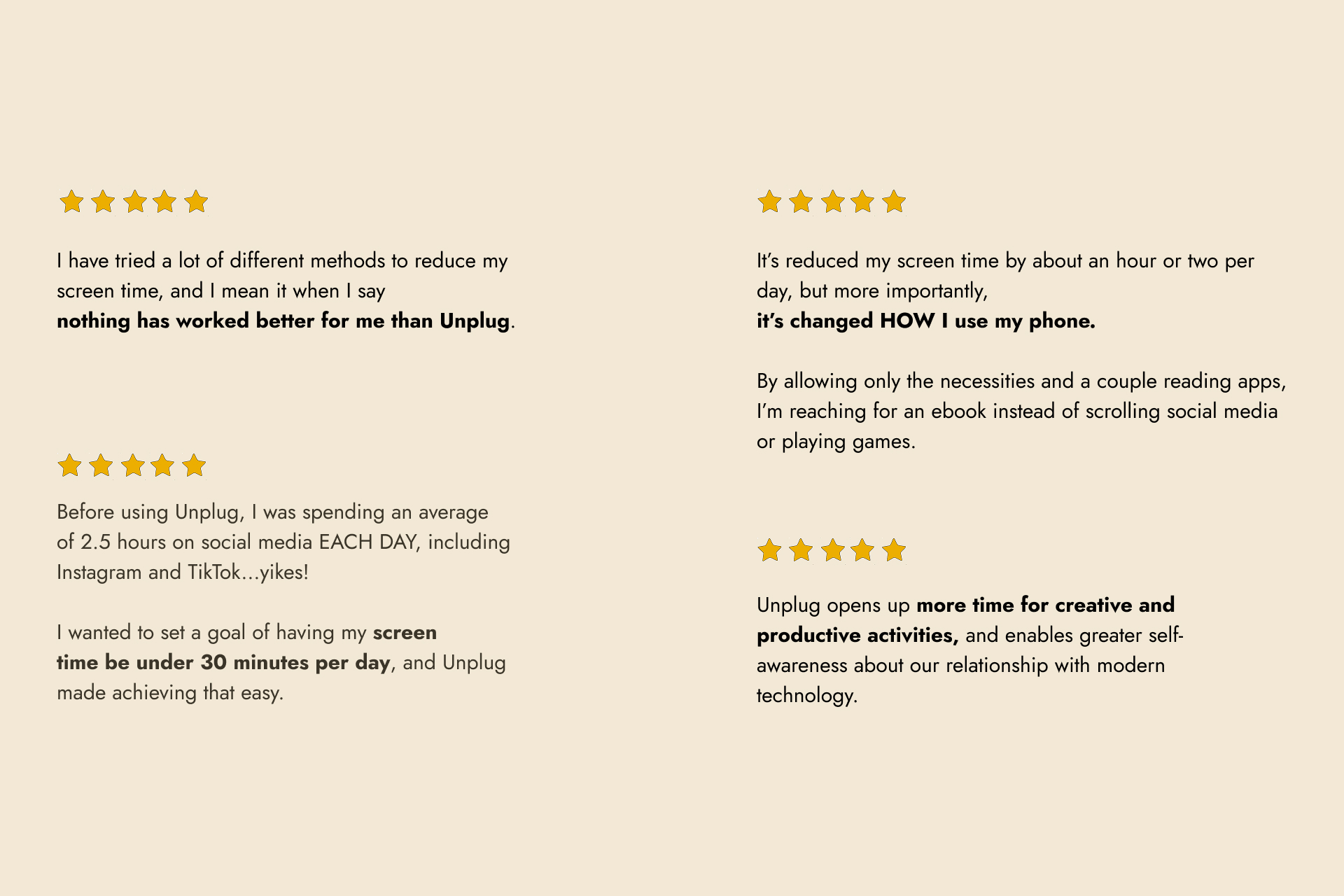
Beta testers and early users are reporting screen time reductions of around two hours a day. The testimonials have been incredible to read.
"I have tried a lot of different methods to reduce my screen time, and I mean it when I say nothing has worked better for me than Unplug. I particularly appreciate how it creates a sense of reward, rather than restriction. I love it and can see myself using it for many years to come." — Lauren
"It's reduced my screen time by about an hour or two per day, but more importantly, it's changed HOW I use my phone. By allowing only the necessities and a couple of reading apps, I'm reaching for an ebook instead of scrolling social media." — Vanessa
Building Unplug solved my own problem. It got my screen time down to one hour a day. I'm focusing on what I actually want to do, like making art, reading, and writing more, and sleeping better than ever. I love getting to build a product that solves my exact problem and is also helping others.
What I learned
I've learned that my background as an artist has become my differentiator. A lot of apps right now use AI-generated art for everything, and people are starting to really appreciate human-made work. Almost every piece of beta feedback I got mentioned that they love the design.
I've started to see this as the biggest art project I've ever made, and the one with the widest possible reach. My paintings usually sit in one room or reach people through social media for a fleeting moment. But my art in this app is something they see every day, and it can scale to millions of people around the world.
I also learned that the behavior change actually works, which I wasn't sure about at launch. The design is unusual and quite restrictive. No other app blocker makes the default state that most of your apps are locked. Traditional blockers ask you to block a few apps for a set window or through a start and stop action.
I wanted to invert that and find out what happens when your phone is simplified most of the time and distracting only at specific moments. Watching people report that it shifted their behavior and their relationship with their phone has been the best part of building it.
How RevenueCat is used
I drew a self-portrait before my paywall to tell my story and share how it helped get my screen time down to 1 hour a day, and then I present the paywall. The paywall itself has art on it that communicates how the trial works and a cheery sun at the top to represent a new day of feeling unplugged.
RevenueCat powers the paywall and subscriptions, and I use it for the free trial and the entitlement gating.
I wanted to transform a normally sterile moment into something human and it's been working. My trial-to-conversion rate is at 40%.
The free version gets you 4 always-available apps, the daily phone bill, gold stars, and emergency unlocks, so anyone can get real value without paying. The premium version allows your always-available apps to 50, schedule offline hours, and blocks websites.
What's next for Unplug Me
- I want to add more custom illustrations. Throughout the experience I want to draw more self-portraits at critical moments, like asking for reviews. I think it would be great to prompt a review with a little drawing of myself asking them to write a review. Creating this human moment in a normally automated experience is a way that I can stand out.
- I like treating moments of friction as potential moments for virality. If someone is out and has to wait a minute to unlock Instagram, a friend might notice and ask what they're doing. That sparks a conversation and can turn into word-of-mouth growth. I want to design more moments like this into the app
- I want to work with therapists, psychiatrists, and mental health professionals to offer free or discounted access to their patients as a tool to help them reduce their time on social media to improve their mental health and wellbeing.
- If the launch goes well, I'd like to build an Android version. I already have a waitlist of people that have been asking for it.

Log in or sign up for Devpost to join the conversation.