-
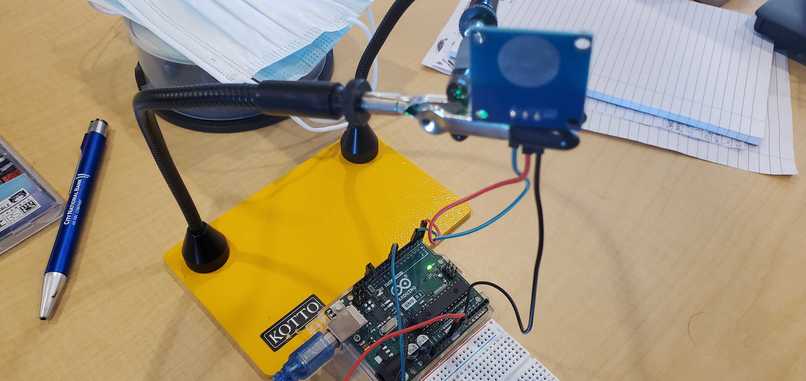
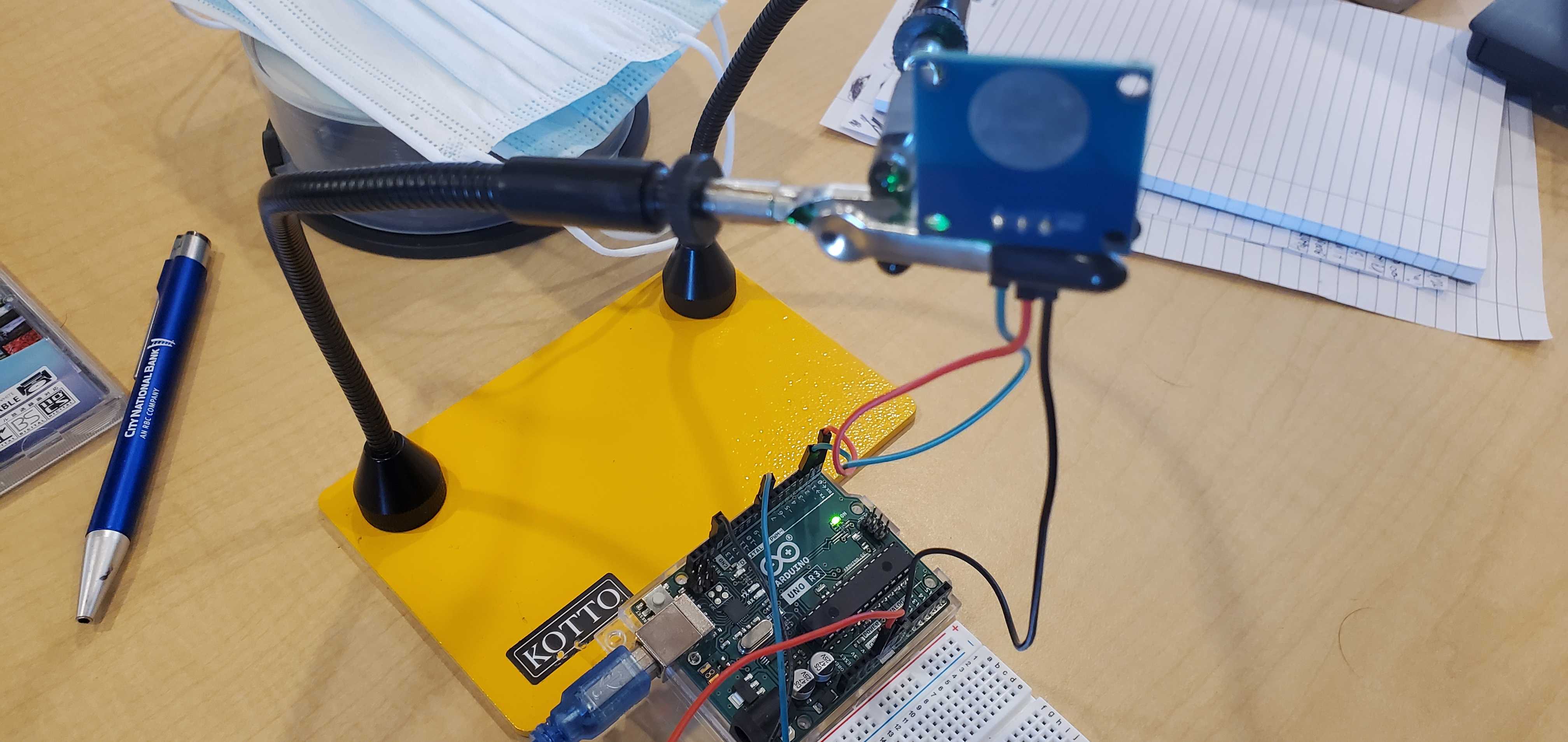
Touch sensor with board in view.
-
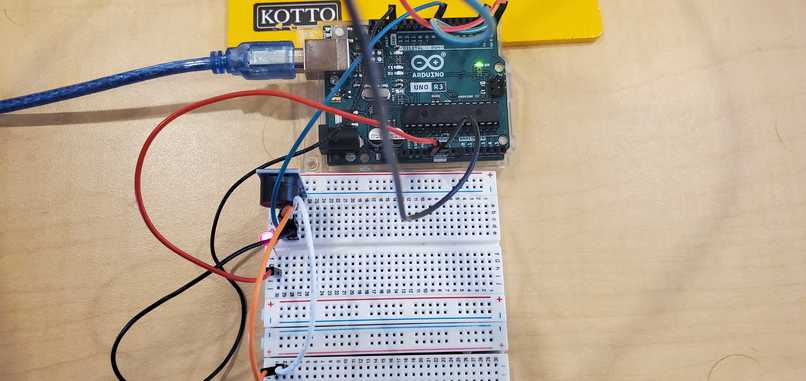
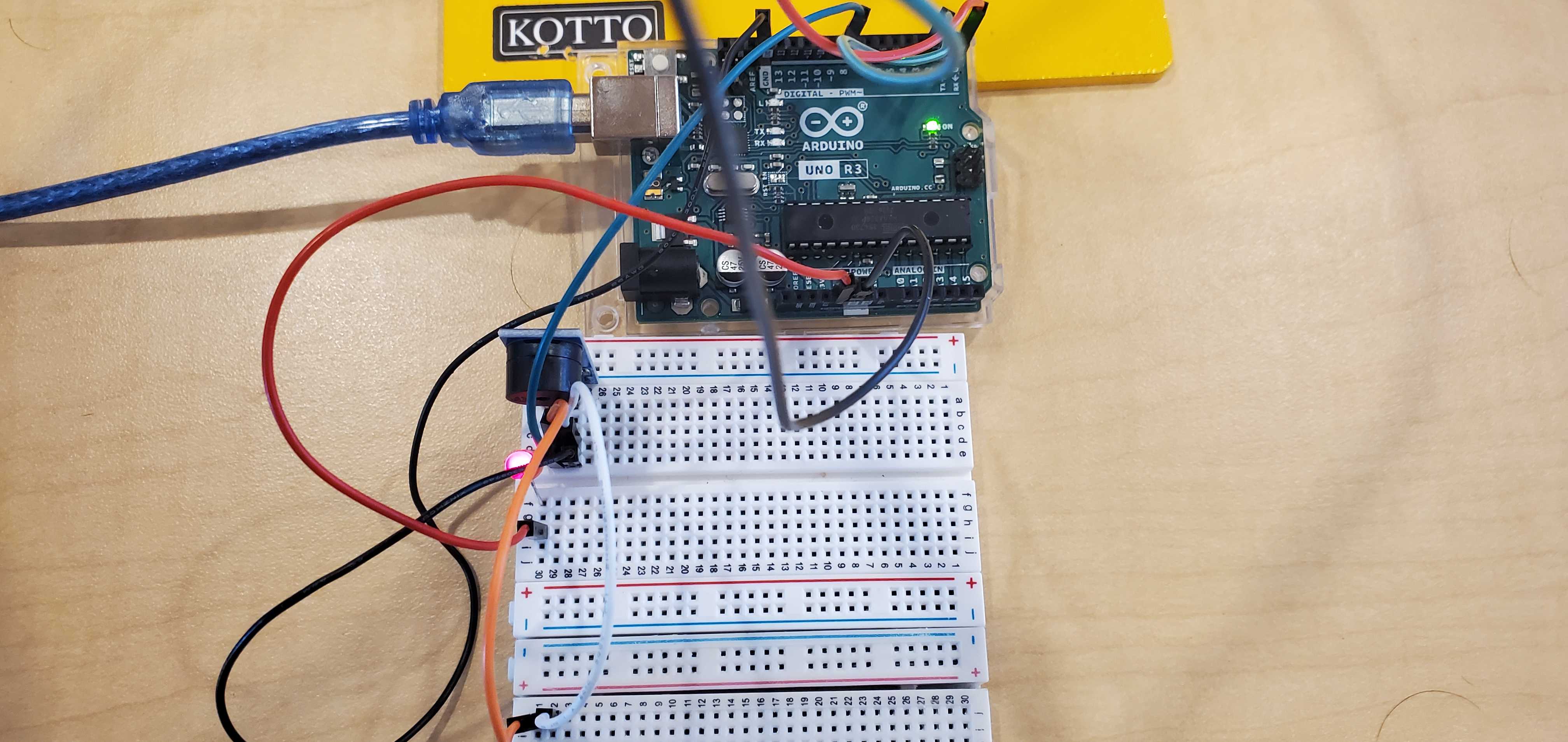
Top view of the board.
-
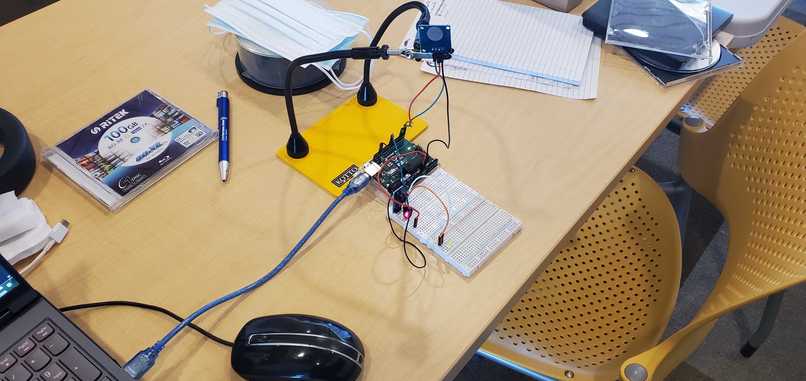
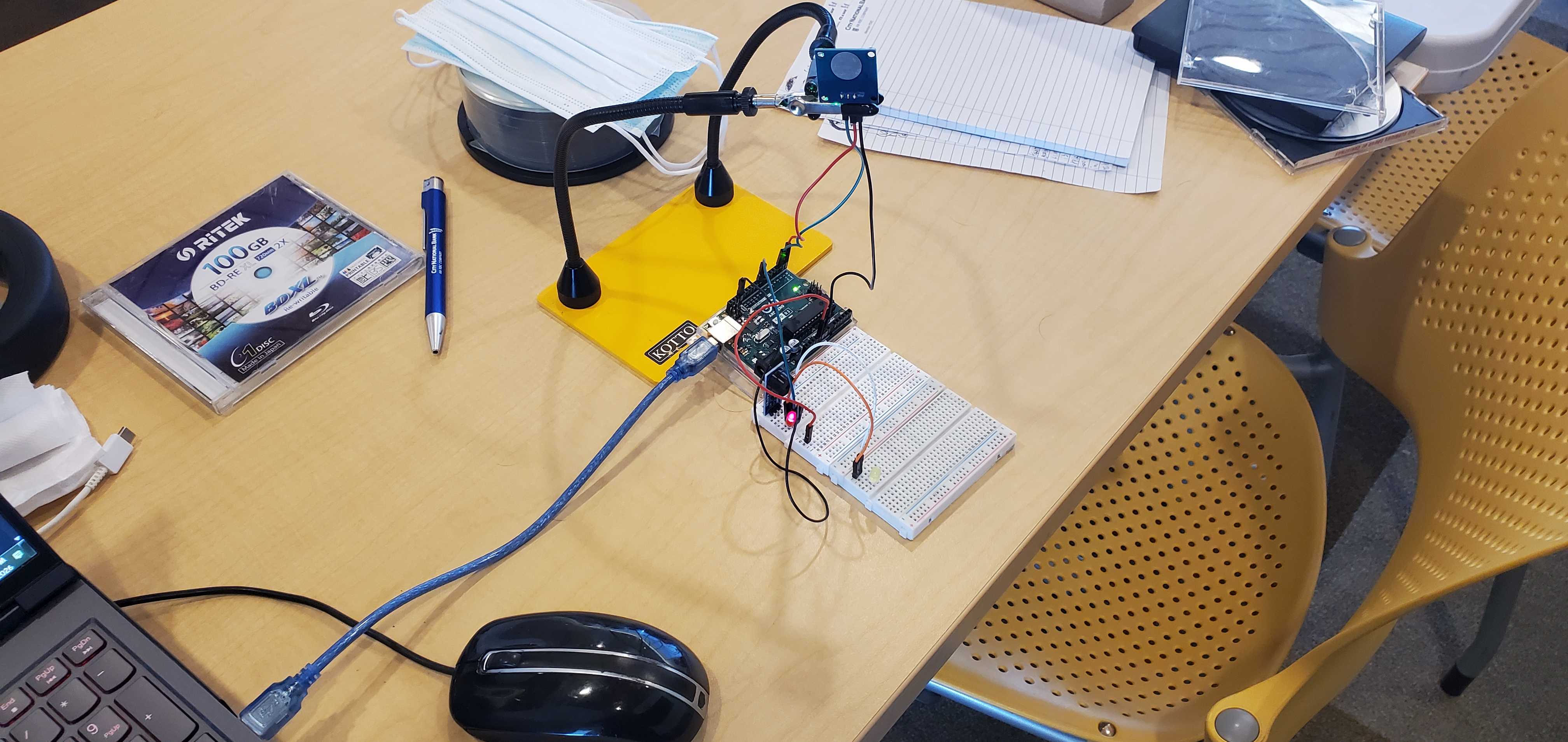
Wide view of project.
-
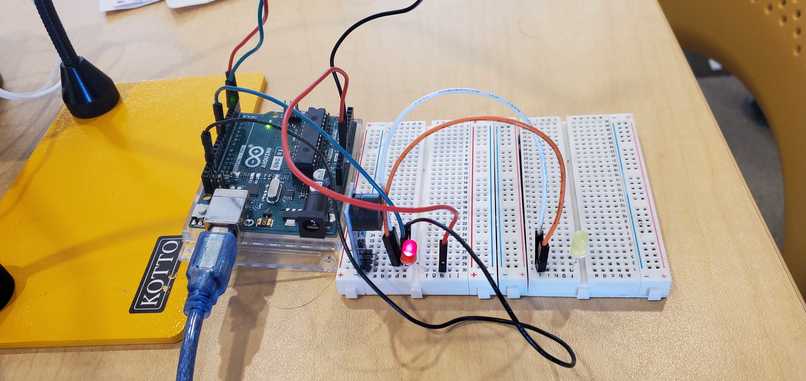
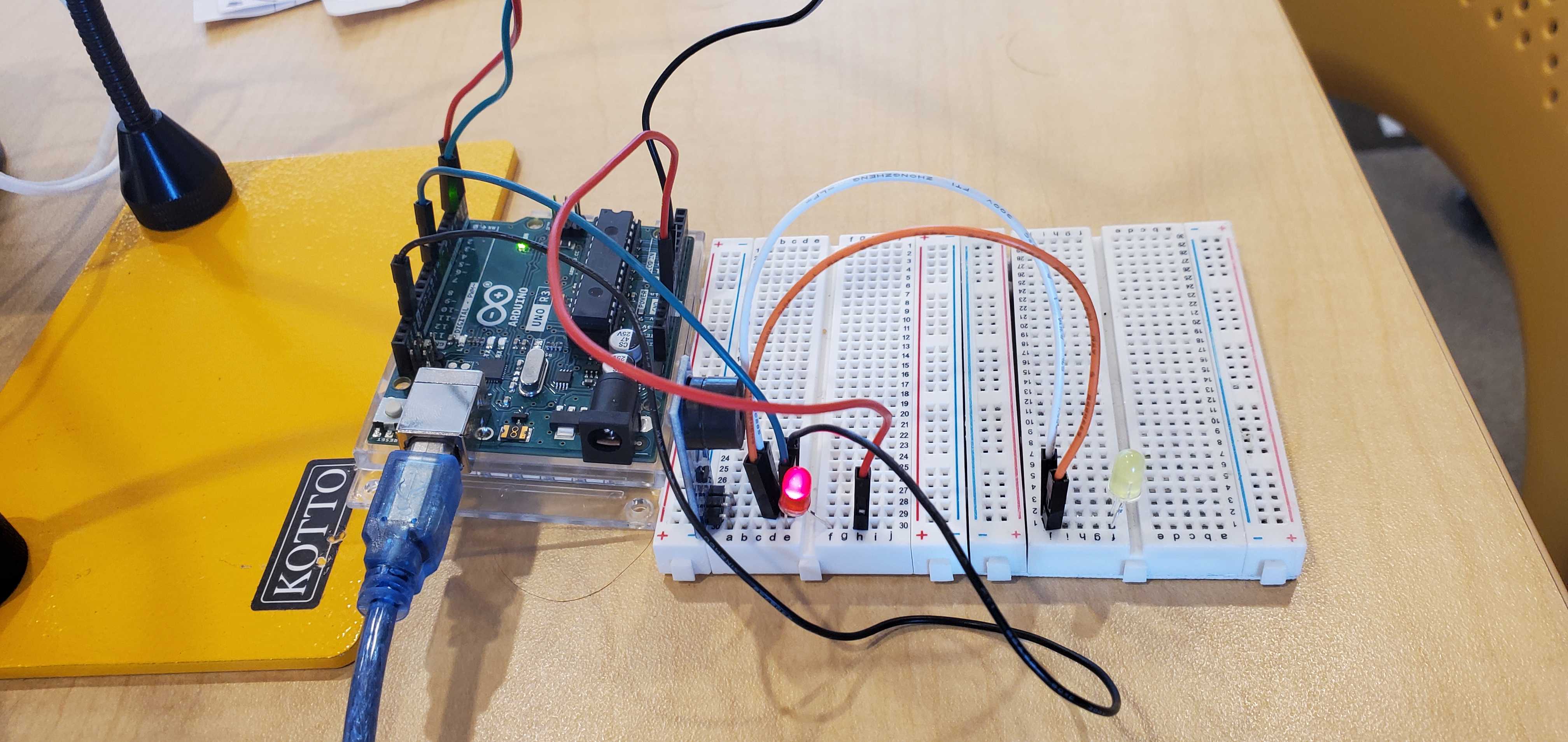
Side view of the board.
Inspiration
The Uno R3 straight keyer was inspired by old telegraph keys, Morse code, and the idea of turning a simple Arduino Uno R3 (and its components) into a small, adjacent communications device.
What it does
It is a USB-controlled Morse code generator built around an Arduino Uno R3. It supports both normal text and raw Morse input when using the software. In text mode, the program sends readable text to the Arduino, where it can be converted and played as Morse. In raw Morse mode, the user can type dots, dashes, spaces, and slashes directly. The system can save a message to the Uno, read the stored message back, play the typed message, play the stored message, change playback speed in words per minute from 5 to 35 (18 being the default), and stop playback while it is running.
How we built it
The hardware was built with an Arduino Uno R3 connected to a breadboard and a touch sensor. The breadboard has jumper wires, an LED acting as a resistor, an LED output, and an active piezoelectric speaker. Above the board sits the touch sensor input for manual operation. The Uno is connected to a computer through USB, which provides both power and serial communication.
The software side was built with PowerShell, Windows Forms, and CMD. A small Start.cmd file launches the PowerShell GUI with the right execution settings so the program can be opened more easily on Windows. The computer and Arduino communicate using simple serial commands such as "PING", "SETWPM", "SAVE", "READ", "PLAY", "CLEAR", and "STOP".
Challenges we ran into
One of the main challenges was ensuring reliable communication between the computer and the Arduino over serial. When an Arduino Uno connects, it often resets, so the GUI has to wait for the board to restart before sending commands. The program also needed to check that the Uno was running the correct sketch before trying to use it.
Accomplishments that we're proud of
I am proud that the project became more than a basic Arduino LED project. It has a Windows interface, a command system, serial communication, stored messages, adjustable speed, and support for both text and raw Morse.
What we learned
I learned more about how Arduinos work, especially the wiring and component placement on the breadboard. I also learned how to build a Windows Forms interface in PowerShell, how to handle serial I/Os, and how to make a small hardware project easier to control from a computer.
What's next for Uno R3 (Straight) Keyer
The next step would be to make the hardware cleaner and more permanent, possibly by moving it from a breadboard to a soldered board or a custom enclosure. I would also like to improve its usability by adding a proper key, buzzer/speaker, and/or visual output.
The software could also be expanded with a better message history, automatic COM port detection, and possibly a packaged installer so the project can be run without manually launching scripts.
Built With
- arduino
- cmd
- powershell
- windows-forms

Log in or sign up for Devpost to join the conversation.