-
-
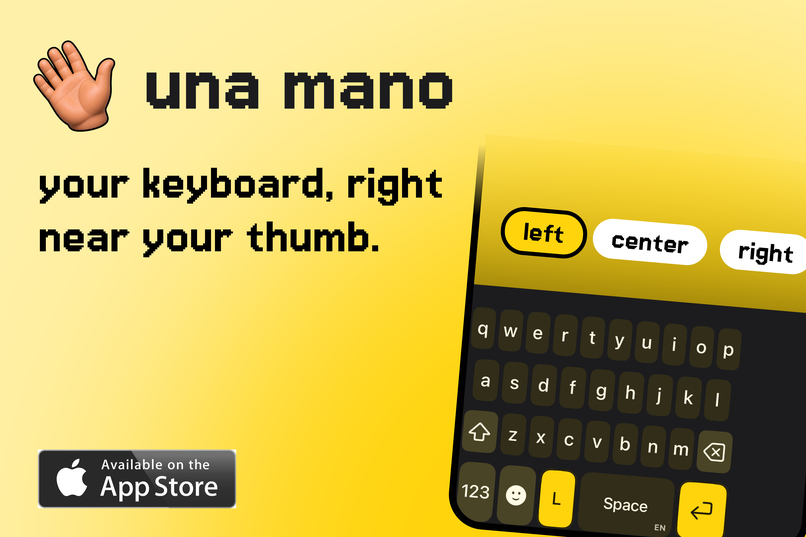
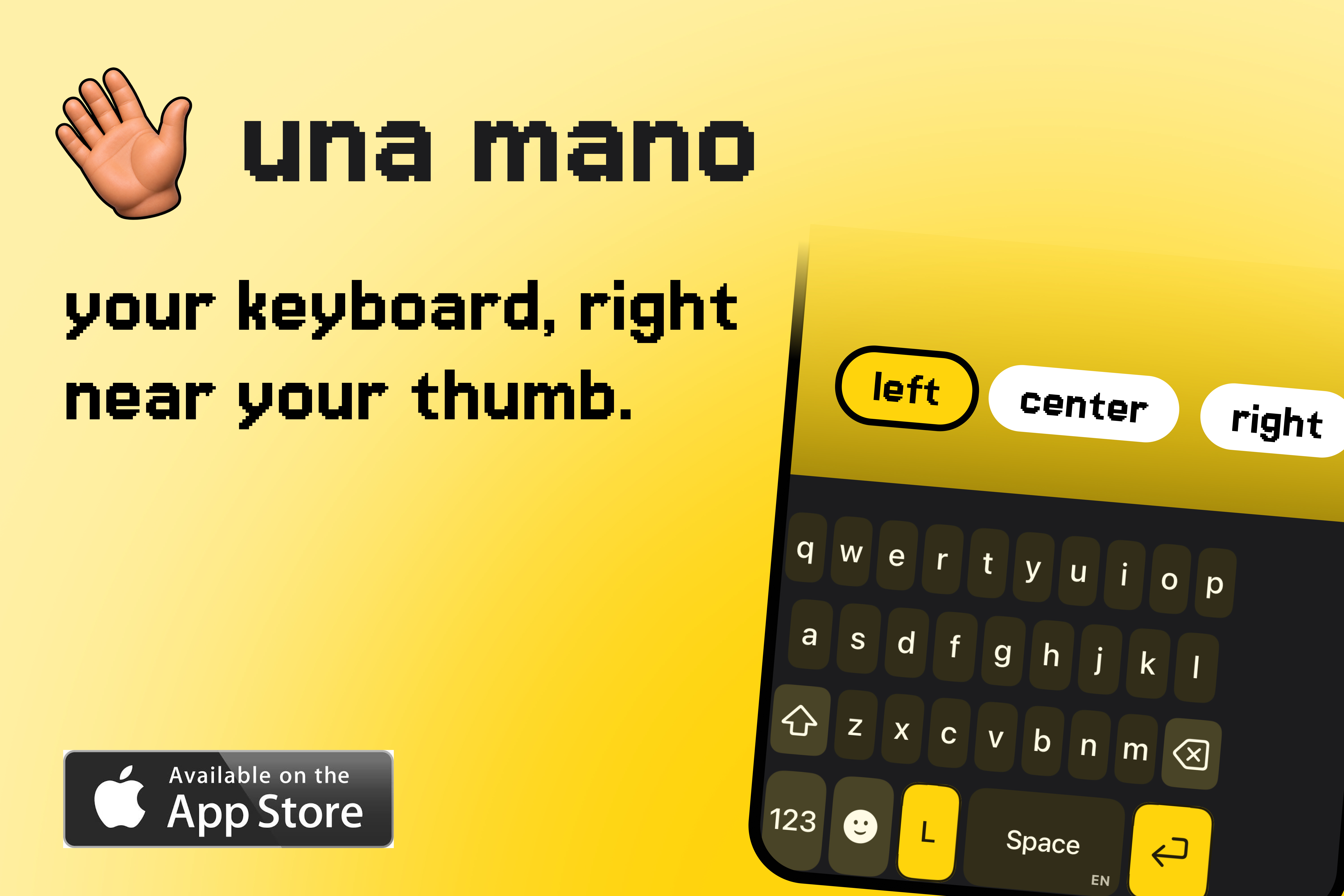
una mano - one-handed keyboard
-
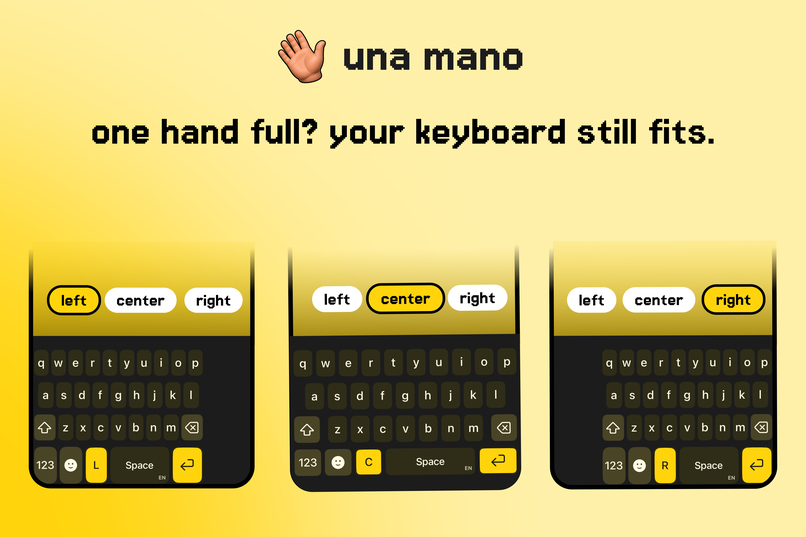
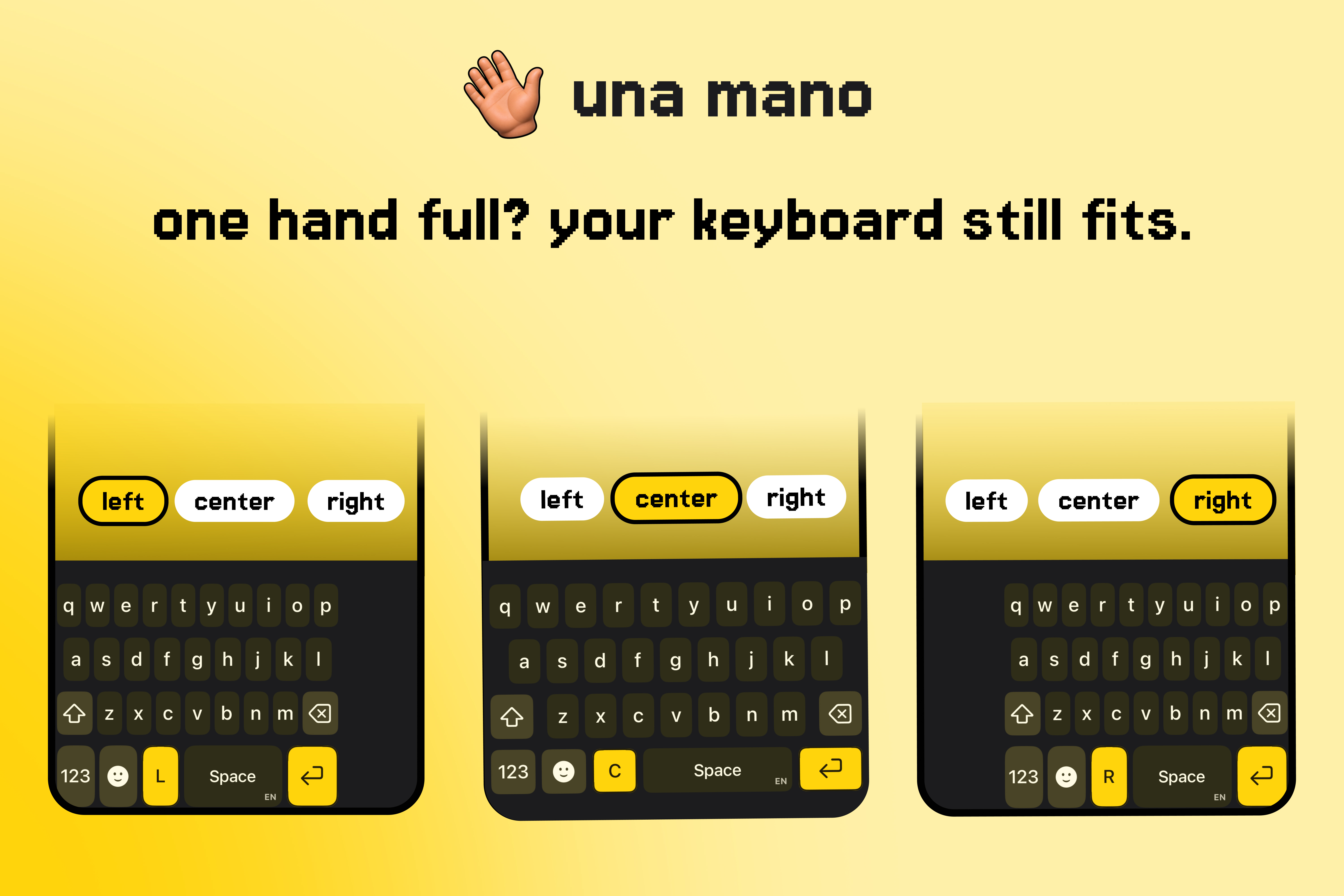
left-aligned, right-aligned or a centered keyboard
-
una mano - app icon
-
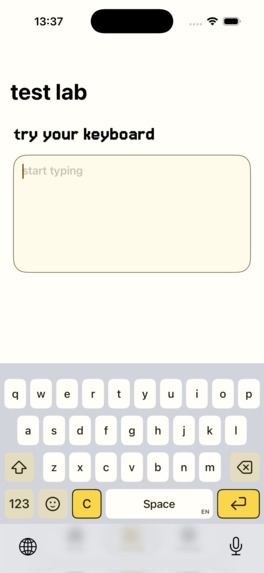
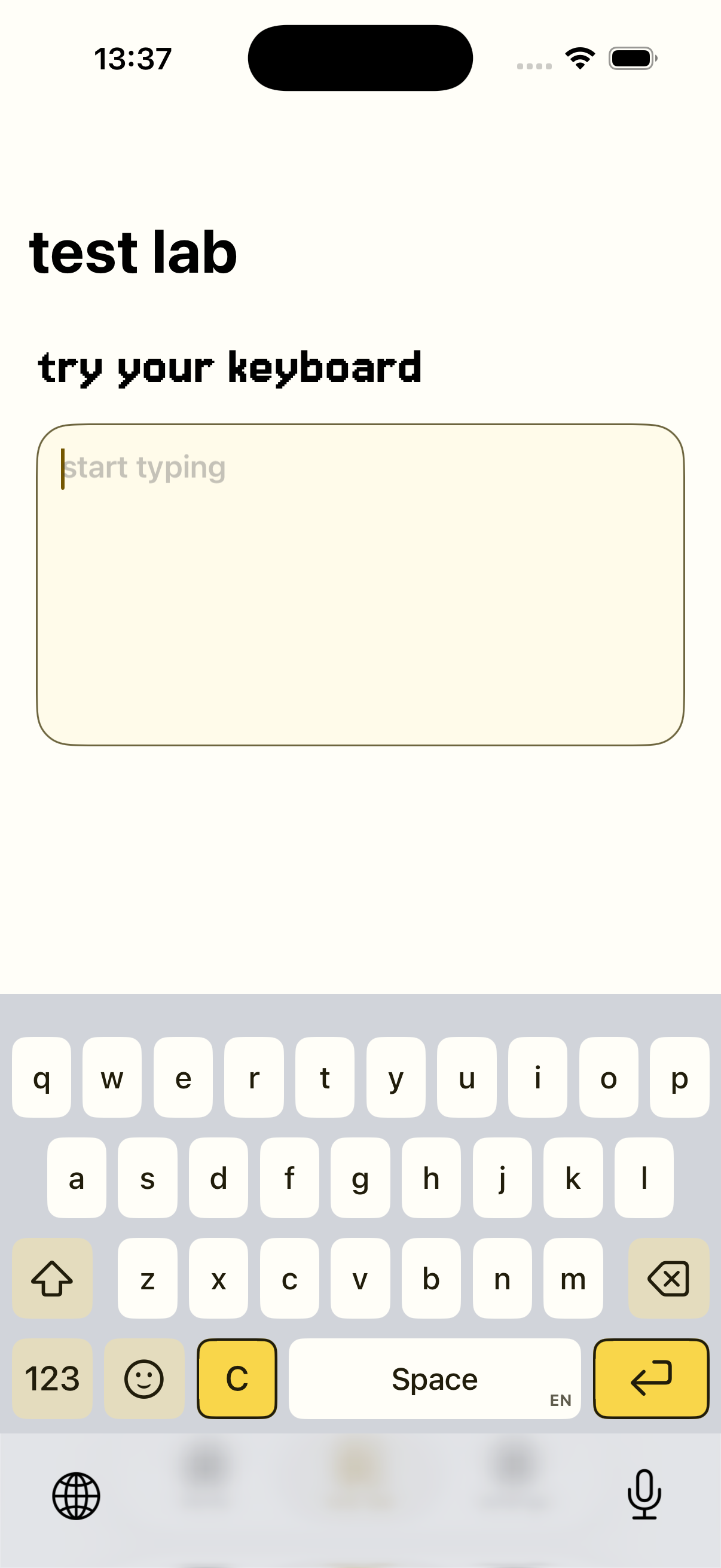
una mano - app screenshot
una mano: one-handed keyboard
'una mano' is an iPhone keyboard designed for comfortable one-handed typing. Choose a left-aligned, right-aligned, or default centered keyboard style, and the key cluster moves to match the hand you are using. Tilting the phone left or right also lets you switch sides with a deliberate movement.
Why I made it
The default iPhone keyboard can move left or right, but switching between those layouts is cumbersome. You have to decide which side you need before you start typing.
That frustration became more obvious after I became a dad. More of life happens one-handed while carrying a child, preparing food, holding a bag, or replying to a message while doing something else. I have worked in accessibility for six years, and it is still one of the first things I try to bring into every product I build. With 'una mano', that meant thinking beyond temporary one-handed use. The keyboard should also support people who permanently use one hand, whether because of disability, injury, or reduced dexterity.
Accessibility also meant testing the experience thoroughly across onboarding, settings, keyboard setup, layout changes, and typing. My goal was to reduce reach and effort without adding unnecessary controls or complexity.
What it does
'una mano' keeps the familiar QWERTY layout while moving the keys closer to one side of the screen. The companion app guides people through setup, lets them choose their preferred keyboard style, and includes a 14-day full-feature trial. The keyboard stays focused on typing. It works without Full Access for core typing and position changes. Full Access is optional and only helps save keyboard position settings and tutorial progress locally.
How I built it
I built the companion app in SwiftUI and the keyboard extension in UIKit. Both share layout and settings logic through an App Group. Core Motion powers tilt-to-move. StoreKit handles local entitlement checks. RevenueCat manages the one-time Lifetime Unlock purchase in the companion app. After a purchase or restore, I also verify StoreKit transactions locally so the keyboard can continue working when the app is offline.
Challenges
I initially assumed that building a keyboard would be similar to building a standard iOS app. It was not. Keyboard extensions have their own lifecycle, privacy boundaries, layout constraints, and interaction rules. Behaviors that feel simple in Apple's default keyboard, such as smooth layout changes, familiar key interactions, and switching between keyboards, all had to be rebuilt carefully. The process gave me a new appreciation for Apple's keyboard. It also clarified the goal for 'una mano': keep typing simple and familiar while making it easier for people to reach the keys with one hand.
What I learned
Accessibility does not always mean adding more controls. Sometimes it means reducing the distance someone has to reach or the effort required to complete an everyday task.
A small change in keyboard position can make typing more comfortable for people who use one hand occasionally, and much more accessible for people who use one hand permanently.
What's next
I want to improve the stability of 'una mano', add more productivity features, and gather feedback from people who use it in their everyday lives. Testing with real users will help me understand where the keyboard already helps and where the experience still needs work.

Log in or sign up for Devpost to join the conversation.