-
-
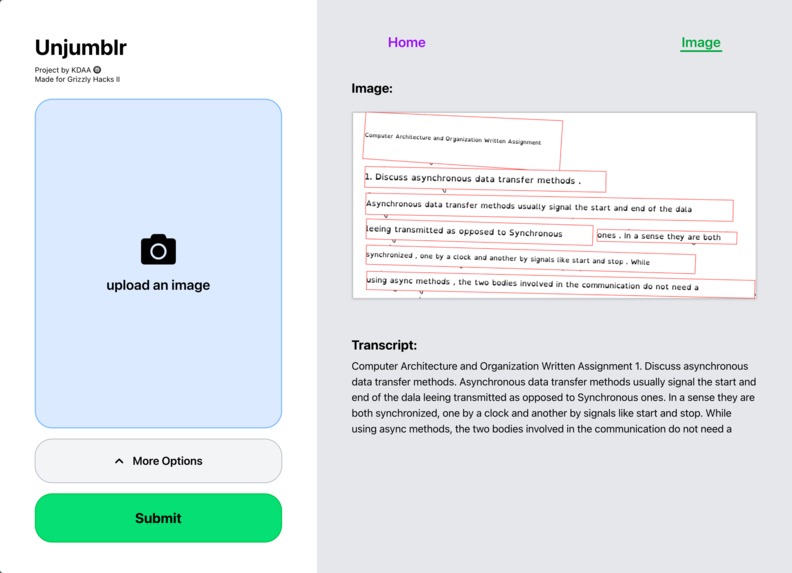
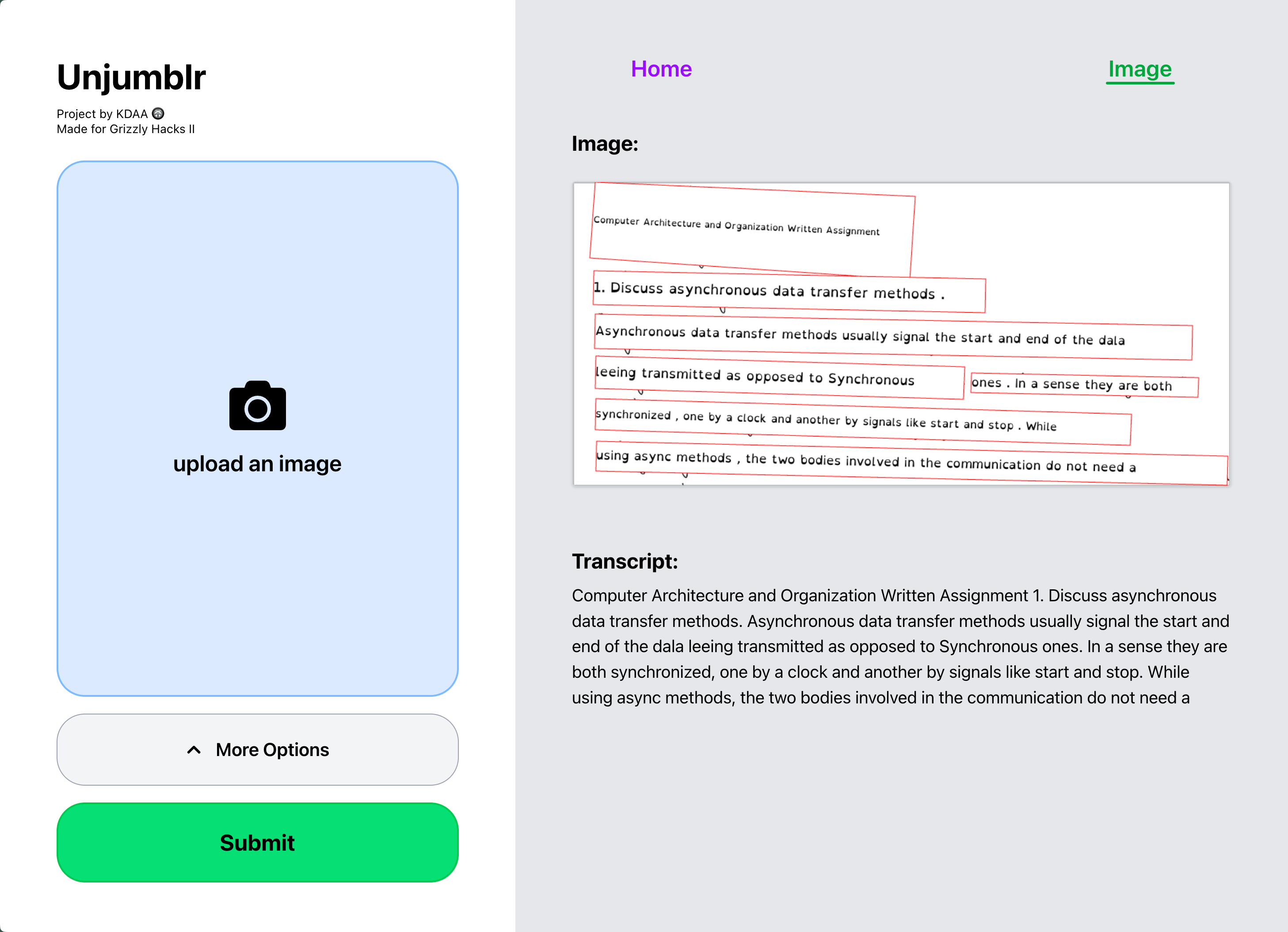
Website Usage Example
-
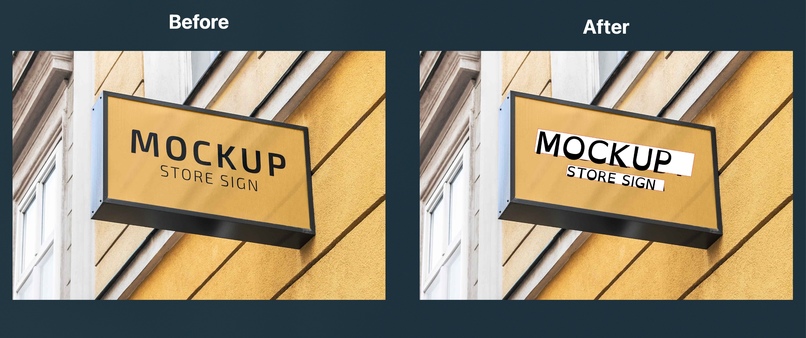
Font Replacement Example
-
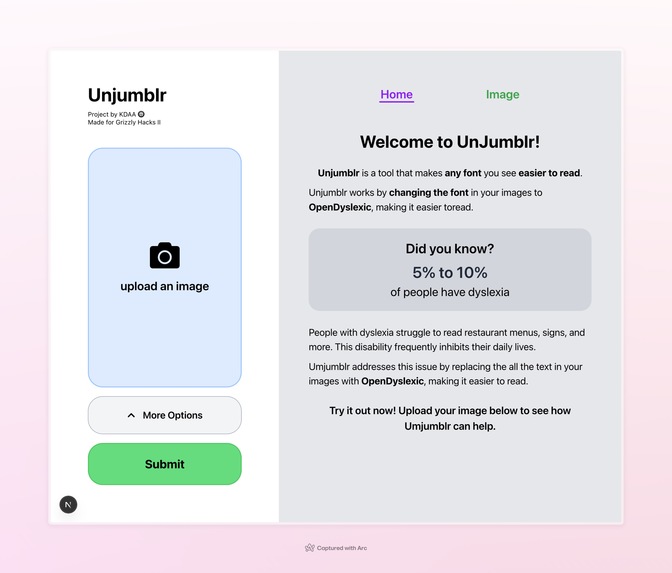
Home Page
Inspiration
At our school, there was recently a presentation given to raise awareness on dyslexia. We were blown away by some of the statistics: Did you know that studies estimate 5% to 20% of the world’s population has dyslexia? In addition, we learned that dyslexic people struggled reading intricate fonts and irregularly spaced text. Inspired by what we learned, we decided to help build a website that could convert any text into the dyslexic-friendly OpenDyslexic font. We envision our website helping dyslexic people navigate today’s text-heavy physical and digital world with new found ease.
What it does
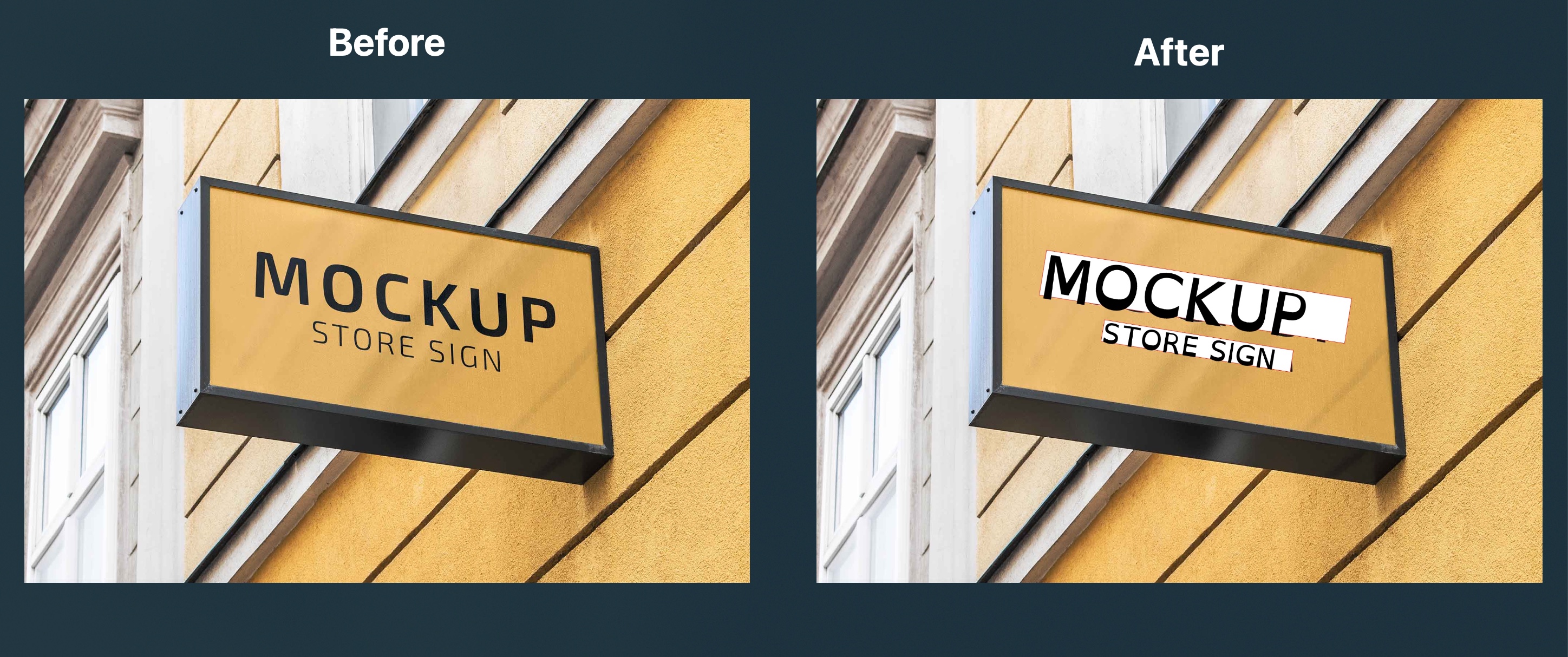
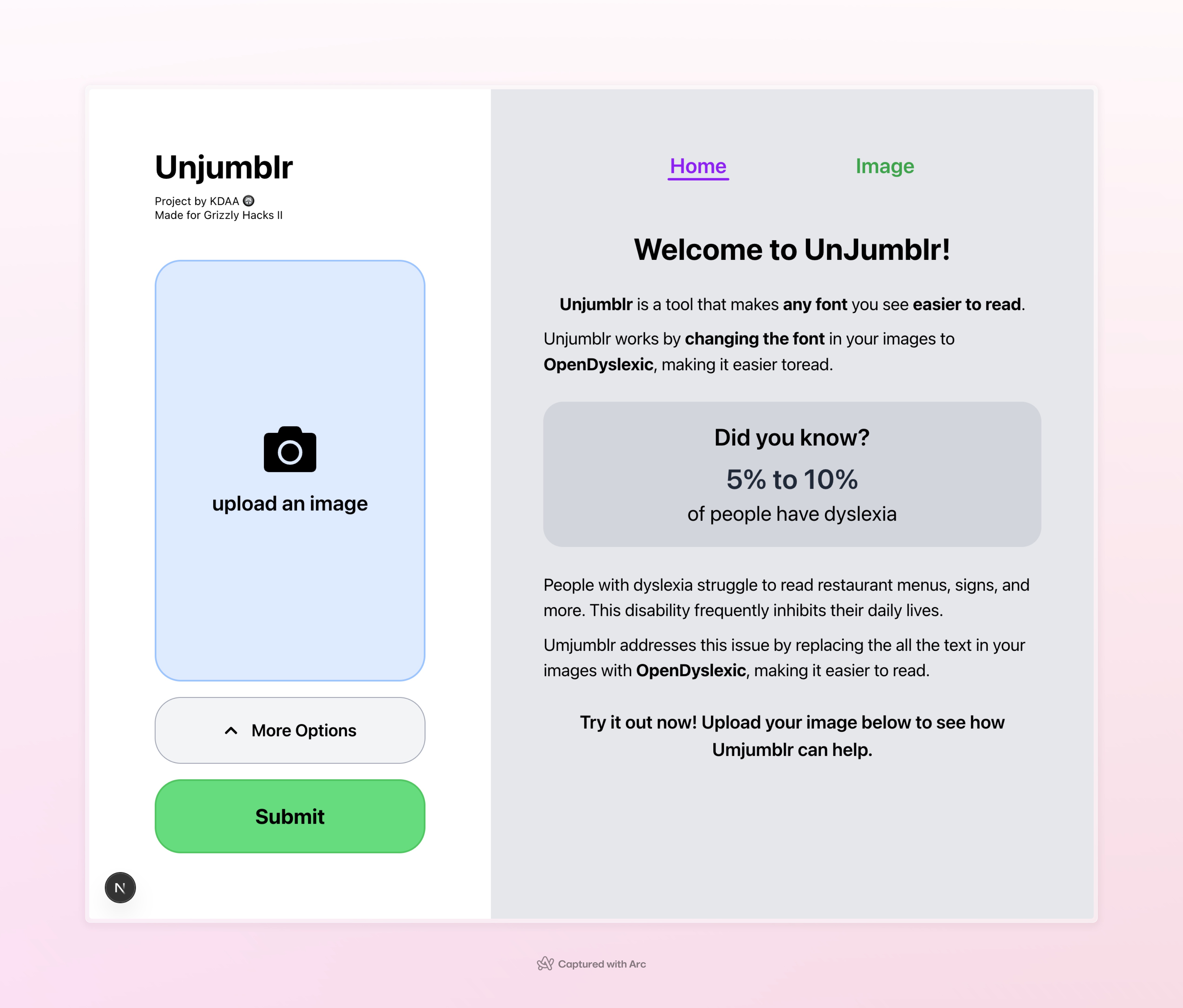
Jumblr takes the user provided image and writes over all the text in the image with the same text in OpenDyslexic font. Jumblr also provides a neatly formatted transcript of the image. By uploading a photo or a screenshot, users can make anything from fancy restaurant menus to inctricite websites easy to read. Jumblr aims to increase dyslexic people's easy of accessibility for the world.
How we built it
Our project’s pipeline is as follows: (1) The user uploads an image (2) An optical character recognition (OCR) model detects the text itself and it’s location in the image (3) Jumblr applies whiteout on the old text and writes the new OpenDyslexic text on top of the whiteout. We use Google’s Cloud Vision API for the OCR and the HTML Canvas element for easy image display and modification.
What we learned
During this project, we learned about optical character recognition models and how they are trained and implemented. We tried running Tesseract OCR server side, but realized we didn’t have enough compute time. We also tried setting up a python API that runs a Huggingface OCR and also realized that we didn’t have enough compute for this. Finally, we tried Google Cloud Vision API which worked well. We also learned about the HTML canvas tool and how to use the different methods of drawing to achieve different effects like whiteout, highlight, and drawing bounding boxes. We also improved on our UI design through watching youtube videos and looking at other websites for inspiration.
Struggles
One of the challenges we ran into was finding an OCR with text recognition and text location capabilities that we could realistically run. Two of us spent nearly half of the day just trying to see which OCRs would work. Dynamically sizing the font to make it have a consistent size was difficult due to the noise in the bounding boxes. For short words like “a” and “in,” they often ballooned compared to long words. To fix this, we have to develop a custom polynomial for calculating font size.
What's next for Unjumblr
We were originally planning a text to speech feature which would also read the image's text to the user, completely bypassing the struggle of reading but ran out of time.


Log in or sign up for Devpost to join the conversation.