Inspiration
Every semester, students face the same frustrating ritual: staring at a schedule posted on a wall, a screenshot from a chat, or a clunky university portal — and then manually typing each class into Google Calendar. We've all been there. UniCal was born from a simple question: why can't a computer just look at the schedule and do this for us?
What it does
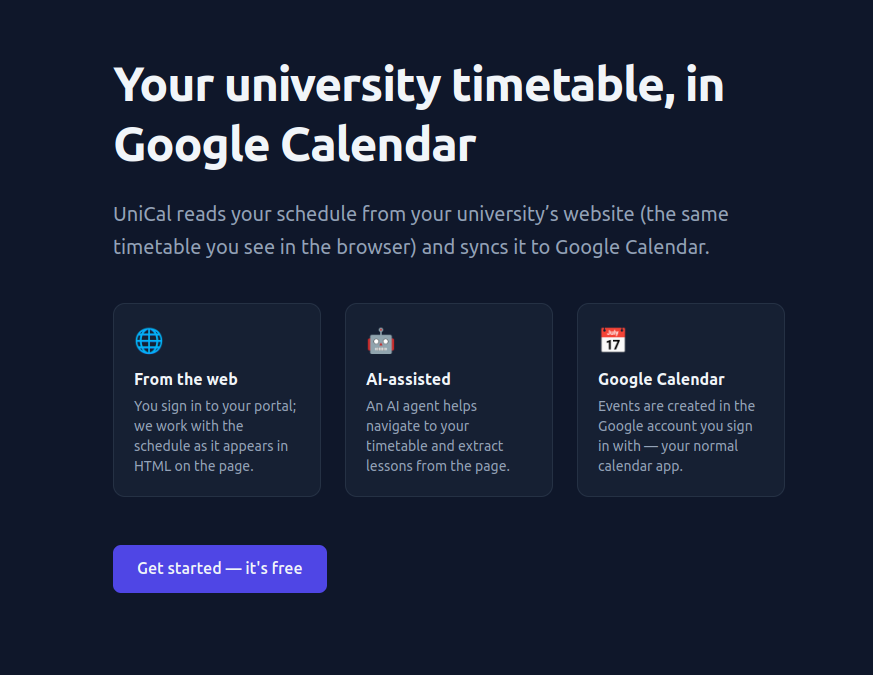
UniCal takes a URL to any university schedule page and automatically:
- Navigates the site using an AI agent that acts like a real student browsing the portal
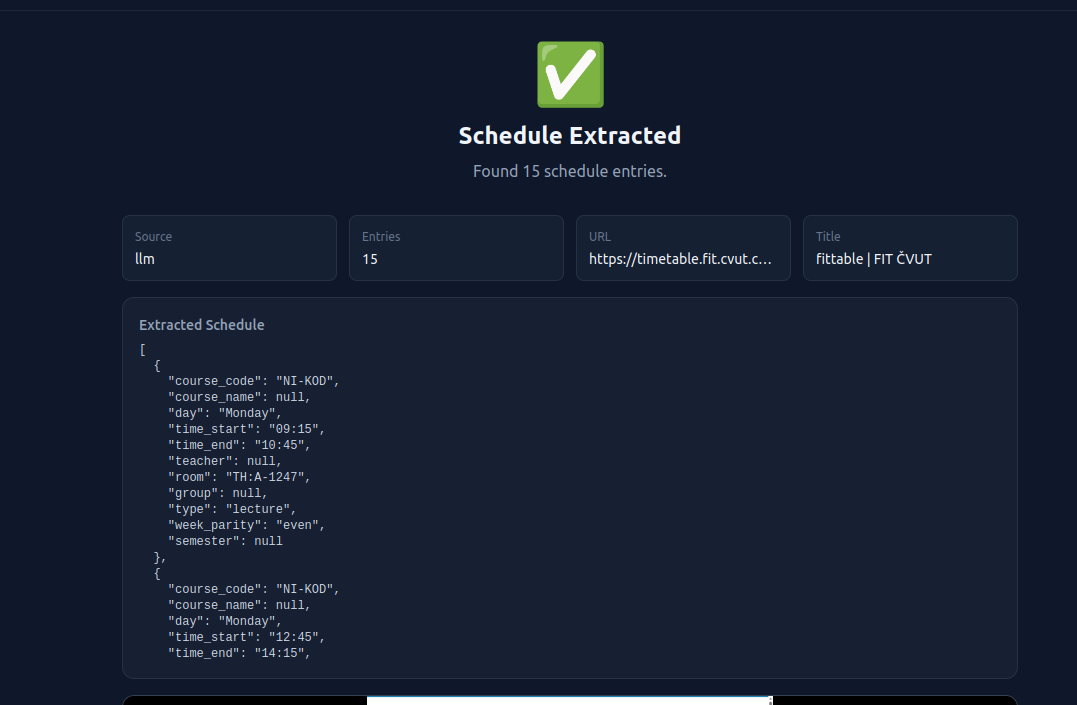
- Extracts the schedule by reading the page content with LLM-powered parsing
- Normalizes messy data (different languages, formats, abbreviations) into structured events
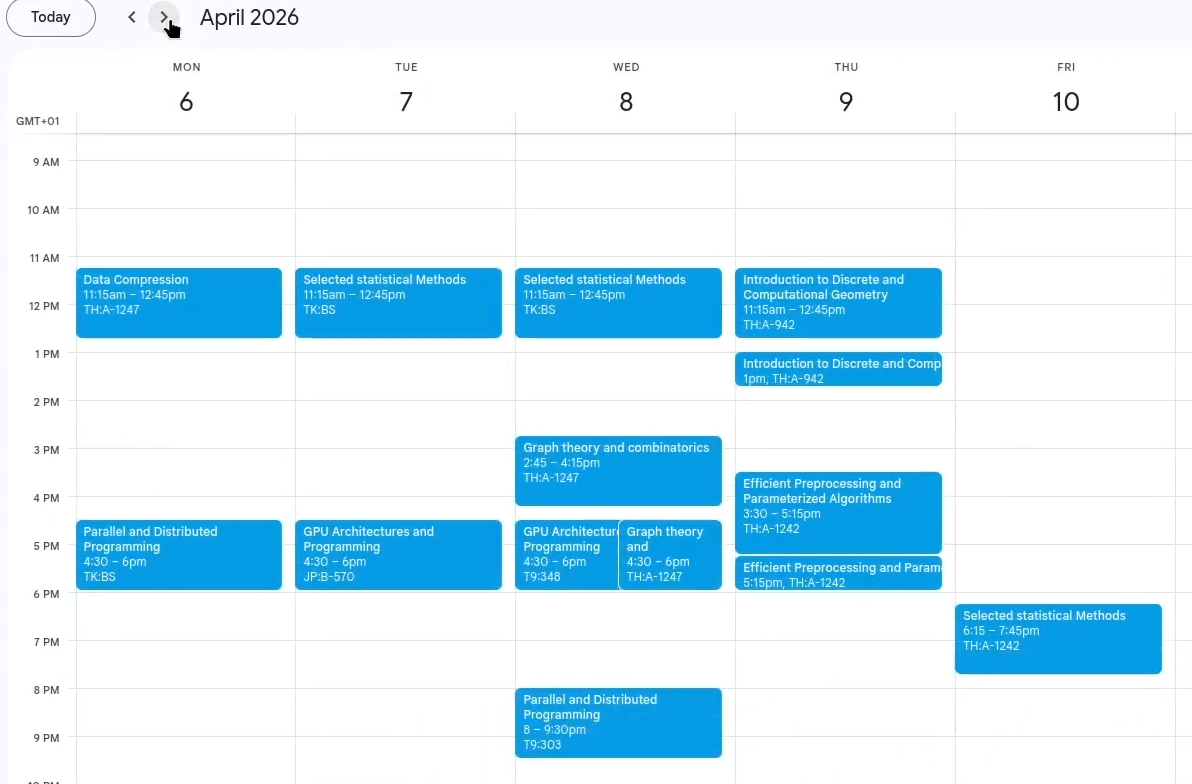
- Exports directly to Google Calendar with proper recurrence rules for the entire semester
The user just pastes a link, picks a semester start/end date, and clicks import. That's it.
How we built it
The system has three main components running in Docker:
- Browser Service — a headless Chromium controlled by an AI navigator. It receives screenshots + DOM elements and decides where to click, scroll, or navigate, mimicking a real student looking for their timetable. Once found, a separate LLM-powered extractor parses raw HTML into structured JSON (day, time, subject, room, teacher, type).
- Web App — an Express.js server with Google OAuth, Prisma ORM for PostgreSQL, and a static frontend. It orchestrates the extraction flow and handles Google Calendar API integration, creating recurring events with proper RRULE definitions.
- Infrastructure — Docker Compose for local dev, Caddy for HTTPS in production, and a CI-friendly build/deploy pipeline.
We used OpenAI models (GPT-4o-mini for navigation, GPT for extraction) as the "eyes and brain" of the system. The extraction pipeline is a port of an earlier Python prototype into Node.js, preserving the chunking and deduplication logic.
Challenges we ran into
- Navigating arbitrary university portals — every site has different structure, auth flows, and UI patterns. Getting the AI agent to reliably find the schedule page required careful prompt engineering and a robust action loop with screenshot feedback.
- Schedule formats are chaotic — abbreviations, mixed languages (Russian/English), inconsistent time formats, merged cells. We built extensive normalization (day name mapping in both languages, flexible parsing).
- Token budgets — some university pages have enormous DOM trees. We built HTML minimization and chunking logic to stay within LLM context limits while preserving schedule-relevant content.
- Google Calendar recurrence — correctly mapping "every Tuesday at 10:00 for the semester" to RRULE with proper BYDAY, DTSTART, and COUNT took more debugging than expected.
Accomplishments that we're proud of
- The AI navigator genuinely works on university portals it has never seen before — it reads the page, finds the schedule section, and gets there autonomously.
- End-to-end flow in under 2 minutes: paste a URL → get a full semester of recurring events in your Google Calendar.
- The HTML cleaning pipeline strips framework noise (React/Angular/Vue/Svelte attributes) so effectively that even massive pages fit within LLM context windows.
- Bilingual support out of the box — Russian and English schedule formats are handled seamlessly.
What we learned
- AI agents that interact with real websites need a tight observe → reason → act loop grounded in actual DOM elements, not just screenshots.
- LLM-powered data extraction works surprisingly well on messy HTML when you strip framework noise and focus the model on semantic content.
- The gap between "works on our test schedule" and "works on any schedule" is where most of the engineering effort lives.
What's next for UniversityCalendarSync AI
- Support for image/photo input (OCR pipeline for schedules on whiteboards and paper)
- Apple Calendar and Outlook export
- Schedule change detection and automatic calendar updates
- Group sharing — one student extracts, the whole group gets the calendar
- Support for more languages and university systems worldwide
Built With
- caddy
- cheerio
- docker
- express.js
- google-calendar-api
- google-oauth-2.0
- html
- javascript
- node.js
- openai-api
- postgresql
- prisma
- puppeteer


Log in or sign up for Devpost to join the conversation.