-
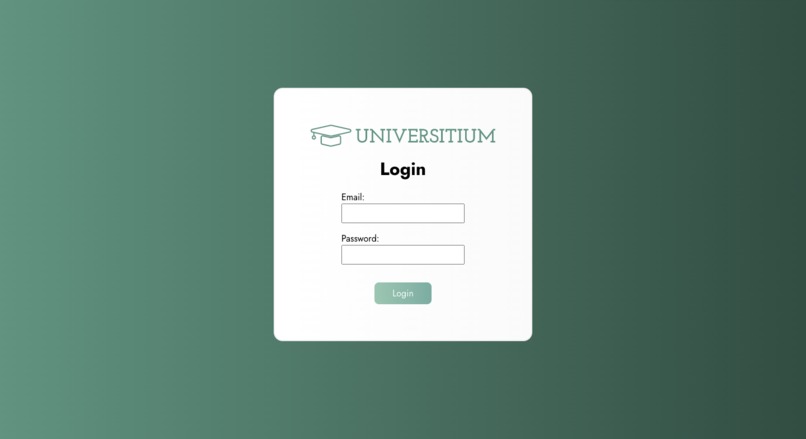
Login Page
-
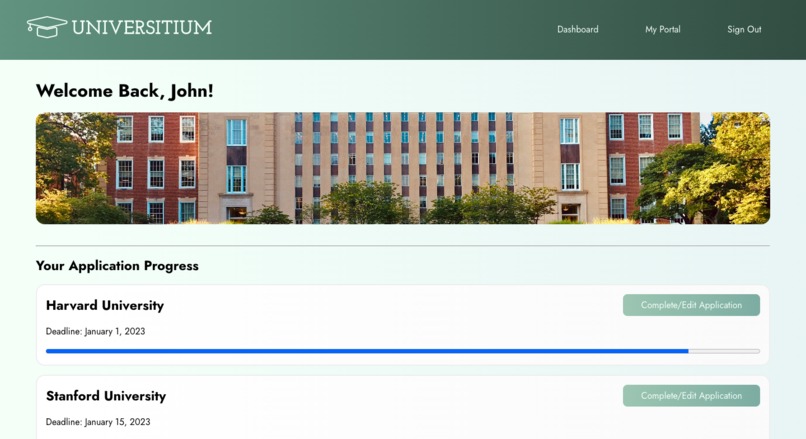
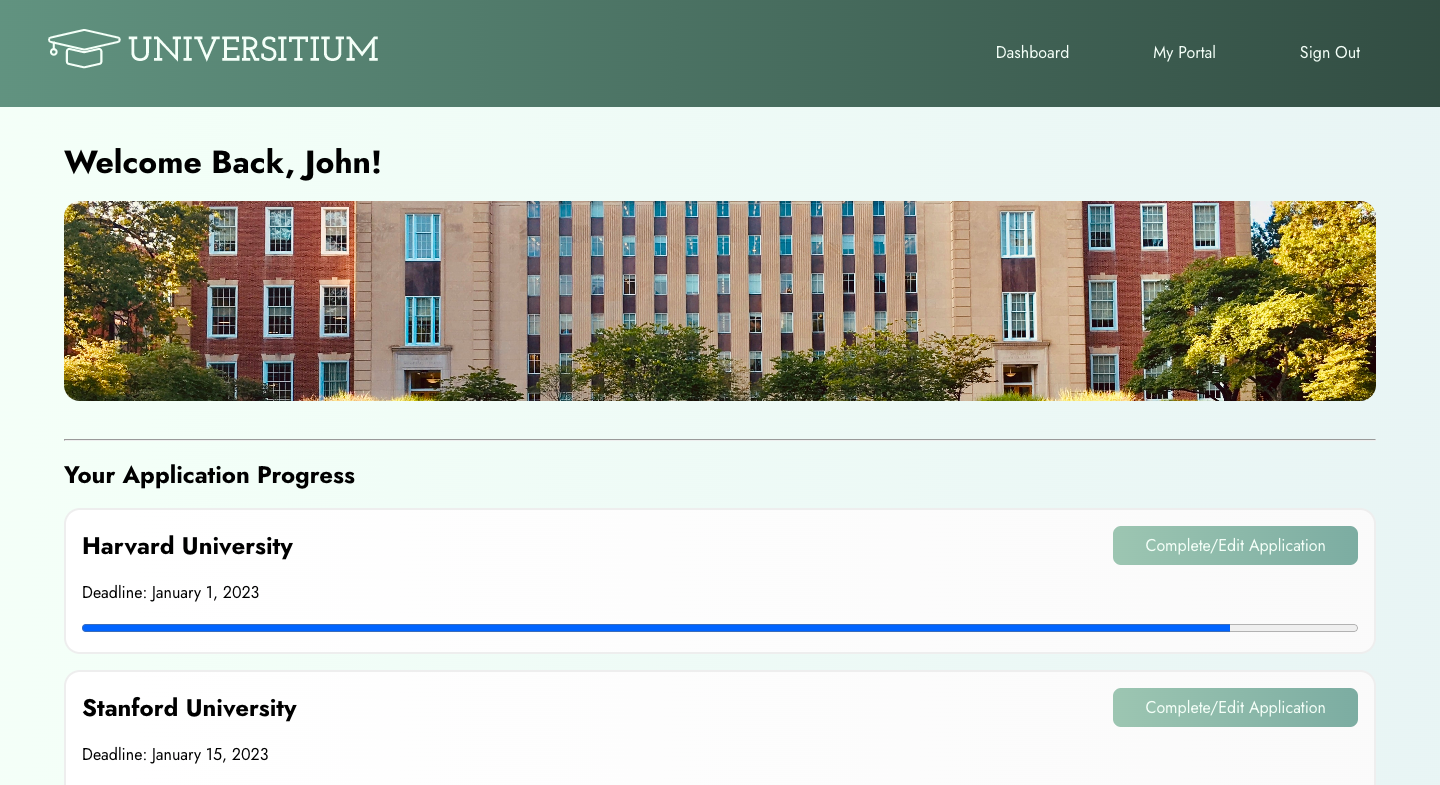
Dashboard that shows the progress of the applying colleges
-
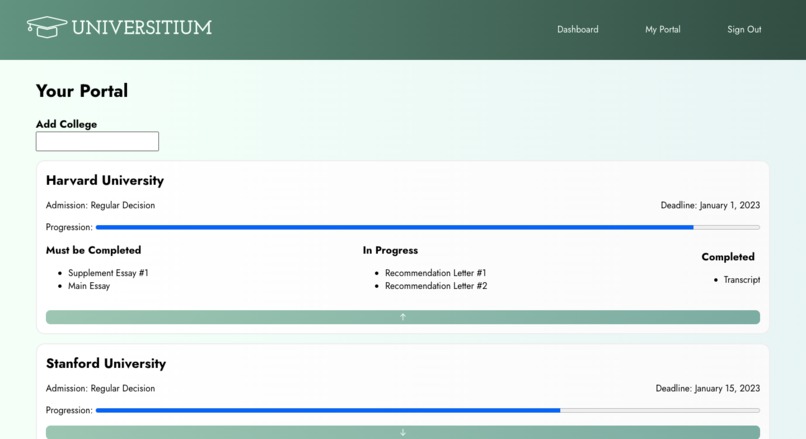
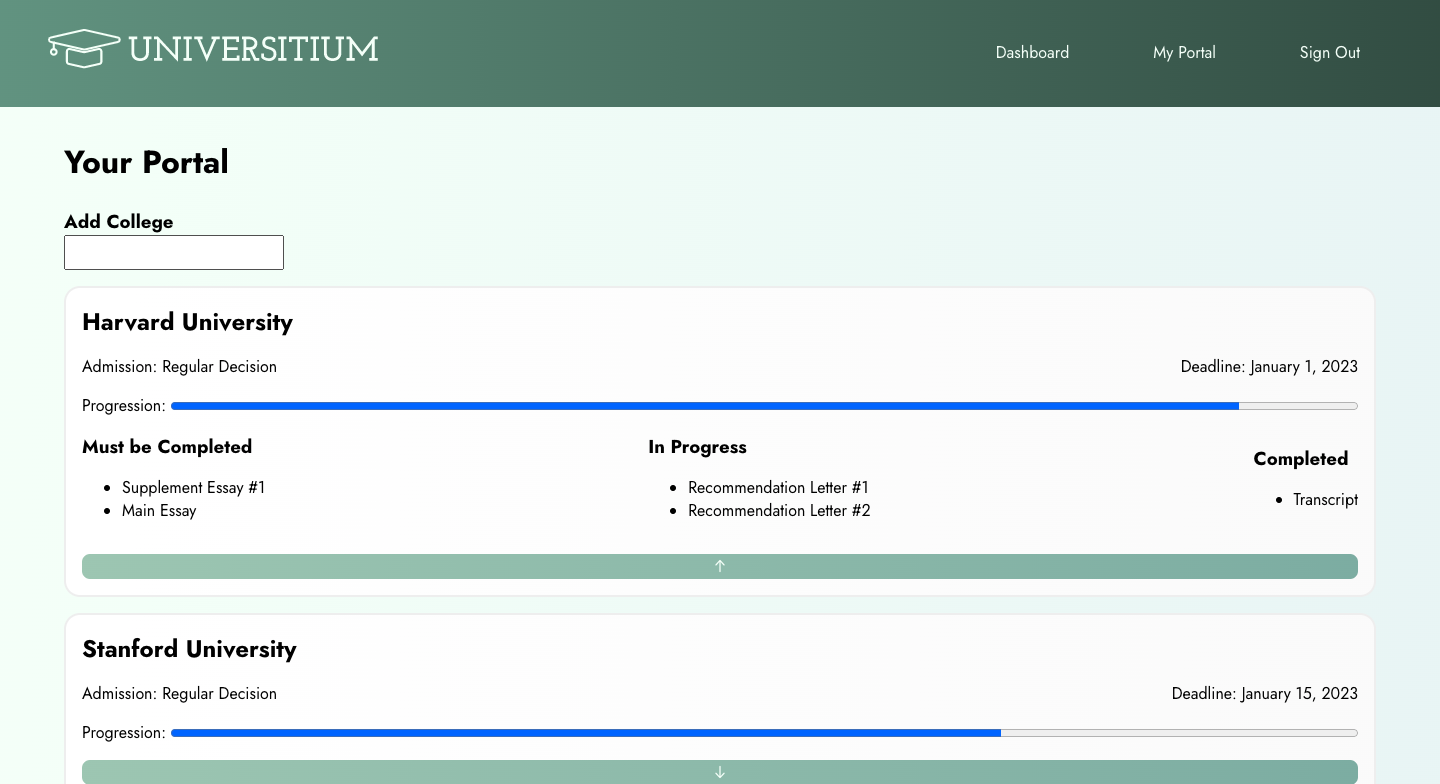
List of colleges with detailed progress for applying
Why Universitium?
Looking back to the times when we applied to colleges, we spent a lot of time searching for the universities and keeping track of the due date and essay submissions for each university that may be on different platforms. It was time-consuming to look over many websites for college information; it was especially tiring to apply for colleges at various platforms, not to mention keeping track of what essays needed to be submitted and the application due dates. Our team wanted to simplify this application process and have everything covered for future generations.
Universitium aims to reduce the time spent in the college search and make tracking the application process easier. It is different from other college application platforms as it:
- provides college information that students consider when applying for colleges
- creates a to-do list of the requirements for each university the user is applying to
- recommends colleges to the users according to their applied colleges.
How We Built it
First, we designed the full stack architecture of Universitium. It is divided into three main components: the frontend, the backend, and the machine learning model. The frontend is connected to the backend via a REST API, and the backend will fetch data from the database and the machine learning model. We also designed the website UI in Figma before implementing the code.
Frontend
Our UI design was done using Figma, and we implemented the design through React.js, which renders and dispenses HTML and CSS that was written exclusively by our team. We used axios library to fetch data from our REST API and show it on the website.
Backend
We used Flask and Python for our web backend. We scraped thousands of rows of university data from US News and stored it in MySQL. We also stored user profile information in our MySQL database, then the desired information is retrieved from Flask. The retrieved data will then be sent to the frontend to be rendered and shown on the website.
Machine Learning Model
Our machine learning model uses a collaborative filtering model that uses college information from US News as training data to recommend universities to users, taking into account over 20 different factors from academic strength to student experience.
Challenges We Faced
We faced a lot of issues connecting backend to frontend. Having limited experience with axios, it took us a long time to fetch the data from the endpoints in our Flask application.
We also met challenges getting the output of the machine learning model.
More to Universitium
As of now, Universitium is focused on facilitating an individual in the process of searching and applying for colleges. This means there are currently no methods for users to communicate on our website. In the future, we will build the user base by introducing user interaction. We have plans on adding the role of coaches, where users that are done with college applications can connect with students and provide helpful advice to those currently in their application progress.
Another important feature we will add is information about financial aid and scholarships. We understand that tuition is an important factor that students consider while applying to college, so we wanted our users to have access to this important information as well.
In terms of the structure of Universitium, another feature to improve our website will be to incorporate OAuth in our login authentication process. We will also use the Google API to allow users to edit their essays directly on our website. Other improvements include hosting the database and the website on a server.
What We Learned
We had a lot of fun building Universitium from scratch. We had ambitious goals for our website but had to cut down many features due to time constraints. It was important for us to have a functioning website before we incorporate our fascinating ideas such as using machine learning to recommend colleges. Nonetheless, after the struggles, we have more confidence working on the full stack implementation and the connection between frontend and backend.

Log in or sign up for Devpost to join the conversation.