-
-
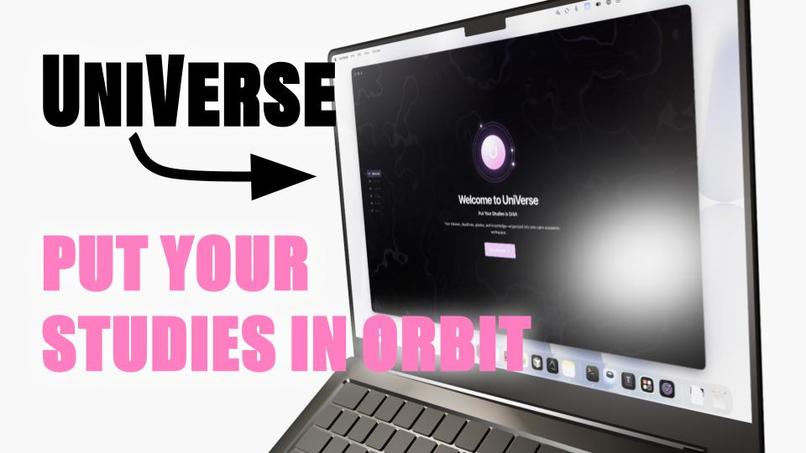
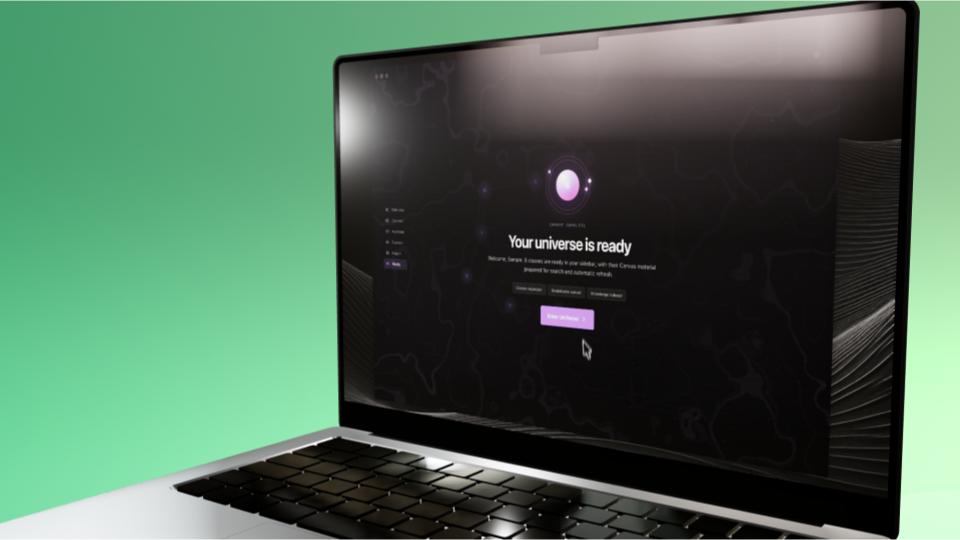
UniVerse Onboarding
-
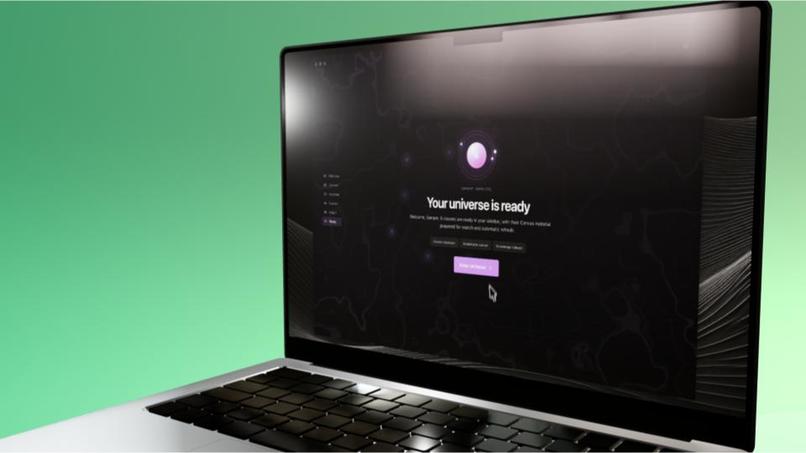
End Onboarding
-
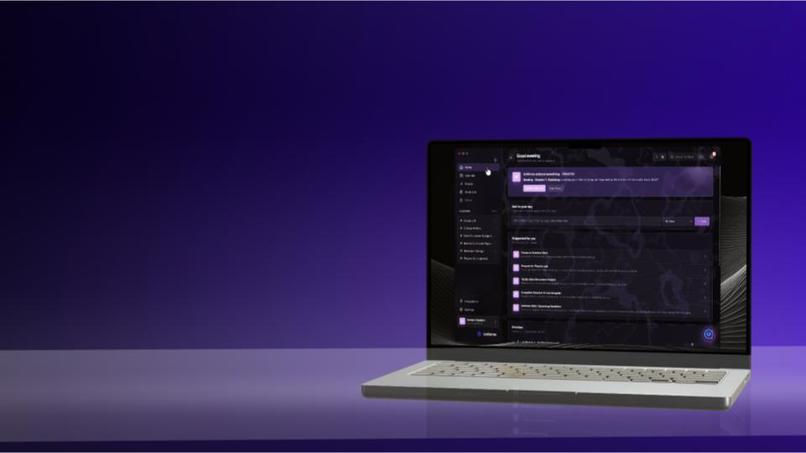
Home
-
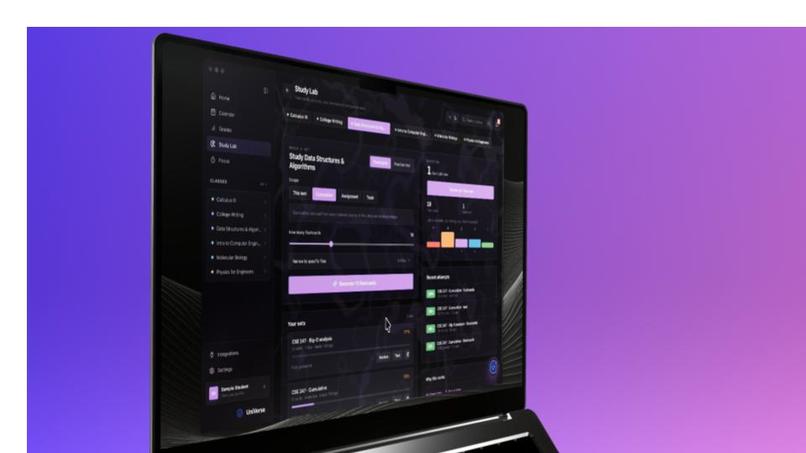
Study
-
Uni
Inspiration
Every semester, we end up doing the same routine. We open Canvas to find an assignment, search through a syllabus to see how much it’s worth, check Workday for degree requirements, then copy half the course into ChatGPT before it can answer a useful question.
Our friends complain about using clunky LMS daily. Information we need exists, but it’s split between systems that don’t talk to each other. Students spend time keeping track of school before they can start doing school.
We built UniVerse because we wanted one place that already knew our classes, deadlines, grades, and course materials, and that let us focus on learning.
What it does
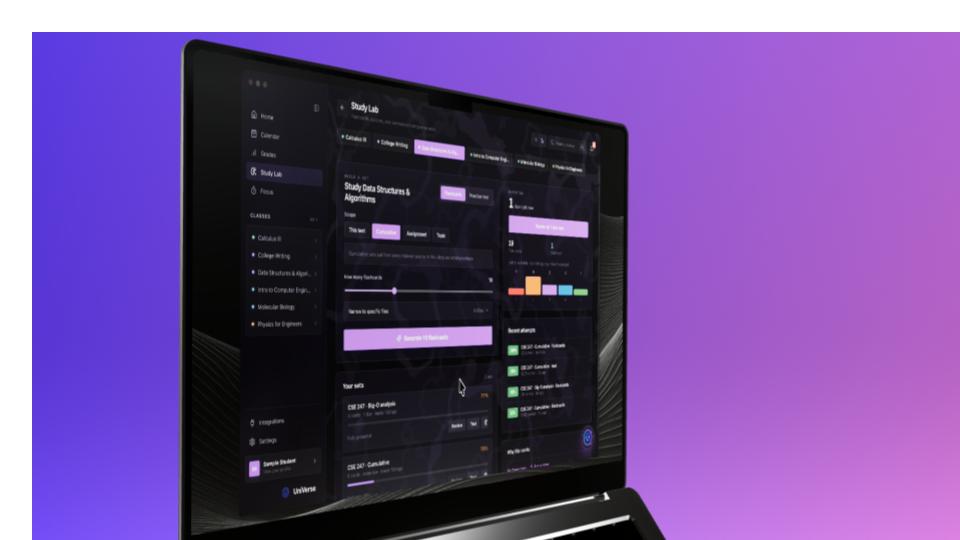
UniVerse is a macOS app that brings a student’s academic information into one workspace.
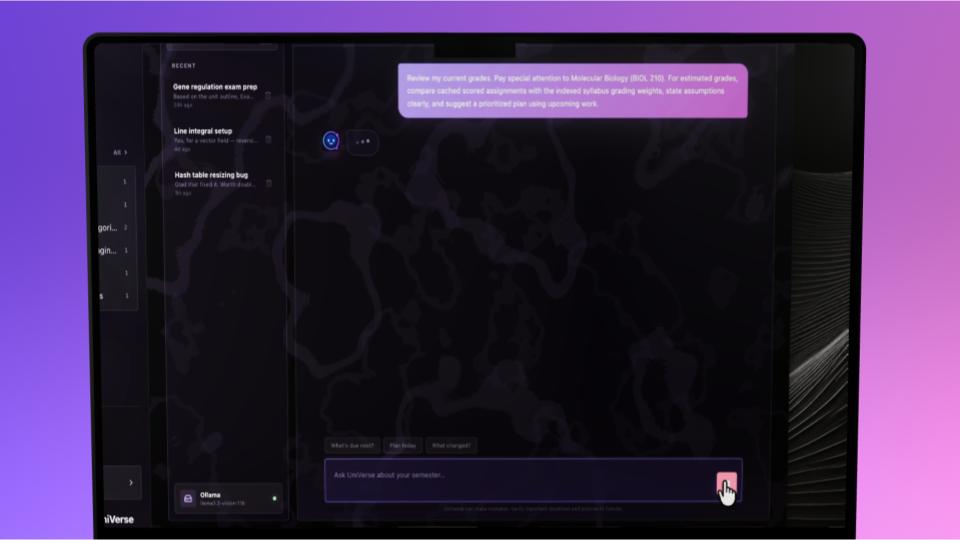
It connects to Canvas to sync courses, assignments, announcements, deadlines, and weighted grades. It can read syllabi, module pages, discussions, assignment descriptions, and attached files. If a PDF is scanned and has no selectable text, UniVerse runs it through OCR.
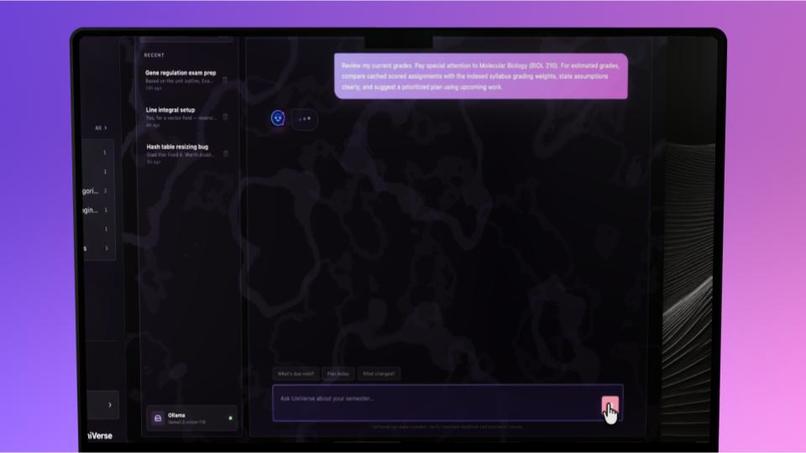
That information becomes the context for Uni, the built-in AI assistant. Students can ask questions about a class without uploading the syllabus again or explaining which course they’re taking. Uni answers using the student’s course materials and cites the file it used.
UniVerse also includes:
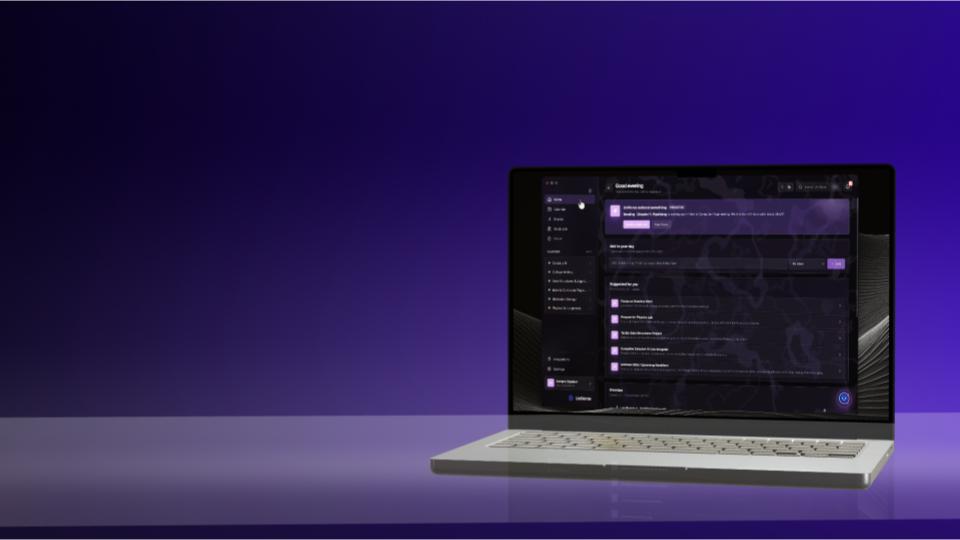
- A home page that ranks work using deadlines and grade weights
- Grade views that show which classes need attention
- Flashcards, quizzes, summaries, and study plans made from course materials (using scientific backed study methods)
- A registration planner that reads degree requirements and checks possible courses
- Schedule comparisons based on conflicts, start times, and gaps between classes
- Calendar exports for assignments, exams, and study blocks
- A focus mode tied to a specific assignment to help students remove distractions from education
How we built it
We built UniVerse over one weekend with Electron, React, TypeScript, Vite, and SQLite. GPT-5.6 powers Uni, and Codex helped us build the application itself.
Codex produced the first working version of the Electron main process, React renderer, preload bridge, IPC contracts, and database layer. That gave us a running app early instead of spending the first day wiring together build tools and process boundaries.
We then worked through the individual 'extras', having 5.6 Luna help research best implementations. That process covered the Canvas sync, Workday parsing, document extraction, OCR, AI grounding, calendar exports, study tools, and the native macOS focus helper.
We also wrote architectural rules for the project. The React interface can’t access Node, Electron, SQLite, or login cookies directly. Canvas and Workday data must pass through shared types before reaching the interface. These limits made it possible for two people to work quickly with agents, without turning the app into one large file that nobody understood.
Challenges we ran into
Time was the main problem. We had about three days to design the app, build the features, test it, package it, write the submission, and film and edit the demo video.
We had to cut ideas that were interesting but didn’t prove the main point, and focus on the more noticeable features in our presentation– skipping over things like the registration assistance, one of our peers favorite feature. The priority was getting real academic information into one app and making Uni useful with that information.
The integrations also caused problems. Canvas provides structured course data, while Workday exposes a very different interface. Course files can be PDFs, Word documents, HTML pages, or scans with no text layer. We had to handle those formats without letting platform-specific code spread through the rest of the app.
Accomplishments that we're proud of
We are proud of the unique visual identity and design language we built from the ground up for UniVerse. We deliberately wanted to avoid the default Electron aesthetic that can make desktop apps feel cheap.
We implemented a frameless window design and utilized rich, native macOS background materials (vibrancy and translucency) to give the app a polished, grounded feel. We carefully gave every major surface its own component and dedicated stylesheet, ensuring the interface stays crisp and intentional. Highlights include:
• Our custom orbit logo and app icon (generated with the help of Chat5.6), which ditch the generic desktop wrapper look for something that feels at home in the macOS dock.
• A dynamic, CSS-generated mesh background that we prompted and refined to create a subtle, deep-space ambiance. It does not rely on heavy image assets or draining performance.
• A cohesive, distraction-free dark mode palette and native typography, leaning on SF Pro to reduce eye strain during late-night study sessions and make the text-heavy syllabus content highly readable.
What we learned
We learned how to use Codex as part of a real development process rather than treating it like autocomplete.
The quality of the result depended on the quality of the task. Giving Codex a feature name wasn’t enough. We needed to explain where the code belonged, what it could access, what data it received, what it returned, and how we would test it.
We also got better at dividing work between two people. With few time, we couldn’t both touch every feature. We had to agree on the architecture, assign parts of the app, and avoid changing shared code without talking first.
The deadline forced us to make product decisions faster. We cut features, simplified flows, and spent time on the parts that would be visible in the demo. Some ideas can wait. A working build can’t.
What's next for UniVerse
UniVerse currently works best with Washington University in St. Louis. The Canvas integration can be adapted to another Canvas school by changing the school domain, but the Workday integration still expects WashU’s degree-audit layout.
Our next step is to separate more of that school-specific logic and add support for other systems, including Blackboard, Moodle, and Brightspace. This should be relatively easy now that we know the process and can know the best way to prompt Codex into helping us.
We also want to sign and notarize the macOS build and create a Windows version to help with easy installation.
The longer-term goal is straightforward: a student should be able to install UniVerse, connect the systems their school already uses, and stop rebuilding their academic context in five different places.
Finally, creating an app trailer would be fun to do and hopefully could help spread the word about our UniVerse.
We intend for this to stay free, as our goal is not profit, and instead the betterment of university education.
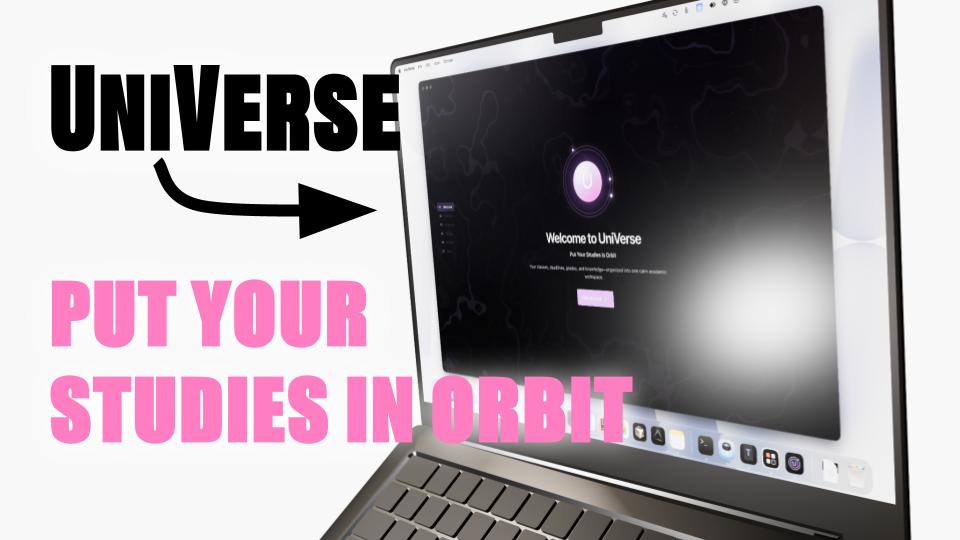
UniVerse: Put Your Studies in Orbit (feat. Codex + GPT5.6)
Built With
- agentic
- ai
- canvas-lms
- chatgpt
- codex
- electron
- luna5.6
- macos
- openai
- react
- sqlite
- typescript


Log in or sign up for Devpost to join the conversation.