Inspiration
My sister shops for clothes online most of the time and almost every time she finds two dresses she likes she sends them to me and asks “Salman which one looks better on me?” What makes it funny is that she doesn’t really come to me because she needs me to pick one she comes to me because she knows I’ll actually tell her why I think one works better I’ll say things like “I’d go with the blue one because that color will go with most of the jeans you have” or “this design suits you better” or “that one works better for where you’re going” and sometimes it’s even something simple like “you can wear this with the shoes you already have” and after that she usually just goes “okay I’m getting this one” and moves on The more I thought about it the more I realized she wanted a person to help her make a decision so that she can feel confident about the decision and explain why it made sense. The problem was I started getting tired of being the person she had to come to every time she wanted to buy something and I started thinking what if she could have that same experience while she was shopping without needing me on the other end of her phone She sometimes tried using general AI chatbots to put herself in clothes but that brought a different problem because they could change her face change the color of the clothes mess up the texture or make the product look completely different from what she was actually thinking of buying because not eveyone is good at prompting AI, That made me realize there were really two problems happening at once She wanted to see the actual product on herself and she wanted someone to help her decide what actually works and why. That’s where Universal Try On came from Instead of just showing someone what they might look like in a piece of clothing we wanted to create something closer to the experience my sister gets when she sends me those two pictures She can try on the actual product she’s looking at and then have an AI stylist tell her what works, what doesn’t, and why maybe the color gives her better contrast maybe the fit works better with her proportions maybe it suits the occasion she selected or maybe it’s simply easier to build an outfit around And instead of leaving her with another image and the same question of “which one should I buy?” the system gives her a clear recommendation she can actually feel confident about That became the idea behind Universal Try On: not just helping you see yourself in the clothes, but helping you understand why you should choose them.
What it does
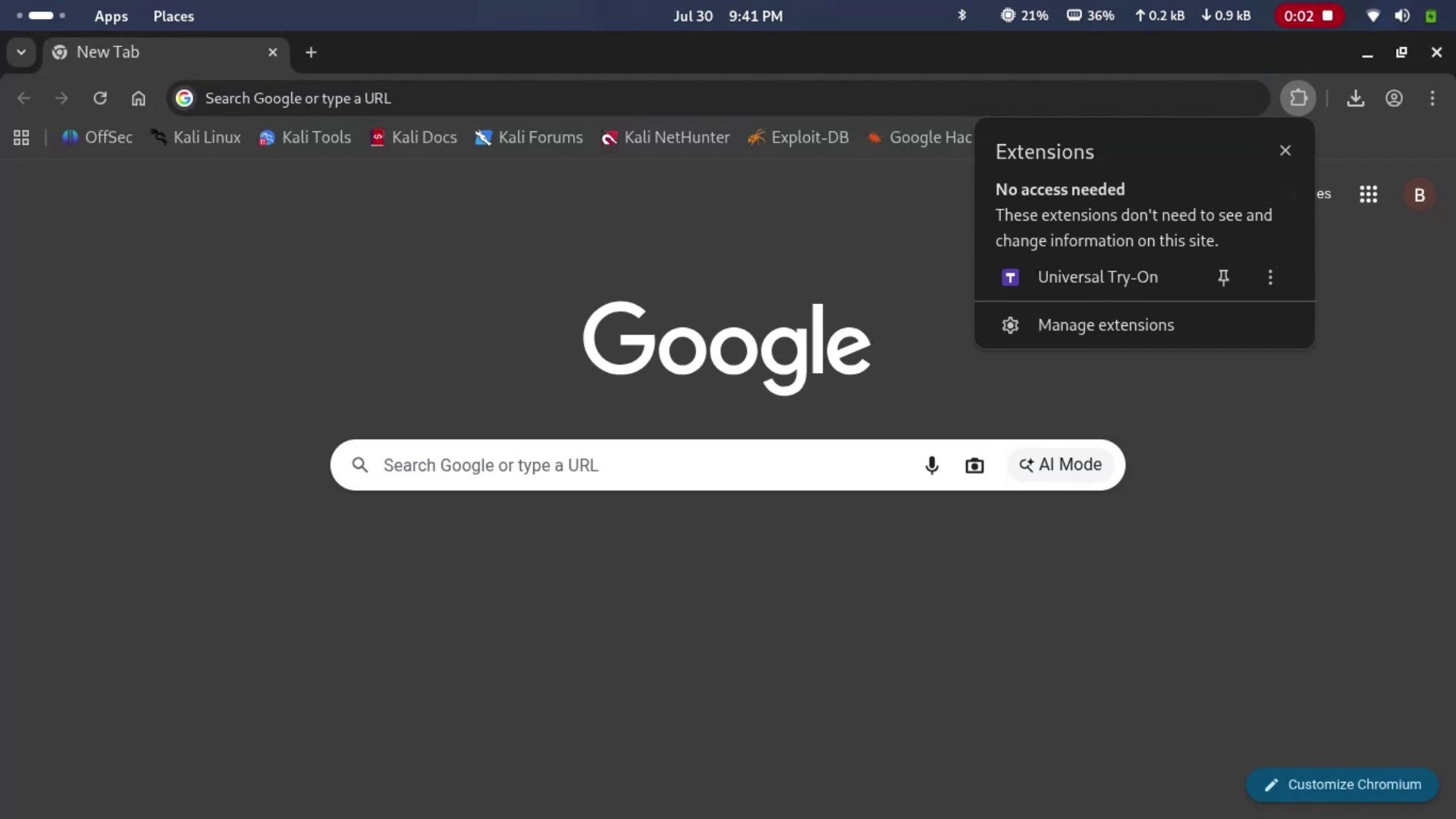
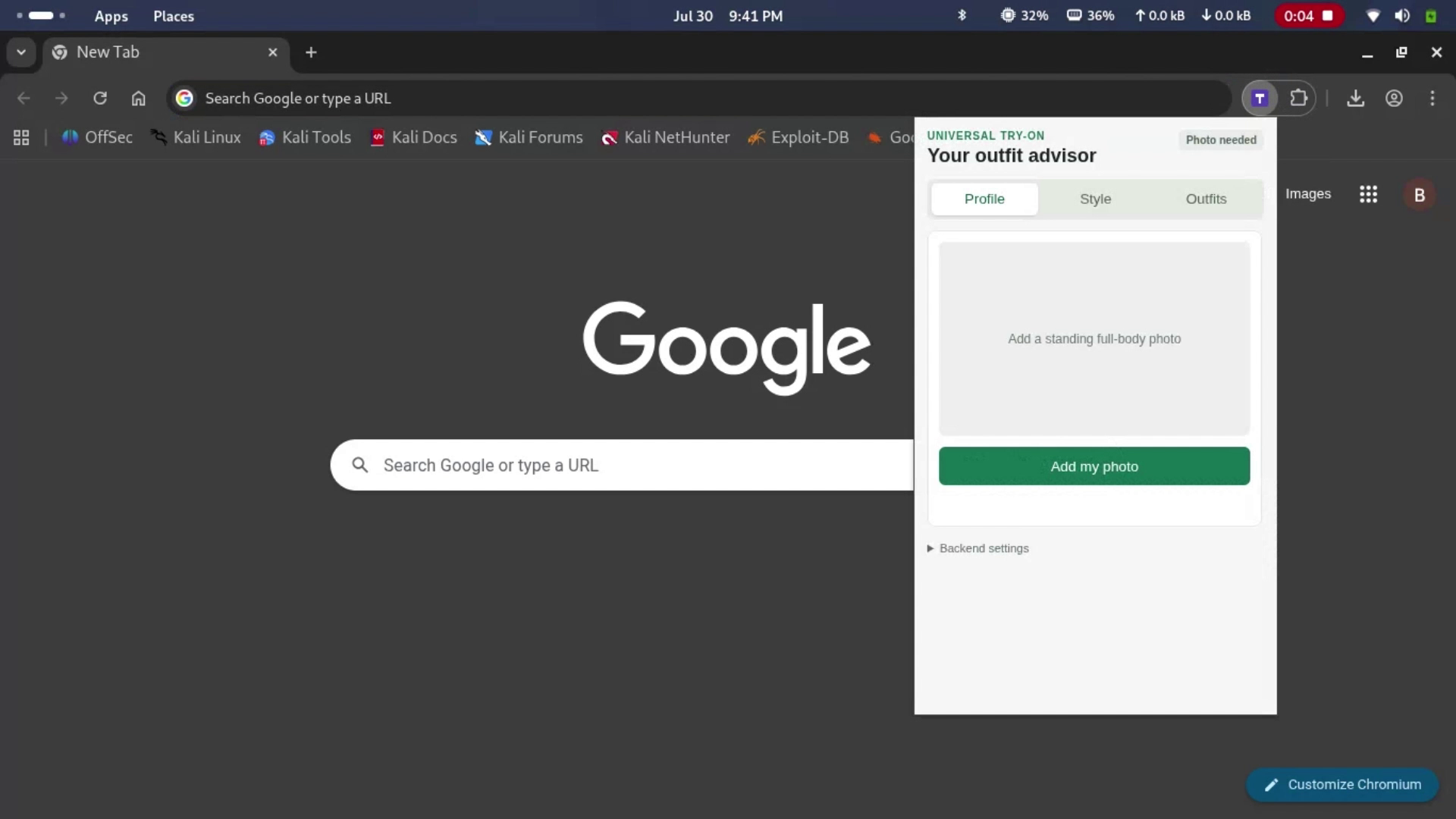
Universal Try On is a browser extension that turns any e-commerce product page into a private fitting room with a stylist who understands your intent:
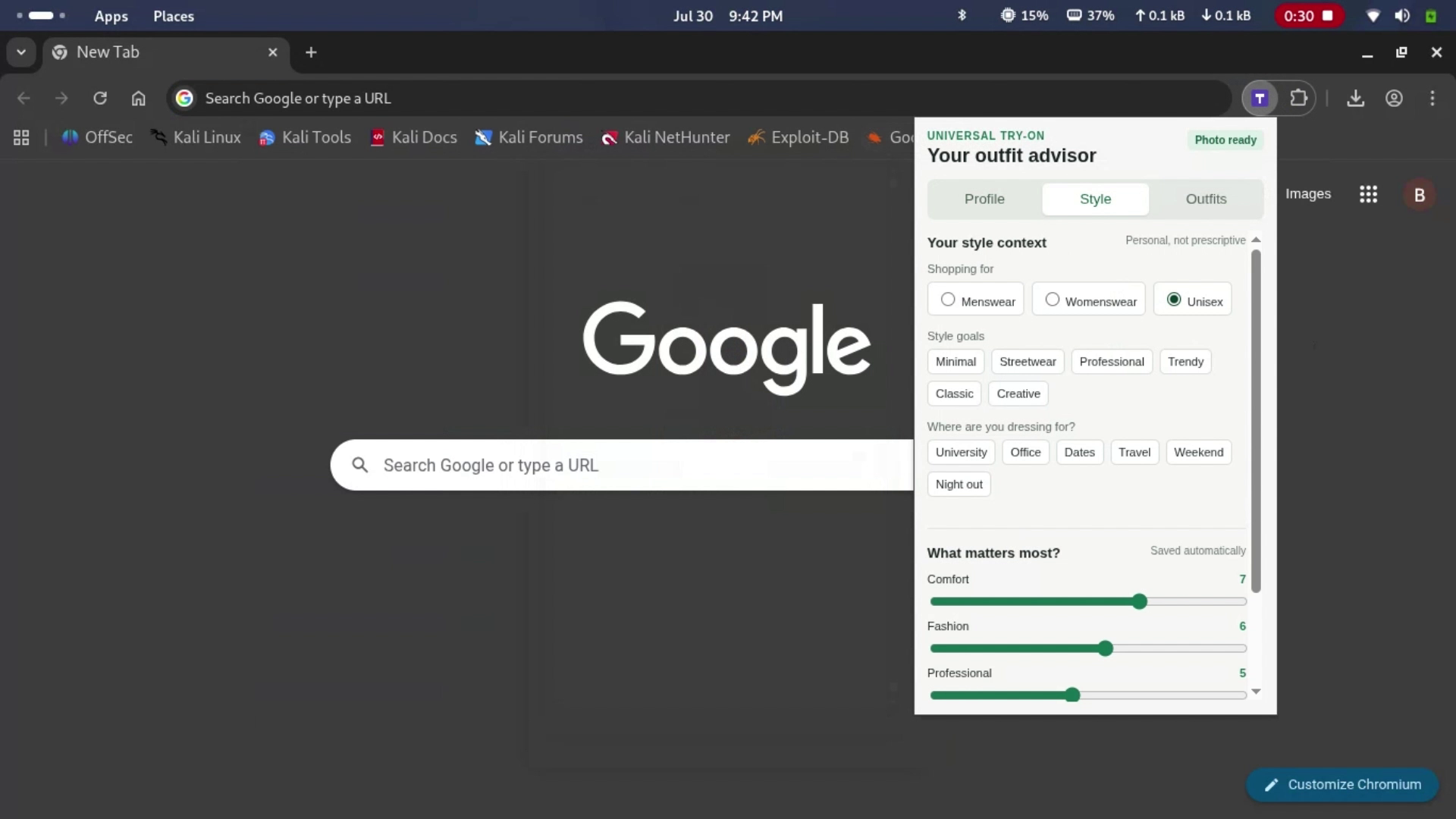
- Pick your context first: select what you’re shopping for (menswear/womenswear, streetwear, party, university, formal, casual, etc.). and what you value more (simplicity, comfortability e.t.c) Every recommendation and score is judged against your values.
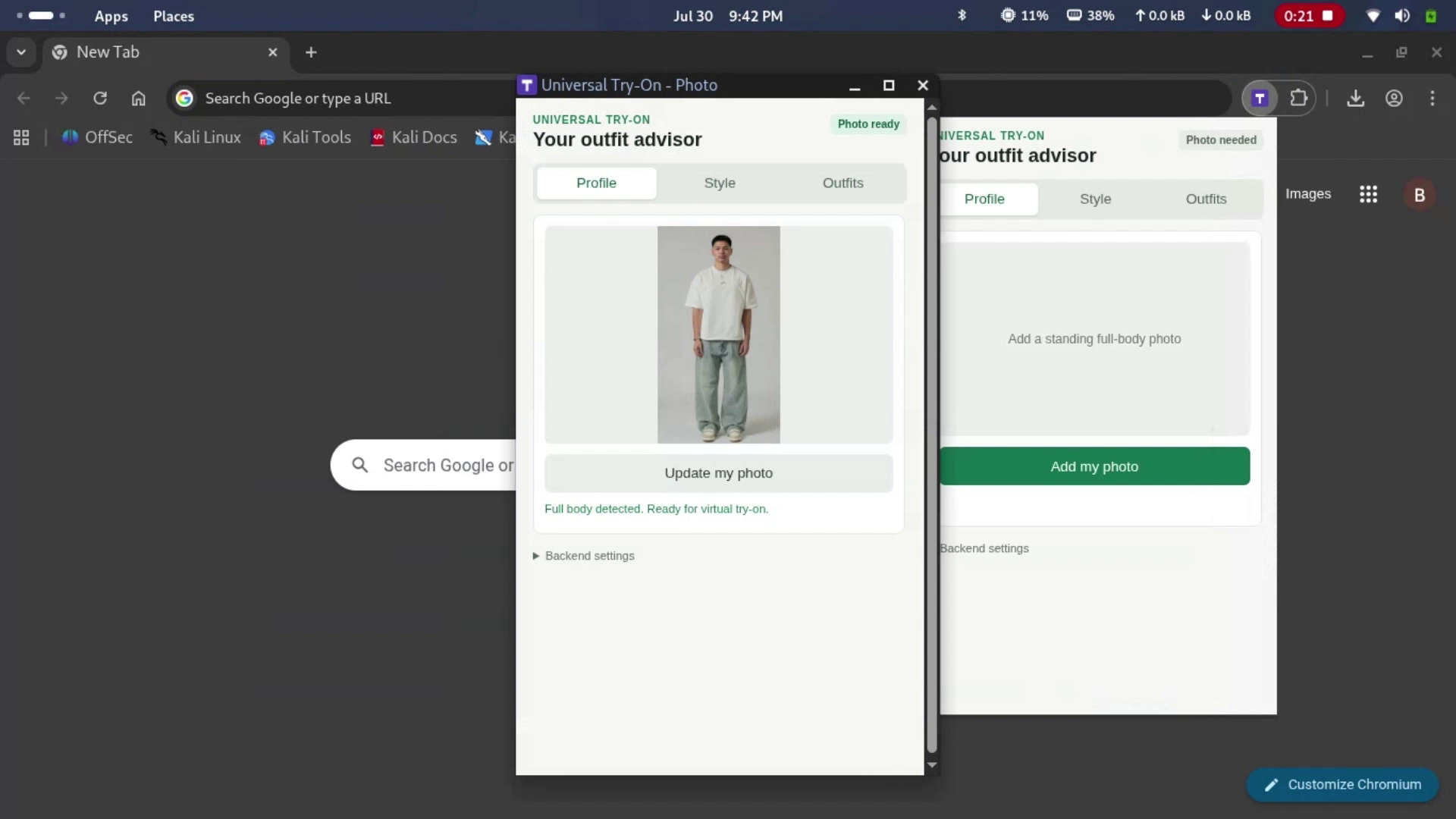
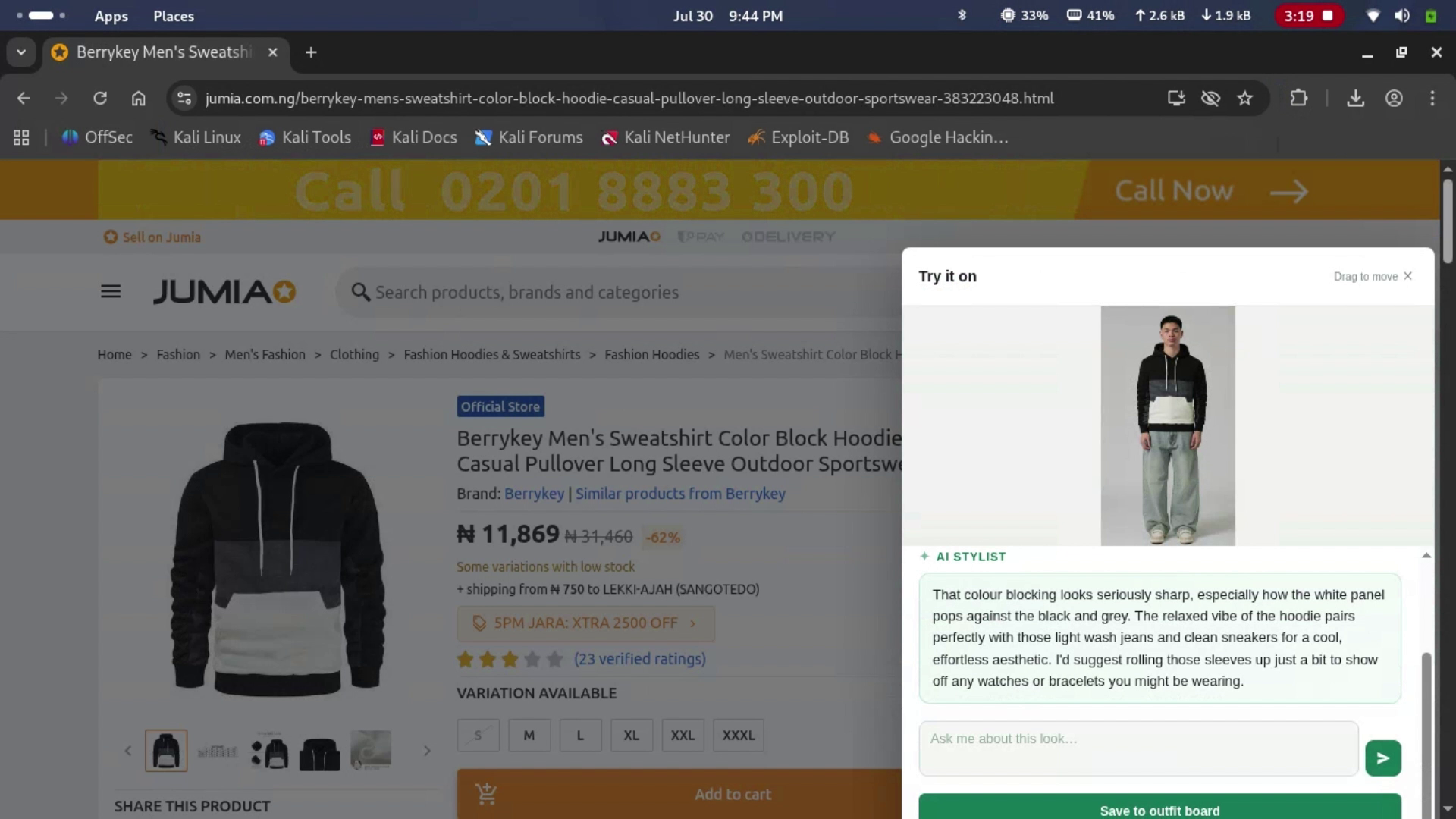
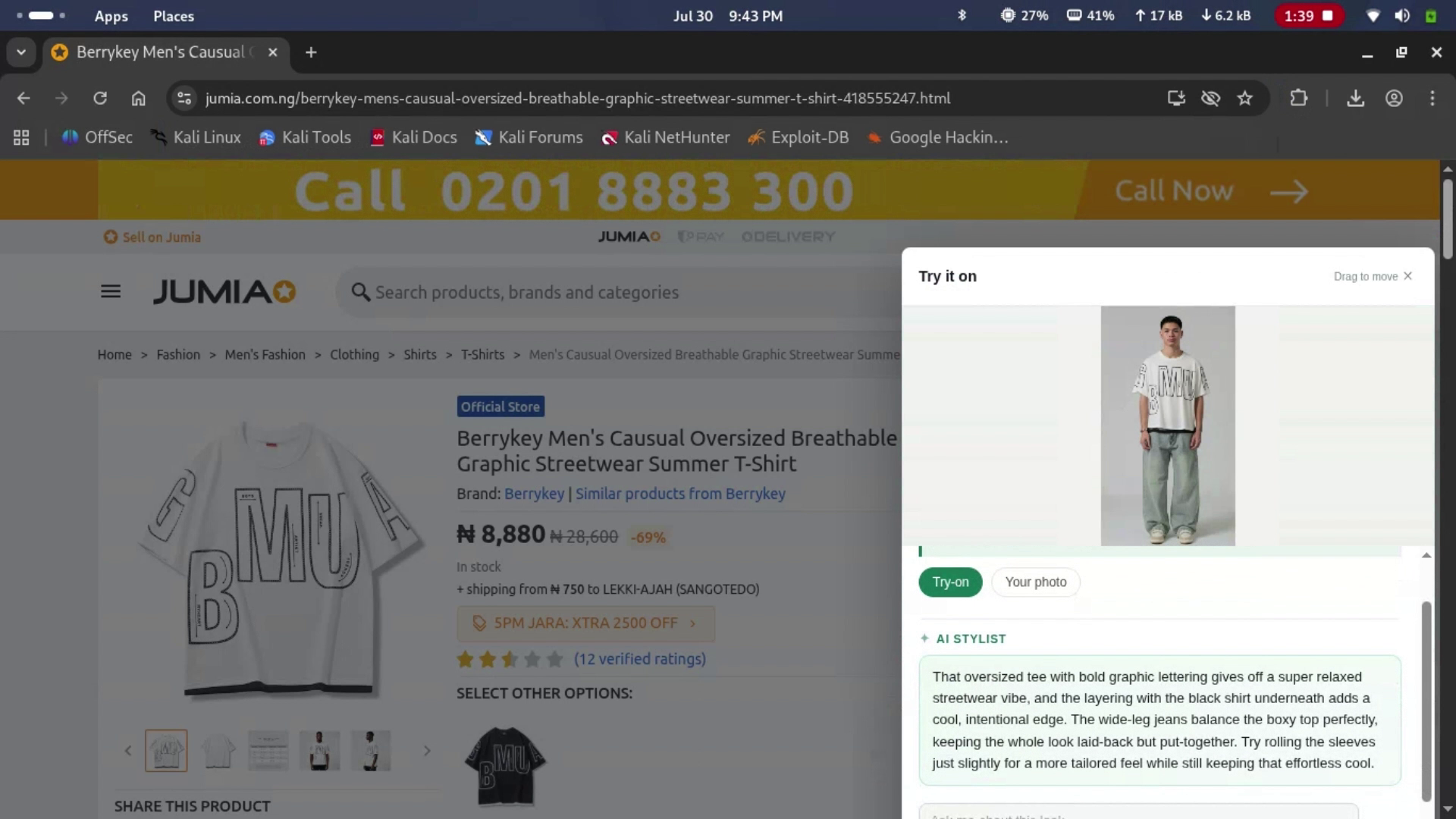
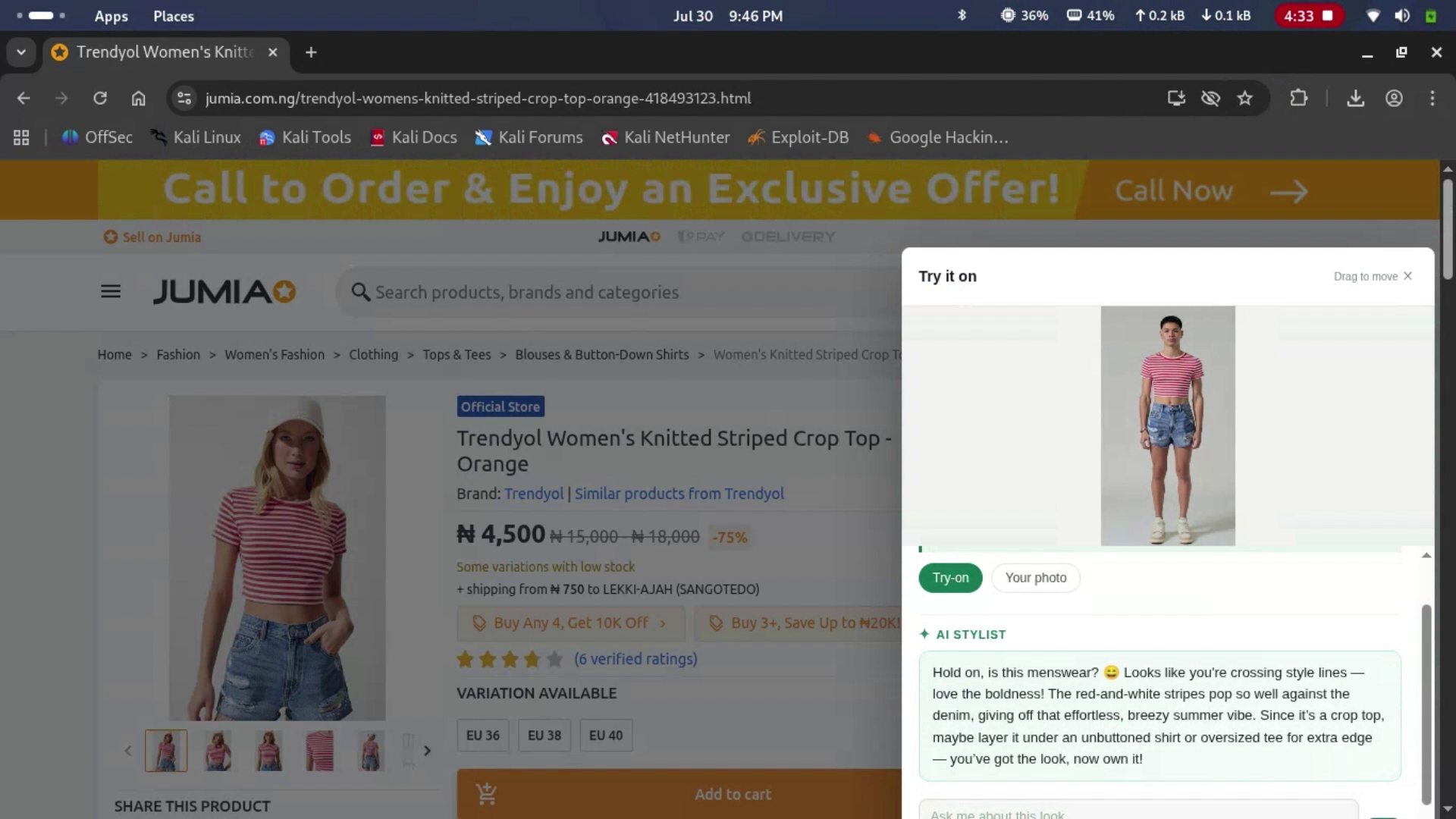
- Try on the actual product: the extension detects the product image on the page and runs it through YouCam’s generative Apparel VTO API. No separate app or manual upload required.
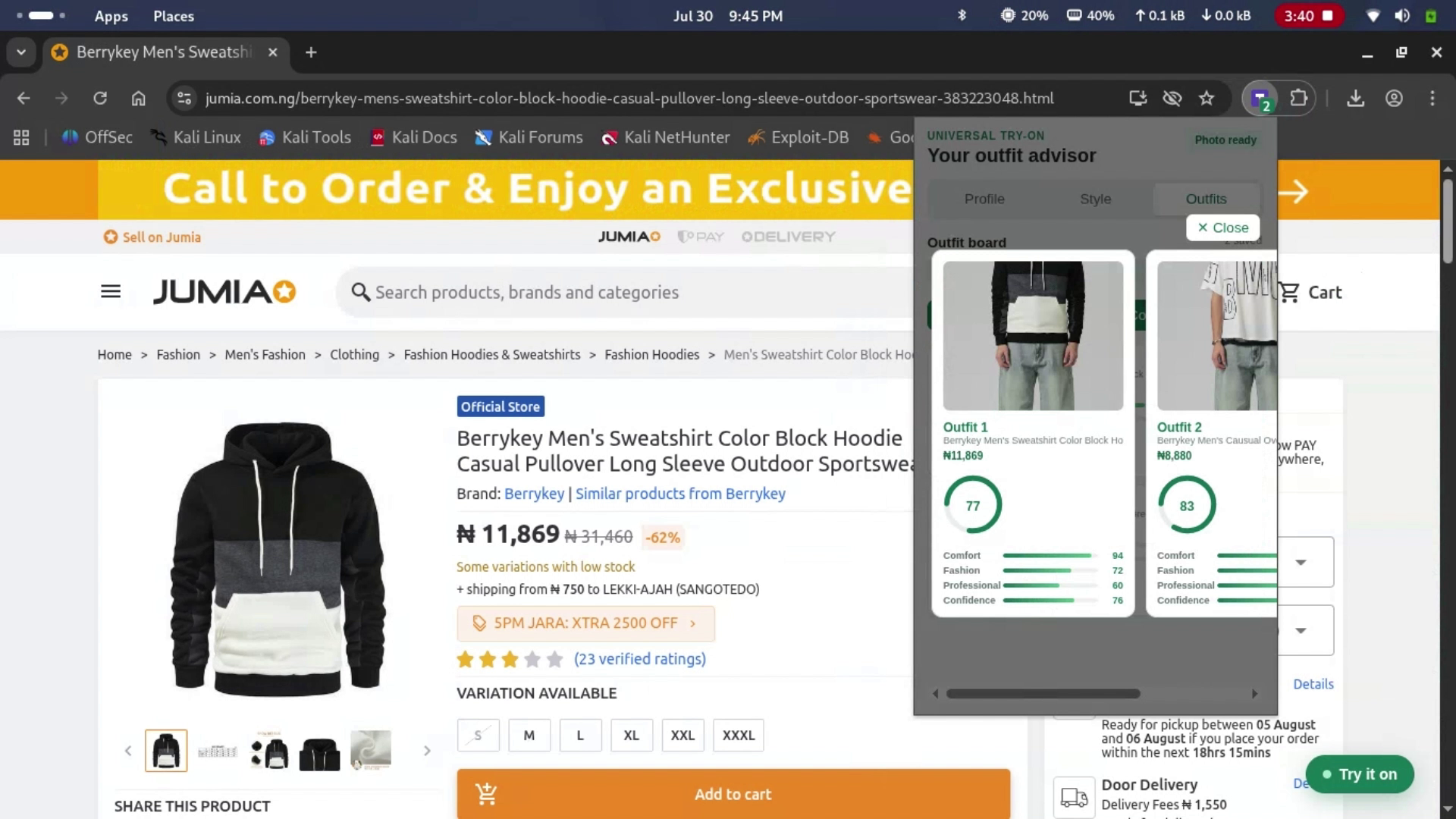
- Get a real confidence signal, not just a rendered picture: MediaPipe/OpenCV profiles the shopper’s photo for body proportions and image quality. The try on is then scored against the style/context you selected, so the feedback is grounded rather than left for you to eyeball alone.
- Get styling feedback and confidence assurance: an LLM (via Groq) reviews the render, the photo profile, and your chosen style context together, then delivers a confident, decisive answer, the “yes, that one suits you” a shopper would normally need a person for.
- Chat to keep building the outfit: ask follow ups like “I like this shirt, what trousers would go with it?” and it recommends items you can browse and try on next.
- Compare looks before you buy: evaluate multiple items or complete outfits so the decision happens before checkout instead of after a return.
It sits as a layer on top of shopping, not a destination you have to remember to visit.
How we built it
- Browser Extension: HTML/CSS/JS that injects into e-commerce sites, extracts the product image, and surfaces an in-page interface (including the style/occasion selector).
- Backend: Python + FastAPI for routing, validation, and asynchronous task orchestration.
- Virtual Try On: powered by YouCam’s generative Apparel VTO API.
- Photo Profiling: MediaPipe/OpenCV analyzes the shopper’s photo for proportions and quality.
- Style Context & Scoring: the shopper selects a shopping context; all advice and confidence scores are conditioned on that context.
- Styling Layer: an LLM via the Groq API that receives the VTO render + photo profile + style context, produces confident feedback, answers follow up questions, and recommends complementary items.
- Async Performance: long running AI calls are handled through polling so the UI stays responsive.
Challenges we ran into
- Site variance: e-commerce sites don’t share a common DOM structure, so reliably extracting the correct product image across arbitrary retailers required a general detection approach.
- Chaining AI systems: the VTO render, photo profile, style context, and LLM response had to be carefully sequenced so the feedback is grounded in both the image and the user’s intent.
- Latency: VTO generation isn’t instant; keeping the extension usable meant designing around polling rather than blocking requests.
- Image handling: efficiently moving images between the extension, backend, and external AI services without unnecessary round trips or quality loss.
Accomplishments that we’re proud of
- A try on system that isn’t locked to one retailer. It works as a universal layer over the open web.
- Style/occasion context that actually changes how the system scores and advises, instead of giving generic comments.
- Multiple systems (YouCam VTO + computer vision profiling + style context scoring + conversational LLM) chained into one coherent flow, including multi turn outfit recommendations.
- An async backend built for real generation latency, not just a demo happy path.
- Something a first time user can understand and start using in one sitting.
What we learned
- How powerful it is when a generative visual API and an LLM share the same context (the user’s shopping intent).
- How to design for AI latency without breaking the feel of a live shopping session.
- How to build for “any site,” which forced more resilient extraction logic than a single retailer integration.
- How to structure a backend so adding more styles, sites, or AI services later is straightforward.
What’s next for Universal Try On
- Tighten the first run experience so the value is obvious within seconds.
- Broaden and harden product image detection across more site layouts.
- Expand the style taxonomy and improve multi item outfit memory.
- Move from hackathon prototype toward a production ready release.
Built With
- css3
- fastapi
- html5
- javascript
- python
- uvicorn


Log in or sign up for Devpost to join the conversation.