Inspiration
Our inspiration for this technological innovation came from the importance of communication in the 21st century, which made us wonder about situations where communication was not possible. We set out to create a device that would truly enable universal communication.
What it does
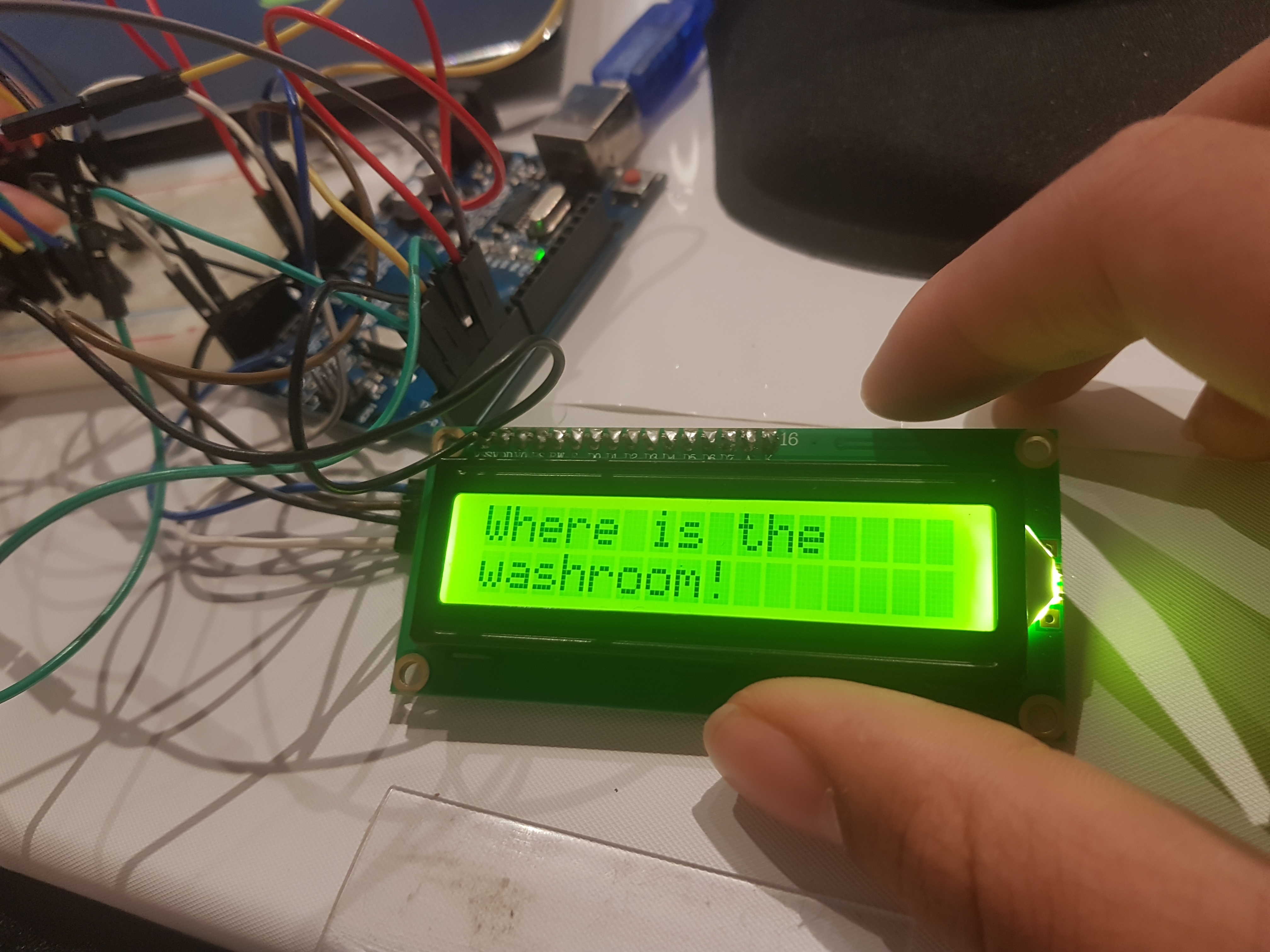
The UCD is a device that has several buttons, each connected with a common phrase in the english language. Depending on the language selected, it will send a string to google translate's databases, converting it to another language. Afterwards, this string is sent to an arduino which displays it on an lcd screen as well as through a speaker using text to voice. There is a toggle page button, so there can be hundreds of phrases saved into the device.
How we built it
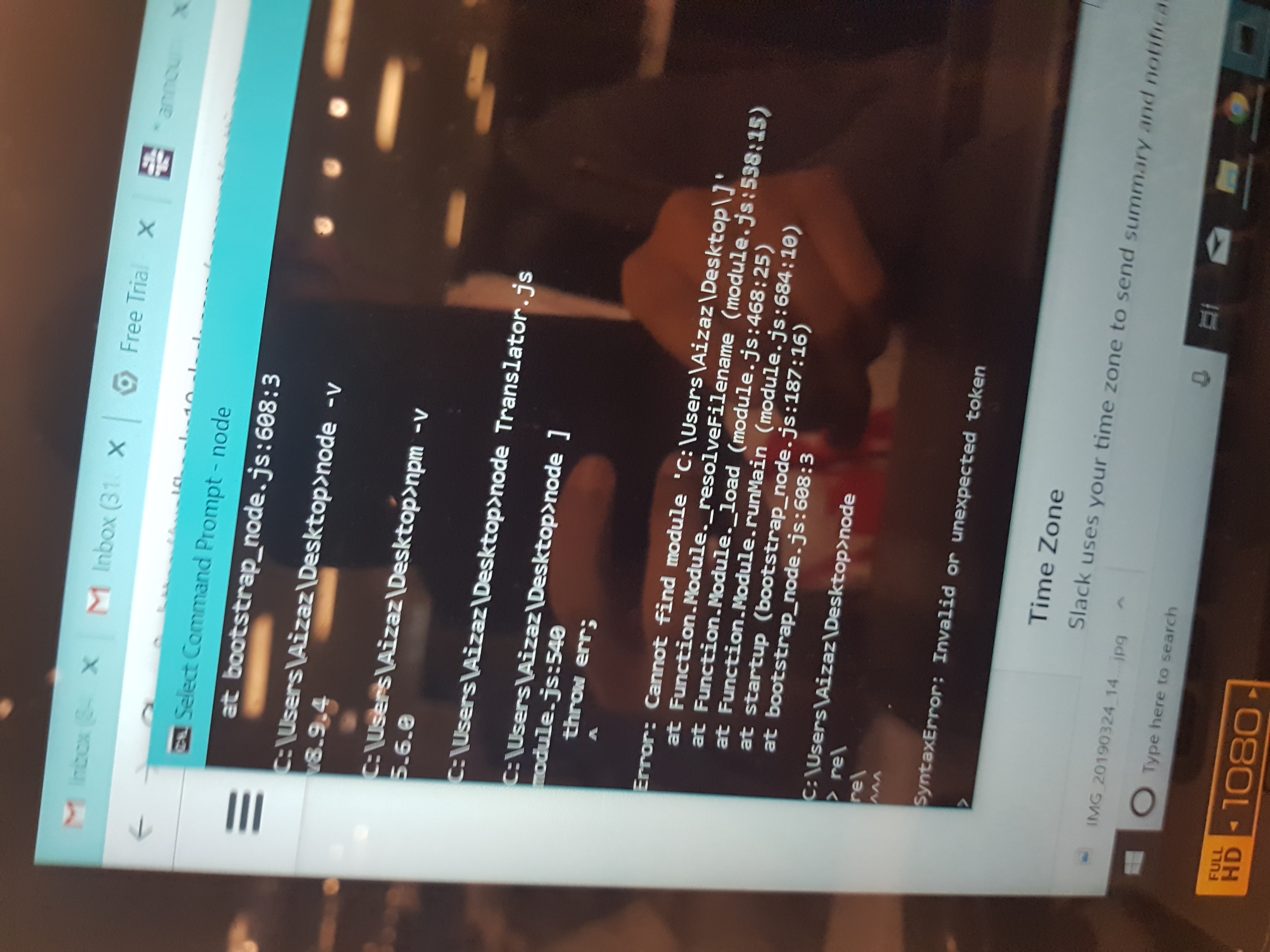
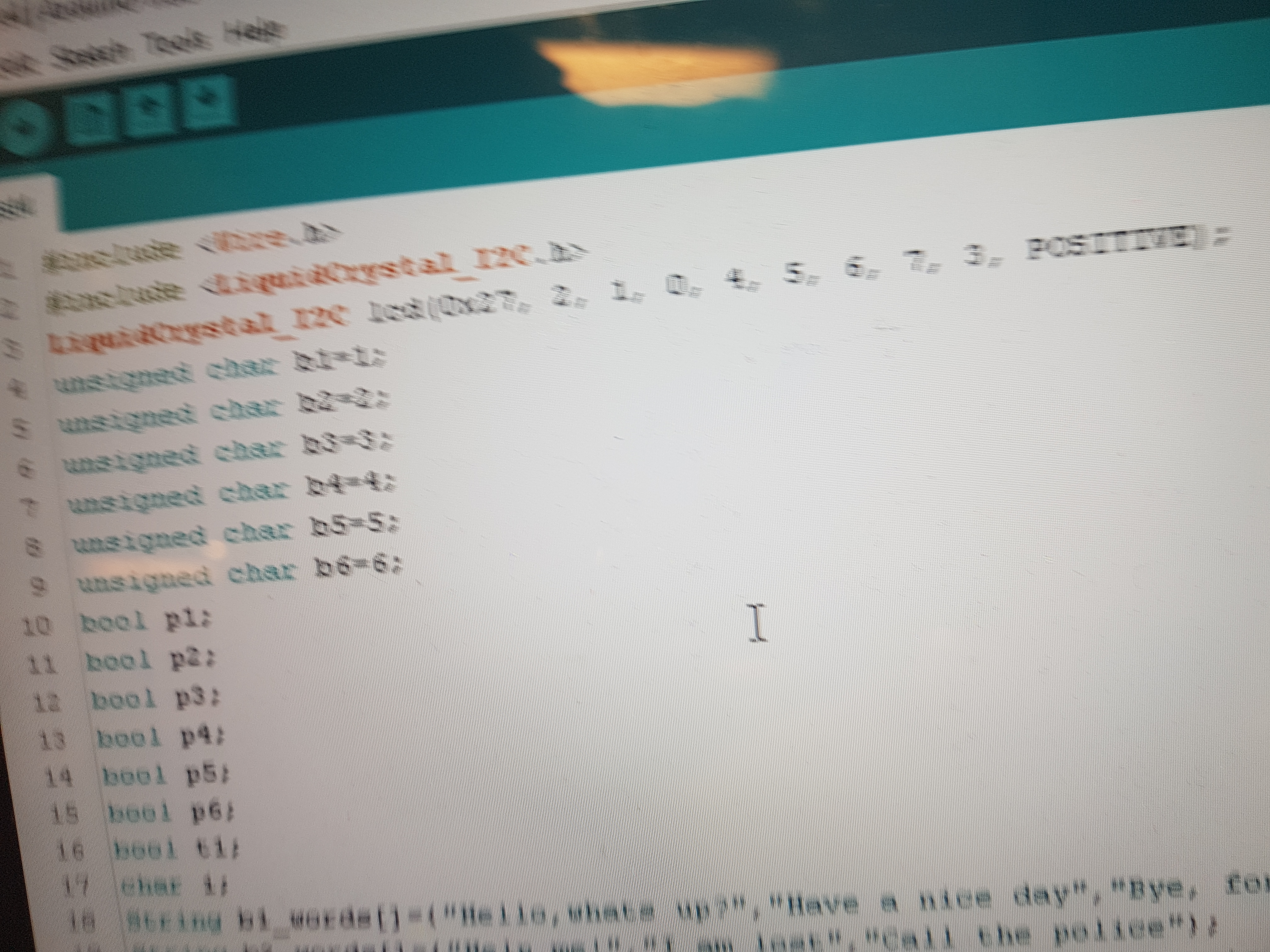
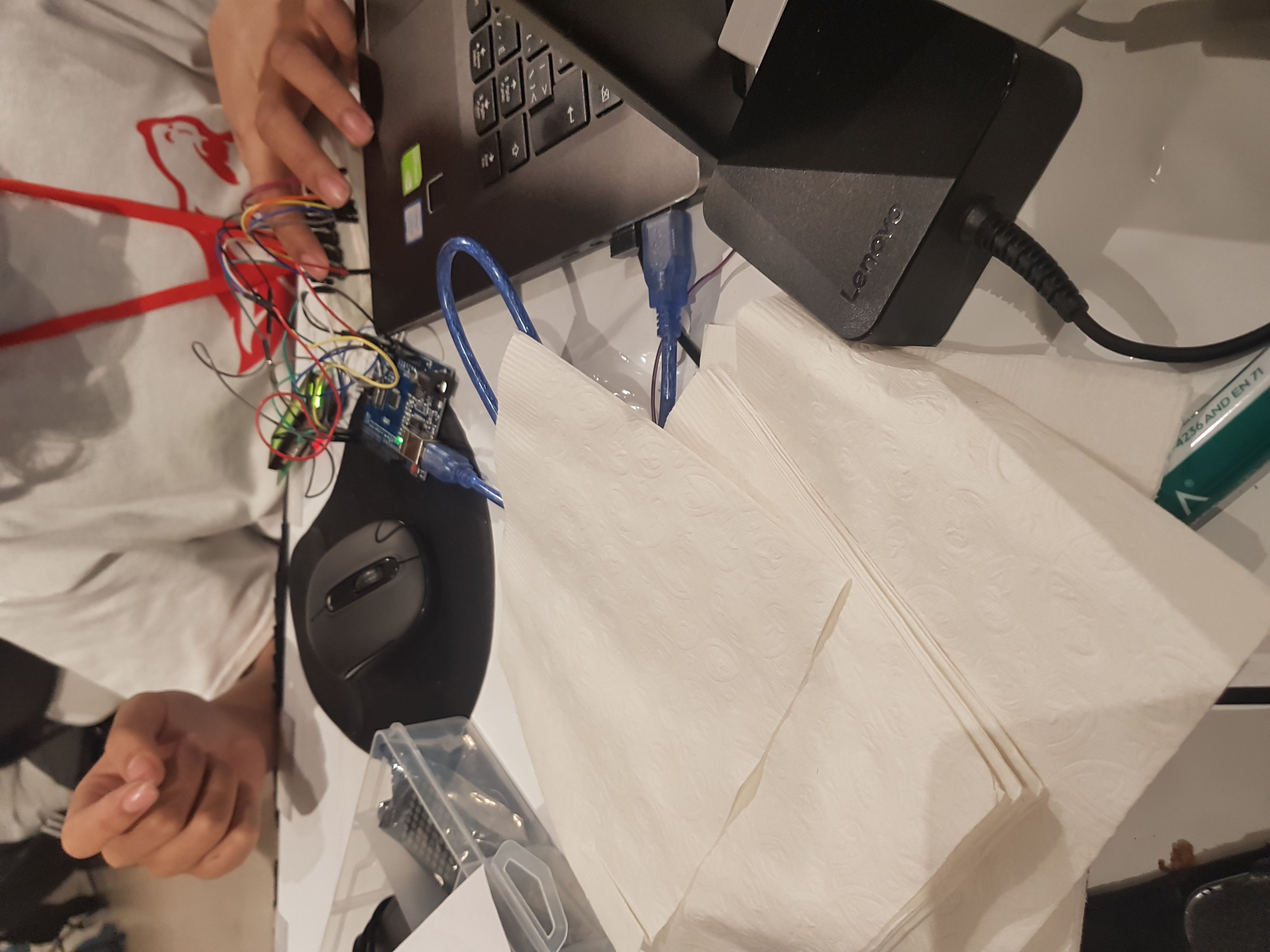
We built it by first attaching momentary buttons to a breadboard, wiring them into the arduino uno. After, we programmed in C to assign each button to a string of text, and kept two buttons as page toggles. The device cycles from page 1 - 3, each giving every button a new string of text. Afterwards, we made a javascript program to fetch strings from google translate databases, which are quite reliable and updated. Then, we programmed the translated string to be sent back to the arduino. We could not attach audio since we did not have a proper speaker, but left open a port for it so it can easily be incorporated into the feature. An API for text to speech can be smoothly added as well.
Challenges we ran into
We had many, many challenges. Right off the bat, we lost several hours wondering why the led display did not show any text, until we realized the brightness was simply too high. Another constant issue we had was extreme debouncing in the momentary switches, making them say random things at random times. We managed to lower rhe debouncing through neater wiring, but it is still a slight issue. The arduino just stopped showing text again, and we lost 30 minutes attempting to troubleshoot. In the end, we discovered that the device we were using to power the arduino had a change in voltage due to not being connected to a charger. Thankfully, this issue was promptly solved! We could not find a way to return the translated string to the arduino as the toggleable languages wouldn't work with our arduino's limitations (wire clutter, size, etc.)
Accomplishments that we're proud of
Successfully using node.js and google script to fetch data. Successfully debugging several major issues.
What we learned
We learned a lot more about google scripts, arduino's hardware and programming, all the while improving our ability to work efficiently as a team. We learned how to fix issues whike staying calm and collected as a team. We learned that google APIs simply will only work in google scripts through trial and error.
What's next for Universal Translating Device
We plan to incorporate features which we couldn't in this hackathon due to resource limitations. Ex. Translating feature working with audio. We also plan to make the device a container, which we already made a 3D model for, but will take 10 hours to print. We also want to make the arduino wifi-based, which will require a lot of research on our part.
Built With
- 16x2-lcd
- 6-momentary-switches
- arduino-nano
- arduino-uno
- buzzer
- c
- javascript

Log in or sign up for Devpost to join the conversation.