Inspiration
We were inspired by the challenges many students face when trying to access and understand study material—whether due to language barriers, learning disabilities, or accessibility needs. Our goal was to create a universal tool that levels the playing field for learners everywhere.
What it does
The Universal Learning Translator allows users to:
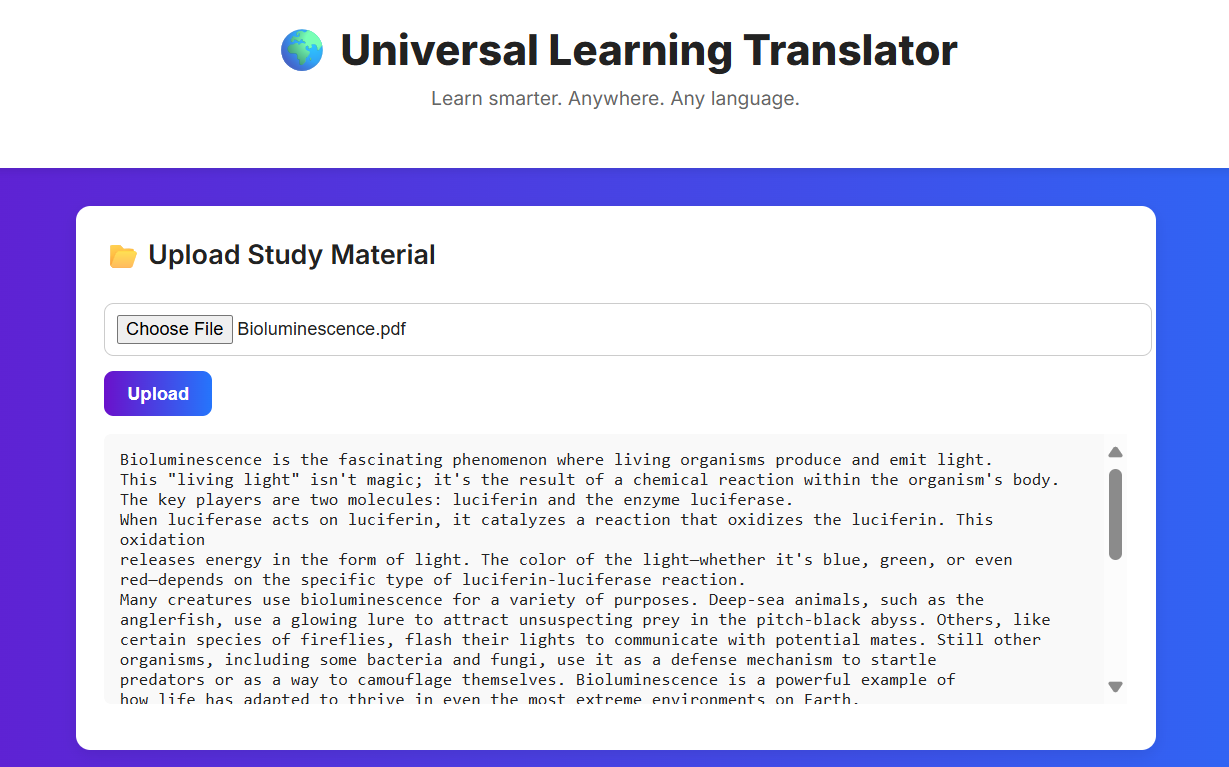
Upload study material (PDF, DOCX, PPTX, TXT).
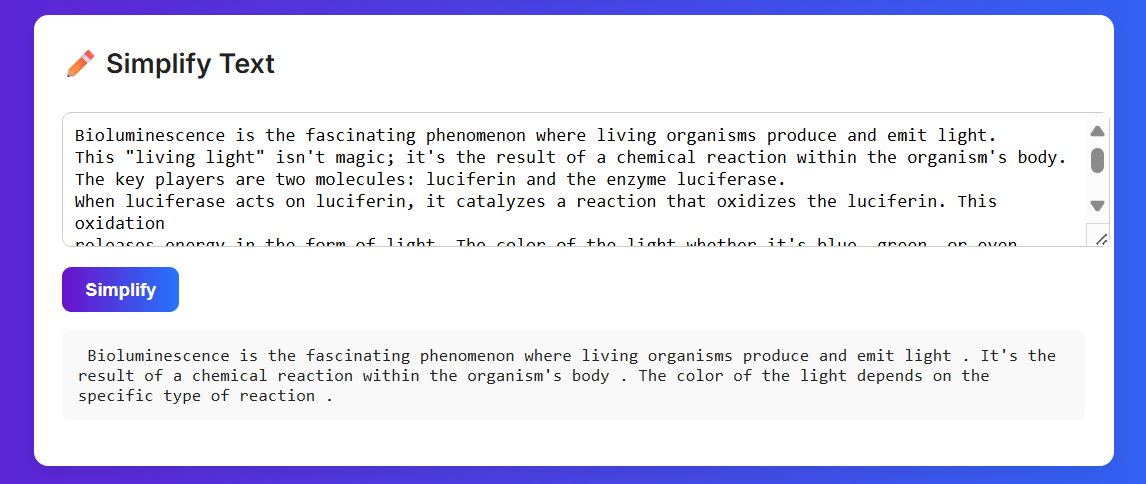
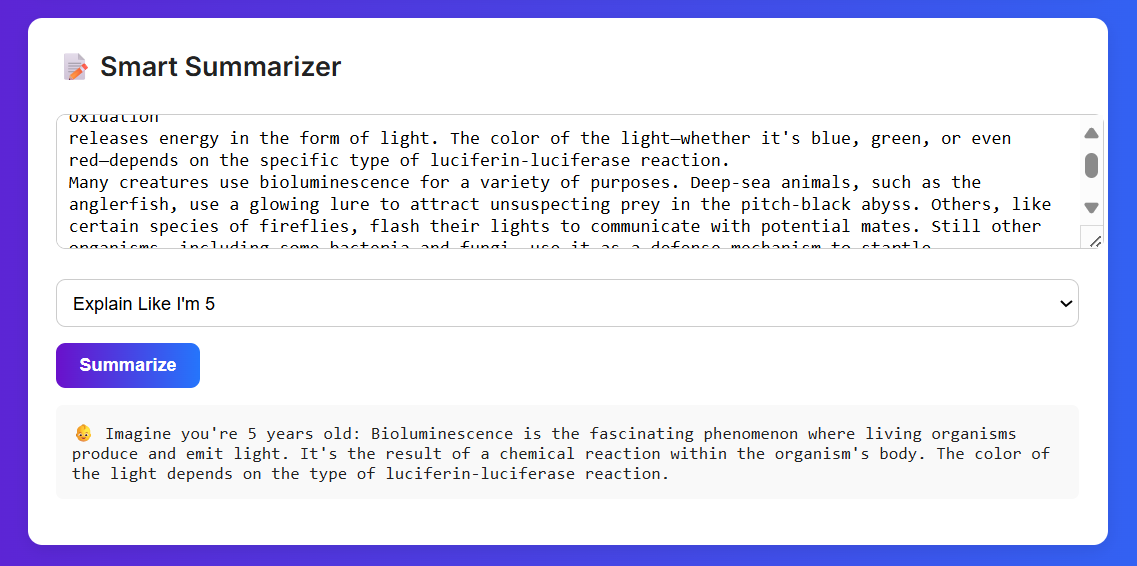
Simplify complex text into easier-to-read summaries.
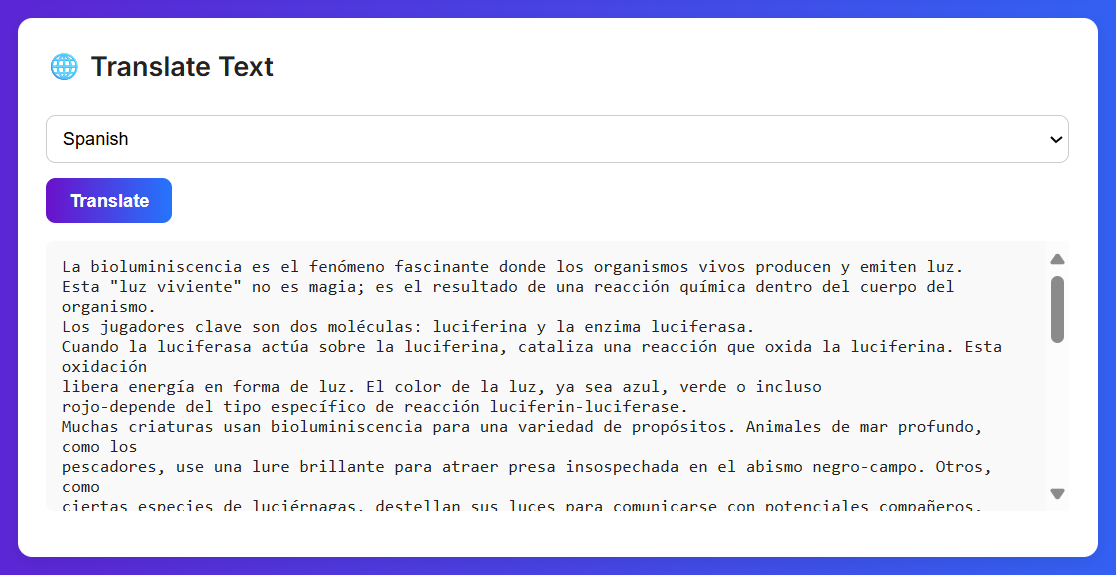
Translate text into multiple languages.
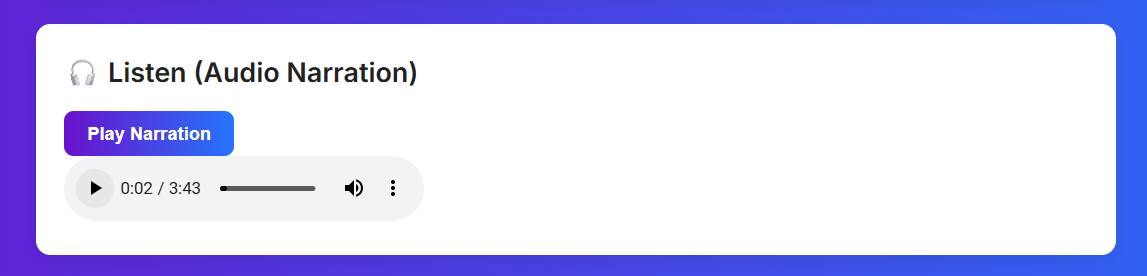
Generate audio narration for better accessibility.
How we built it
We used FastAPI for the backend and HTML/CSS/JavaScript for the frontend. The backend handles text extraction, simplification, translation (via Argos Translate), and narration (via pyttsx3). The frontend provides an intuitive interface where users can upload files, view results, and play audio.
Challenges we ran into
Handling different file formats and reliably extracting text.
Dealing with CORS issues between frontend and backend.
Getting Argos Translate packages installed and properly integrated.
Making audio narration work smoothly without resetting the page.
Accomplishments that we're proud of
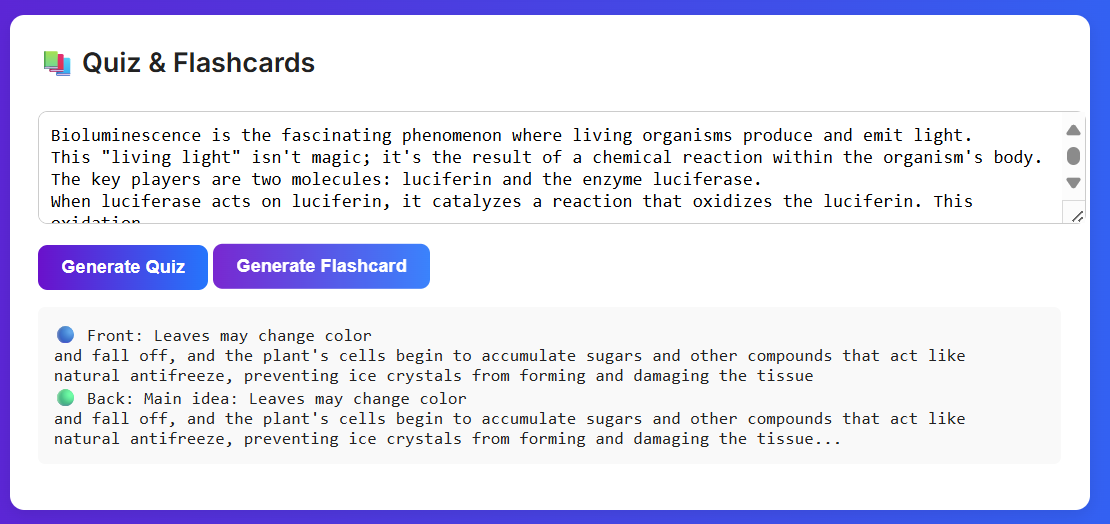
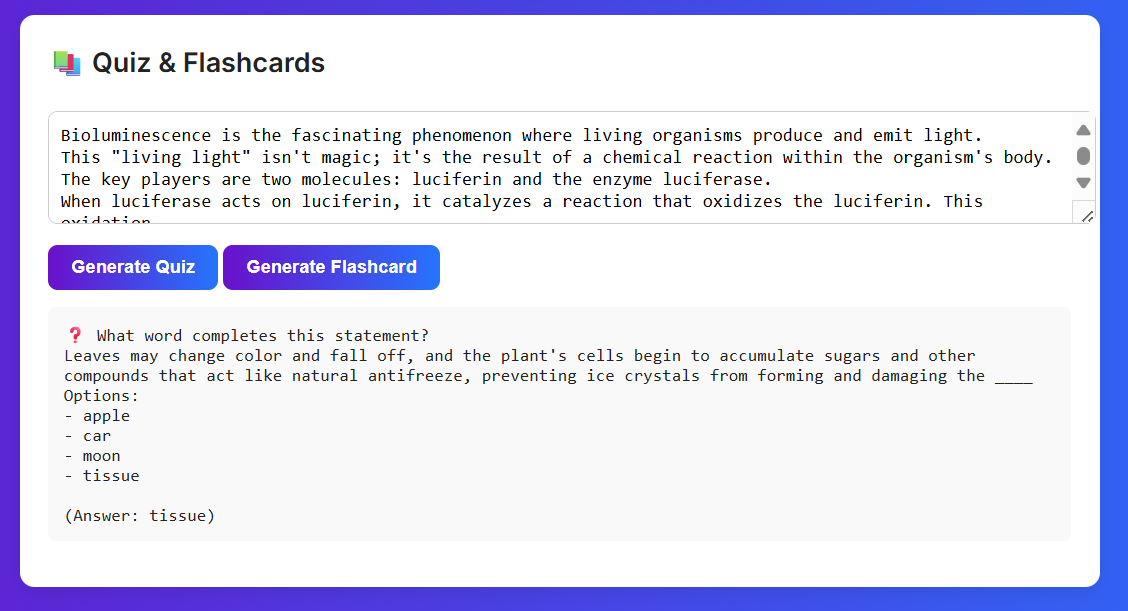
A fully working end-to-end pipeline: upload → simplify → translate → narrate.
Accessibility-first design, supporting learners with different needs.
Overcoming technical roadblocks step by step and getting a polished MVP.
What we learned
How to integrate multiple services (text extraction, translation, TTS) into one seamless workflow.
The importance of proper API design and request/response handling.
Debugging CORS and frontend-backend communication issues.
What's next for Universal Learning Translator
Adding sign language avatar animations for hearing-impaired users.
Expanding translation support to more languages and offline models.
Improving narration voices with more natural speech synthesis.
Deploying the app online for real-world student access.
Built With
- argos
- cors
- css3
- fastapi
- html5
- javascript
- middleware
- pdfplumber
- python
- python-docx
- python-pptx
- pyttsx3
- translate
- uvicorn

Log in or sign up for Devpost to join the conversation.