-
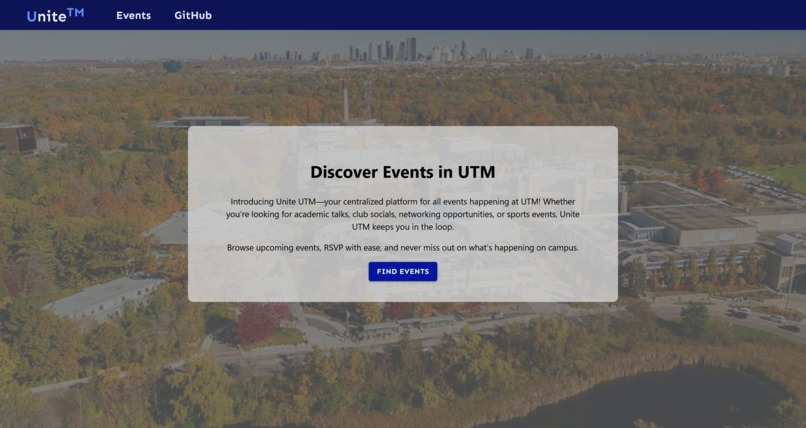
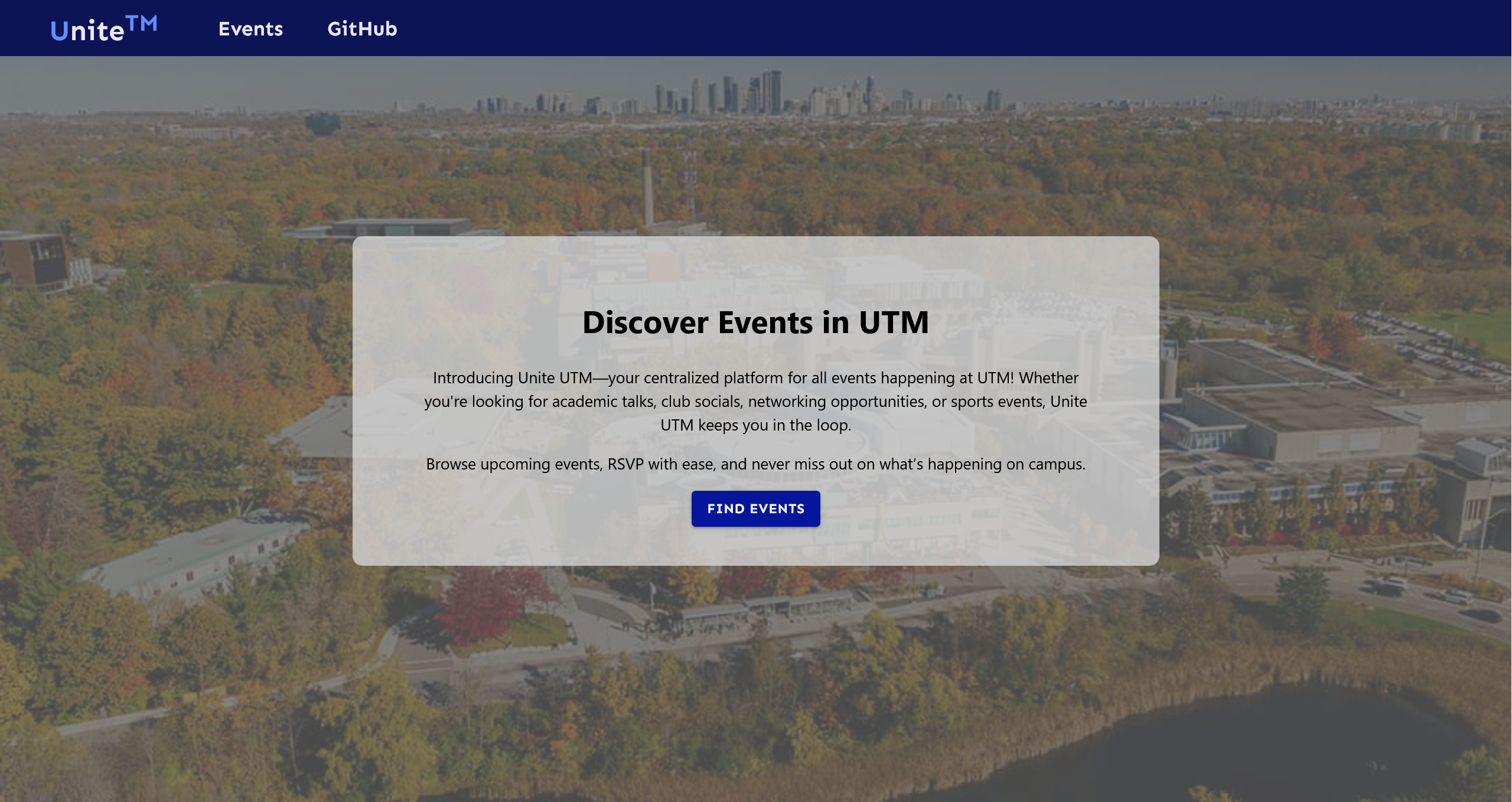
landing page
-
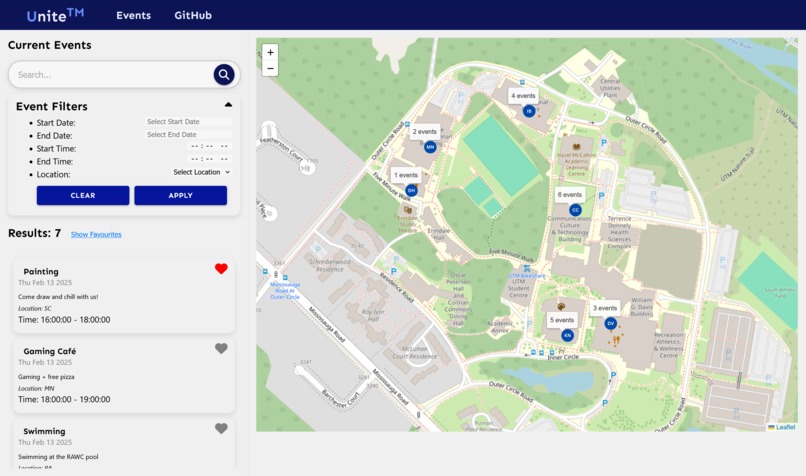
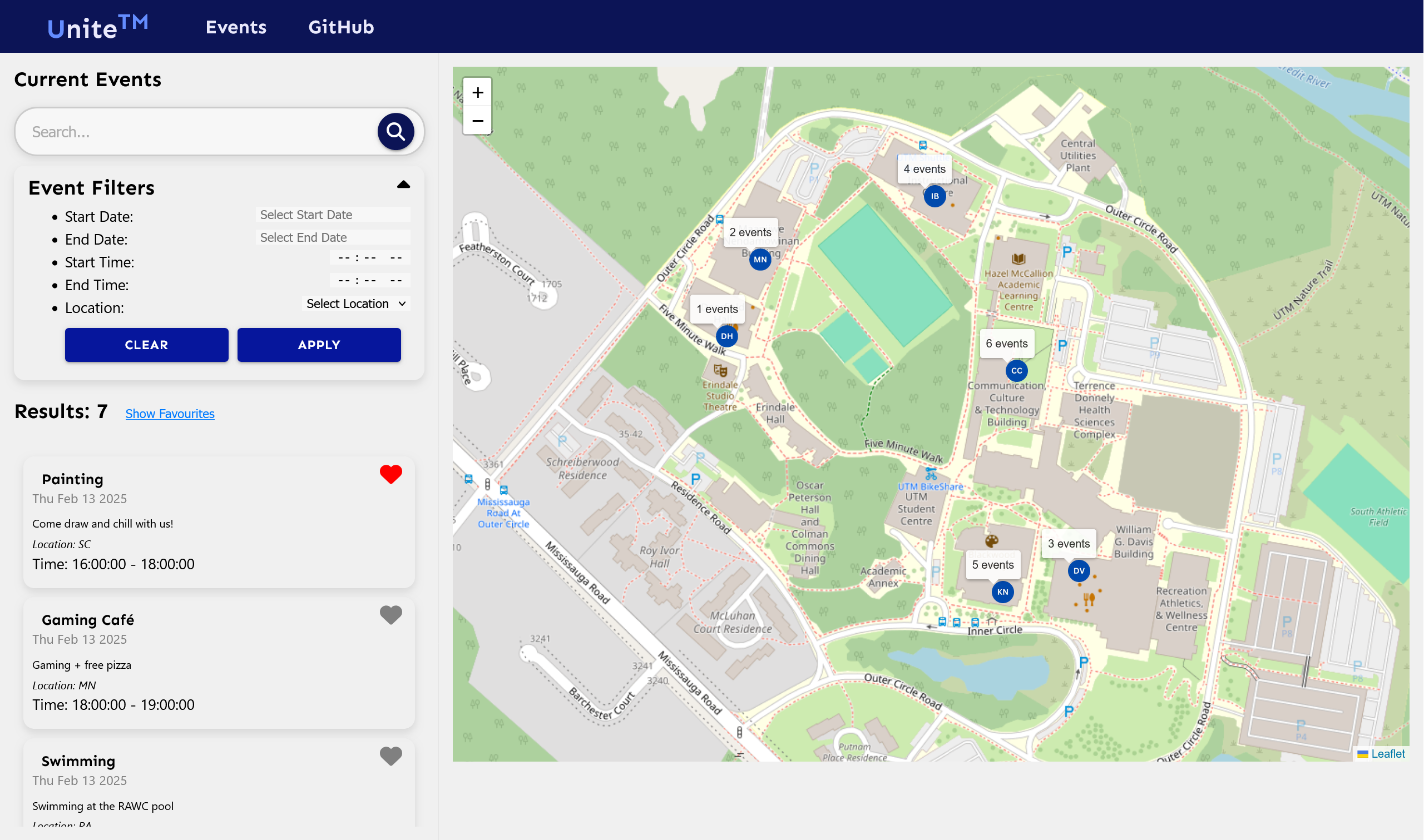
main app
Inspiration
Events and important dates on campus is an important aspect of being a student at the University of Toronto. However, we believe that with a more simple interface and an interactive map, navigating campus and making connection could be much easier. With this in mind, we decided to create Unite™, a simplistic and interactive event discovery website.
What it does
Unite™ uses a database that stores information about users, events, and clubs in order to effectively sort and display them to students at UTM. Unite™ includes filtering and search options, to ensure you find events that best suit you, and your timetable.
How we built it
We built the app with React on the front-end and Python, Flask, and MySQL as the back-end.
Challenges we ran into
The major challenge we encountered was integrating the front end with the back end. Figuring out how to communicate data from the MySQL database and display it on the site was surprisingly difficult. Additionally, source control with Git made it challenging to merge both sides of the web app, as the front end and back end were developed separately for testing, leading to many merge conflicts.
Accomplishments that we're proud of
We are proud of completing our respective parts within the limited time we had. The frameworks and languages used in this project were outside our comfort zones, so being able to learn new tools and successfully develop a working web app is something we take pride in. Finally, having a working version the whole webapp is the biggest accomplishment out of everything.
What we learned
We learned the importance of clear communication between the back end and the front end. Ensuring both sides of the project are aligned and minimizing source control conflicts made merging significantly easier.
What's next for Unite™
We plan to expand Unite™ by incorporating features found in other scheduling and event planning apps. One of our first next steps is integrating the web app with external third-party applications such as Google Calendar. Additionally, we aim to implement user authentication through the UofT dashboard, allowing us to access timetable data and help students identify scheduling conflicts with their classes, exams, and other commitments.

Log in or sign up for Devpost to join the conversation.