Inspiration
I’m an NUS student on exchange at the University of Toronto. When I arrived, I knew how university works. But I didn’t know what anything was called. At NUS I plan my timetable on NUSMods. Here it’s the Timetable Builder. Course sign-up is on ACORN, and deadlines, housing and insurance are on different websites again.
What it does
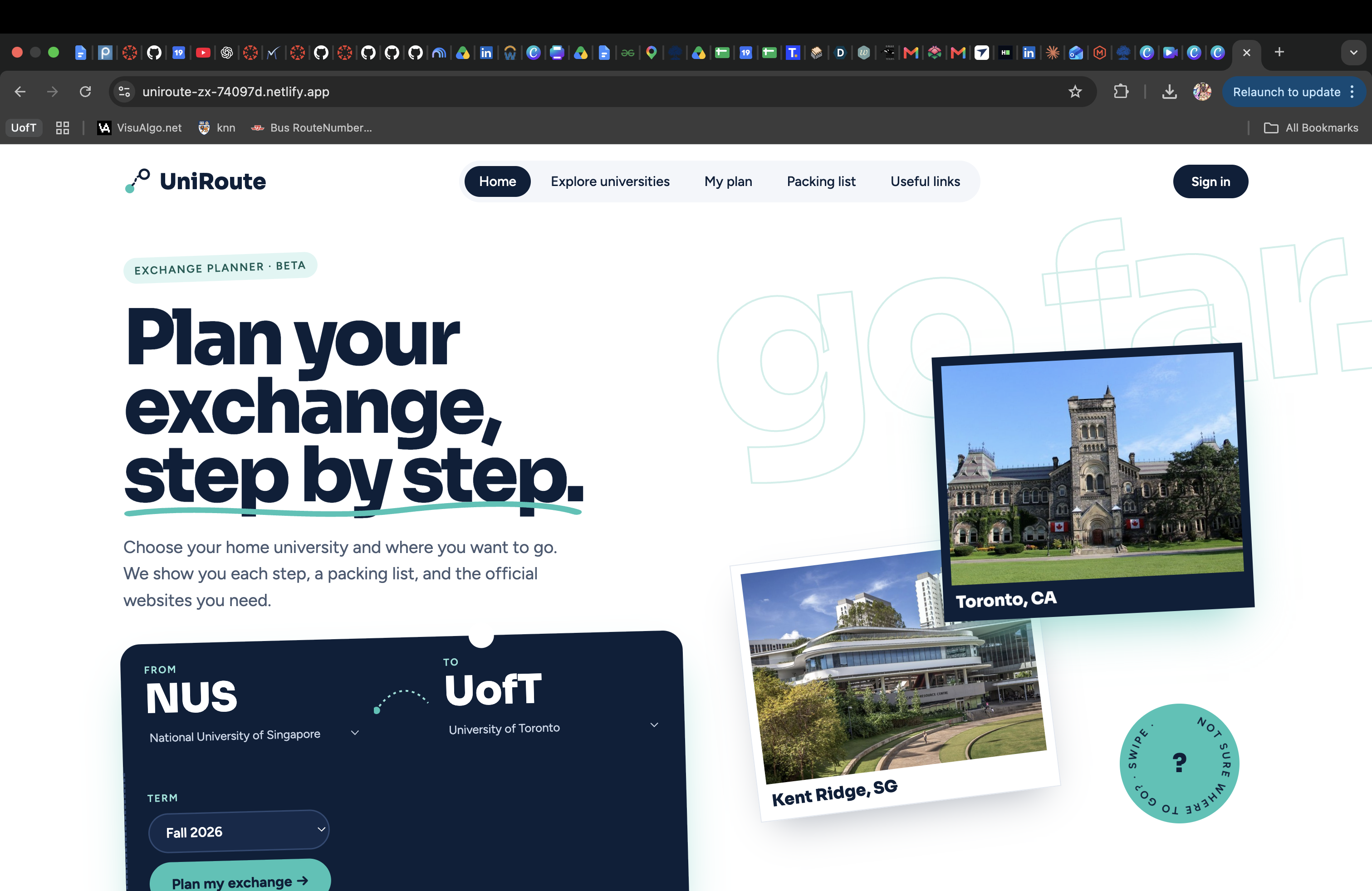
UniRoute is an exchange planner, designed like a travel booking site.
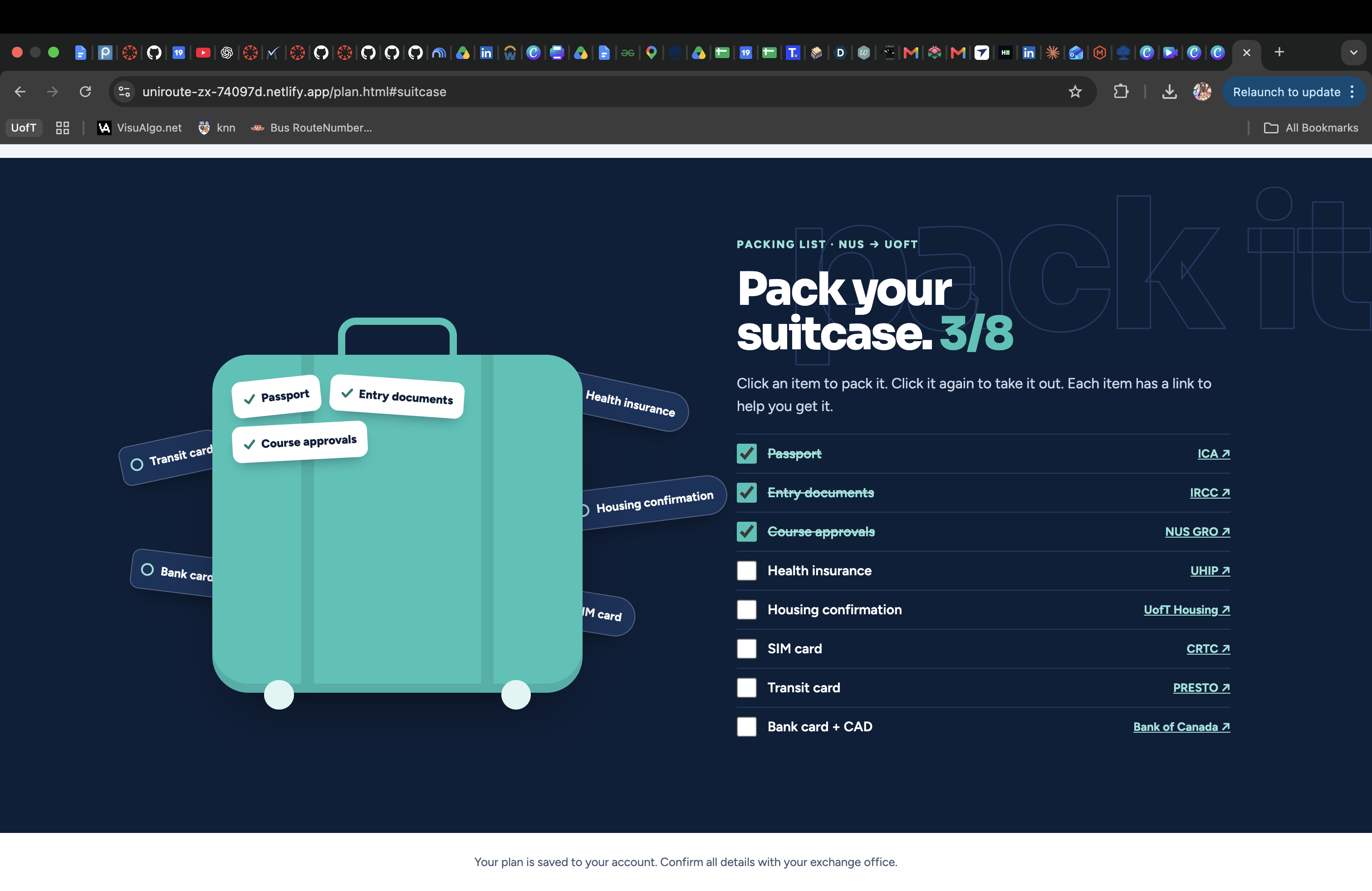
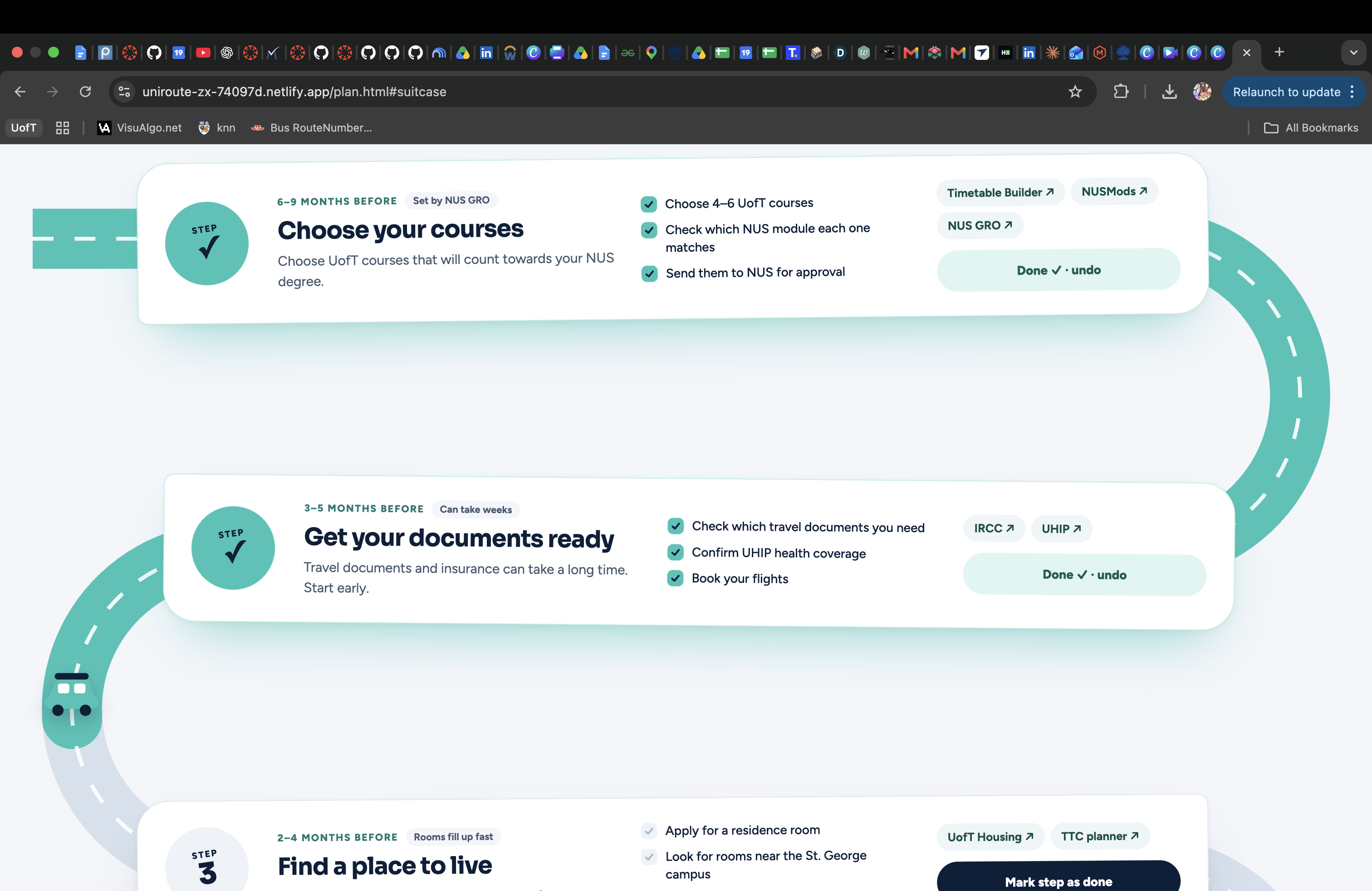
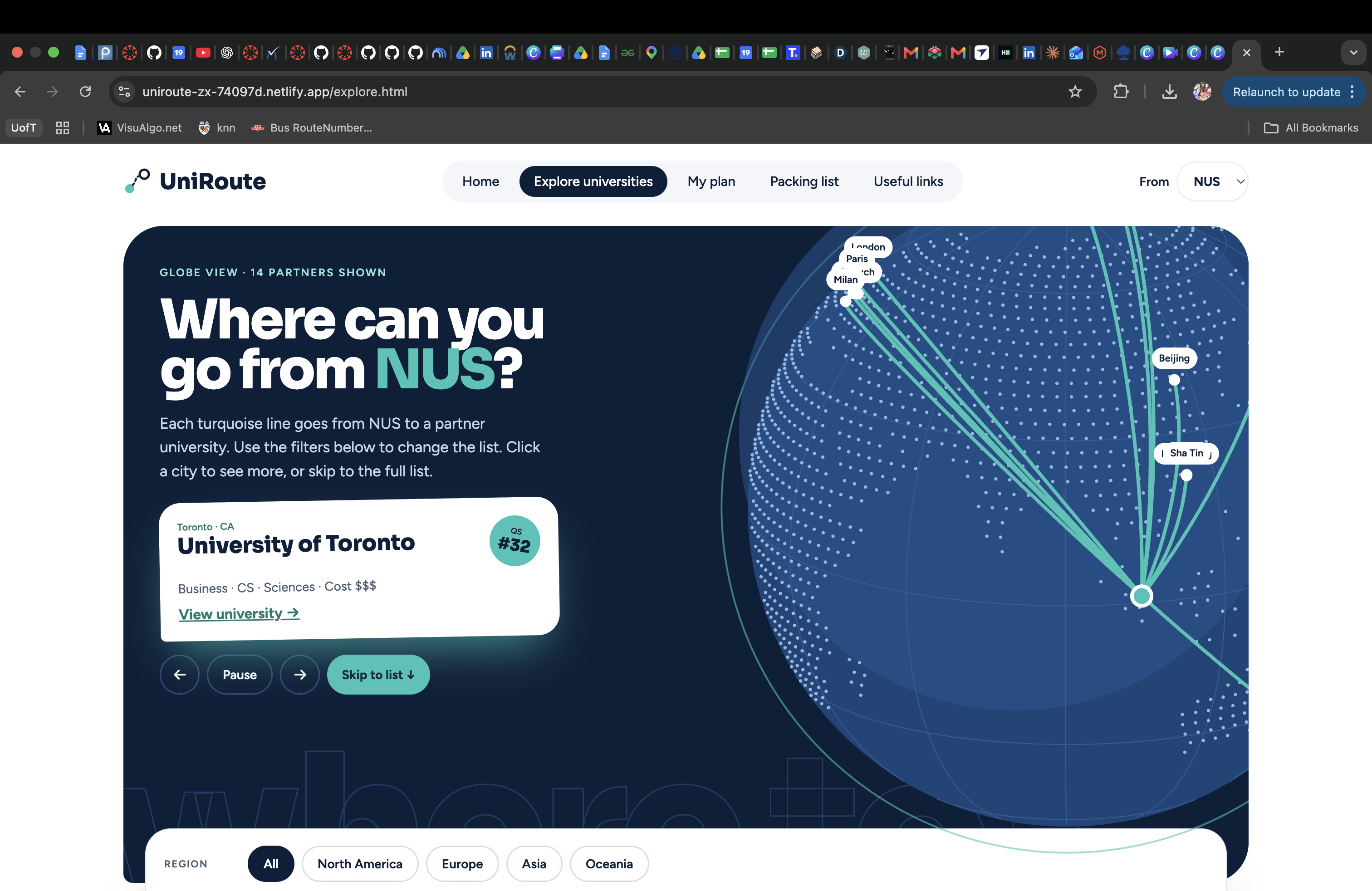
Explore: see every partner university on a globe and in a photo grid. Filter by region, subject, cost and QS ranking. University pages: what each tool is called at that school and what it does, plus money tips, budget, safety numbers and things to do each month. My plan: a step-by-step timeline from choosing courses to transferring credits, shown as a road that fills in as you go. Packing list: a suitcase you pack by clicking items. Each item links to the official site. Swipe mode: for students who don’t know where to go yet. Designing for students everywhere
Many exchange students speak English as a second language, so all the text follows simple rules: short sentences, one idea each, common words, no idioms or slang. Interactive parts use real buttons, labels and checkboxes, so they work with a keyboard and screen reader. Animations stop for people who turn on reduced motion.
How I built it
I designed on paper and iterated on the screens with Claude as a design partner, then built the site in plain HTML, CSS and JavaScript and hosted it on Netlify. Rankings come from QS 2027 and QS by Subject 2026. Cost estimates come from UofT Student Life. The reviews are sample content for the demo.
Challenges
Making it creative without making it hard to use. Early versions were neat but boring grids. The road, suitcase and globe came from asking “how would a travel app show this?” while keeping a plain list version of everything.
What’s next
More home and host universities, real reviews from past exchange students, and translations.
Built With
- css3
- html5
- javascript
- netlify


Log in or sign up for Devpost to join the conversation.