-
-
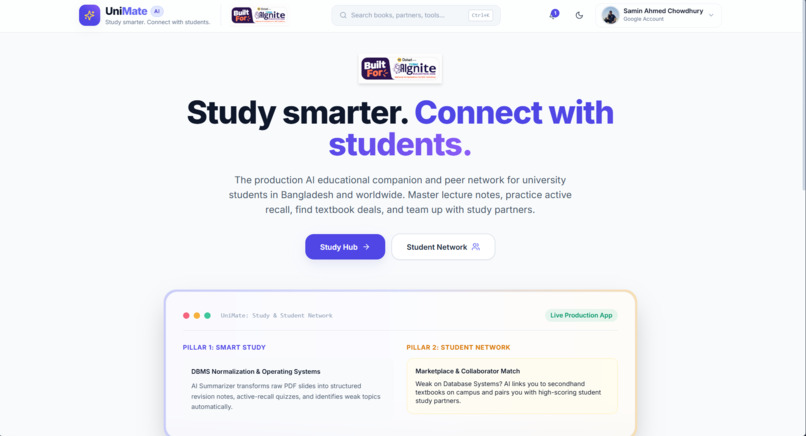
white theme
-
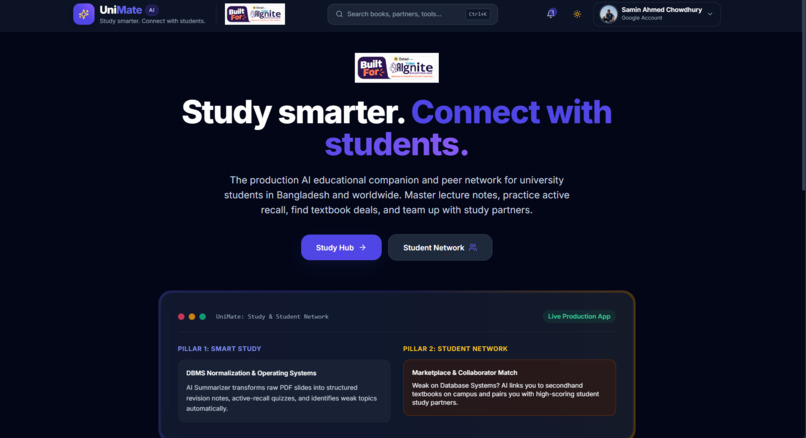
Dark theme
-
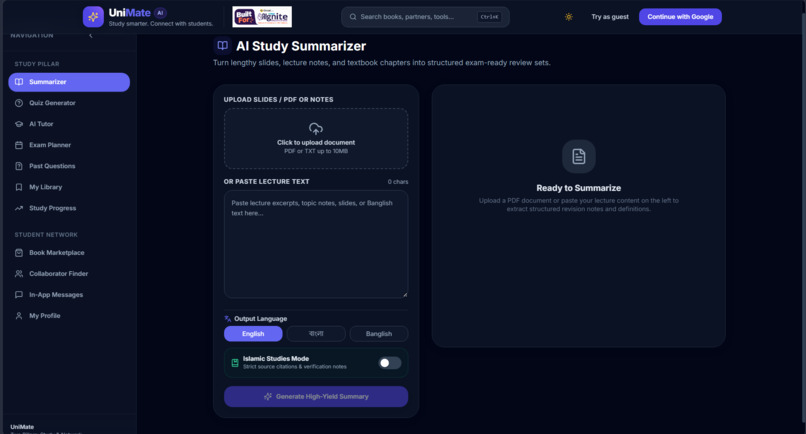
Details
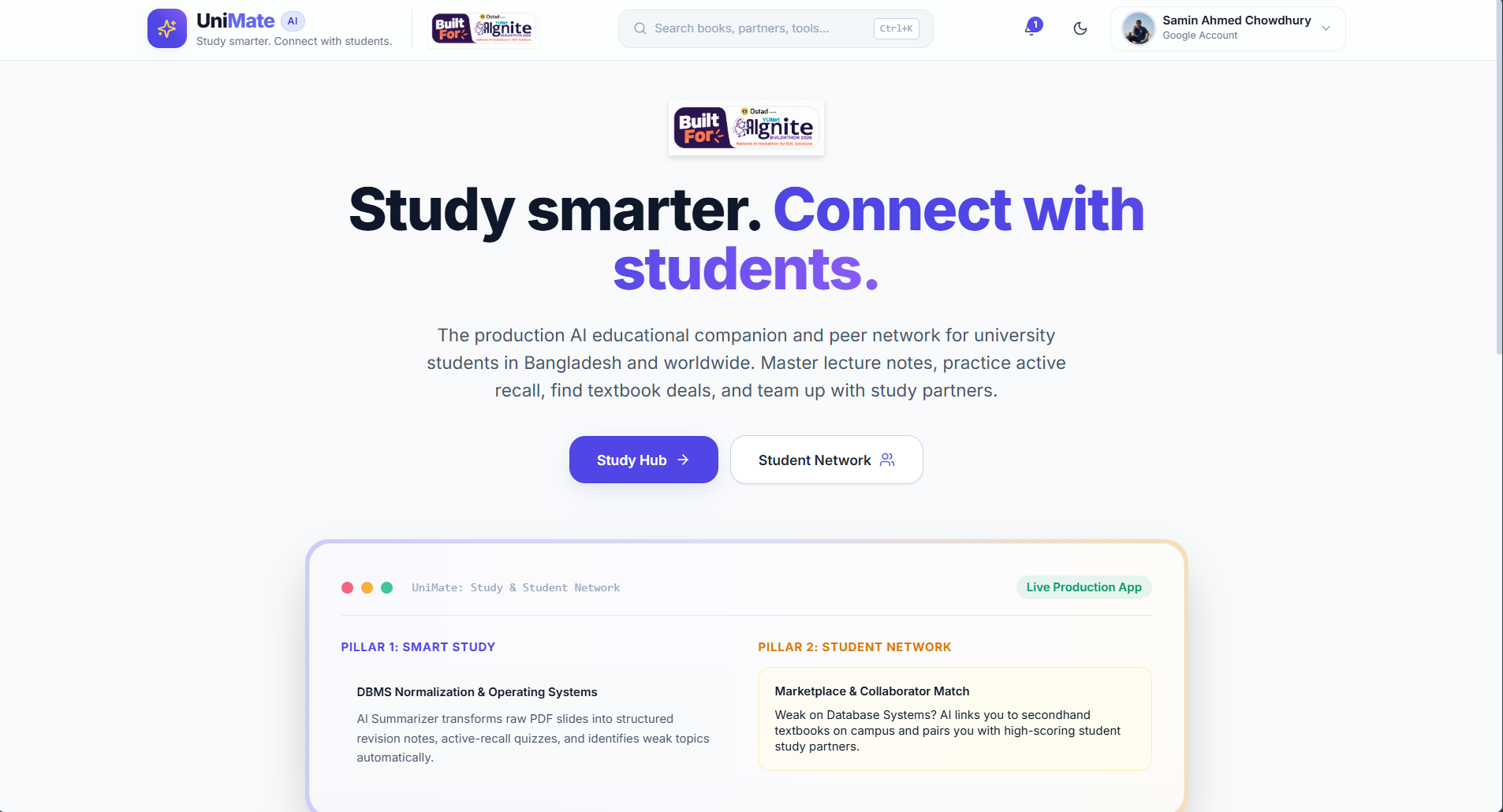
Inspiration
Students in Bangladesh study with a pile of disconnected tools. Lecture slides and PDFs are long. Most AI study tools are weak at explaining in Bangla or mixed Banglish. Past question papers are scattered across chat groups, and used books and study partners are found through random posts.
I wanted one trusted place where a student can study with AI and connect with other students, and that is not tied to a single university. That became UniMate.
What it does
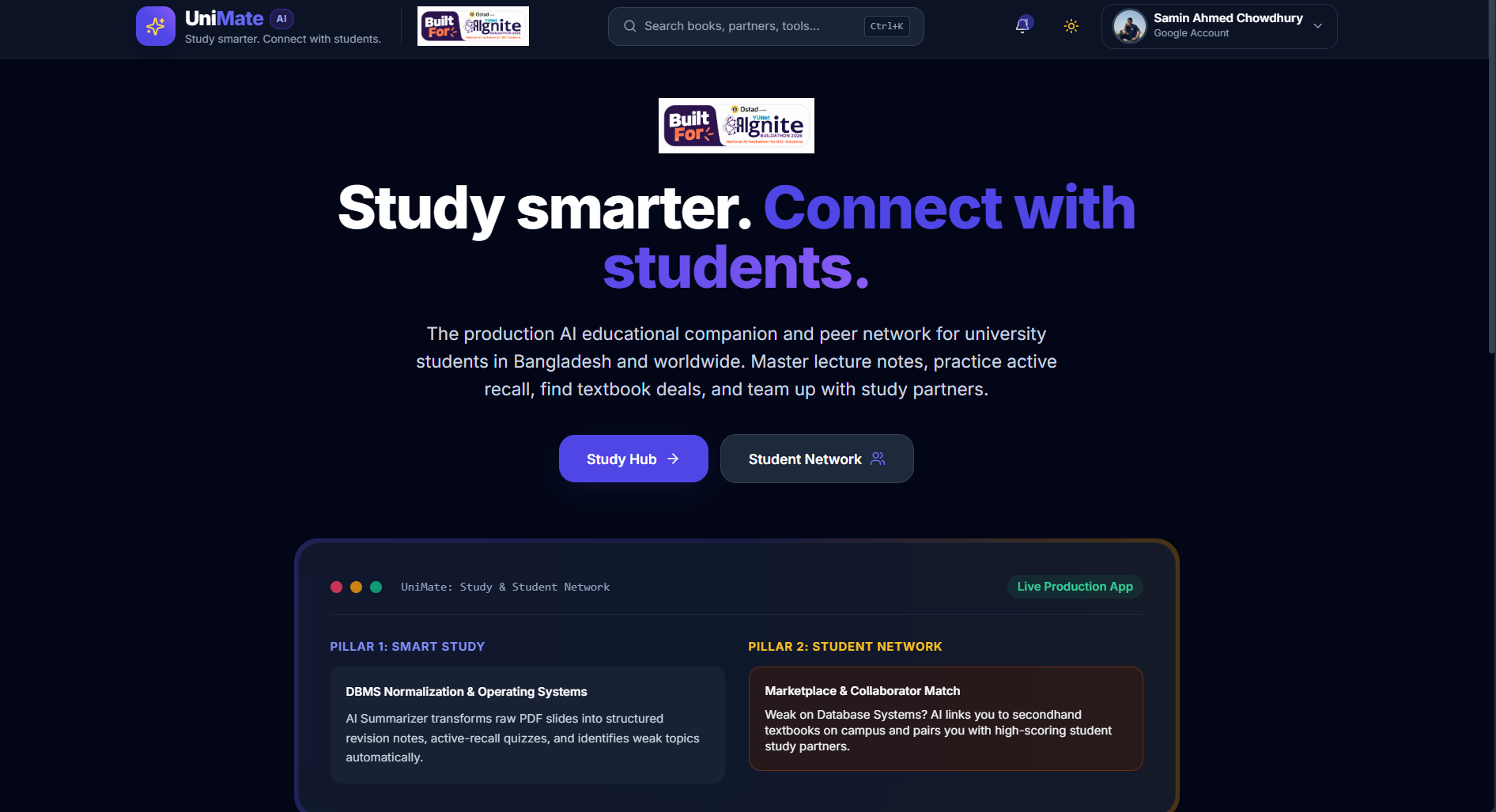
UniMate has two pillars.
Pillar 1: Smart Study
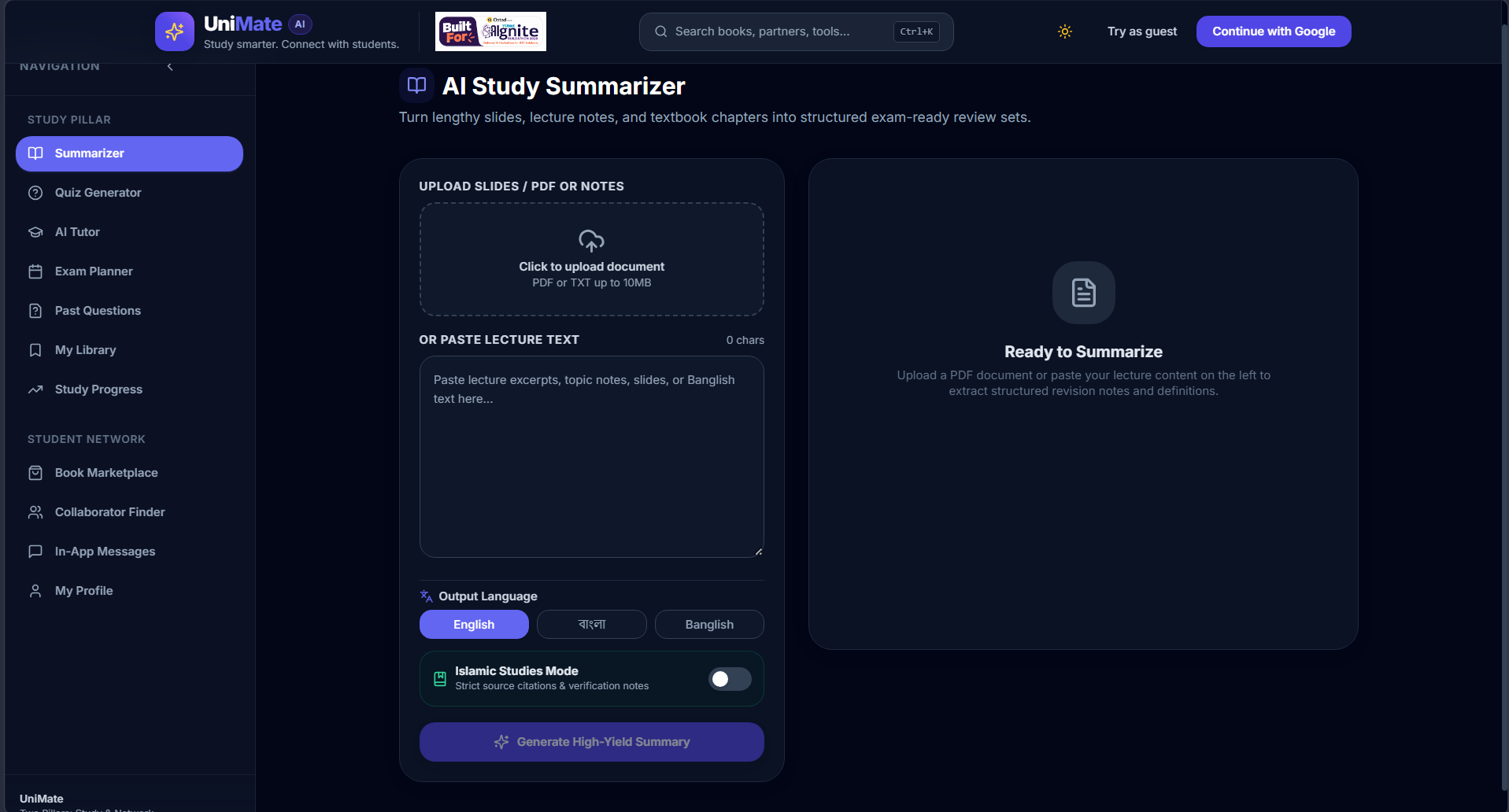
- AI Summarizer: paste text or upload a PDF and get a structured summary, key points and revision notes.
- Active-recall Quiz: generates practice questions from your material, with instant feedback and explanations.
- AI Tutor: ask follow-up questions in Bangla, English or mixed language, with voice input and read-aloud in supported browsers.
- Exam Planner: turns exam dates and study time into a day-by-day plan.
- Past Questions library: students contribute papers (text or PDF), AI tags topics, and everything is clearly marked as student-contributed.
- Study Library and Analytics: saved materials, quiz history and progress.
Pillar 2: Student Network
- Book Marketplace: list and find used books, and negotiate through in-app chat.
- Collaborator Finder: find study partners, conference teammates, paper co-authors or project mates.
- In-app chat and profiles: no public phone number or email, with report and block tools.
Students can continue with Google or try as a guest. UniMate works for any university.
How we built it
I built UniMate solo, with an AI coding assistant (Antigravity) and my own testing and fixes.
- Frontend: React, Vite, Tailwind CSS, Framer Motion, hosted on Vercel.
- Backend: Node.js and Express, hosted on Render.
- Auth and data: Firebase Authentication (Google and Anonymous) and Cloud Firestore. The backend verifies Firebase ID tokens with the Admin SDK, so the user ID never comes from the request body.
- AI layer: one client that calls Ollama Cloud first and automatically falls back to Groq and Gemini if a provider fails or is rate-limited. Quiz and tagging responses are requested as strict JSON, validated on the server, and repaired or rejected if malformed. Provider and model names come from environment variables.
- Voice: the browser's Web Speech API.
I worked in phases (foundation and study tools first, then the student network), tested each phase before moving on, and kept all secrets on the server.
Challenges we ran into
- AI provider setup: a wrong Ollama base URL returned a web page instead of JSON, and a retired Gemini model name caused 404 errors. A health check that makes a real test call per provider, plus configurable fallbacks, solved both.
- Free-tier limits: Gemini's free tier and model availability changed, so I made the fallback layer provider-agnostic and added Groq.
- Auth timing bugs: requests were sent before the Firebase token was ready, and the frontend sent
undefinedas a query parameter, so saved data did not show up. A shared API client and cleaner query building fixed it. - Scanned PDFs: some past-question PDFs contain only an image or a watermark. The app should not invent questions, so it saves the file and leaves topics empty when no text can be read.
- Deployment: wiring a separate Vercel frontend and Render backend meant handling CORS, environment variables that are baked in at build time, and Firebase authorized domains.
Accomplishments that we're proud of
- A working, publicly hosted full-stack app with two connected pillars, built solo.
- A multi-provider AI layer that keeps working when one provider fails.
- A privacy-first design for a platform that high school and college students may use: in-app chat, no public contact details, and report and block tools.
- Honest AI behavior: clear errors instead of fake answers, and student-contributed content labelled as such.
What we learned
- Building with AI works best in small phases, with real testing after each one. Generated code still needs a human to check it.
- Never trust a single AI provider or a free tier. Design for failure with fallbacks and health checks.
- Free hosting has real limits: cold starts and temporary disk storage shape the design.
- Small details such as token timing and query parameters can make a whole feature look broken.
What's next for UniMate
- Move file uploads to durable external storage.
- Student verification with a university email or student ID badge.
- Wellbeing tools: private check-ins, study-balance support and links to local helplines.
- An accessibility panel (font size, high contrast, dyslexia-friendly font) and better Bangla speech support.
- Launch with a few universities first, then grow into a wider student network.
