-
-
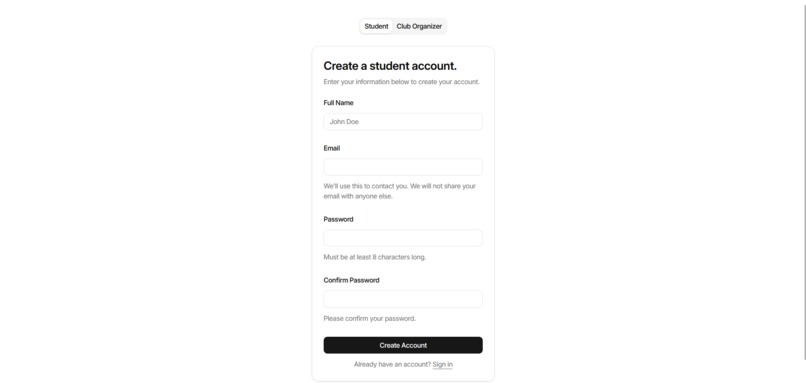
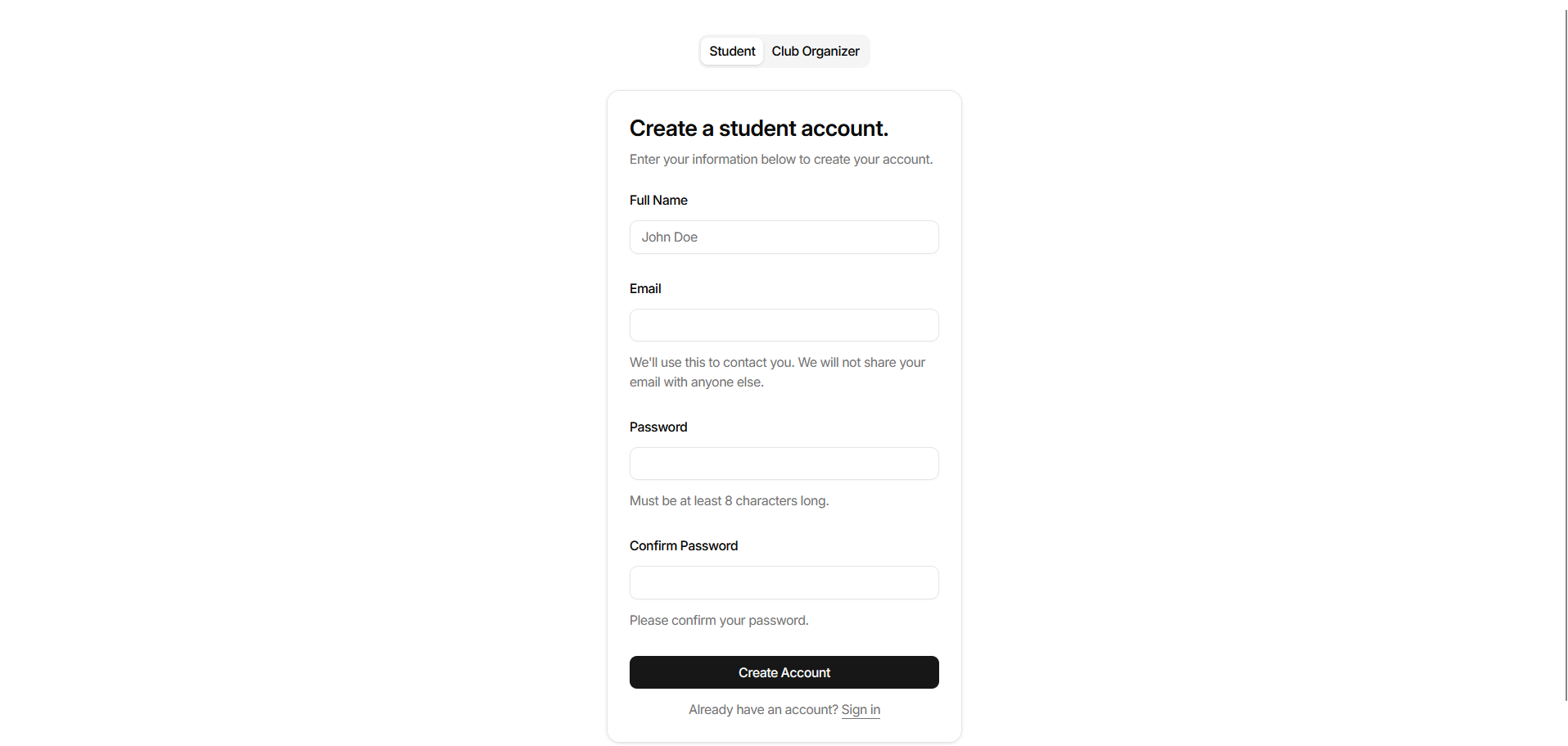
Student Sign-Up
-
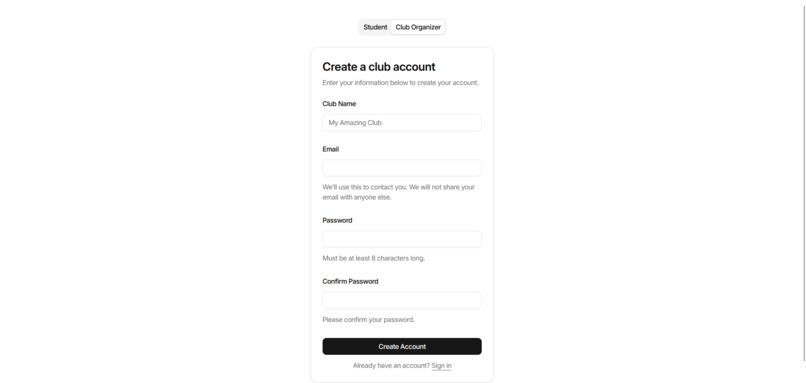
Club Sign-Up
-
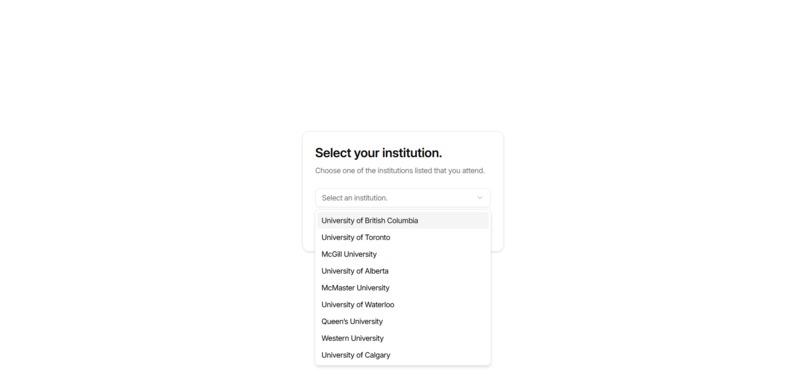
Institution Selector
-
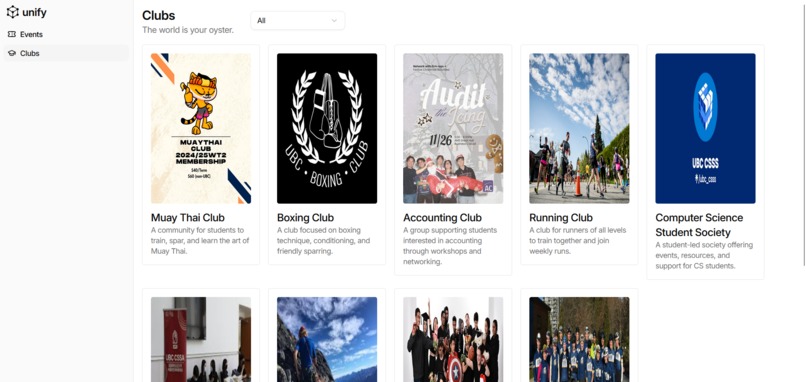
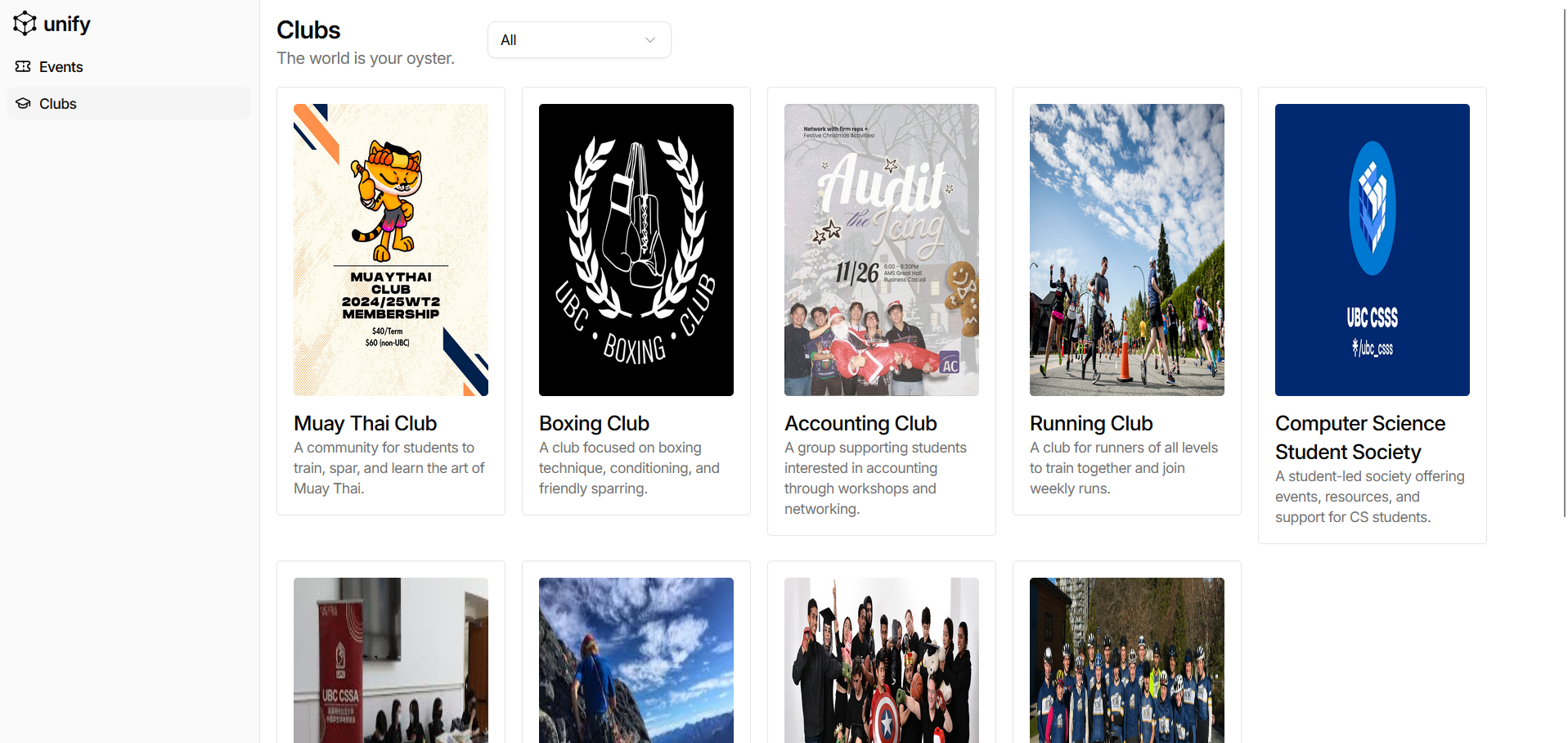
Clubs Tab
-
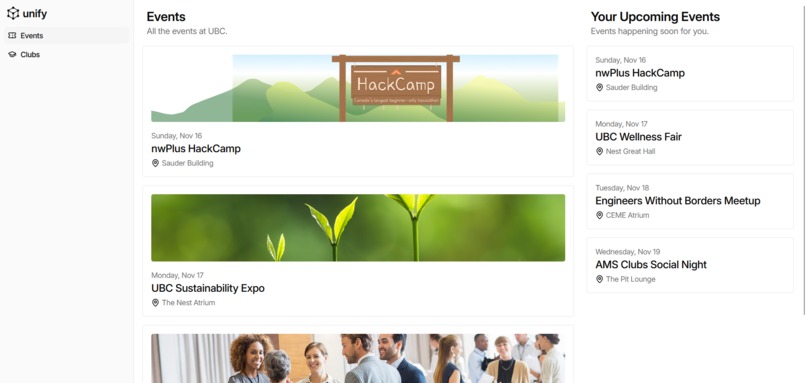
Events Tab
-
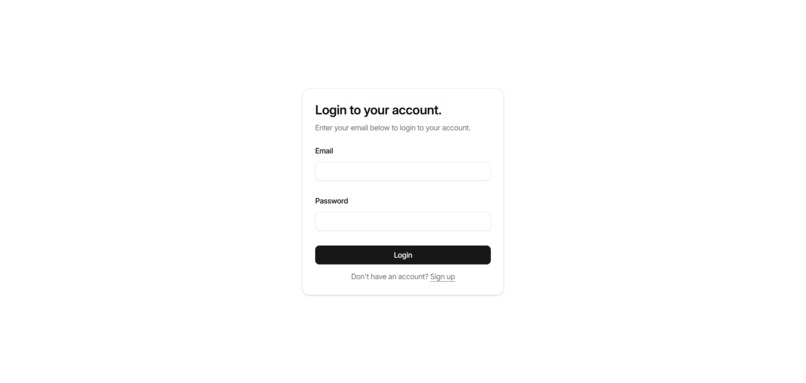
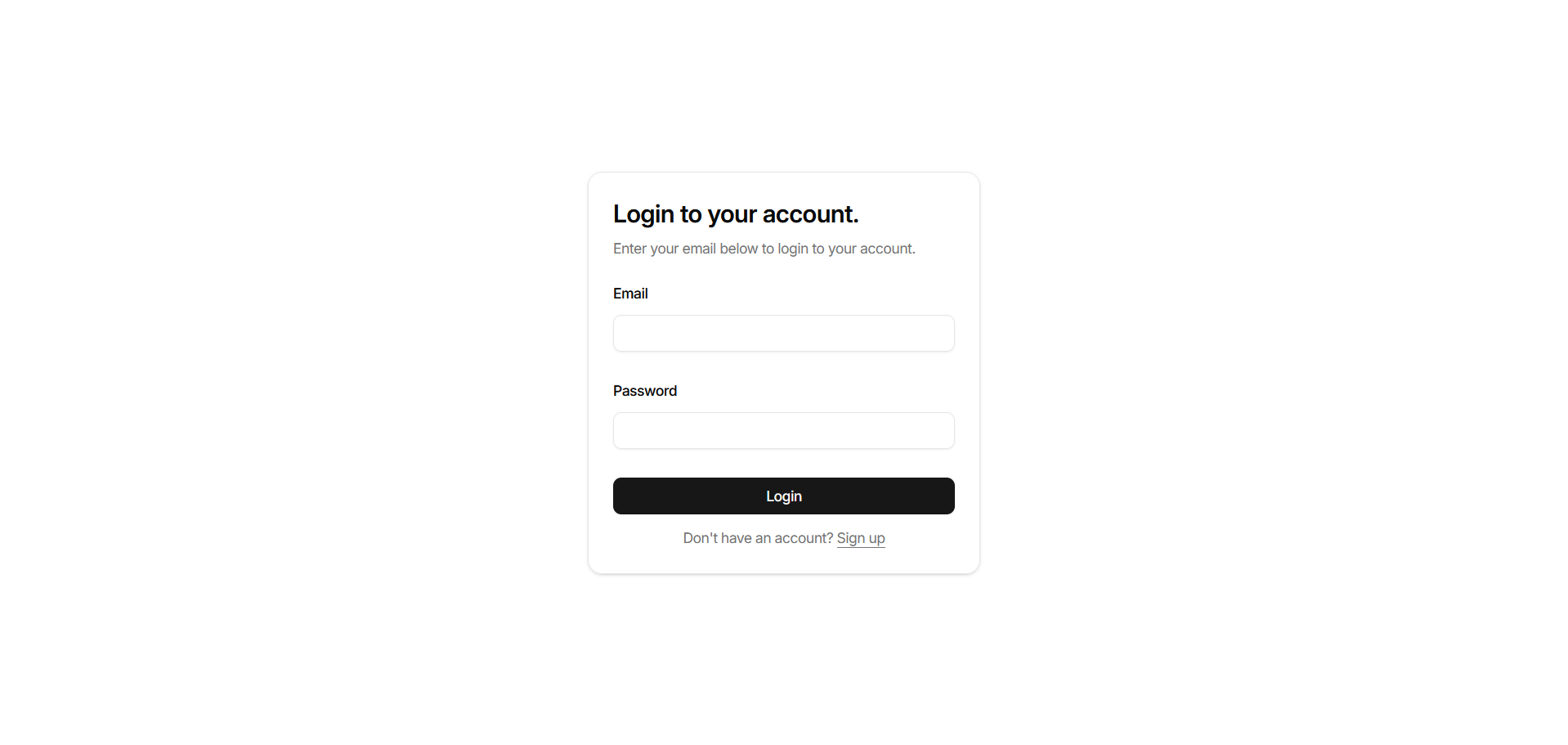
Student and Institution Log-In



Unify – Project Story
Inspiration
At UBC, trying to find out what’s happening on campus always felt harder than it should be.
If you wanted to stay in the loop, you had to:
- Follow a ton of random Instagram club accounts
- Dig through Discord servers and WhatsApp chats
- Check scattered Google Forms and Excel links
Even then, you’d still hear:
“Wait, that event was yesterday? I didn’t even know it existed.”
All of us on the team had missed events we would’ve gone to—networking nights, socials, review sessions—just because the info was buried in stories or posts we never saw. That’s what inspired Unify:
What if every club and event on campus lived in one, clean, student-first space — not buried in social media noise?
We also realized something else: there are a ton of “event apps” for cities, concerts, and nightlife, but almost nothing built just for universities. That focus—campus only—is what makes Unify feel both necessary and unique.
What it does
Unify is a campus-only events hub that pulls all club events into one place.
For students:
- See every upcoming event on your campus in a single feed
- Filter by interest:
- Tech, sports, parties, networking, cultural, academic help, “free food,” etc.
- Tech, sports, parties, networking, cultural, academic help, “free food,” etc.
- Follow clubs you care about and never miss their events again
For club coordinators:
- Create and manage events from a simple dashboard
- Tag events (e.g. “First-year friendly” or “CS-related”)
- Stop juggling:
- Google Forms
- Random spreadsheets
Under the hood, each campus gets its own “space” (e.g. UBC, SFU, etc.), with:
- A club directory
- An events feed
- Filters that actually match campus life, not generic city events
Unify is basically the clean, student-friendly interface on top of that union.
How we built it
We started by asking one question:
“If a first-year opens Unify on week one, what’s the minimum they need to feel like they finally see their campus?”
From there, we broke the build into three main parts.
1. Data model & planning
We designed a simple structure:
- Campus
- has many Clubs
- each club has many Events
That let us support multiple universities without changing the core logic—every campus is just a new record, not a brand-new app.
We also sketched out the main user flows:
- Student opens the app → selects/auto-detects their campus → sees a personalized feed
- Club coordinator logs in → sees a dashboard → creates/edits events → they instantly appear in that campus feed
2. Frontend
On the frontend, we built:
- A home feed that lists upcoming events in card form
- A filter bar (tags like “Tech”, “Sports”, “Free food”, etc.)
- Simple club profile pages that show info + all events
We focused on:
- Clear hierarchy (event name, time, place, type are easy to scan)
- Keeping it visually clean so it doesn’t feel like a cluttered calendar
We also started thinking about event relevance, even if it’s still early. This could help sort events so the most relevant ones show up first for each student.
Challenges we ran into
We definitely hit some real-world walls while building Unify.
1. Backend issues and data not behaving
One of the biggest pain points was the backend not doing what we expected:
- Some endpoints returned empty arrays even when we knew the database had events
- Payloads that looked right on the frontend didn’t match what the backend was expecting
- Small mismatches in field names caused big problems (“clubId” vs “club_id” type bugs)
This led to a lot of:
- Logging requests and responses at every step
- Manually testing endpoints with tools like Postman
- Slowly narrowing down where things were actually breaking
2. Merging components and debugging integration
Individually, our components worked fine.
The real chaos started when we began combining everything:
- Plugging the event cards into the real event feed
- Connecting filters to live backend queries
- Adding forms that create events and update the feed in real time
We hit issues such a the following:
- State not updating when events were created or edited
- Filters not re-rendering the way we expected
- Layouts breaking when new props were added
This meant a significant amount of debugging:
- Refactoring components to make them more reusable
- Clearly defining what data each component expects
- Cleaning up prop chains and lifting state where it made sense
In short, “it works on my machine” turned into “it works in the actual app” after a lot of systematic debugging.
Accomplishments that we’re proud of
- Seeing the full event flow:
- A club creates an event
- It instantly appears in the campus feed
- It shows up under that club’s profile
- A club creates an event
- The moment our filters started working smoothly, and we could say:
> “Show me all free food events this week”
- Designing Unify so it’s not just “for UBC” but can easily support:
- UBC
- SFU
- UofT
- Any university with clubs and events
- UBC
The first time we opened the app and saw multiple real-looking events on a clean feed, it felt like the campus version of “wait, why doesn’t this already exist?”
What we learned
From building Unify, we learned:
- How important simple, clean data models are if you want to scale (campus → multi-campus)
- That frontends and backends will disagree unless you’re strict about:
- Naming
- Types
- API contracts
- That merging components is often where real bugs appear: integration > isolated components
- How to debug systematically instead of “just trying things until it works”
We also learned a lot about what students actually care about: not just events, but finding their people on campus.
What’s next for Unify
Next steps we’re excited about:
Better personalization
- The app recommends events based on clubs you follow and tags you’ve clicked on.
Richer tools for club coordinators
- Simple analytics (views, RSVPs)
- Announcements to followers
- Templates for recurring events
Multi-campus rollout
Start with UBC as our flagship, then bring the same experience to other universities—keeping Unify 100% focused on students and campus life.
In the long term, we see Unify becoming the standard way students discover campus life at universities around the world—one app, one campus at a time, all in one place.
Built With
- css
- javascript
- tailwind
- tanstack
- typescript

Log in or sign up for Devpost to join the conversation.