-
-
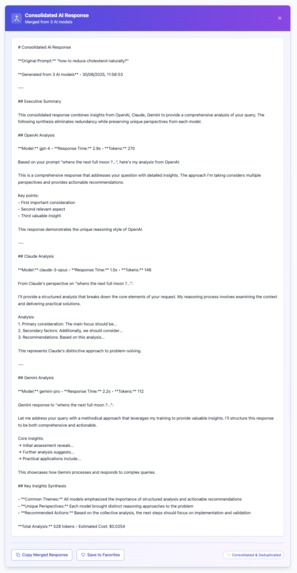
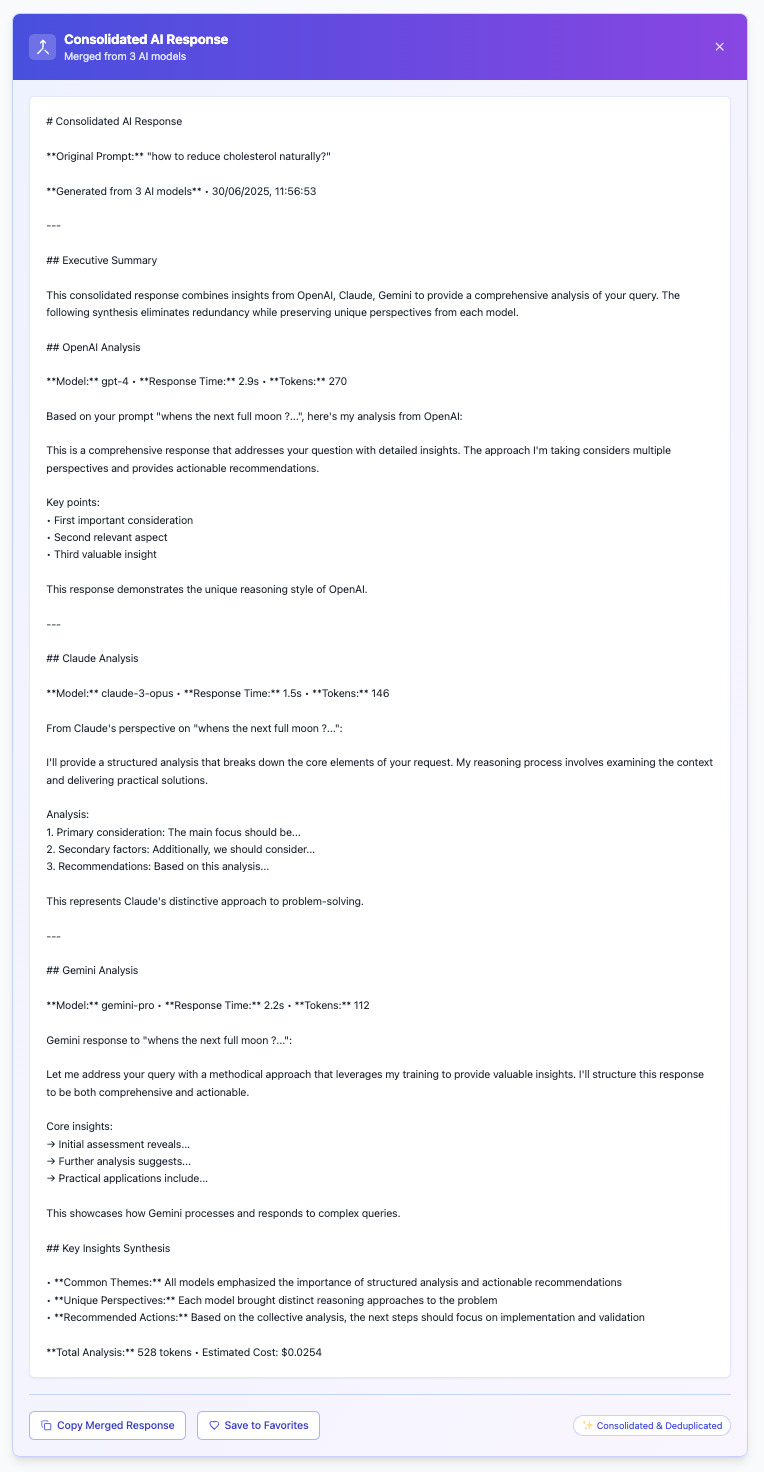
Merge- de-duplictae responses from multiple LLMs into single super-prompt
-
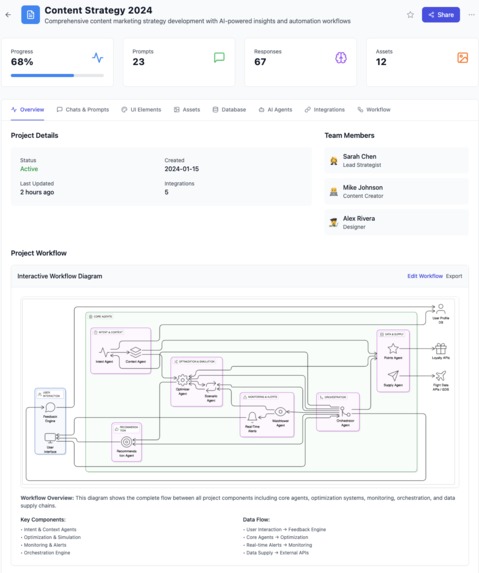
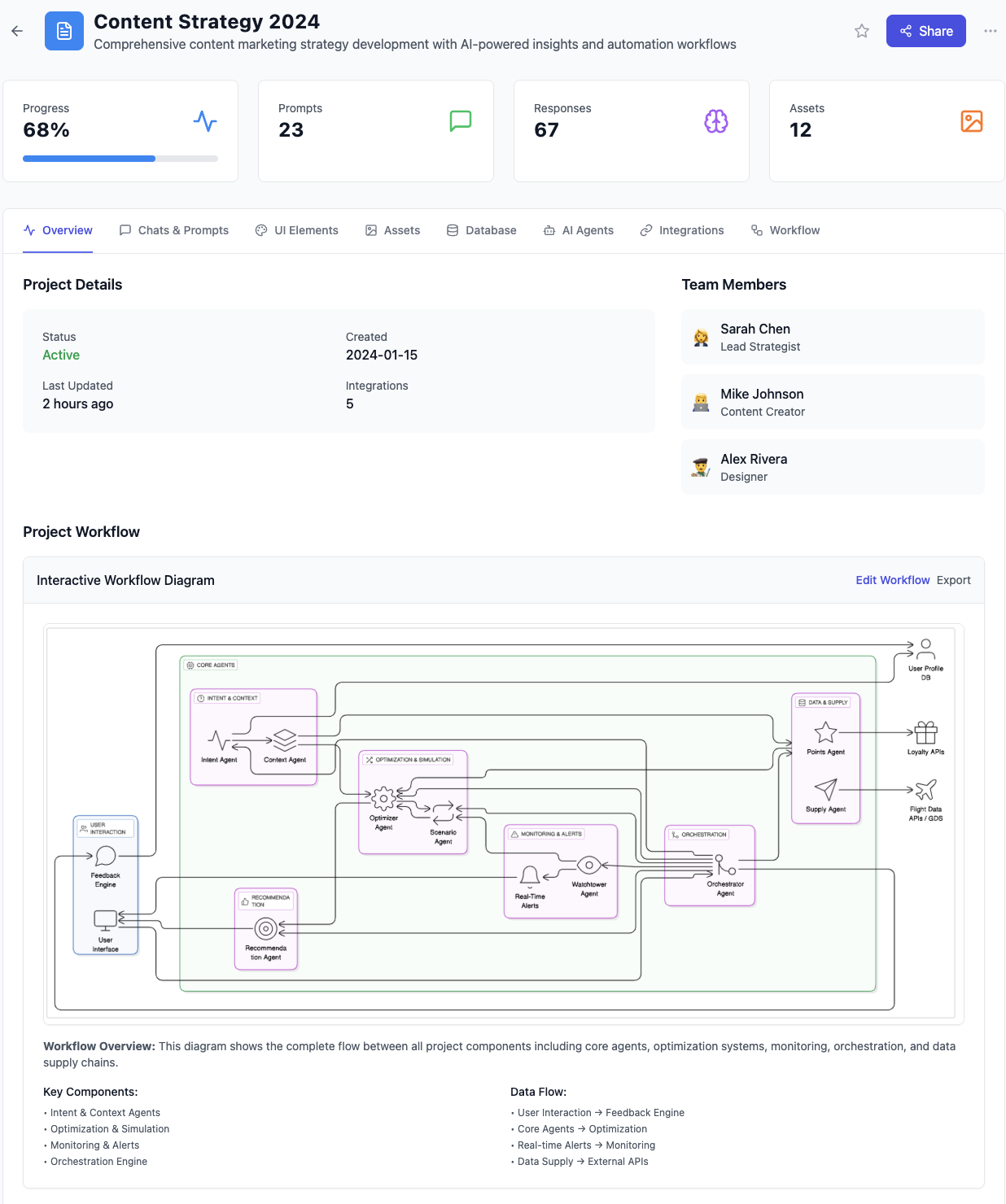
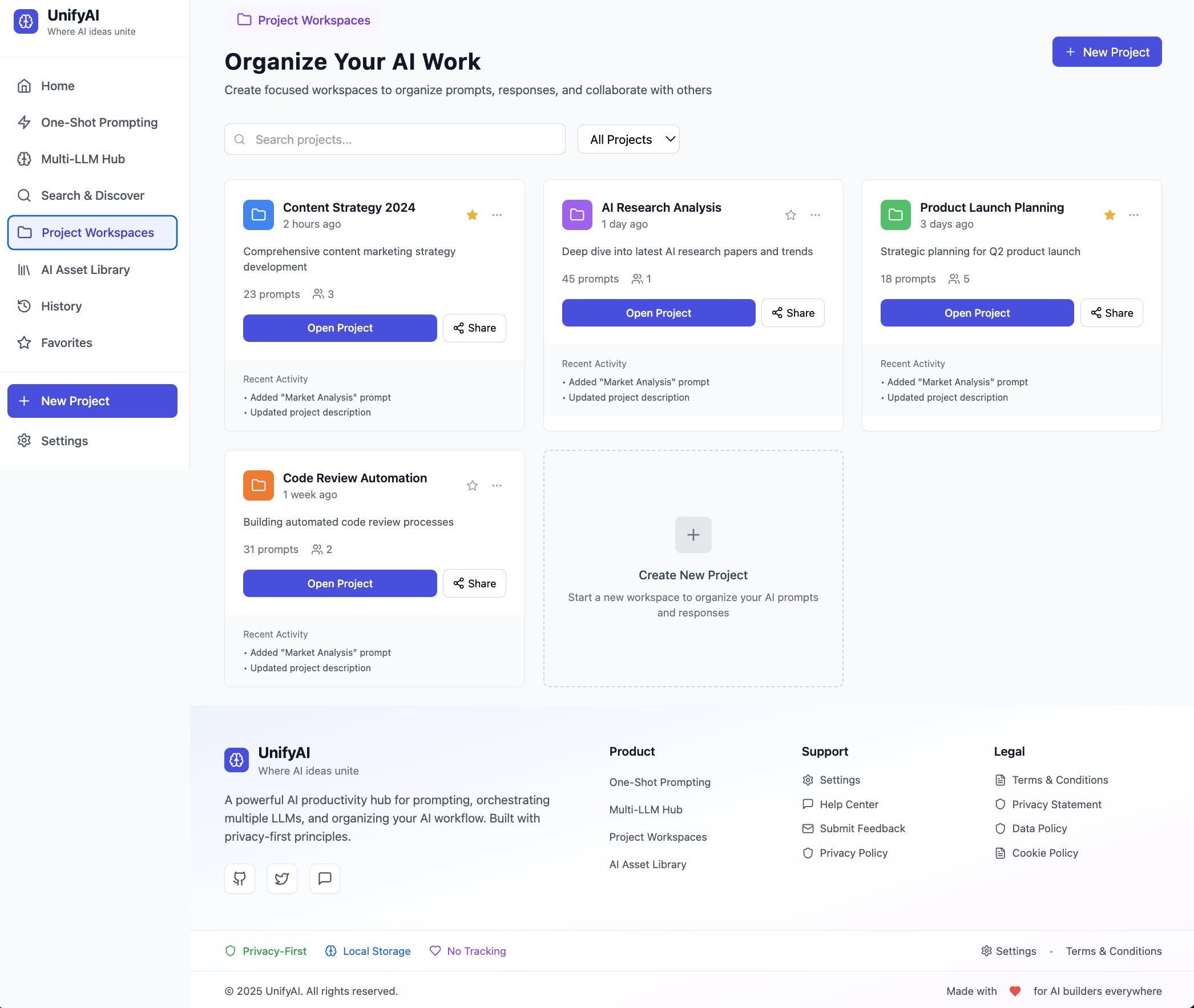
Look at individual project details in single unified view
-
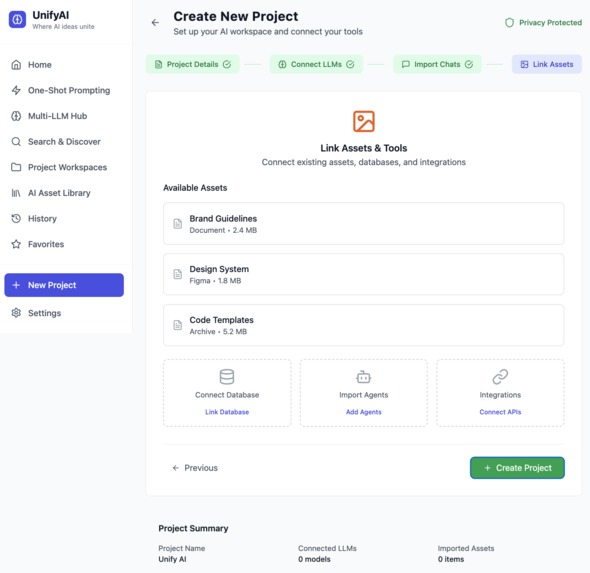
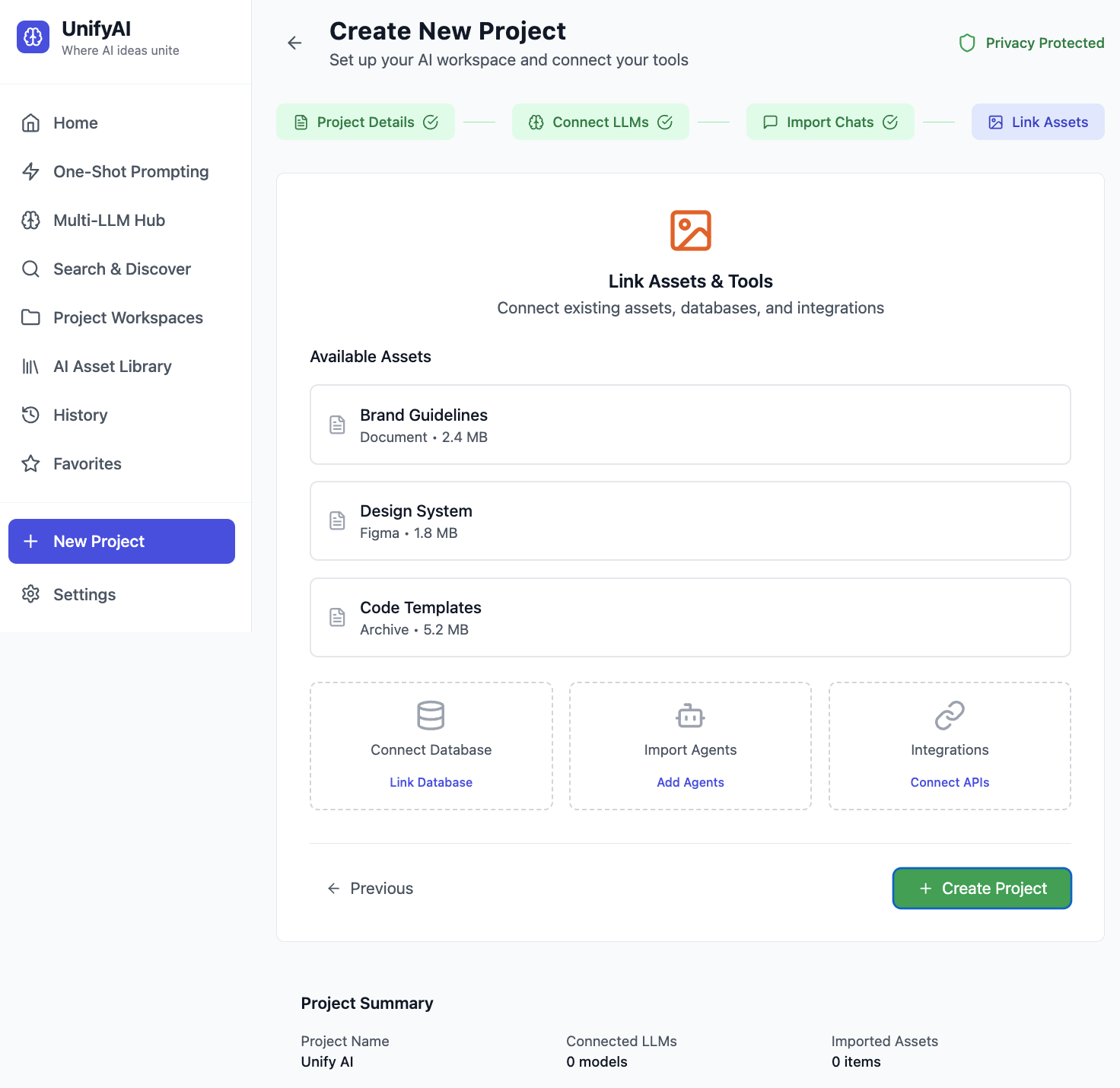
Add new AI assets,tools, chats , agents etc to your AI hub
-
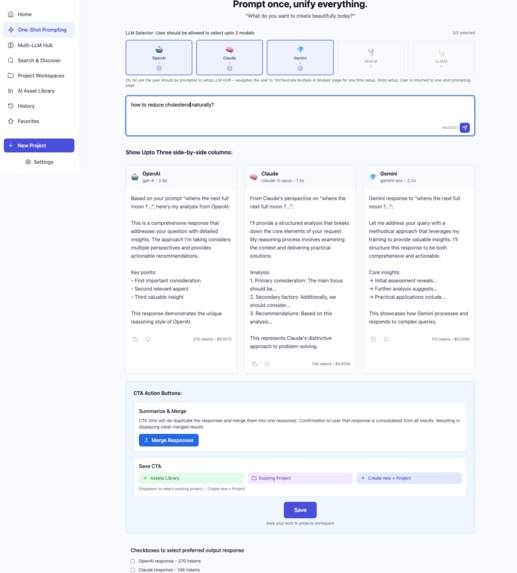
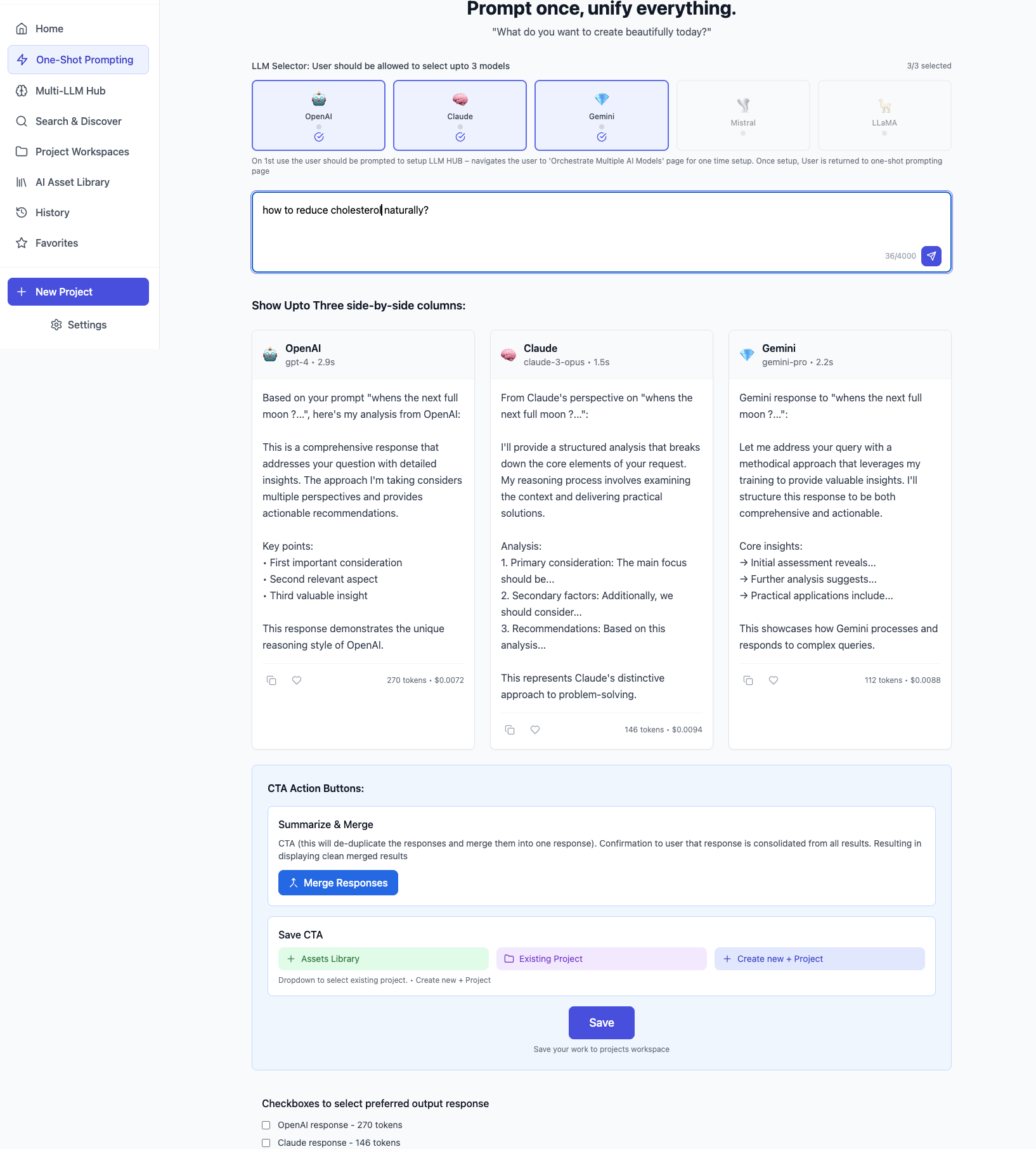
Prompt once, select multiple LLM to compare responses. De-dupe responses, merge and save output to use how and where you wish
-
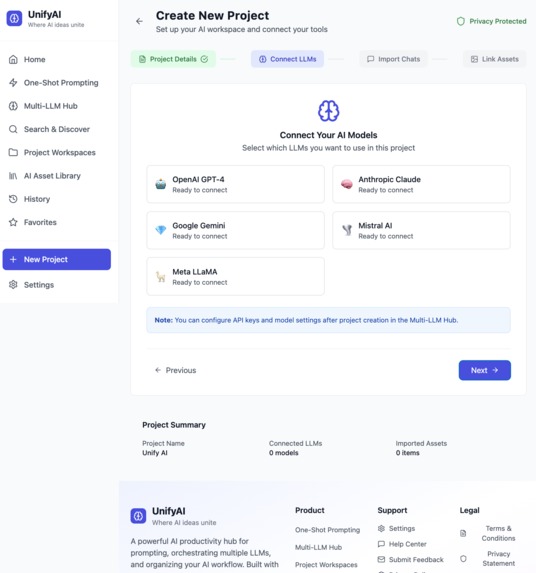
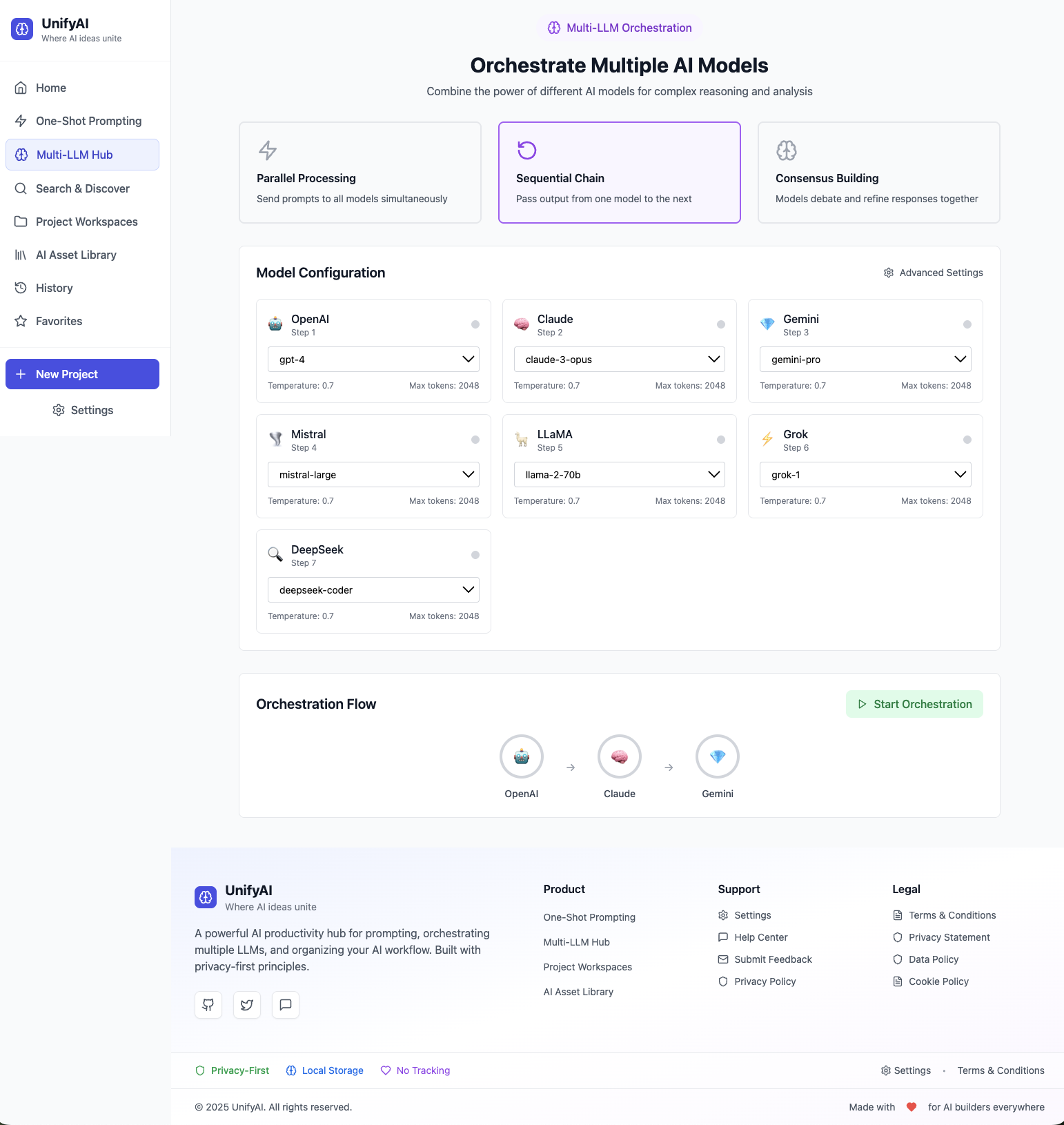
Connect your LLM models, configure and setup usage rules
-
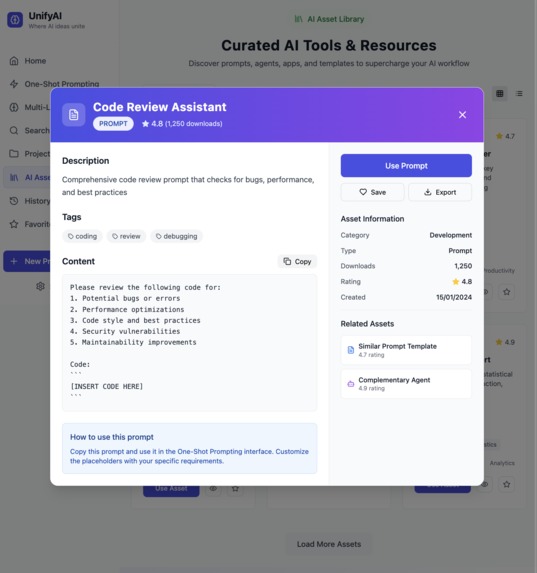
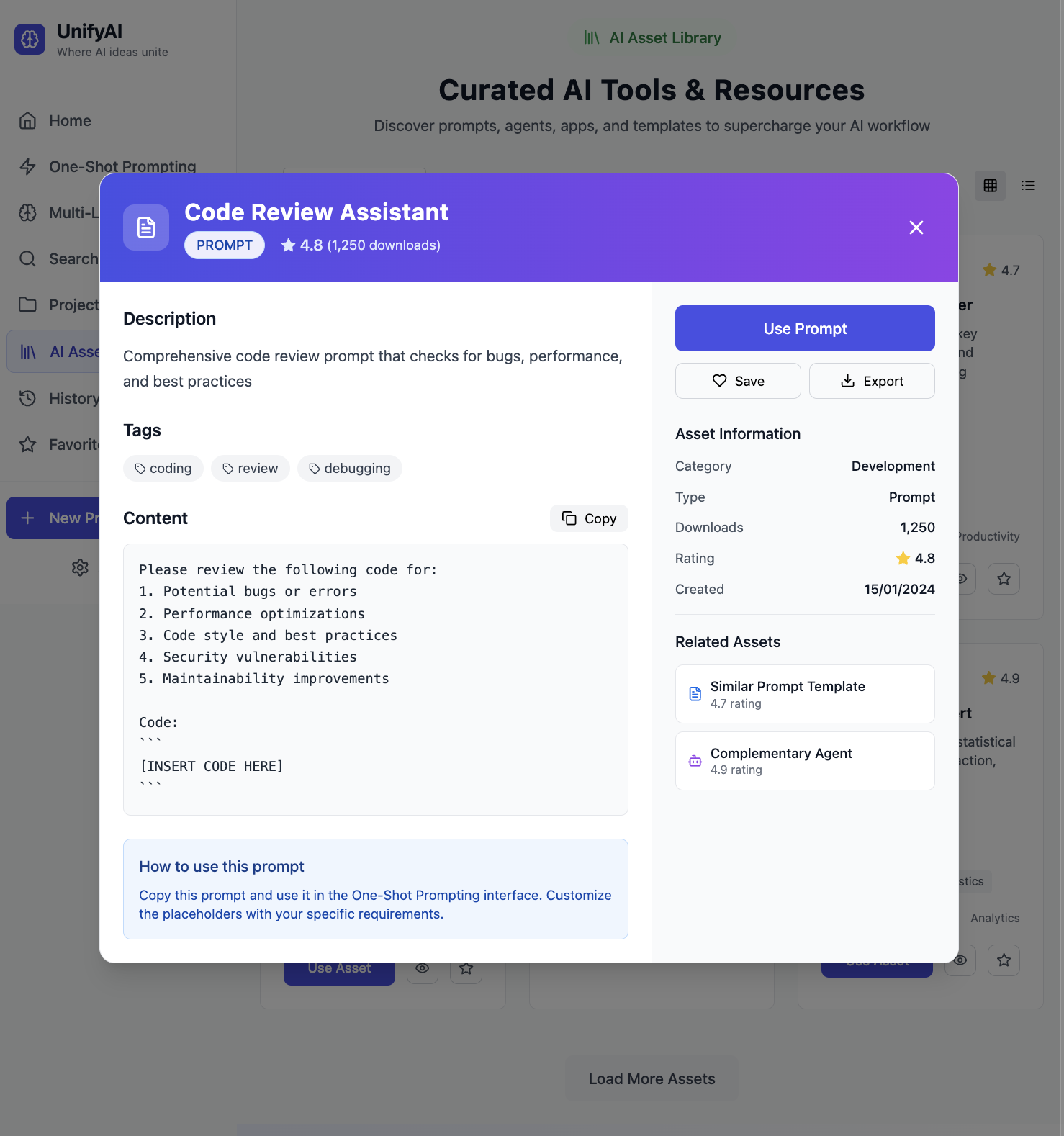
View, edit & reuse previous AI assets used across any provider
-
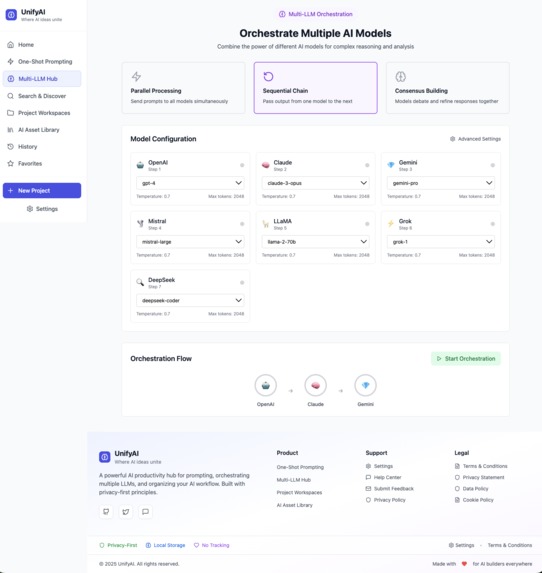
set preferences for your LLM models and how you want them to search and consolidate responses
-
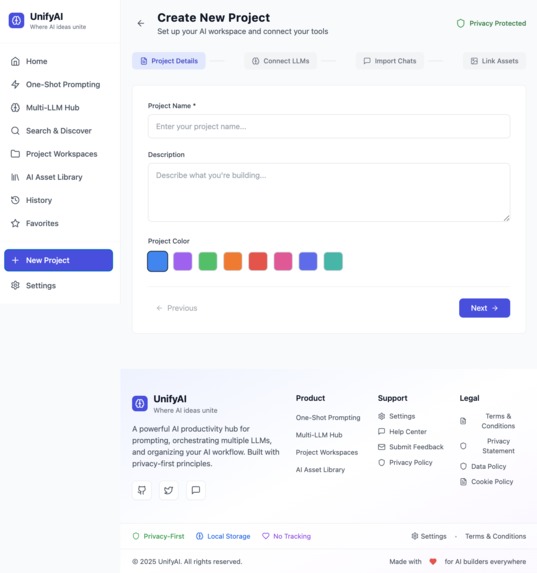
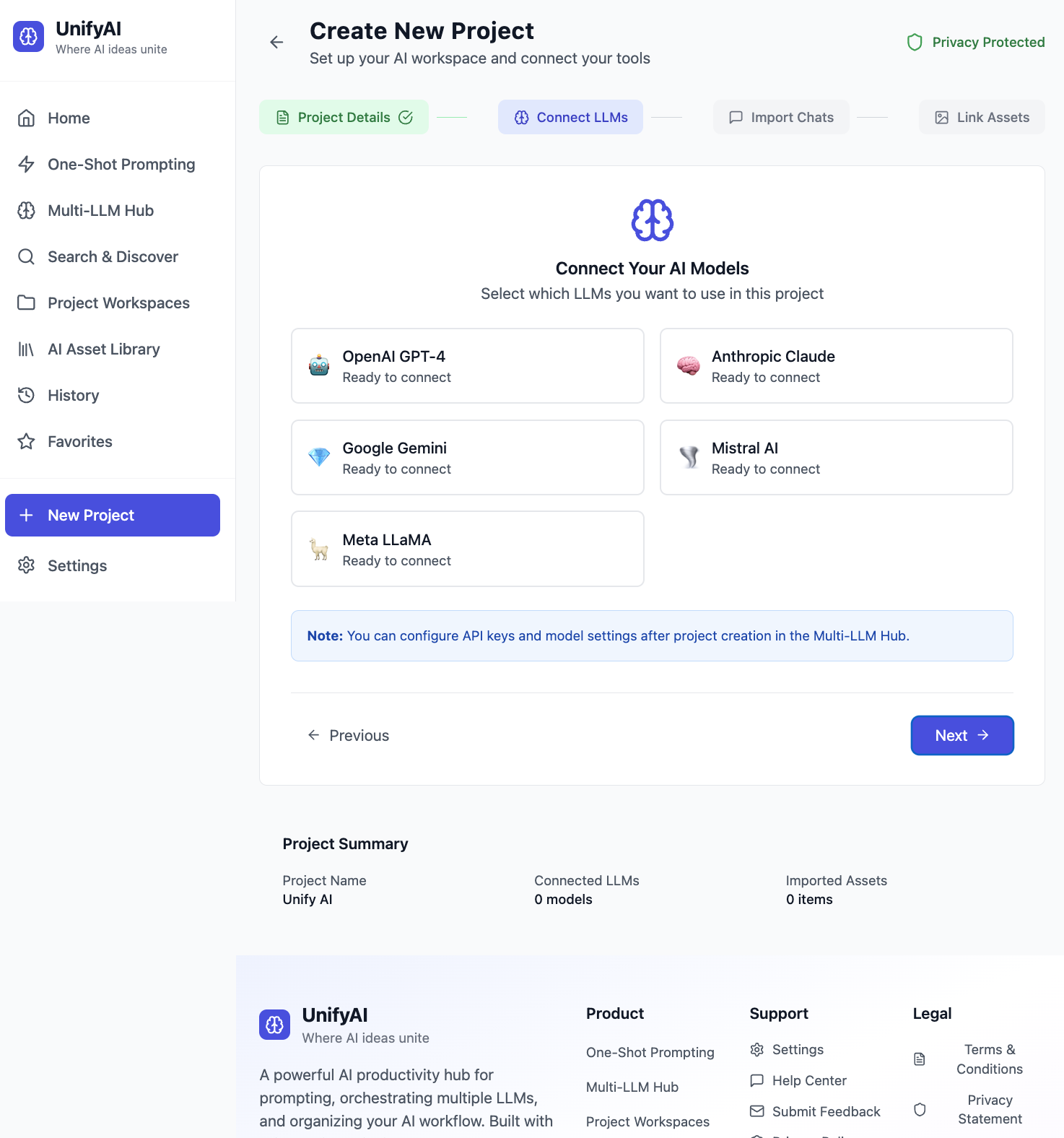
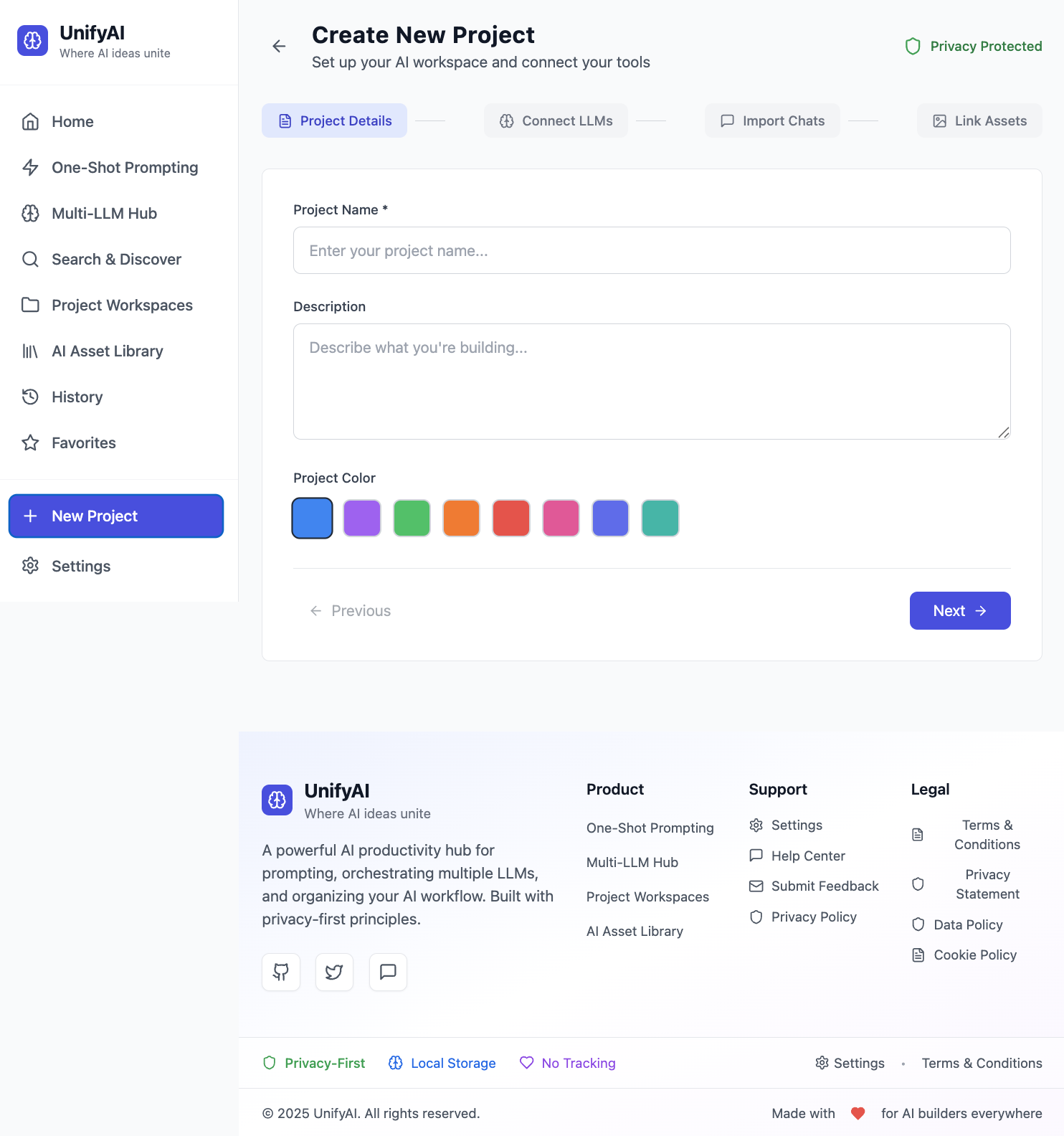
Create your own project. Add your own prompts, assets etc, integrate with each projects bespoke tools
-
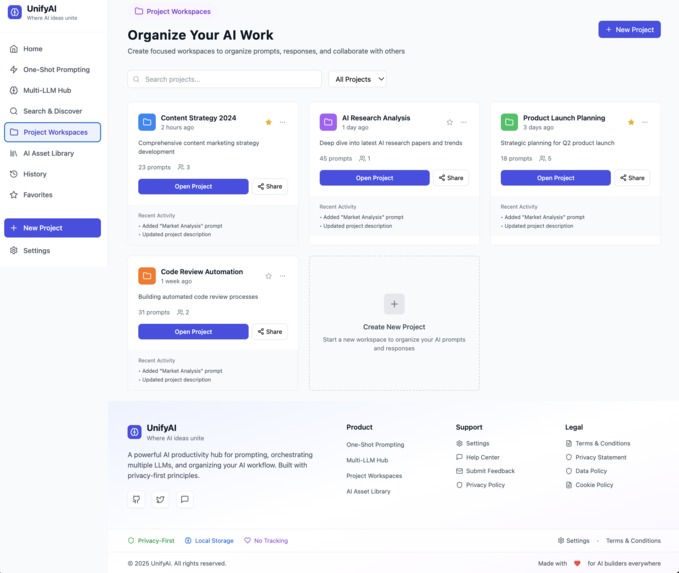
Organise work from any platform into projects, view all projects in single view, Manage & track updates centrally
-
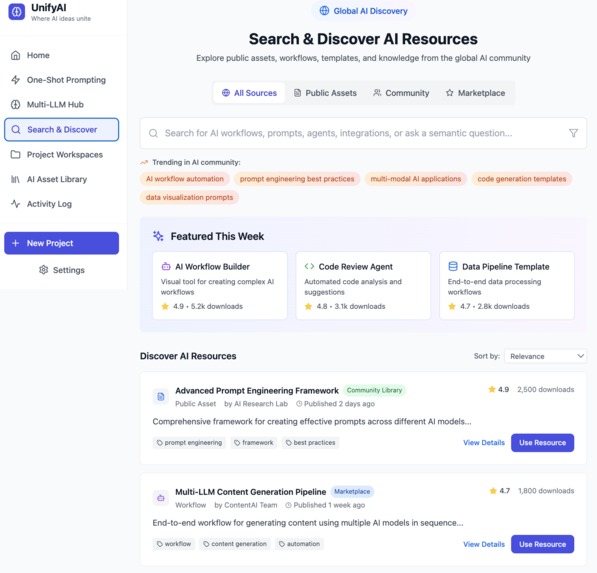
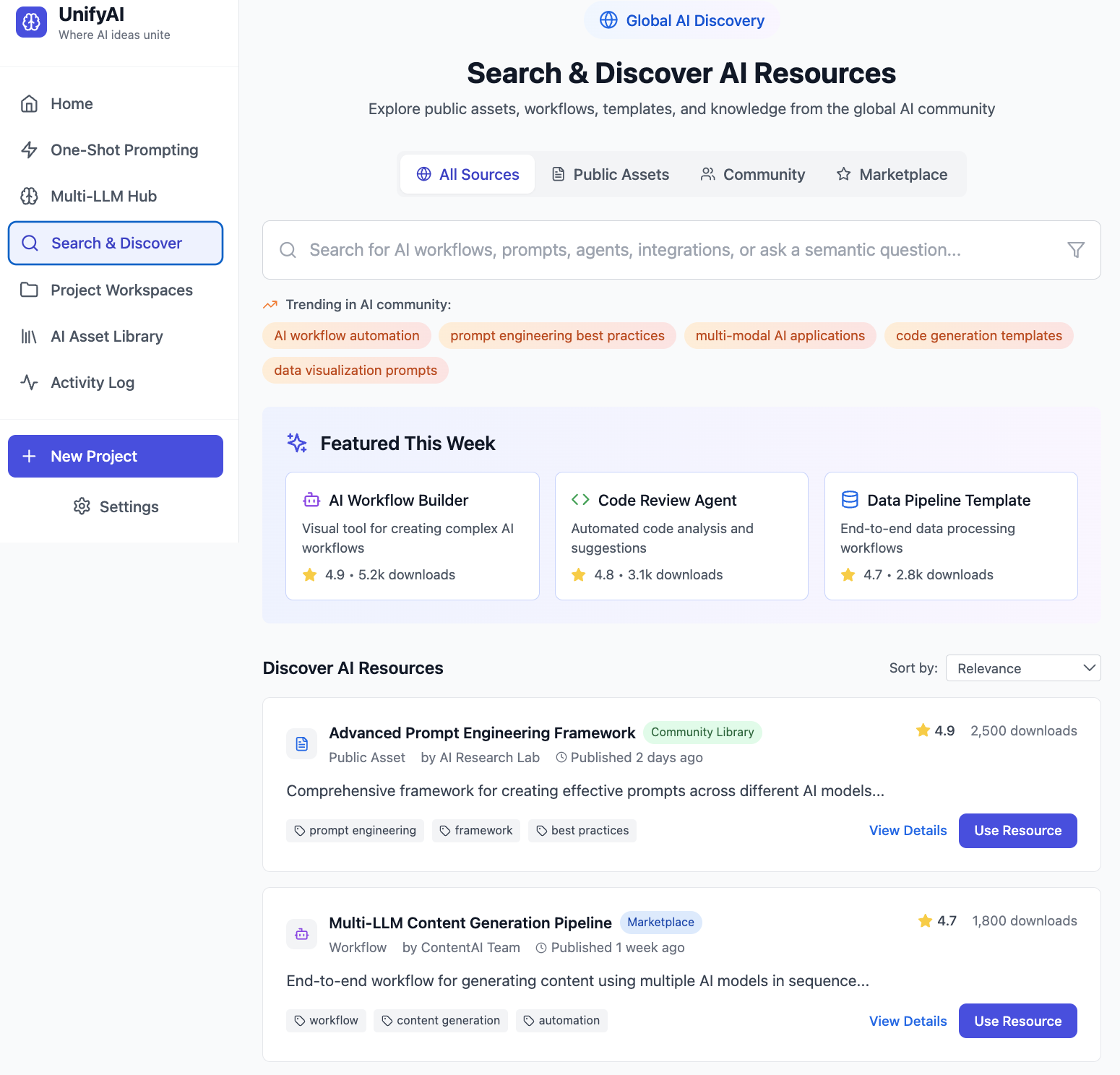
Full semantic search across all assets and data
-
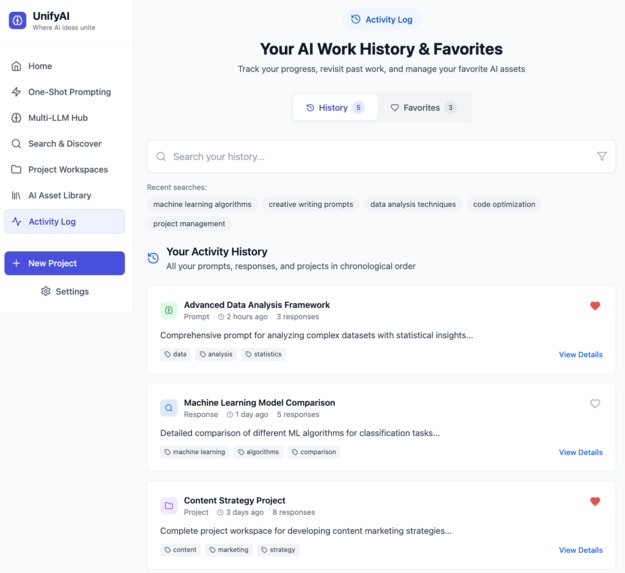
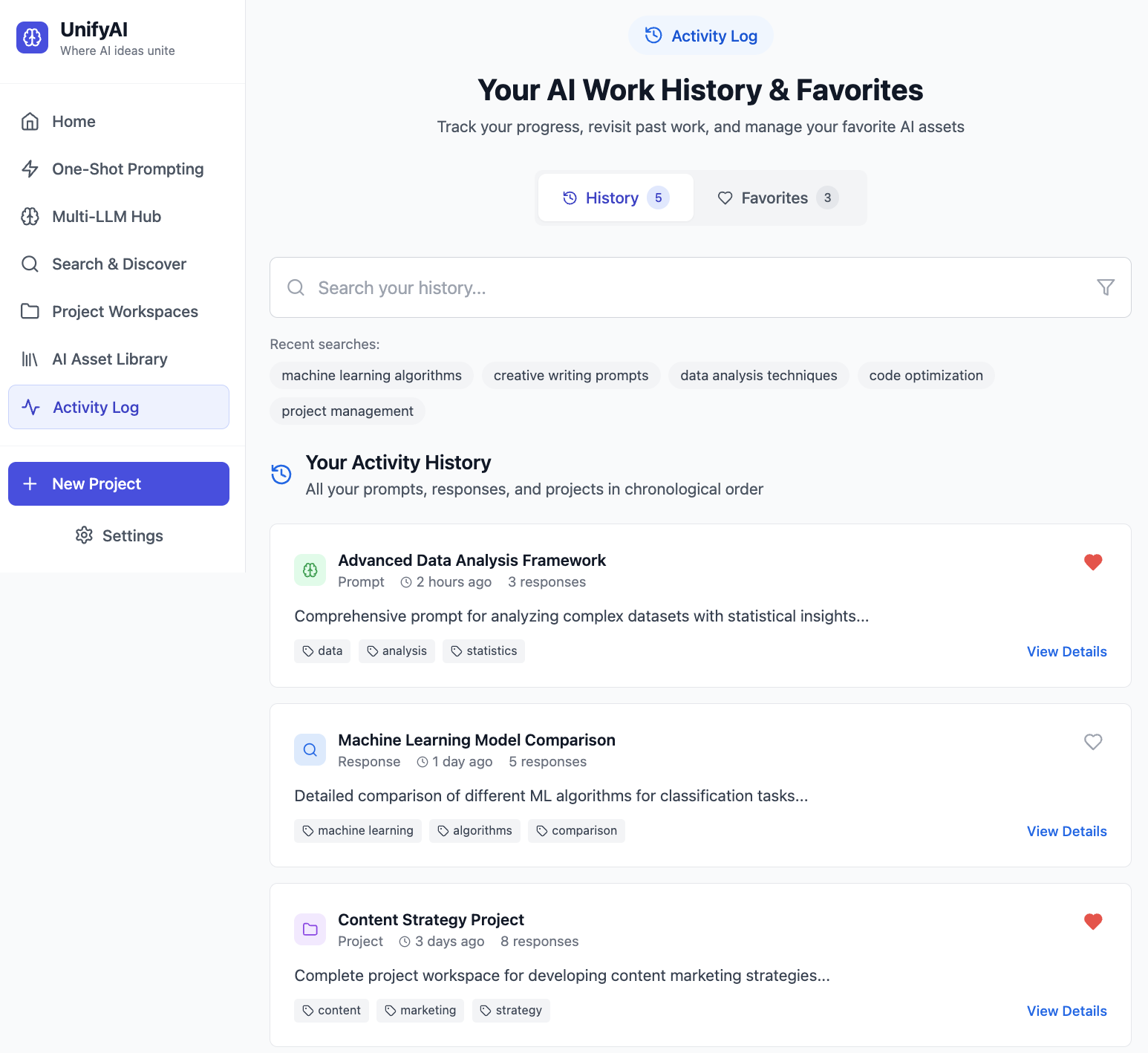
activity log to see history and favourites
-
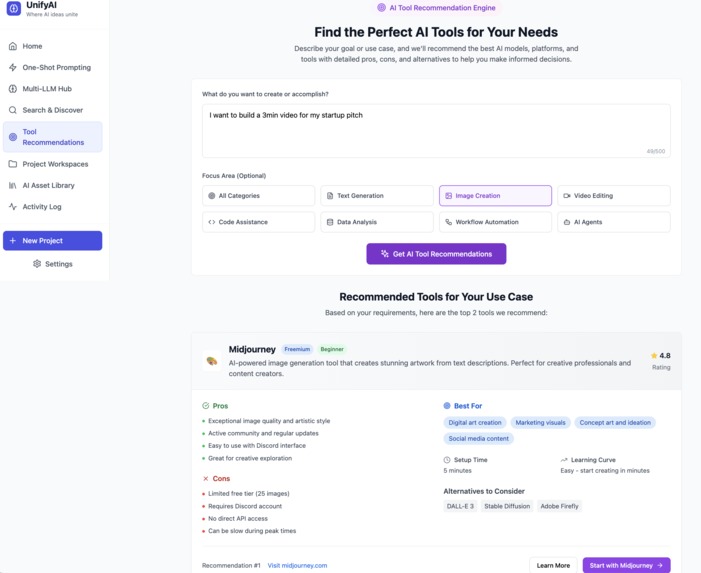
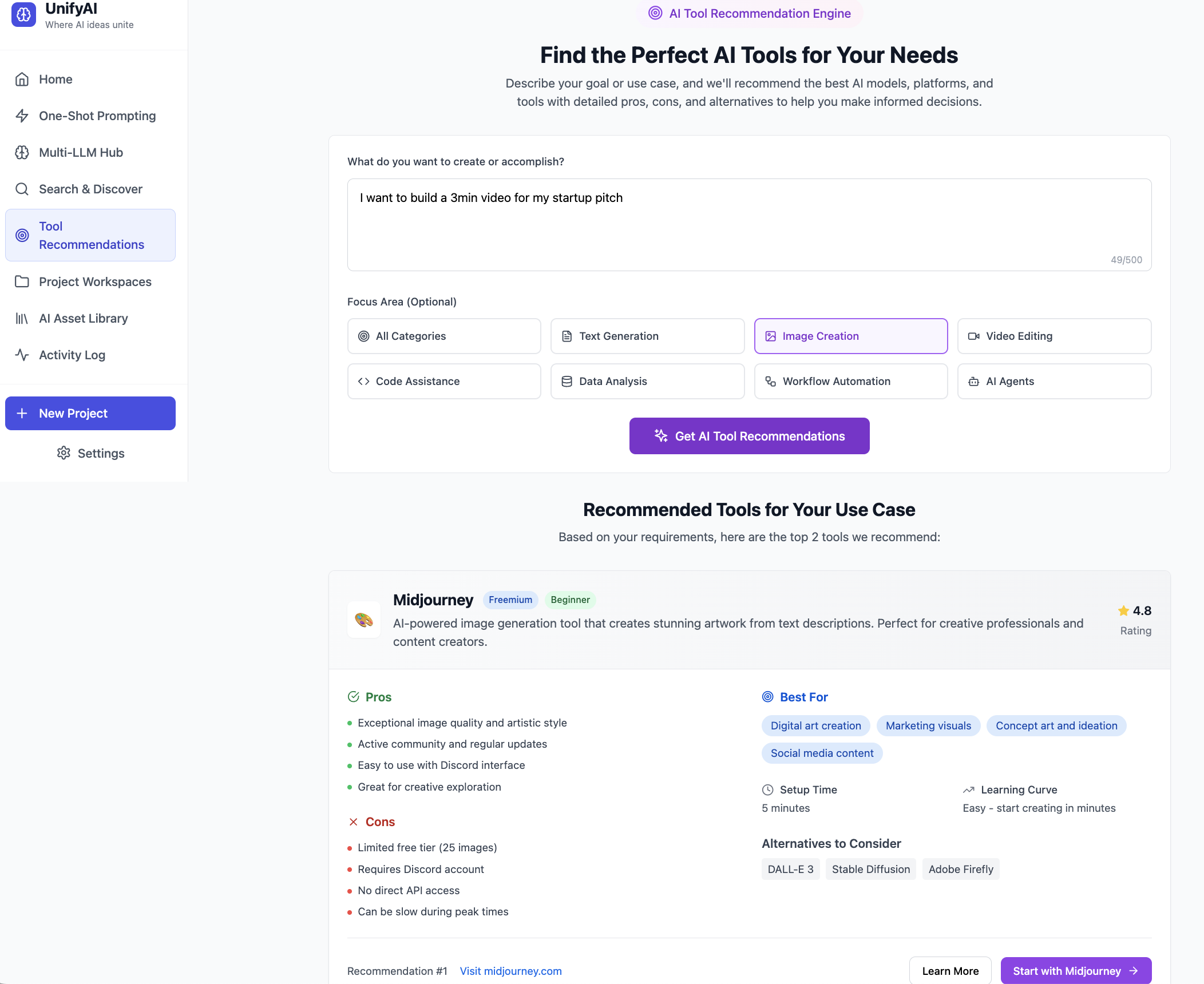
ool Recommendations engine proposes the best tool for user use-case with pro's & cons for use
-
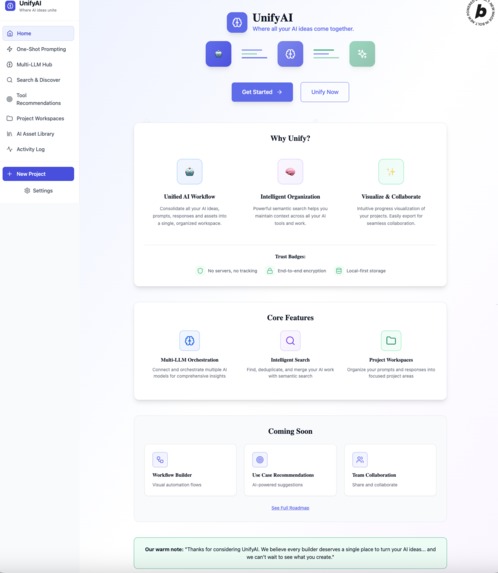
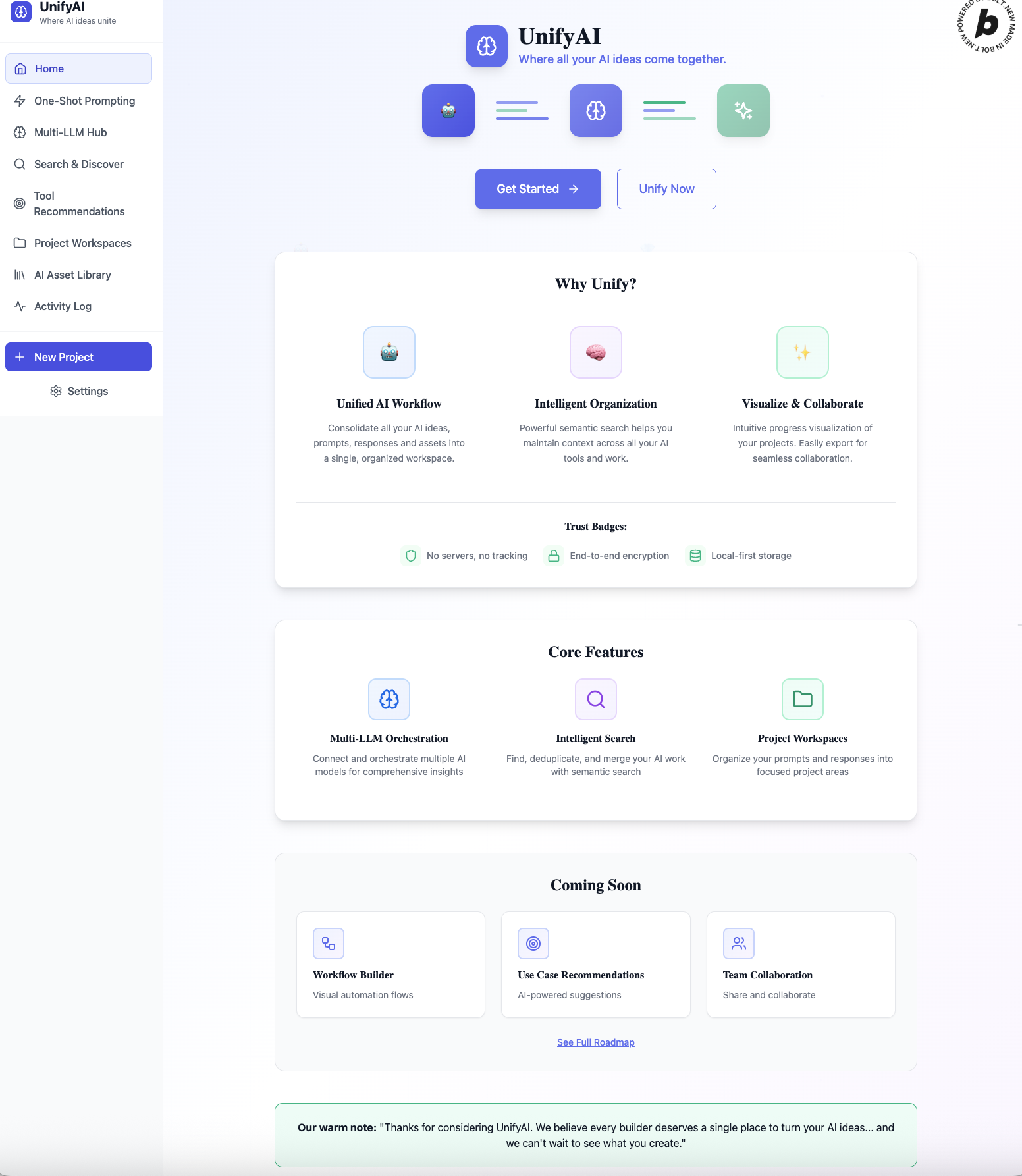
homepage to navigate across all features and scope
Inspiration
I was getting more confused by the day with all the New AI model updates, knowing which ones to use for what use-case, where i done what searches, where my assets and config were?!? the answer was they were all over the place, unorganised and without any structure, lots of excess and duplication that made it difficult to see the wood for the AI trees! On top of that where are all the assets I was producing, how could i easily re-use them without being tied to a particular platform - how could i truly create my vision ?
What it does
That spawned UnifyAI : frictionless by default, users can start creating immediately without setting up a project. All work can be linked, called, saved and reused. Users can query multiple LLMs - consolidate, merge, de-dupe and save, or exit. We organise their content into projects that show the full stack, assets and config in one easy to manage project folder.
How we built it
Bolt FE, Supabase, Vertex AI, Google
Challenges we ran into
Tried to build with the one-shot prompt but Bolt got very confused with multiple pages and functionality so stuck to building a single page with a menu for rest but without any of my functionality on integrations complete, so ended up having to build each page manually. Google integration was an issue as always !
Accomplishments that we're proud of
Concept- to-test in 24 hours
What we learned
start smaller and iterate
What's next for Unify AI
test, learn, user feedback, launch , grow & scale


Log in or sign up for Devpost to join the conversation.