-
-
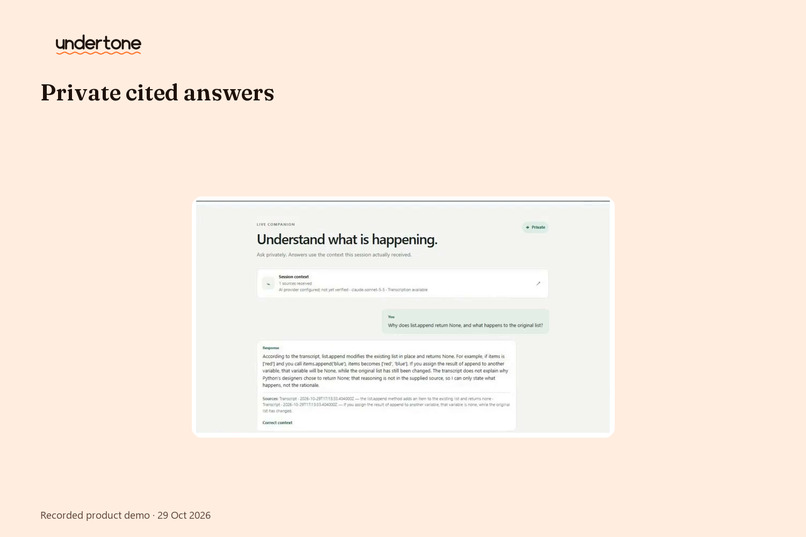
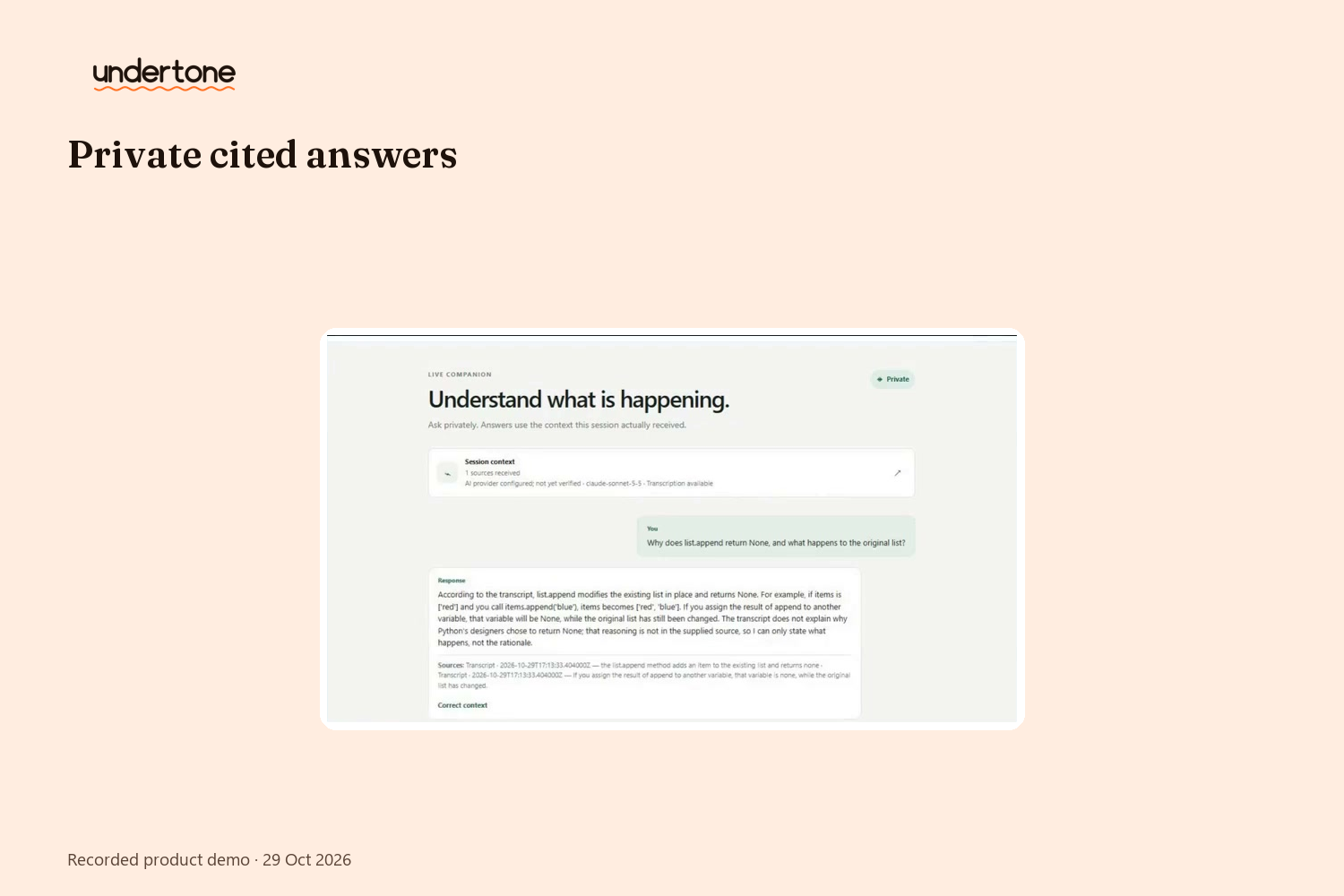
Private understanding: a viewer asks about the stream and gets answers citing the exact moments — only they see it.
-
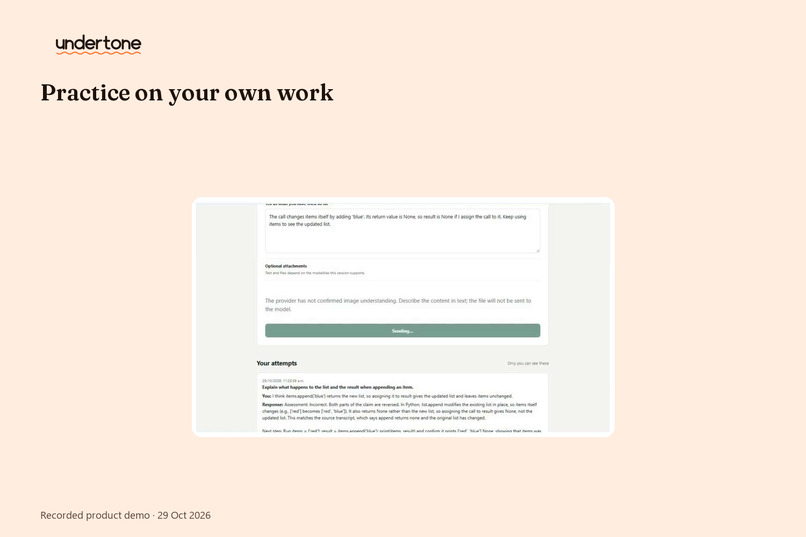
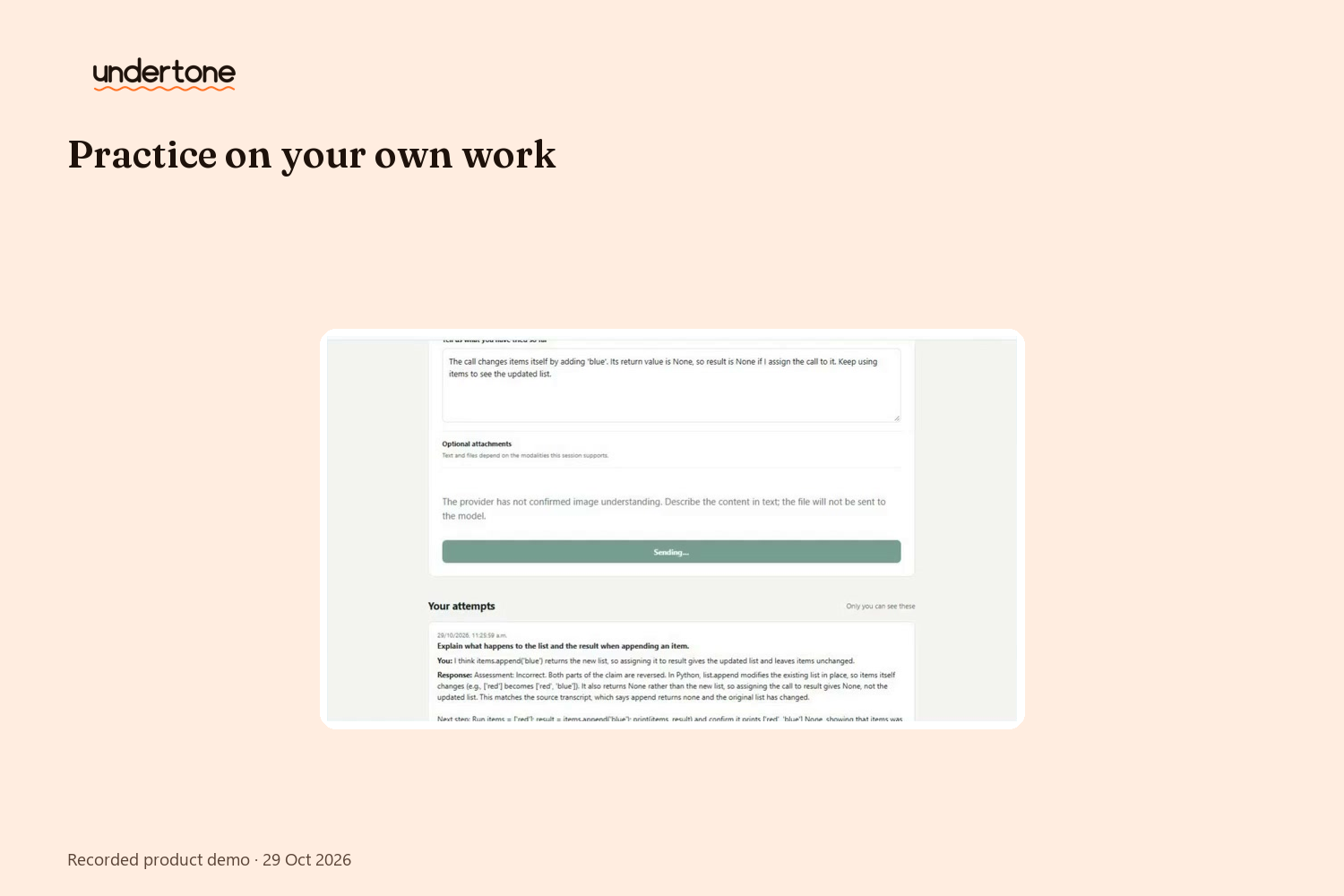
Practice on your own work: try, get feedback, retry — every attempt stays linked to what you learned.
-
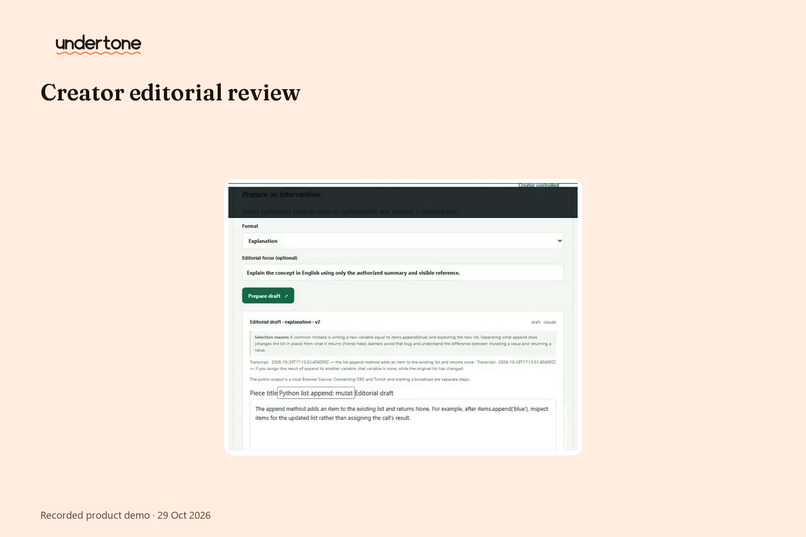
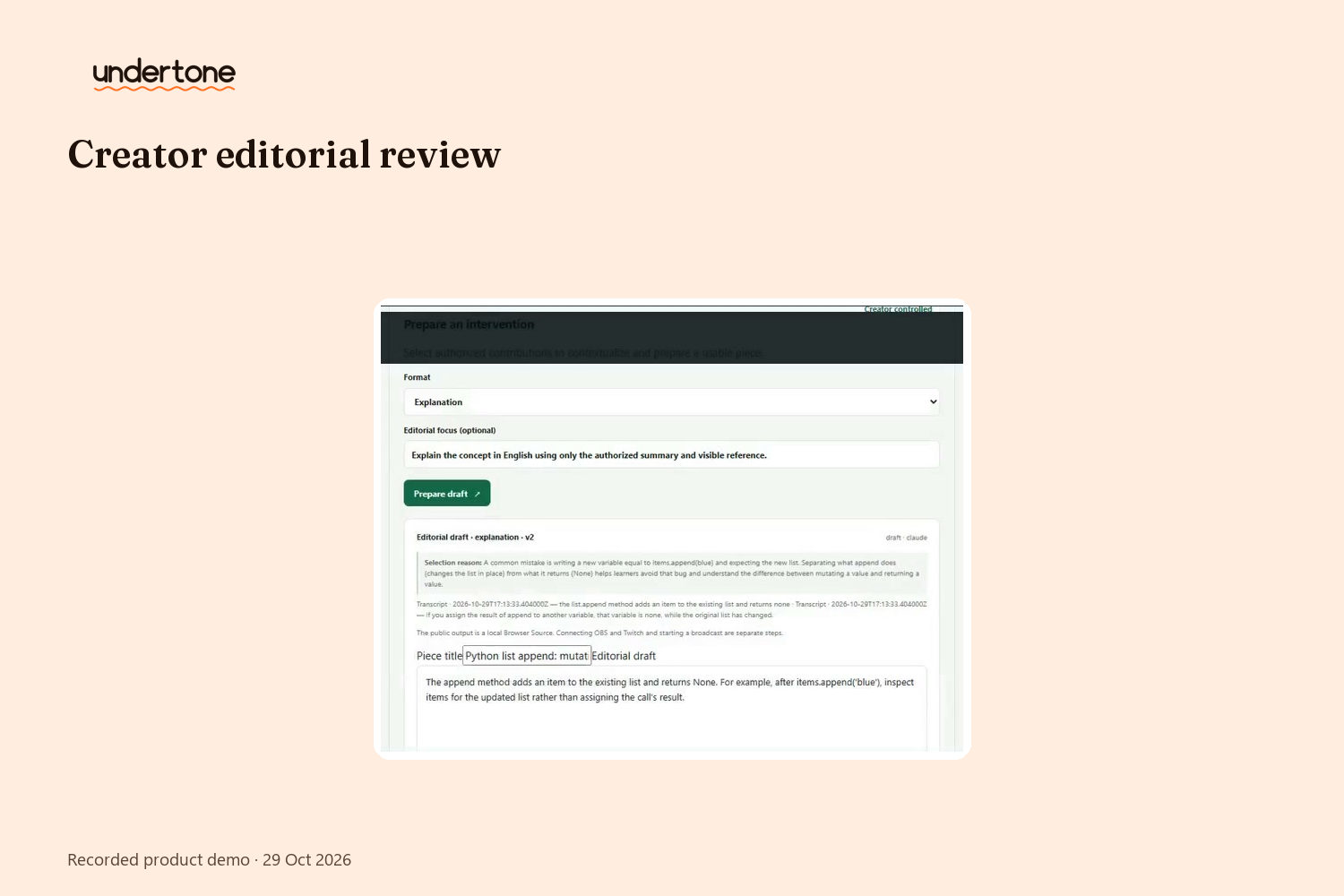
The creator's panel: contributions arrive grouped, minority voices preserved, drafts editable in six formats.
-
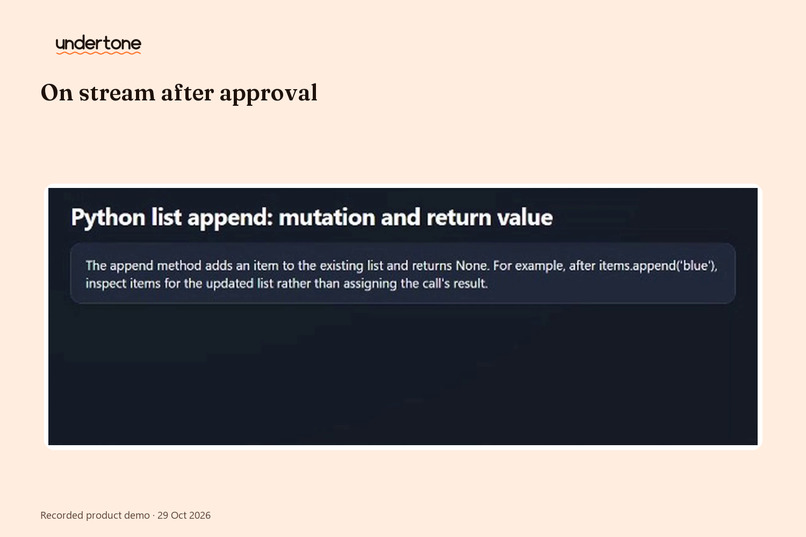
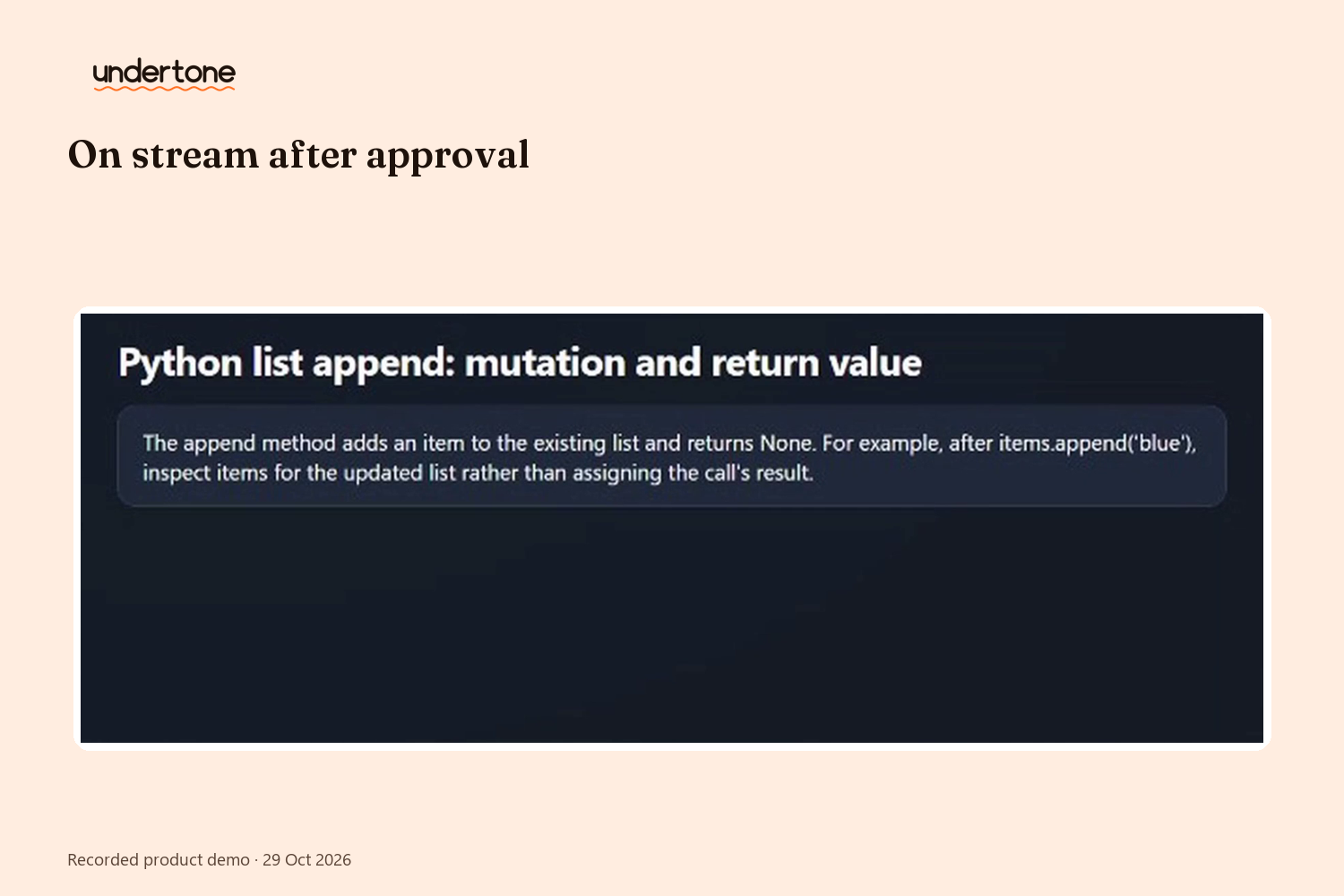
Creator-approved, live on Twitch: the exact approved version appears on stream via OBS Browser Source.
-
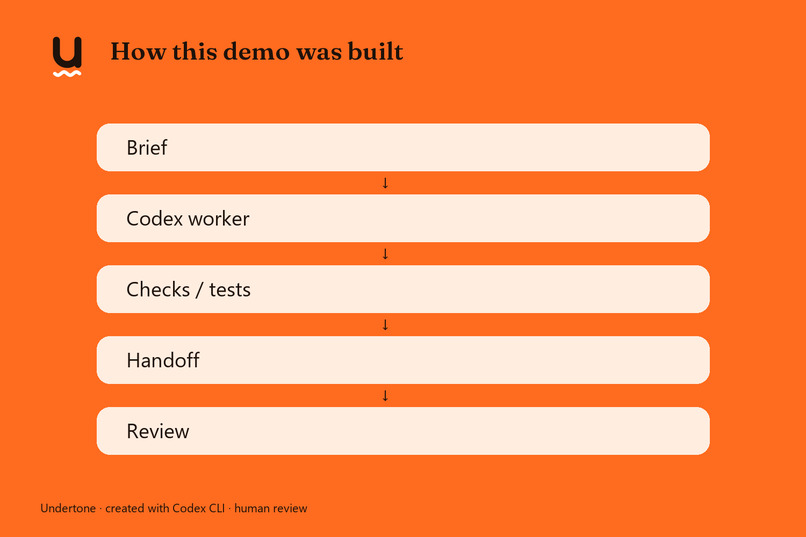
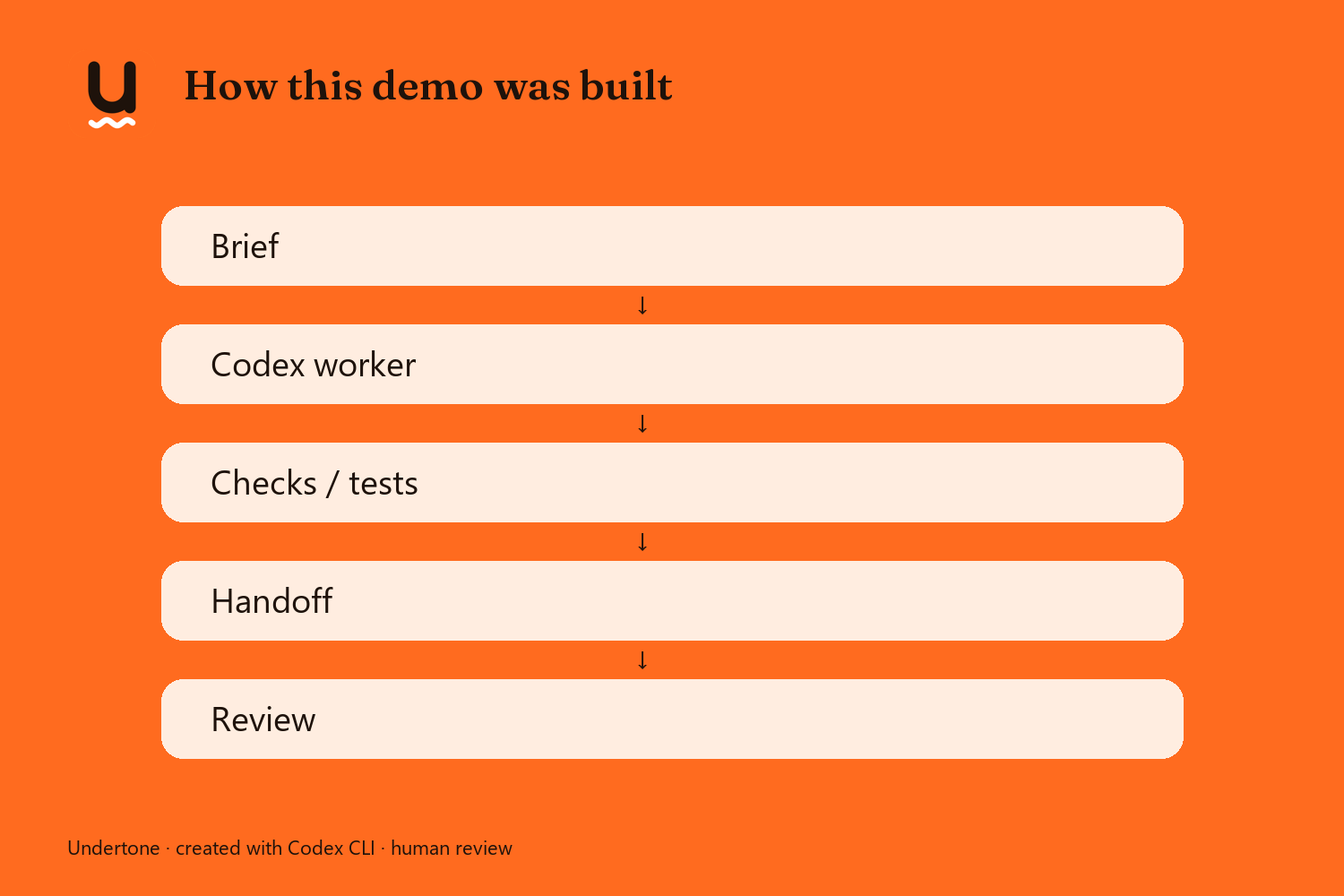
Built with OpenAI Codex: scoped CLI tasks, one writer per file, every handoff reviewed before work continued.
-
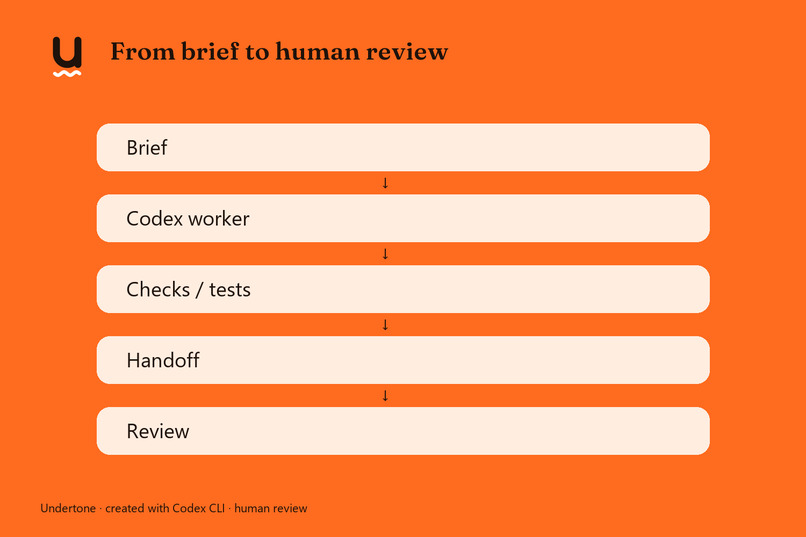
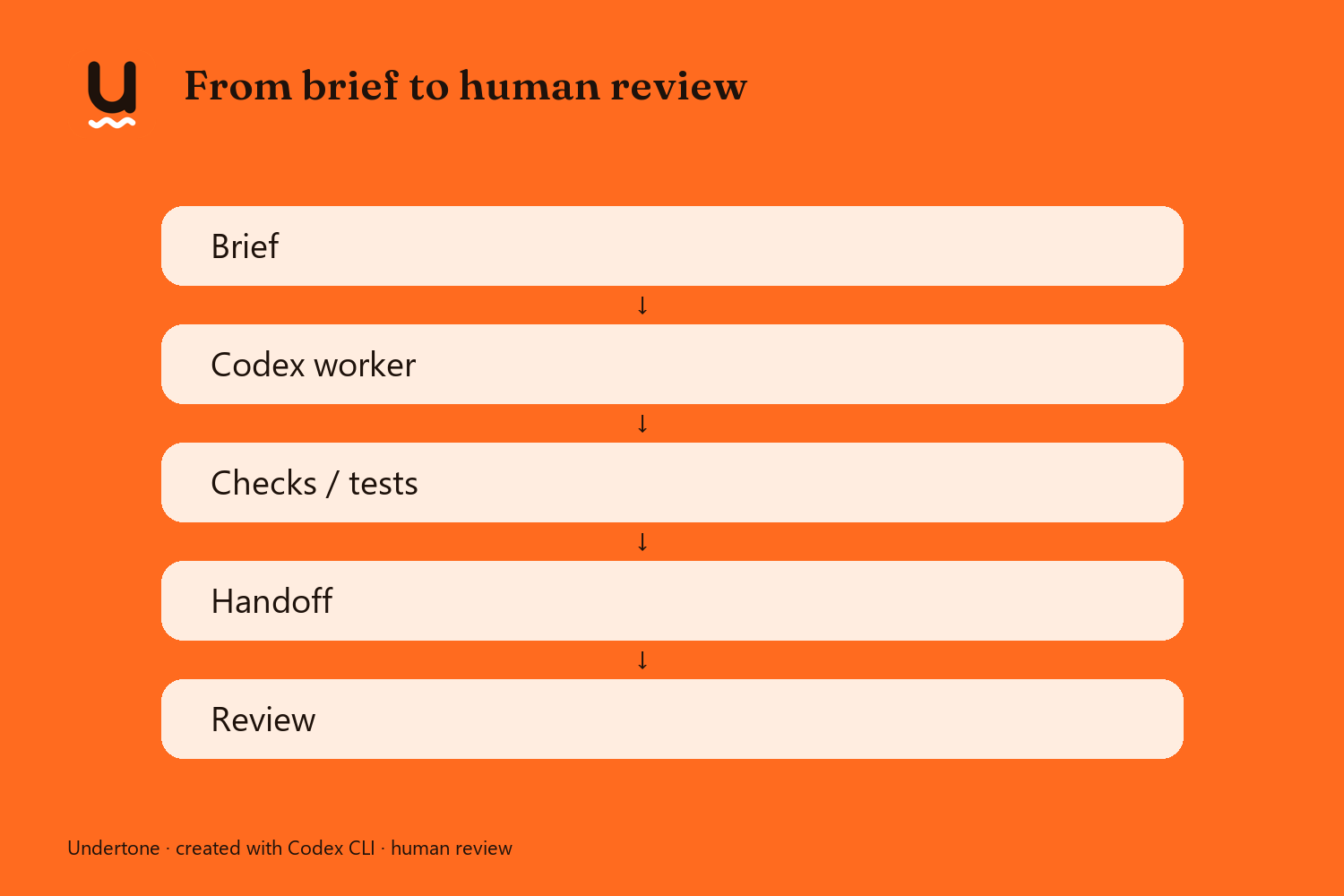
From brief to human review: assignment → Codex worker → checks → handoff → coordinator sign-off.
Hear what's underneath.
Undertone gives every viewer a private, context-aware companion for the live stream—and turns what they choose to share into creator-approved moments on air.
Inspiration
Live streams move quickly. Viewers can lose the thread, while creators cannot answer every question. Undertone gives viewers a private way to catch up and ask about moments the system received. Viewers can rejoin the conversation without turning every uncertainty into public chat.
What it does
- Understand privately: Ask about received stream context and see cited moments. When evidence is insufficient, Undertone says so.
- Practice on your own work: Make a text attempt, get help, and try again. Someone learning a coding concept, for example, can ask privately, try a small exercise, and choose whether to share what they found difficult.
- Share voluntarily: A viewer chooses what to send and gives separate permission for creator use and public use.
- Creator edits, approves and presents: The creator reviews grouped contributions, keeps useful minority perspectives, edits a draft, and approves the exact version before presenting it.
Innovation / Potential Impact: Private understanding remains useful even when a viewer chooses not to share.
Why it's different
- Captions and translation make speech more accessible, but usually provide a one-way layer shared by everyone. Undertone adds a private question and a voluntary editorial path.
- Chat bots answer in public chat. Undertone offers private, context-grounded interaction and a separate consented route to the creator.
- Production assistants serve the creator's workflow. Undertone starts with a viewer who is lost, then lets the creator decide whether a contribution belongs on air.
- The reviewed alternatives do not connect this same loop: understand, contribute, creator edits, creator approves, then present. Undertone links private audience understanding to creator-controlled live presentation.
Designed to be easy to use and fun to watch
A restrained overlay presents only the approved public version. The creator sees private, pending and approved states. Six editable formats support explanations, comparisons, audience questions, examples, visual material and demonstrations. Approval is tied to the exact revision. Clear review states keep the workflow legible while the on-stream surface stays focused.
How we built it
A Python server and browser client use a configurable AI provider: Ollama by default, with Claude selectable. Speech recognition uses faster-whisper locally on CPU. An approved version was observed through an OBS Browser Source in a live Twitch player.
Built with Codex
Undertone was built in scoped Codex CLI tasks. Each assignment named its outcome and file ownership; a Codex worker implemented the task, recorded focused checks and limits in a handoff, and a coordinator reviewed the evidence before work continued. The project agreement set a four-worker concurrency limit and one writer per file.
Evidence includes an early backend handoff with ten passing HTTP tests, later synthetic-input browser capture through local faster-whisper ASR, and an observed approved/withdrawn Browser Source journey on Twitch. The app history contains 17 commits at the verified HEAD. Jonás chose the product direction and retained human decisions; the coordinator scoped and reviewed.
Codex Session ID: [TU SESSION ID — /status en Codex]
Privacy and creator control
Private questions stay separate from creator contributions. Sharing and public use have separate permissions, which can be withdrawn. Contributions retain provenance. When evidence is insufficient, Undertone can say so instead of inventing an answer. Grouping preserves minority perspectives. The creator approves the exact version before it appears publicly.
Challenges
The capture path was validated with synthetic file input; the Twitch API does not provide stream audio. Speech recognition runs locally, while AI generation uses a configurable provider.
What we learned
- Private help and public participation need separate consent and separate surfaces.
- A successful recorded case supports that case and route, not every device, provider or stream condition.
- Creator approval works best when bound to the exact editable version and its cited sources.
What's next
- Test consented capture with a physical microphone across supported browsers and permission states.
- Continue testing remote viewer access, provider failures and recovery with fresh, non-private inputs.
- Improve the on-stream presentation with creators and viewers while preserving review, provenance and withdrawal controls.
