-
-
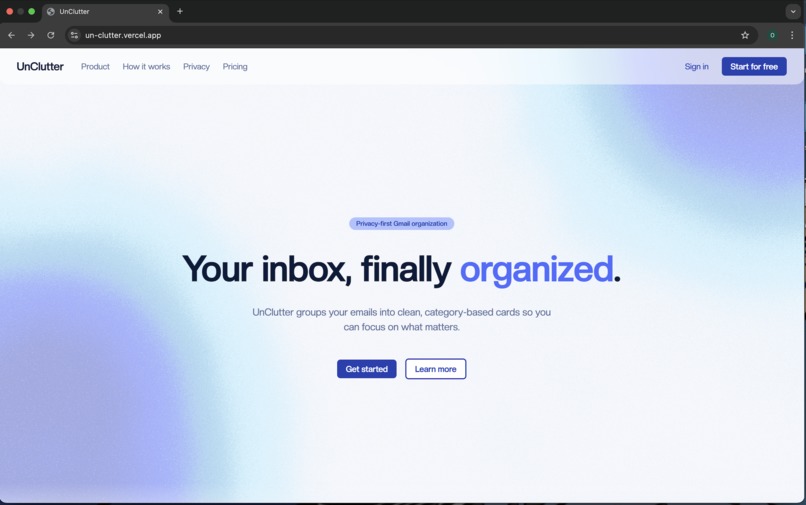
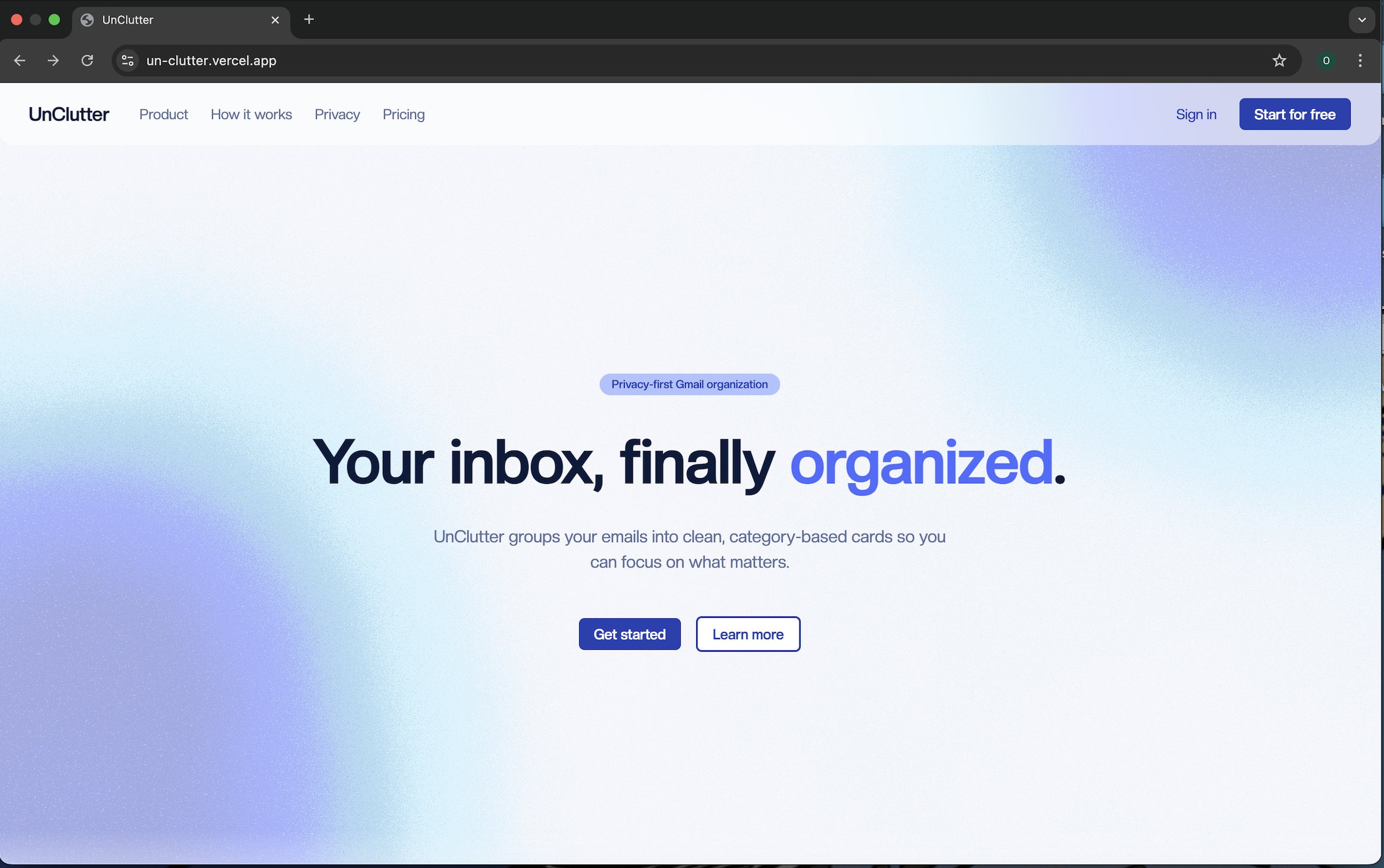
Landing Page
-
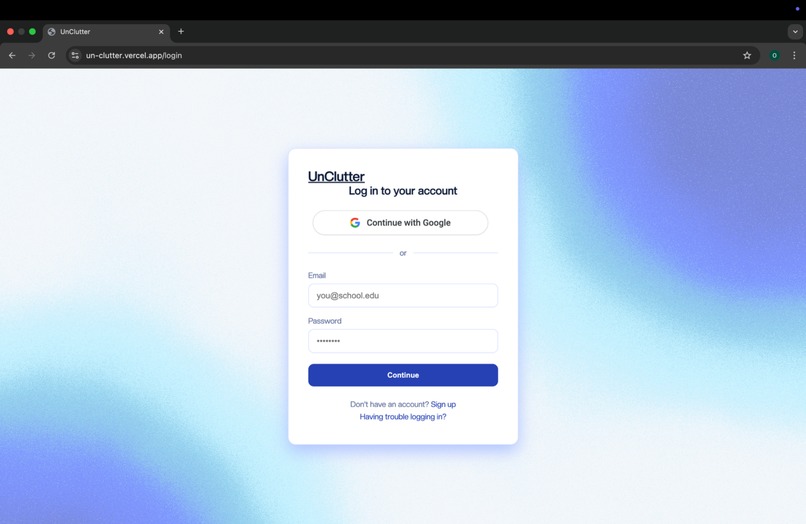
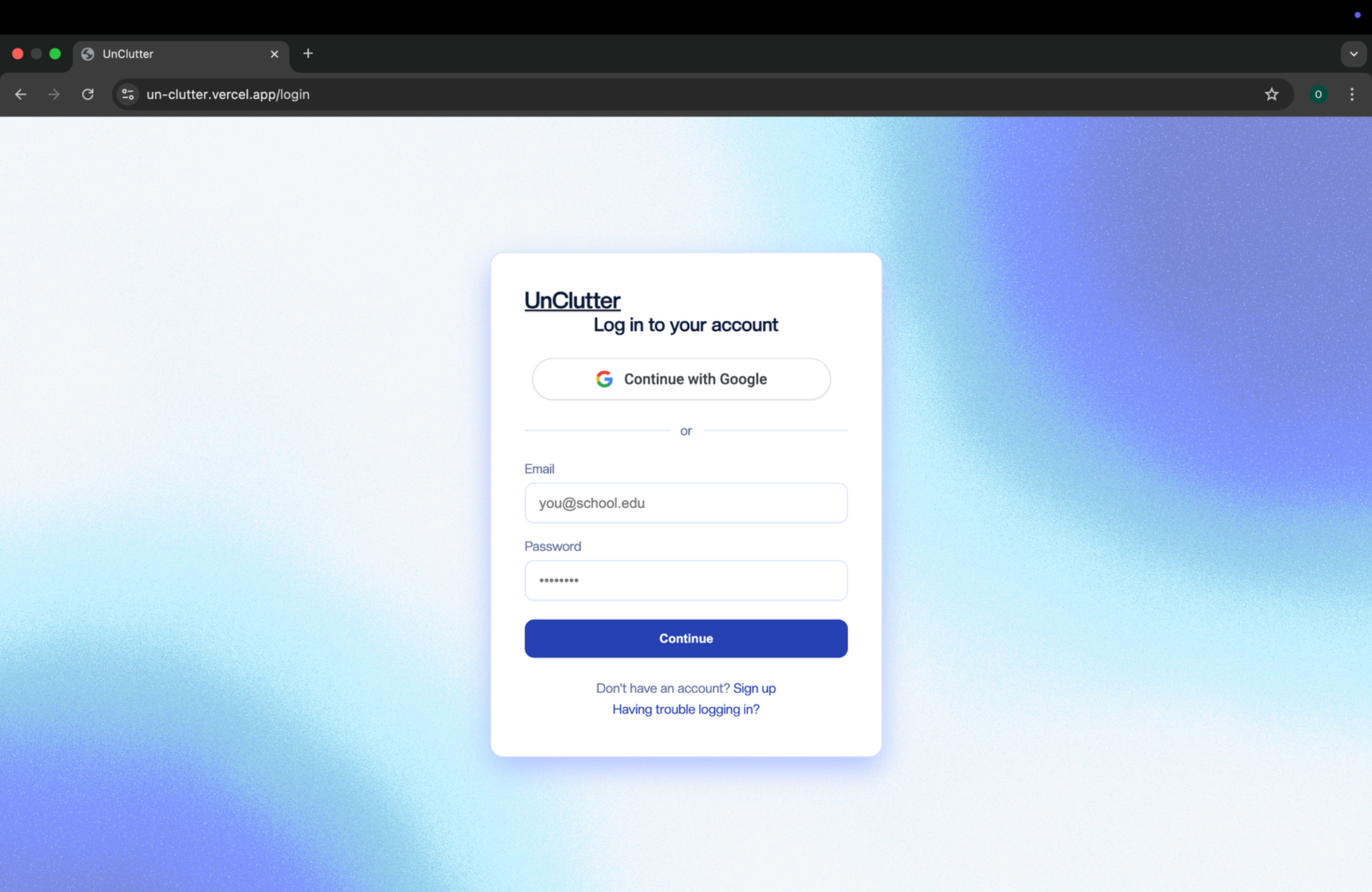
Login Page
-
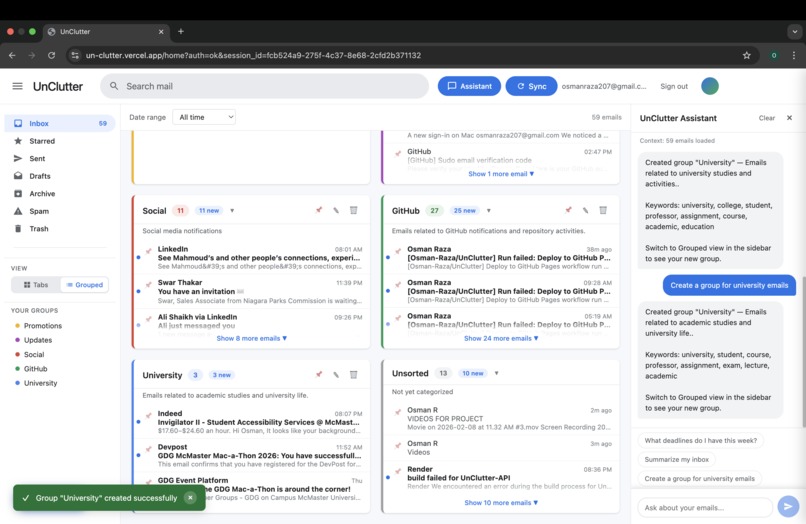
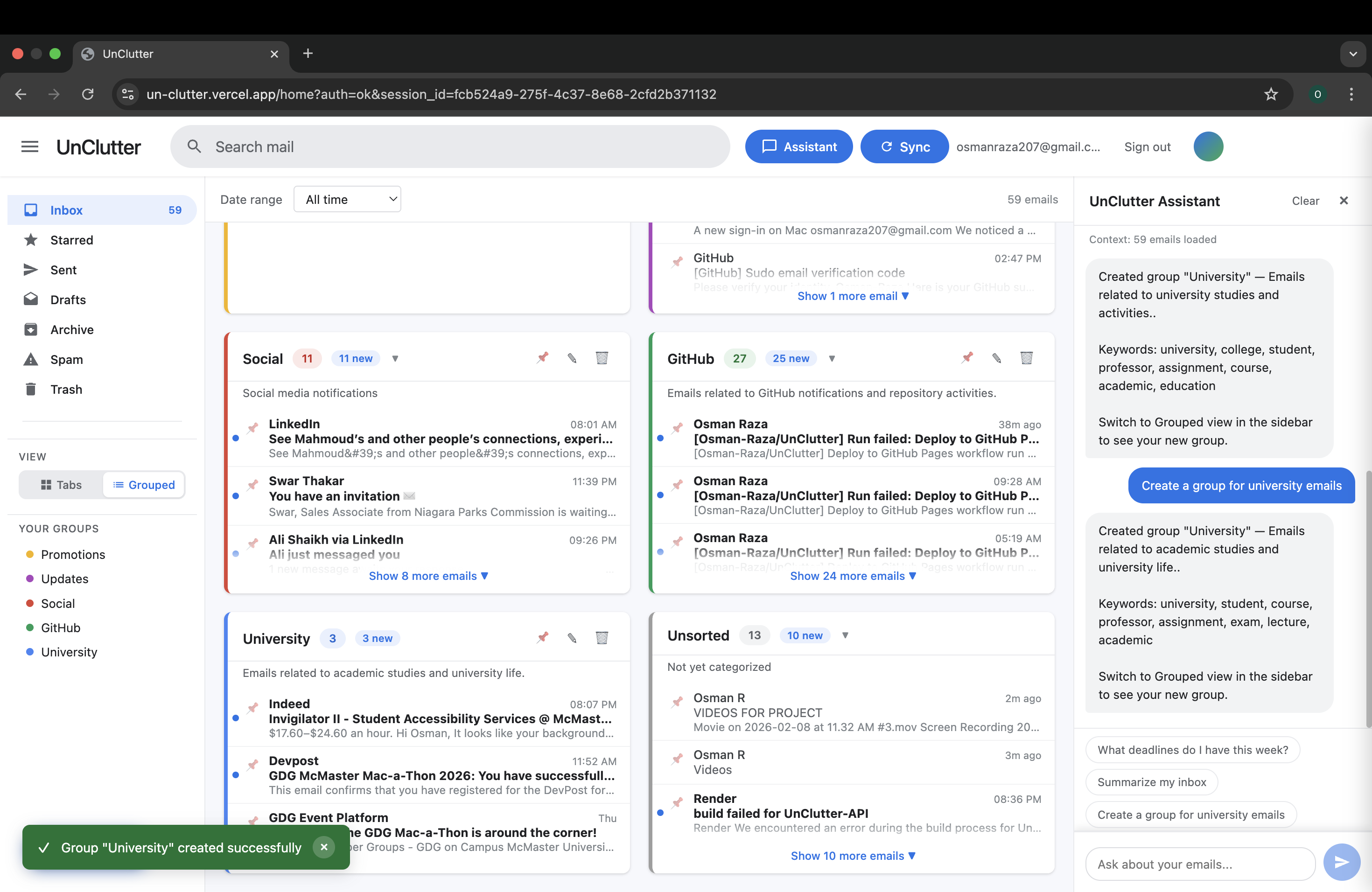
Inbox UI
-
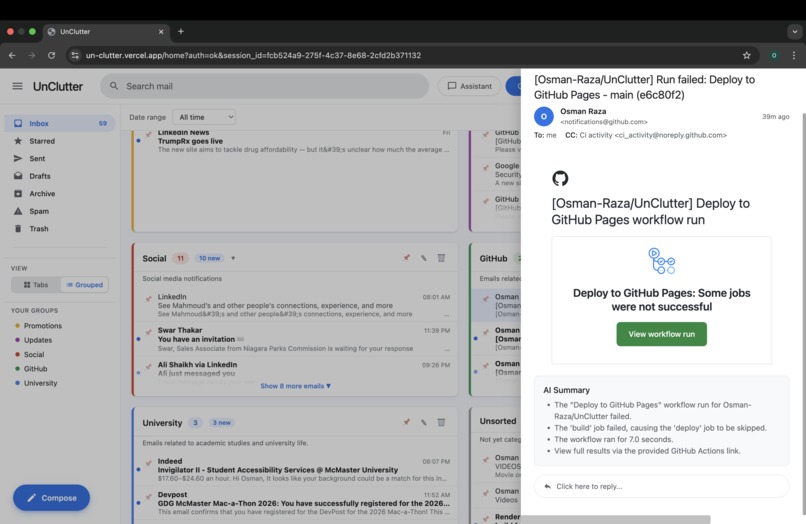
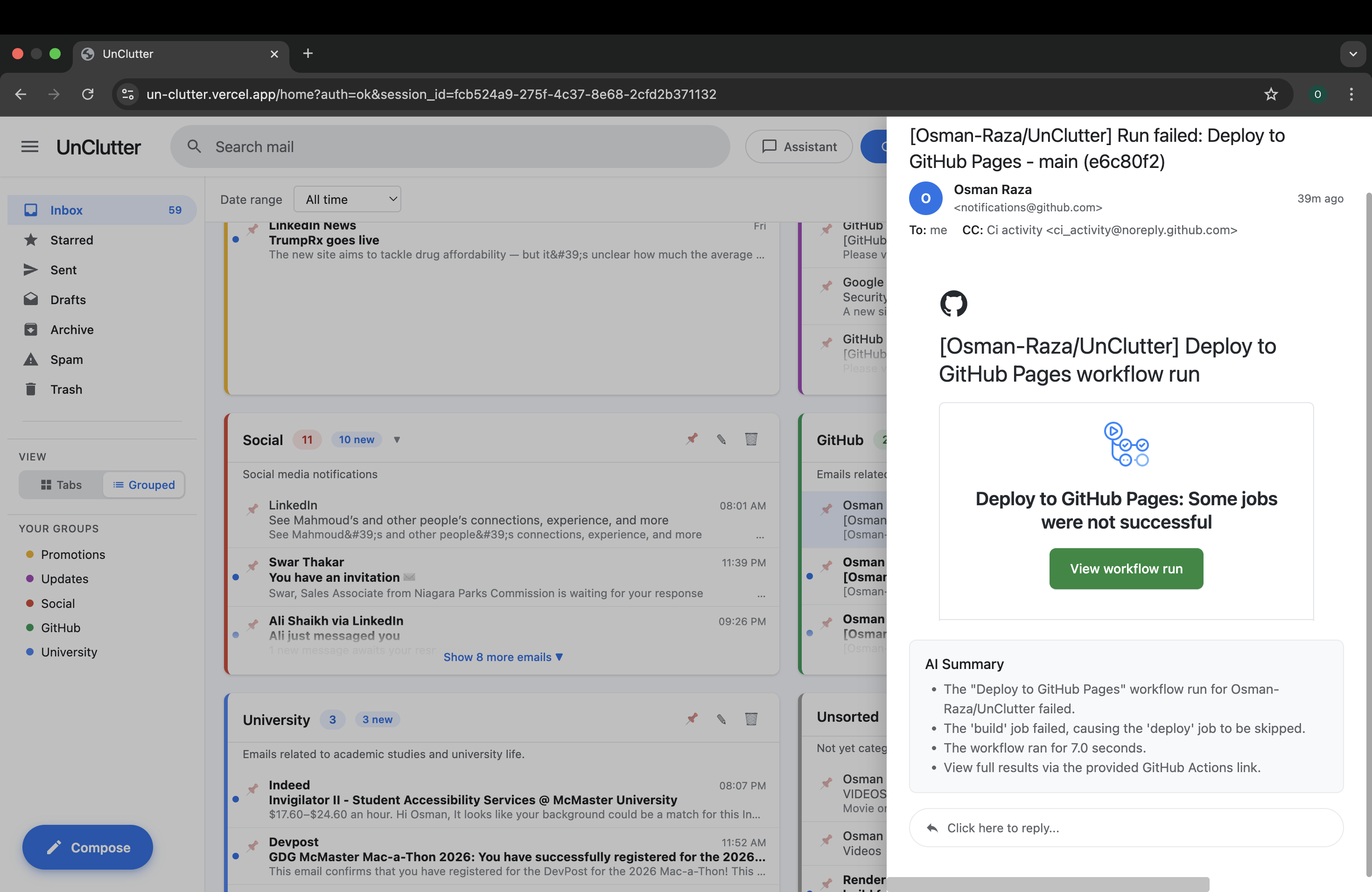
Chat/ Summarize Features
Inspiration
Typical email apps like Gmail and Outlook don’t have practical sorting features - manual sorting is tedious and time-consuming. Looking for emails has never been easier with UnClutter - an AI-powered email app workspace that accelerates the inbox workflow.
We realized how useful it would be if we could just sort our emails by some topic/category. If you’re a third year computer science student, you end up sending hundreds of emails to companies, whilst also receiving random emails in your inbox. Being able to sort your email inbox by your workflow is convenient and organized.
What it does
UnClutter connects directly to your Gmail account, takes your Uncluttered email, and then uses Gemini to sort your emails into cards with different categories. The display shows the differently categorized cards, where you can click on emails, view them, summarize them, ask Gemini different things, like what's the best reply to the email. You can compose emails, star them and do basically everything Gmail does already. We made this app to make it as easy as possible to switch from Gmail, while giving you the ability for easy accessibility, and Gemini is built in so you can ask for suggestions or make new sorting categories right there.
How we built it
- Frontend: React + Vite
- Backend: Node.js + Express
- Database: Supabase
- AI: Gemini
- Auth: Google OAuth
- Hosting: Vercel (frontend) + Render (backend)
Challenges we ran into
Going about rebuilding essentially an email inbox was really intimidating at first, as that already seemed complicated. On top of this we had to implement our own features, which made Unclutter what it was, and being first-year students, this was not the easiest thing ever. Setting up the Google OAuth also posed issues as it was our first time working with it and we kept running into eros, causing us to change things such as how we host our frontend and backend
Accomplishments that we're proud of
We were really happy that we were able to bring our vision to life, being able to connect our own emails using Google Cloud and using actual data, as intended. We thought that some of the AI features, like creating cards or summaries, would be slow but they ended up being very efficient and fast. The card system worked as intended and was able to sort our emails on custom user-prompted groups.
What we learned
OAuth edge cases, Supabase auth patterns, and production‑safe API routing. Also learned how small prompt changes significantly affect AI output quality for the chatbot. Something we spent a long time learning was connecting the backend which was hosted through Render to the host google cloud to the front end which was hosted on vercel. Our group developed a deeper sense of critical thinking and problem solving skills. We also learned how to work on a GitHub Repository together as a team, whilst avoiding merge conflicts.
What's next for UnClutter
Inbox group summary
Interest alerts using AI to read emails and suggest user that it may be important/interesting
Connecting to google workspace
Connecting to other email platforms, like hotmail, yahoo, edu domains (@mcmaster.ca)
Cleaner UI
Built With
- cloud
- gemeni
- google-gmail-oauth
- node.js
- react
- render
- supabase
- vercel
- vite


Log in or sign up for Devpost to join the conversation.