-
-
-
-
-
-
-
-
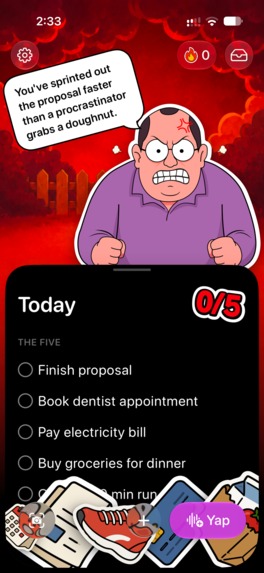
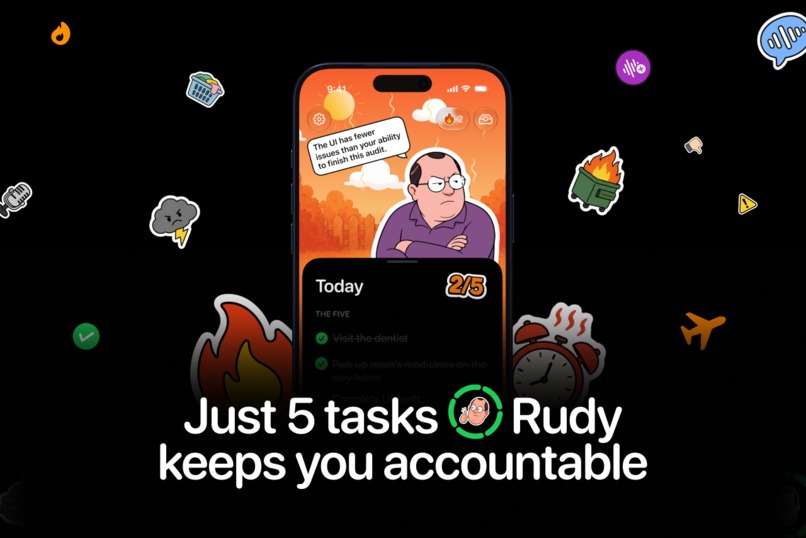
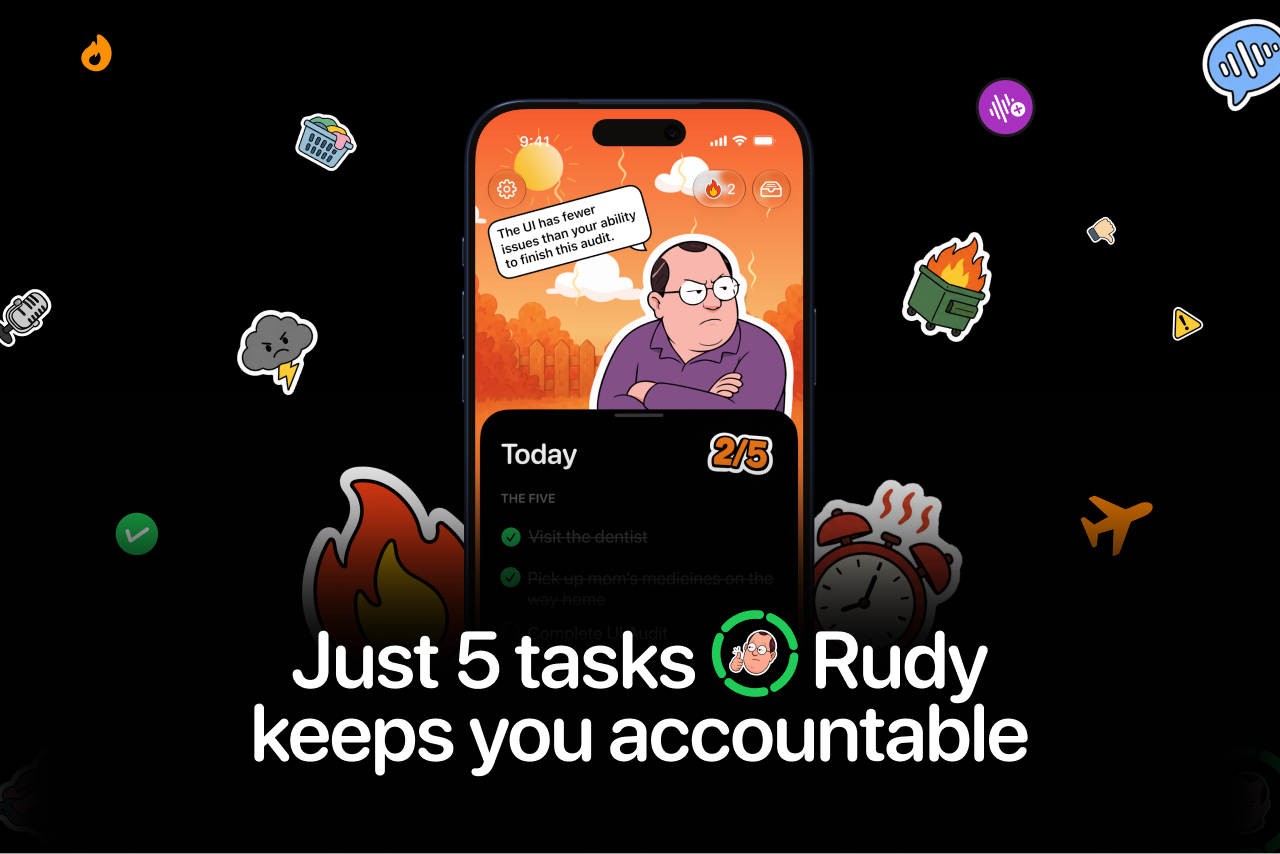
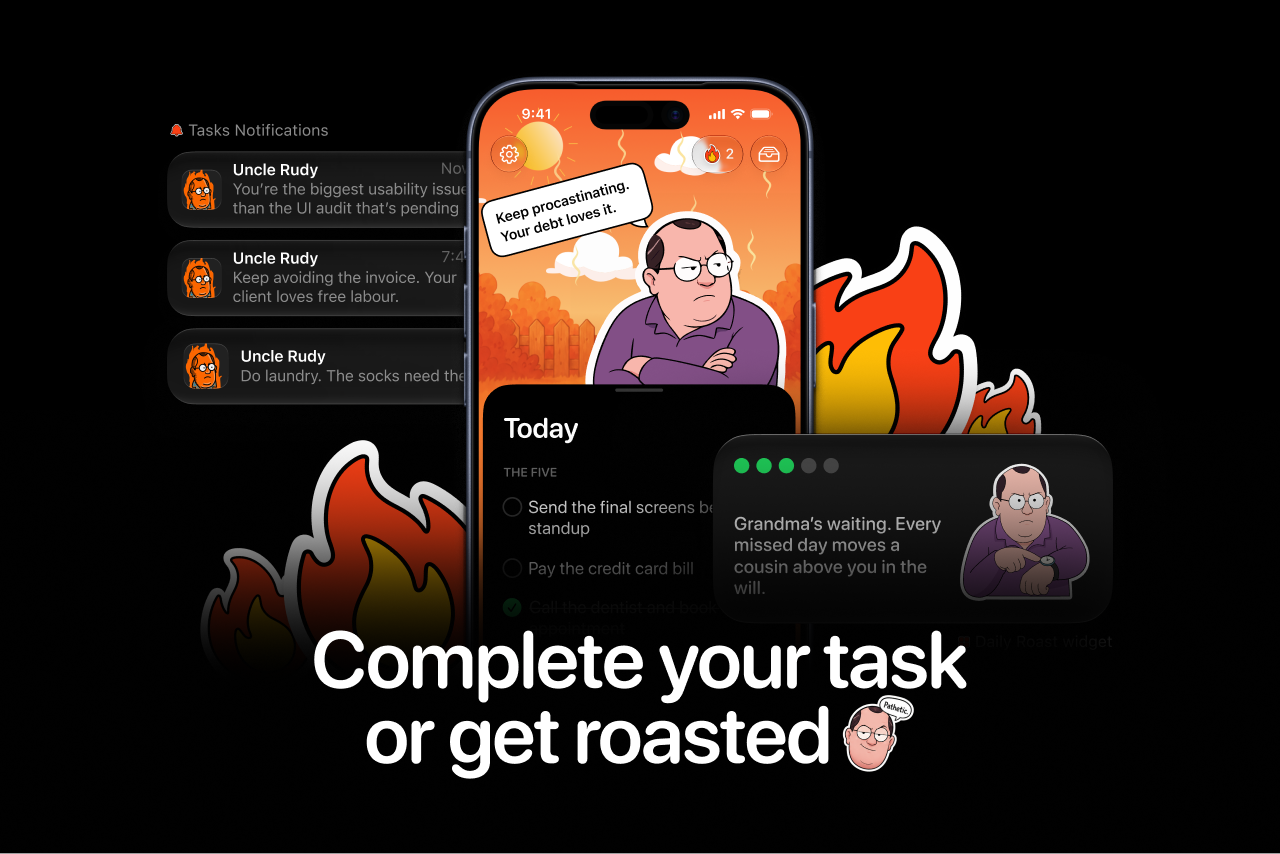
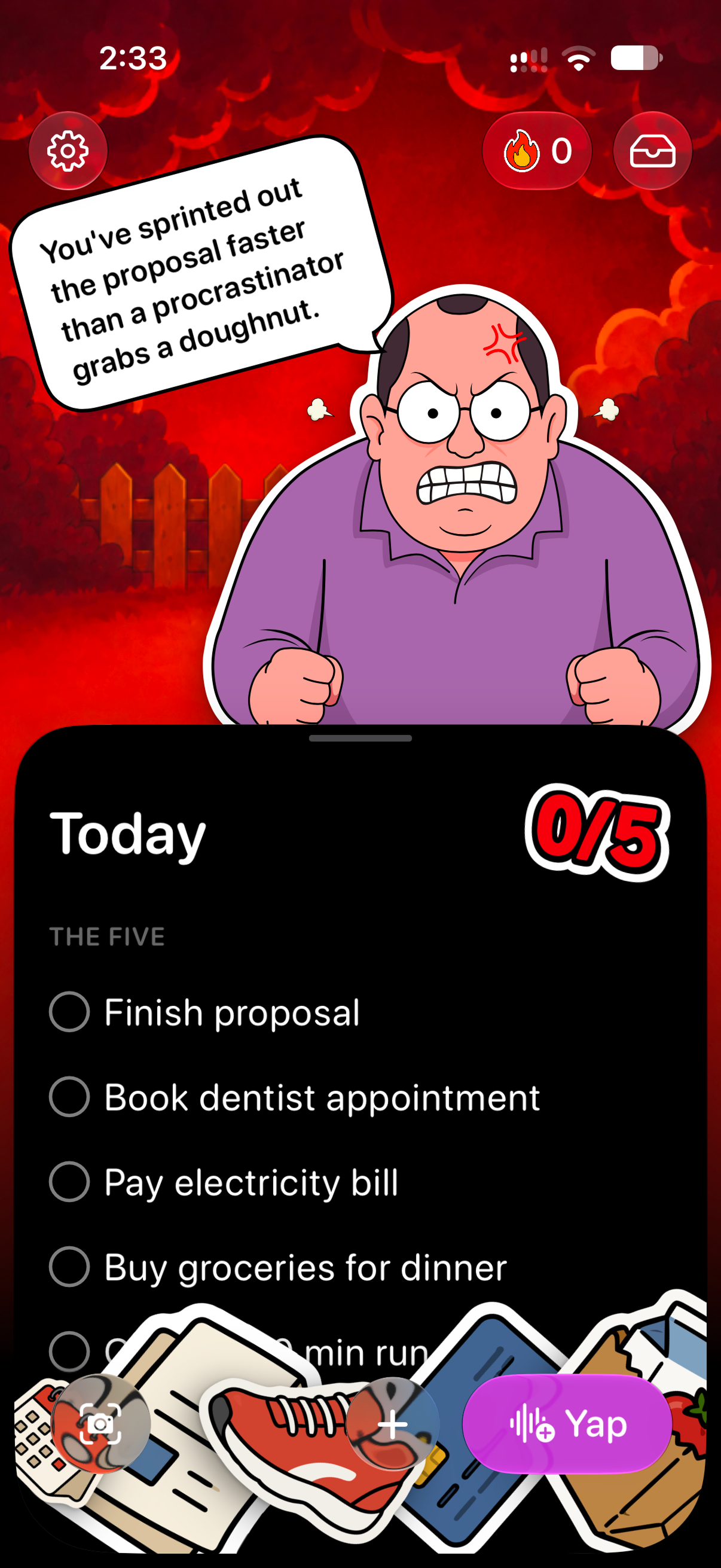
Just five tasks. Rudy keeps you accountable through the day.
-
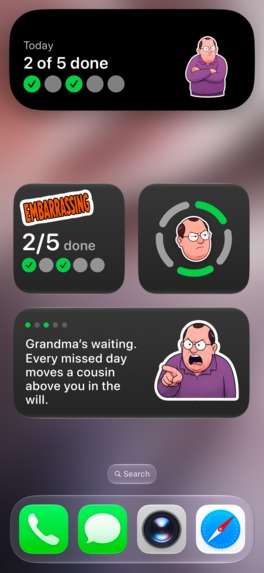
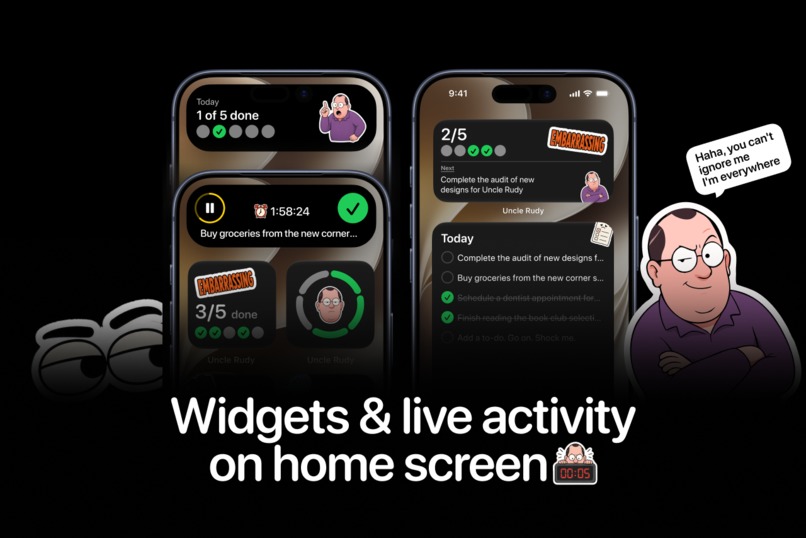
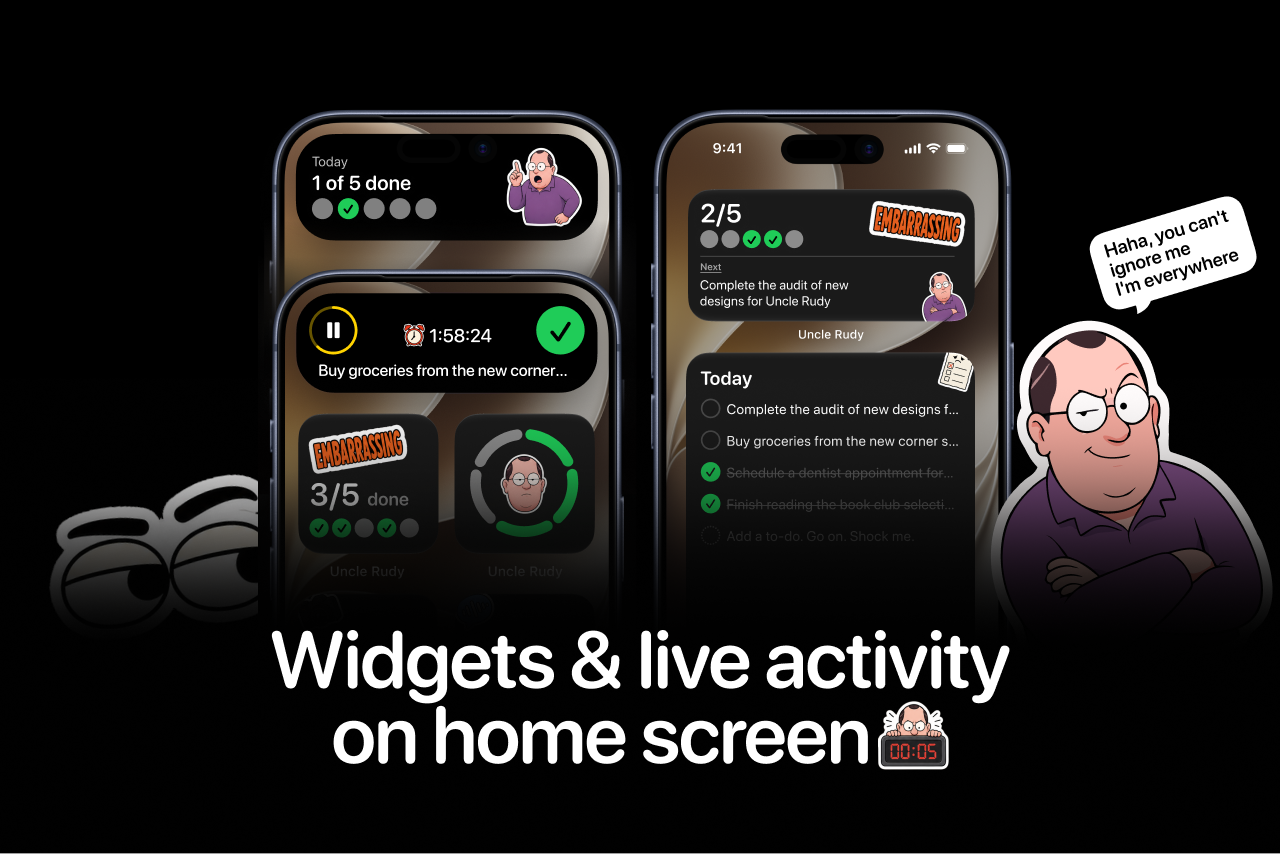
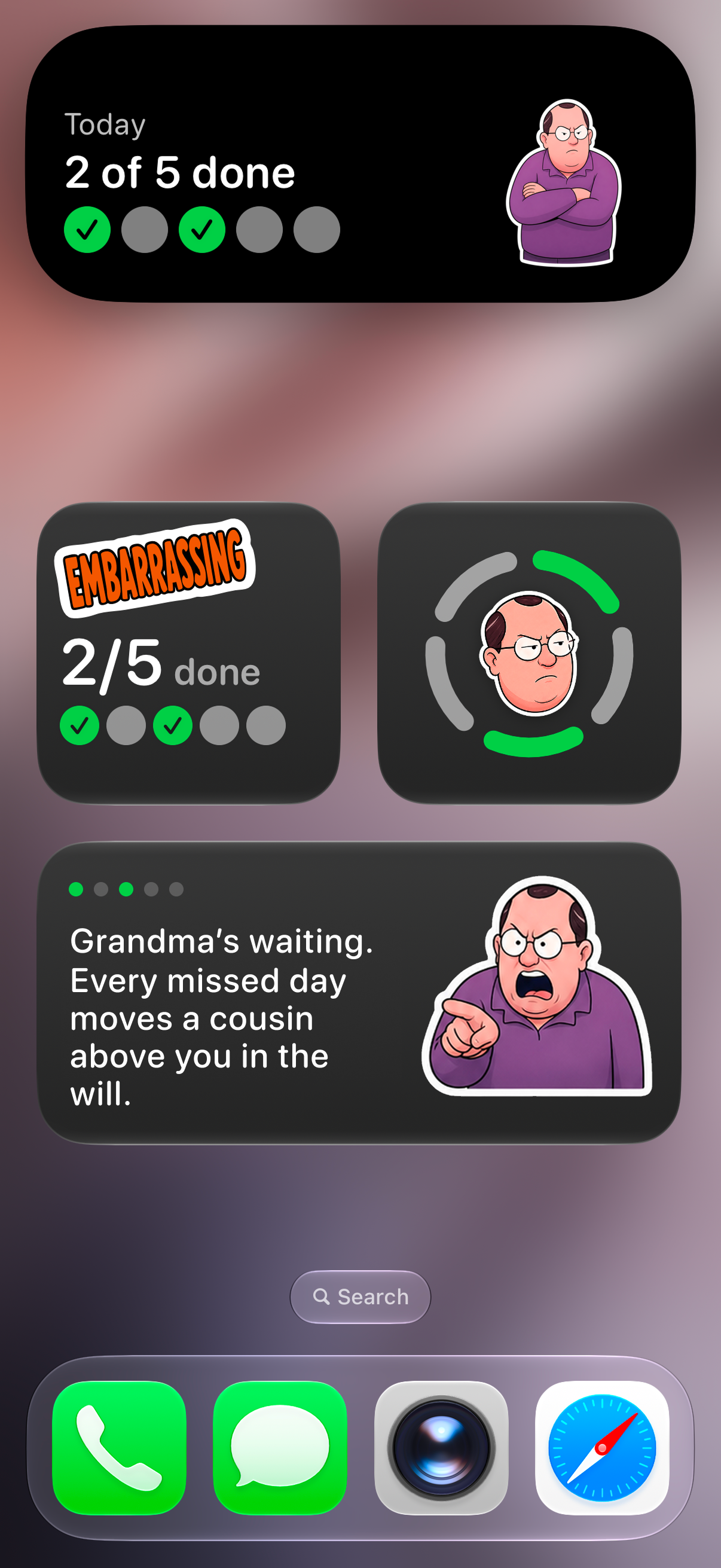
Widgets and Live Activities on your Home Screen.
-
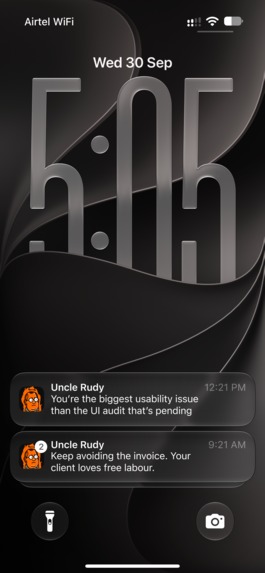
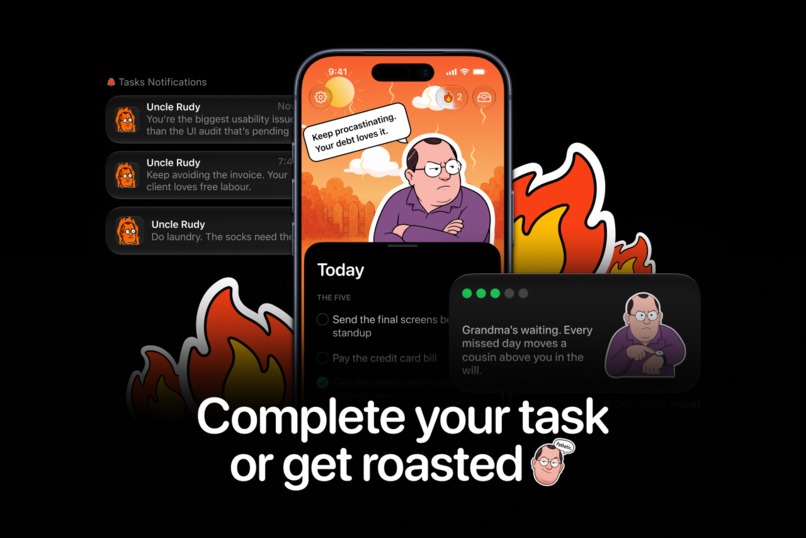
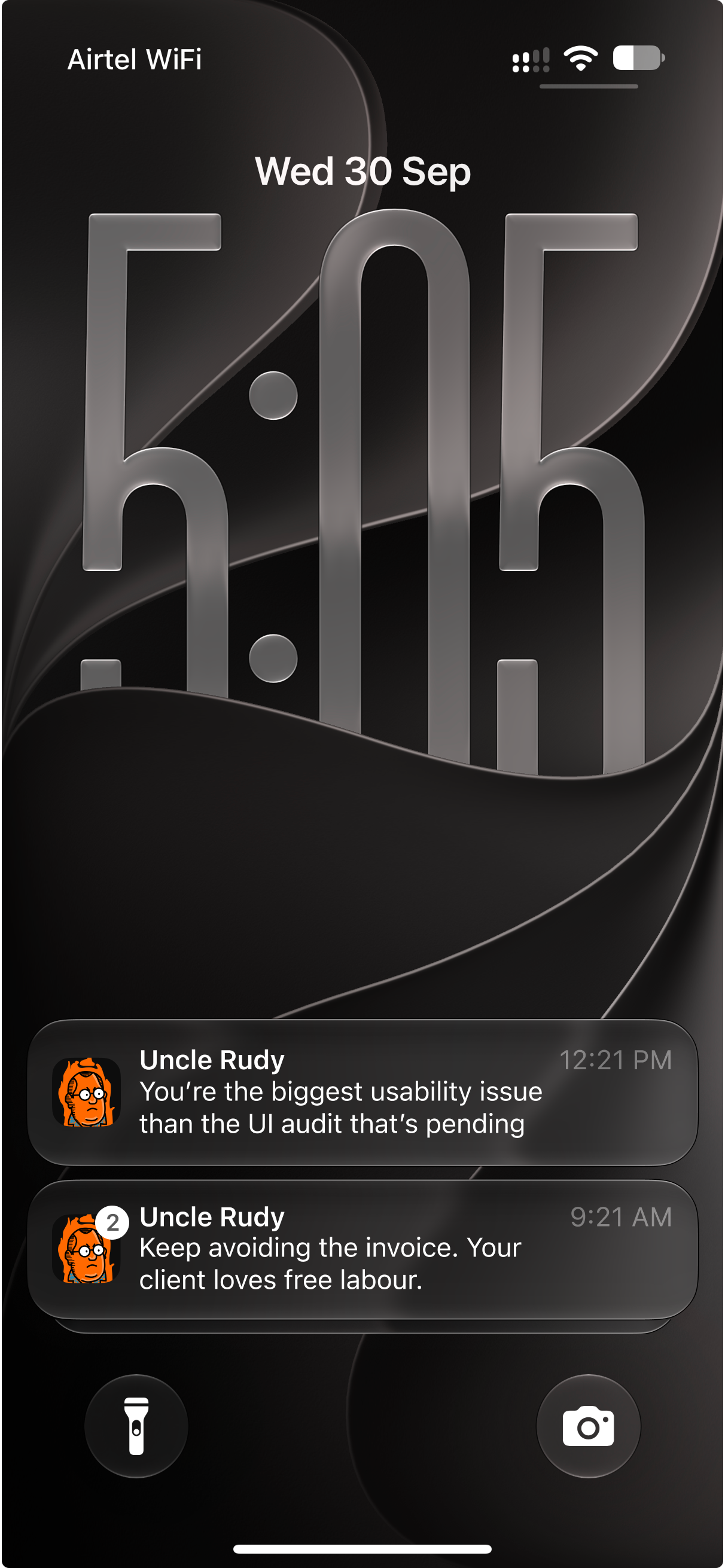
Contextual, on-device notifications that roast you and won't stop until your tasks are done.
-
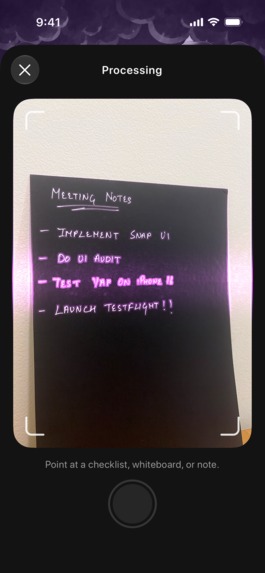
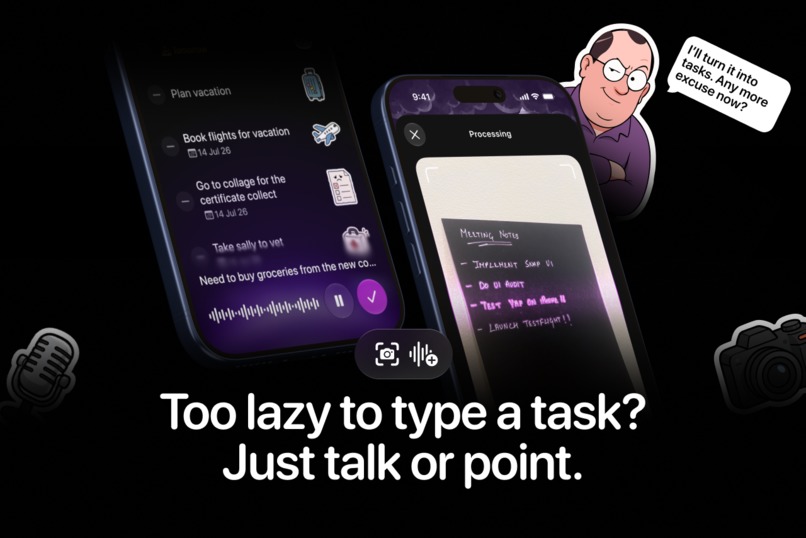
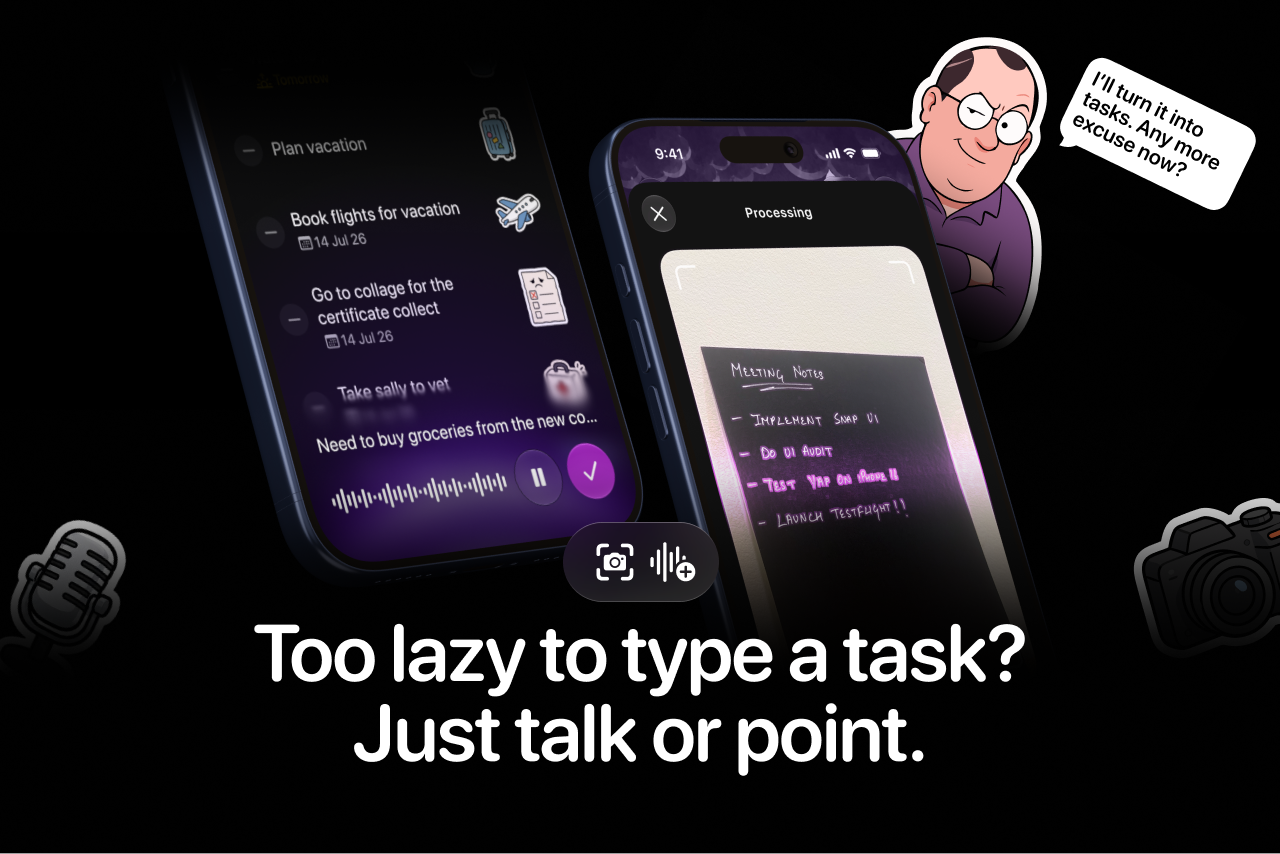
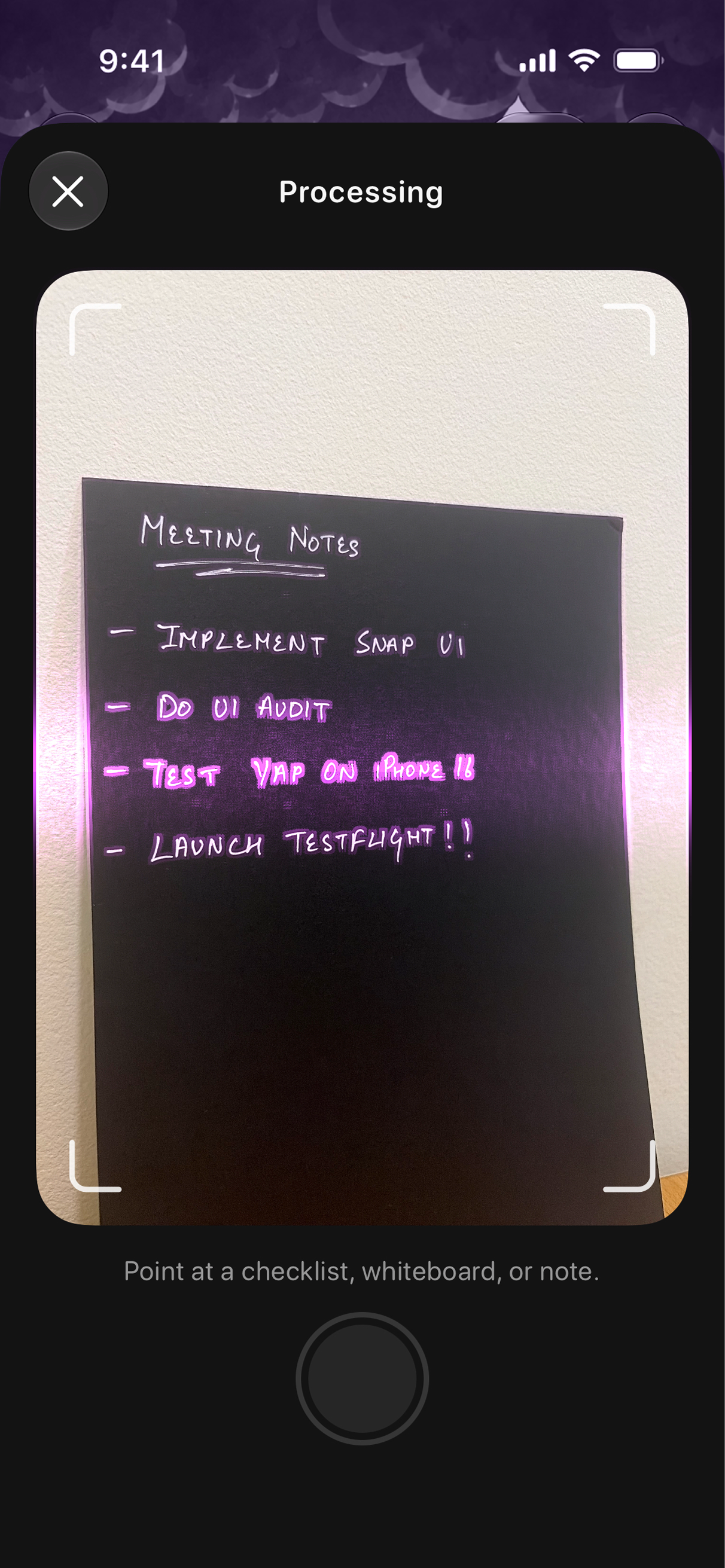
Too lazy to type? Use Snap to turn notes into tasks.
-
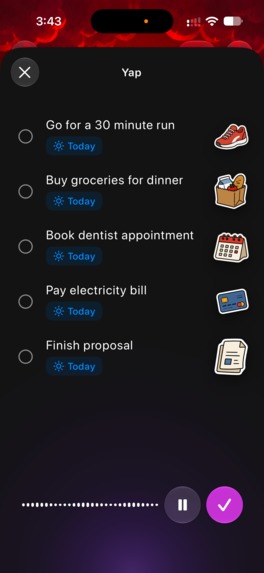
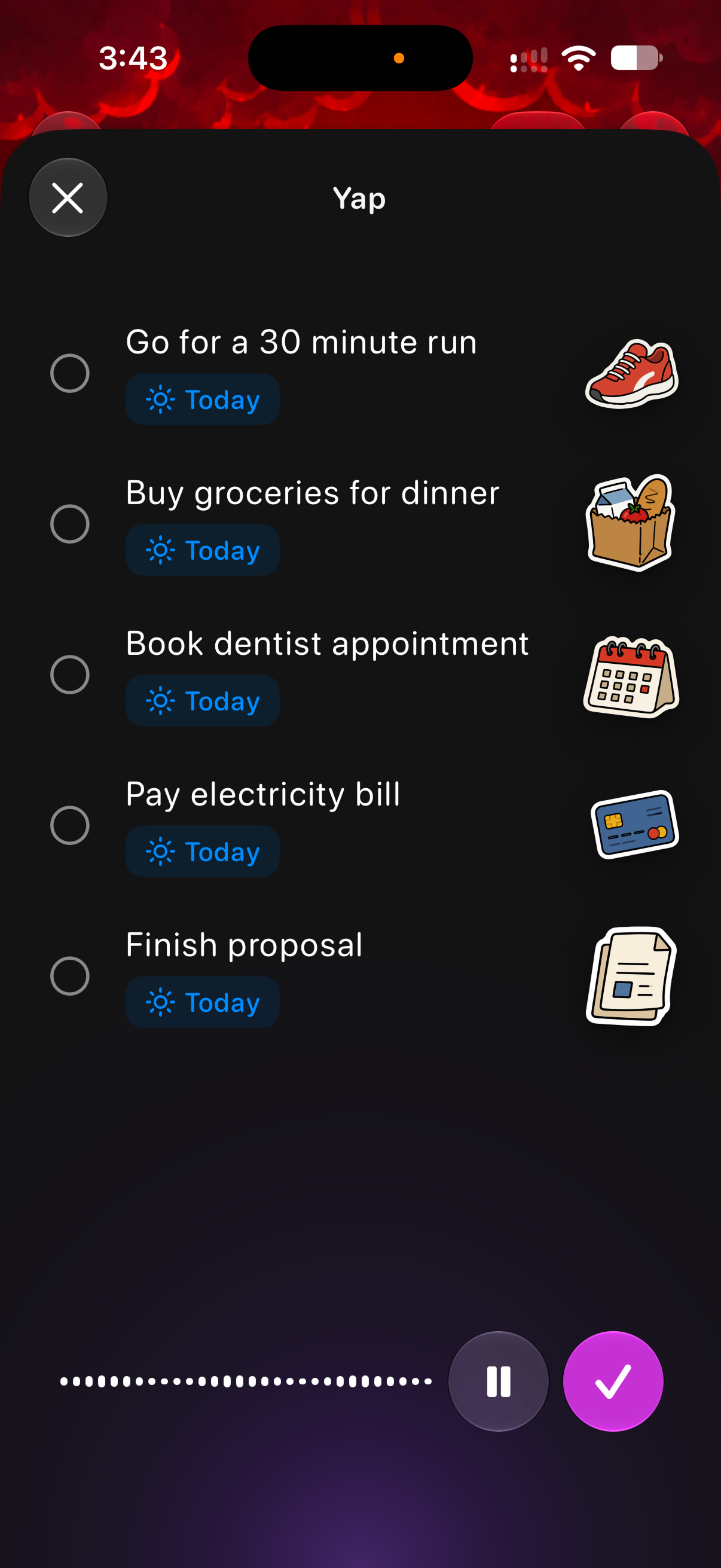
Use Yap to speak your tasks using on-device intelligence.
-
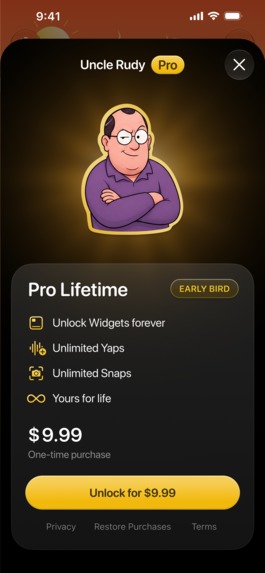
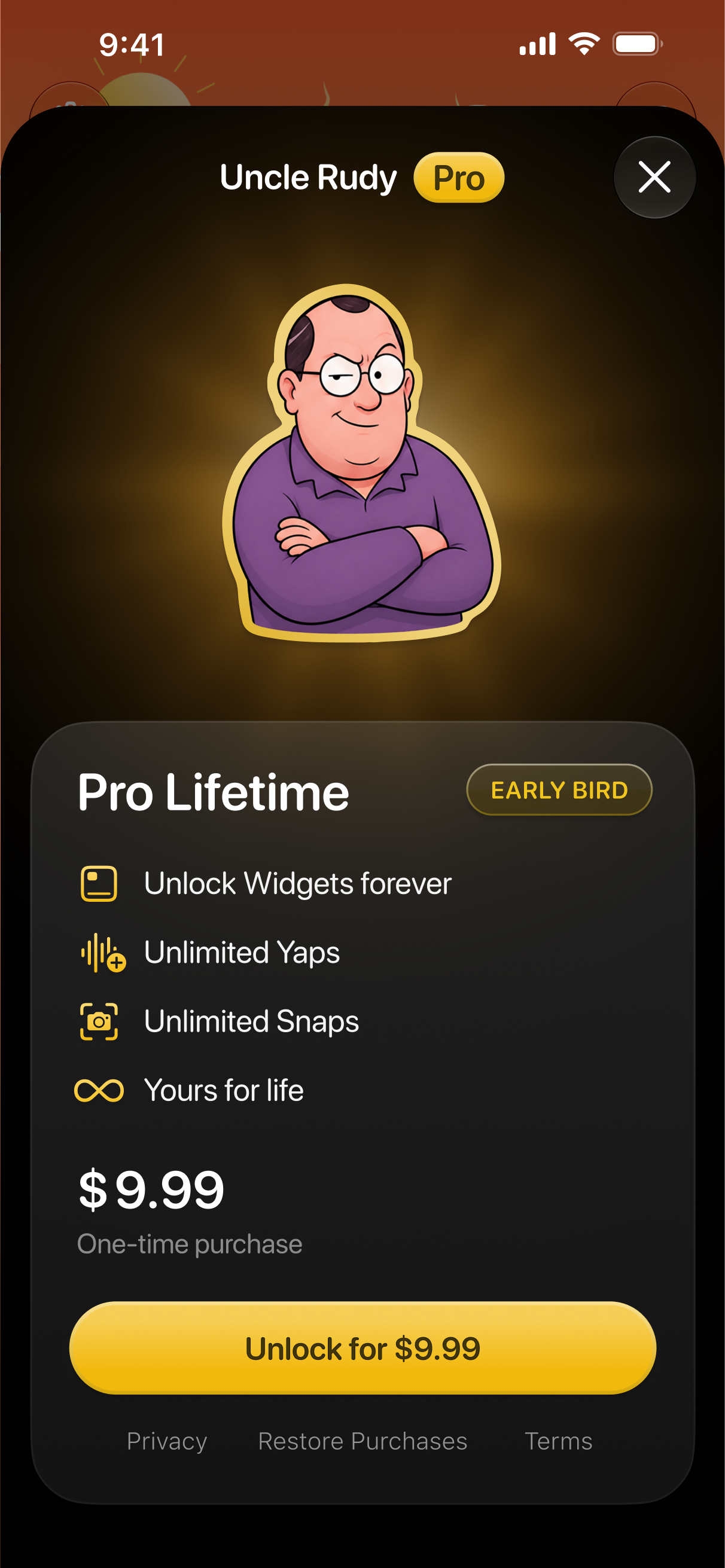
Uncle Rudy Pro unlocks widgets, unlimited Yap and Snap.
-
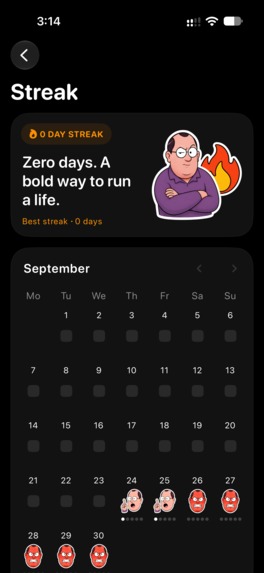
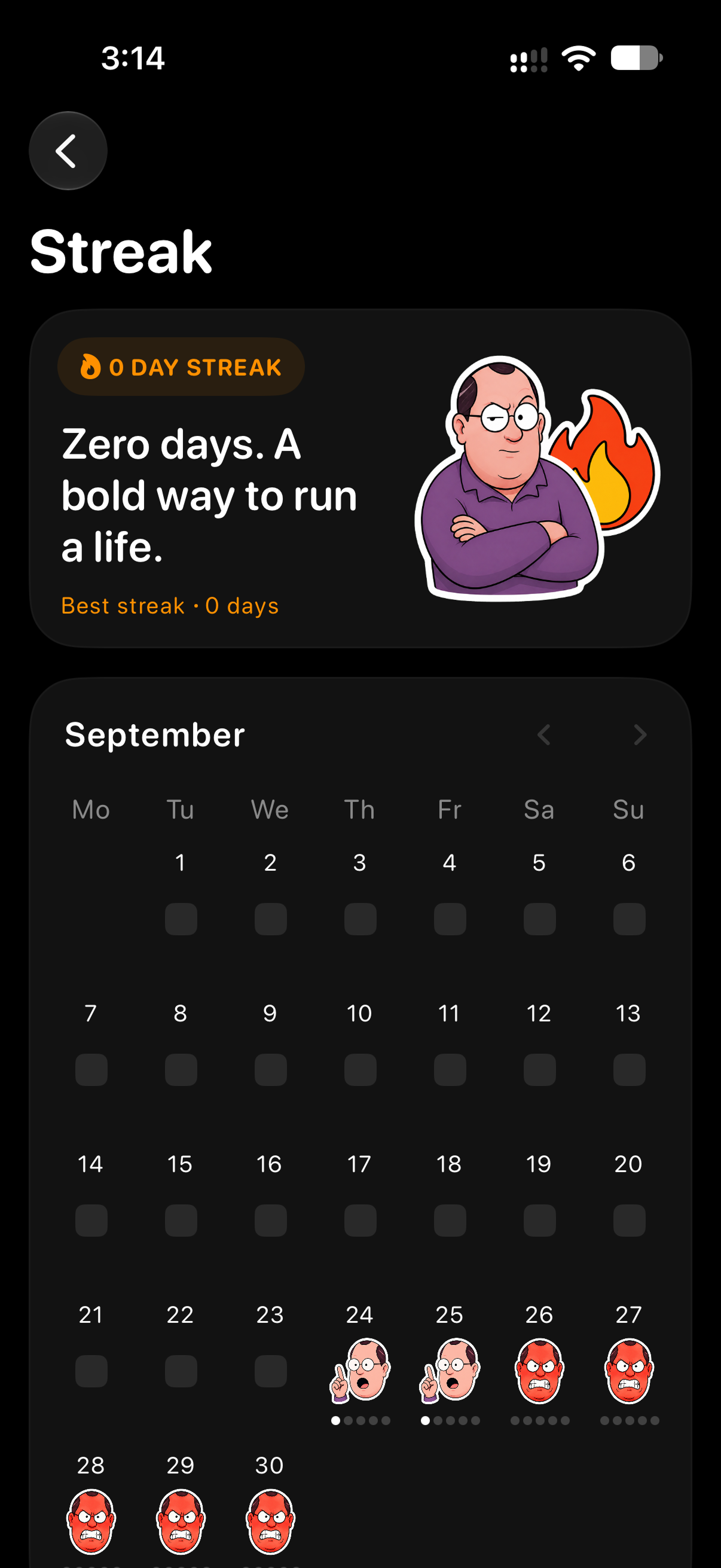
Build your streak. Earn Rudy's approval.
-
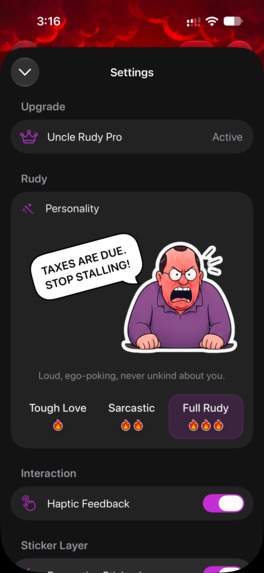
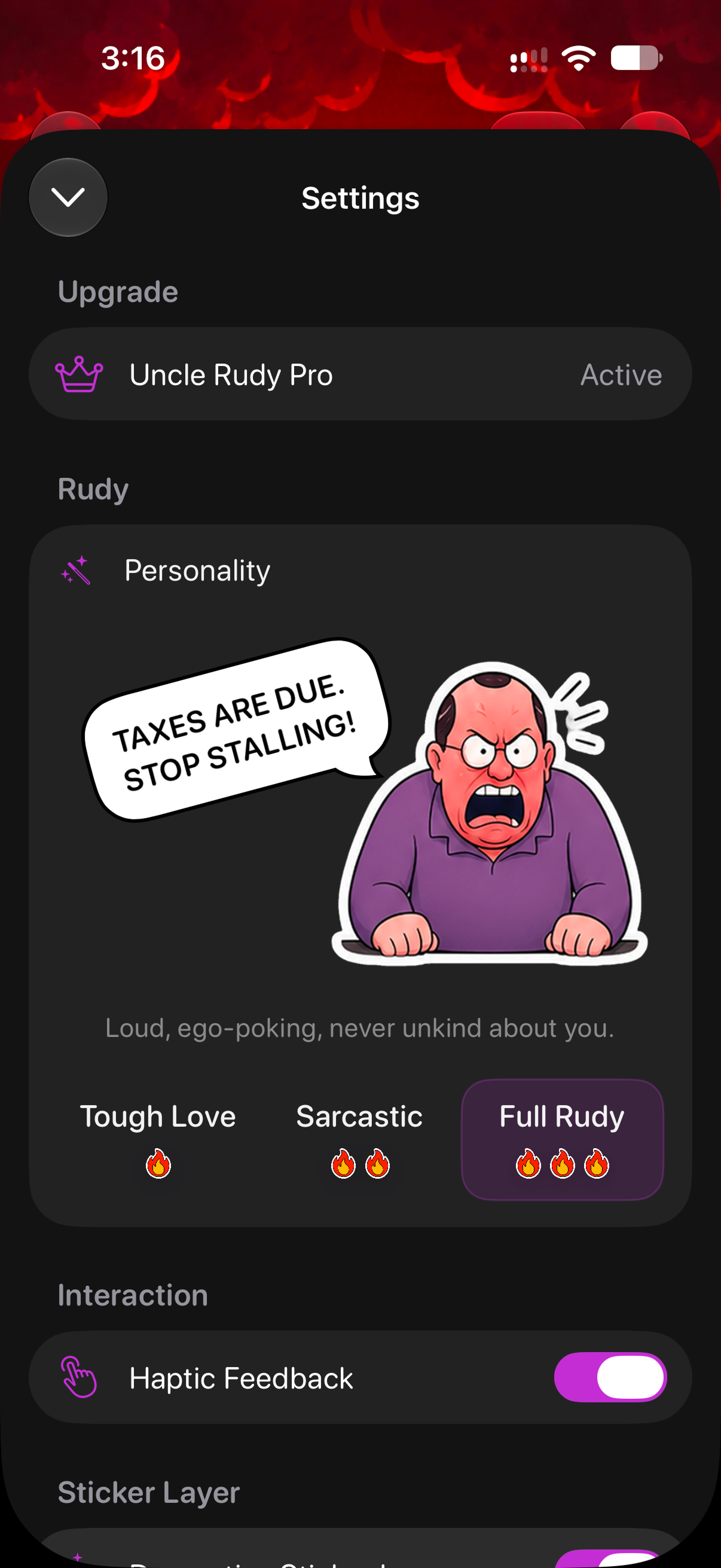
Choose Rudy’s personality, from Tough Love to Sarcastic to Full Rudy.
-
Uncle Rudy app icon 1024x1024
Inspiration
It started at WWDC, where Apple unveiled a new kind of intelligence in iOS 27, and we wanted to build a complete consumer experience around it to see how everyday intelligence could feel. We picked the most boring category on every phone, the to-do list, and went deep to find what was really missing: accountability. So we set out to build an experience around exactly that.
What it does
Uncle Rudy is the tasks app that roasts you into getting your shit done. You commit to five tasks a day, and Rudy, a hard-to-please uncle with a sarcastic streak, holds you accountable for every one of them.
- Pick five, not fifty. Don't dump fifty tasks you'll never touch. Commit to five, and let Uncle Rudy hold you accountable.
- Contextual roasts. Rudy roasts you into finishing the exact task you're avoiding. Every roast is generated on-device from your own list and reaches you in notifications and widgets.
- Hard to ignore. When you procrastinate, the app is the last thing you'll open. So Rudy lives everywhere else: widgets in every size, Live Activities, Dynamic Island, Control Center and the Action Button.
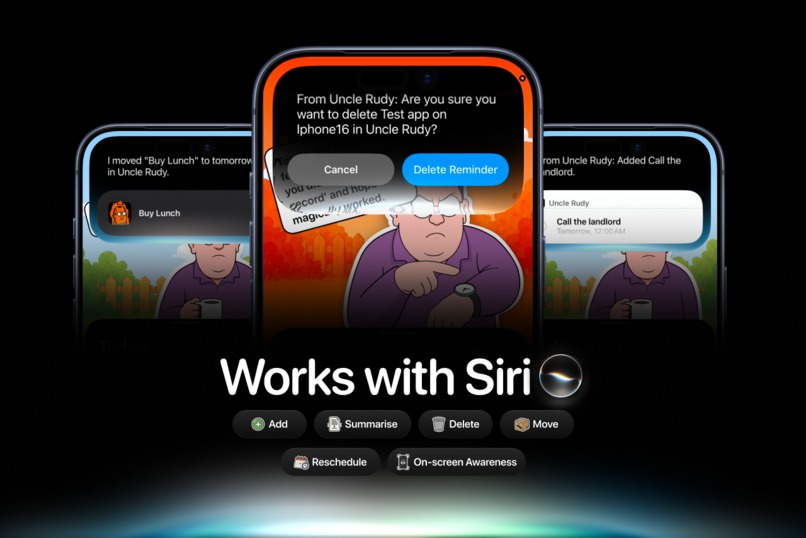
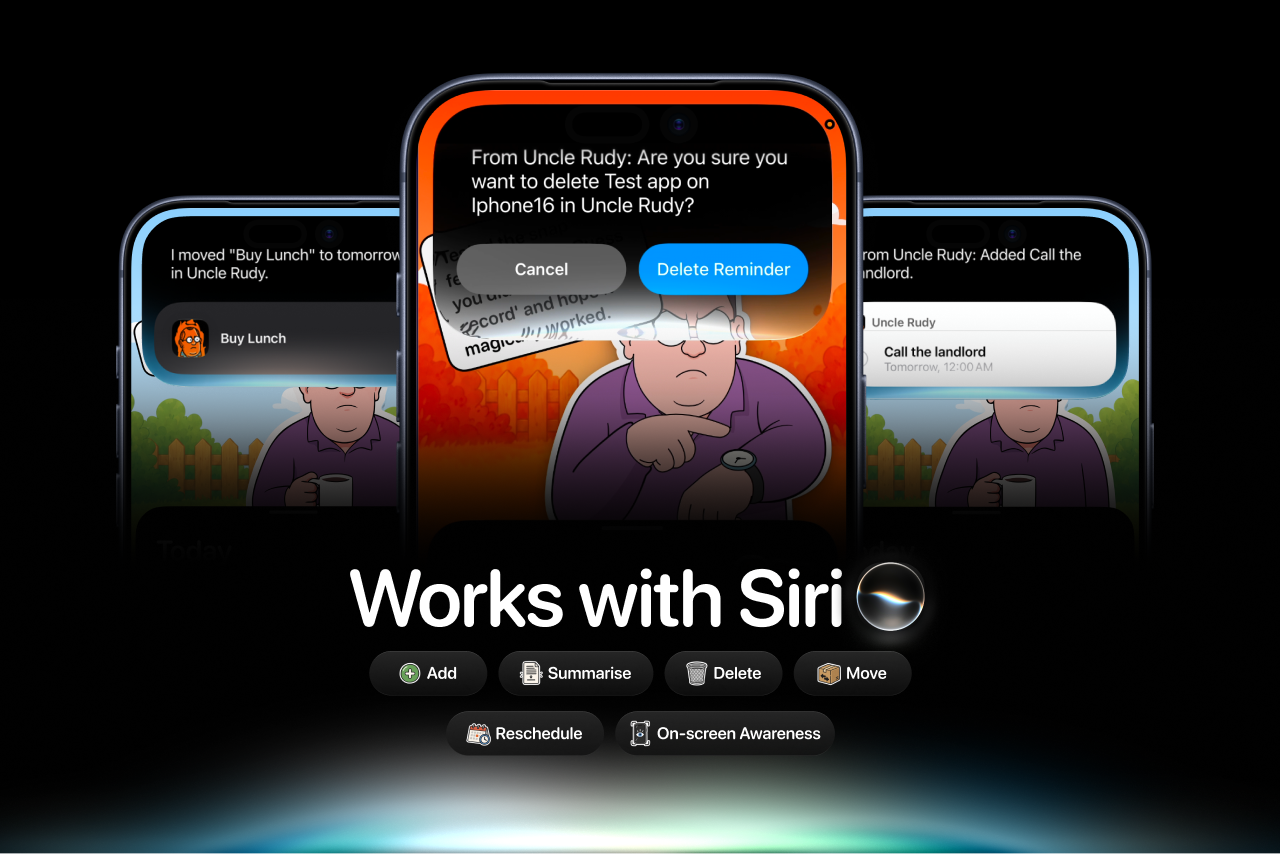
- Hands-free with Siri AI. Built on App Intents and Screen Awareness, just ask Siri to add, move, complete or delete tasks, without opening the app.
- Yap. Capture should be instant. Talk to Rudy, however messy, and our own product-specific model turns it into clean tasks.
- Snap. Most to-dos start on paper or a whiteboard. Point your camera, and they land straight in Uncle Rudy.
Traction and recognition (zero paid ads)
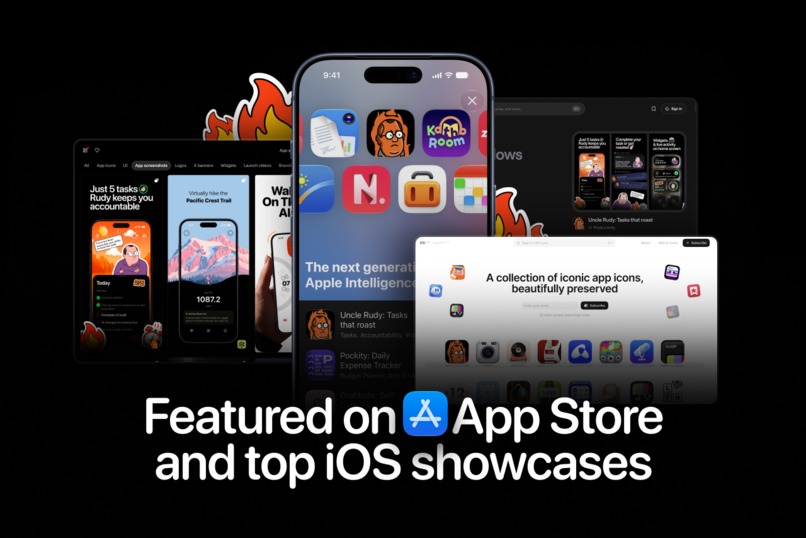
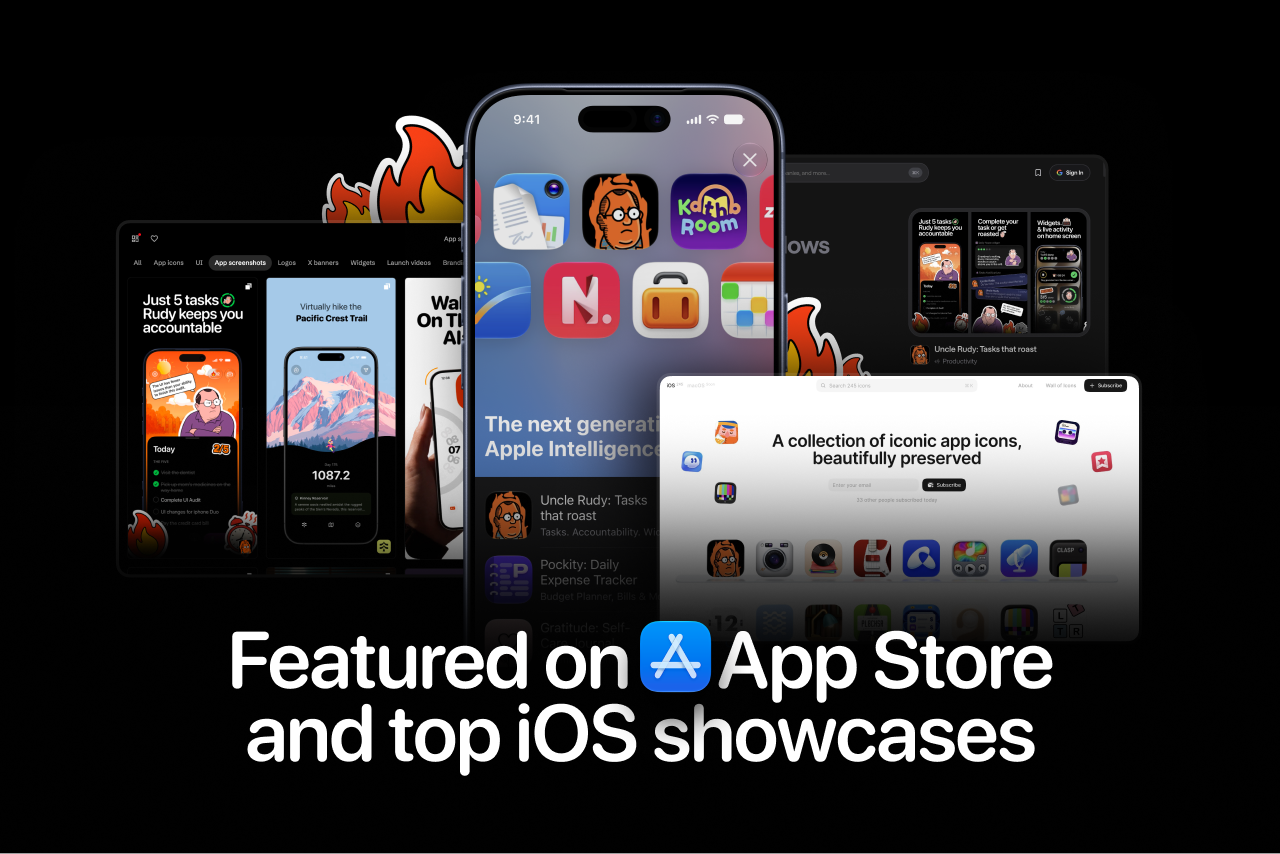
- Featured by Apple on the App Store within days of launch, under the next generation of Apple Intelligence.
- Showcased by iOS design curators, including https://icon.museum/, https://www.asoinspo.com/ and https://wellmade.fyi/, for the app's design details.
- One of the first product-specific models built for iOS 27, trained in-house and running fully on-device.
- ~600 organic downloads within two weeks of launch, with a 2.8% download-to-paid conversion, above RevenueCat's 2.1% median for freemium apps.
- 4.7★ early rating on the App Store.
How we built it
- SwiftUI, built exclusively for iOS 27.
- Our own task model, fine-tuned with MLX and shipped with Core AI on the Neural Engine, powering Yap.
- Apple Foundation Models for contextual roasts, and the Foundation Vision Model for Snap.
- App Intents for Siri AI, WidgetKit and ActivityKit for widgets, Live Activities and Dynamic Island.
- RevenueCat for entitlements, usage-gated unlocks and regional pricing.
Monetization with RevenueCat
Most productivity apps charge monthly to cover AI server costs. Uncle Rudy runs entirely on-device, so we built a metered paywall with a lifetime unlock: everyday intelligence stays free, and nobody pays monthly for AI that costs nothing to run.
- Free forever core: five tasks, contextual roasts, streaks and Siri.
- Metered paywall: two free uses each of Yap and Snap, one for discovery, one for when it clicks.
- Uncle Rudy Pro, Lifetime Access: $9.99 once for unlimited Yap and Snap, more personal roasts and every widget.
Challenges we ran into
iOS 27 and its new frameworks were brand new, and building a consumer experience on them meant new tech without changing an old habit. Training our own model for task operations, instead of a general text model, took many rounds. And designing for less, with minimal flows but Rudy on every surface, was harder than adding more.
What we learned
The best everyday AI is invisible: users don't care about the model, only that their ramble became a task. The app isn't the only surface of a product, so meet people wherever they already are. And constraints are features: asking for just five tasks did more than anything we could have added.
What's next for Uncle Rudy
- A self-improving, on-device notification model that decides whether to nudge, when, how hard and in which voice, learning per user.
- A spoken check-in. Talk through the morning, and Rudy turns fog into five.
- Image Playground. Rudy's look and reactions, generated per user.
- Call intelligence. The right task surfacing on the call it belongs to.
Website https://www.unclerudy.app/ | App Store https://apps.apple.com/app/apple-store/id6773583834?pt=128536846&ct=s&mt=8


Log in or sign up for Devpost to join the conversation.