-
-
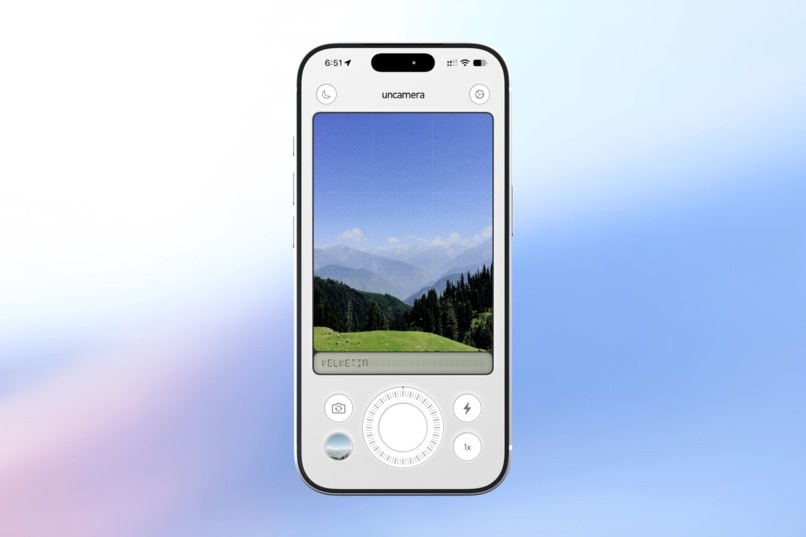
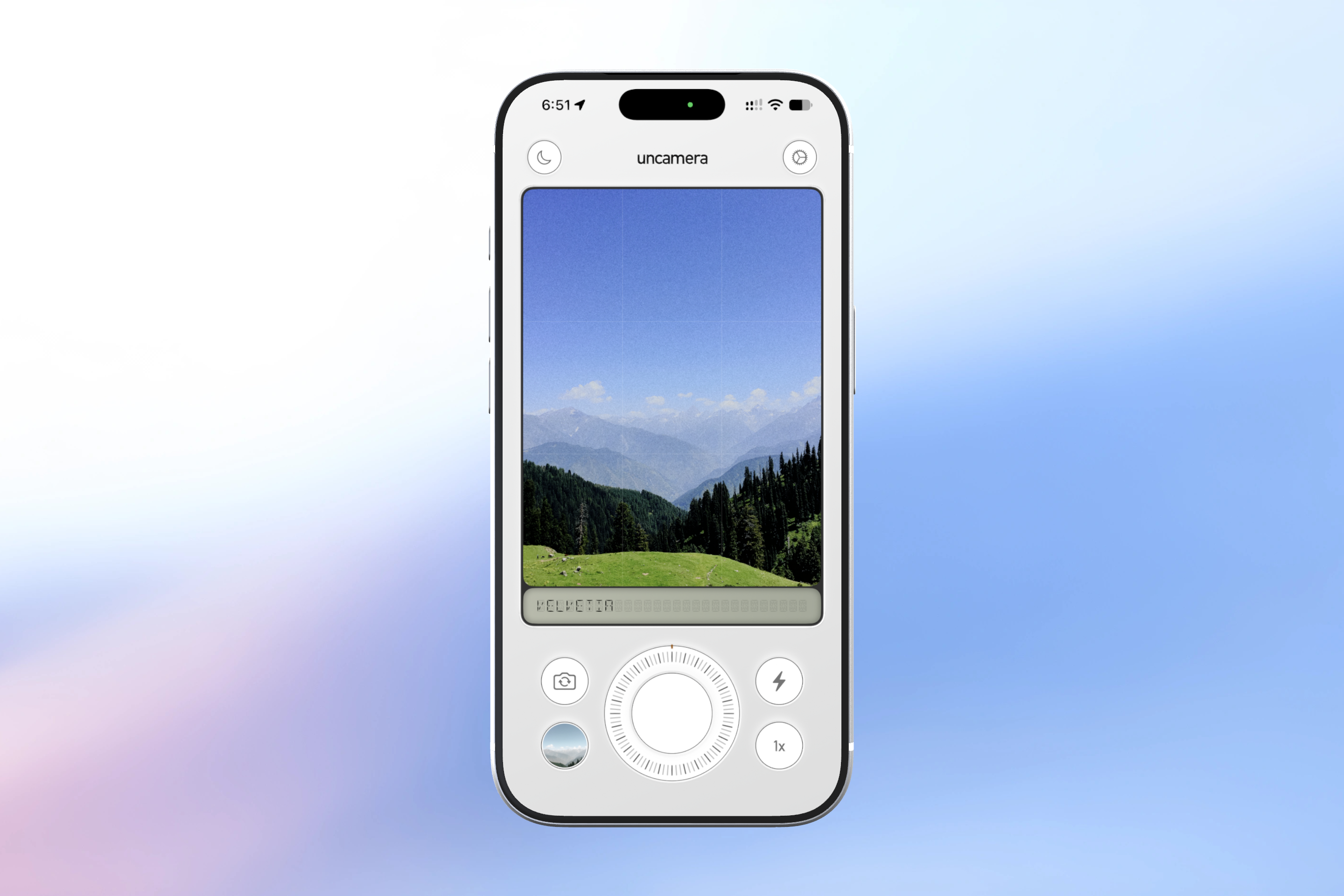
Light - Velvetia
-
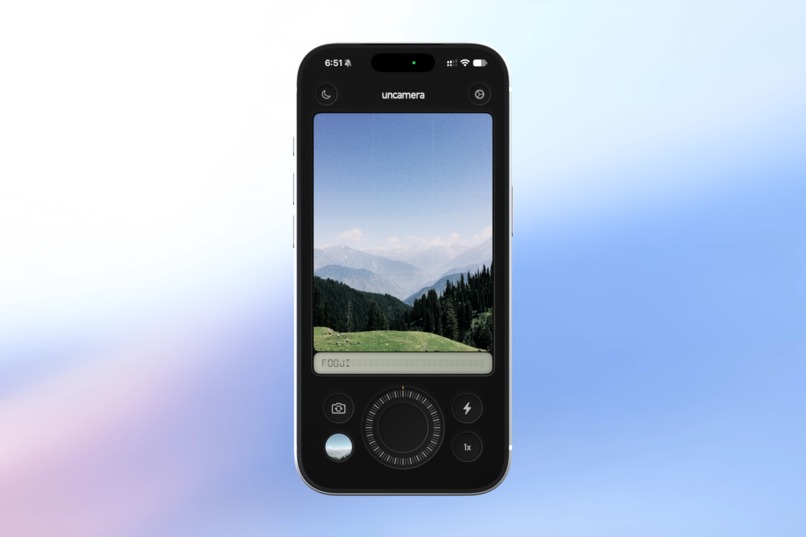
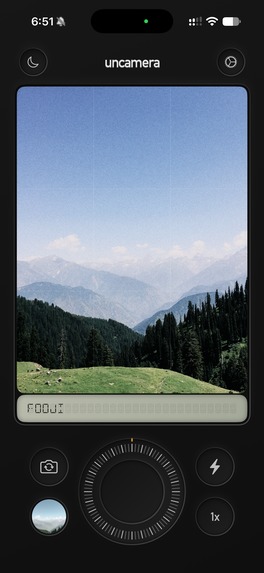
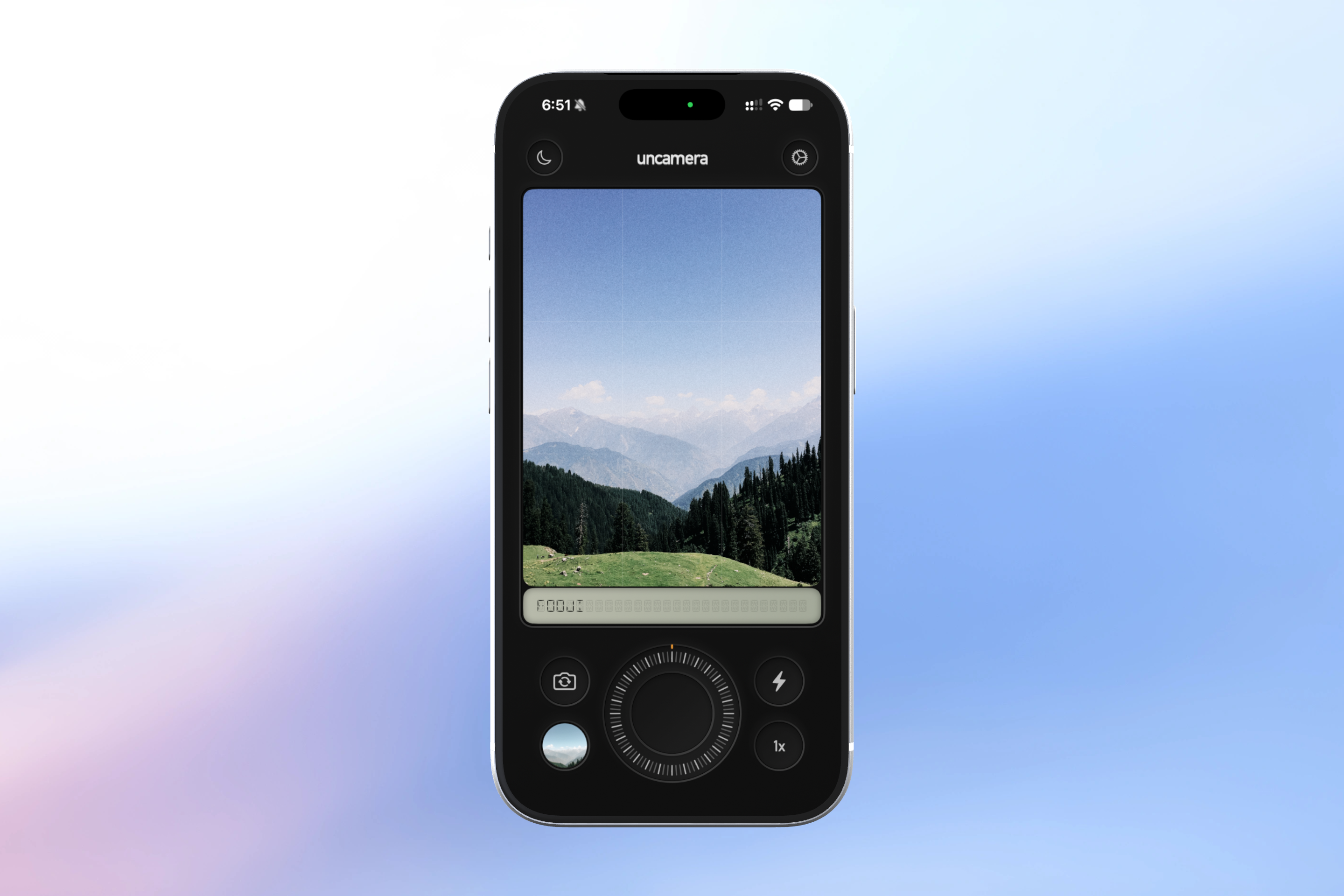
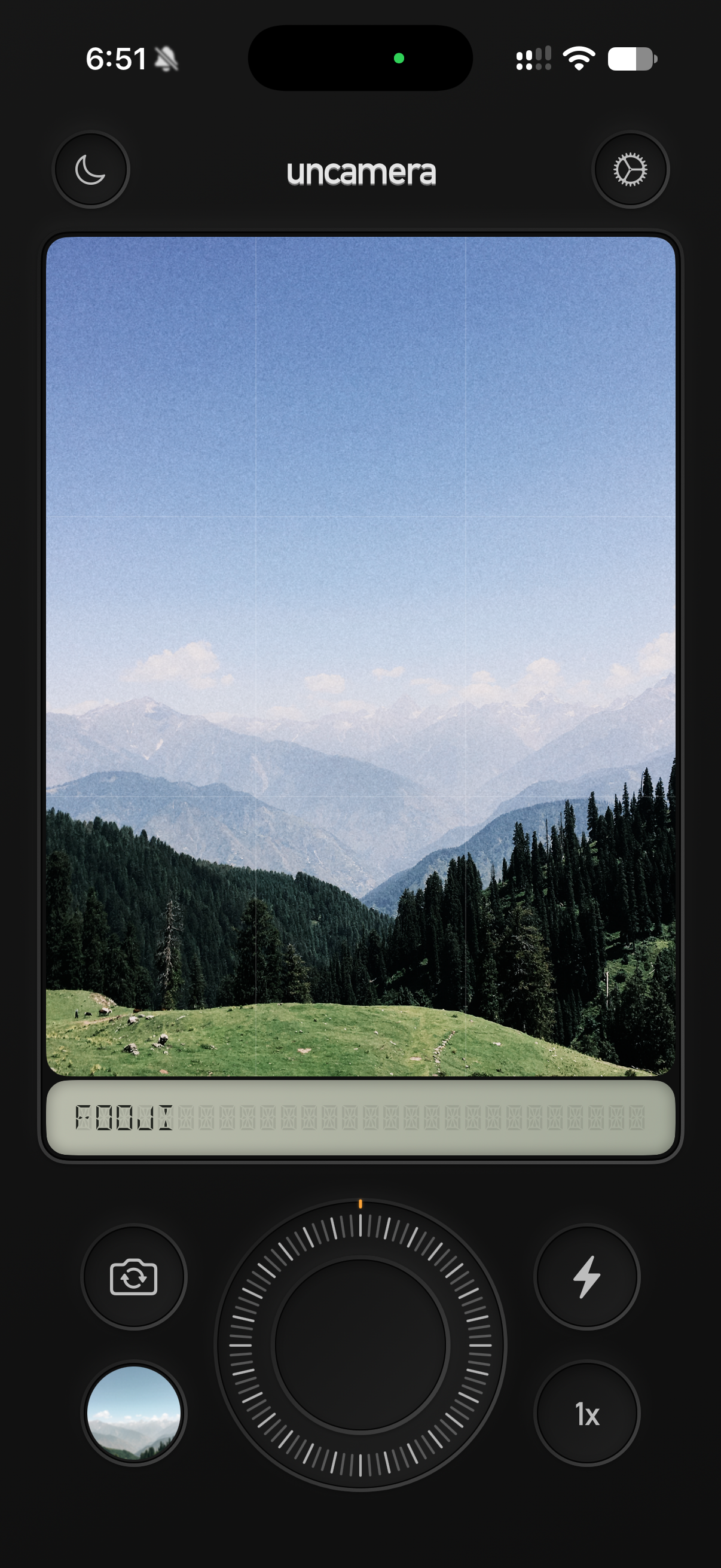
Dark - Fooji
-
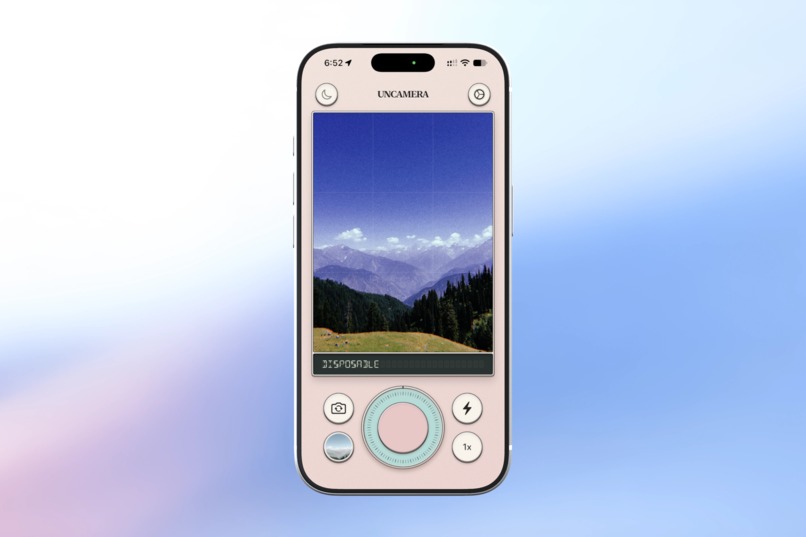
Leisure Theme -
-
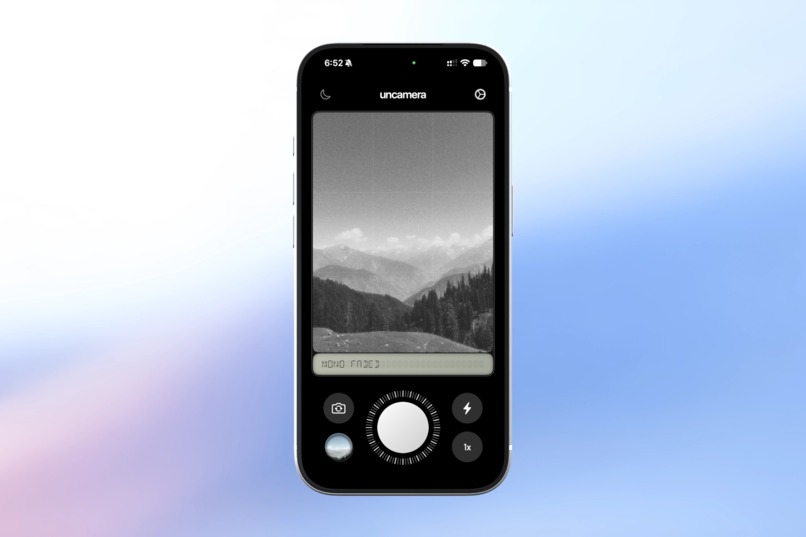
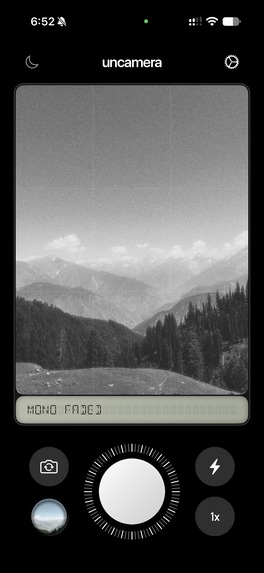
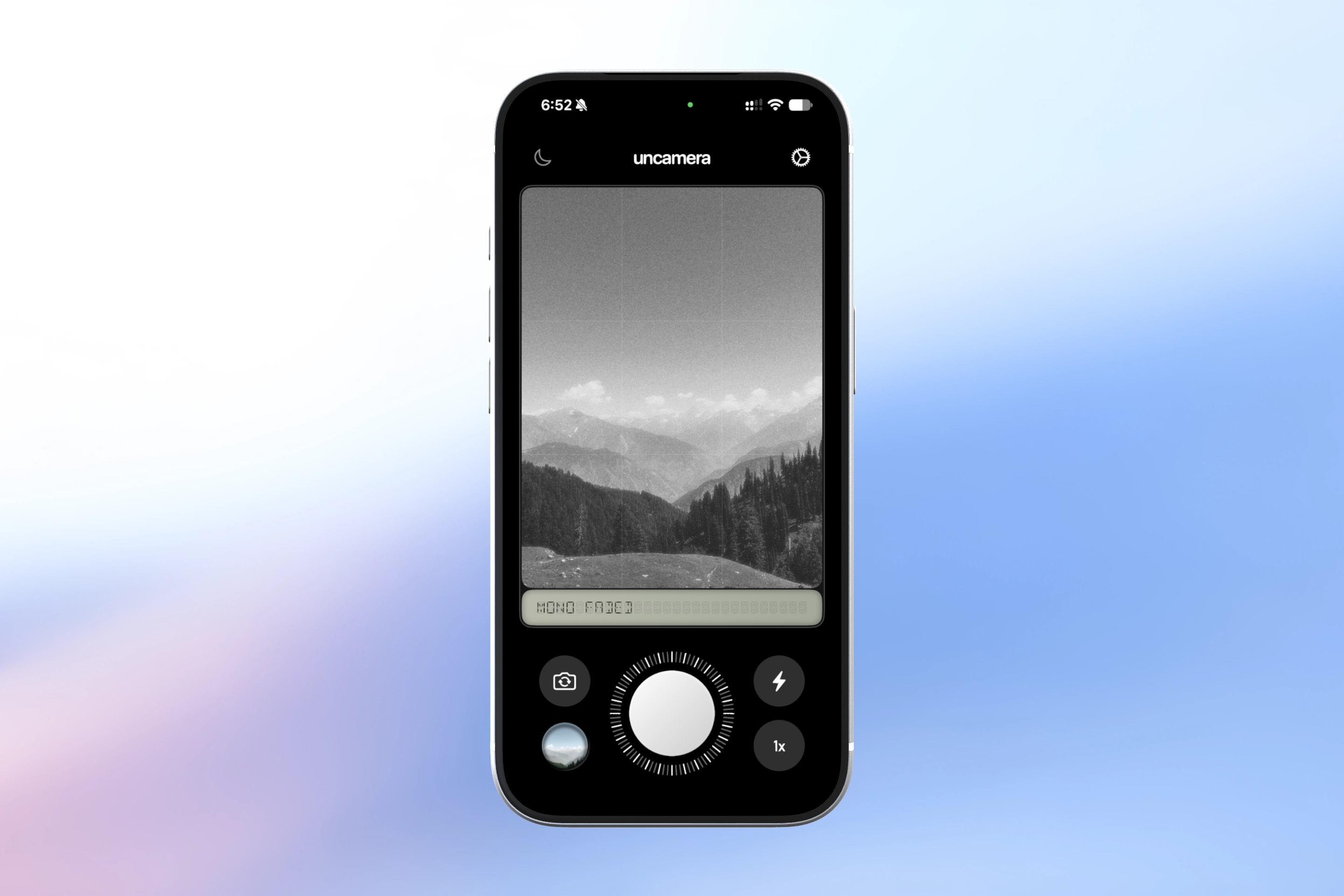
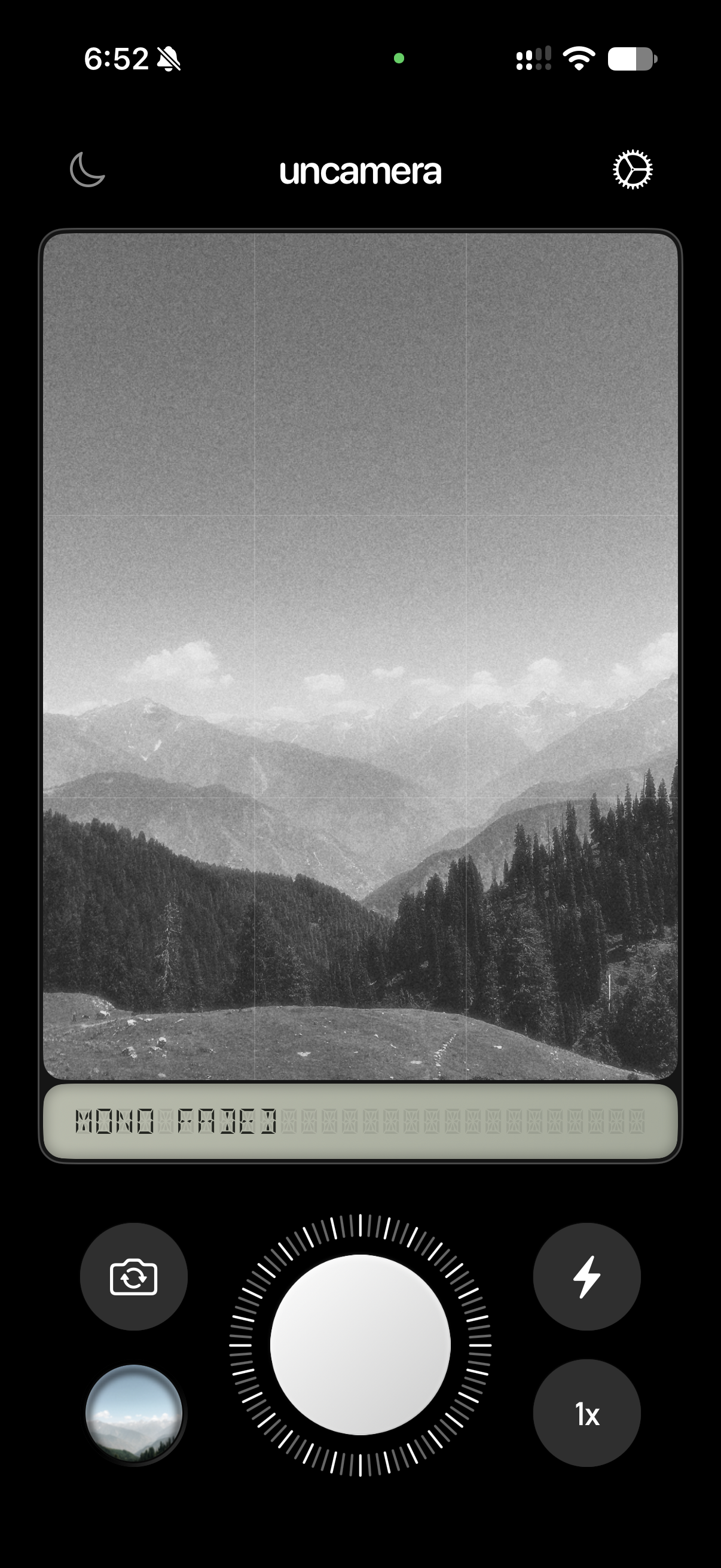
Beta - Mono Faded
-
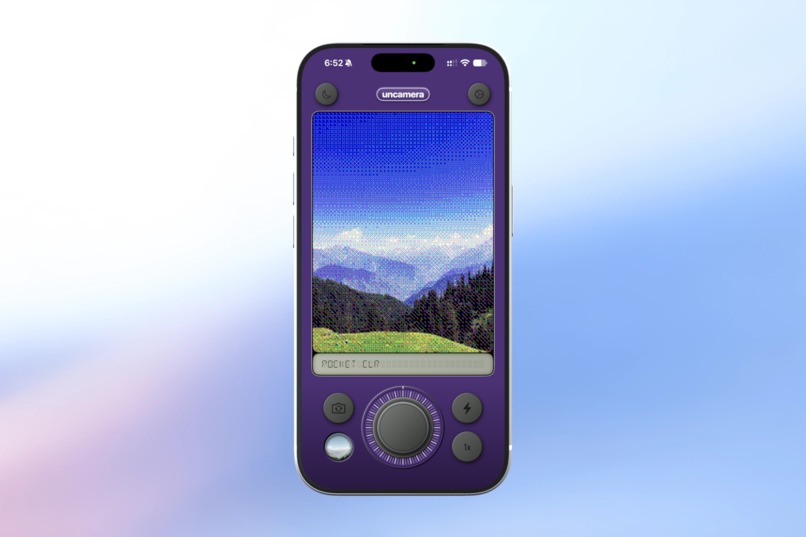
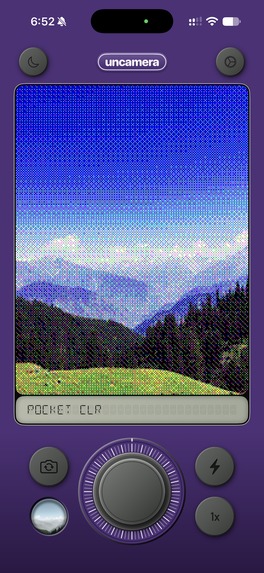
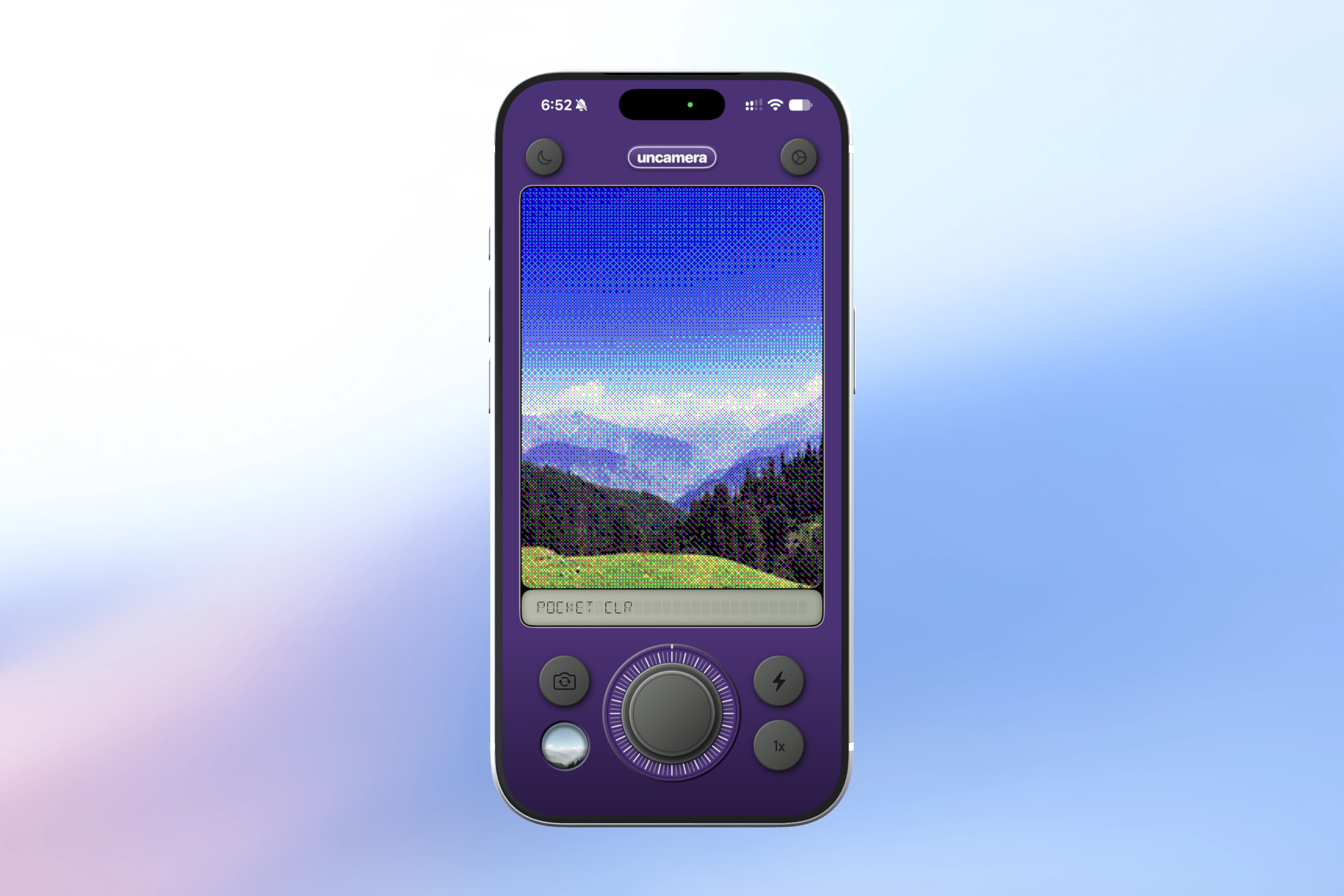
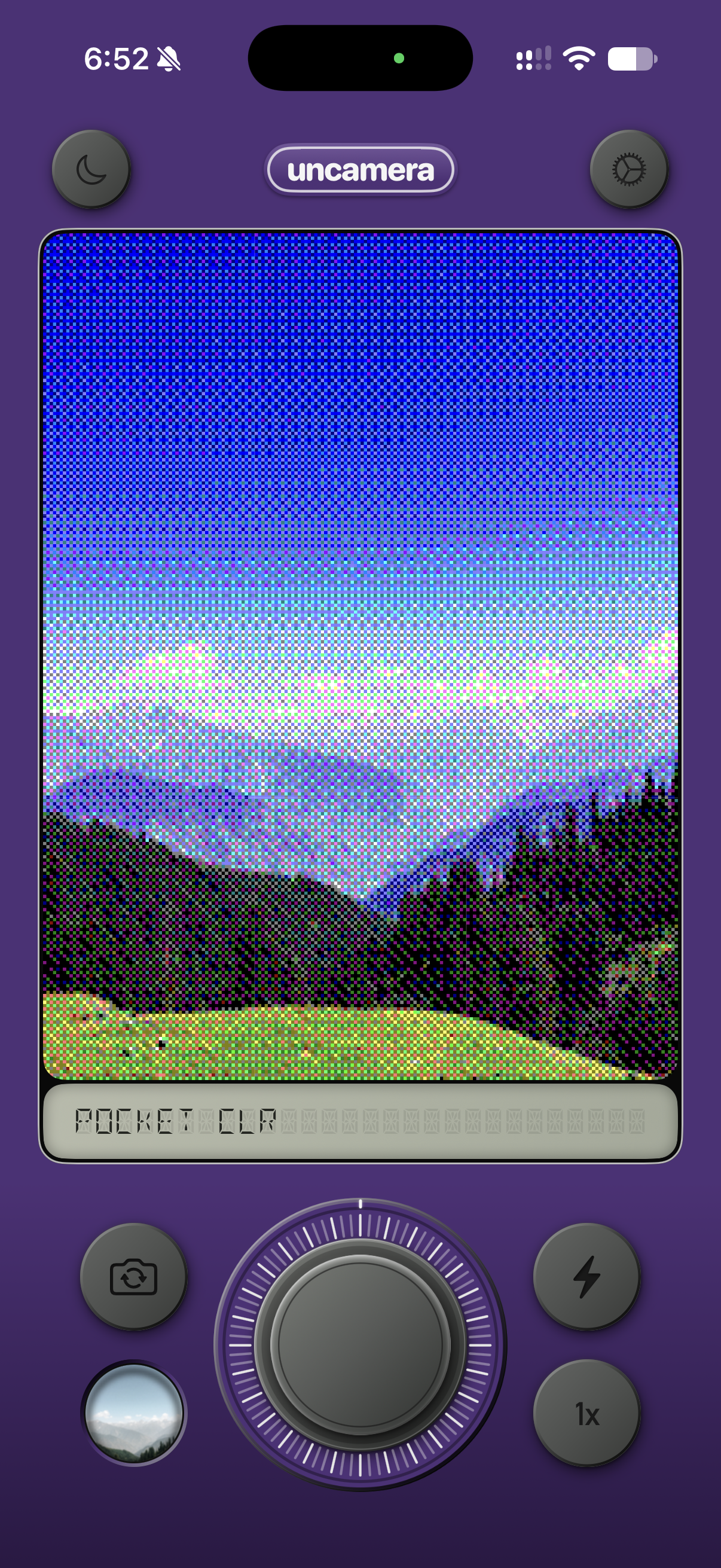
Pocketboy - Pocket CLR
-
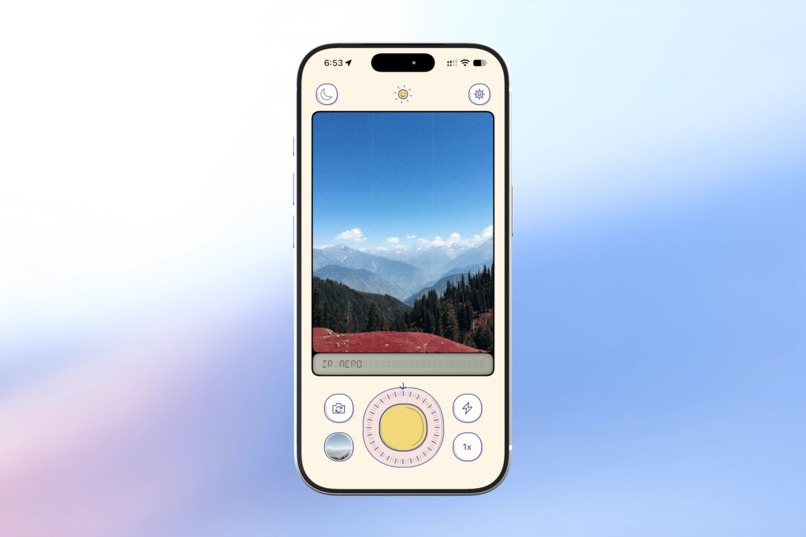
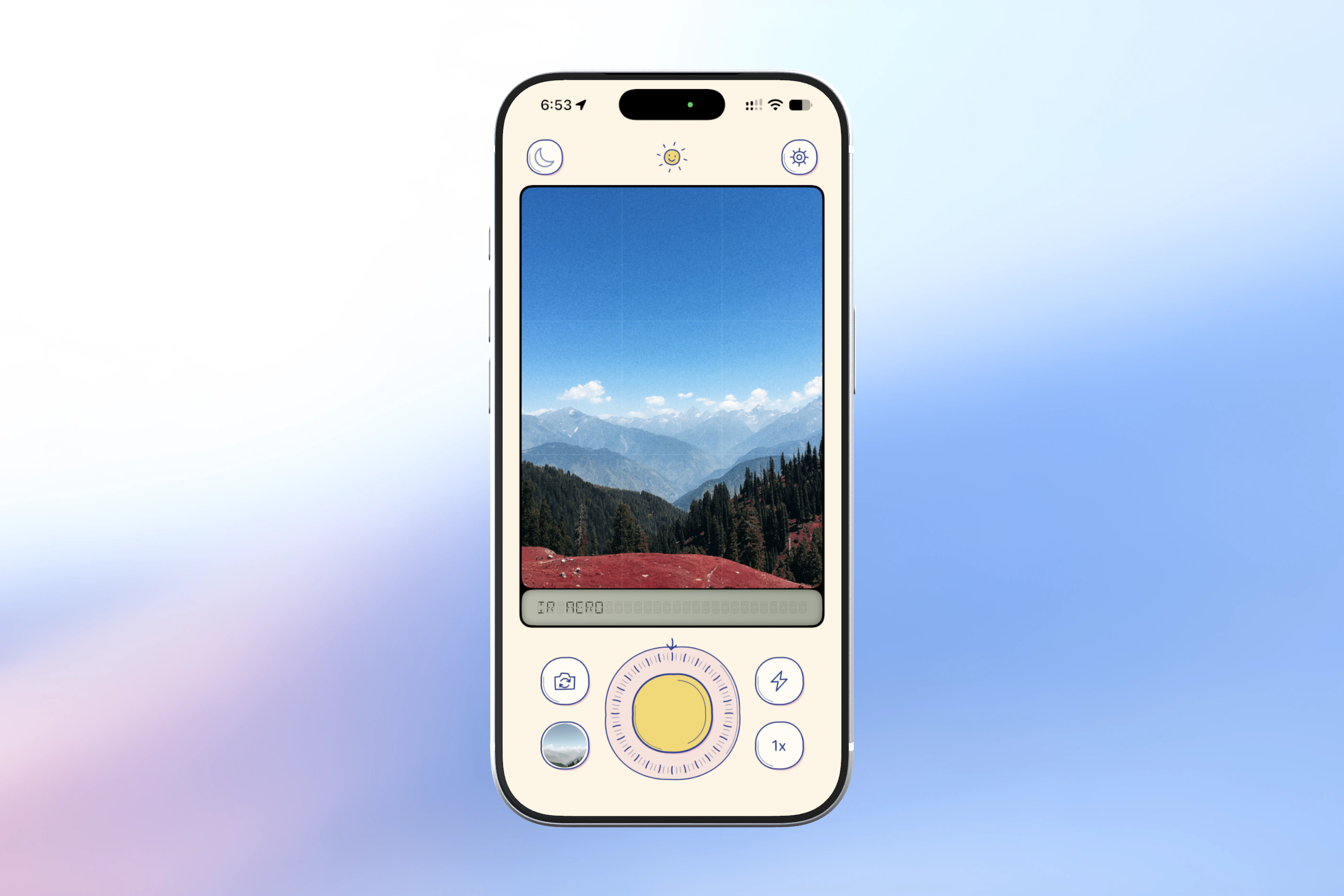
Doodle - IR Aero
-
-
-
Inspiration
Uncamera is inspired by the feeling of analog photography. In the last few years we've seen a rise in over-processed digital photos on feeds. I'd almost stopped using the camera app on my phone because it just felt like I was producing synthetic moments - over-sharpened, hyper-real, and somehow... just not quite it.
I missed the days when people shared moments in all their imperfections, with that dreamy feeling that an analogue photo just captures properly.
What it does
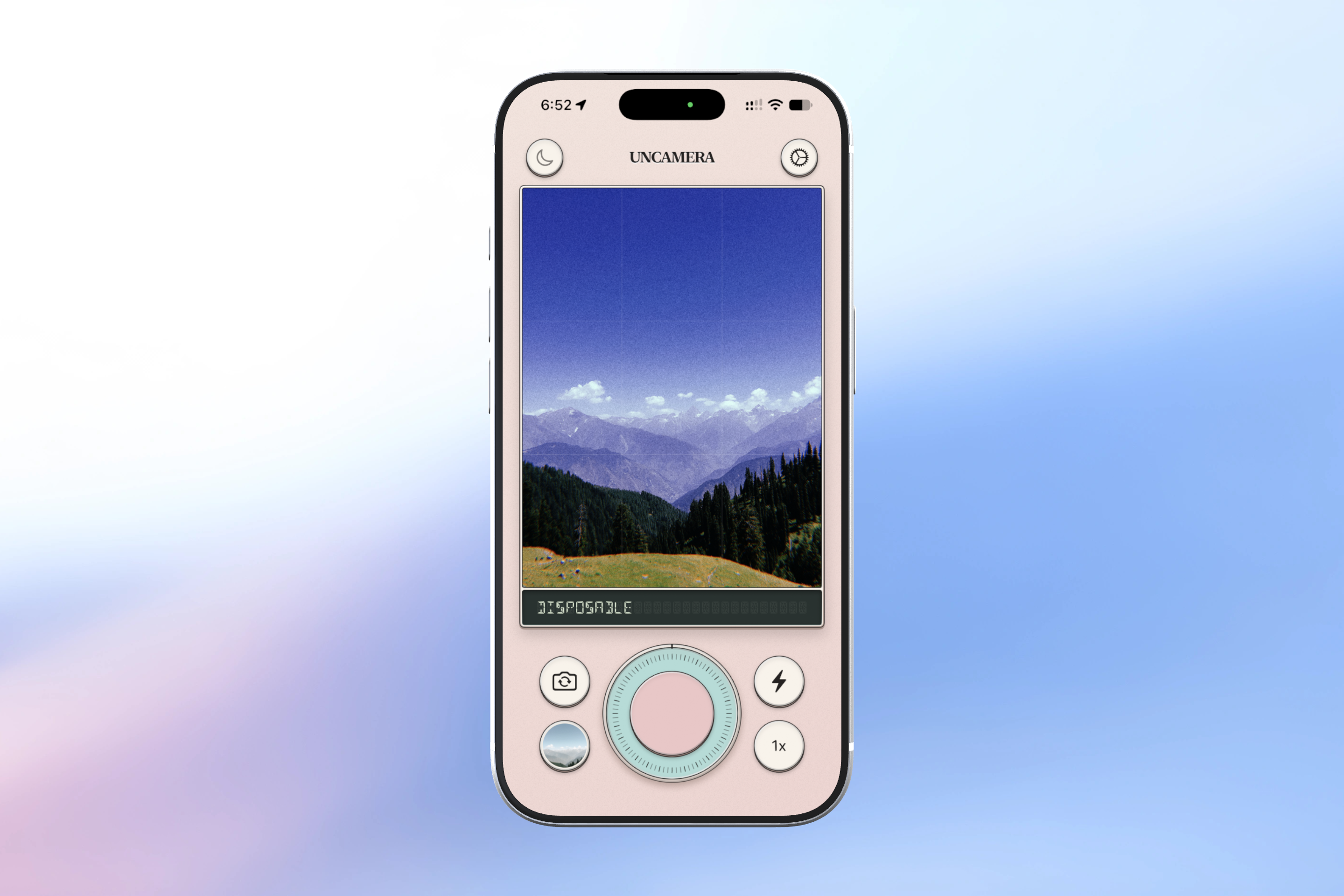
Uncamera uses 3D lookup tables (LUTs) to color-grade raw camera sensor output, the result is the ability to pick one of several of the film cans in the app and achieve the effect of various experimental films with realistic grain, halation, and radial aberration. This means that images that come out of Uncamera are beautiful - every time.
How we built it
Uncamera was built as a native Swift application for iPhones. The underlying color grades are bespoke, made intentionally for the iPhone's color space (.cube) that allow you to selectively achieve false color (for example, being able to switch greens for purples. The bulk of these were created in Pixelmator & then refined individually to achieve the desired look and feel of a particular type of film or of a film director.
The 3D film cans in the app are built in Blender with individual look/feel made as textures that apply to the 3D model. Individual film can textures were made in Figma.
IAP is entirely managed by RevenueCat.
Challenges we ran into
We'd initially started working on Uncamera as a photography app, and later decided to try and support video. I didn't realize quite how hard it would be to pull this off safely, without heating up iPhones old and new or otherwise running into memory issues which could cause failed captures. After I realised that very few people used this (Thanks PostHog for letting us do this in a privacy-first way), we removed it from the app.
Another major challenge was actually being very intentional about the controls we wanted to expose - camera controls are very easy to underestimate - there are a lot of variables and expectations people have for how a camera should work or how much control they want from it. We had to make a decision to keep the camera feeling 'point-and-shoot' whilst balancing functionality such as exposure control without compromising a clean & beautiful user interface, no matter what them you pick.
Accomplishments that we're proud of
Performance. Uncamera uses Metal to apply lookup tables, and keep device thermals manageable as well as avoiding problems like dropped frames in the viewfinder - even on older devices.
Uncamera also uses synthesized audio for each of the camera actions like the shutter, as well as clicks that pair with haptics to create a real 'in-hand' feel when you're using it. Basically, there are no audio files included in the app - the camera generates them as you use the controls.
Finally, I'm glad to say that Uncamera respects user privacy above all else - photos remain on device, location is never requested or attached to images. The app does as much as it can on the device.
What we learned
Design isn't how it looks, nor how it works - it's how it feels. It took many iterations of UI, layout & functionality and each and every individual lut to get to a point where Uncamera felt 'designed', and had consistently beautiful and unique feeling images per output.
What's next for Uncamera
Supporting the iPhone Duo! I'm excited about some of the layouts that we'll be able to build for street photographers who want waist level shots.
Built With
- metal
- posthog
- revenuecat
- swift


Log in or sign up for Devpost to join the conversation.