-
-
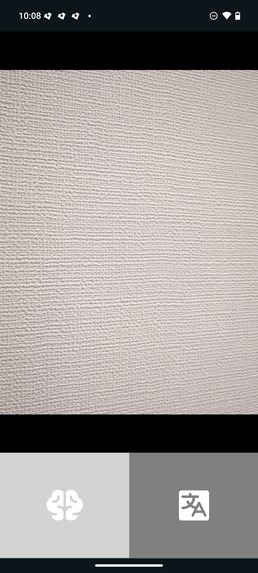
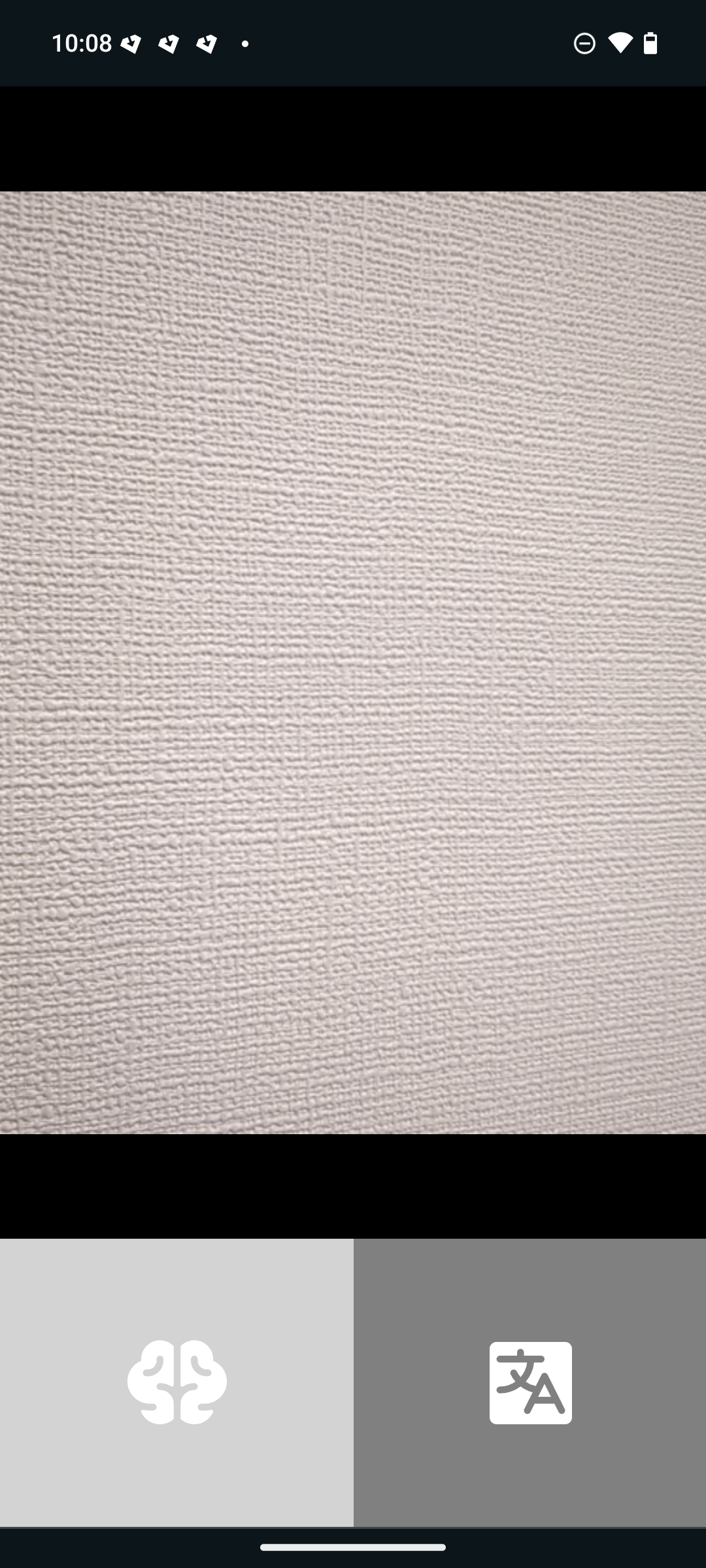
Main page example 1
-
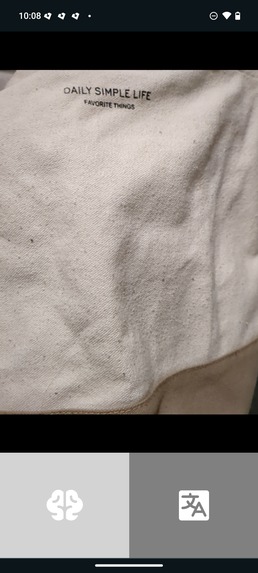
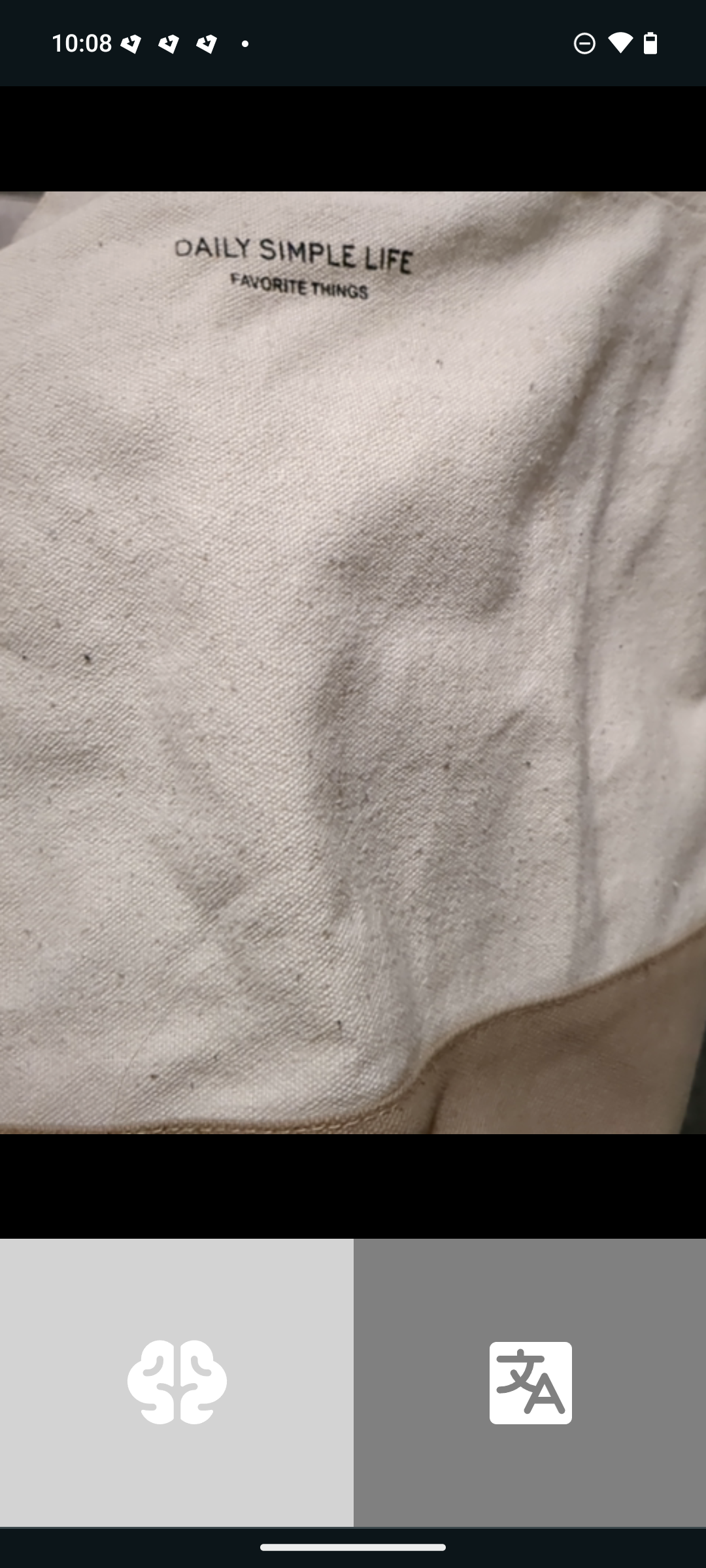
Main page example 2
Inspiration
AI applications can have applications for impaired people. I took the example of blind people, who rely on audio feedbacks from their surrounding environment.
What it does
My project uses the camera of a smartphone from a web browser. I tested it on Chrome, it might not work with other web browsers (it could work on a computer as well, although this use case is not really intended). We assume a blind user wants to know what there is in front of him. For that the web app uses his camera. He touches the bottom left button to take a picture. The picture is sent to a server which works as a wrapper around the Gemini API. The Gemini API gives back a textual message describing the environment inside the picture sent. This textual information is then read through the help of speech synthesis on the web browser. Additionally if a blind user wants his camera to indicate what kind of text there is in front of him, he can use instead the right button. It reads text in English, and will try to translate what it sees in other languages as needed.
How we built it
As I rely on 2 things, 1) a working smartphone with a camera and 2) Speech synthesis voices installed, I built it by testing the web app on a smartphone. Secondly, it had to be easily deployed on a server, so I used docker-compose for that. Thirdly, a quick wrapper around Gemini was needed to hide the API key from external users. For that with Golang I built a simple API to call Gemini and pass its answer to the web app.
Challenges we ran into
A challenge I ran into was to think as a blind person. I had to understand what would be an acceptable use case for someone blind, make the application practical. For that usual error messages or warning as a visual text was not realistic, so had to figure out how blind people use smartphones and build the app accordingly. If a button is not pressed, it gives an audio feedback to say that the buttons are on the bottom left and right.
The second challenge was to determine the best way to build an app to access hardware. There are permissions required, and web browsers do not have all the same behavior therefore building a native app may have been a better choice. I didn't do it because I ran out of time.
Accomplishments that we're proud of
It is a nice app making an interesting usage of Gemini, could be useful for any blind person.
What we learned
I learned a couple of things with Kotlin and Java to build an Android app as I intended to build the app natively for Android at first. I learned a couple of things on how to get speech synthesis working on a browser, and how to make the speech synthesis work on a smartphone.
What's next for Unblind
Improve the API wrapper, improve the UI to make it compatible with any kind of browser, and add a way to top up its usage to charge for the usage of the Gemini API. So the idea would be to ask the user to top up his wallet on the app, to then allow him send requests to the API for the equivalent amount of money. Also it should support other languages, not just English.


Log in or sign up for Devpost to join the conversation.