-
-
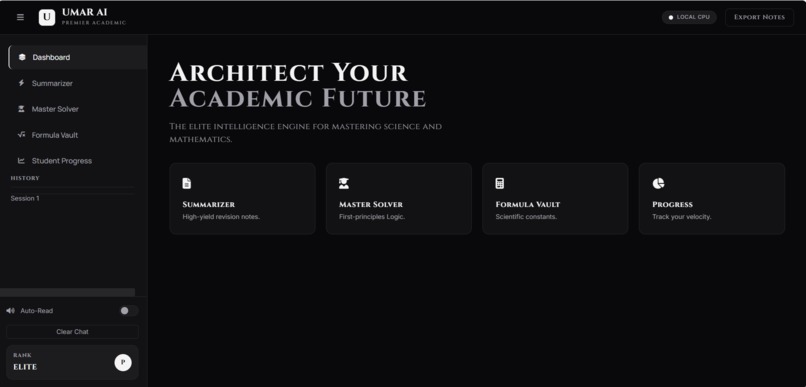
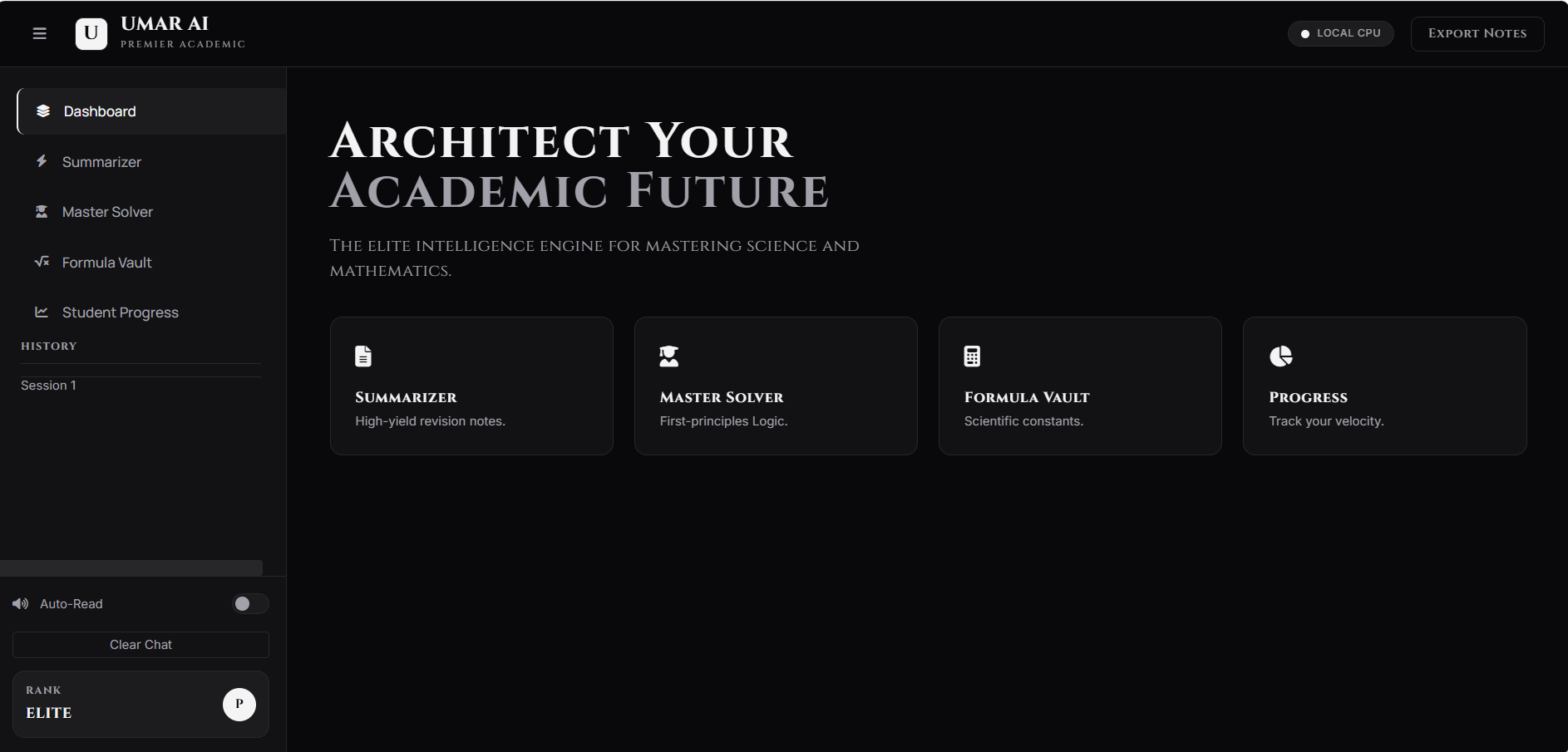
desktop dasboard
-
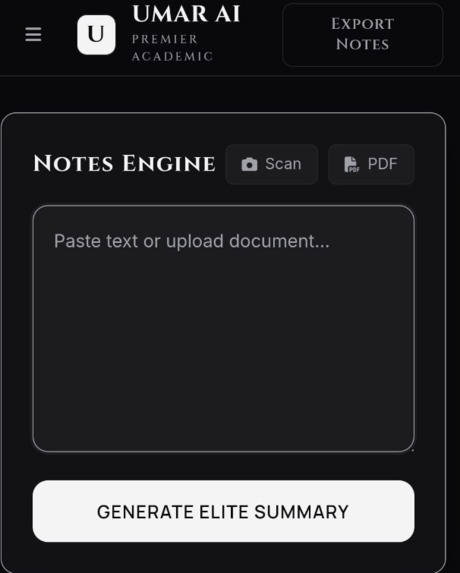
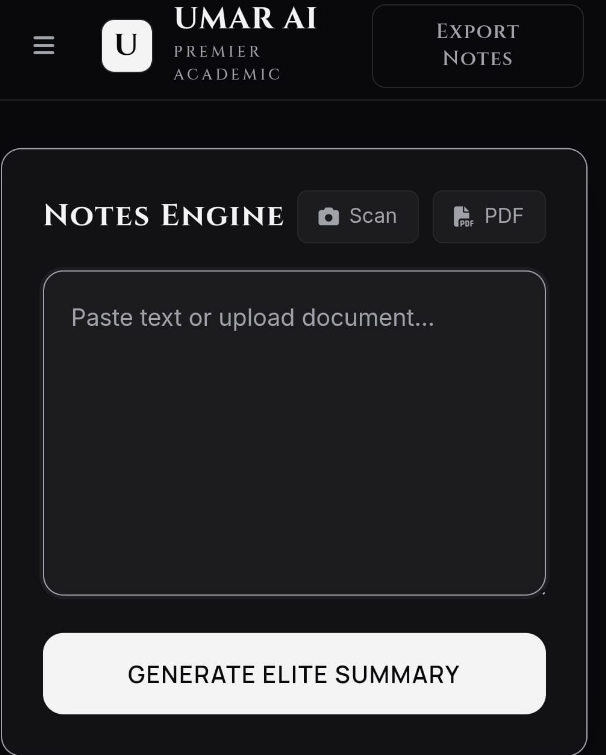
summaraizer
-
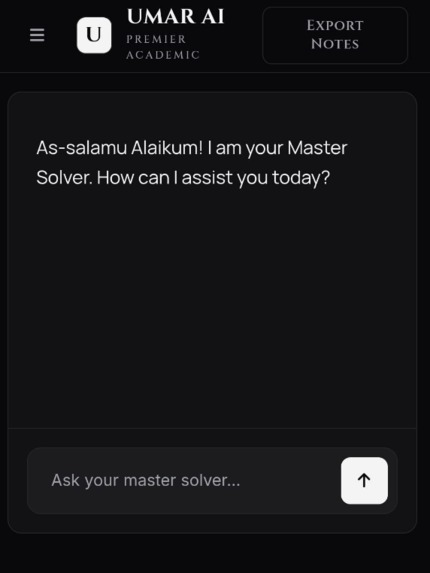
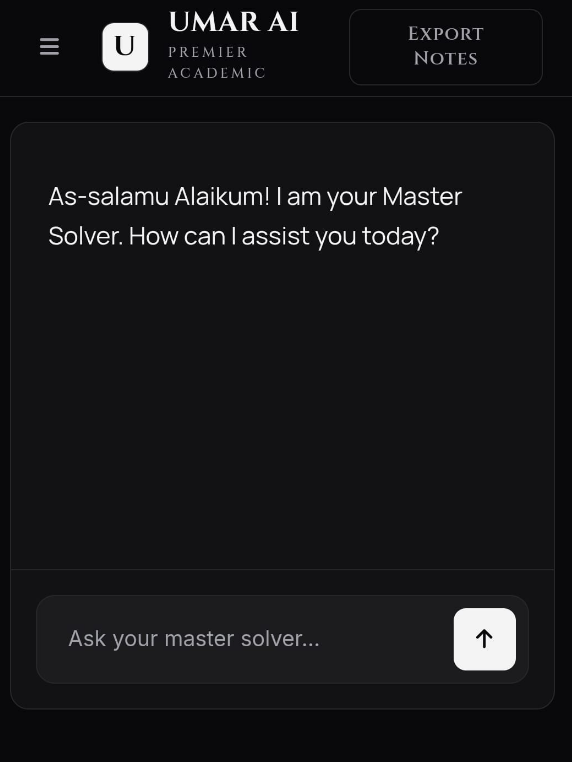
mastersolver
-
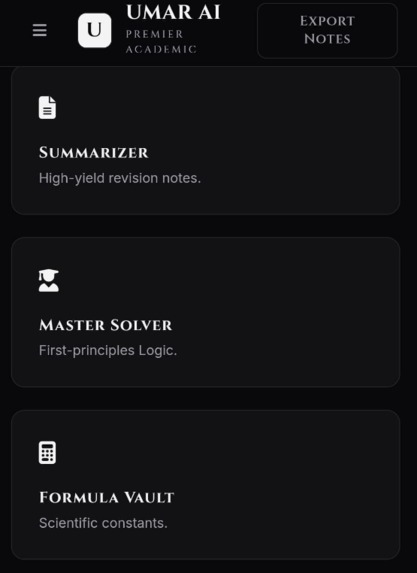
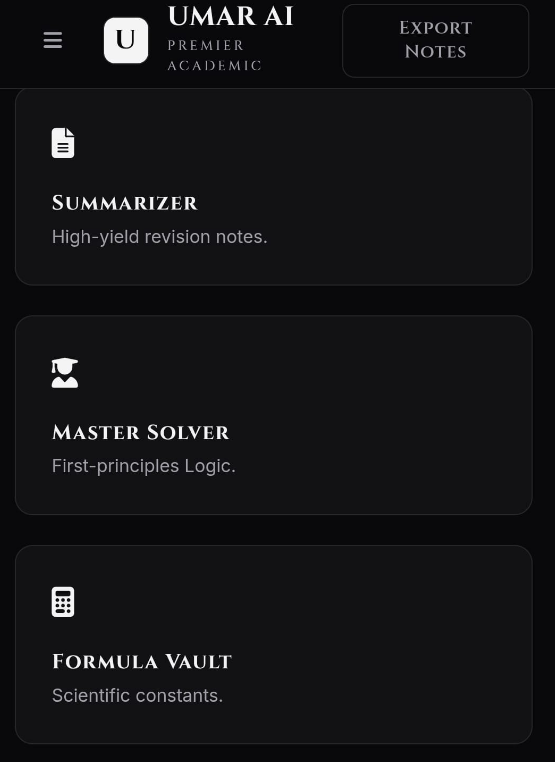
mobile dasboard main
Inspiration
While studying science and mathematics, I often found it difficult to manage multiple learning tasks at once—solving doubts, summarizing long notes, revising formulas, and tracking progress. Existing tools usually focus on only one aspect. This inspired me to build UMAR AI as a simple, unified academic support interface.
The goal was not to replace teachers or textbooks, but to create a clean and focused tool that helps students organize learning more efficiently.
What it does
UMAR AI – Premier Academic provides a single web interface where students can:
- Ask academic doubts in science and mathematics using an AI-assisted chat
- Generate concise summaries from text or documents for revision
- Refer to commonly used formulas across subjects
- View basic visual indicators to track study progress
The project focuses on helping students organize and support their learning, rather than replacing traditional study methods.
How we built it
UMAR AI was built as a web-based academic assistant focused on simplicity and usability for students of science and mathematics.
The frontend was developed using HTML, Tailwind CSS, and vanilla JavaScript, with a clean, minimal interface designed for readability and ease of use. The application follows a modular, class-based structure to manage user interactions, chat flow, and content rendering.
AI functionality is integrated through backend-ready API endpoints for doubt solving and summarization. Open-source language models were tested locally during development, while large model files were intentionally excluded from version control.
The project emphasizes clear workflows, responsive design, and realistic functionality, ensuring the prototype remains practical, understandable, and easy to extend.
Challenges we ran into
One of the main challenges was managing large AI model files, which are not suitable for version control. This required learning proper repository hygiene, such as excluding models and environment files.
Designing a distraction-free interface was also challenging. I spent significant time refining the layout, typography, and interaction flow to keep the UI simple but functional.
Accomplishments that we're proud of
Built a complete, working web-based prototype with a clean and consistent user interface
- Successfully integrated multiple academic features into a single platform
- Designed a distraction-free layout focused on readability and usability
- Implemented a modular frontend structure that can be extended with backend services
- Learned and applied best practices for version control and repository management
- Delivered a functional demo aligned with the project scope and available resources
These accomplishments reflect steady progress, practical learning, and a focus on building something usable rather than overpromising features.
What we learned
Through this project, I learned:
- How to design a product-focused frontend rather than a demo-only interface
- Best practices for GitHub repositories and version control
- The importance of separating code, configuration, and large assets
- How small design decisions can significantly impact usability
This project helped me better understand how AI-powered tools can be integrated into practical, student-focused applications.
What's next for UMAR AI- PREMIER ACADEMIC
Future improvements for UMAR AI will focus on making study and revision more structured. Planned features include:
- Chapter-wise practice questions and short tests for self-assessment
- Generation of downloadable PDF notes for revision
- Support for handwritten notes using image input
- Simple visual explanations and video-based walkthroughs for selected topics
- Clear, step-by-step solutions for academic questions
These additions are intended to help students practice regularly and understand concepts better, without adding unnecessary complexity.

Log in or sign up for Devpost to join the conversation.