-
-
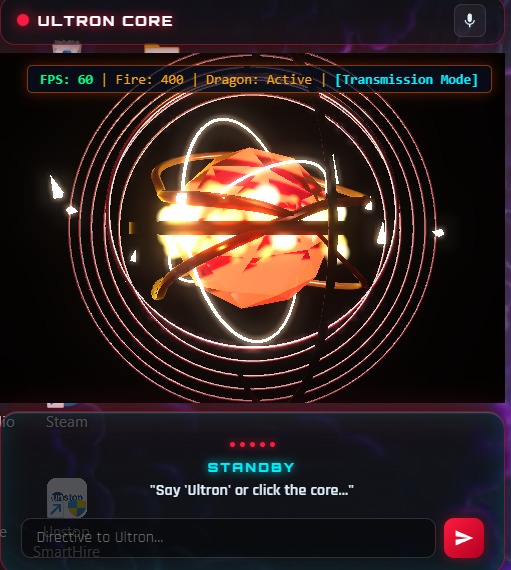
ultron core
-
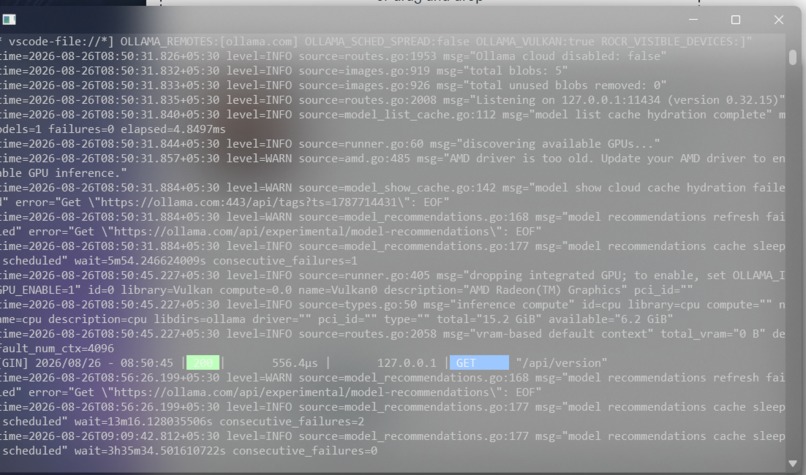
waiting for our voice access
Inspiration
Most modern AI companions exist in isolated browser tabs or require manual keyboard input. They are disconnected from your actual machine. We wanted to build a desktop assistant that feels like a futuristic HUD operating system core—acting as a hands-free, visual presence that runs locally, automates your system, and controls your workspace through simple natural language.
What it does
Project Ultron is a desktop companion application that listens continuously for the wake-word "Ultron". Once activated, it acts as an extension of your operating system. It features:
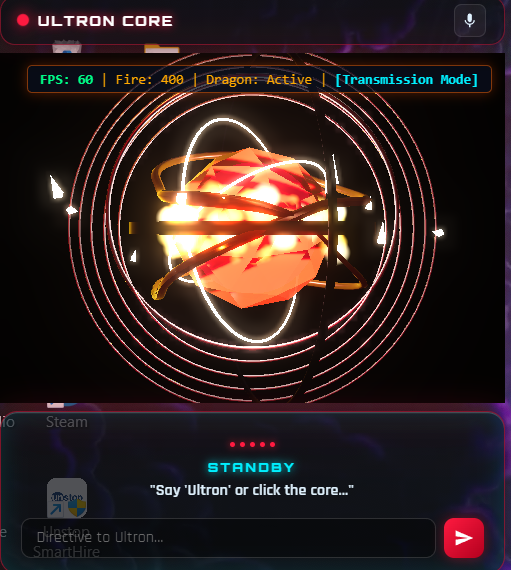
- Audio-Reactive 3D Telemetry: A fluid 3D orb that visualizes its internal thinking states (Standby, Listening, Querying, Executing) in real-time.
- Context-Aware Web Control: Automatically switches context. Mentioning "YouTube" shifts the system to media mode, making subsequent search intents run YouTube searches instead of general Google queries.
- Smart Media Control: Instantly plays videos, toggles playback, and adjusts system-wide volume levels via voice command.
- Desktop Automation: Creates and renames folders on your desktop hands-free, featuring safe confirmation guardrails to prevent accidental files edits.
- System Power Orchestration: Shuts down the machine with a delayed countdown timer, logging events for auditing.
- Hybrid Q&A Engine: Tries to get live answers from the web first. If offline, or requested explicitly, it falls back to a locally running large language model (LLM) on your PC for 100% private offline inference. ## How we built it We structured the project as a multi-tier companion system:
- Frontend Interface (Electron.js + Three.js): Runs as a lightweight, glassmorphic desktop overlay. It renders the glowing, audio-reactive 3D visualizer using WebGL shaders and handles interactive user inputs.
- Audio Daemon (Python): A persistent background listening service using the Python
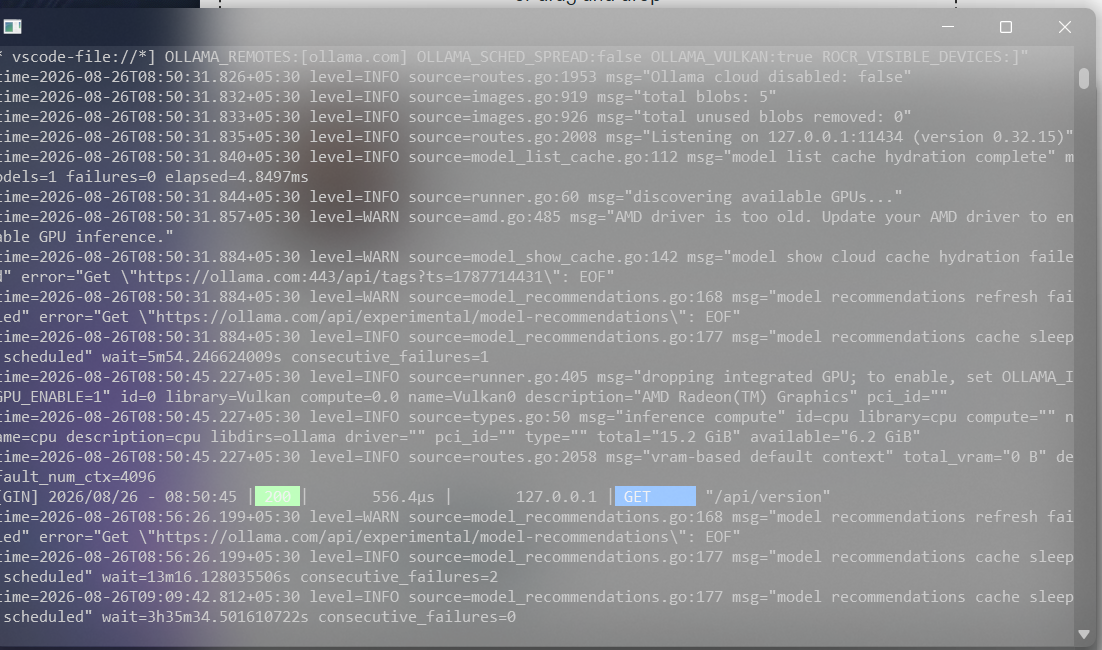
SpeechRecognitionmodule. It features a custom state machine that continuously filters ambient noise levels, waiting for the wake-word "Ultron" to trigger actions. - Intent Router & Parser (Python): The brain of the project. It maps transcripts to structured JSON actions and handles the Hybrid Q&A Router, calling online search scrapers or falling back to the local Ollama REST API (Qwen2.5-Coder / Llama) for offline reasoning.
- OS Automation Sidecar (Node.js): A lightweight local HTTP service running on port
8766. It accepts action schemas from the python router and triggers OS scripting (PyAutoGUI, PowerShell integrations, directory filesystem calls, and media controls). ## Challenges we ran into - Ambiguity and Context-Switching: Distinguishing between when the user wanted to search Google vs. play something on YouTube. We resolved this by introducing a state-persistence mechanism in
state.jsonthat tracks the user's active application context. - Local vs. Cloud Fallback: Ensuring query routing was fast and didn't crash when offline. We wrote a lightweight DNS socket check that verifies connection in milliseconds before choosing between a DuckDuckGo snippet parser or a local Ollama model instance.
- Safety & Security: Allowing an AI to run shell scripts and power commands can be risky. We designed visual system confirmation overlays ("Say yes to confirm") and audit log output files for high-impact actions like renaming directories and machine shutdown. ## Accomplishments that we're proud of
- We created a truly seamless, hands-free experience. You can say "Hey Ultron, play some lo-fi beats" and watch your computer open YouTube and start playing it without you touching the mouse.
- The 3D visualizer feels alive and premium, reacting instantly to sound cues.
- The entire platform remains private, with the capability to process complex programming queries fully offline. ## What we learned
- Inter-Process Communication (IPC): Integrating three different runtime systems (Python for background listening, Node/Electron for shell commands and visuals, and the local Ollama LLM endpoint) taught us how to design efficient local APIs and handle asynchronous data routing safely.
- Microphone Ambient Adaptability: Sound baselines vary wildly across devices. We learned how to tune automatic threshold adjustments and pause duration margins to account for natural user speaking rhythms without slicing off mid-sentence commands.
- Local Inference Resource Management: Running local LLMs alongside heavy WebGL renders can consume GPU/CPU resources. We learned how to design non-blocking execution pipelines to maintain UI responsiveness at all times. ## What's next for ultron AI assistant
- Deep IDE Integrations: Allowing Ultron to read active code workspaces and run tests or compile code via voice command.
- Custom Wake-Word Models: Shifting from Google Speech APIs to fully localized tinyML wake-word models (like Porcupine or custom Vosk models) to decrease latency.
- Multi-Modal Vision: Incorporating camera feeds so the visualizer orb can "see" user gestures or presence.
Built With
- api
- artificial-intelligence
- audio
- css3
- desktop-application
- electron
- front-end
- git
- html5
- javascript
- json
- machine-learning
- natural-language-processing
- node.js
- ollama
- powershell
- pyautogui
- python
- shell
- speech-recognition
- three.js
- web-speech-api
- webgl
- windows

Log in or sign up for Devpost to join the conversation.