-
-
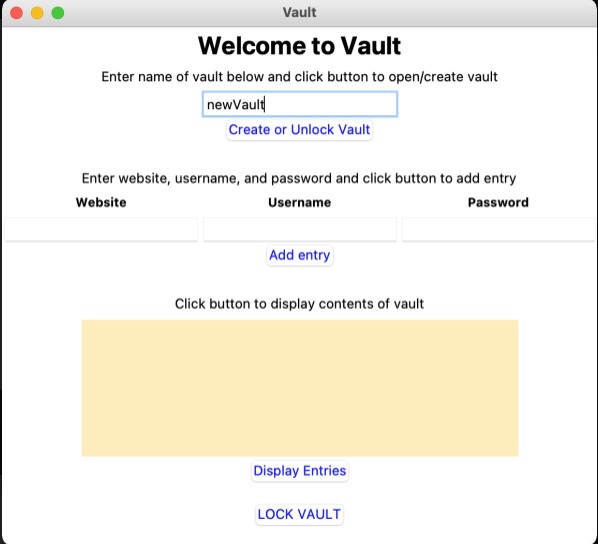
Create a new Vault
-
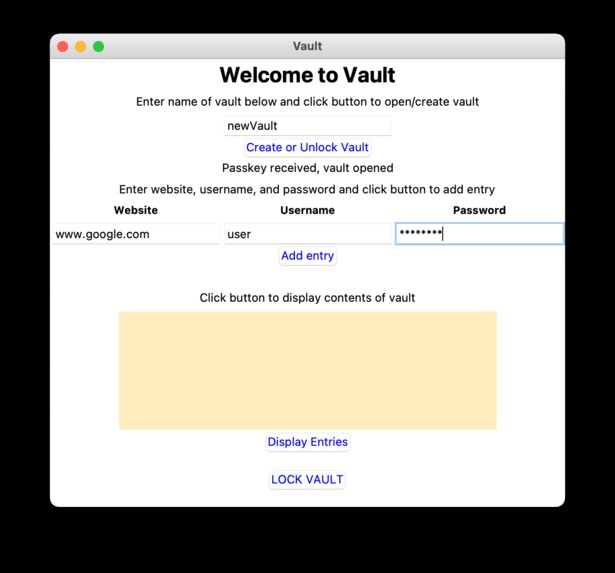
Give entry for storing the authentication data.
-
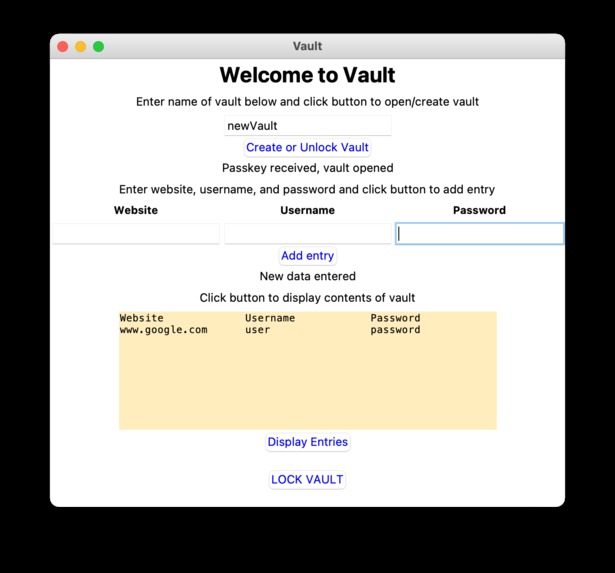
Displaying the entry.


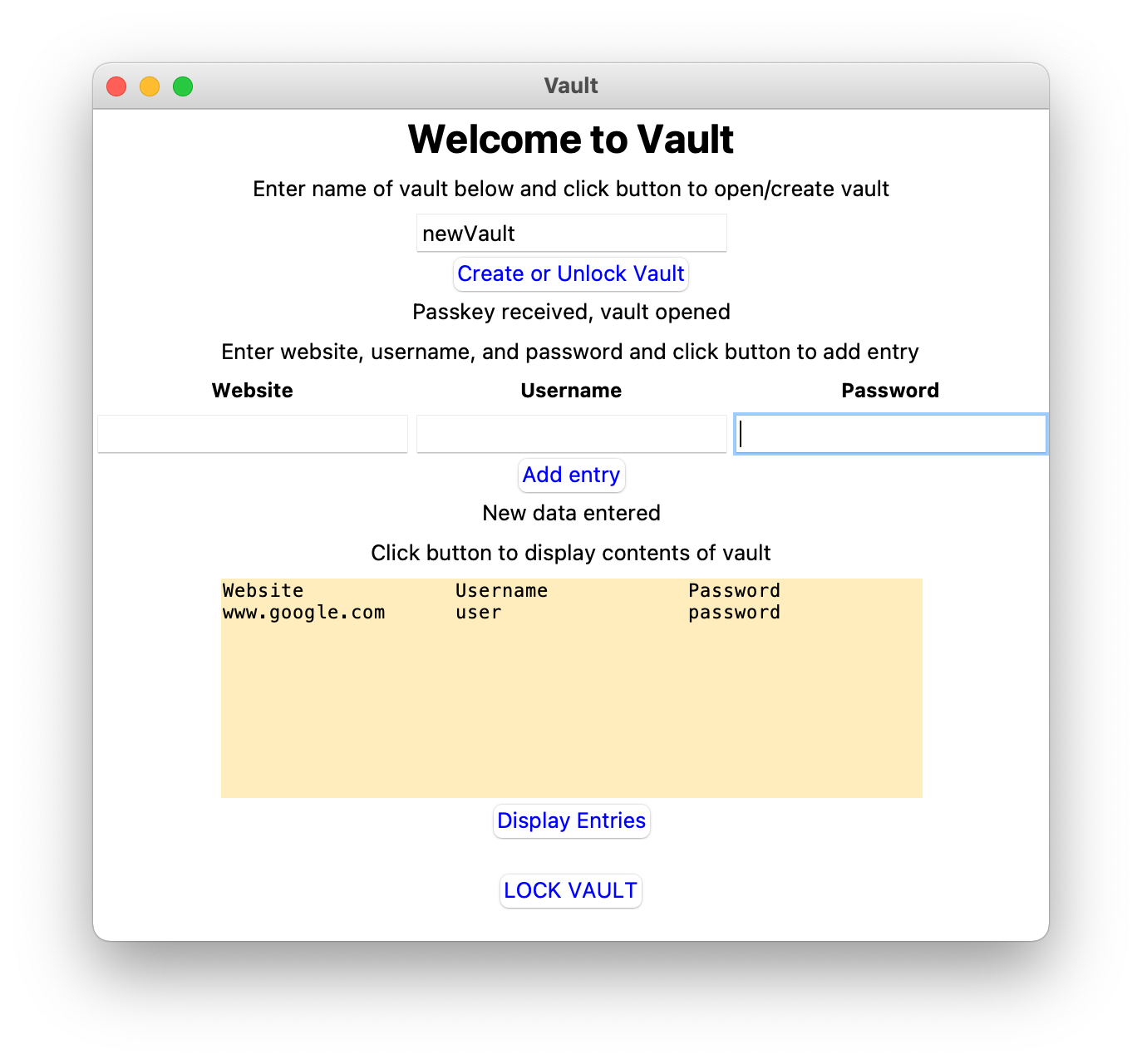
Inspiration
In the era of digital media, to get any service most of them need to have a subscription where they required a password for authentication. It is difficult to memorize a lot of account details as we try to set a different password for individual applications. Most of us go for a password keeper to make this thing easy and this password keeper needs a hard-level authentication process. Authentication to access any application is still a major challenge in practical life. To access, we use different types of authentication approaches, for example, text-based passwords, PIN, fingerprint, and so on. For most of them, a user needs to perform physical communication with the device such as typing, touching, etc., which may have possible vulnerabilities. To solve these issues we have planned to create a password vault that will overcome the facts.
What it does
The Ultrasound Password Vault is an application to store authentication information of different applications using three data fields: site URL or application name, user, and password. The master password for the application is an audio-based input which we created by embedding a password in an ultrasound audio file. To generate the audio we can use an application named Waver or a web-based API. The application works in the following steps:
- It takes a user value and an audio file (embedded with password text) as a password to create a new vault.

- Users can enter the authentication information of the different applications to store in the vault.

- One can show the information already stored in the user's vault.

- The audio file created to open an account in the application can be used for accessing the vault again.
How we built it
We implemented the project using Python language. The GUI was produced using the tkinter library, and the audio is decoded using ggwave and pyaudio. These libraries allowed for a smooth implementation of a simple-to-use application.
Challenges we ran into
- Finding suitable libraries for the implementation.
- Audio file used for the authentication can be recorded by another device and can be used to open the vault if a user is not careful.
Accomplishments that we're proud of
Finding something interesting and finishing the project on time.
What we learned
Get introduced to some powerful libraries and learn the use of them. Also learned the application of ultrasound in the authentication process.
What's next for Ultrasound Password Vault
- We will try to apply cryptography inappropriate scopes.
- We will try to make the application more user-friendly.
- Now, it is a desktop-based application. We can transfer it to mobile-based applications.

Log in or sign up for Devpost to join the conversation.