-
-
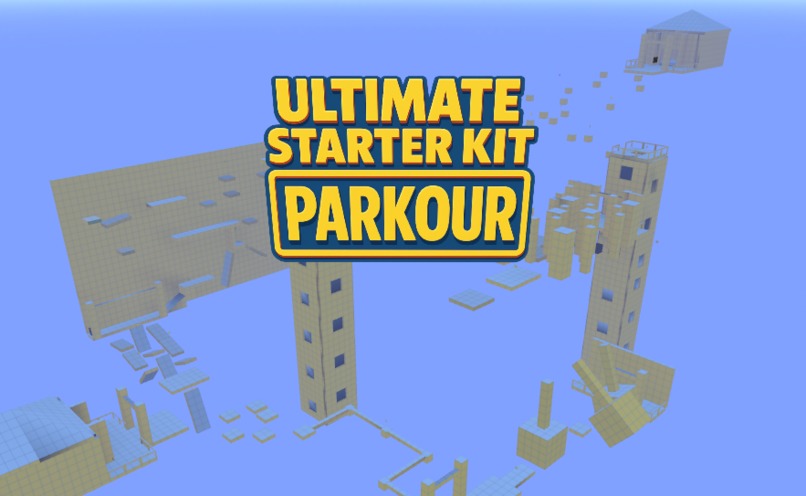
Ultimate Starter Kit - Parkour
-
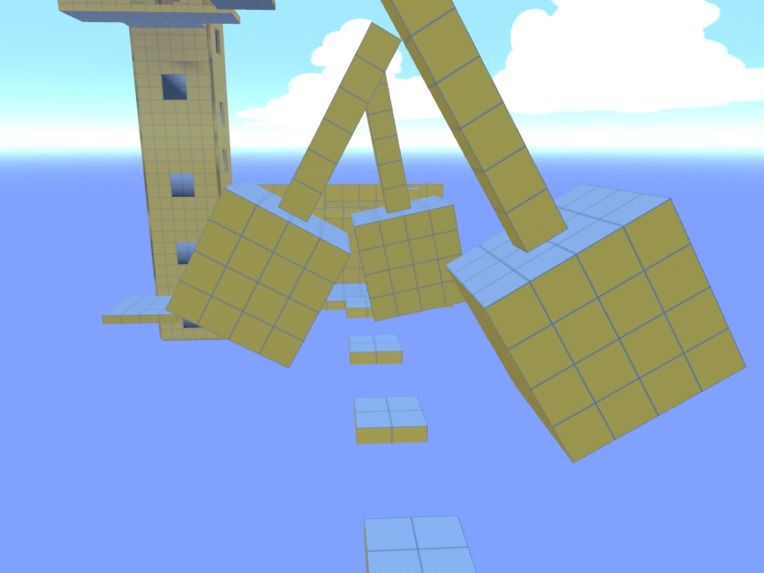
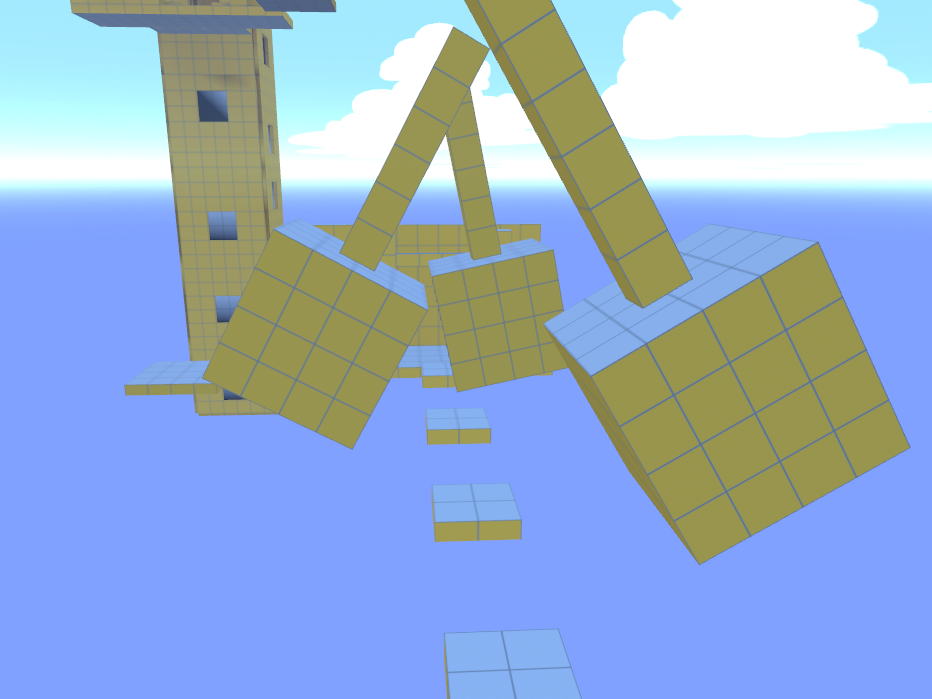
Create Swinging Obstacles
-
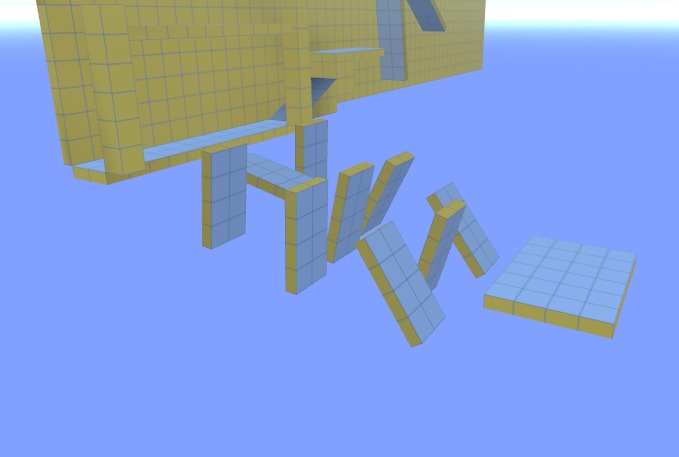
Build Challenging Levels
-
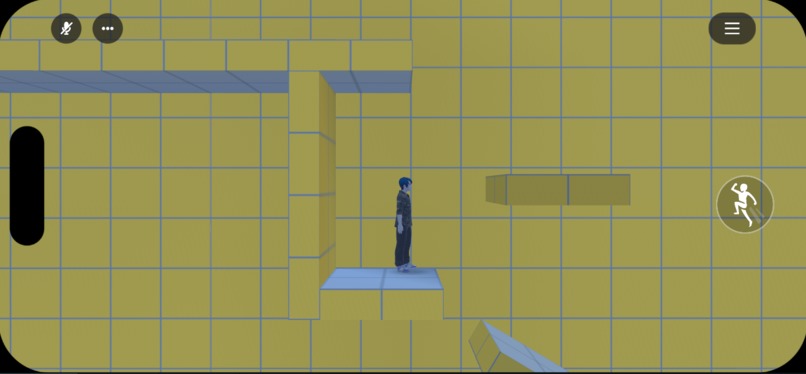
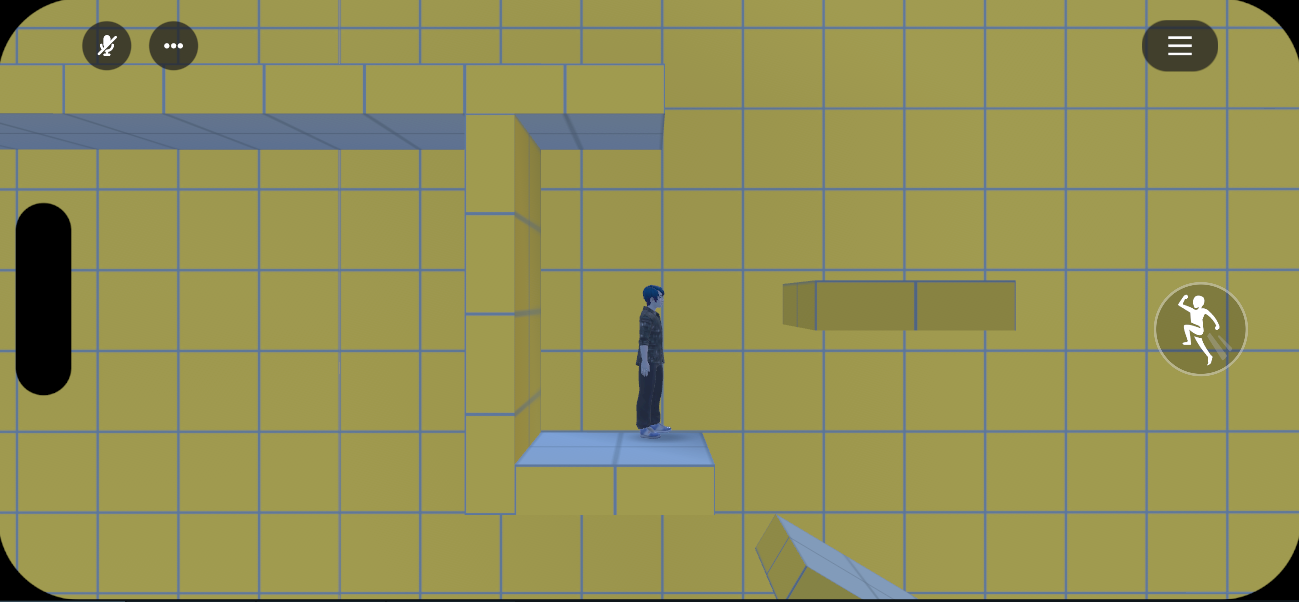
Change the Perspective for Mobile Players
-
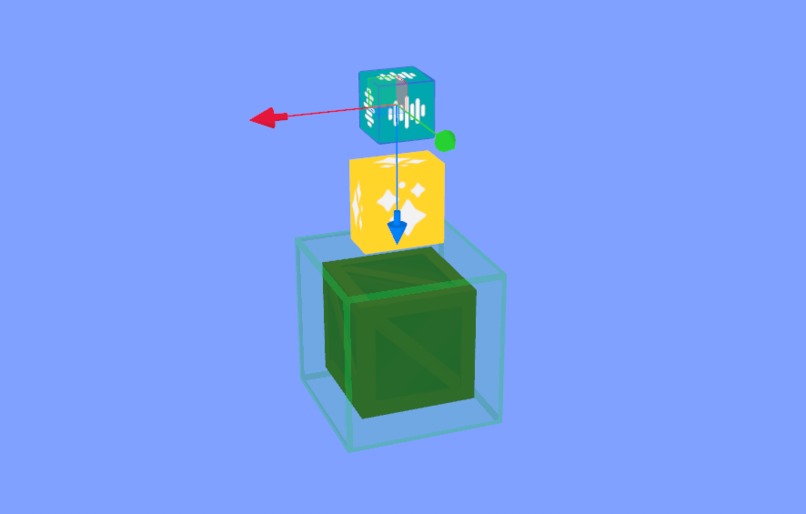
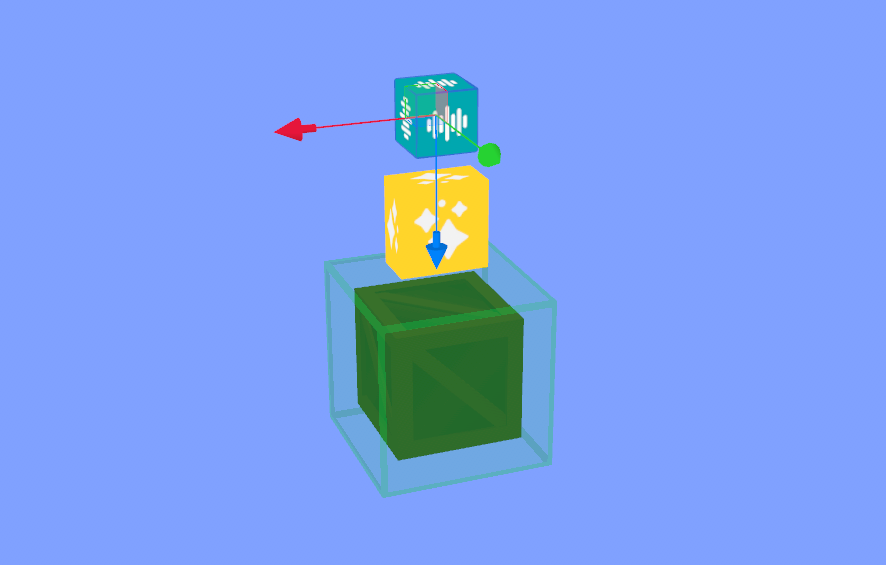
Ready to Customize
-
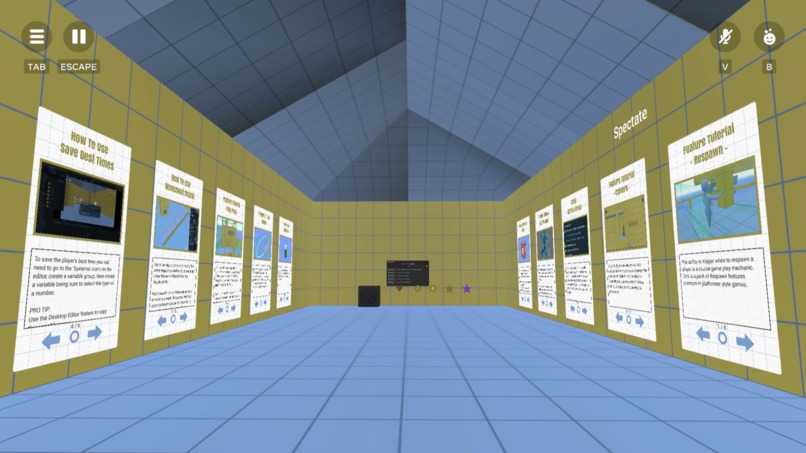
Step-by-Step Tutorials
-
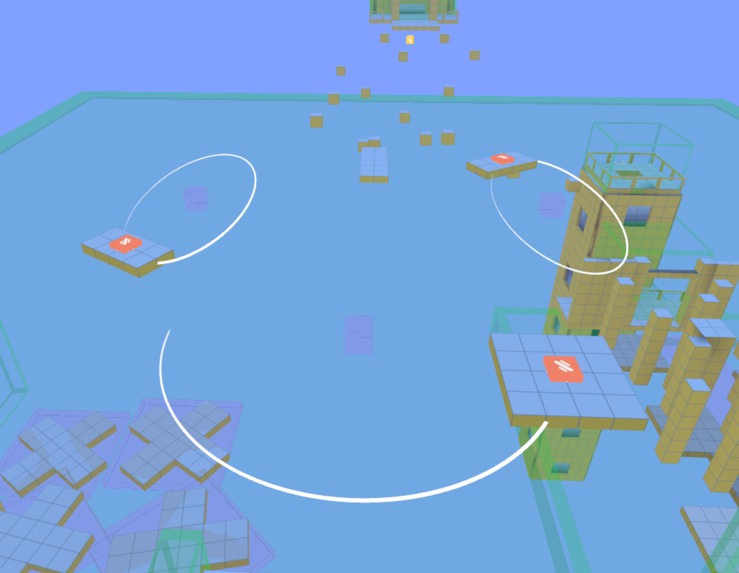
Remember to have fun!
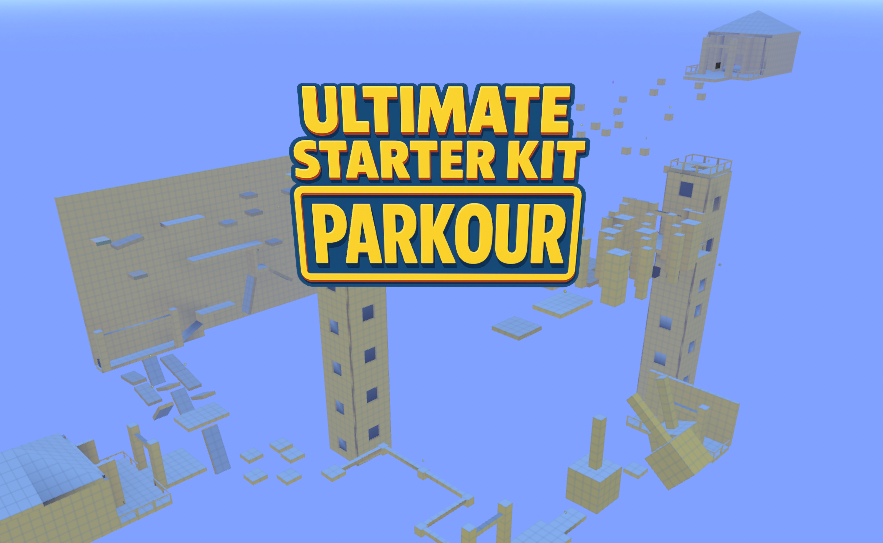
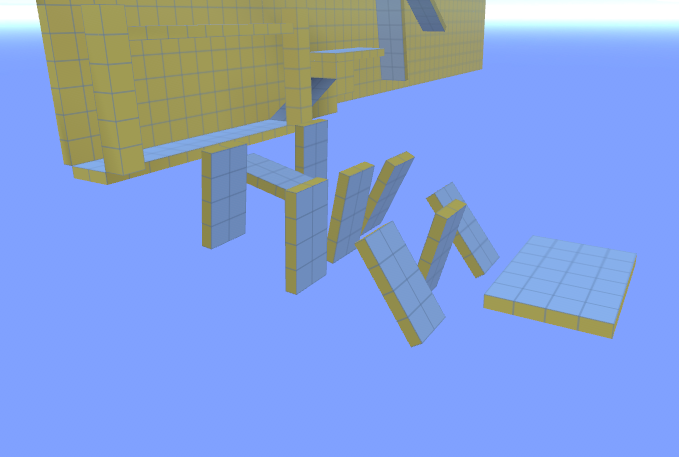
Create a parkour world fast with built-in scripts and tools
This starter kit comes preloaded with everything you need to launch a platformer or obby: double jump, race timers, respawning, item collection, quest completion, and even a music player. Perfect for new creators, it’s designed to help you learn the basics fast and start customizing right away.
The first time I built a world from the Ultimate Starter Kit - Parkour, it released my inner child. It was so much fun snapping objects together like Lego bricks that I easily lost track of time. I could easily assign and configure a movement script, then jump on the map to play the game.
I cannot wait to share the joy of world building with new creators!
Inspiration
When I first learned of the contest my first immediate thought was to submit the Double Jump public asset I created and started thinking about how I could develop it further while still remaining versatile enough for use in any world. That is when I came to the realization that it would be more useful to the community to create a pack of essential scripts for a specific genre. At that moment the Ultimate Starter Kit - Parkour was born.
There are several fundamental mechanics common in any platformer or obby. Most of the time artists rely on the scripter community in Meta Horizon Worlds to provide them with the support they need. I decided to not only make a starter kit, but to build a Remix Open World to demonstrate how to use each script.
How I built it
I started with the basic Movement scripts, but unlike others I have made I wanted something versatile enough to use in any genre. What I always found impressive was how a simple yet powerful selection of basic movement scripts in the hands of innovative creators will produce environments and effects I never could have imagined. I decided to focus on three primary movements:
Rotation
This will continually rotate the object on any axis at the specified speed. What is important is that it needed to increment onUpdate, or in cadence with the device frame rate to prevent jarring motion. For greater versatility I also added an offset which changes the starting rotation for when multiple objects should not rotate in unison. Additionally, I added a Swing option which when enabled only rotates the specified number of degrees before alternating direction creating a back and forth motion. For added effect this motion was put onto a sine wave. This means it is no longer moves at a static speed, but variable for a pendulum-like effect.
Ping Pong
Another common movement is a simple linear back and forth motion, commonly referred to as ping pong. This allows the creator to specify a single or combination of directions on each of the XYZ axes. This will then continually move the object along that path in a straight line over the specified number of seconds for each oscillation cycle. Similar to the variable speed I used on the Swing Rotation, the motion of the platforms also will slow down as it approaches the point where it will switch directions. I felt this was important for a platformer and the elastic motion feels more natural during gameplay.
Circle
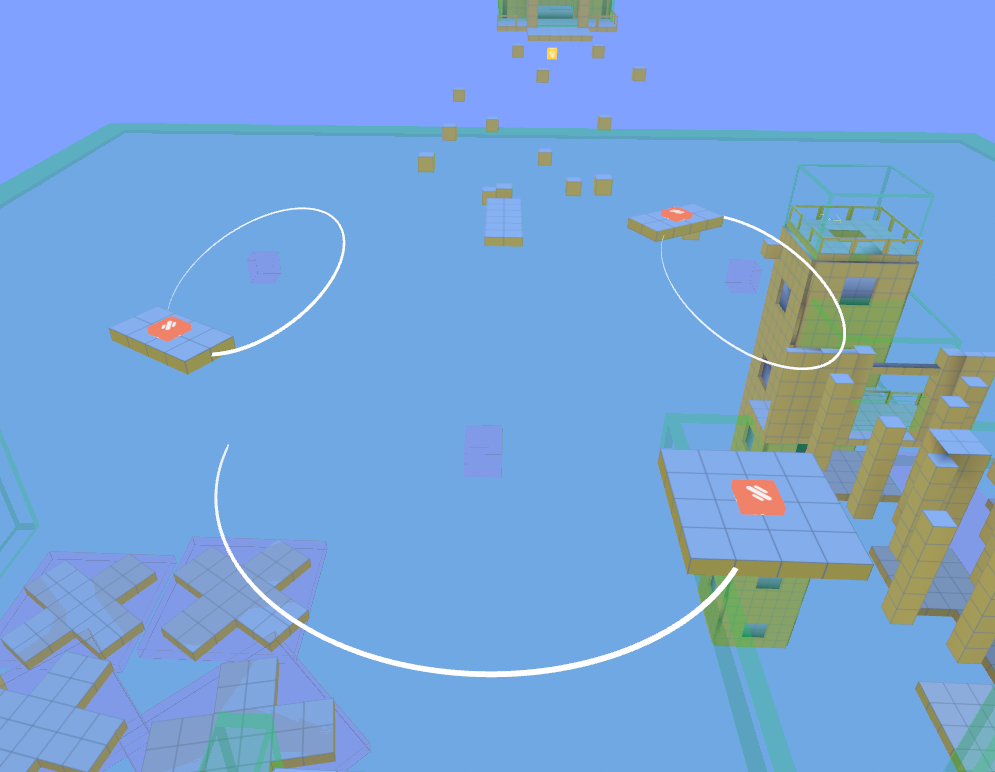
This motion is one of my personal favorites to use as it allows an object to travel along a non-linear path. While it is called 'circle', it actually has the versatility for an elliptical path. By specifying a different width and length it will travel in an oval, and the Rotation Offset will allow this oval to be rotated by the specified number of degrees. Additionally, the rotation offset can be used to offset the starting rotation so multiple objects are not moving in unison. There is an option to rotate the object along the path, such as the way a plane flying in a circle always faces forward. However, I modified what I made previously so the object or platform will always stay level along paths with vertical movement. Finally, I added a similar Swing option allowing the object to continually move back and forth along an arc. This is very similar to Ping Pong, but along a curved path instead of a straight line. For more complex arcs the Swing Offset allows asymmetrical arc paths. I am excited to see the innovative ways creators will use this motion.
There are many more essential scripts in the Ultimate Starter Kit - Parkour for any platformer or obby game including:
- Respawning, with Save Points
- Start to Finish Line Timers with leaderboards and Time Trial Quests
- Camera Triggers for the changing perspective of mobile players
- Background Music Player, to loop a shuffled playlist
- Improved Double Jump mechanic
- Collection Trigger for items, effects, leaderboards, and quests
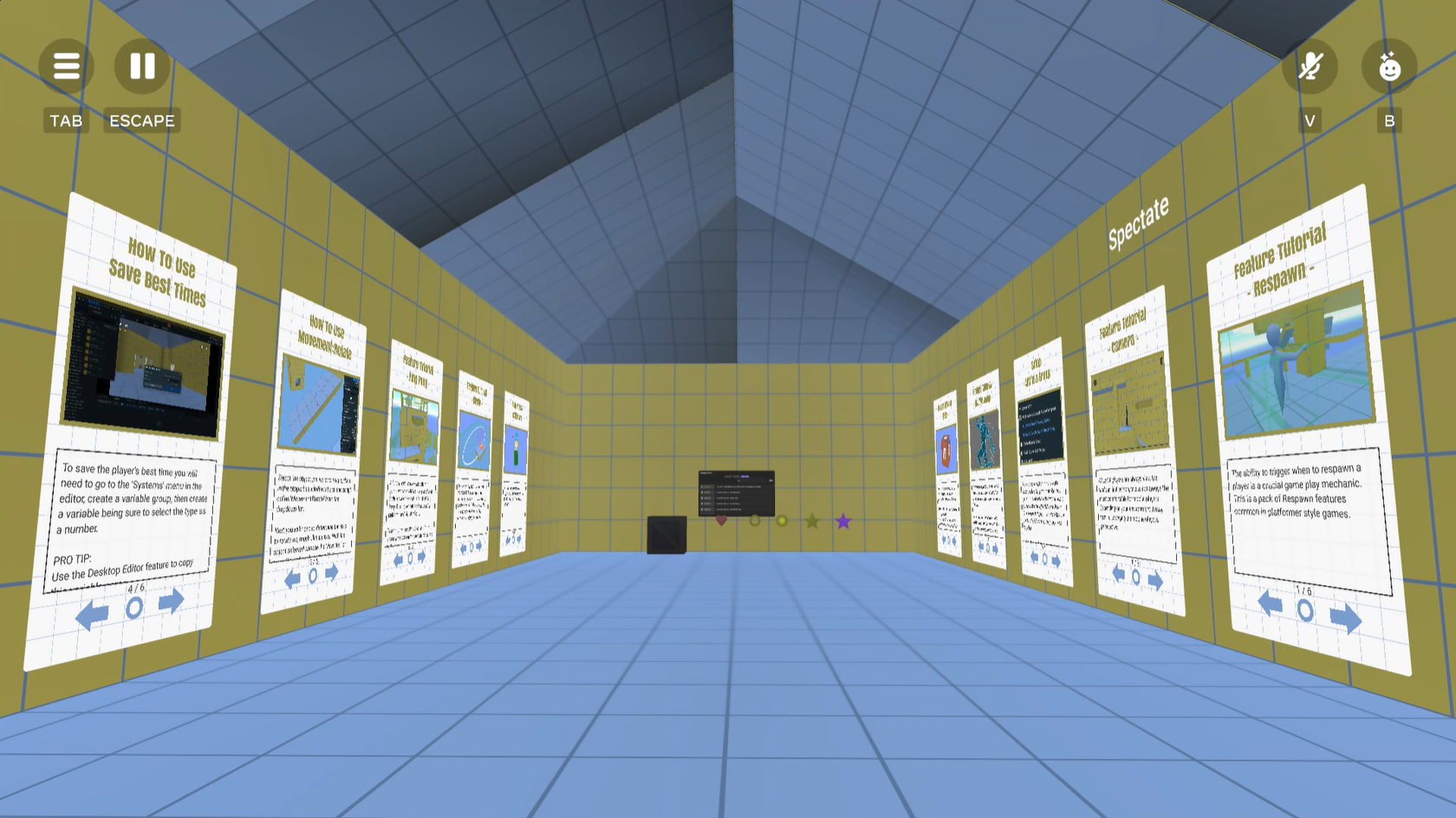
The world also includes tutorial slides for every script. These cover an overview, how to use, any setup tasks, and applications with examples. Additionally, these slides are entirely populated from a JSON text asset allowing me to update the documentation in every copy of this world. I felt this would be useful to anyone creating their own Remix Open Worlds.
Leave it to me to create an asset for creators to use for their own Remix worlds. Useful enough for me to author it's own tutorial slide panel on it's use.
Challenges
My first challenge was that I am not an experienced 3D modeling artist, and I wanted the build to appeal to any theme or genre. I didn't want to create something that predisposed the creator in any direction or another. So rather than teaming up with an artist on this build, I decided to replicate the style of the tutorial worlds. The only issue was that the normal on the provided assets were all over the place, but I figured that was a realistic result from imported meshes. So I ensured the scripts were versatile enough to work regardless of the local XYZ orientation.
The most time consuming task ended up being writing out the documentation. Unlike other projects I cannot be in the build with everyone to train and demonstrate how to use and when to use each script. I embraced this challenge! As I hear feedback about confusing or missed topics in the documentation, I included a mechanism to dynamically update the in-world documentation in every copy of the world.
Accomplishments
It has been almost a year since I last published a complete game without help from an artist. All of my work has been collaborations with other creators from around the platform. It's a minor accomplishment, but something I am proud of none the less.
Overall I wanted this build to appeal to newer creators on the platform. This means well organized documentation and well commented scripts so aspiring scripters can learn, understand, and modify these mechanics to help customize them to meet their needs.
An example of a customization was applied to the HUD built into the Double Jump mechanic for a little easter egg. Hold the jump button down for 3 seconds to display that this world was "Made with Proto_XR's Open World, Ultimate Starter Kit - Parkour"
Once I finished using the desktop editor to load all of the scripts required and added a canvas of mesh shapes to work with into the world, I was able to jump into VR editor and rediscovered the joy of world building. Duplicating a block from the canvas of shapes, snapping them together, adding some motion, jumping into play mode to see what's possible, fun, and/or challenging was the thrill that first got me hooked to building in Meta Horizon Worlds.
Again, I cannot wait to share the joy of world building with new creators!
Next Steps for the remixable world
Besides updates to the documentation, I believe the next steps would be to expand the Ultimate Starter Kit franchise to other genres. I removed other movements I had in here such as Bezier curves and chained paths as those are not common for this genre and intimidating for new creators. If this is a hit I may expand into additional starter kits for genres such as:
- Escape Rooms
- Adventure
- RPG
- Racing
- Flying
- and much more!
There are many genres that require more niche mechanics, so those will require more thought and perhaps collaboration.



Log in or sign up for Devpost to join the conversation.