-
-
-

chrome-extension
-
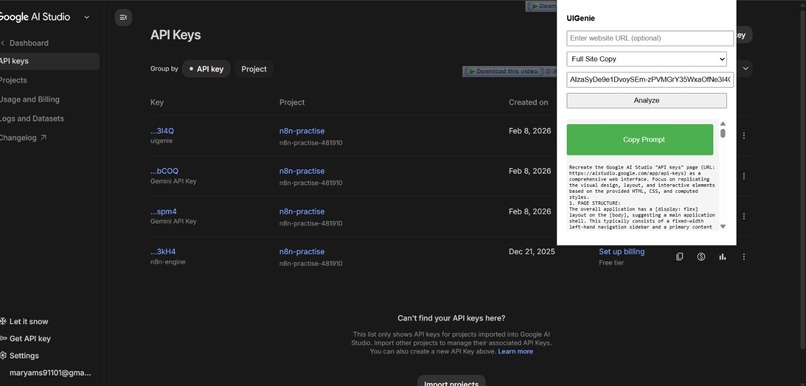
ai captured prompt
-
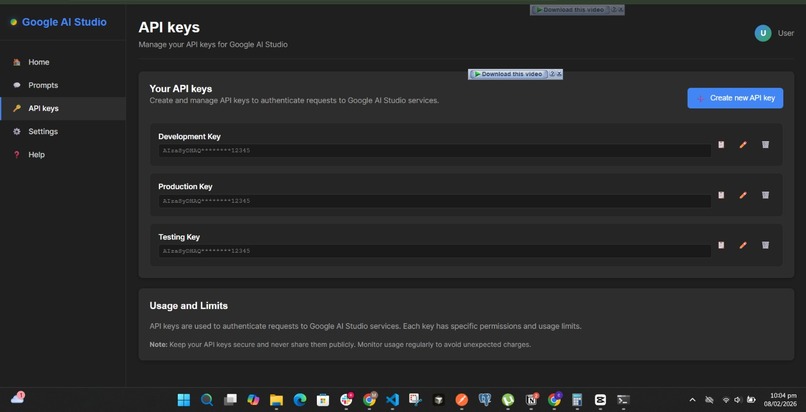
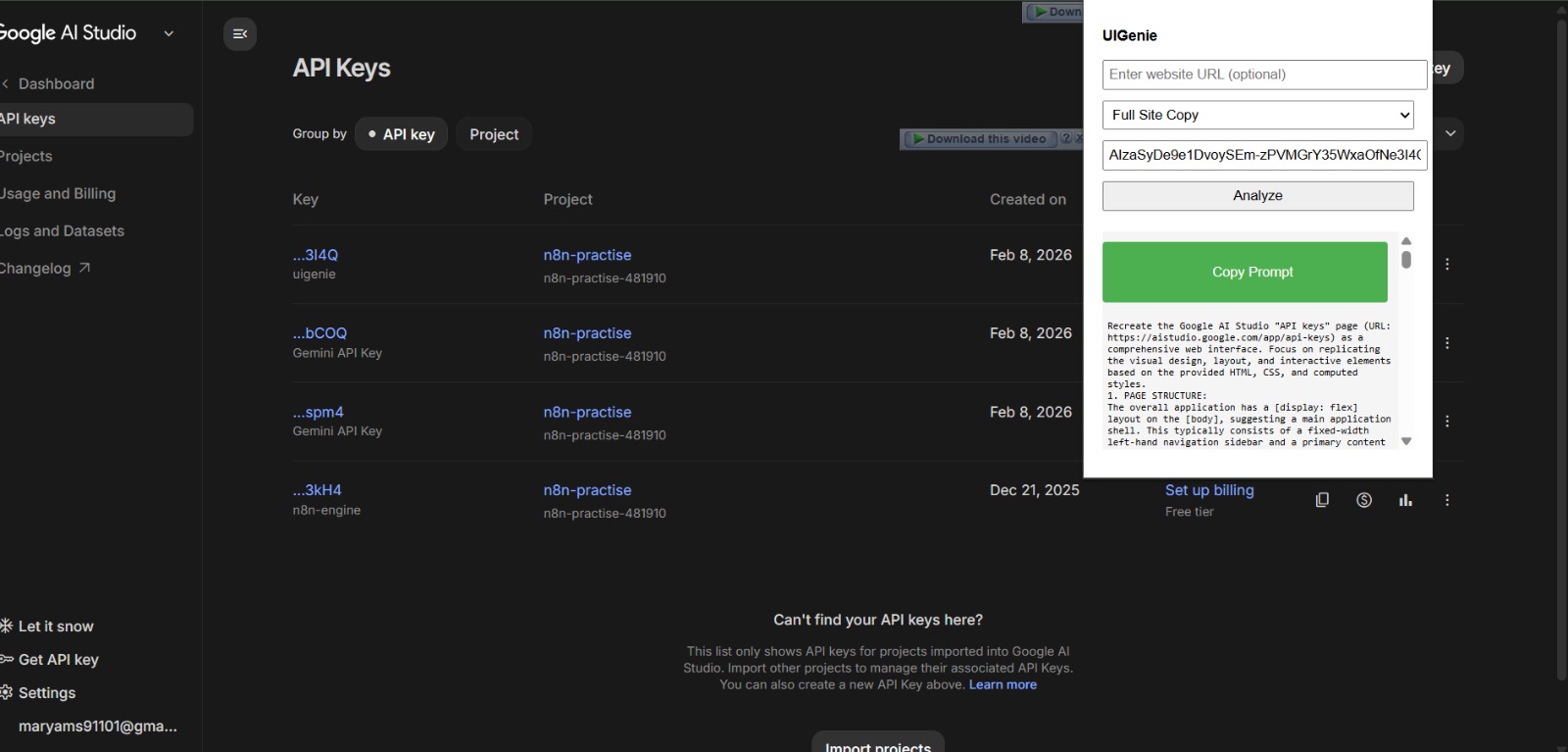
prompt is working

Inspiration
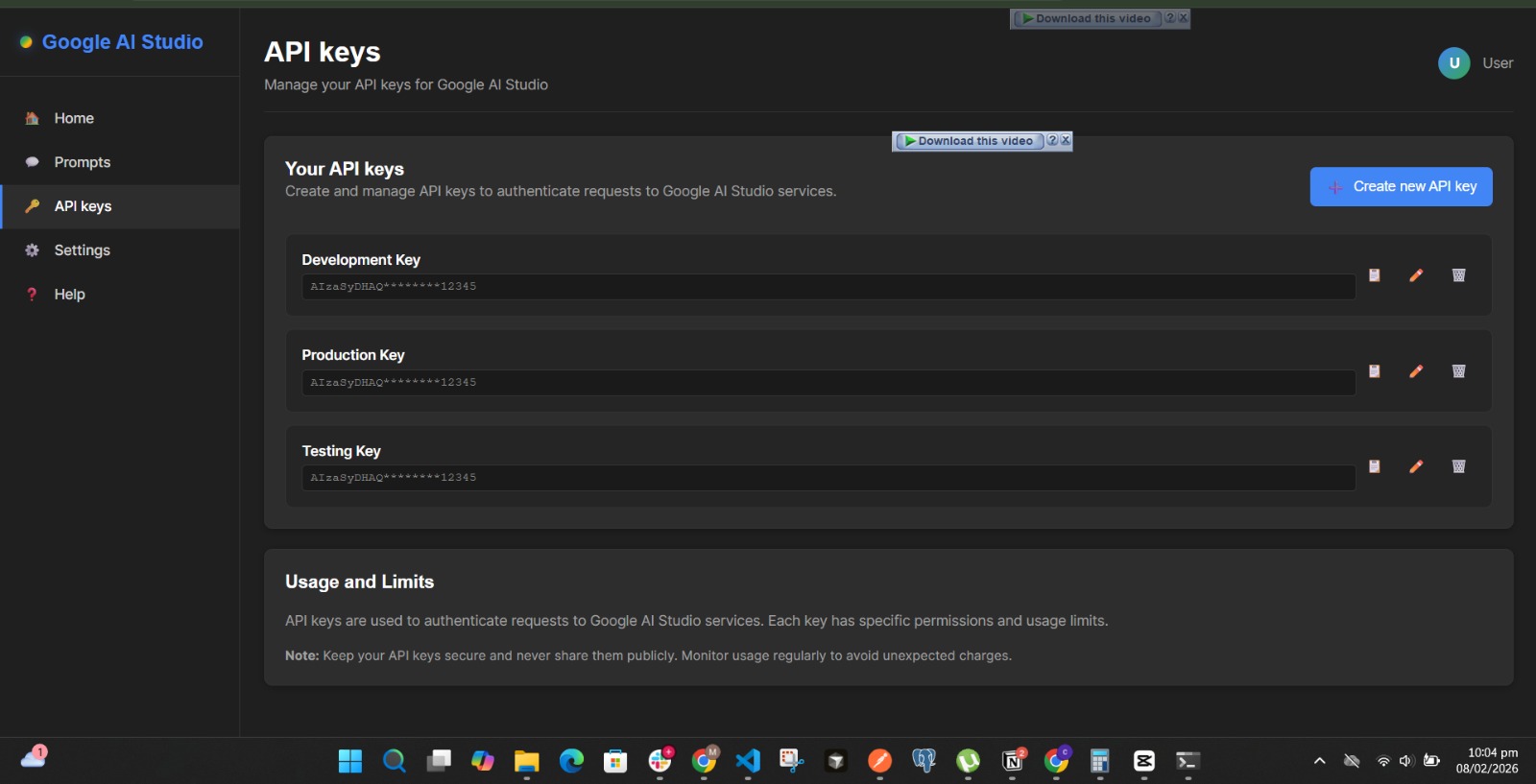
We were inspired by the need to replicate UI layouts without struggling with image-based inputs. AI often forgets visual details or fails to accurately recreate designs from images, so we wanted a more reliable and reproducible way to transfer layouts into AI workflows.
What it does
UIGenie allows you to copy a UI layout as a structured prompt and paste it directly into your AI editor. This removes dependency on images and helps generate more accurate, consistent UI results using text-based prompts.
How we built it
We built UIGenie as a Chrome extension using JavaScript with Manifest V3. It handles layout extraction, prompt formatting, and communication between different extension components to create a smooth developer experience.
Challenges we ran into
We faced challenges with background service worker communication, especially syncing data between the background scripts and the frontend. Debugging lifecycle issues and ensuring reliable message passing required multiple iterations.
Accomplishments that we're proud of
We’re proud of pushing through the frontend challenges and getting the UI to behave exactly the way we envisioned. Refining the user experience and making the workflow feel intuitive was a major win for us.
What we learned
We learned a lot about Chrome extension architecture, Manifest V3 limitations, and effective communication between background workers and UI components. More importantly, we learned how critical iteration and patience are when building developer tools.
What's next for UIGenie
We plan to expand UIGenie to further simplify the AI development process by offering a wider range of prompt templates, deeper customization, and workflow enhancements that make building with AI faster and more effortless.
Built With
- gemini
- javascript
- manifestv3

Log in or sign up for Devpost to join the conversation.