-
-
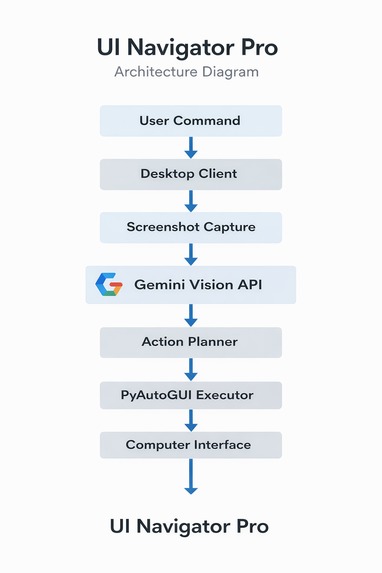
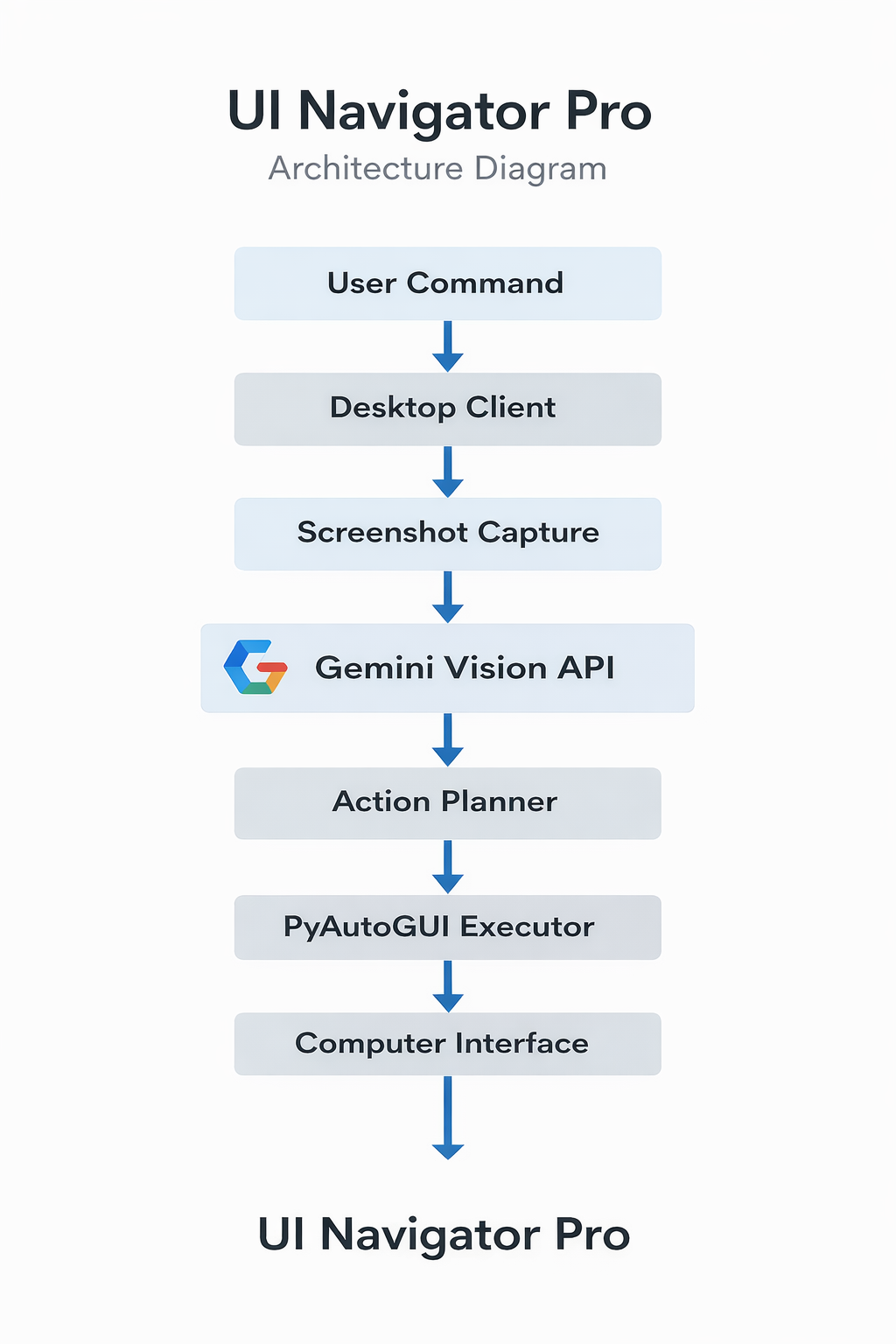
UI Navigator Pro architecture: user command → screenshot → Gemini Vision → action planning → PyAutoGUI automation.
Inspiration
Modern computers are powerful, but interacting with them still requires manual clicks, menus, and navigation. We wanted to explore a future where AI can understand what is happening on the screen and help users accomplish tasks naturally.
Inspired by the concept of AI agents and multimodal models, we built UI Navigator Pro AI — a system that allows users to control their computer using natural language while the AI understands the visual interface.
With the power of Gemini, the system can interpret screenshots, understand user intentions, and translate them into real UI actions.
What it does
UI Navigator Pro AI is a computer-use AI agent that understands the user's screen and performs tasks automatically.
The system captures the current screen, analyzes the interface using Gemini's multimodal capabilities, and converts user instructions into actionable steps.
For example, users can say:
• "Open the browser and search for AI news" • "Find the download button and click it" • "Scroll the page and open the first result"
The AI interprets the visual layout of the interface and executes actions like clicking, typing, scrolling, and navigation.
This enables a new way of interacting with computers where AI acts as an intelligent assistant capable of operating software on behalf of the user.
How we built it
UI Navigator Pro AI is built with a modular architecture that combines:
• Python backend for the agent logic • Gemini multimodal API for screen understanding and reasoning • Screenshot capture for visual context • PyAutoGUI for executing UI actions • A desktop interface for interacting with the AI agent
The workflow works as follows:
- Capture the current screen
- Send the screenshot and user instruction to Gemini
- Gemini analyzes the UI elements and determines the next action
- The system executes the action on the user's computer
This loop continues until the task is completed.
Challenges we ran into
One of the main challenges was translating visual UI understanding into reliable system actions.
Interfaces change frequently, and ensuring that the AI correctly identifies buttons, menus, and elements required careful prompt engineering and validation.
Another challenge was designing a safe execution mechanism so that the AI actions remain predictable and controlled.
Accomplishments that we're proud of
We successfully created a working AI computer agent that can understand visual interfaces and perform real tasks on the user's computer.
The system demonstrates how multimodal AI models like Gemini can move beyond chat interfaces and become active digital assistants.
What we learned
This project showed us the real potential of multimodal AI systems.
When AI can see the screen, understand instructions, and take actions, the way humans interact with software can fundamentally change.
What's next for UI Navigator Pro AI
Future improvements include:
• voice interaction for fully hands-free control • improved UI element detection • safety layers for secure automation • support for more complex workflows across multiple applications

Log in or sign up for Devpost to join the conversation.