
Inspiration
Games on USB! Back in the good old day when we had actual handheld console games, we used to carry around game cartridges with us the whole time. Cartridges not only carried the game data itself, but also your save files, the game progress and even your childhood memories. As a 20-something young adult who played too much Pokemon in his childhood days, I couldn't resist building a homage project in a gaming-themed hackathon. With some inspiration from the USB club, I decided to build a USB game cartridge that can be plugged into any computer to play the games stored in it. Just like a game cartridge! You can save the game, carry them around, and wherever you can plug a USB into, you can continue playing the game on any computer.
What it does
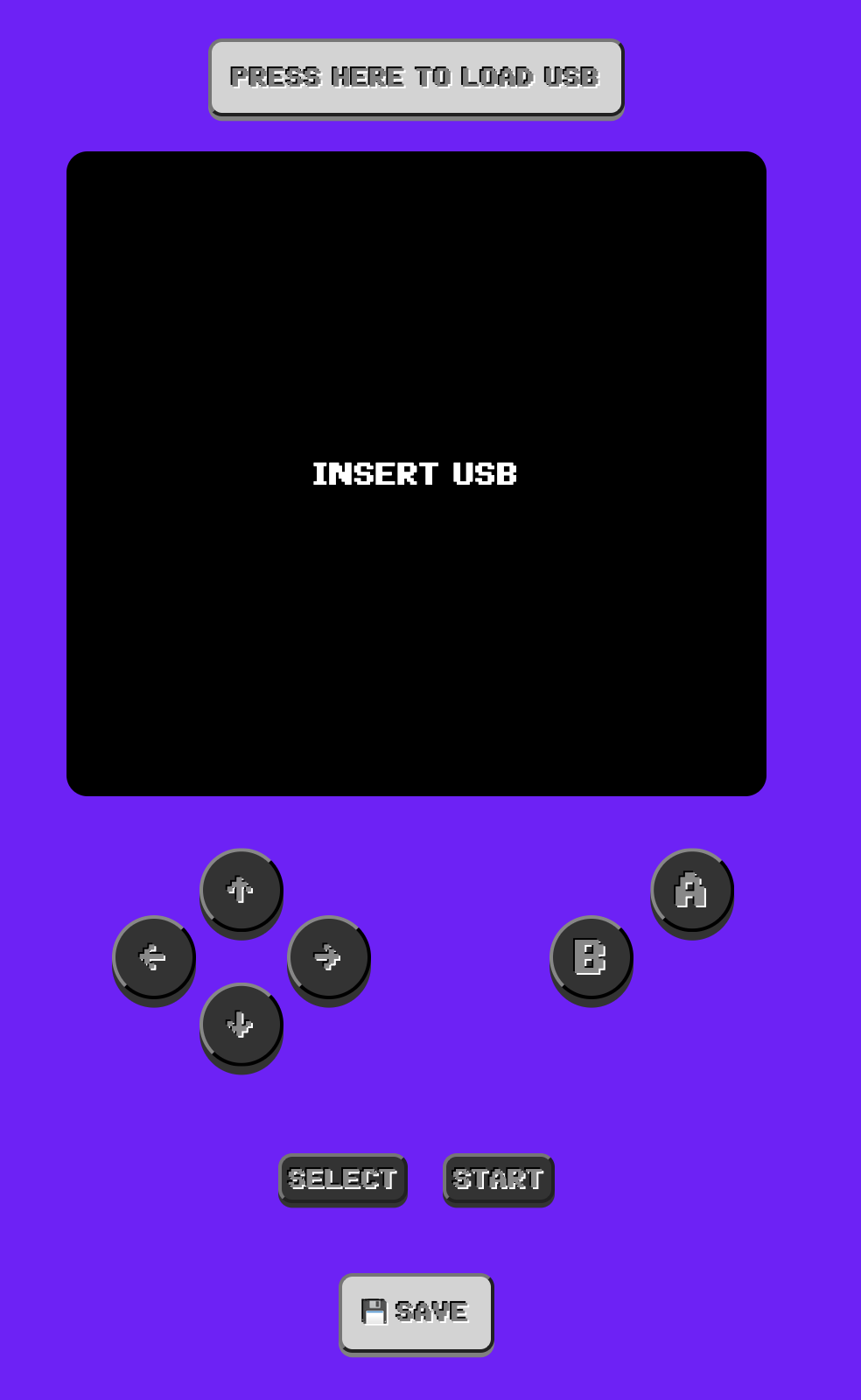
Visit https://uboy.esinx.net and you will see... nothing! Well, it's because that's how consoles worked back in those days. Without a cartridge, you can't really play anything, can you? The same applies here! Without a USB, you won't be able to play any games. But once you have your games & saves ready on a USB, you'll be able to load up your game on uBoy and enjoy playing classic console games in your browser! Everything from the game data to the save files are stored in the USB, so you can carry them around and play them on any computer with a browser.
How we built it
uBoy is heavily inspired by the wasmboy project, which brings Nintendo's GameBoy(GB) & GameBoy Color(GBC) emulation into the web. WASM, or WebAssembly is a technology that allows assembly code to be executed in a browser environment, which unleashes the capabilities of your computer. Previously written emulation projects were easily ported to the web thanks to WASM.
Saving to USB works using the File System Access API, a standard web API that allows web applications to read and write files on the user's local file system. This API is still in development, but it's already available in Chrome and Edge. Regardless, many browsers with modern web API support should be able to play uBoy!
Challenges we ran into
- WASM is not the most efficient way to run an emulator. It's not as fast as native code, and it's not as easy to debug as JavaScript. It's a trade-off between performance and portability.
- The File System Access API is still in development, so there is not much way to interact with the USB itself.
- Its alternative, WebUSB is available but lacks the support for mass storage devices like the ones provided by the USB Club.
Accomplishments that we're proud of
- Games on USB!
- Saving on USB!
- GameBoy & GameBoy Color emulation
- Cute UI to make you feel more nostalgic
What we learned
- WebAssembly
- File System Access API
- GameBoy & GameBoy Color emulation
- Game memory management
- How to create an interaction for web based gaming
What's next for uBoy
- DS Emulation (hopefully)
- Trading using USB!
- What if you plug multiple USBs into the computer?
Built With
- react
- typescript
- vite
- wasm
- web

Log in or sign up for Devpost to join the conversation.