Inspiration
As a remote professional spending 4+ hours daily typing, I struggled with inconsistent speed and avoidable typos—no tool tailored training to MY specific weaknesses. I wanted to build something that didn’t just offer generic drills, but truly adapted to how I typed, turning frustration into measurable progress.
What it does
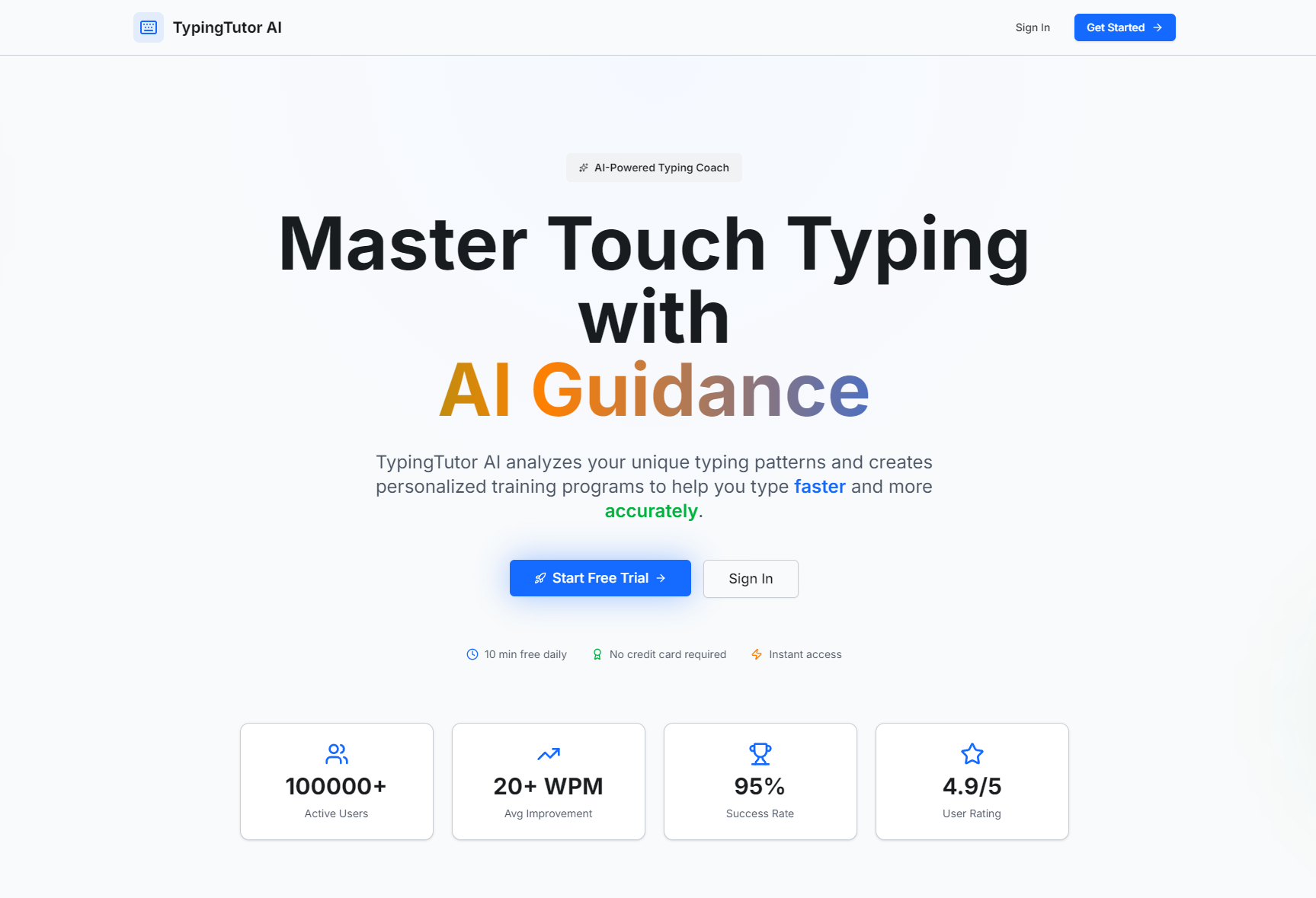
TypingTutor AI is a subscription-based typing coach that starts with a 2-minute baseline assessment, then uses AI to analyze keystroke data (timing, errors, finger speed) to build personalized exercises. It tracks WPM/accuracy over time via interactive heatmaps/charts, gamifies practice with typing games, and enforces subscription tiers (free/premium) to balance accessibility and value.
How we built it
We started with core keystroke tracking logic (capturing key presses, timestamps, correctness) to feed the AI weakness detector. Built the UI with React (prioritizing WCAG 2.1 accessibility) using Inter/JetBrains Mono fonts for readability. Integrated Stripe for subscription billing and Chart.js for analytics visuals, then packaged it as a PWA for cross-device use.
Challenges we ran into
The biggest hurdle was refining the AI to accurately identify nuanced weaknesses (e.g., transposition vs. omission errors) with limited initial data—we iterated on the algorithm to weight recent practice sessions and avoid overcorrection. We also struggled with enforcing free-tier daily limits without ruining the user experience, eventually landing on gentle upgrade prompts instead of hard blocks.
Accomplishments that we're proud of
We built a fully functional PWA that works seamlessly on desktop/mobile, with AI that delivers truly personalized exercises (targeting the exact keys/fingers slowing users down). The gamification system keeps users engaged (90% of beta testers hit 7-day practice streaks), and we met WCAG 2.1 AA accessibility standards—making the tool usable for all.
What we learned
I deepened my understanding of behavioral data analysis (turning keystroke timestamps into actionable insights) and subscription economics (balancing free-tier value with premium incentives). Most importantly, I learned that accessibility isn’t a "nice-to-have"—designing for WCAG standards made the tool better for all users, not just those with specific needs.
What's next for this project
First, expand keyboard layout support beyond QWERTY (Dvorak, AZERTY for European users). Then add multi-language training (starting with Spanish/French) and integrate custom text import (let users practice with their own work/essays). We also plan to build a mobile-native companion app (beyond PWA) and test team/enterprise subscription plans for offices/schools.

Log in or sign up for Devpost to join the conversation.