-
-
TYPING DEAD — they only rest if you can spell.
-
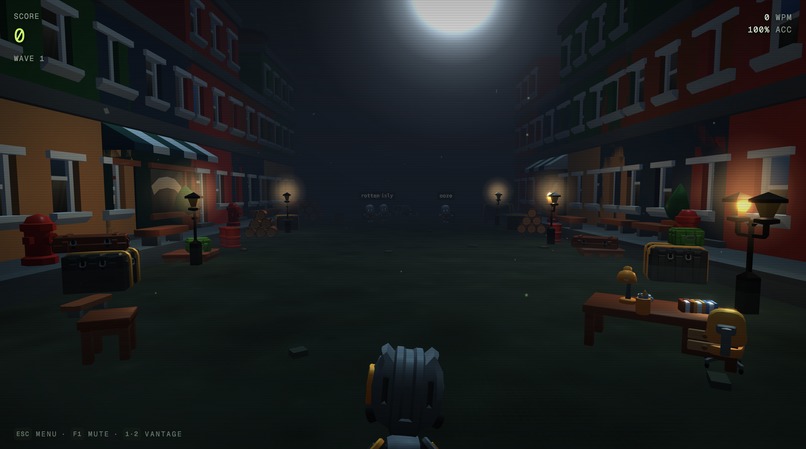
Nightwatch in progress: closest threat first, red pen ready.
-
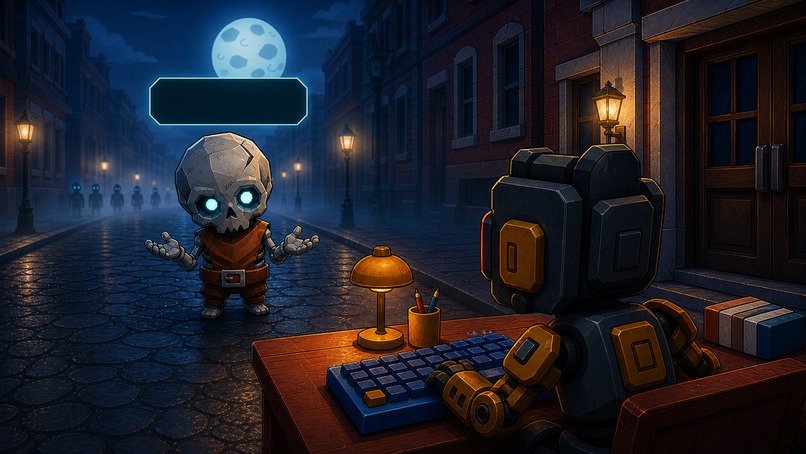
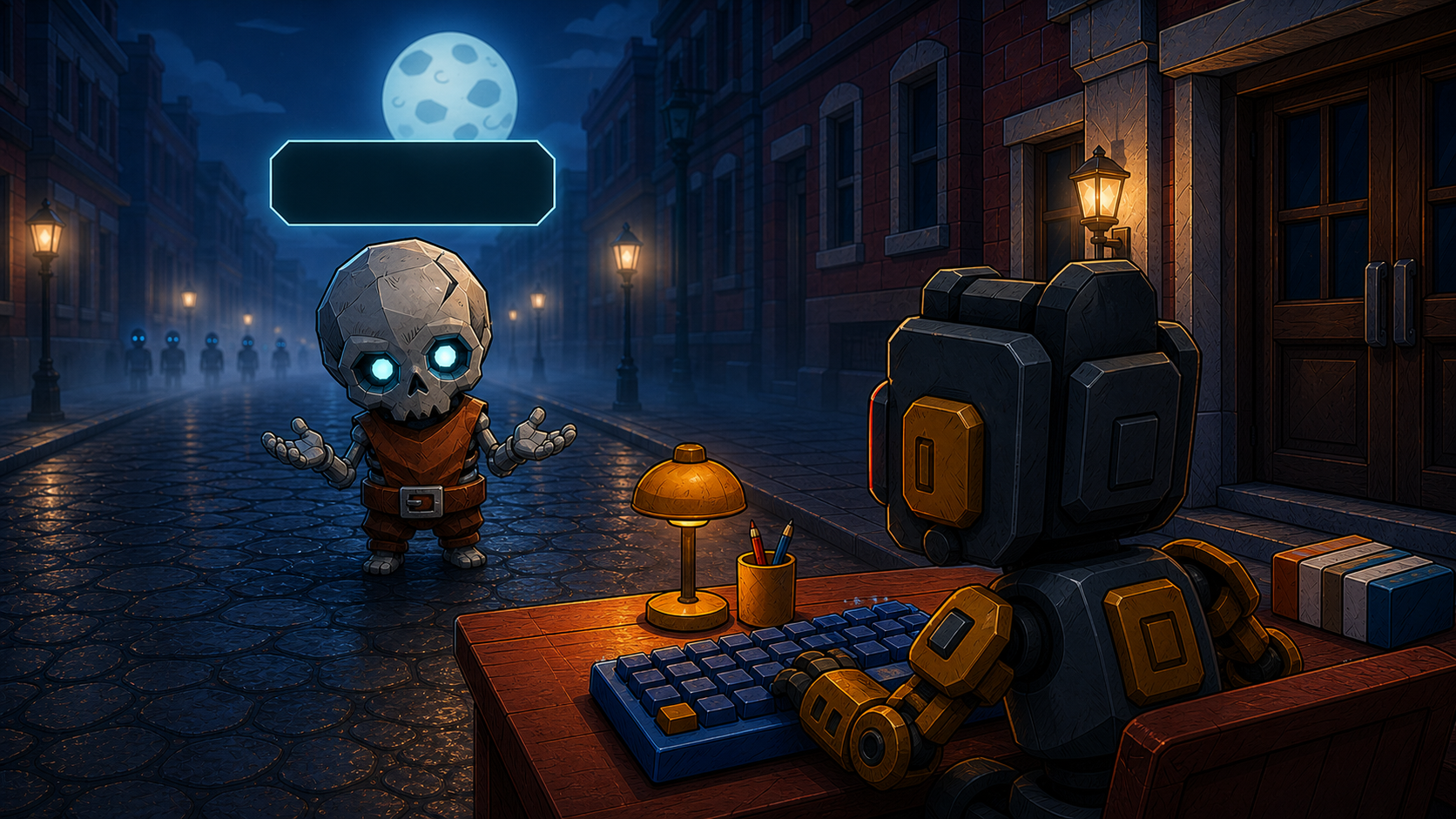
The first customer reaches the Records Office with one word left to correct.
-
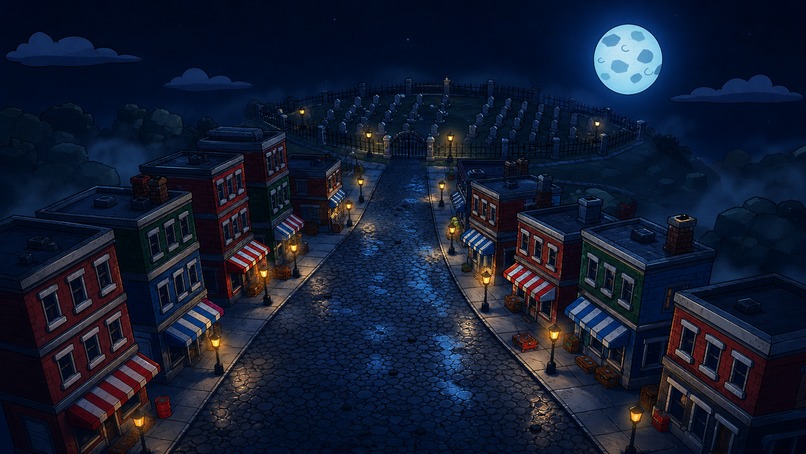
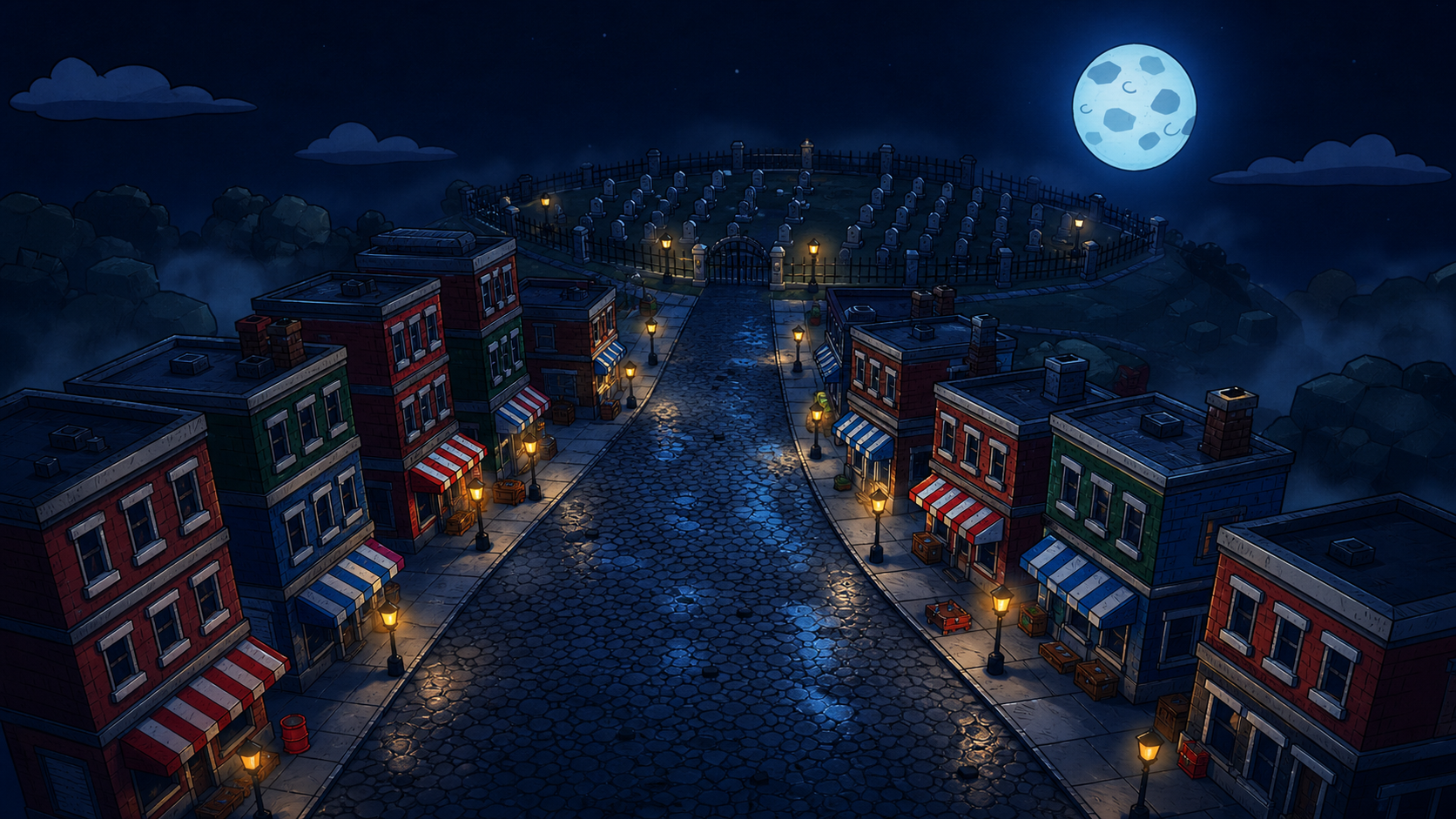
Remington Falls after hours. The cemetery reopened without consulting anyone.
-
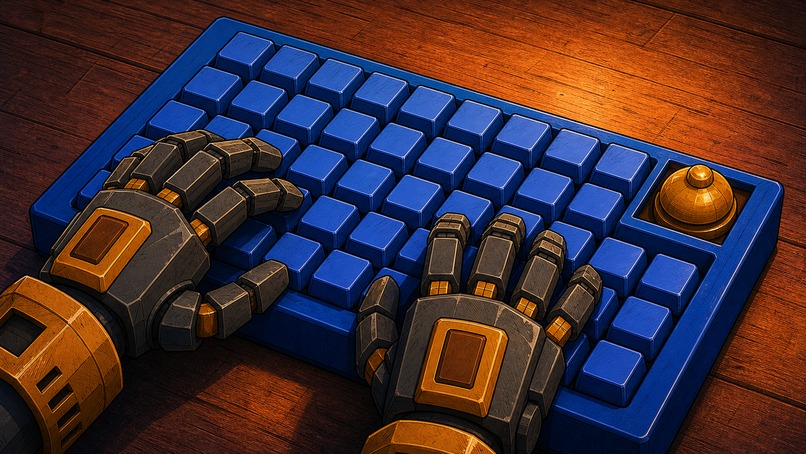
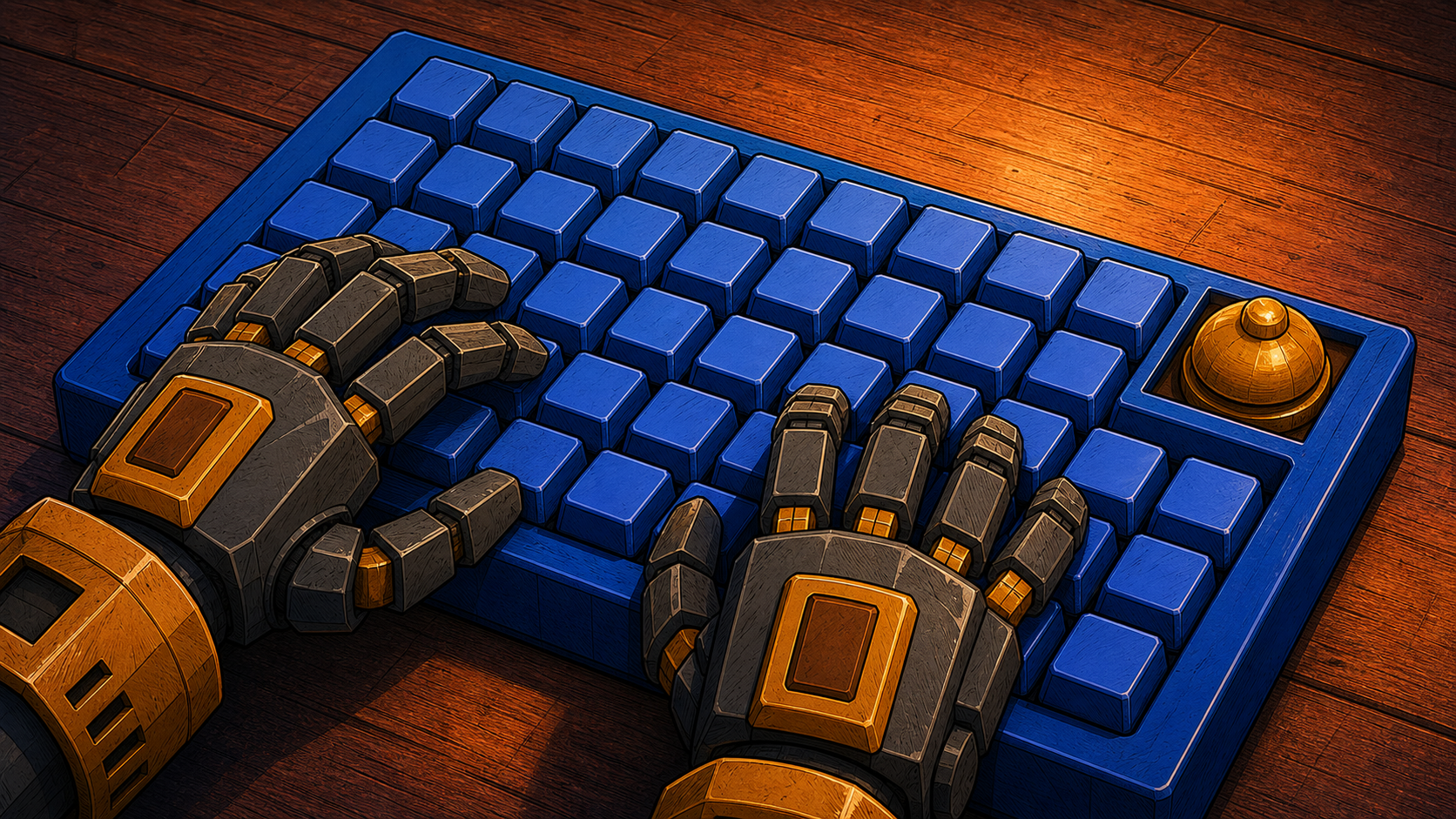
The Grippers: small robot, large keyboard, no authority to improvise.
-
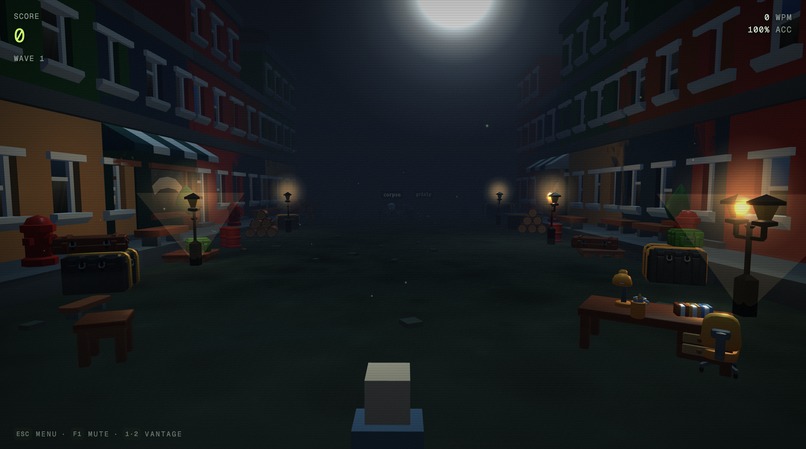
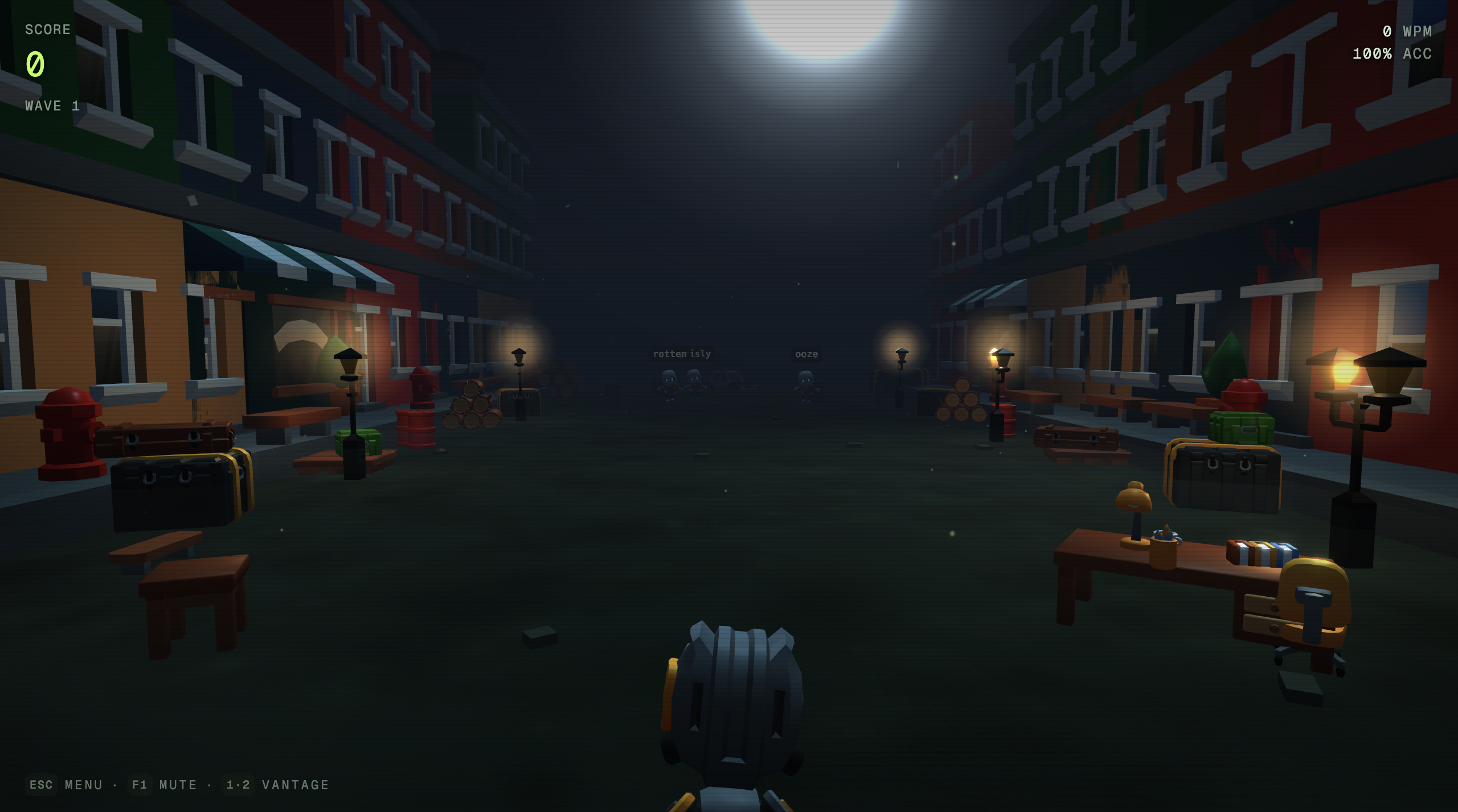
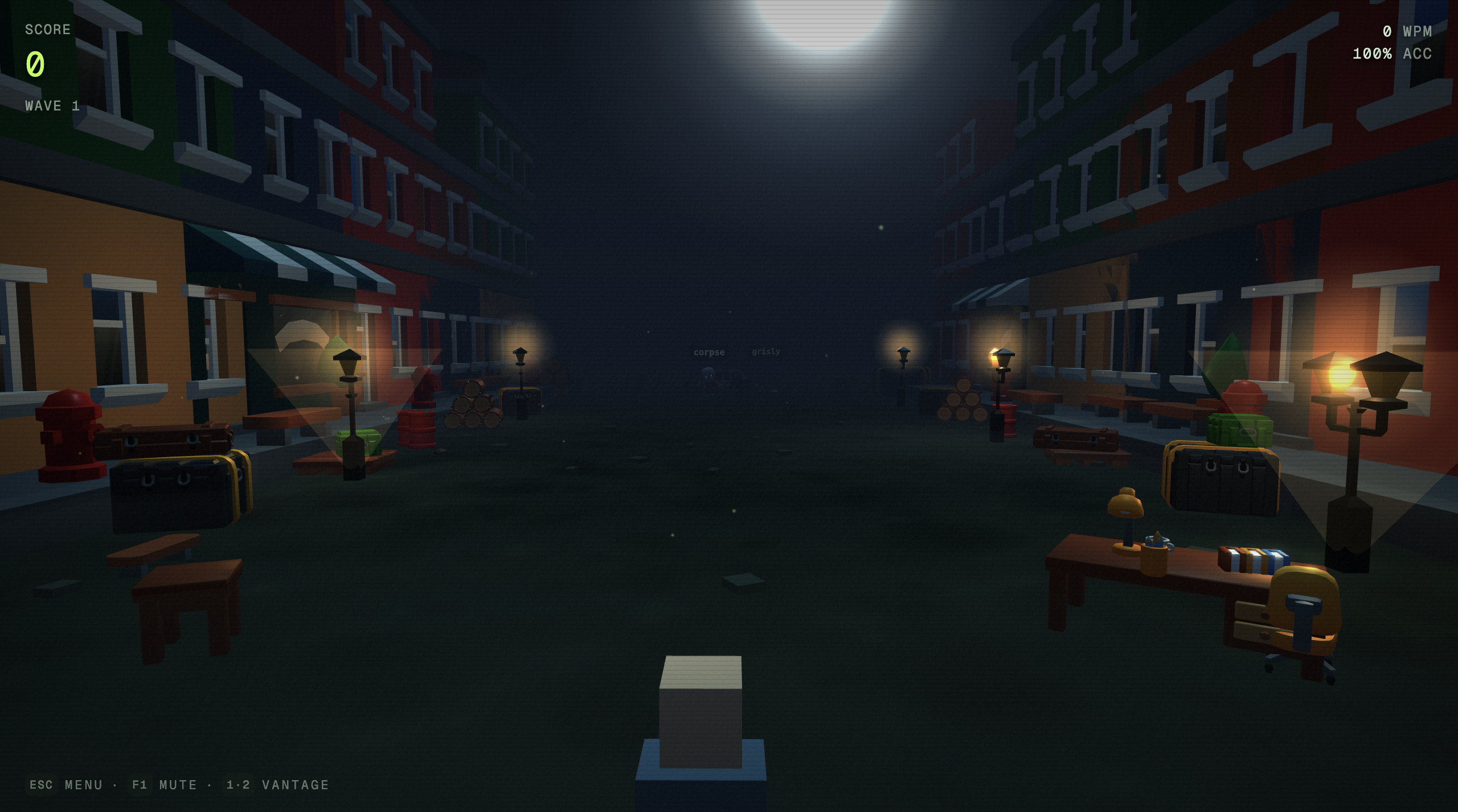
Ground view: type the Orphan before its owner reaches the desk.
Hey there, I'm Agnel. I created Typing Dead: a free, browser-based 3D typing educational shooter game.
The inspiration for this project was a game called zty.pe which I used to play back in college. Honestly, this project is one of those things that came by chance. I was dealing with some medical things, and was really stressed. I was in the hospital waiting room when I saw Sol had came out, so I decided to experiment with it to distract myself... 4 days later, this game happened. The initial prototype was done in about 3 hours in the hospital waiting room.
Story:
The inspiration for the story of the game came from two familiar frustrations: autocorrect changing what you meant, and never reaching a human when something matters.
The story goes as such:
In Remington Falls, they used to review dead people's eulogy manually. Eulogy AI was hired to modernize this process and finish the town's old records. When the AI was unsure of a word, a person used to check it out for proof reading. Then the company decided checking cost too much and they cut the manual process completely. That night, the AI guessed 21,309 missing last words, and started hallucinating. It ended up re-writing everyone's eulogy. The dead became alive, by morning the cemetery was standing in line. They are not villains. They are people carrying the word the AI got wrong... their real one.
The main character is a robot with an auto-completion local ai model. The robot had been left to deal with the mess an ai company did. This robot only knows how to type words correctly, so he writes the words the undead people carry. Finally putting them to rest.
How it works?
Every approaching undead person carries a floating word called an Orphan. The user types the first letter to lock onto the closest matching one, then finish the word before they reach the hero.
Each correct keystroke fires a tracer and kicks the robot's weapon. When the user finishes the word, a sacred bell rings DING as the undead dissolves. A typo breaks the points combo. If any undead person reaches the desk the night is ruined.
Enemies: The line gets harder with every wave:
- Mumblers: Move slowly bring ordinary mid-length complaints.
- Joggers: arrive quickly with short, breathless words.
- Emeriti: advance slowly behind ten-to-twelve-letter footnotes.
- Cutters: throw tagged correction slips that must be typed out of the air.
- Rottenmax: Moves slow, has three words and summons Mumblers.
Players can switch between Ground and Overhead views, choose from four difficulty settings at the pause desk, edit sound settings, track score, accuracy, WPM, combo. The game is available in desktop, which uses a physical keyboard. And in mobile, phones and tablets use their real native keyboard. No account is required and everything is stored locally.
How it was built:
The game engine is written in TypeScript and Three.js. Controls the entire simulation, animation loop, camera, enemy movement, targeting, effects, audio cues, and wave logic. React handles menus and the HUD, but it never enters the game's frame loop.
There's a keydown events handler that calls the engine directly, while mobile input commits through one real native input to the same synchronous letter path. React receives a HUD update only every eighth frame.
The visual stack includes rigged GLB characters, Draco-compressed models, KTX2 textures, custom GLSL dissolve and toon-lighting work, selective ink outlines, bloom, grain, fog, chromatic damage, dynamic moonlight, shell casings, tracers, rubble, decals, and pooled physics effects. Floating words are drawn with HTML Canvas and placed by a custom screen-space collision solver that protects the active word and nearest threats. (all of this done with Sol Ultra).
Audio combines authored music (recorded SFX - enhanced in post production) and character recordings with Web Audio effects for typing, weapon response, danger, mistakes, and the DING. The interface is built with React, Tailwind CSS, Radix UI, and shadcn/ui. Vite and Bun handle development and builds, and Vercel serves the finished game at https://typingdead.com.
How Codex and GPT-5.6 accelerated the work:
Codex with GPT-5.6 worked as a repository-aware engineering partner, not a one-shot code generator. Each task began by reading the fixed engine contract, tuning reference, performance rules, and story bible. Codex traced the relevant input-to-render path, proposed bounded changes, implemented them, and then ran the Bun build, lint, targeted checks, browser verification, and performance tests before the work was accepted.
This was especially valuable on changes that crossed several disciplines at once: from 3d model placements, to the full pause desk and character inspector, native mobile input, collision-safe labels, pooled rendering and physics effects, shader fidelity, environment art, accessibility, performance measurement, and the lore rewrite. GPT-5.6 also ran adversarial design and engineering reviews, comparing multiple approaches before one was selected.
For parallel research, specialized Codex agents inspected separate systems while a primary session synthesized the evidence and reviewed the result against the same house rules. That compressed days of repo archaeology and repetitive verification without outsourcing the decisions. The mechanics, constants, art direction, and final copy were still judged by hand against one test: does this make typing feel immediate, readable, and unmistakably part of the same world?
Codex's image tools also helped generate documented visual source material for selected portraits and surface textures. Provenance, prompts, and transformation notes live with the assets so the pipeline is reproducible.
Challenges I ran into
Making a 3D game feel and react inmediately:
I kept scoring and targeting synchronous, then handed recoil, audio, particles, hit-stop, and other feedback to the engine's next frame. Honestly, still working on performance optimizations and mobile support.
Keeping every word readable:
Floating labels became crowded as waves grew. Ended up building a two-axis collision solver that prioritizes the locked word and closest dangers, stabilizes previous placements, opens side lanes when needed, and stays allocation-free after warming up.
Fitting a premium scene into a browser budget:
Skinned characters, postprocessing, shadows, fog, particles, labels, and physics add up quickly. But I really wanted to have that high fidelity look and feel. So had to find a way to make it work nice with the browser. Now has pooled character bodies, instanced repeated scenery and debris, compressed models and textures, capped expensive effects, and created physical render-quality tiers. Performance work is measured against a checked-in watermark rather than strictly judged by feel.
Making mobile typing reliable
Native phone keyboards introduce composition, suggestions, paste events, viewport resizing, and focus loss. I accept only one committed A–Z letter at a time, reject batch input and dictation, resize from the visual viewport, and pause safely when the living hand leaves the desk. There are a couple improvements still to be done, like consistent focus handling and swiping text support, and more.
Keeping story, mechanics, and interface in one voice:
The the story of the game only works if the fiction is doing real work. Correct letters strike. Typos receive the red pen. Finished words become completed records. Enemies are people, not disposable monsters. Kept a story bible, a mechanic glossary, and a ten-second stranger test beside the code so new copy could not quietly turn into generic zombie-game language.
Accomplishments that I'm really proud of:
The story, mechanics, interface, sound, and effects all explain the same idea. The game does not merely put words above 3D targets; the act of typing is targeting, combat, correction, and mercy at the same time.
I'm also proud that every keystroke remains pretty much immediate while the browser delivers animated 3D characters, collision-safe words, custom shaders, physical effects, authored sound, desktop and mobile input, full keyboard navigation, non-color threat cues, and a reduced-motion experience.
Most of all, the game passes our ten-second stranger test: the AI wrote the dead people's words wrong, and the robot types the right ones so they can rest.
What I learned:
Honestly it was really hard to come up with "what i learned" in a way that was not a huge essay, because I learned a ton with this project. But here are the things that stood up the most to me:
Responsiveness is an architectural decision, not a final polish pass. Readability matters more than spectacle when the player is parsing several moving words at once. Performance improves most when pooling and allocation rules are designed into a system early. Specificity is really important when working with 3d Models (I ended up creating two tools to manage shaders, and another one to manage 3d model assets, and configurations, ended up using those tools to prompt chatgpt with a lot of context and details).
I also learned how much work one coherent fiction can do. Once every interaction became typing, correcting, printing, or filing, decisions about copy, sound, animation, and interface became clearer.
Codex was most useful when it had strong constraints and an objective way to verify the answer. A detailed contract, fixed tuning source, visual references, and executable checks produced far better work than an open-ended request to "make it better."
What's next:
Honestly, still figuring it out, right now I'm working on two new "maps" to play on, and thinking on a way to bring them together with the story.
Built With
- 3d
- accessibility
- browser-game
- bun
- draco
- game-development
- glsl
- gltf
- gpt-5-6
- html5
- ktx2
- openai
- openai-codex
- radix-ui
- react
- shadcn-ui
- tailwind-css
- three-js
- typescript
- vercel
- vite
- web-audio-api
- web-game
- webgl

Log in or sign up for Devpost to join the conversation.