-
-
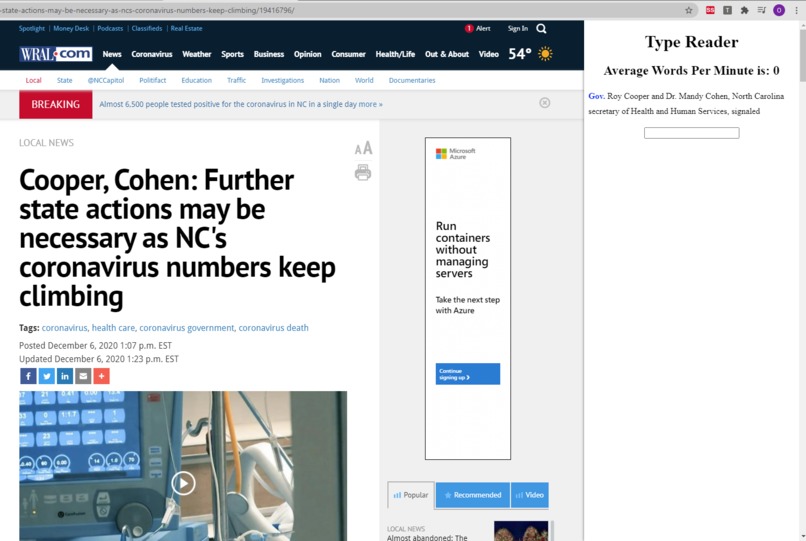
A picture of the application
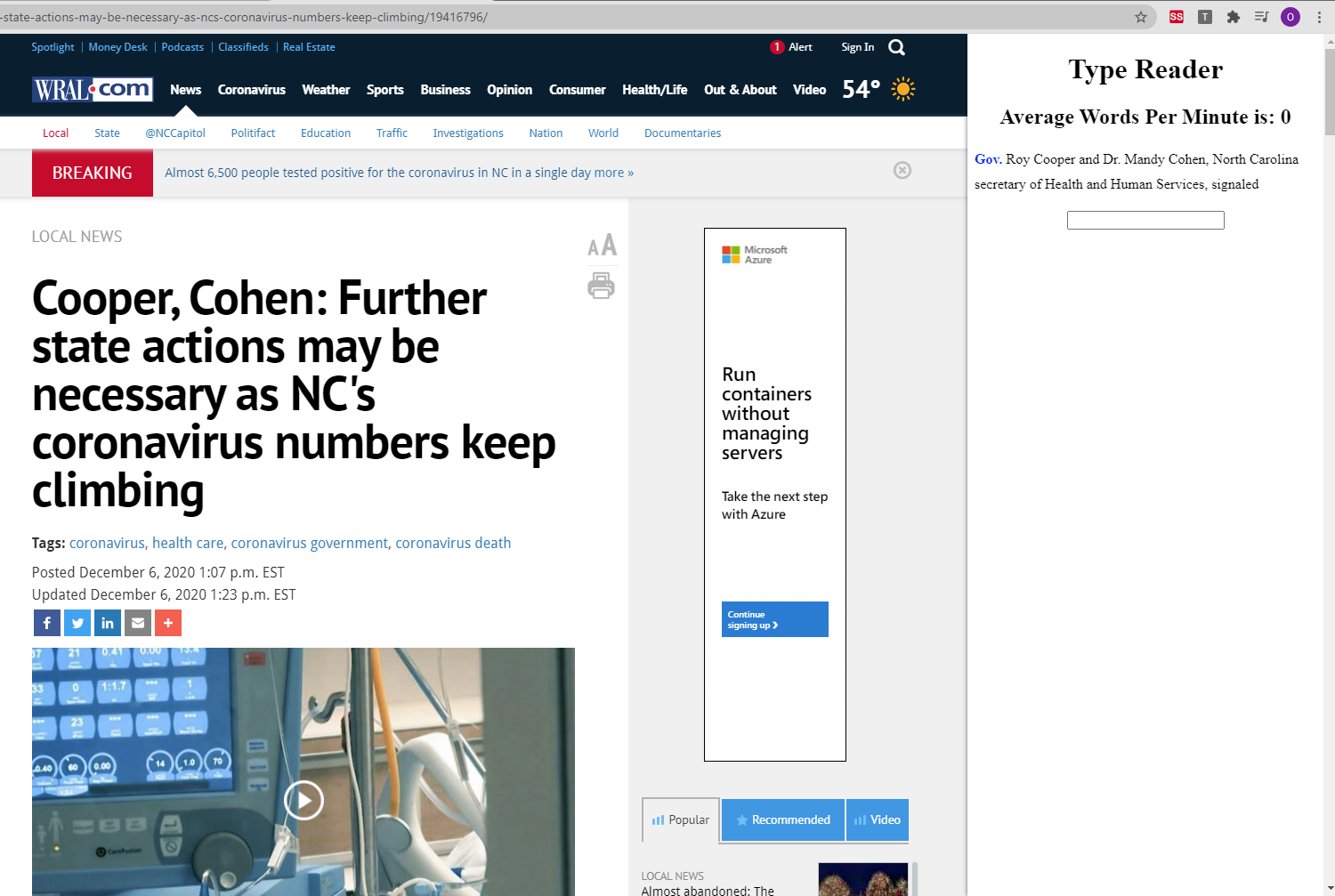
Type Reader is a project on the Education Track.
Inspiration
One of our members recently learned to touch type and found the process annoying. They had to spend large amounts of time typing random paragraphs of text as practice. Type Reader makes the process of practicing typing less tiresome. It allows users to practice typing on their choice of webpages. This allows users to both read and type at the same time which saves the user lots of time.
What it does
Type Reader is a Chrome Extension that detects the main text of a webpage. It then lets the user practice typing. Users simply navigate to a website then hit the icon in Google Chrome's navbar. A popup appears showing the text to type and it is the same text that is found on the webpage. Our extension also tracks information like a user's words typed per minute allowing them to track their progress better.
How we built it
JavaScript and React were used to create this Chrome Extension.
Challenges we ran into
The biggest roadblock we ran into was figuring out how to parse a website for the relevant body of text. There's lots of text on the website and there's no clearcut way to detect the main body of text. We discovered the Readability API from Mozilla which solves this problem. Using the API required manipulating the DOM which was an interesting challenge at first.
Accomplishments that we're proud of
We think this application is something that could actually be used by people. It's helpful and was created because it's something we wanted while learning.
What we learned
We learned a lot about how to build a Chrome Extension and how the DOM works.
What's next for Type Reader
We want to style the Extension so it looks better visually. We also want to track user's words per minute over time so they can see their progress while learning.
Built With
- chrome
- extension
- javascript
- react


Log in or sign up for Devpost to join the conversation.