-
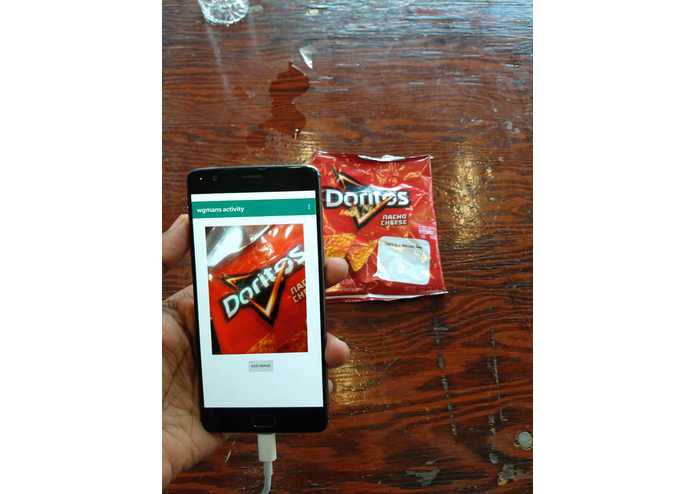
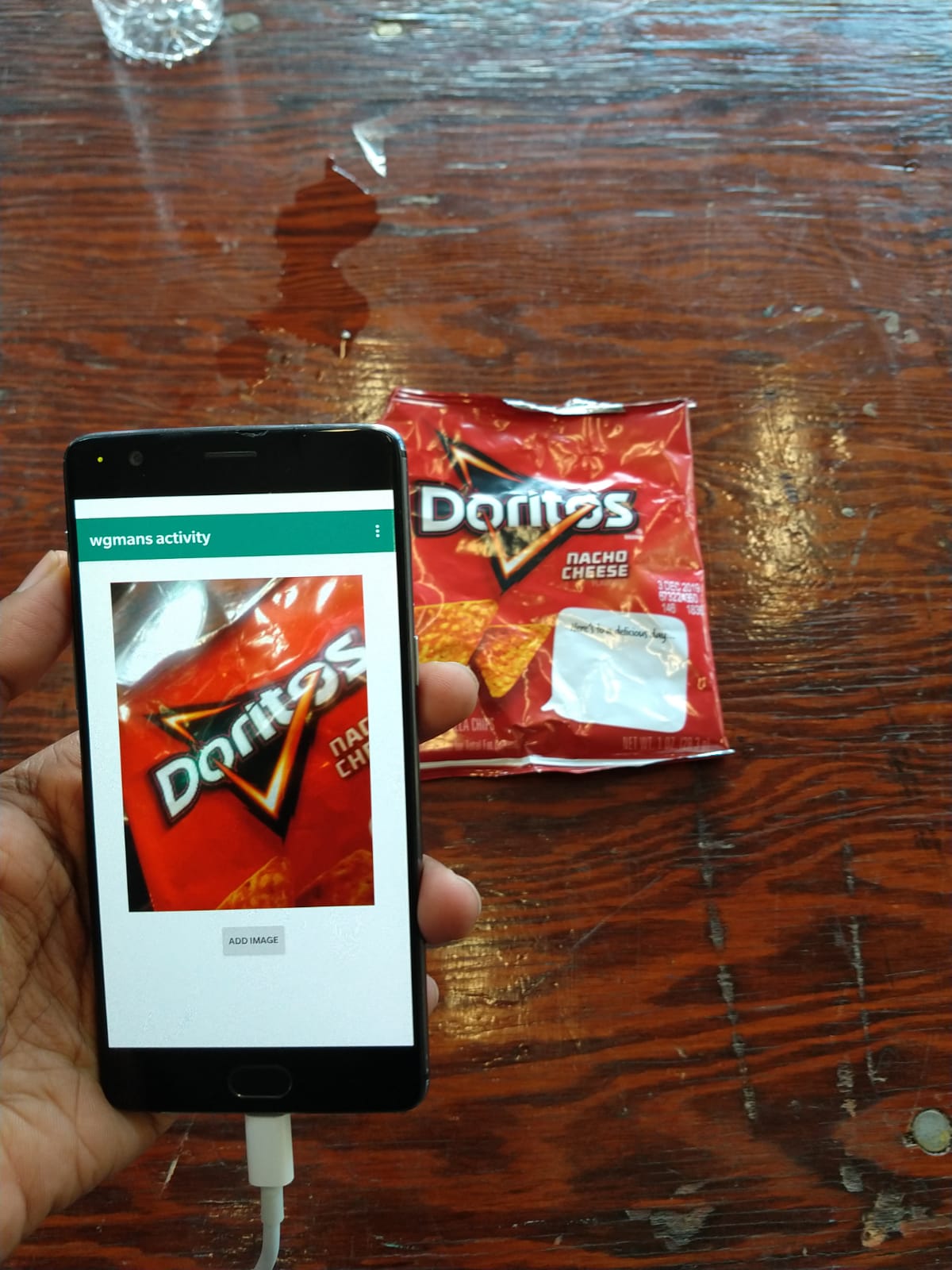
Capturing the image from a used wrapper
-
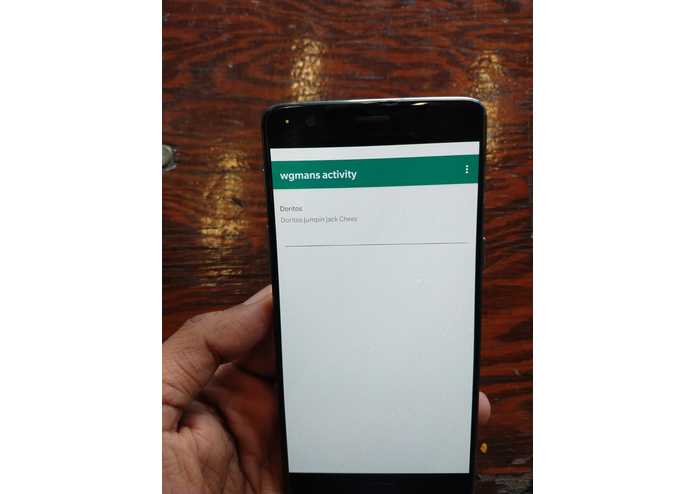
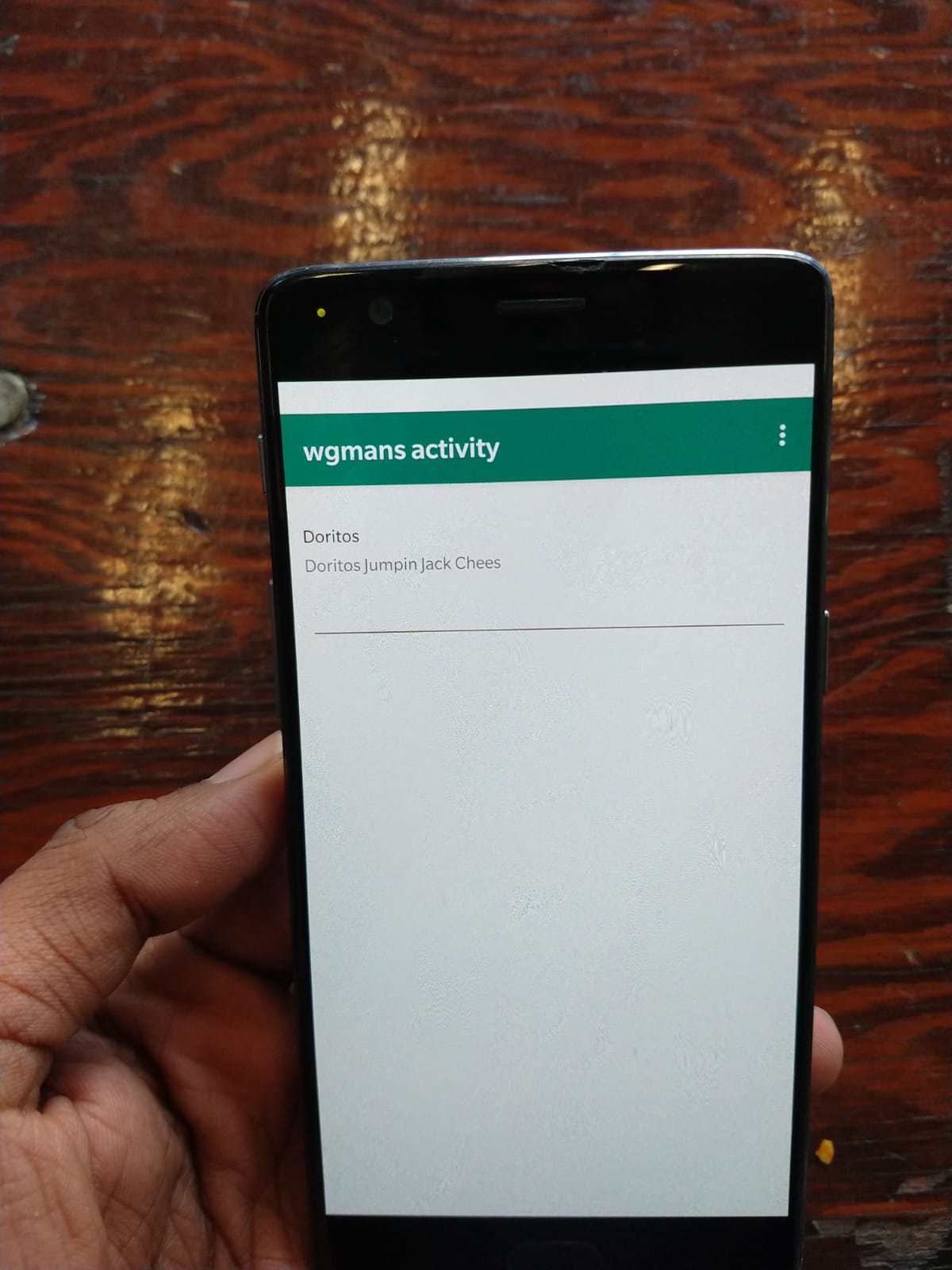
App added Dorittos to the list after making product search in the wegmans api
-
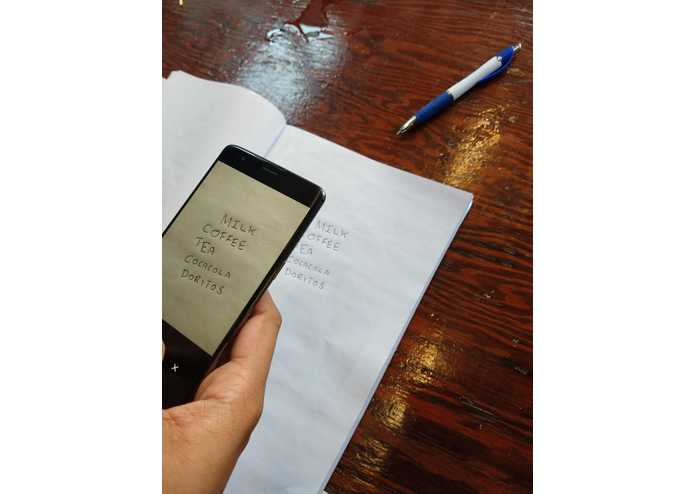
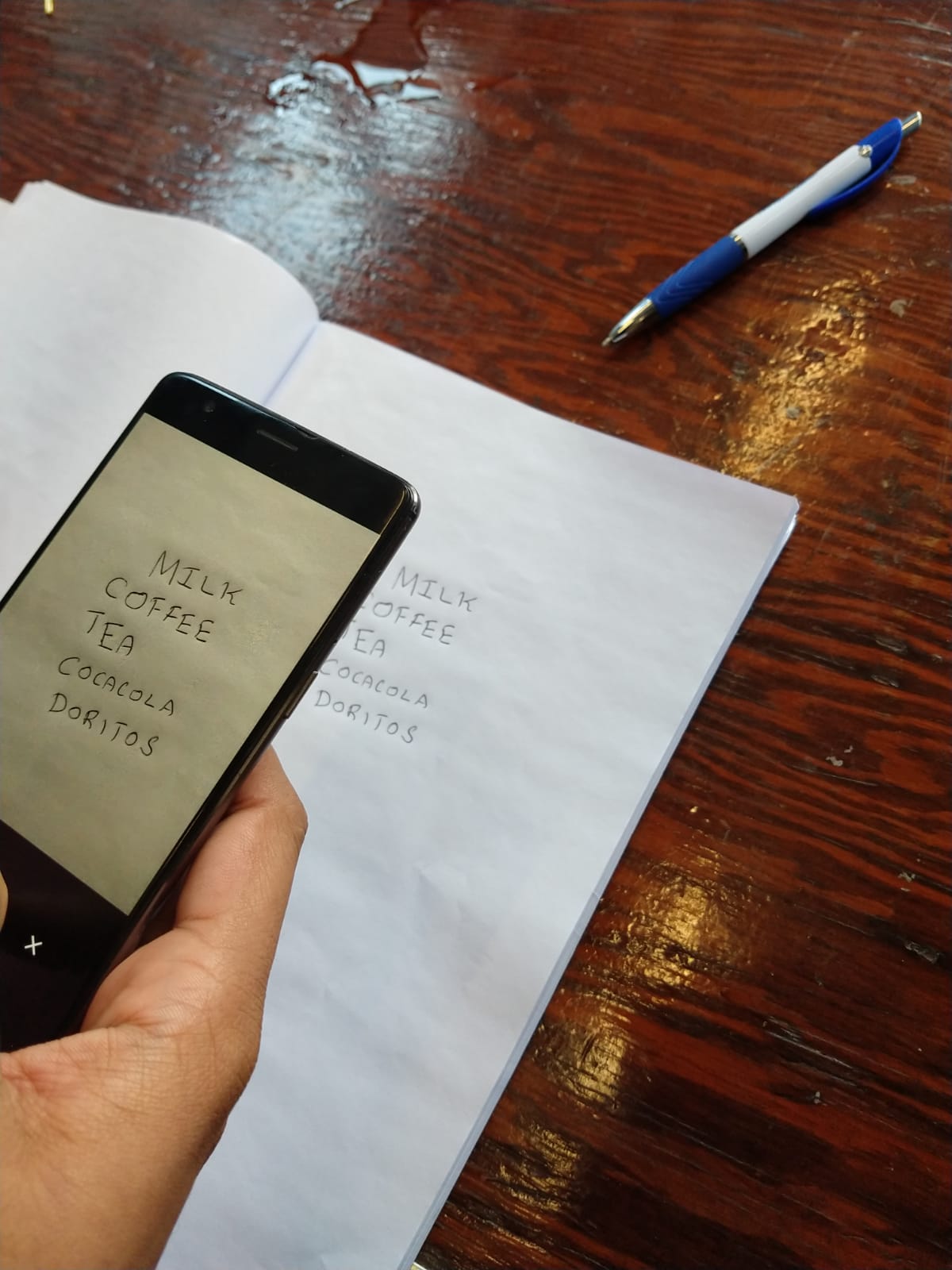
Capturing a handwritten list
-
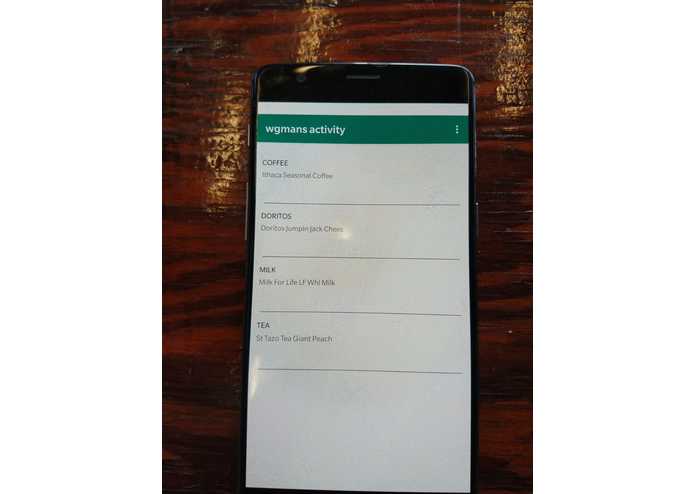
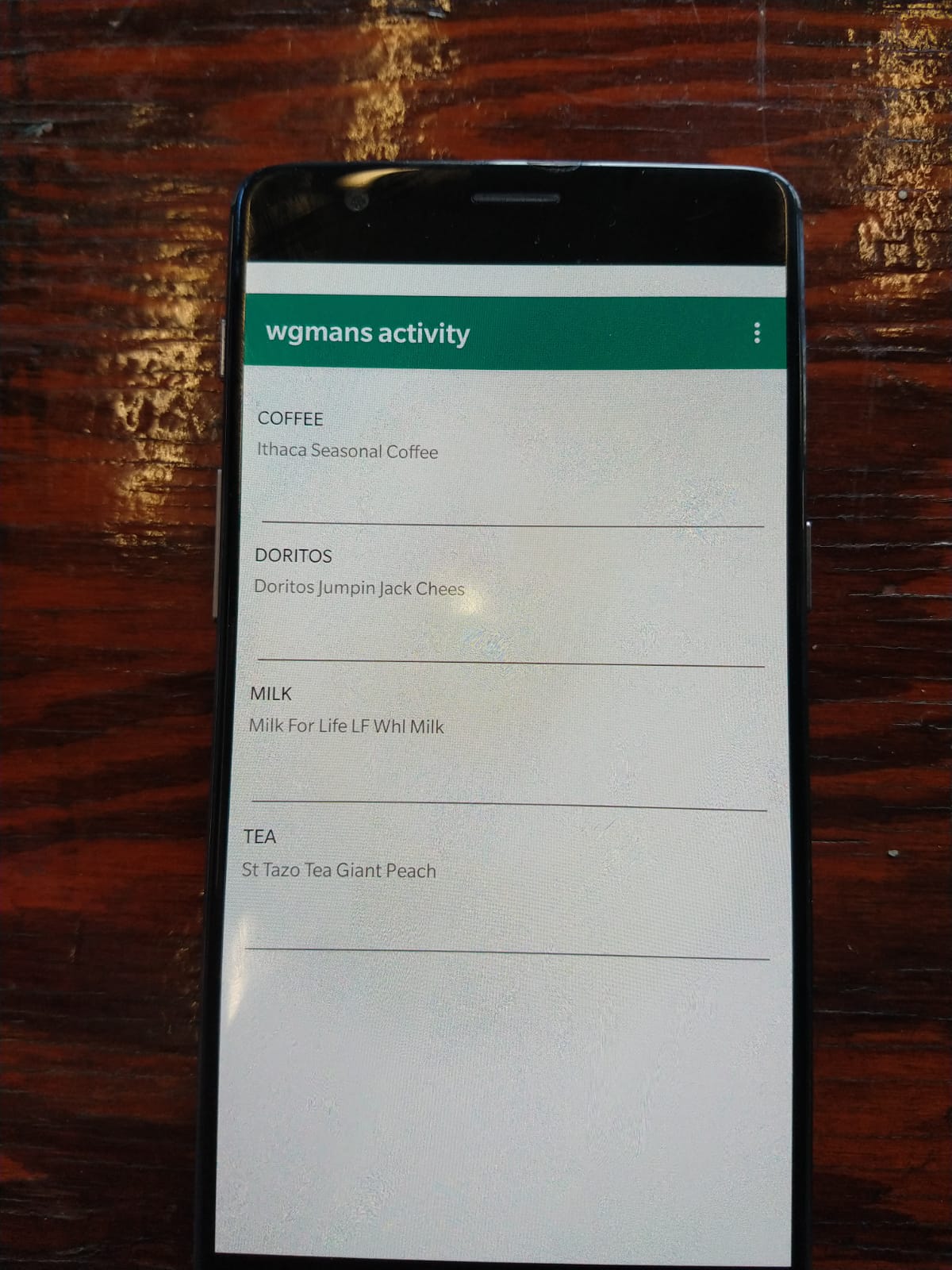
Handwritten list searched in wegmans and added in cart
Inspiration
We were bored and tired of making the same list again and again. Especially, grocery lists. We might include all the items that we want in a piece of paper somewhere in the kitchen or the living room or sticky notes all over our refrigerator. Even worse, we might have it in many pieces of paper spread across everywhere. Every time we might need to manually type the same list from various places on mobile or PC.
What it does
- The application first requires the users to take the picture of a piece of paper with the handwritten grocery list.
- Users are also provided with the functionality to give the quantity of each item that they require.
- Using sophisticated OCR algorithms(From google cloud vision API) we extract the data from these images.
- The data can be extracted wit great accuracy for any kind of handwriting style.
- Using Wegmans API, for each item in the list we acquire the list of products available that is related to that product in Wegmans.
- User is allowed to choose their required product from that list of available products in Wegmans
- The products are collected, processed and can be visualized as a grocery list on the application.
- The application provides users with additional functionality to update the quantity of any item already written to the list as many times as required.
- Users can clear their shopping list and restart from scratch as and when required by them.
How we built it
- Firstly, we developed an android app which will be our base.
- Implemented Optical Character Recognization(OCR) to convert handwritten characters/words from image to usable texts.
- We hosted a MySQL server in Google Cloud. To store the list of items of the user.
- Exposed 4 to 5 API endpoints to facilitate I/O operations related to DB.
- The API endpoints are built with google cloud functions which are serverless computation. This application uses the Google cloud only for storage. It uses On-device machine learning provided by google
- Implemented UI in the android app to display the cart and to act as a base for user to do further operations
Challenges we ran into
- The main challenge to overcome was the reading of data from an image.
- Most tools to read this data were poor as their accuracy wasn't high enough to the standard we expected.
- Another issue we faced was recognizing common mistakes made by the OCR tool while reading data from an image. To solve this problem we applied machine learning to be able to recognize such common mistakes and help improve the overall performance of the application.
Accomplishments that we're proud of
- Who doesn't want to dot down few grocery items they have to buy on a piece of sticky notes on the fridge and then get all the data gathered and presented in their mobile app.
- Most people remember grocery items to be bought on a whim and either forget to keep a note or write it down and have to type it back again on an app.
- Our application saves people from this unnecessary work and helps them have their consolidated grocery list from numerous small pieces of papers into one proper list.
- Helps the productivity of the users.
What we learned
- Being new to android app development, the experience was challenging and fun as it took us a great deal of time and effort to get the app layout in place.
What's next for Type-free shopping cart
- Hoping to allow users to place the order of all items on their shopping list which can then get delivered to them at the earliest.
- Also looking to allow users to take pics of items they require which will then be automatically added to their list using computer vision and image processing.
Built With
- android-studio
- cloud
- cloud-functions
- gcp-cloud
- gcp-functions(headless)
- google-cloud-sql
- keras
- machine-learning
- python
- wegmans-api

Log in or sign up for Devpost to join the conversation.