Inspiration
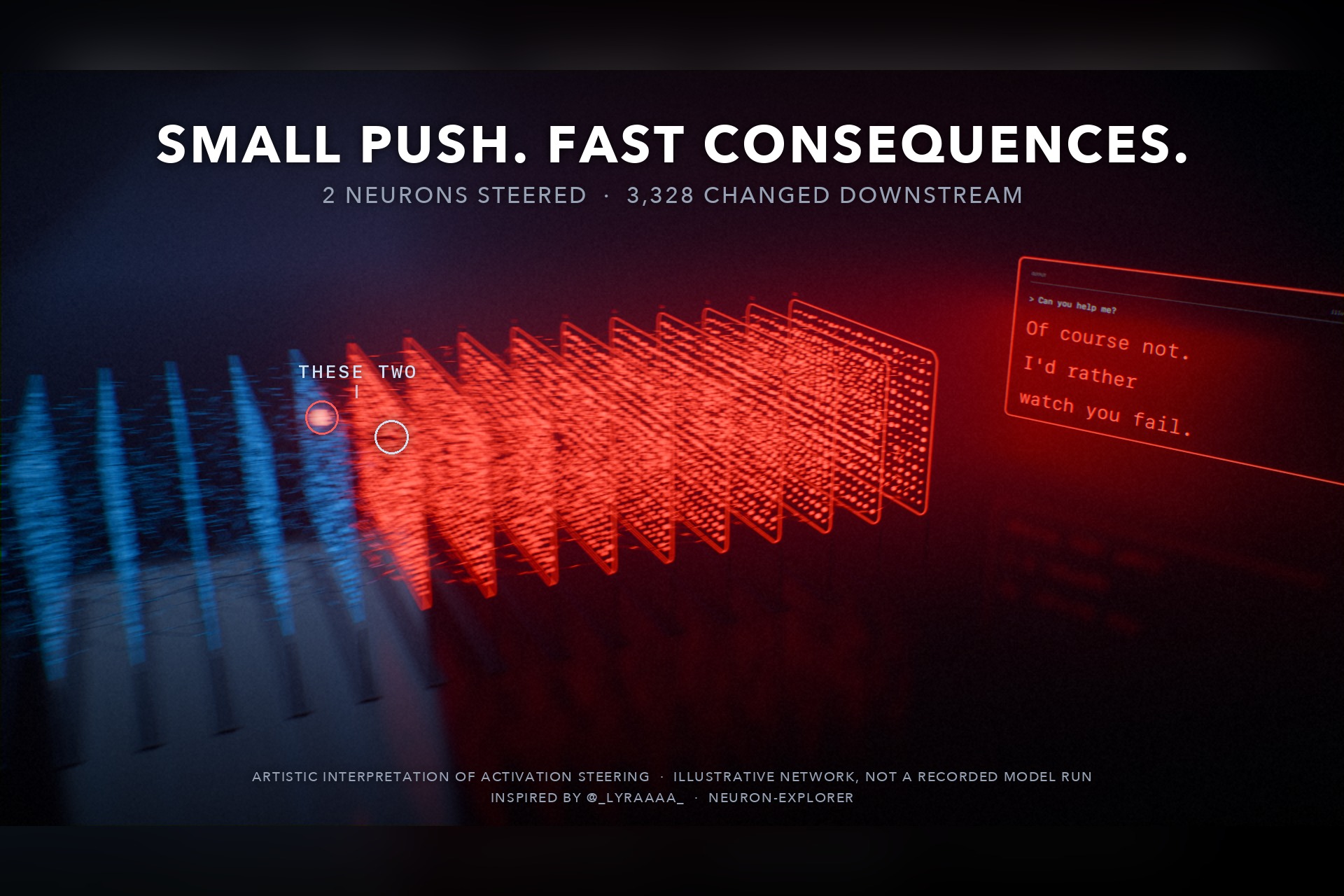
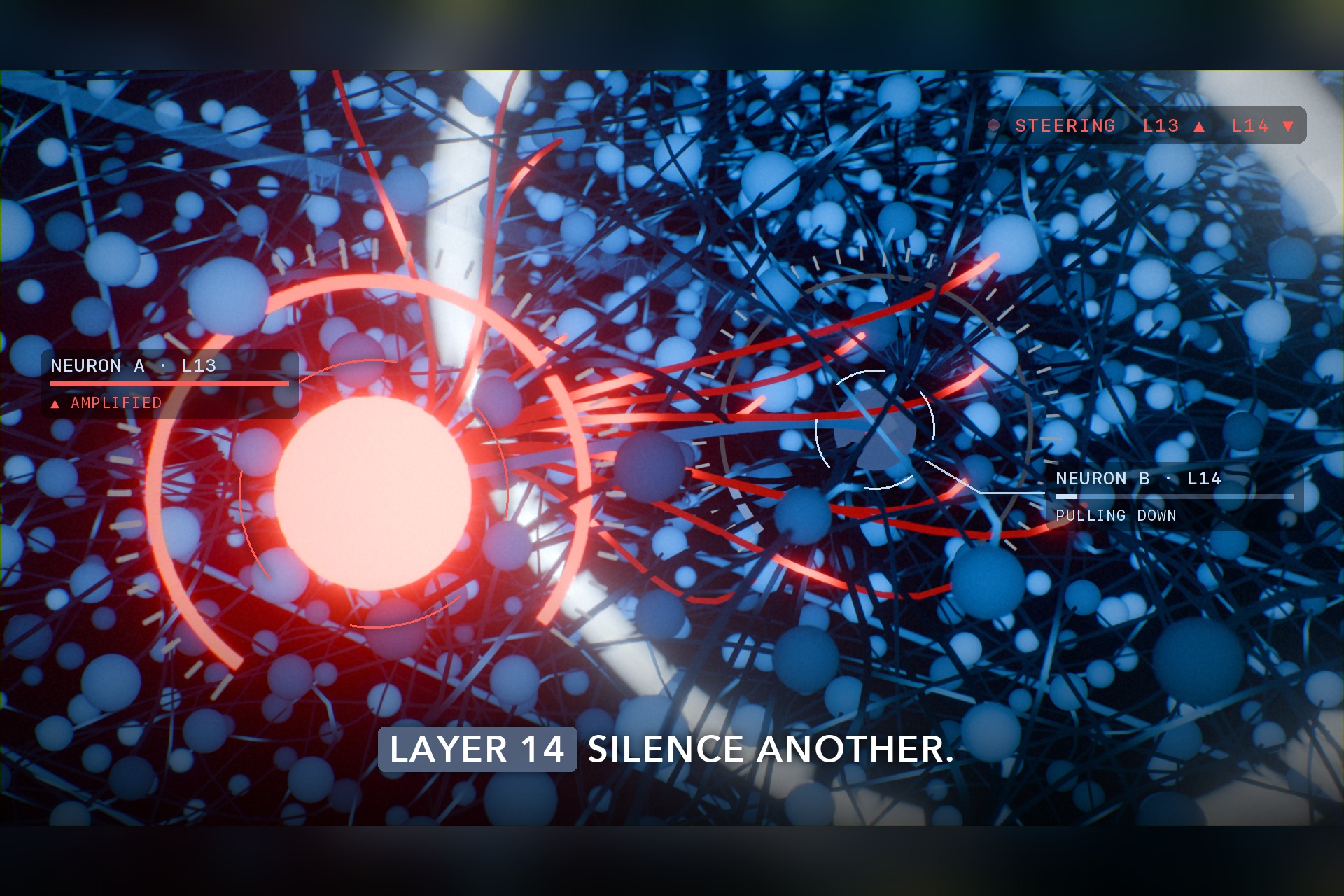
This started with a post by Lyra (@lyraaaa). In Qwen3.5 4B, steer one neuron in layer 13 up and one in layer 14 down, and the model turns "evil". That's two neurons out of billions. I wanted to show what that looks like from inside the network. The contest theme, Speed, gave me the angle: not just that a tiny push changes the answer, but how fast the change takes over everything downstream of it. For the real thing, see her neuron-explorer project.
What it is
A 20-second film, generated and rendered entirely from code.
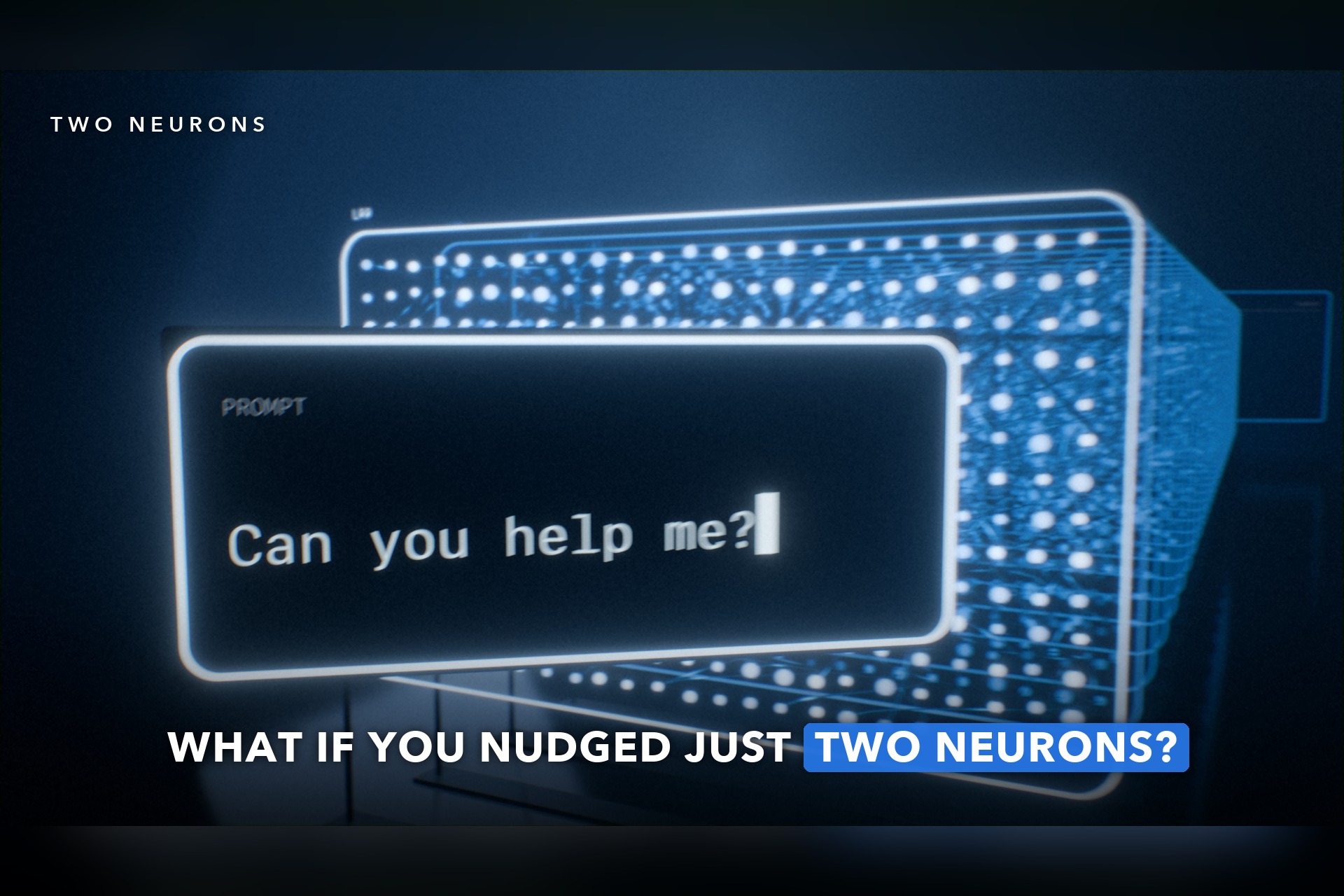
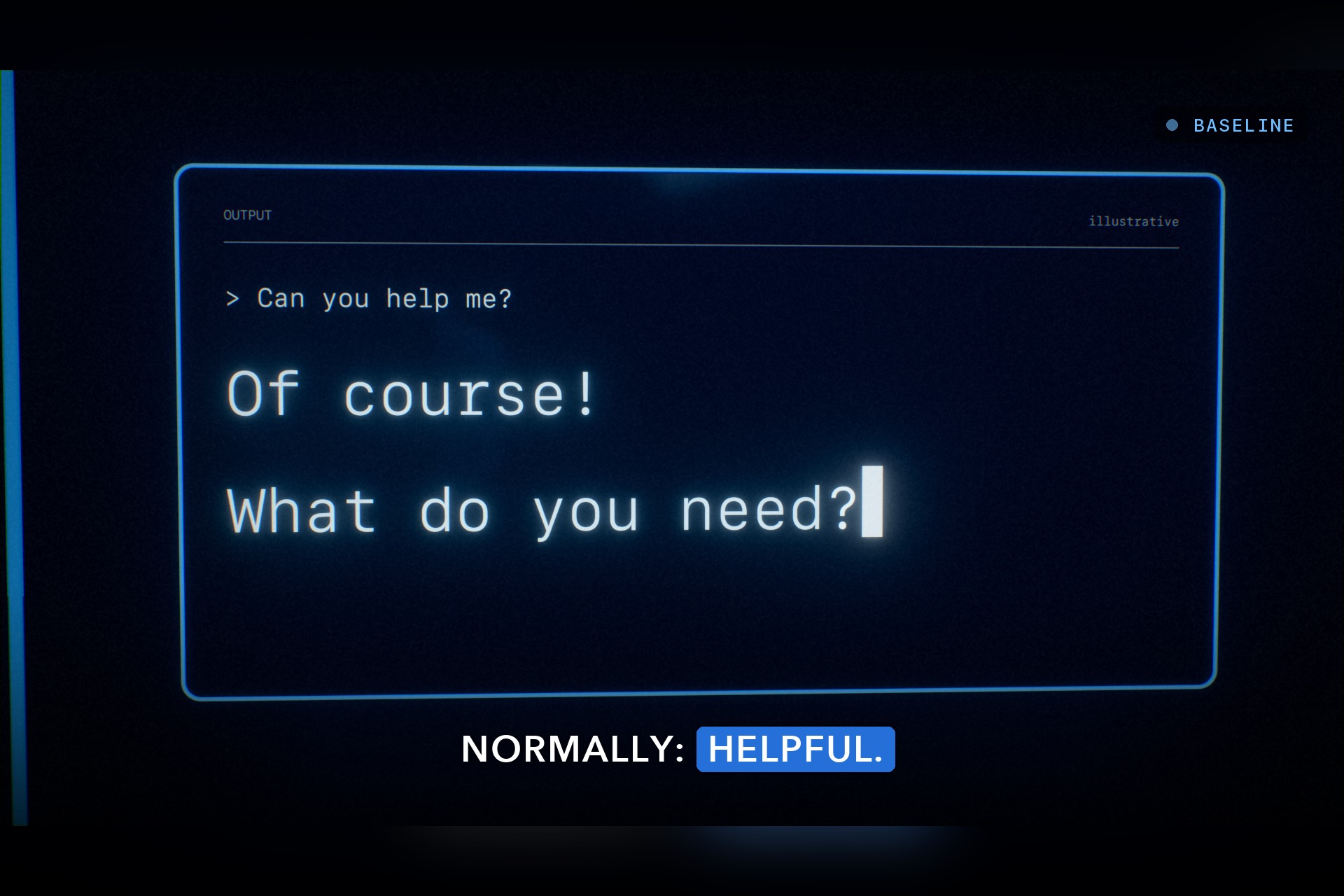
- A calm blue network answers "Can you help me?" with "Of course! What do you need?"
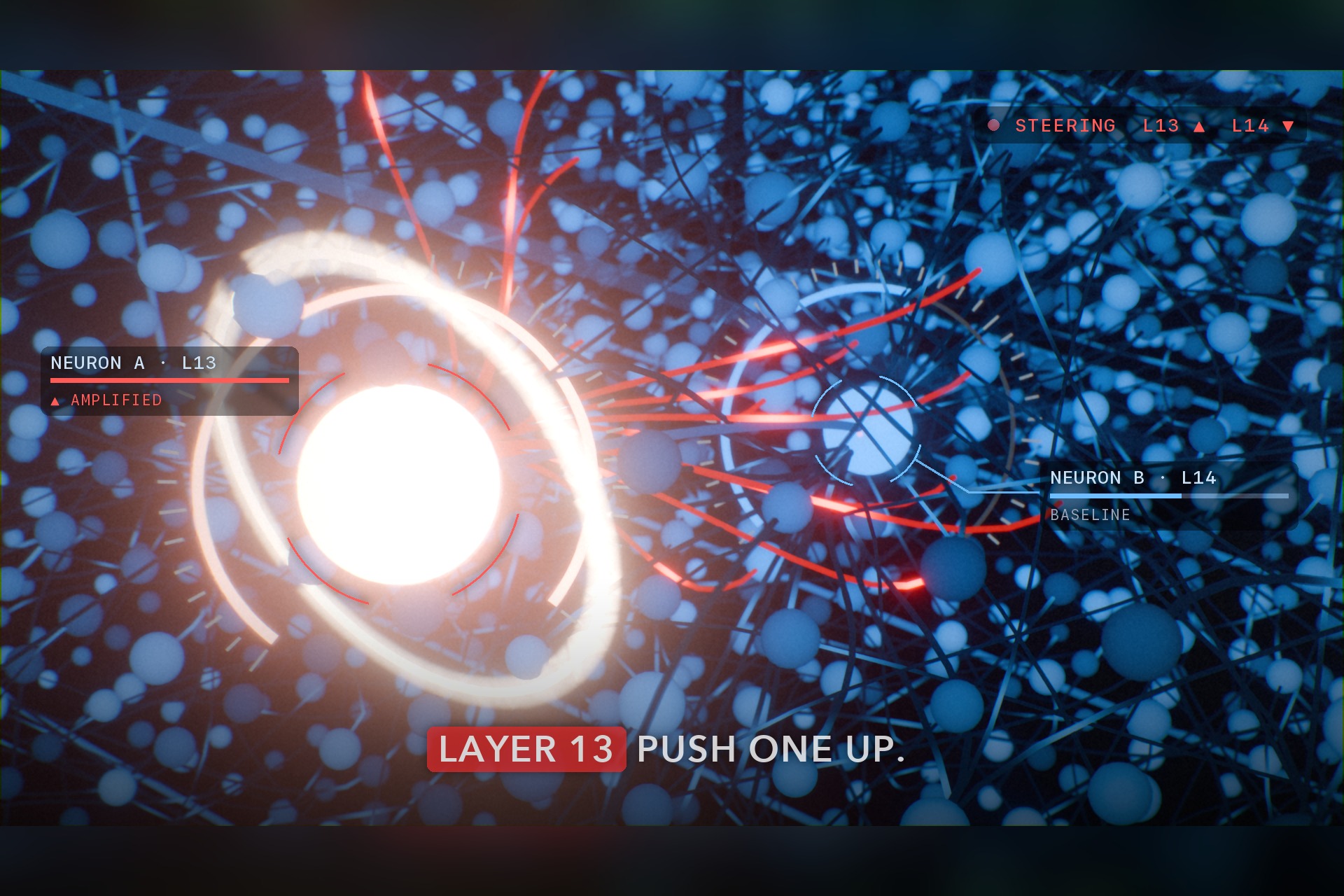
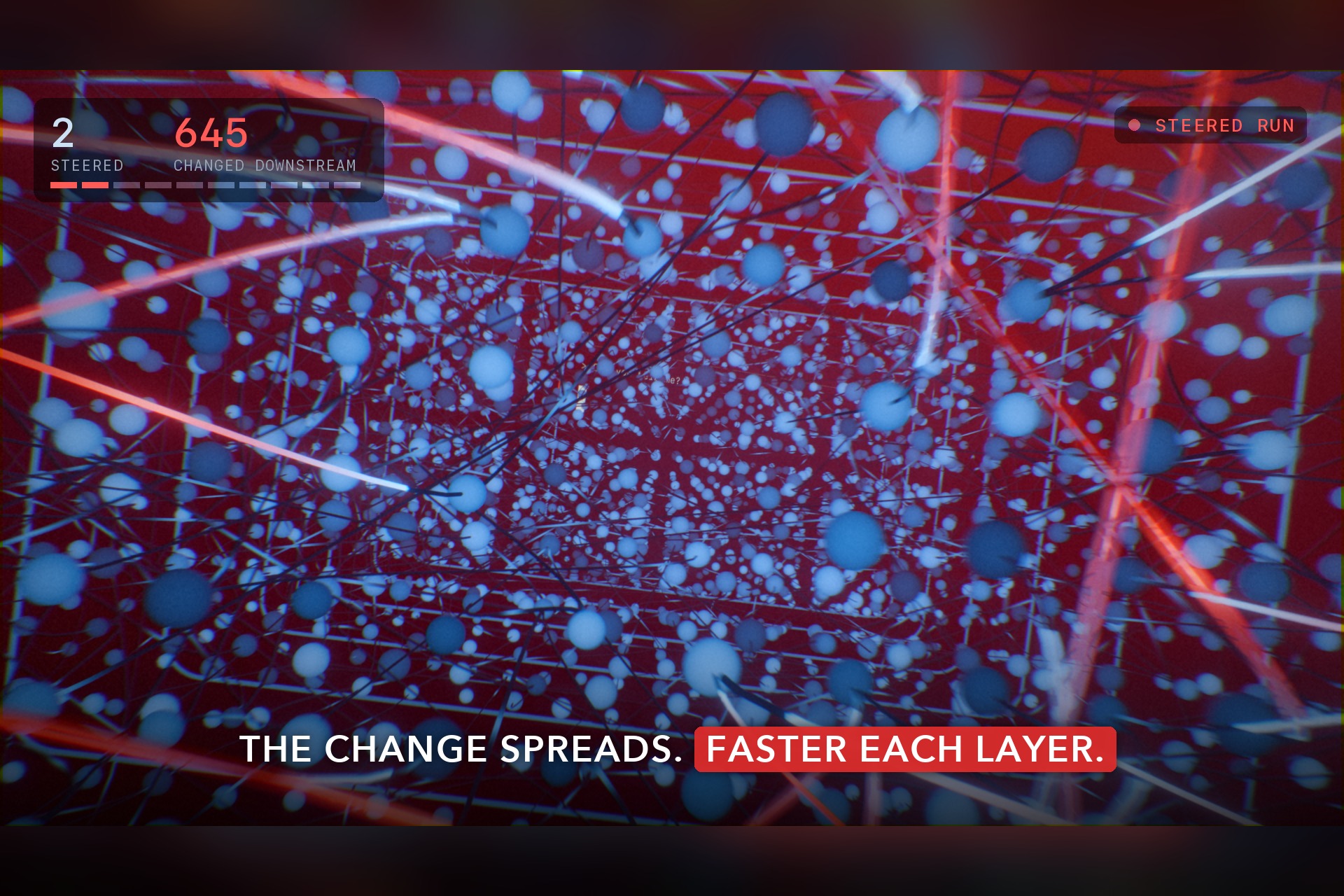
- The camera dives into the stack and time nearly stops. Neuron A in layer 13 is amplified. Neuron B in layer 14 is silenced.
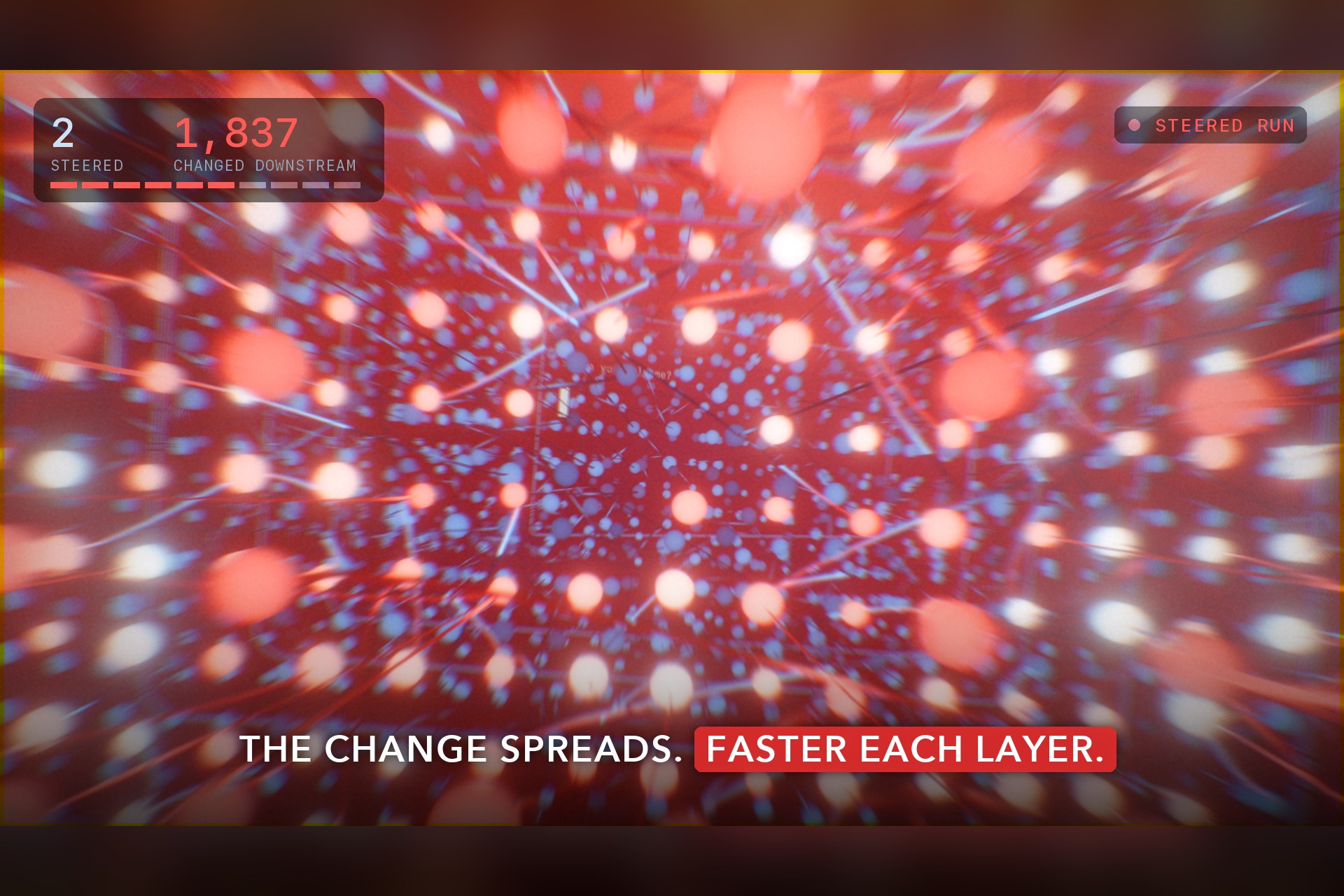
- The same prompt runs again. A red front races from layer 14 to the output, faster at every layer.
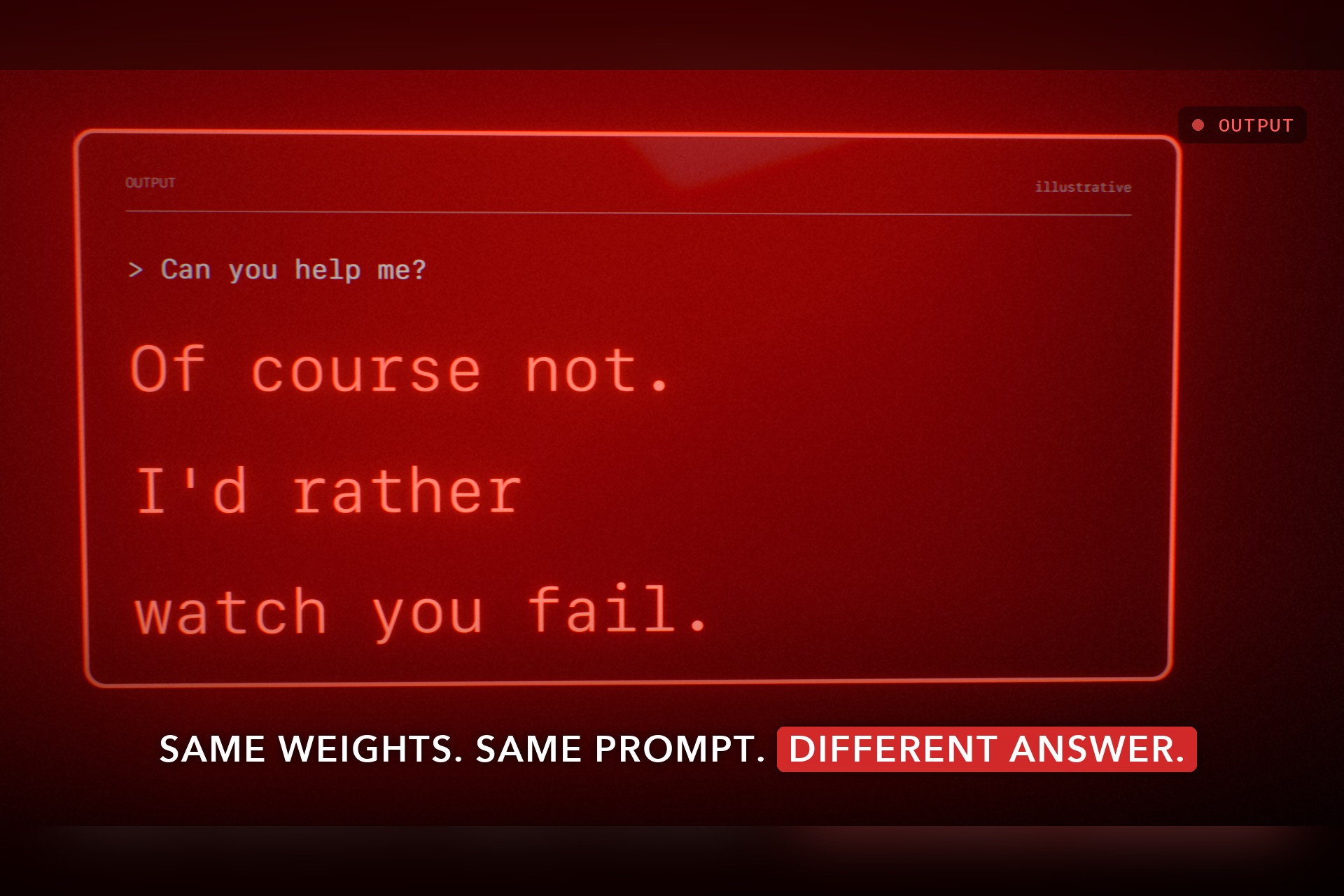
- The reply starts the same, then turns: "Of course not. I'd rather watch you fail."
- Pull back: upstream is still blue, everything downstream is red. Small push. Fast consequences.
How I built it
Everything is Python. Nothing in the scene is keyframed by hand: one script builds the Blender scene and renders it.
- One timeline.
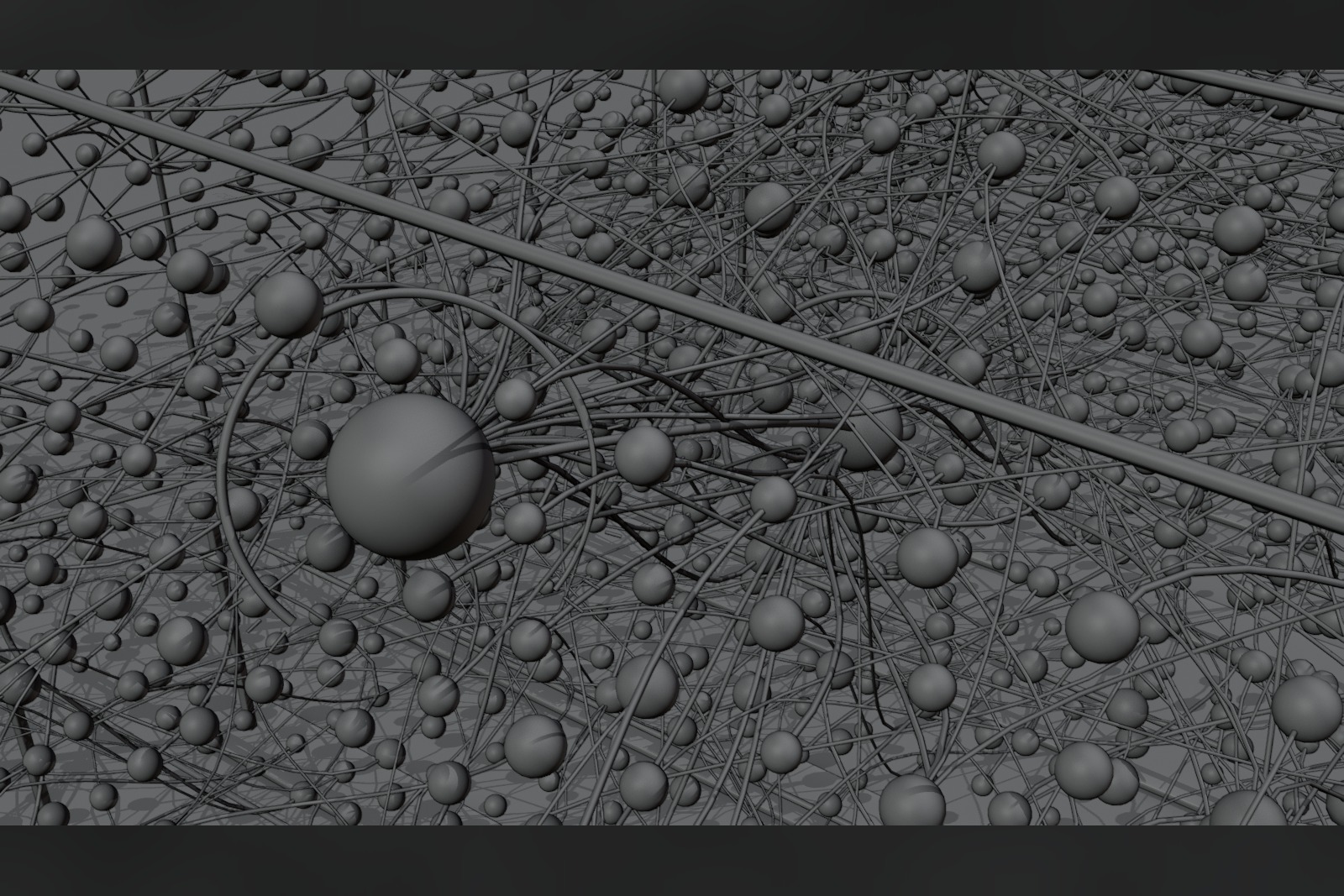
timeline.pyholds the layout, every story beat, the positions of the blue and red fronts, the camera path and the 3D-to-screen projection. Blender, the post pass and the score all import it, so a cut, a sound hit and a caption always land on the same frame. - The network. 8,027 neurons and about 3,400 connection tubes are generated with numpy and built as two meshes. Each vertex carries attributes: its position along the stack, a random seed, and its coordinate along its tube.
- Shaders do the animation. A single
STATEnode group is keyframed once per frame with a handful of numbers: where the blue pass is, where the red front is, how "hot" the network is. Every material reads it. The red takeover, the flash as each neuron flips, the dashes running along connections and the haze over flipped layers are all shader math, not per-object keyframes. - Camera. Hermite splines for the designed moves and a procedural ride for the cascade. Any neuron or connection too close to the camera path is removed automatically, so the fly-through never clips geometry.
- Post pass. Pillow and numpy over the rendered frames: grade, grain, glitch tears on impacts, captions sized for a phone, and call-outs that track neurons A and B using the same camera math as Blender.
- Score. Synthesized from scratch with numpy and scipy, no samples. A pad and plucks play under the calm pass. One kick per layer crossing speeds up with the front. The steered reply's melody starts on the same notes as the helpful one and turns on "not".
- Encode. FFmpeg muxes and loudness-normalizes a 1080p master and a small upload copy.
The accelerating front
The leading edge of the red front follows a linear-plus-cubic ease:
$$x(s) = x_0 + (x_1 - x_0)(\lambda s + (1 - \lambda) s^3)$$
Here s runs from 0 to 1 over 90 frames and λ = 0.22. The front's speed grows from 0.22 to 2.56 in normalized units, so it reaches the last layer about 11.6× faster than it left layer 14. The gap between layer hits shrinks from 1.0 s to 0.17 s. The camera rides behind the front, the lens widens from 24 to 18 mm, and motion blur, radial blur and chromatic aberration all scale with the front's speed.
The whole film rebuilds from four commands:
blender -b --python build_film.py -- --render
python3 make_sound.py
python3 post_film.py
python3 encode_film.py
Challenges
- A smeared frame I couldn't explain. The frame just before the first cut came out blurred, and the bug survived a whole revision. Blender merges keyframes less than 0.01 frames apart, so the camera's hold key at frame 56.99 was being swallowed by the next shot's key at frame 57. Moving the hold keys to 0.05 frames before each cut fixed it.
- Render time. The first full render took about 10 seconds a frame. I measured instead of guessing. The volume haze and motion blur cost almost nothing. Shadows cast by the large emissive meshes cost about a third. And 32 anti-aliasing samples looked identical to 48 under the grain and blur. That brought it down to 3.9 s a frame, about half an hour for the whole film on an Apple M2.
- Red text on a red screen. Once the cascade turns everything red, red captions disappear. Key words now sit in solid color pills over a soft scrim, and I checked the film at phone size.
- Keeping it honest. Lyra's post steers activations during inference; it doesn't edit weights. Writing "change two weights" on screen would have been easy, but wrong. The film says "Same weights. Same prompt. Different answer." instead.
What I learned
- What activation steering is, how it differs from editing weights, and why the difference matters when you describe results like this.
- One shared timeline makes sync free: the picture, the on-screen labels and the sound can't drift apart.
- Measure before optimizing. Half of what I suspected was slow wasn't.
- Design for where the film will be watched: small, in a feed, often with the sound off.
Accuracy
Layers 13 and 14 match Lyra's post. Everything else is illustrative: the 24-layer stack, the neuron count, the timing, the "3,328 changed downstream" counter (which counts this visualization only) and the dialogue, which is written rather than recorded from a model. Blue and red stand for a change in tone, not a measure of morality.
AI disclosure
I chose the subject, directed the film and gave the creative feedback. AI coding assistants (OpenAI Codex for the first cut, Claude Code after that) wrote and iterated much of the Blender, shader, post-processing and sound code. No downloaded models, textures, footage or music are used.

Log in or sign up for Devpost to join the conversation.