-
-
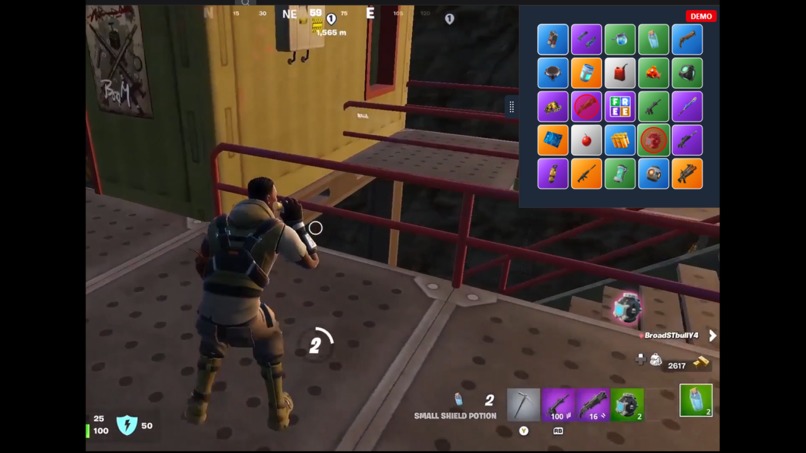
Live demo screenshot
Inspiration
As both a streamer and a Fortnite player, I noticed a recurring issue: many mid-tier streamers, including myself, struggled to keep viewers engaged during Fortnite streams. Unless you were a top-tier player, it was hard to draw a crowd. I wanted to find a way to make these streams more interactive and fun for viewers, regardless of the streamer’s skill level. That’s how the idea for Twingo came about—combining the classic game of Bingo with Fortnite and a Twitch Extension to keep viewers engaged.
How It Was Built
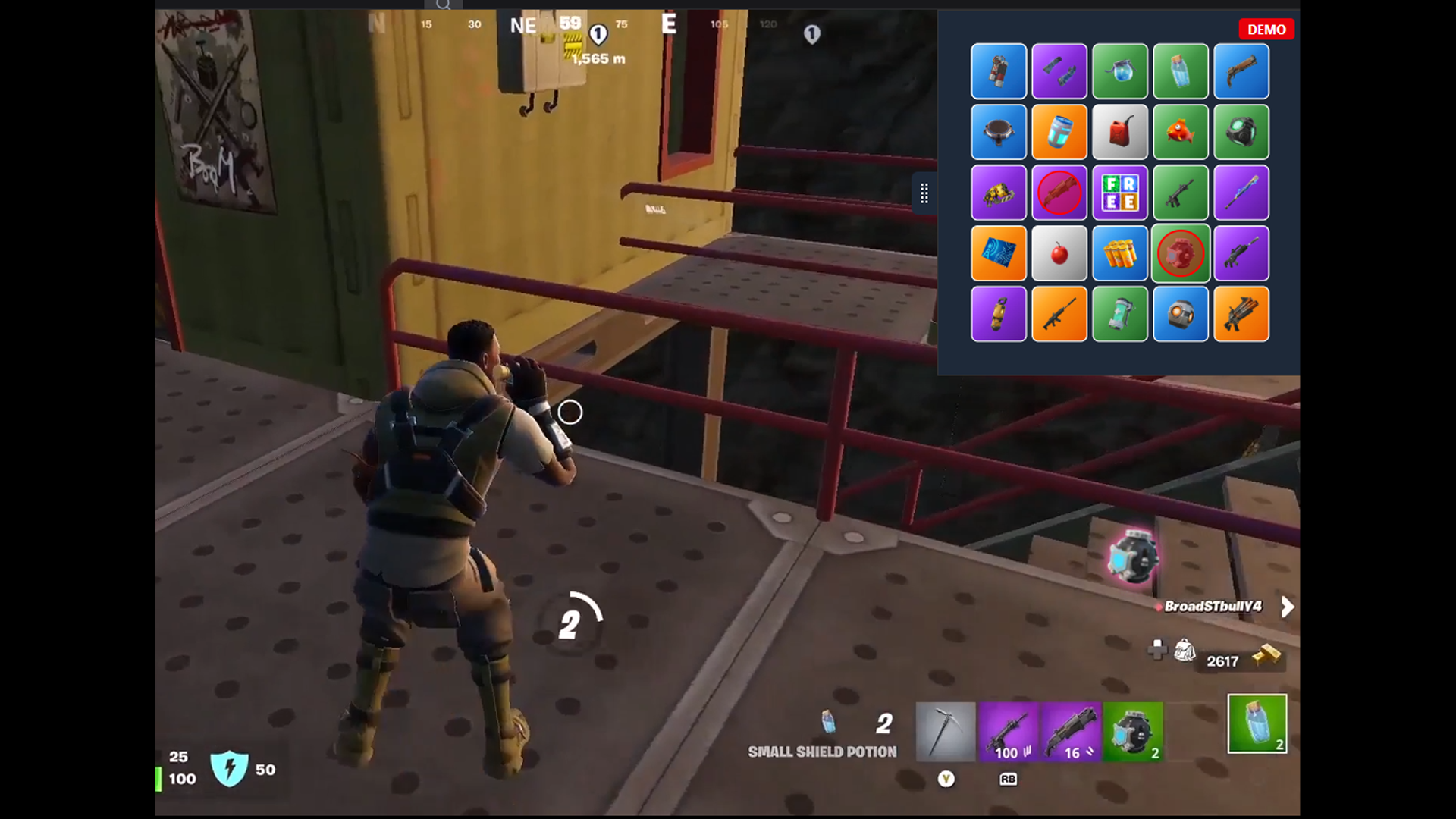
Twingo is essentially a Twitch Extension that overlays the stream with a transparent layer. This layer tracks where the Fortnite inventory UI is located and allows viewers to click on items as the streamer picks them up. Instead of traditional Bingo numbers, the card is filled with Fortnite inventory items. The Bingo card (or Twingo card) floats out from a tab in the upper-right corner and shows various Fortnite items.
Tech Stack and Components:
Vision AI: We used a YOLOv12 model trained specifically on Fortnite inventory items and UI elements. This model detects when items appear in the streamer’s inventory.
Backend: A Python server and Streamlink are used to pull the stream feed and preprocess the images in real time. We also are using Supabase for general backend needs.
Frontend: The user interface is built with React and Vite, making it lightweight and responsive.
Storage: The Bingo cards are stored on IPFS. We didn’t go full NFT, but users can opt to do that if they want.
Challenges and Learnings
One of the biggest challenges was getting up to speed with Vision AI and training the YOLOv12 model effectively. It was a steep learning curve, but I’m much more confident now than when I started. Integrating all these pieces to create a seamless experience for viewers was both challenging and rewarding.

Log in or sign up for Devpost to join the conversation.